
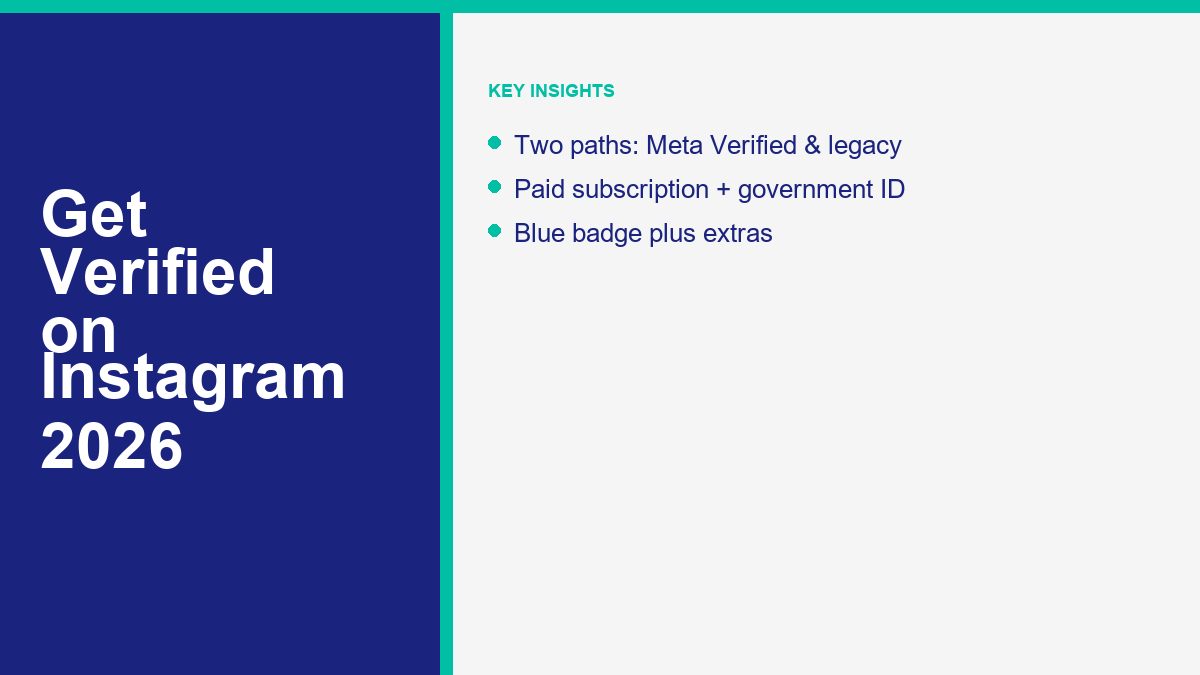
Getting verified on Instagram used to feel like trying to gain access to a private, exclusive club. The blue checkmark was reserved for famous celebrities, elite athletes, and global brands. If you did not have a public relations agency submitting documentation on your behalf, your chances of getting approved were slim. The system was mysterious, highly subjective, and out of reach for average creators and small businesses.
Everything has changed. Instagram has restructured its verification system around a hybrid model. The biggest shift is the availability of Meta Verified, a paid subscription service that allows individuals and eligible businesses to buy verification directly from Meta. At the same time, the traditional, free, notability-based verification route still exists, though it remains highly selective. This means that creators and businesses now have choices on how to establish trust on the platform.
This guide walks you through the details of both paths. You will learn the difference between paying for a badge and earning one organically, the exact steps to submit your application, eligibility requirements, and crucial strategies to protect yourself from verification scams. By understanding these options, you can make the best decision for your brand’s digital presence.
Understanding the Two Ways to Get a Verified Badge
When you see a blue checkmark on Instagram, it indicates that Meta has verified the identity and authenticity of the account. However, that blue badge is obtained in one of two ways. You can subscribe to Meta Verified, or you can qualify under the legacy notability guidelines. Both methods result in the same blue checkmark, but the requirements, costs, and processes are entirely different.
The paid subscription path, known as Meta Verified, is designed for creators, professionals, and businesses who want instant verification, identity protection, and access to direct support. To subscribe, you pay a monthly fee. It costs around $14.99 per month if you register via a web browser, and around $19.99 per month if you subscribe through the mobile application on iOS or Android devices. The difference in price is due to the processing fees charged by the Apple App Store and Google Play Store. The exact cost will vary based on your geographic location and the currency of your region. Once you verify your identity with a government-issued photo ID, Meta issues the blue checkmark. This service makes verification accessible to anyone willing to pay and verify their identity.
The legacy path is the original verification system. This method is free, but it requires you to prove that you are a notable public figure, celebrity, or global brand. Under this path, Instagram manually reviews your account to determine if you receive significant search volume and media coverage. Getting approved through the legacy route is notoriously difficult because Meta has a high bar for what constitutes a notable entity. Furthermore, paid press releases, sponsored articles, and self-published content do not qualify as valid media coverage. The benefit of this path is that it does not require a monthly subscription, but the downside is that most accounts will be rejected multiple times before achieving success.
Choosing between the two depends on your budget, your public profile, and your business goals. For most growing brands and creators, the paid subscription is the most realistic option. For established public figures, the free legacy badge remains the standard. Understanding the differences between these paths prevents confusion and helps you plan your social media strategy effectively.
What the Meta Verified Subscription Package Actually Includes
Subscribing to Meta Verified does not just give you a blue checkmark next to your username. Meta has packaged several features together to justify the monthly cost. Understanding these features helps you decide if the subscription offers enough value for your business.
The blue badge is the most visible benefit. It immediately tells visitors that your profile is authentic, which helps build trust. This is particularly useful if you run promotions or use direct messaging to engage with your audience. For instance, if you are setting up an automated Instagram chatbot to convert sales, having a verified badge ensures that your prospects know they are interacting with your official account rather than an impersonator.
Proactive identity monitoring is another major feature. Meta’s systems scan the platform to identify and block copycat accounts that attempt to use your name or photos. This prevents scammers from damaging your reputation by pretending to be you and tricking your followers into sending them money or personal information.
You also get access to direct account support. Instead of searching through endless help articles or submitting automated tickets that never receive replies, subscribers can connect with a real support agent to resolve common account issues. This feature alone is a primary reason why many professional creators pay the monthly fee. When your account is your livelihood, having direct access to support agents is invaluable.
Additionally, Meta Verified accounts receive search optimization benefits. Your profile may appear higher in search results, comments, and recommendations. This increased visibility helps you reach new followers organically. Finally, you receive exclusive stickers to use on your Reels and Stories, giving your content a unique look.
Keep in mind that the subscription has strict rules. Once verified, you cannot change your profile name, username, date of birth, or profile photo without going through the verification process again. If you need to make changes, you will have to re-verify your identity, which can take several days. This rule is in place to prevent verified users from changing their identity after approval.
Eligibility Rules for Instagram Verification
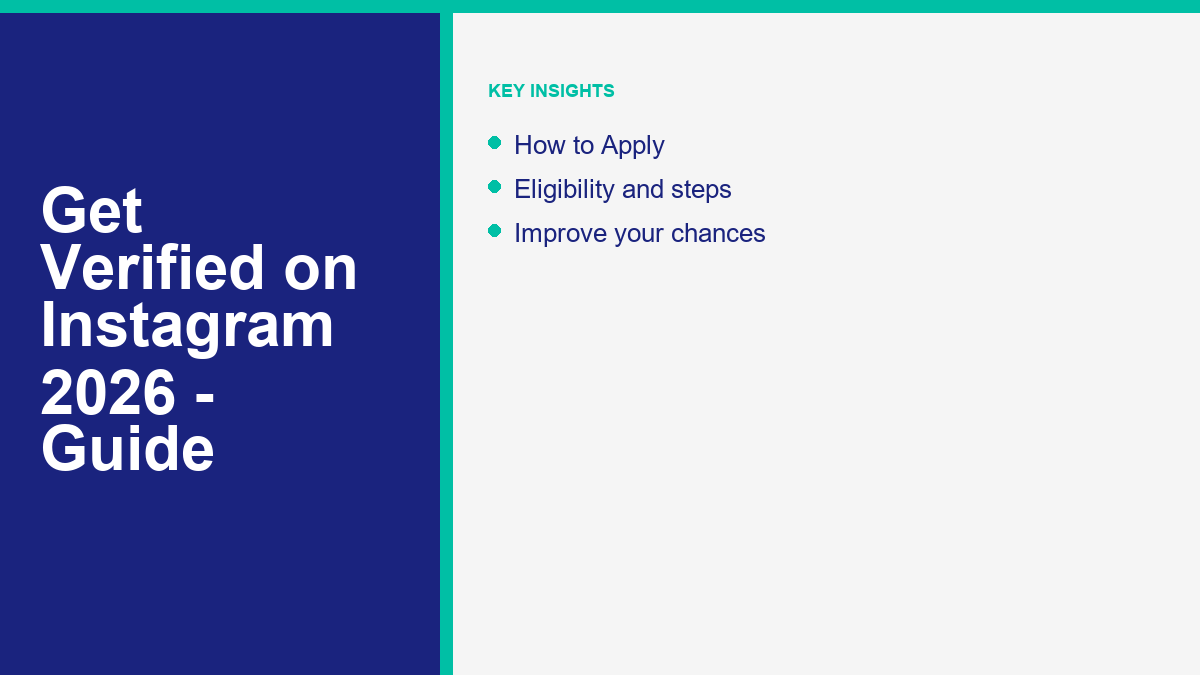
The criteria for obtaining verification depend on which path you pursue. Meta has separate requirements for paid subscribers and legacy applicants. Let’s look at the specific qualifications for both paths to see if your account qualifies.
To qualify for a Meta Verified subscription, your account must meet the following criteria:
- First, you must be at least 18 years old. The service is not available to minors.
- Second, you must have a public or private profile that is associated with your full legal name. This name must match the name on your government-issued photo ID.
- Third, your profile photo must show your face clearly, and it must match the photo on your government ID. If you use an illustration, avatar, or brand logo as your profile photo, you cannot verify that account under an individual subscription.
- Fourth, you must have two-factor authentication enabled on your account. This security measure is mandatory to prevent unauthorized access to verified profiles.
- Fifth, your account must have a history of activity, including prior posts. You cannot verify a brand-new, empty profile.
- Sixth, you must comply with Meta’s terms of service and community guidelines. Accounts with a history of violations will be rejected.
To qualify for legacy notability verification, the requirements are different:
- Your account must represent a real person, registered business, or entity.
- It must be the unique presence of the person or business it represents. Instagram does not verify general interest accounts, meme pages, or fan pages. Only one account per person or business can be verified, with exceptions for language-specific profiles.
- Your profile must be public and include a bio, a profile picture, and at least one post.
- The most difficult requirement is notability. Your account must represent a well-known, highly searched-for entity. Instagram measures notability by reviewing mentions in multiple independent news organizations. Paid promotional content, advertisement articles, and press releases do not count toward this requirement.
If your business is focusing on local growth, you might start by setting up a professional page on Facebook. For instance, knowing how to create a Facebook Business Page is an excellent starting point for establishing your brand’s digital presence before applying for Instagram verification. Having a professional presence on both platforms makes your brand look more established and credible to your audience.
How to Apply for Meta Verified Step by Step
Applying for the subscription is straightforward because the application process is handled directly within the Instagram app. You must complete the setup on a mobile device where you can easily snap photos of your documentation.
To start the process, open the Instagram app on your smartphone and go to your profile page. Tap the menu icon in the top right corner, which is represented by three horizontal lines. From the menu, select settings and privacy, and then tap on the accounts center option. This section manages all your profile settings, login details, and subscription services.
Within the accounts center, look for the option labeled Meta Verified. If your account is eligible, you will see a notice invitation to subscribe. Tap on this option, choose the profile you want to verify, and select your payment plan. The price is around $14.99 per month if you register through a web browser, or around $19.99 per month if you register inside the app on an iOS or Android device. Choose the option that fits your preference and budget.
Once you confirm the payment method, you must verify your identity. The app will prompt you to take a clear, high-resolution photo of your government-issued ID. This can be a passport, driver’s license, or state identification card. Make sure the text on your ID is readable and the photo is not obscured by glare. The name on your ID must match your profile name.
In some cases, Instagram will require you to record a short selfie video. This video helps Meta’s team confirm that you match the photo on your government ID and that you are a real person. Follow the on-screen prompts, which will ask you to turn your head in different directions to complete the scan.
After submitting your ID and selfie video, the review process begins. Meta typically reviews applications within 48 hours. Once approved, the blue checkmark will appear on your profile. If your application is rejected, Meta will refund your subscription payment, and you can apply again later.
Once verified, you can use your status to build credibility when interacting with your audience. For example, if you host live broadcasts to sell products or answer questions, your verified badge will help you stand out. To get started with video broadcasts, you can learn how to broadcast on Instagram Live to maximize your engagement. Sharing live updates builds stronger connections with your audience.
Proven Methods to Qualify for Legacy Notability Verification
If you choose not to subscribe to the paid service and instead want to apply for the free legacy badge, you must build a strong case for your notability. Meta’s team reviews these requests manually, and they reject the vast majority of applications. However, specific strategies can improve your chances of approval.
First, focus on getting organic media coverage. You need features in major news outlets, magazines, and industry-specific publications. Write guest articles, participate in interviews, and pitch your story to journalists. The coverage must be editorial and independent; sponsored posts or paid articles will result in an immediate rejection. Meta’s team uses search engines to verify if your name appears in independent news stories, so building a media presence is essential.
Second, optimize your public profile. Ensure your bio is complete and clearly explains who you are and what you do. Link to your official website and other social profiles to show a connected online presence. A complete profile shows Instagram that you are an active creator or business.
Third, increase search volume for your name. Instagram’s team looks at how often people search for your brand. Running marketing campaigns, publishing viral Reels, or hosting public events can drive search traffic to your name. When people search for you by name on search engines and social platforms, it signals to Meta that you are notable.
Fourth, build a consistent publishing schedule. Sharing high-quality content regularly shows that your account is active and valuable to the platform. For example, creating engaging Reels can help you reach new audiences. If you want to study successful content strategies offline, you can try save Instagram Reels to your device to analyze top-performing formats in your niche. By examining successful videos, you can improve your own production values and increase your chances of going viral.
Fifth, watch out for duplicate accounts. If copycat accounts are pretending to be you and confusing your followers, document this. Instagram is more likely to verify an account if there is a real risk of impersonation. Showing Meta that copycat accounts are active helps prove that your profile needs protection.
How to Avoid Instagram Verification Scams
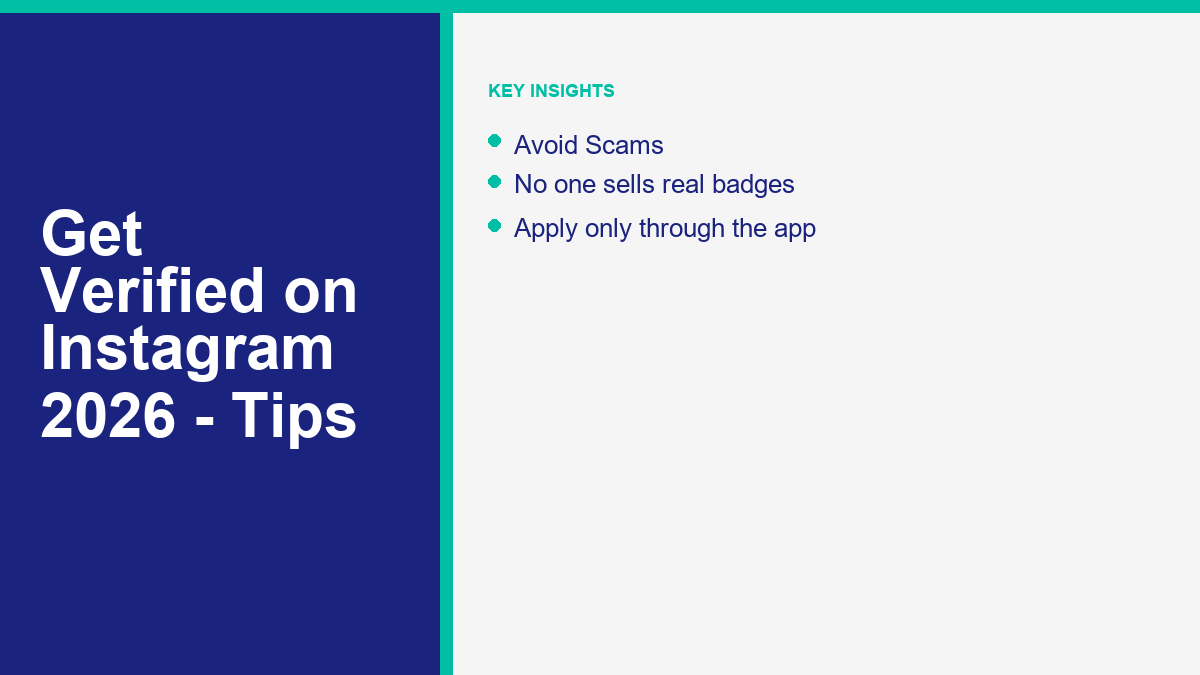
The desire to get a blue checkmark has created a massive market for scammers. Cybercriminals target creators and businesses with promises of easy verification. Protecting your account requires constant vigilance and skepticism.
The most common scam involves third-party agencies or individuals claiming they can get you verified for a fee. They often reach out via direct message or email, claiming to have “internal connections” at Meta. They may show fake screenshots of successful verifications to gain your trust. In reality, no one can bypass Meta’s official review process. If you pay these scammers, they will take your money and disappear, or worse, steal your account credentials. Never trust anyone who claims they can buy a badge for you outside of Meta’s official program.
Another prevalent tactic is phishing. You may receive an email that looks like it comes from Instagram or Meta Support. The email might claim that your account is eligible for verification and provide a link to apply. Clicking the link takes you to a fake login page designed to steal your username, password, and two-factor authentication codes. Once the scammers log in, they will lock you out and hold your account for ransom. To verify if an email is real, go to the security settings in your Instagram app and check the emails from Instagram tab. If the email is not listed there, it is a scam.
To protect yourself, remember that Meta Verified can only be purchased directly inside the official Instagram app. Legacy verification is always requested through the app’s settings menu and is entirely free. Meta will never contact you via DM to offer verification, and they will never ask for your password or payment details over email. If you receive an offer that sounds too good to be true, block the sender immediately.
If you are serious about managing your social media operations safely and professionally, you should invest in official tools. To get started, See Our Plans to explore secure automation options that help grow your business without risking your account security. Additionally, to understand what automation features are available, check out the ميزات MessengerBot Pro to see how they can streamline your messaging. Using trusted tools ensures your growth is sustainable and secure.
Frequently Asked Questions About Instagram Verification
Here are answers to some of the most common questions about the verification process on Instagram.
Can you change your username after getting verified?
No. Once your account is verified, you cannot change your username, profile name, profile photo, or date of birth without losing your verified status. If you must change these details, you will have to submit a new verification application and go through the review process again. Paid subscribers will need to re-upload their government ID to confirm their identity under the new details. This security policy prevents users from selling verified accounts or changing their identity after receiving approval.
Does getting verified increase your organic post reach?
For legacy verification, there is no automatic boost in post reach. However, Meta Verified subscribers may receive some search optimization and increased visibility in comments, search results, and recommendations. This visibility boost varies by region and audience behavior, but it does not guarantee viral reach for your regular posts. Content quality remains the main driver of organic reach, regardless of your verification status.
Is legacy verification permanent?
Not necessarily. While legacy verification does not require a monthly payment, Instagram can remove the blue badge at any time. Your badge may be removed if you violate the community guidelines, change your account from public to private, make your profile inactive, or attempt to sell your verified status. Instagram also reserves the right to remove badges from accounts that are no longer considered notable under their guidelines.
Can business profiles subscribe to Meta Verified?
Yes. Meta has expanded the subscription service to include eligible business profiles. The business verification process requires separate verification of business documents, such as registration certificates, tax filings, or utility bills, to confirm the business’s legitimacy. The pricing and eligibility criteria for businesses differ slightly from individual creator plans, and availability varies by region. Business subscriptions help brands establish trust on the platform.
What happens to your badge if you cancel Meta Verified?
If you cancel your Meta Verified subscription, you will lose your blue verification badge at the end of your current billing cycle. You will also lose access to the proactive impersonation protection, direct account support, and exclusive stickers. If you want the badge back in the future, you will have to subscribe again and complete the identity verification process from scratch. All benefits are tied directly to the active subscription.

 العربية
  English
  Tagalog
  简体中文
简体中文  हिन्दी
  Português do Brasil
  Español de México
  Français
  বাংলা
বাংলা  香港中文
香港中文  繁體中文
繁體中文  Nederlands
  Deutsch
  Bahasa Indonesia
  日本語
日本語  한국어
한국어  Polski
  Русский
  Español
  Tiếng Việt