
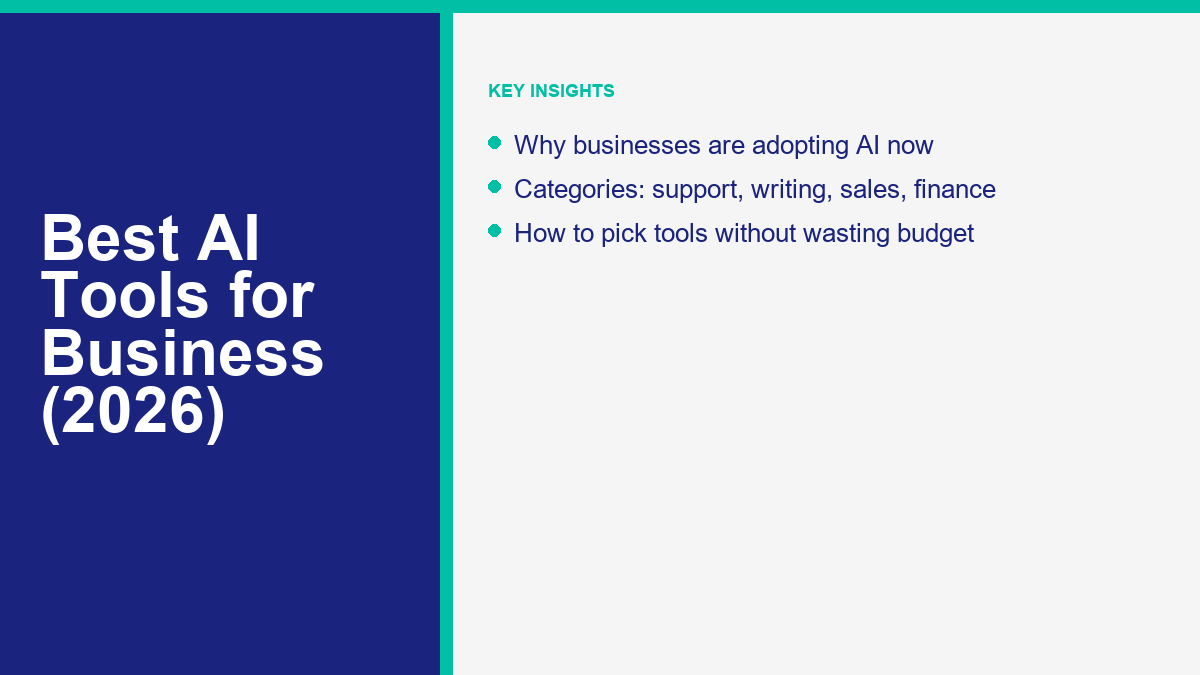
What “AI Tools for Business” Actually Means
Deploying software systems built on machine learning models has transitioned from an experimental strategy to a standard operational requirement. In 2026, the concept of the best ai tools for business has evolved past standalone applications that simply draft text or generate basic images. Today, these systems function as integrated workflow automation layers, connecting unstructured databases, communication channels, and back-office systems. Instead of operating in isolation, modern business automation ai connects directly to your existing systems, analyzing data patterns, routing inquiries, and executing repetitive tasks with minimal human intervention. This enables companies to create automated feedback loops where user actions automatically trigger correct operational responses, dramatically lowering response times.
For business owners and managers, this technological maturity means that ai business tools are no longer just speculative experiments; they are utility systems designed to reduce labor overhead and minimize input errors. Understanding how these tools function is the first step toward effective integration. These platforms operate by parsing unstructured inputs—such as customer emails, support tickets, financial records, and sales history—and converting them into structured actions. By automating data entry, categorizing documents, and providing predictive analytics, these systems handle the administrative burden that frequently slows down growing organizations. This change frees up internal personnel to focus on higher-value advisory and strategic tasks rather than administrative upkeep.
Rather than looking for a single tool to run your entire operation, successful businesses deploy specialized software for specific departments. This modular approach ensures that each team has access to the precise features they need, whether they are in customer service, marketing, sales, scheduling, or finance. Integrating these systems requires focusing on integration capability, data privacy, and ease of use, ensuring that the software acts as a multiplier for your existing staff rather than creating new technical complications. By building a customized stack, businesses protect themselves from vendor lock-in while ensuring that each tool fits their specific process.
Why Small and Mid-Size Businesses Are Adopting AI Now
Small and mid-size businesses face unique operational challenges, often operating with limited budgets and small teams. Historically, high-performance business automation was accessible only to large enterprises with substantial budgets and dedicated IT support teams. Recently, the democratization of machine learning interfaces has leveled the playing field. Any small business with an internet connection can now deploy ai tools for small business that rival the capabilities of systems used by major corporations.
This accessibility allows smaller teams to remain competitive in fast-moving markets. For example, a small marketing agency or a boutique e-commerce shop can manage large volumes of customer inquiries, schedule meetings across multiple time zones, and create digital advertising campaigns without hiring additional staff. By shifting the administrative workload to software, team members can focus their efforts on high-value tasks such as product development, client relationship building, and strategic planning.
Furthermore, consumer expectations continue to rise. Customers expect immediate answers, 24/7 service, and highly personalized communication. Managing this manually is virtually impossible for a small business without incurring unsustainably high labor costs. Implementing ai tools for businesses allows companies to meet these expectations consistently. By using automated messaging systems, intelligent analytics, and automated schedulers, small businesses can provide prompt, accurate service to their audience, protecting customer relationships and building long-term brand loyalty.
Financing and scaling operations have also become simpler. By substituting high fixed overhead costs with scalable software subscriptions, businesses can adjust their operational expenses based on seasonal demand or growth rates, reducing the financial risk associated with hiring ahead of revenue. This operational flexibility allows small businesses to navigate market fluctuations and invest resources where they have the greatest strategic impact.
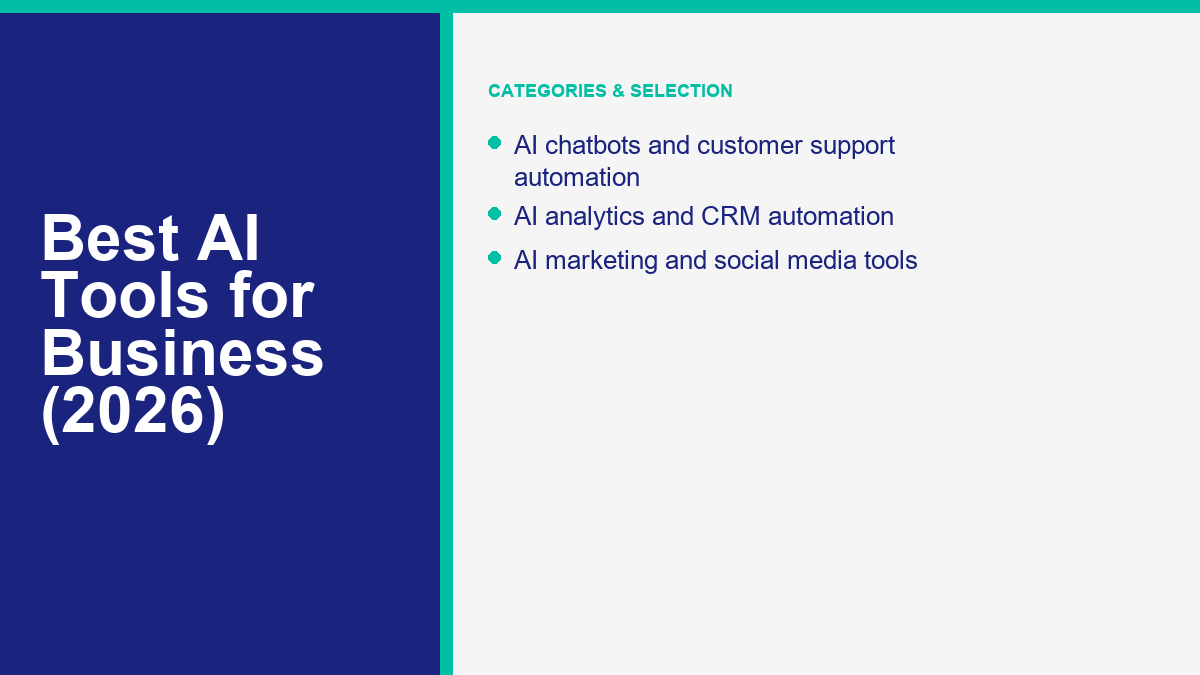
Category: AI Chatbots and Customer Support Automation
Customer service departments generate high volumes of repetitive inquiries, making customer support automation one of the most effective use cases for machine learning systems. Modern chatbots handle initial customer contact, answering common questions about pricing, office hours, product features, and delivery status. This keeps customer support lines open 24/7 and ensures that simple questions are answered instantly, which is key for maintaining high customer satisfaction levels.
These support systems use advanced natural language processing to understand the intent behind a customer’s message, rather than relying on rigid keyword matching. When a user asks a question in their own words, the system analyzes the syntax, retrieves the appropriate answer from the knowledge base, and replies. If the inquiry requires human empathy, specialized problem-solving, or access to sensitive account information, the system routes the conversation to a live agent, providing a seamless handoff for the customer.
For organizations looking to automate support on social channels, setting up structured messaging pipelines is essential for capturing leads and keeping response times low. Upgrade your customer support setup to manage high volumes and improve response times with the latest MessengerBot Pro Funktionen to automate conversational workflows. This implementation ensures that incoming messages from platforms like Facebook Messenger are sorted, categorized, and answered immediately, protecting your response rate and capturing potential clients who reach out after hours.
By automating response handling, businesses establish vital deliverability safeguards. These systems identify spam, filter out low-intent inquiries, and categorize support tickets by urgency. As a result, human customer service representatives spend less time sorting through inboxes and more time addressing complex, high-priority issues that directly impact customer retention and revenue generation.
Category: AI Writing and Content Tools
Consistently producing high-quality content is a major challenge for marketing teams. AI writing tools help businesses scale their content production by assisting with research, drafting outlines, generating blog topics, and refining the tone of written communications. These systems allow writers to bypass the blank-page stage, accelerating the drafting process and allowing teams to publish more content in less time.
While these tools are highly efficient at drafting initial text, they should not be allowed to operate entirely on autopilot. Successful business owners treat writing assistants as collaborative draft engines. A human editor must review every output to ensure accuracy, verify facts, remove repetitive phrasing, and inject the brand’s unique perspective. This review process is critical to maintaining credibility with your audience and search engines, which reward high-quality, original content.
Utilizing an ai powered productivity platform for content creation allows marketing managers to coordinate multi-channel campaigns with ease. For example, a single writer can draft a detailed blog post, and then use the platform to generate promotional copy for newsletters, social media channels, and advertising campaigns. This workflow integration ensures that consistent messaging is maintained across all platforms, helping small businesses build a unified brand presence without requiring a large creative team.
In addition to marketing copy, writing tools assist with internal communication. Teams can input rough notes, bullet points, or transcriptions and convert them into polished emails, project reports, or standard operating procedures. This saves hours of writing time, improves internal communication clarity, and ensures that company knowledge is documented and shared effectively across the organization.
Category: AI Scheduling, Calendar, and Meeting Tools
Administrative tasks like scheduling meetings, coordinating calendars, and taking meeting notes can consume a significant portion of the workweek. AI-powered scheduling and calendar systems act as virtual assistants, streamlining these processes and protecting team productivity. These systems analyze calendar availability, coordinate across multiple time zones, and find optimal meeting times without the need for endless email exchanges.
During meetings, automated transcription services record the conversation and generate real-time written transcripts. After the meeting, these systems analyze the transcript to produce a structured summary, highlight key discussion points, and extract specific action items. This ensures that every team member leaves the meeting with a clear understanding of their responsibilities and deadlines, reducing miscommunication and project delays.
Integrating these ai powered productivity tools into daily workflows helps teams maintain focus during discussions. Instead of splitting attention between participating in the meeting and writing notes, team members can engage fully, knowing that the system is capturing every detail accurately. The resulting summaries can be shared with absent team members or clients, maintaining project transparency.
Furthermore, advanced scheduling tools analyze meeting patterns to identify inefficiency. They can track how much time the team spends in meetings versus focused deep-work blocks, helping managers optimize schedules, reduce meeting frequency, and ensure that employees have the uninterrupted time necessary to execute their core tasks.
Category: AI Analytics and Business Intelligence
Modern businesses collect large amounts of data, but translating that raw data into actionable business decisions is a complex process. AI analytics and business intelligence platforms solve this by allowing users to query databases using natural language. This democratizes data access, allowing non-technical managers and business owners to extract insights without writing complex code or building manual spreadsheets.
Instead of manually compiling data from multiple sources, managers can ask questions like “Which customer cohort had the highest retention rate this year?” or “What are the seasonal sales trends for our top product line?” The analytical system processes the query, gathers the relevant data, and displays the findings in clear, easy-to-read charts and reports. This speed allows businesses to react quickly to changing market conditions and customer behaviors.
These platforms also assist with predictive analytics. By analyzing historical data alongside market trends, they can forecast future performance, predict cash flow requirements, and estimate inventory needs. This foresight helps small businesses manage their resources effectively, avoiding stockouts of popular items or cash flow shortages during slow months.
Anomaly detection is another valuable feature of modern analytics systems. By continuously monitoring transaction volumes, website traffic, and operational metrics, these systems can spot unusual patterns, such as a sudden drop in checkout completions or an unexpected spike in server load. This allows IT and operations teams to address technical issues before they impact customer experience or revenue.
Category: AI Sales and CRM Automation
Maintaining a clean, updated Customer Relationship Management (CRM) system is vital for sales success, yet sales representatives often spend hours on administrative tasks rather than selling. AI sales automation systems resolve this by handling data entry and contact updates in the background, freeing up sales representatives to focus on building client relationships.
When a sales rep communicates with a client via email or phone, the system automatically logs the interaction details, updates the lead status, and drafts follow-up communications. If a client mentions a potential budget expansion next quarter, the platform automatically schedules a follow-up task and alerts the representative at the appropriate time, ensuring that sales opportunities are not missed.
Lead scoring models also analyze historical data to evaluate incoming leads and rank them based on their conversion probability. By identifying the prospects most likely to close, sales teams can prioritize their outreach efforts, optimize their time, and improve overall conversion rates. This systematic approach is especially beneficial for small business sales teams with limited resources.
These tools also enable sales personalization at scale. By analyzing the prospect’s company size, industry, and previous interactions with your brand, the system drafts highly relevant, customized outreach emails. This level of personalization helps sales teams cut through the noise, build rapport with prospects, and shorten sales cycles.
Category: AI Marketing and Social Media Tools
Creating, managing, and optimizing marketing campaigns across multiple digital platforms requires significant time and strategic planning. AI marketing and social media systems assist teams by automating campaign management, optimizing advertising budgets, and analyzing campaign performance in real time.
In digital advertising, machine learning algorithms continuously run experiments on ad copy, imagery, and target demographics. They automatically shift budget toward the highest-performing ad variations, ensuring that advertising spend is used efficiently. This real-time optimization helps small businesses maximize their marketing ROI without requiring constant manual adjustment by an agency or internal marketer.
Social media tools analyze audience activity to identify the best times to post content for maximum engagement. They also assist with content repurposing, automatically generating social media posts, quote graphics, or short video clips from longer blog posts or video recordings. This allows small teams to maintain a consistent social media presence across multiple platforms without spending hours on content creation.
Additionally, sentiment analysis tools monitor the web for mentions of your brand, products, or competitors. By scanning social media, forums, and review sites, these systems alert your marketing team to positive customer feedback or potential customer service complaints. This allows your team to engage with customers quickly, address concerns before they escalate, and maintain a positive online brand reputation.
Category: AI Finance and Bookkeeping Tools
Managing financial records, tracking expenses, and ensuring tax compliance are critical tasks that demand high accuracy. Financial automation software leverages machine learning to handle the repetitive aspects of bookkeeping, reducing the time required for financial administration and minimizing input errors.
When employees submit receipt photos, optical character recognition systems extract the vendor name, date, amount, and category, matching the transaction to the corresponding bank or credit card statement automatically. This eliminates manual data entry, simplifies expense tracking, and keeps financial records organized throughout the fiscal year.
Invoice management systems automate the invoicing process by sending bills, tracking payment statuses, and sending automated reminders to clients when payments are overdue. This keeps cash flow steady and reduces the need for administrative staff to spend time chasing outstanding invoices. Furthermore, cash flow forecasting tools analyze historical spending and income trends to project future financial health, helping managers plan for upcoming expenses.
While financial tools save time and improve record-keeping, businesses must maintain human oversight. A certified accountant should always review the financial reports, verify tax filings, and provide strategic financial advice. The software is designed to automate the data entry and categorization, allowing financial professionals to focus on higher-level advisory roles.
Summary of AI Tool Categories for Business
To help you compare the different technologies available, the table below outlines the primary categories of business automation systems, what they automate, and practical use cases across a standard organization.
| Kategorie | What It Automates | Example Use Case |
|---|---|---|
| Chatbots & Customer Support | Initial query triage, FAQ responses, and lead routing. | Answering common product delivery questions on Facebook Messenger. |
| Writing & Content | Drafting outlines, writing social media posts, and proofreading copy. | Generating draft options for a weekly newsletter campaign. |
| Scheduling & Meetings | Calendar coordination, transcription, and meeting summarization. | Generating action-item lists automatically from team video calls. |
| Analytics & BI | Data compilation, query processing, and trend forecasting. | Predicting next month’s product inventory needs based on sales data. |
| Sales & CRM | Data entry, lead scoring, and customer interaction logging. | Prioritizing incoming sales leads by conversion probability. |
| Marketing & Ads | Ad budget optimization, A/B testing, and brand sentiment monitoring. | Adjusting digital ad budgets automatically to focus on high-performing copy. |
| Finance & Bookkeeping | Receipt matching, expense categorization, and invoice tracking. | Matching credit card expenses with uploaded receipts automatically. |
How to Evaluate and Choose AI Tools for Your Business
With thousands of software options on the market, selecting the right tools can be challenging. Without a structured evaluation framework, businesses risk wasting budget on overlapping applications or tools that fail to integrate, leading to operational friction. The selection process should start with a clear assessment of your business’s immediate operational needs, rather than chasing the newest technology trend.
Start by identifying the primary bottlenecks in your current workflows. Document the tasks that consume the most time for your team, such as manual data entry, customer response delays, or complex scheduling. Prioritizing tools that directly address these bottlenecks ensures a clear, measurable return on your investment in terms of hours saved or process speed improvements.
Next, evaluate how easily a potential tool integrates with your existing software stack. A calendar manager that does not sync with your team’s email service, or a CRM that cannot export data directly to your accounting system, will create isolated data silos. This requires manual data transfer, defeating the purpose of automation. Check the integration capabilities of any tool, prioritizing platforms that connect via API or pre-built connectors to your core business systems.
Data privacy and compliance are equally important considerations. Before inputting proprietary business information, financial data, or customer details into any automated system, review the vendor’s privacy policies. Confirm how they secure data, where it is stored, and whether they use your inputs to train their underlying machine learning models. Ensure that the tool aligns with local data protection regulations, protecting your business from potential legal and reputational risks.
Finally, assess the tool’s ease of use and user interface. If a system is overly complex or requires extensive technical training, your team will likely resist adopting it. Look for platforms that offer clear documentation, intuitive interfaces, and straightforward onboarding. A pilot test with a small group of users is an excellent way to evaluate usability and ensure that the software will be adopted successfully across the wider organization.
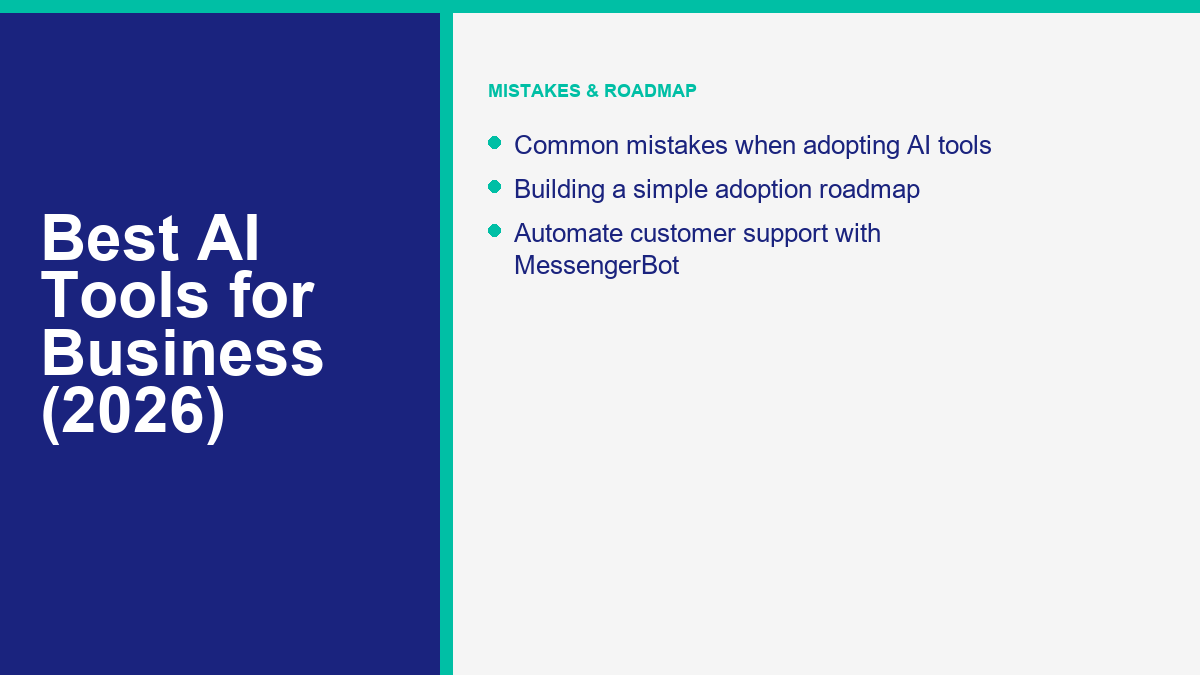
Common Mistakes When Adopting AI Tools
While the benefits of automation are significant, many businesses experience setbacks during implementation due to common tactical errors. One of the most frequent mistakes is treating these tools as set-and-forget solutions that require no human supervision. Automation systems excel at handling predictable, high-volume tasks, but they lack human judgment, empathy, and context. Publishing raw, unedited marketing text or letting support systems run without human escalation paths can lead to inaccuracies and negative customer experiences.
Another error is implementing too many tools at the same time. This can overwhelm staff, complicate workflows, and lead to software fatigue. It is much more effective to introduce one tool at a time, allowing the team to adapt, document the workflow, and confirm the system’s value before introducing another system. This stepwise approach ensures that each new tool is integrated successfully and delivers practical ROI.
Businesses also face risks when they fail to establish clear data privacy protocols. Team members may unknowingly upload confidential client documents, proprietary designs, or source code to public models to save time. This can compromise intellectual property and violate customer confidentiality agreements. Organizations must establish clear, written guidelines regarding what data can be shared with external automated systems, ensuring that sensitive information remains secure.
Lastly, companies often fail to define clear metrics for measuring the success of new tools. Without tracking key performance indicators—such as hours saved, customer response times, or invoice processing speeds—it is impossible to determine if a software license is delivering value. Establish a baseline for each task before introducing automation, and monitor the metrics regularly to evaluate the tool’s performance and make informed software renewal decisions.
Building a Simple AI Adoption Roadmap
To implement new software systems successfully, businesses should follow a structured roadmap. This gradual approach minimizes disruption to daily operations, builds team confidence, and ensures that software purchases align with actual business needs. A standard roadmap consists of three main phases.
Phase one focuses on auditing and identification. During this phase, document your team’s weekly workflows and identify the repetitive, manual tasks that consume the most time. Select one target area for automation—such as customer support reply handling, meeting scheduling, or invoice tracking—and research potential software solutions. Check for integration compatibility with your current tools and review the privacy policies of the top candidates.
Phase two involves pilot testing and training. Instead of rolling the tool out to the entire company immediately, introduce it to a small pilot group of team members. This allows you to evaluate usability, establish standard operating procedures, and identify any workflow issues. Run structured training sessions for the pilot group and gather their feedback to adjust the system settings and integration rules to better suit the team’s needs.
Phase one and two lead into phase three: full integration and scaling. Once the pilot group has established a smooth workflow and verified the tool’s value, launch the software across the entire department or organization. Ensure that all relevant staff members receive training, and update company documentation to reflect the new automated process. Monitor key performance metrics to verify ROI, and once the system is running smoothly, identify the next operational bottleneck to address.
Häufig gestellte Fragen
How do I know if my business is ready to adopt AI tools?
Your business is ready if your team spends significant time on repetitive, rule-based tasks such as calendar coordination, expense tracking, data entry, or answering common customer inquiries. Identify these operational bottlenecks first and prioritize tools that address them directly.
Do AI business tools require a background in coding or data science to use?
Most modern platforms are designed with user-friendly interfaces that do not require technical expertise. While some systems offer advanced API access, everyday business tools can be configured using standard visual setups, simple templates, and natural language queries.
How can small businesses protect customer data when using AI systems?
Protect data by reviewing the privacy policies of software providers before adoption. Choose platforms that offer enterprise-grade security, do not use customer inputs to train public models, and comply with data privacy regulations like GDPR. Establish clear company rules on what information is safe to input.
Can AI tools completely replace human employees in marketing or customer service?
No. These tools are designed to automate repetitive tasks and act as virtual assistants, not replace human staff. Human oversight is essential for review, quality assurance, strategic planning, and addressing complex customer issues that require empathy and contextual understanding.
What is the typical return on investment timeline for AI adoption?
The timeline varies based on the tool’s complexity and implementation quality. Simple administrative tools, like automated scheduling assistants or meeting transcribers, can deliver immediate time-saving value, while complex systems like custom CRMs or analytics tools may take several weeks to show clear ROI.
Wichtige Erkenntnisse
Deploying automated software systems in 2026 is a practical way to streamline operations, reduce administrative overhead, and remain competitive. Successful adoption is not about using every available tool, but about identifying specific bottlenecks in your workflows and selecting integrated, secure systems that directly solve those issues. By starting with a single target area, testing with a pilot group, and maintaining human oversight, businesses can scale their operations efficiently while maintaining high standards of quality and security.



 Deutsch
  English
  Tagalog
  简体中文
简体中文  العربية
  हिन्दी
  Português do Brasil
  Español de México
  Français
  বাংলা
বাংলা  香港中文
香港中文  繁體中文
繁體中文  Nederlands
  Bahasa Indonesia
  日本語
日本語  한국어
한국어  Polski
  Русский
  Español
  Tiếng Việt