
Social media platforms have grown far beyond their original frameworks. Over the years, standard applications have integrated live video streaming, high-definition photo galleries, marketplace hubs, and advanced interactive animations. While these updates provide rich visual experiences, they come with a heavy cost: hardware demands, battery depletion, and substantial data usage. For people operating older Android devices, navigating slow 2G or 3G networks, or managing capped mobile data plans, installing the standard Facebook application can degrade phone performance and exhaust data limits within days.
To solve this issue, Meta developed Facebook Lite in 2015 as a streamlined alternative. It offers essential social networking features while keeping the download footprint, memory usage, and data consumption to an absolute minimum. However, in 2026, the availability of this lightweight app has shifted, leaving many users wondering how to download it, which devices support it, and what alternatives exist. This guide analyzes the current status of Facebook Lite, details its limitations, and explains the best paths forward if the app is unavailable in your region.
Understanding the mechanics of Facebook Lite is valuable not only for individuals trying to optimize their personal devices but also for digital marketers, business owners, and automation developers. When designing marketing campaigns or customer engagement tools, remembering that a significant segment of your audience may access social networks through resource-constrained clients is critical. A heavy automated campaign that relies on dense webviews or rich multimedia elements can completely fail for a user on a lightweight app. By exploring how the Lite client works, we can build better, more inclusive systems that engage customers regardless of their connection speed.
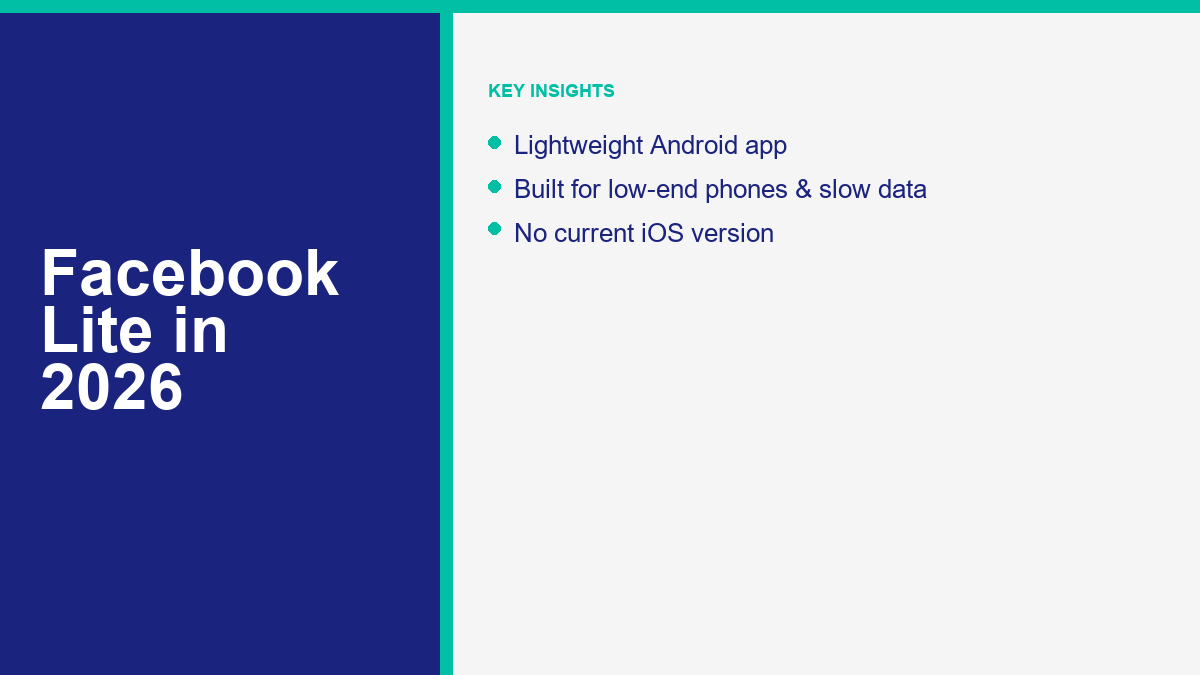
What Facebook Lite Is: Lightweight Android App for Low-End Devices
Facebook Lite is a specialized social media client designed to run efficiently on low-specification Android devices and constrained network connections. While the standard app operates as a heavy, client-side processor that handles complex graphics, rendering, and animations directly on your mobile hardware, Facebook Lite uses a client-server architecture. In this design, Meta’s remote servers perform the bulk of the data processing, layout calculation, and image compression, sending a pre-rendered, lightweight package to your device. This reduces the strain on your phone’s central processing unit and system memory.
This structural difference enables Facebook Lite to boast a download size of approximately 2 to 3 megabytes, depending on the specific version. In comparison, the standard Facebook application regularly requires 60 to 80 megabytes to download, which can balloon to several hundred megabytes—or even gigabytes—of cached storage once installed. The installation footprint of Facebook Lite is kept intentionally small by omitting dense graphic assets, high-definition transition animations, and background processes that constantly consume system resources.
Memory optimization is another key advantage. Facebook Lite is engineered to run smoothly on devices with as little as 1 gigabyte of random-access memory (RAM). Low-cost Android phones often experience system lag, thermal throttling, and app crashes when attempting to run the standard, resource-intensive Facebook client. By utilizing a simplified layout and minimizing background tasks, Facebook Lite allows users with legacy or budget hardware to scroll through feeds, read comments, and update statuses without freezing their phones.
Network performance is the final pillar of the app’s design. It was built specifically to operate on slow networks, including legacy 2G bands, unstable 3G connections, and highly congested public Wi-Fi. The application achieves this by compressing image files, avoiding the automatic pre-fetching of media, and utilizing efficient data transmission protocols. Consequently, pages load faster, and data usage remains low, allowing users to save money on cellular plans while maintaining access to their social networks.
The technical engineering behind this app highlights Meta’s commitment to global accessibility. By offloading heavy processing tasks from the user’s device to cloud infrastructure, the company expanded its user base into regions where network infrastructure and consumer purchasing power are still developing. For users, this means that even if they are using a decade-old budget phone, they can remain connected with their family, participate in community groups, and manage their online identity without investing in expensive hardware updates.
Facebook Lite vs the Full Facebook App: Feature-by-Feature Comparison
To understand whether Facebook Lite is right for your needs, you must compare its features directly against the standard Facebook application. The two clients differ significantly across key performance indicators, storage requirements, media handling, and integration options.
Here is a comprehensive breakdown comparing the technical specifications and feature availability of the two platforms in 2026:
| Feature Category | Facebook Lite (Android) | Standard Facebook App |
|---|---|---|
| Download Size | Approximately 2 to 3 MB | 60 to 80+ MB (varies by device) |
| Installed Storage | ~15 to 30 MB (minimal cache accumulation) | 300+ MB (often exceeds 1 GB over time) |
| RAM Consumption | ~30 to 60 MB under active use | 200 to 500+ MB under active use |
| Data Saver Settings | Built-in, highly restrictive compression by default | Optional, must be enabled manually |
| Video Autoplay | Disabled by default (loads static thumbnails) | Enabled by default on mobile data & Wi-Fi |
| Mensajería en la Aplicación | Supported for basic text in specific regions | Requires separate Messenger application |
| Generative AI & Meta AI | Not supported (omitted to save resources) | Fully integrated in search and chat feeds |
| Media Resolution | Standard definition; high compression | High definition (HD) and Ultra HD supported |
As shown in the comparison, Facebook Lite prioritizes system resource preservation over rich media performance. For example, when you scroll past a video in the Lite app, you will see a static image placeholder. The video will only load and play if you tap on it, saving you megabytes of data. In contrast, the standard app automatically streams videos in the background as you scroll, which can quickly consume your monthly data allotment.
Furthermore, data-saver controls are deeply integrated into the Lite interface. Users can adjust image quality settings directly from the main settings menu, choosing between low, medium, and high resolution. Selecting low or medium quality compresses images on Meta’s servers before they are sent to your phone, ensuring rapid load times even on edge networks. The standard app does offer a data-saver mode, but it is buried inside system submenus and does not compress media as aggressively as the Lite version.
In-app messaging is another notable difference. In several regions, Facebook Lite retains a basic text messaging inbox within the app, allowing users to send and receive text messages without downloading a separate utility. This is a massive benefit for phones with extremely limited storage. The standard Facebook app has completely separated its messaging functions, forcing all users to install the heavy, resource-draining Messenger app to chat with their contacts.
From a performance standpoint, the difference is night and day on older hardware. While the standard app can take 10 to 15 seconds to boot up and initialize on a budget phone, Facebook Lite often launches in under 2 seconds. The interface loads instantly because the graphics are simple HTML-like structures rather than complex, GPU-accelerated layouts. This design keeps the application stable and responsive under the most challenging physical environments.
Who Can Use Facebook Lite Now: Android Focus, Regional Availability, and iOS Status
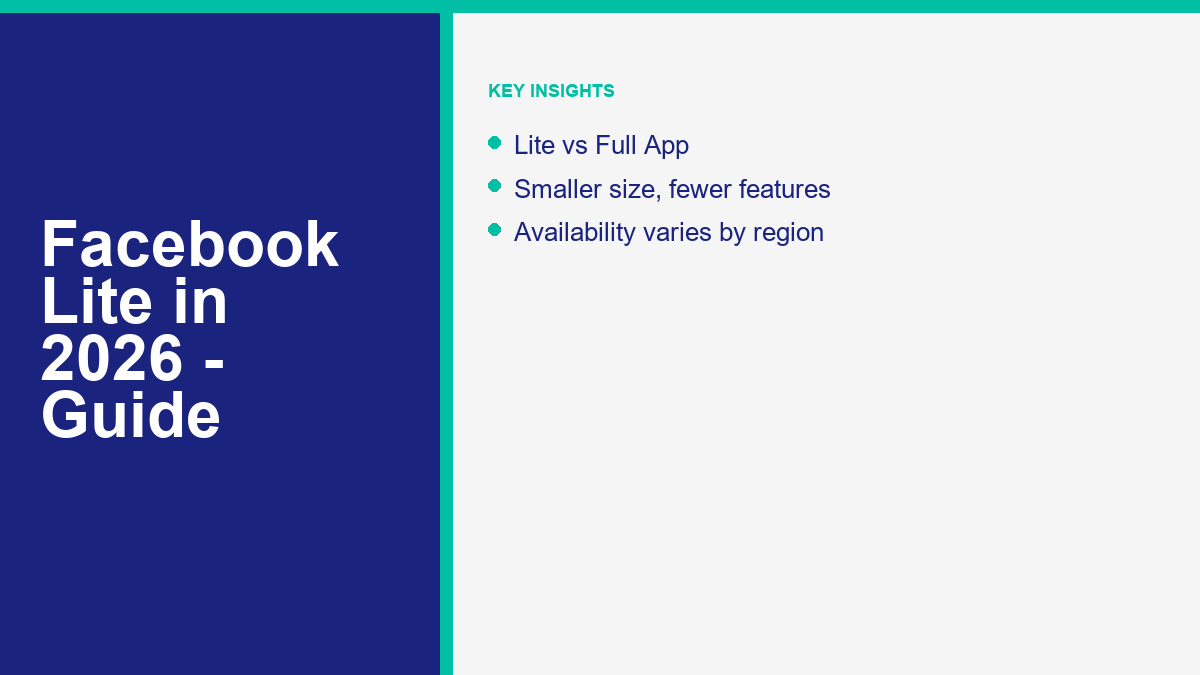
Device compatibility and geographic restrictions play a massive role in whether you can access Facebook Lite. While the app is a staple in many parts of the world, Meta has restricted its distribution in other regions, forcing users to rely on alternative platforms.
First, the app is built exclusively for the Android operating system. Meta has designed the app to support legacy Android versions, ensuring that devices running older systems (such as Android 8.0 or even older) can still install and run the app. This wide compatibility makes it a crucial tool in regions where budget phones are common and users do not upgrade their hardware frequently.
Second, regional availability varies significantly. Meta officially distributes Facebook Lite through the Google Play Store in emerging markets across Southeast Asia (such as the Philippines and Indonesia), South Asia (including India and Pakistan), Latin America, and Africa. In these countries, you can easily download the app by searching for it on the Google Play Store. However, in high-income markets like the United States, Canada, the United Kingdom, and Western Europe, the app is not officially listed in the Google Play Store. If you search for it in these regions, you will only see the standard Facebook application.
Third, there is no current iOS version of Facebook Lite. Meta did launch a lightweight client for Apple devices in selected regions in 2018. However, after analyzing user behavior and platform metrics, Meta officially discontinued Facebook Lite for iOS in August 2020. The decision was driven by two main factors. First, iOS devices are generally high-end models with fast processors and ample storage, meaning the demand for a resource-light client was extremely low. Second, Apple’s strict iOS environment limits background optimizations and client-server rendering configurations, making it difficult for Meta to maintain a separate codebase that offered a superior experience compared to Safari or the standard iOS client. Therefore, iPhone users must rely on mobile web alternatives.
Another factor to consider is the regional lock on certain account features. For example, some privacy tools are only available in specific markets or on certain app editions. For instance, if you are looking to secure your account but find the option missing, read our analysis on why does my Facebook not have profile locking to check if region restrictions or account types are blocking you.
Due to these distribution rules, if you reside in an unsupported region or use an iPhone, you cannot simply download the app from your official app store. You must either sideload the application (for Android users) or use mobile web alternatives, which we cover later in this guide. Marketers must also keep these limitations in mind: if you are targeting users in regions where Lite is prevalent, you cannot assume your audience has access to the latest interface updates or high-end device features.
How to Download and Set Up Facebook Lite on Android
If you are using an Android device and want to start saving storage and data, installing Facebook Lite is a straightforward process. The installation path depends on whether you reside in a region where the app is officially supported.
For users in supported regions, follow these steps to install the app from the Google Play Store:
1. Open the Google Play Store application on your Android phone.
2. Tap the search bar at the top and type ‘Facebook Lite’.
3. Locate the official app published by Meta Platforms, Inc. (it has a white icon with a blue Facebook ‘f’ logo).
4. Tap ‘Install’. The download should complete in a few seconds due to its small file size.
5. Once installed, tap ‘Open’, enter your login credentials, and start browsing.
If you reside in a region where the app is not officially listed (such as the United States or the United Kingdom), you must sideload the application using an APK (Android Package Kit) file. Sideloading bypasses the Google Play Store, but you must be careful to avoid malware and modified versions of the app.
Follow these steps to safely sideload Facebook Lite on your Android device:
1. Open your mobile web browser and navigate to a highly reputable APK archive, such as APKMirror. Never download APK files from unknown forums, personal websites, or file-sharing links, as these can contain security threats.
2. Search for ‘Facebook Lite’ and locate the latest stable version of the app. Avoid beta versions, as they can be unstable.
3. Download the APK file to your device.
4. If this is your first time sideloading, your browser will prompt you to enable installations from unknown sources. Tap ‘Settings’ in the prompt and toggle on the permission for your browser.
5. Open your device’s file manager, navigate to the ‘Downloads’ folder, and tap the downloaded APK file.
6. Tap ‘Install’ and wait for the process to finish.
7. Open the app and log in securely.
Once you log in, open the app’s settings menu (the three horizontal lines in the top right corner) and navigate to ‘Media’. Here, you should verify that ‘Data Saver’ is enabled and that ‘Autoplay’ is set to ‘Never Autoplay Videos’. These settings ensure that your application immediately runs in its most efficient state, minimizing your data bill from day one.
Maintaining security when sideloading is paramount. Operating systems on modern Android devices are built to block unknown packages for a reason. Always run a quick scan on the downloaded file if your device has a built-in security scanner. Additionally, keep in mind that since the app was not installed via the Google Play Store, it will not update automatically. You will need to repeat this download process every few months to access the latest security patches and features.
Limitations and Missing Features of Facebook Lite in 2026
While Facebook Lite is a powerful tool for saving storage and bandwidth, the lightweight design requires compromises. Meta has stripped out several features to keep the file size small and the processing requirements low. Understanding these limitations will help you decide if the app fits your daily social media habits.
First, the visual experience is vastly simplified. Facebook Lite lacks the smooth transitions, graphic filters, and interactive animations that make the standard app feel modern and responsive. Interacting with the app can feel rigid, and pages reload statically rather than updating dynamically in the background. If you enjoy rich visual layouts or interactive photo filters, the Lite interface will feel dated.
Second, media quality is strictly limited. By default, photos are highly compressed, which can make them look blurry on high-resolution screens. Video playback is limited to standard definition, and the media player lacks advanced controls. Live streaming is also constrained: while you can view live streams in some versions, hosting a live stream or using complex creator features is generally not supported. If you are a content creator who relies on high-quality video or live engagement, the Lite app is not suitable for your workflow.
Third, specific features like Facebook Marketplace may be unavailable or restricted. In many Lite configurations, the Marketplace tab is completely hidden, or users are forced to open a web browser to view listings. If you open the Lite app and realize the shopping hub is missing, follow our step-by-step troubleshooting guide on why does my Facebook not have Marketplace today.
Fourth, Facebook Lite does not support modern generative AI tools. While Meta has integrated Meta AI into the search bars and chat feeds of the standard Facebook and Messenger applications, these features are omitted from the Lite version to prevent high CPU usage and data transmission. This means you cannot access interactive AI search assistants. If you are curious about how these tools work on other Meta platforms or why they might be absent from your account, check out our guide on por qué mi Messenger no tiene Meta AI.
Finally, notifications can be delayed. To preserve battery and data, Facebook Lite does not maintain a constant background connection to Meta’s servers. Instead, it checks for updates periodically. This can result in notifications appearing several minutes after they occur, which can be frustrating if you rely on immediate updates for personal or professional communication. If your social media activities are time-sensitive, this background polling delay is an important trade-off to keep in mind.
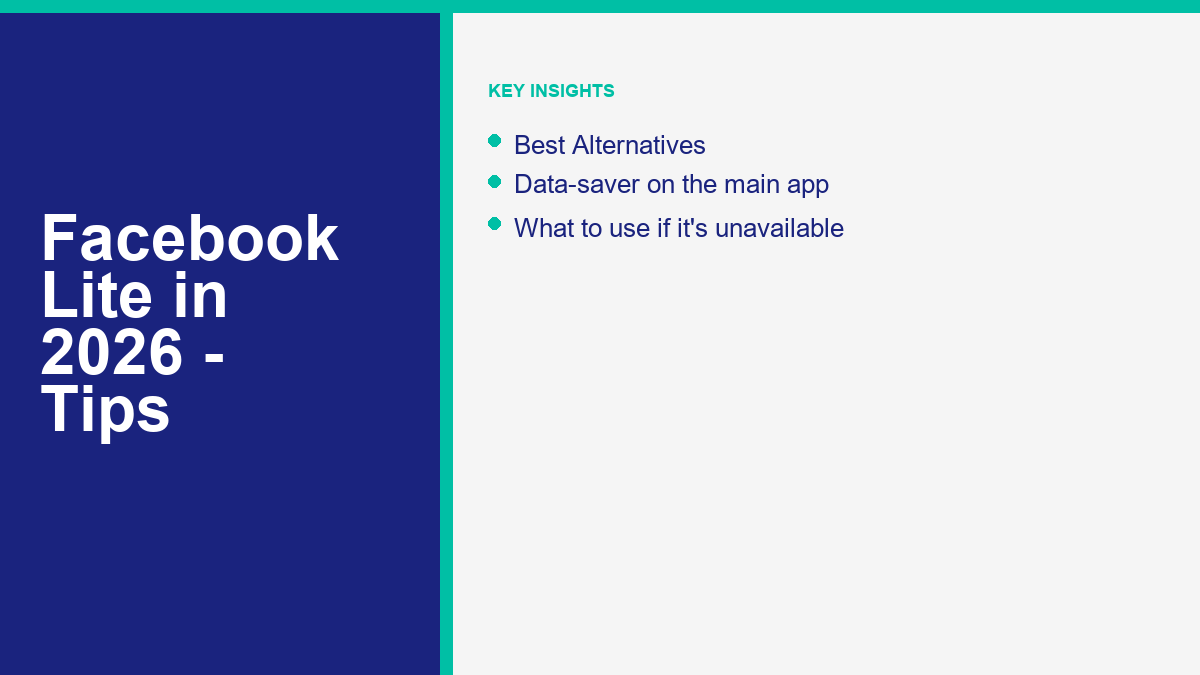
Best Alternatives to Facebook Lite If It is Not Available in Your Region
If you use an Apple device, reside in an unsupported region and do not want to sideload APKs, or find the limitations of the Lite app too restrictive, several solid alternatives can help you achieve a similar balance of efficiency and features.
The first and most direct alternative is the Mobile Web version of Facebook. By opening your mobile web browser (such as Google Chrome, Safari, Firefox, or Opera Mini) and navigating to m.facebook.com, you can access a lightweight interface that matches many of the features of Facebook Lite. The mobile web version requires zero installation storage, uses minimal RAM, and lets you manage permissions directly through your browser. For iPhone users, the mobile browser is the only way to access a lightweight Facebook experience without installing the heavy standard client.
The second alternative is optimizing the standard Facebook app’s settings to mimic the Lite experience. If you own a device with decent storage but want to reduce your data bills and battery drain, you can configure the main client to run more efficiently. Open the main Facebook application, navigate to Settings & Privacy, tap Settings, and open the Media menu. From here, make the following adjustments:
1. Enable ‘Data Saver’ to reduce video quality and compress images.
2. Set video autoplay to ‘Never Autoplay Videos’.
3. Disable high-definition photo and video uploads.
These changes can save up to 40% of your mobile data usage while retaining the modern user interface and full feature set of the standard app.
The third alternative is taking a break from the platform entirely. If you find that the storage, data demands, and notifications of social media apps are causing too much hassle, deactivating your profile is a clean option. If you decide to step away from Meta’s platforms altogether rather than struggling with app sizes, you can learn how to deactivate your Facebook account in 2026 vs deleting to temporarily pause or permanently remove your social media footprint.
For business owners, digital marketers, and developers, understanding these client differences is vital. If your target audience resides in emerging markets where Facebook Lite and mobile web usage are dominant, your marketing strategies must adapt. Relying on complex, heavy webview experiences or media-rich landing pages will alienate users with low-end devices and slow connections. If you are building customer service automations or chat systems, you must ensure your chat flows are light, responsive, and compatible with simple HTML rendering.
To make sure your marketing automations perform perfectly for all users, including those on lightweight connections, you can Ver precios de MessengerBot to see which automated features fit your strategy. For step-by-step guidance on setting up these workflows, you can Explora Nuestros Tutoriales. By keeping your automation flows lightweight, you can engage customers across all device types and connection speeds.
Facebook Lite Frequently Asked Questions
Is Facebook Lite completely free to use?
Yes, Facebook Lite is completely free to download and use, just like the standard Facebook application. However, it still uses your cellular mobile data if you are not connected to Wi-Fi. Because the app compresses images and stops videos from playing automatically, it will use significantly less of your data plan than the standard app, helping you save money on your phone bill.
Why is Facebook Lite not showing up in the Google Play Store?
If the app does not appear in your search results, it means Meta has not officially released it in your country. Meta restricts official distribution of Facebook Lite primarily to emerging markets with slower network infrastructures, such as the Philippines, India, and parts of Latin America and Africa. Users in the United States, Canada, the United Kingdom, and Western Europe must sideload the APK file or use the mobile web version.
Can I use Facebook Lite on my Apple iPhone or iPad?
No, you cannot use Facebook Lite on iOS devices in 2026. While Meta released an iOS version of the Lite app in selected regions in 2018, they officially discontinued it in August 2020 due to low adoption and the technical challenges of optimizing client-server rendering on iOS. iPhone users should use a mobile browser to access the mobile web version (m.facebook.com) as a lightweight alternative.
What is the difference between Facebook Lite and Messenger Lite?
Facebook Lite is a lightweight client for the main Facebook social network (feeds, groups, pages), while Messenger Lite was a separate lightweight app for Facebook’s chat platform. Meta has officially discontinued Messenger Lite globally. In some regions, Facebook Lite still includes a basic built-in messaging inbox, allowing you to chat without downloading the main Messenger client.
Does Facebook Lite allow me to use Facebook Marketplace?
Marketplace availability on Facebook Lite varies by region and device configuration. In some countries, the Marketplace tab is fully supported within the Lite app. In other regions, the option is missing, or tapping it opens a mobile web browser. If you find Marketplace is missing from your application, you may need to troubleshoot your account settings, verify your region, or switch to the mobile web interface.



 Español de México
  English
  Tagalog
  简体中文
简体中文  العربية
  हिन्दी
  Português do Brasil
  Français
  বাংলা
বাংলা  香港中文
香港中文  繁體中文
繁體中文  Nederlands
  Deutsch
  Bahasa Indonesia
  日本語
日本語  한국어
한국어  Polski
  Русский
  Español
  Tiếng Việt