
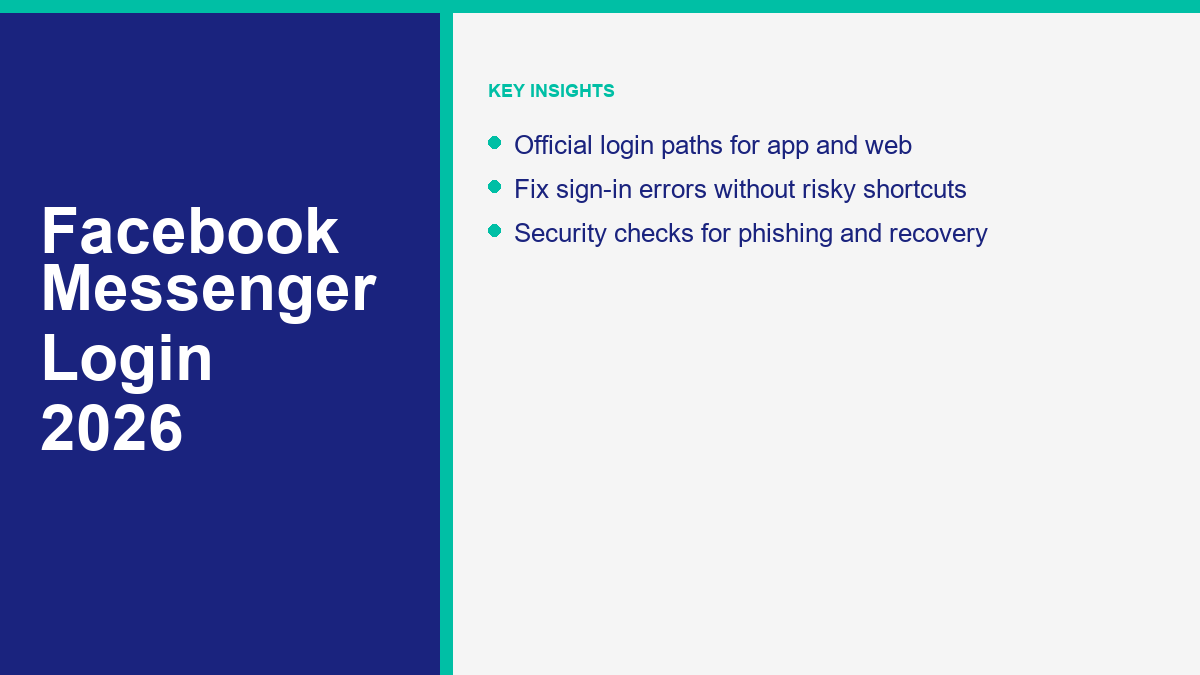
Accessing your conversations should be a seamless experience, yet the process of a Facebook Messenger log in can occasionally present hurdles. Whether you are moving to a new device, recovering an old account, or managing a high-volume business inbox, understanding the official sign-in paths is vital for maintaining consistent communication. In 2026, the safest approach is still simple: use Meta’s official login surfaces, keep recovery details current, and treat unexpected login prompts as suspicious until verified.
Official Login Portals and Platforms
The first step in any successful sign in facebook messenger attempt is ensuring you are using a legitimate, official entry point. Using third-party websites or “login helpers” can lead to credential theft. Always verify that the URL in your browser belongs to the official Meta ecosystem.
Messenger.com: The Dedicated Web Experience
For those who prefer a distraction-free environment without the full Facebook feed, Messenger.com remains the primary web portal. It offers a streamlined interface optimized for speed and clarity. When you log in facebook messenger via this site, you gain access to high-definition video calls, shared media galleries, and end-to-end encrypted chats directly in your browser. Ensure the address bar shows a secure padlock icon and the domain is exactly messenger.com.
Facebook.com Integration
Most users still access their messages through the main Facebook interface. Clicking the Messenger icon in the top right corner opens a sidebar or a floating window. This is ideal for casual users who want to stay updated on notifications while browsing their social feed. In 2026, this integration has been deepened to allow for faster switching between personal profiles and professional Pages.
Mobile Applications for iOS and Android
The mobile app is the most common way users engage with the platform. Available on the Google Play Store and Apple App Store, the app is designed for “always-on” connectivity. When you log in to the Messenger app for the first time on a new smartphone, you may be prompted to import contacts or enable notifications. Recent updates have focused on reducing battery consumption and improving the reliability of real-time push notifications.
The M.me Short Link
The “m.me” domain is a shortened URL service provided by Meta. It is frequently used by businesses to direct customers straight into a conversation. While it serves as a redirect, you will still be prompted for a sign in facebook messenger if you are not currently authenticated in your mobile browser. It is a powerful tool for marketers, but users should always check the destination after the redirect to ensure it leads to the official Messenger site.
Immediate Solutions for Common Sign-In Obstacles
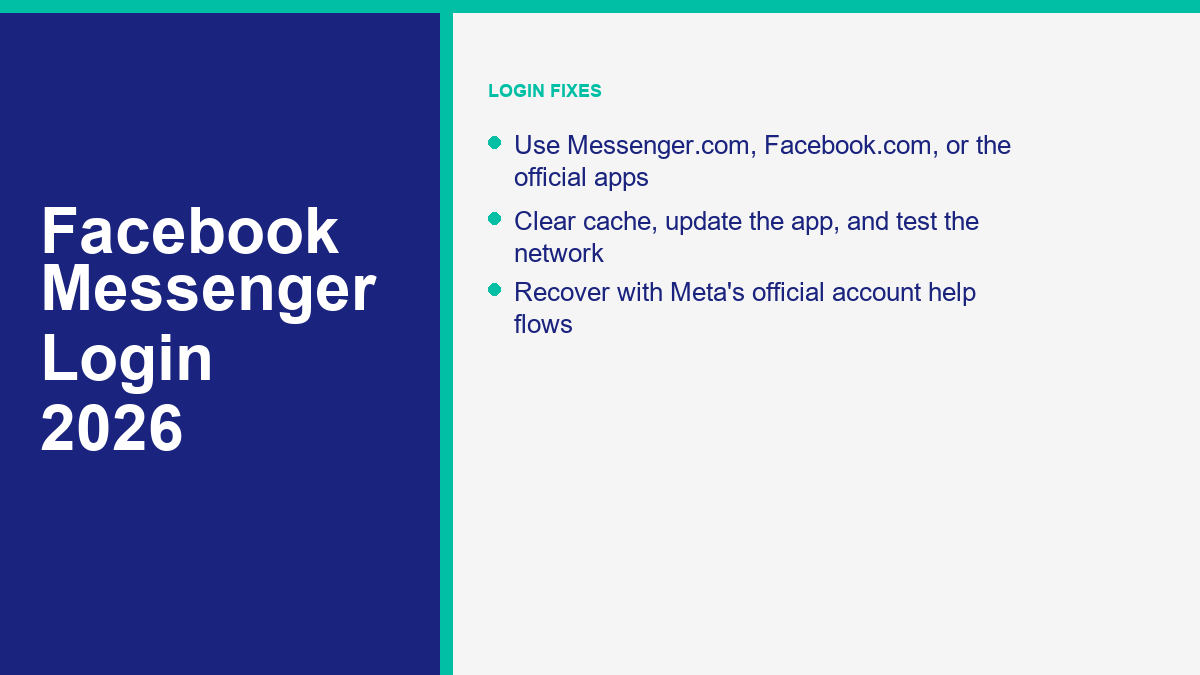
If you find yourself unable to log into Messenger app, the cause is often a local software conflict or a temporary network disruption. Before contacting the Messenger Help Center, there are several troubleshooting steps that resolve the vast majority of access issues.
Borra caché y datos
On Android devices, a corrupted cache can prevent the login screen from loading correctly. Navigate to your device settings, find the Apps section, select Messenger, and choose the option to clear cache. On iOS, you may need to “Offload” the app and reinstall it to achieve a similar result. This process removes temporary files without deleting your actual message history, which is stored on Meta’s servers.
Check for Platform Updates
Operating a version of the app that is several months old can lead to compatibility issues with Meta’s servers. Developers frequently release patches to address security vulnerabilities and login bugs. Open your respective app store and check for pending updates. If you are using a web browser, ensure it is updated to the latest stable version (Chrome, Safari, Firefox, or Edge).
Verify Network Integrity
Sometimes the problem isn’t with the account but with the connection. Public Wi-Fi networks often have firewalls that block the specific ports used by Messenger. Try switching to cellular data or a different Wi-Fi network to see if the login page loads. Additionally, check if you are using a VPN; some regions or server locations may be flagged by Meta’s security systems, triggering a login block.
Credential Accuracy
It sounds simple, but many login failures are due to typos in the email address or phone number. Remember that Facebook credentials are case-sensitive for passwords. If you have multiple email addresses, ensure you are using the one currently associated with your account. If you use a phone number, include the country code but omit any leading zeros if required by your local carrier’s formatting.
Mobile Application vs. Web Browser Environments
The experience of a facebook messenger login differs significantly depending on the device you use. While Meta strives for feature parity, the underlying technology for a browser-based session is different from a native mobile application. The following table highlights these distinctions to help you choose the best platform for your needs.
| Función | Messenger Mobile App | Messenger.com (Web) |
|---|---|---|
| Notificaciones Push | Native, real-time alerts. | Browser-dependent; requires tab to be open. |
| Cifrado de extremo a extremo | Default for personal messages and calls, with secure storage options for history recovery. | Available when Messenger can restore encrypted chat history on that browser/device. |
| Uso de Datos | Higher initial download, lower per-session. | Requires loading assets every visit. |
| Soporte para Múltiples Cuentas | Easy switching within the app settings. | Requires logging out or using Incognito. |
| Advanced Media Tools | AR filters and native camera integration. | Limited to standard file uploads. |
Choosing between the app and the web portal often comes down to your current environment. If you are at a workstation, the web portal allows for faster typing and multitasking. However, for those on the move, the mobile app is the only way to ensure you never miss a critical message from a friend or customer. For more advanced features beyond standard messaging, you can explore Funciones de MessengerBot Pro to see how automation integrates with these platforms.
Secure Account Recovery and Identity Verification
Losing access to your account can be stressful, but the Messenger Help Center provides established paths for recovery. The key to a successful recovery is having up-to-date contact information already saved in your profile. In 2026, the recovery process has become more stringent to protect users from the rising tide of account takeovers.
The “Forgot Password” Protocol
If you cannot remember your credentials, click the “Forgot Password?” link on the login screen. You will be asked to enter the email or phone number associated with the account. Meta will then send a six-digit code to that destination. Once you enter the code, you can set a new, secure password. Avoid using passwords that you use on other sites, as this is the primary way hackers gain access via credential stuffing.
When You No Longer Have the Recovery Email or Phone
If you no longer have access to your recovery email or phone number, avoid shortcuts and start with Meta’s official recovery flow. The Messenger Help Center says to use the hacked-account flow if you suspect compromise, and to follow the account recovery prompts when you cannot receive email or SMS codes. You may be asked for additional verification depending on the account, device history, and security signals, so use a device and network where you have logged in before when possible. Start from the official recovery guidance at Facebook account recovery in Messenger Help, not from third-party “unlock” services.
Two-Factor Authentication (2FA) Challenges
While 2FA is a vital security feature, it can sometimes lock you out if you lose your phone. Save your recovery codes in a safe place, such as a physical safe or a secure digital vault. If you are prompted for a 2FA code and do not have your authenticator app, Meta’s own troubleshooting flow points users to saved recovery codes, another authentication method, or the “Get more help” path. If you are setting up a new account, an authenticator app is usually stronger than SMS because phone-number recovery can be vulnerable to carrier and SIM-swap problems. Meta’s current 2FA guidance is available in the Messenger Help Center’s two-factor login troubleshooting page.
Detecting Phishing Attempts and Fraudulent Login Pages
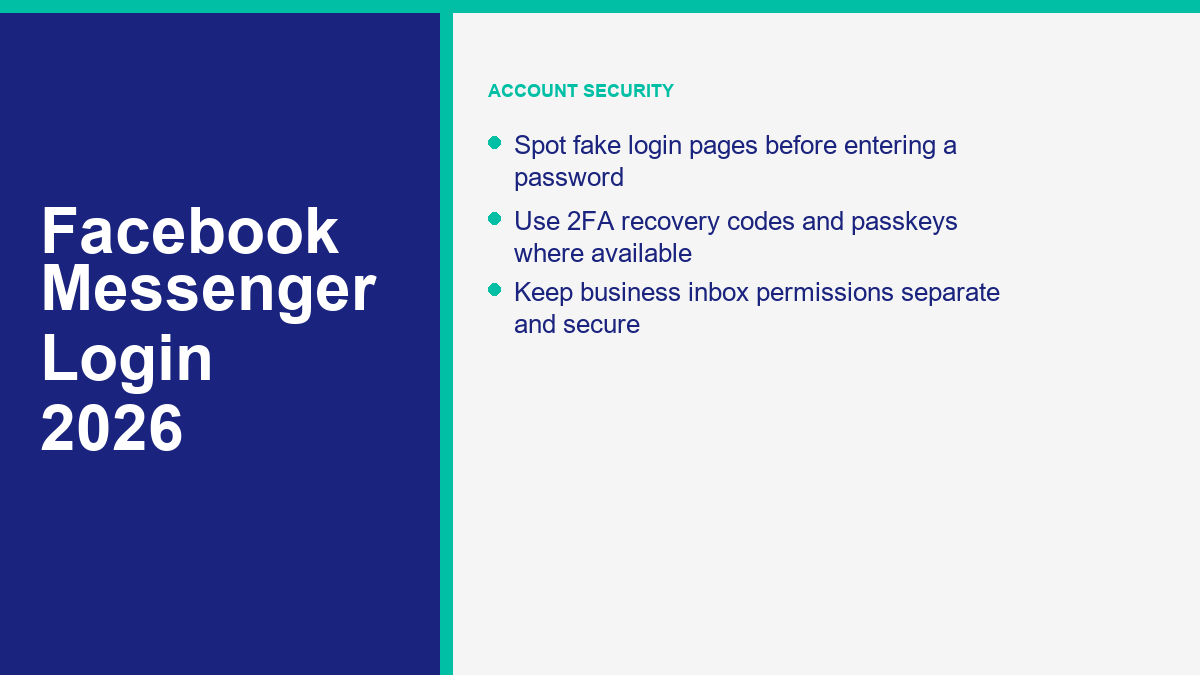
Cybercriminals often create fake versions of the facebook messenger login page to trick users into handing over their credentials. These “phishing” sites can look remarkably convincing, copying the colors, logos, and fonts of the official site exactly. However, there are always red flags if you know where to look.
URL Verification
Before typing your password, always look at the browser’s address bar. For normal Messenger access, expect official Meta-owned surfaces such as facebook.com, messenger.com, m.me redirects, and the official Messenger mobile apps. If the URL is something like “facebook-login-secure.net” or “messenger-help-support.com,” it is a scam. Even a single character difference, such as “faceb0ok.com,” can indicate a fraudulent site.
The “Is This You?” Message Scam
A common tactic involves receiving a message from a friend (whose account has already been hacked) asking “Is this you in this video?” followed by a link. Clicking the link takes you to a fake Messenger login page. Once you “log in” to see the video, the hackers have your password. Never enter your credentials on a page reached through a suspicious link, even if it comes from a trusted contact.
Security Features Comparison
To stay safe, it is helpful to know which security features are available to protect your login. Different methods offer varying levels of protection against different types of attacks.
| Security Method | Facilidad de Uso | Protection Level | Main Weakness |
|---|---|---|---|
| Standard Password | Alto | Bajo | Easy to guess or steal via phishing. |
| SMS 2FA | Medio | Medio | Vulnerable to SIM-swapping. |
| Authenticator App | Medio | Alto | Requires access to the specific device. |
| Security Key (U2F) | Bajo | Muy Alto | Requires carrying a physical USB device. |
| Passkeys | Alto | Muy Alto | Limited by device/OS compatibility. |
For those managing business communications, security is even more paramount. A compromised account could lead to a loss of customer trust and data breaches. You can learn more about securing your professional presence by looking at our guides; feel free to Explora Nuestros Tutoriales for more security tips.
Meta Business Suite and Business Page Access
For entrepreneurs and marketers, the log in facebook messenger process often involves managing a Business Page rather than just a personal profile. Meta has centralized these professional tools under the “Meta Business Suite.” Accessing your business inbox requires a different approach than standard personal messaging.
Managing Multiple Inboxes
If you have multiple Facebook Pages, you can switch between them using the profile switcher in the top right corner of the Messenger app or website. In 2026, Meta has improved the “Unified Inbox,” which allows you to see messages from Facebook, Instagram, and WhatsApp in a single view. This reduces the need for multiple logins and streamlines the customer support process.
Permissions and Roles
Access to a business inbox is governed by permissions. To log in and respond to messages on behalf of a brand, you must be assigned a role such as Admin, Editor, or Moderator. If you find yourself unable to see certain messages, check with the account owner to ensure your permissions haven’t expired or been downgraded. It is a best practice to use the “Business Manager” to assign these roles rather than sharing personal login credentials.
Integration with Automation Tools
Businesses that receive hundreds of messages per day cannot rely on manual responses alone. This is where automation becomes a necessity. Once you have successfully navigated the login process, you can connect your Page to an automation platform. To understand the investment required for professional-grade automation, you can Ver precios de MessengerBot to find a plan that scales with your growth.
Enhanced Security with Passkeys and Biometrics
As we move through 2026, the traditional password is being supplemented by passkeys. A passkey is a digital credential that uses your device’s biometrics, such as Face ID or fingerprint, or your screen lock to verify your identity. Meta has rolled out passkey support for Facebook and Messenger login, with management through Accounts Center. You can read Meta’s own passkey announcement at Introducing Passkeys on Facebook for an Easier Sign-In.
How to Set Up a Passkey for Messenger
To enable this, navigate to Accounts Center in your Facebook or Messenger settings and look under password and security options for passkey controls. Your device may prompt you to save the key to the password manager or keychain available on that phone. Once set up on a supported device, a future sign in facebook messenger can use the same device unlock method instead of requiring you to type a password every time.
The Role of Biometrics in Mobile Login
Most modern smartphones allow you to lock the Messenger app itself behind a biometric wall. Even if your phone is unlocked, a stranger would need your fingerprint or face to read your messages. This adds a crucial layer of “on-device” security that protects your privacy in shared environments or in the event of a physical theft.
Why Passkeys Matter in 2026
Passkeys matter because they reduce the value of phishing pages. A fake login page can trick a person into typing a password, but a passkey is tied to the legitimate app or website and to the device credential. That does not mean users can ignore every other security step, but it does make login theft harder when passkeys are available and properly set up.
Scaling Communications with MessengerBot Automation
Once you have mastered the login process and secured your account, the next logical step for any business is optimization. Logging in is just the beginning; the real value lies in how you engage with your audience. Manual messaging is fine for friends, but for a brand, it can quickly become a bottleneck.
The Transition from Manual to Automated
Relying on a manual sign in facebook messenger to answer FAQ’s every morning is inefficient. Modern consumers expect instant responses. Automation allows your business to stay active 24/7, even when your team is offline. By automating the initial intake of customer inquiries, you can ensure that your human agents only step in when a complex issue arises.
Personalization at Scale
A common misconception is that automation feels robotic. In 2026, AI-powered bots can understand context and intent, providing answers that feel helpful and personal. They can pull data from your CRM to greet customers by name and provide updates on their specific orders. This level of service was once reserved for large corporations, but it is now accessible to businesses of all sizes.
Building Your Messaging Strategy
A successful strategy starts with a secure login, followed by a well-designed conversation flow. Think about the most common questions your customers ask and how an automated system could solve them. Whether it is booking appointments, processing sales, or providing technical support, the goal is to make the interaction as smooth as possible for the user. By combining the security of official Meta login paths with the efficiency of modern tools, you create a robust communication ecosystem.
Preguntas frecuentes
Why am I unable to log into Messenger app even with the right password?
This is often caused by a cache conflict or an outdated app version. Try clearing the app’s cache in your device settings or uninstalling and reinstalling the app. If you have 2FA enabled, ensure you are not missing a prompt on another device. In some cases, Meta may have temporarily restricted your login if it detects a new or unrecognized IP address; check your email for a security alert.
Can I use Messenger without a Facebook account in 2026?
No, Meta requires a Facebook account to use Messenger. While there was a brief period years ago where you could sign up with just a phone number, that has since changed. However, you can “Deactivate” your main Facebook profile while keeping your Messenger account active, allowing you to chat without having a visible presence on the social networking side of the platform.
How do I log out of Messenger on all devices remotely?
If you suspect someone else has accessed your account, you can end all active sessions. Go to “Settings,” then “Accounts Center,” and select “Password and Security.” Click on “Where you’re logged in.” You will see a list of every device currently signed into your account. You can choose to log out of specific devices or select “Log out of all sessions” to secure your account immediately.
Is the Messenger Lite app still available for login?
Messenger Lite availability has changed over time and may vary by region and device. If you cannot find an official Messenger Lite listing in your app store, use the main Messenger app or the mobile web experience through Facebook’s official mobile site instead of downloading an APK from an unknown source. Unofficial “Lite” downloads are a common way for attackers to push modified apps or steal login credentials.
What should I do if my Messenger login is blocked due to suspicious activity?
If Meta blocks your login, follow the on-screen instructions to verify your identity. This usually involves receiving a code via SMS or email, or identifying your friends in tagged photos. Avoid using any “unblocking services” found on the internet; these are almost always scams designed to steal your account. Only follow the official recovery steps provided by the Messenger Help Center.



 Español de México
  English
  Tagalog
  简体中文
简体中文  العربية
  हिन्दी
  Português do Brasil
  Français
  বাংলা
বাংলা  香港中文
香港中文  繁體中文
繁體中文  Nederlands
  Deutsch
  Bahasa Indonesia
  日本語
日本語  한국어
한국어  Polski
  Русский
  Español
  Tiếng Việt