
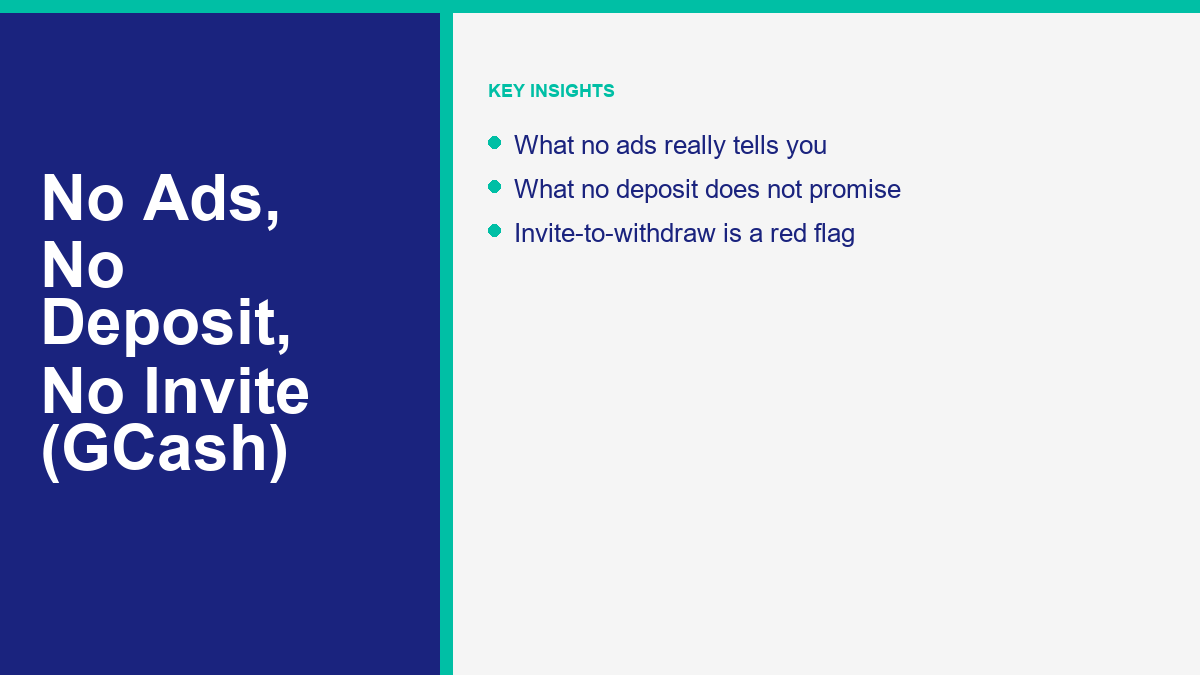
Slogans such as “no ads”, “no deposit” and “no invite” are easy to find in social media posts, chat groups and search results about earning apps that pay to GCash. They sound reassuring: a clean screen, nothing to pay up front and no need to recruit friends. But each slogan describes how an app presents itself. None of them shows who runs the app, whether it is authorized, or whether it will pay you. This guide takes each claim in turn, explains what it does and does not tell you, and shows what to check before you install anything.
If you are searching for a legit earning app gcash no ads, no deposit or no invite, start from this fact: we did not find a verified source that gives standard pay rates, minimum payouts or guaranteed income figures for earning apps as of 11 November 2026. An app being free of ads does not show financial stability or legitimate payouts. The checks below focus on what you can verify yourself: the written terms, who operates the app, where you install it from, and whether it ever asks for a payment or a code.
What “No Ads” and “No Deposit” Promises Actually Mean
Each of these claims removes a worry. “No ads” promises an uncluttered screen, “no deposit” promises you will not pay to start, and “no invite” promises you will not have to recruit others. They describe how the app looks and how you sign up. They do not tell you whether the operator is honest or whether you will be paid.
An app can run without banner ads and still never send money to your GCash wallet, because ads and payouts are separate things. In the same way, being allowed to register without paying does not tell you what you will be asked to pay later. That later stage is what the claim leaves out, and it is where you need to look.
We found no official list of earning apps that are guaranteed to pay, and no regulator or registry that guarantees income from them. Treat any promise of guaranteed daily returns as advertising. Instead of asking whether an app says “no ads” or “no deposit”, ask who operates it, where the installation file comes from and whether it asks for anything it should not.
The “No Deposit” Claim and the Task Recharging Pattern
“No deposit” is an appealing hook because it suggests your money is safe while you try the app. But “no deposit to start” is not the same as “no deposit ever”. The question is what you are asked to pay later, before you work or before you withdraw. Our editorial rule is simple: if any payment, deposit or recharge is requested at any stage, stop.
Students face a few extra risks, which we cover in our guide for students. For payout promises, see how to check a daily withdrawal claim.
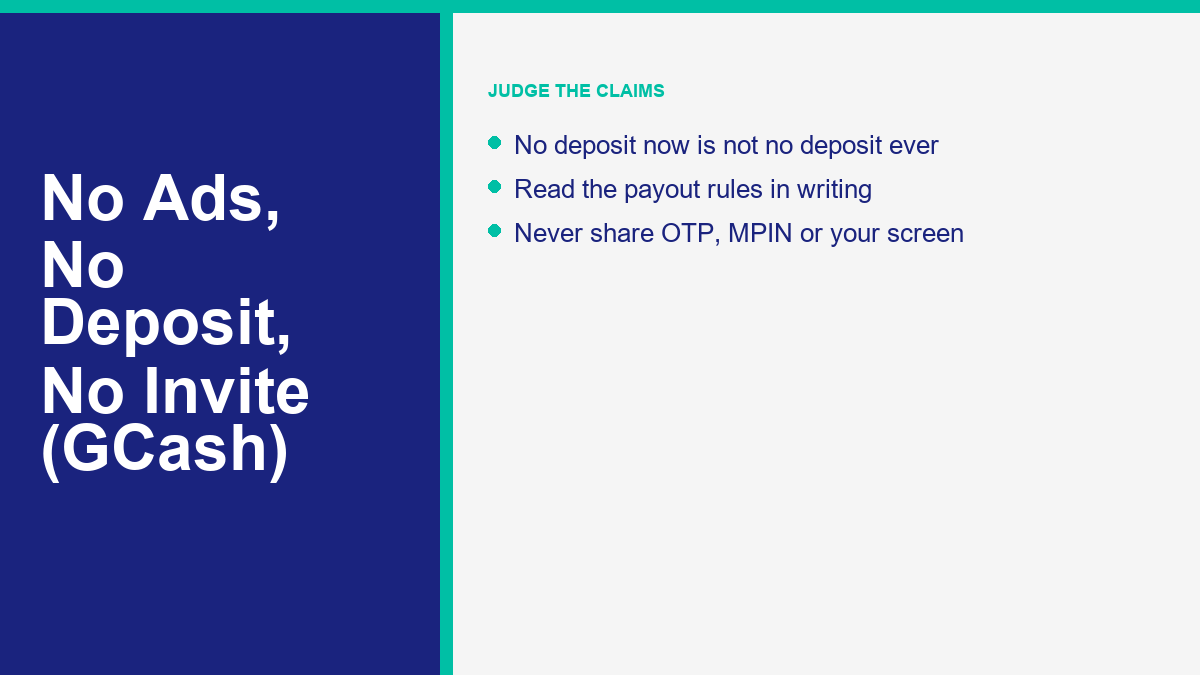
The Philippine Securities and Exchange Commission has warned the public about this kind of scheme. On 13 July 2022 it posted an advisory titled “Recharging and Tasking Scam” (the SEC advisory), which states: “The public is advised to NOT TO INVEST or STOP INVESTING in this RECHARGING AND TASKING SCAMS and its representatives.”
A concrete example was reported by Inquirer Business reporting on an SEC warning. The SEC warned the public against an online platform operating as “SHOPWISE.WORK” and “SHOPWISE ONLINE WORK PLATFORM”, which impersonated Shopwise Inc., is not authorized to solicit investments and operates without the necessary registration, license or authority from the commission. According to the report, the SEC described the scheme as a “job offer scam” or “tasking and recharging scheme”, in which recruits are required to deposit money or “recharge” accounts to perform online tasks in exchange for promised returns.
In general European consumer guidance that is not specific to the Philippines, the European Consumer Centre Germany says: “Never pay money to receive a salary! No advance payment is required for legitimate jobs.” When you see a no deposit promotion, remember that a promise of no deposit at the start does not remove that rule at any later stage.
The “No Ads” Claim and Application Behavior
Many people prefer apps without advertisements, and it is easy to see why. But an ad-free screen says nothing about whether the app can pay you. Treat it as a design choice, not as evidence of legitimacy.
It also raises a fair question: if an app shows no ads, charges nothing and promises to pay you, how is it funded? We cannot answer that for any particular app, and neither can the app’s advertising. If you cannot find out who operates the app and how it is funded, treat that as a reason to stop.
Check what the app asks for when you install it. This is editorial advice, not an official rule: a simple task app has no obvious need for your contact list or SMS inbox, so decline permissions that have nothing to do with what the app says it does. Install only from the official stores GCash names (Google Play, the Apple App Store or Huawei AppGallery), and be wary of an app that sends you to download a file from a link instead.
The “No Invite” Promise and Withdrawal Rules
Many people would rather earn on their own than ask friends and family to join, so “no invite” is a popular claim. As with the other claims, what matters is the rule that applies when you try to withdraw.
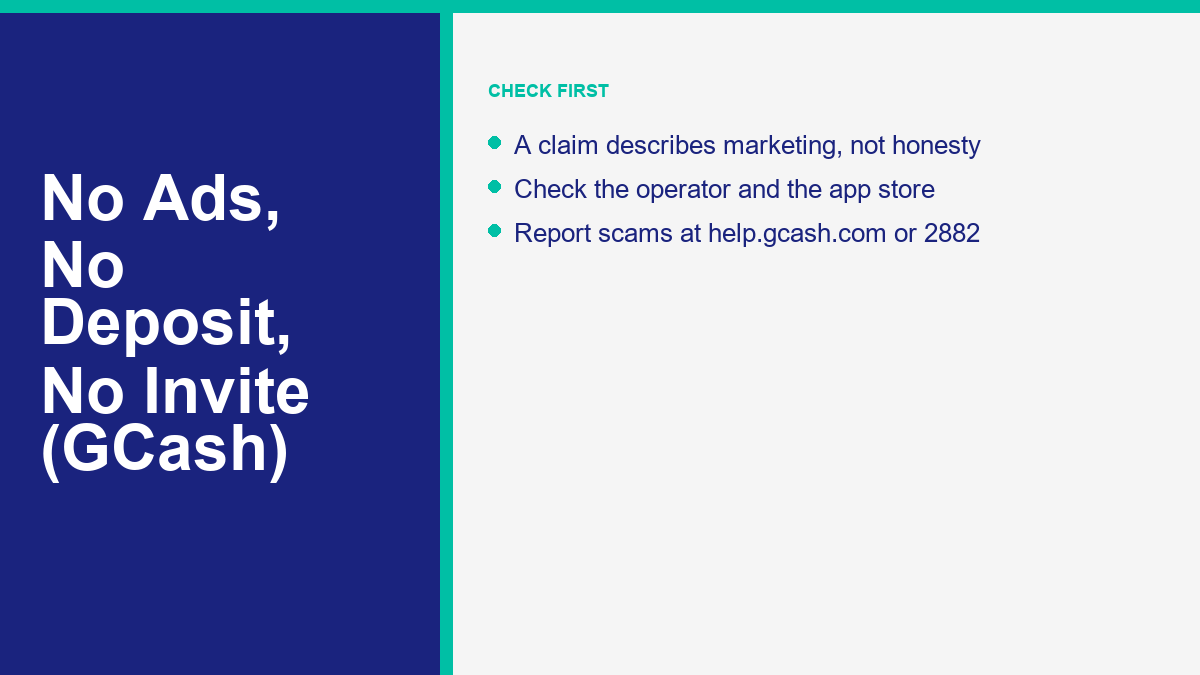
Check where the withdrawal conditions are written down, and whether they mention invitations, quotas or links to share. If the terms are not written anywhere you can read before you start, the “no invite” claim is only a promise in an advertisement.
As our own editorial rule, treat any new requirement to invite people that appears only at the cash-out screen as a stop sign, and do not share your contacts or post promotional links. All payout conditions should be readable before you do any work.
What to Look for in the Written Terms
Whichever slogan an offer leads with, the written terms are where the real conditions sit. These are editorial suggestions for what to look for, and they apply before you register or install anything.
- A named operator, with a company name and a way to contact a person outside the app.
- A plain description of how withdrawal works, including any minimum amount and any fee.
- Any wording about deposits, recharges, activation or upgrades.
- Any wording about invitations, referral quotas or links you must share.
- Whether the terms can be read before you create an account, and not only inside the app afterwards.
If the terms are missing, vague, or visible only after you register, that is an answer in itself. Take a dated screenshot of whatever you can see, so you have a record of what the offer said on the day you looked.
Comparing Marketing Claims Against Verification Tests
Each slogan is meant to overcome one worry, and each shows only part of the picture. The table below sets out what each claim tells you, what it leaves out and what to check first. It is an editorial checklist.
The table covers the three claims in turn:
| Marketing Claim | What It Tells You | What It Does Not Tell You | What to Check First |
|---|---|---|---|
| No Deposit | The software does not ask for upfront money or payment details during initial registration. | Whether the service will demand payment, fees, or account recharges later before releasing money. | The written terms of service, publisher identity, and withdrawal rules before spending time on tasks. |
| No Ads | The user interface does not display commercial banner advertisements, pop-ups, or video interstitials. | How the platform funds operations, whether tasks are legitimate, or if earnings can actually be withdrawn. | The requested phone permissions, privacy policy disclosures, and external link behavior within the software. |
| No Invite | The promotional material claims earnings do not depend on recruiting friends, relatives, or downlines. | Whether referral quotas or active invitation requirements will be introduced once you request a cash-out. | The exact cash-out documentation and whether payout buttons remain unlocked without referral requirements. |
When an offer claims no ads, no deposit and no invites at once while promising generous daily rewards, slow down. We cannot say how any particular app is funded, and neither can its advertising. Ask who operates it, where the written terms are, and what you are asked to give: money, contacts, codes or personal details. If you cannot get clear answers, do not proceed.
Phishing Traps, Fake Pages, and Download Links
Offers that use words like “free” deserve extra care: GCash’s own guidance names “free” offers among the phishing traps to be wary of. Follow the official guidance below.
On 7 April 2026, GCash published security guidance titled “GCash urges vigilance against online scams and fraud this Holy Week” (GCash’s official security advisory). It includes:
- Avoid Unofficial Download Links: “Do not download apps from links sent by email or text: use the official Apple App Store, Google Play, or Huawei AppGallery.”
- Beware of Phishing Offers: “Never click links sent via SMS or third-party messaging apps. Scams can arrive via SMS, email, or chat apps. Be wary of ‘phishing’ traps, such as ‘free’ offers.”
- Identify Impersonation Accounts: Some spoofing attempts come from fake GCash Facebook pages or Messenger accounts designed to look real. Check for the verified blue checkmark and report suspicious accounts. The only official page is GCash Official.
- Resist Artificial Urgency: “Ignore unexpected calls or meeting invites about account or ID verification. If pressured to act fast, hang up or decline immediately.”
In general guidance that is not specific to the Philippines, the European Consumer Centre Germany says job scammers usually make contact by SMS, WhatsApp or Telegram. It warns that a professional-looking website with a user area is easy to fake, and describes victims being added to groups where alleged users rave about high earnings, all of it fictitious.
Security Boundaries: What You Must Never Share
Whatever an earning app claims, some boundaries do not change. GCash’s guidance is explicit, and it applies to every app, group and “support agent”.
GCash says: “Never share your OTP, MPIN, passwords, or screen during logins or transactions.” That gives four boundaries:
- One-Time PIN (OTP): Never enter an OTP into a third-party site or read it out to anyone.
- MPIN: Keep your MPIN private. Treat any request for it, from an app or a person, as a stop sign.
- Passwords: Keep your wallet password private. Treat any request for it as a stop sign.
- Screen: Do not share your screen during calls, video meetings or remote help sessions with people you do not know.
GCash also says to ignore unexpected calls or meeting invites about account or ID verification, and that if you are pressured to act fast you should hang up or decline immediately. If anyone pushes you to act quickly or to hand over a credential, end the conversation.
Official Reporting Channels If You Encounter Fraud
If you meet a deceptive app or have clicked a suspicious link, report it through official channels. GCash says it takes down reported scam links and accounts and works with law enforcement and government agencies.
Official reporting routes from GCash’s guidance:
- GCash: Report through the GCash Help Center at help.gcash.com by chatting with Gigi and selecting “I want to report a scam”, or call the GCash hotline at 2882. GCash says it monitors and blocks suspicious activity, takes down reported scam links and accounts, and works with law enforcement and government agencies.
- Philippine National Police Anti-Cybercrime Group (PNP ACG): Report incidents by phone at (02) 8414-1560 or 0998-598-8116, or by email to acg@pnp.gov.ph.
- Cybercrime Investigation and Coordinating Center (CICC): Report through hotline 1326, mobile 0991-481-4225, or by email to report@cicc.gov.ph.
- Police: The European Consumer Centre Germany’s general guidance, which is not specific to the Philippines, says victims should report to the police immediately. If you have transferred money or shared a code, do the same.
Independent Scheme Reviews and the Central Checklist
This guide covers three slogans: “no ads”, “no deposit” and “no invite”. For a method that works on any earning app, see our central GCash earning guide, which sets out a seven-point check you can apply before you invest time or share personal details.
We have also reviewed several earning offers that circulate in the Philippines. None of these is endorsed.
- Encoding offers: ビジネスにおける Chrome Encoding guide covers registration, login and withdrawal claims, and the Paymath encoder guide covers Paymath.
- ECNL: ビジネスにおける ECNL Messenger Bot guide および ECNL login guide cover its registration and login.
- MathBot: ビジネスにおける MathBot registration overview および MathBot legitimacy evidence review record what we found.
- Directory and models: See the directory of earning apps, 私たちの analysis of earning models および free registration and fee checklist.
Whatever an app claims, the same rule applies: check it yourself with our seven-point verification checklist before you rely on it.
よくある質問
Is there a legit earning app for GCash with no ads?
A claim of no ads describes how an app looks, not whether it pays. We cannot name a legit earning app with no ads, because none can be verified from public sources. What you can check is who operates the app, whether its terms are written down, and whether it asks you to pay or to share a code. If it asks for either, stop.
Is there a legit earning app for GCash with no deposit?
You should not have to pay anything first. The European Consumer Centre Germany says no advance payment is required for legitimate jobs (general guidance, not specific to the Philippines), and the Philippine SEC has warned about tasking and recharging schemes in which recruits deposit money to do online tasks. A no deposit claim at signup does not tell you what you will be asked for later. Treat any request to pay before you can work or withdraw as a stop sign.
Is there a legit earning app for GCash that does not make you invite friends?
We cannot name one, because none can be verified from public sources. What you can do is read the withdrawal conditions before you create an account. As our editorial rule, if you are asked to invite people or share links before you can cash out, stop and do not share your contacts. Payout rules should be written down where you can read them before you start.
Does no deposit mean an earning app is safe?
No. A no deposit claim tells you only that the app does not ask for money at signup. It does not tell you who operates the app, whether it is authorized, or what it will ask for later. Keep to the basics: install only from the official stores GCash names, decline permissions that have nothing to do with the app’s purpose, and never share your OTP, MPIN, password or screen.
Why do some earning apps ask for a deposit later?
We cannot say why any particular app does this. The pattern the SEC describes in its recharging and tasking advisory involves recruits being required to deposit money or “recharge” accounts to do online tasks for promised returns, and Inquirer Business reported that pattern in the case of a fake platform operating as SHOPWISE.WORK. Our editorial rule is to stop at the first request for a deposit or recharge, whenever it comes, and to keep your records.
How do I check an earning app before I install it?
Start with the installation source: use only the official stores GCash names (Google Play, the Apple App Store or Huawei AppGallery), not links sent by SMS, email or chat. Look for a named operator and written terms that explain how withdrawal works. Decline permissions that have nothing to do with the app’s purpose. Stop if it asks for a payment, a recharge, invitations, or your OTP, MPIN, password or screen. Our seven-point checklist covers the full method.
Messenger Bot is business software for Facebook and Instagram conversations. It is not an earning app, and this guide does not endorse any earning app.
 日本語
 English
 Tagalog
 简体中文
 العربية
 हिन्दी
 Português do Brasil
 Español de México
 Français
 বাংলা
 香港中文
 繁體中文
 Nederlands
 Deutsch
 Bahasa Indonesia
 한국어
 Polski
 Русский
 Español
 Tiếng Việt