
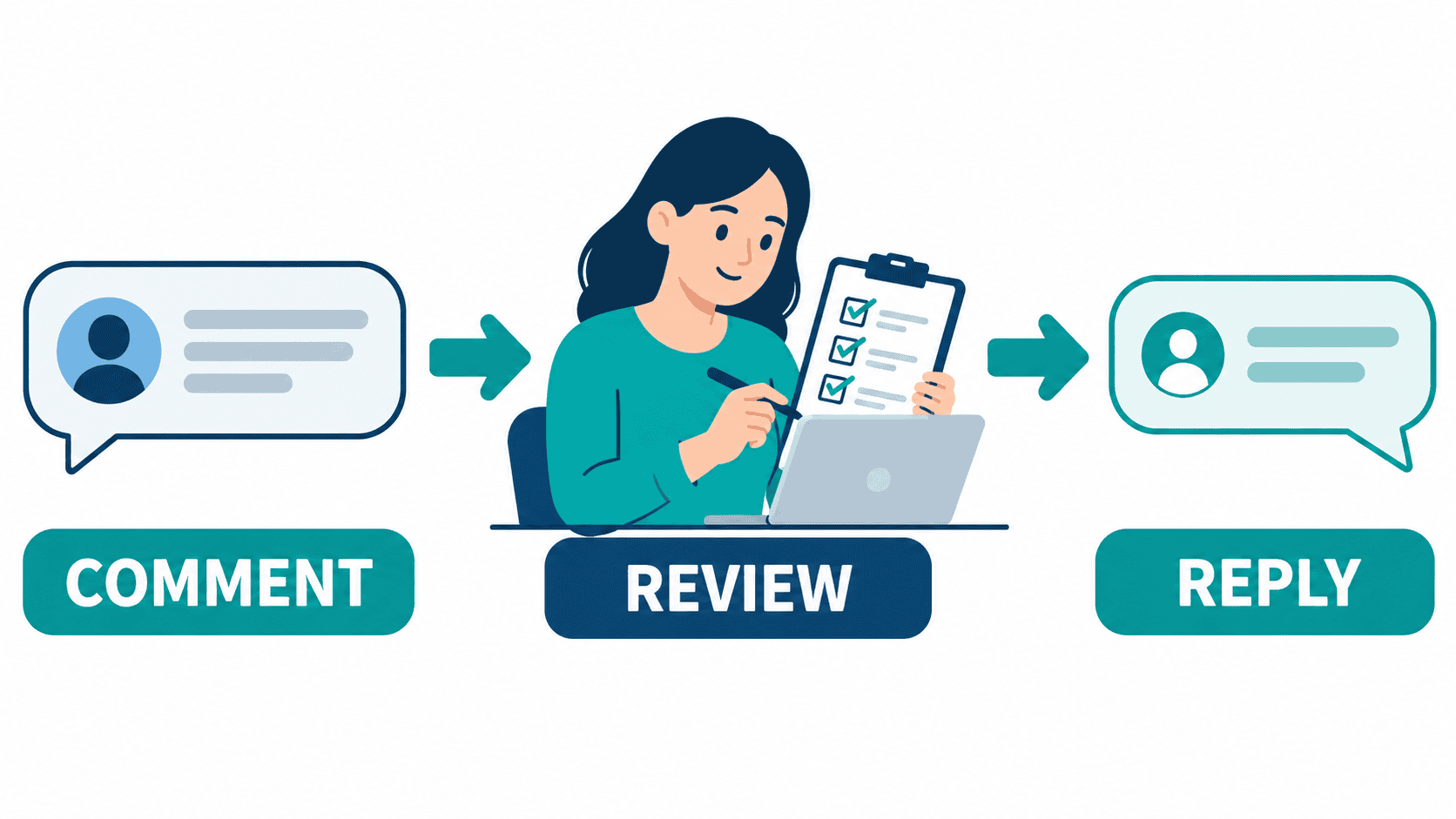
Большинство людей, которые ищут auto comment Facebook are not trying to run a spam farm. They are usually dealing with a practical problem: a Facebook Page is getting enough comments to matter, but not enough team bandwidth to answer them all quickly. That is especially common for ecommerce brands running ads, agencies managing multiple Pages, local businesses handling repeated availability questions, and creators sharing useful resources with interested readers.
The useful starting point is not a promise of unlimited comments. It is deciding which customer question deserves a public answer, which needs a private conversation, and which should go straight to a person. A comment about opening hours is different from a complaint about an order. Treating both as the same keyword trigger can give a customer the wrong answer at the wrong moment.
This guide separates those choices, compares tool categories, and gives you a review checklist for a business-owned Page. Public product information was reviewed on October 12, 2026. Tool descriptions are advertised capabilities, not proof of access in your account. No product choice, delay, template rotation or suggested reply count guarantees protection from Facebook restrictions.
What Auto Commenting on Facebook Means for a Business Page
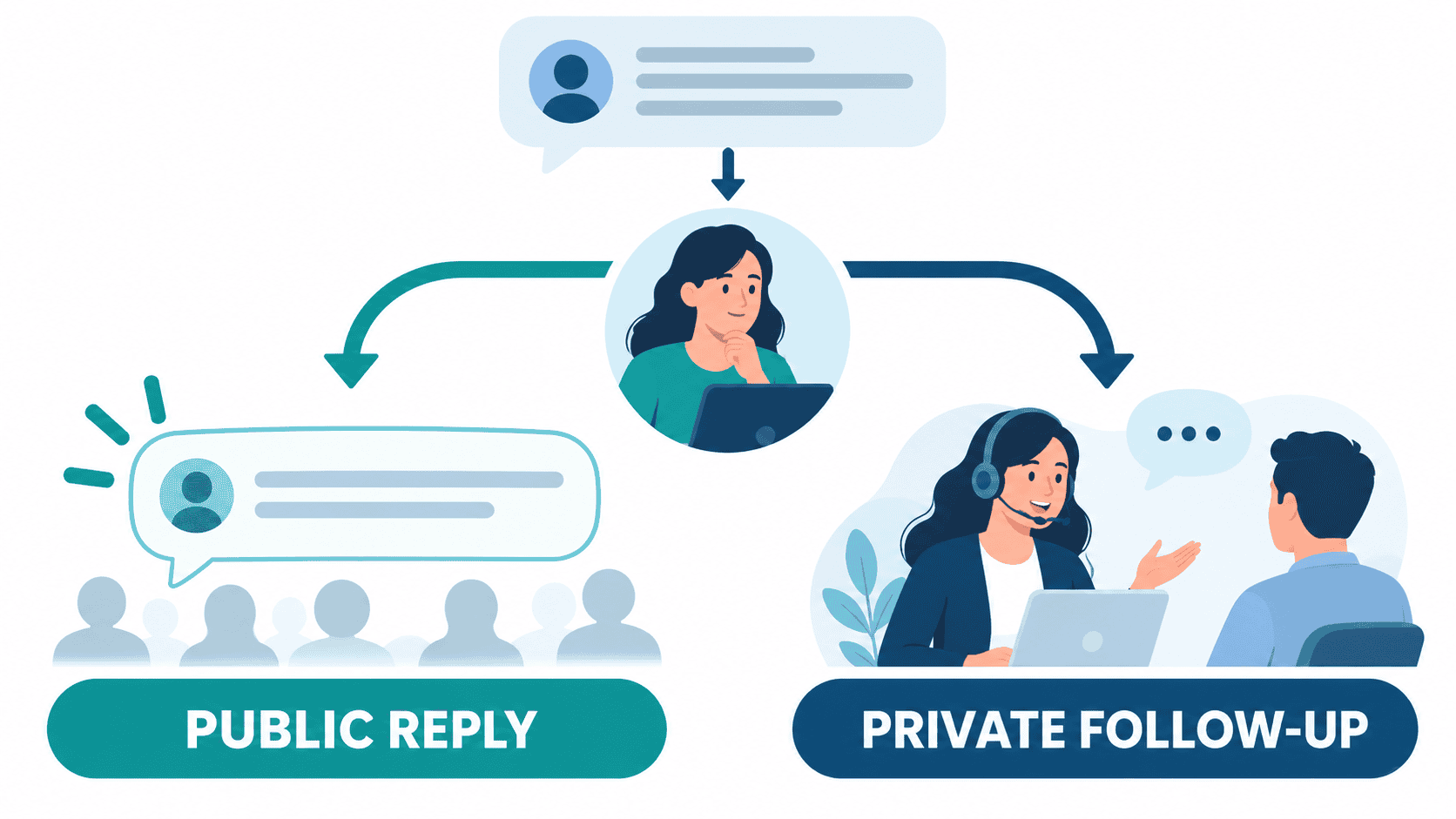
Auto commenting is often used as a catch-all label for several different jobs. Start by naming the action you actually need. Otherwise, a tool that helps answer incoming messages may be mistaken for software that can publish comments anywhere, or a moderation rule may be mistaken for permission to contact everyone who visits a post.
- Public reply: an acknowledgement or answer visible beneath a Page post.
- Private follow-up: a separate customer conversation, only when the connected account, current rules and requested interaction allow it.
- Модерация: reviewing or managing comments rather than answering them.
- Assisted reply: a suggested response that a team member checks before using.
These are workflow descriptions, not a statement that every Facebook account or tool includes each action. A small retailer may need a public opening-hours answer. A service business may need a person to review an estimate request. An agency may need to separate several clients and make sure the right team sees each comment. The best starting scope is the smallest one that solves that specific job.
Keep inbound customer care separate from posting on unrelated Pages or conversations to manufacture exposure. For a related discussion of artificial engagement, see our Facebook likes automation explained. A helpful response to an existing customer question is a different goal from increasing a visible activity count.
Check Page Access and Rules Before Automating a Reply
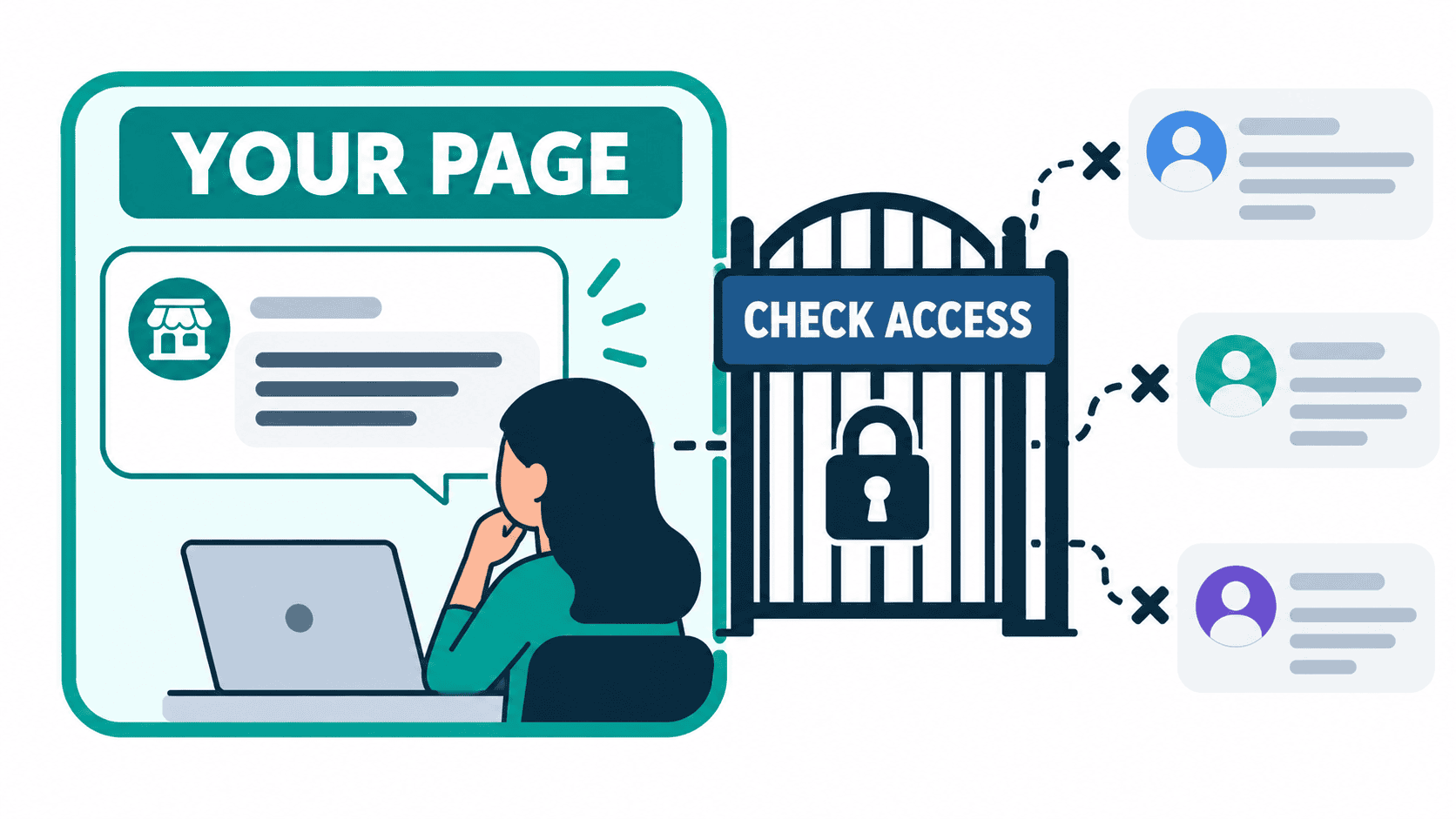
Before selecting a trigger, confirm the Page your business controls and the actions your connected account is allowed to perform. The illustration below shows that boundary: your own Page and reviewed access, not unrelated public conversations. It is a conceptual diagram, not a screenshot of a configured account.
Meta states in its published anti-spam guidance that it acts against accounts gaming distribution, spam networks and coordinated fake engagement. That supports avoiding artificial activity; it does not establish that one vendor is ban-proof or that an exact number of public replies is always permitted. Read the official anti-spam guidance alongside the current controls and notices shown in your account.
Check who can manage the Page, what the tool requests during connection, and whether the selected comment or message action is actually available. Do not share full account sign-in details with an unfamiliar service simply because its sales page promises a shortcut. Use the supported connection process and keep a person responsible for reviewing access and disconnecting a tool when needed.
For private follow-up, verify the current account-specific eligibility, timing and continuation rules before enabling it. This guide does not give a universal private-message window or an hourly comment allowance. A reply to a post is not blanket consent for an unrelated marketing conversation. Keep the follow-up relevant to what the person asked and offer a clear human path for anything outside that request.
Start With Native Controls and Human Review
Check the controls already available in the Page and business account before paying for another platform. Inspect the current inbox, saved-response and moderation options rather than following an old screenshot as if every account has the same menu. Availability, labels and access can differ. Record the actual action you can use, who has permission, and what the customer will see.
A saved answer with human review can be the right solution when questions are infrequent or depend on context. Write an opening-hours answer, a service-area answer and a route for more complicated requests. Give staff the source they should consult before confirming a price, appointment or stock item. Faster drafting is useful only if the answer remains accurate.
Separate message response from comment response during this review. If customers mostly need help in Messenger, use our Настройка автоответчика в Messenger as related reading, then verify the controls currently available to your Page. Do not assume an inbox response automatically creates the public-comment behavior you want.
Consider a separate tool when the demonstrated gap is assignment across staff, management of several Pages, or a supported action missing from your present setup. Write that gap down before evaluating a demo. This prevents buying a large automation package when the real need is clearer answer ownership or a better way to notice unanswered comments.
Compare Facebook Comment Tools by the Job You Need Done
Compare a public answer, a private follow-up and moderation as distinct tasks. The following illustration shows those choices after review; it does not confirm that every vendor supports both reply paths. Use the table as an evaluation checklist, not a measured ranking of safety or account-ban risk.
| Опция | Source-backed starting point | What to verify before choosing |
|---|---|---|
| Бот для мессенджера | Public Starter, Pro and Agency offers | The selected plan, connected Page actions and human handoff for your intended flow |
| Manychat | Its current public plans describe comment and message automation | Account cohort, eligible channels, active-contact billing and the exact trigger behavior |
| Chatfuel | Its current public offer and trial information | A demonstration of the specific Page comment action, scope and final quoted costs |
| CommentGuard | Its site describes moderation, auto-replies and private-message management | The actions included in your plan and how staff review exceptions |
| Agorapulse | Its help documentation describes automated inbox moderation | Plan access, staff permissions and whether you need routing rather than an automatic reply |
| Respond.io | Its site describes customer conversations in a team inbox | The supported Page entry point and what happens after a comment becomes a conversation |
These descriptions come from public vendor materials reviewed on October 12, not a hands-on comparison of configured customer accounts. They are not endorsements by Meta. Do not choose from a generic high/medium/low safety score: that would hide differences in permissions, actual configuration and the content your team sends.
Ask each candidate to demonstrate one ordinary question, one ambiguous comment, a repeat comment, a disconnected account and a sensitive complaint. Confirm that a person can intervene and that the public thread does not receive an inappropriate message. Keep the demonstrated behavior separate from features mentioned on a marketing page but not included in your offer.
For a broader builder comparison, see our free Facebook chatbot builders. Treat account-specific plan terms as the purchasing source of truth. A general builder guide cannot tell you the effective permissions or billing limits in a particular account.
Compare Current Costs Without Reusing Old Promotional Prices
The public Messenger Bot pricing page reviewed on October 12 lists Starter at $29/month, Pro at $99/month and Agency at $299/month. It also advertises a seven-day trial. Confirm the offer, eligibility and final terms before signing up. These are published prices, not a claim that your desired comment workflow is configured or included without limits.
Manychat illustrates why older price tables need care: its current public Free plan shows 25 active contacts per month, while its billing guidance separately describes older account plans. Region and account eligibility matter. Do not treat a legacy price, an annually billed monthly equivalent or a new-plan contact allowance as interchangeable with the final monthly offer in your own account.
The other third-party prices from the older version of this guide are not carried forward as current quotes. Compare the actual charge basis: contacts, seats, connected Pages, usage, billing period, trial renewal and any extra service required for your intended action. An attractive headline price is not enough to calculate the cost of handling your real comment workload.
For Messenger Bot, Проверьте текущие цены and confirm the connected Page flow before choosing a plan. For any option, write down the total offer and cancellation terms in the same review. If you cannot explain what your team will pay or what the customer-facing action does, keep that action with staff until the uncertainty is resolved.
Build a Bounded Comment-Reply Pilot
Use a controlled pilot to learn whether the workflow answers the right question, not to discover how many comments you can publish before a warning. The checklist below is editorial operating advice. It is not an official Meta rate limit, a guarantee against restrictions or an instruction to enable an unverified product feature.
- Choose a question your team can answer reliably. Start with an opening-hours request or a request for an existing resource, not a refund decision or a changing price.
- Choose the exact business-owned Page and post. Confirm scope with the person responsible for that Page.
- Confirm the available action. Verify public reply, private follow-up or assisted drafting separately in the current connected account.
- Write the answer and exception path. Decide what should happen if the comment is unclear, sensitive or outside the service offered.
- Test before wider use. Review ordinary, repeated and ambiguous inputs, missing permissions and a failed follow-up.
- Keep staff takeover available. A person must be able to stop an unsuitable response and handle the next step.
- Review results before expanding scope. Add another use case only after the existing one gives accurate, useful answers.
A public acknowledgement should not claim that a private message was delivered unless delivery has actually been confirmed. It should not confirm an appointment, quote, stock reservation or refund that still needs staff approval. Keep the wording at the stage the request has reached: received, awaiting review, or answered with verified information.
Design repeat handling deliberately. A person may comment again because they did not receive help, not because they want another identical acknowledgement. Let staff see the context and avoid making unsupported duplicate-prevention promises about a tool. If the connection fails or the source answer becomes outdated, stop using that automated action and return to a reviewed response.
Write Comment Templates That Do Not Invent Completed Actions
The examples below are proposed wording for a business to adapt and review. They are not observed customer results or a statement that a message, booking or sale has occurred. Replace the marked values only with verified business information. Do not put private order details, personal contact information or sensitive account data in a public comment.
A Resource Request
Thanks for your interest. Tell us which resource you need and we can help you find the right next step.
This avoids claiming that a guide has already arrived in a private inbox. If a supported follow-up is confirmed, a staff member can use wording appropriate to that actual outcome. Keep failure handling separate from the normal answer so someone who needs help is not told to trigger the same action repeatedly.
A Local Service or Estimate Request
Thanks for asking. Share the type of service and general area through our supported contact option. Our team will review the request before confirming availability or a quote.
A general service area can help route a request, but it is not approval to collect a home address publicly. Confirm the appropriate private contact path with your team. Avoid an exact response-time promise unless the business can meet it and knows how exceptions will be handled.
A Product Availability Question
Tell us the product or size you need. We will check current availability before confirming the next step.
Do not copy a stock answer from an old post if inventory changes. A person should check the current source before saying an item is available or reserved. The same principle applies to a price, shipping option or promotion that may differ by product or location.
A Support Complaint
Thanks for letting us know. Please use our supported private contact option so our team can review the issue without sharing personal details in the public thread.
Keep complaints, payment disputes and requests for account access with a person. Do not treat a complaint keyword as a sales trigger. The useful outcome is getting the customer to the right reviewer, not increasing the number of visible replies.
Keep Different Business Use Cases Separate
For a US local-service business, a comment asking about an estimate should lead to scope review, not an automatic promise of a booking. The staff member needs to confirm service area, work requested and actual availability. A response can explain that next step without claiming a finished quote or exposing private property details.
For an ecommerce business, separate product questions from order-support questions. General sizing or opening-hours information may be suitable for a reviewed answer. An existing order, disputed payment or account-access issue needs a private supported channel and staff review. A single response pool for both situations makes it easier to answer the wrong question.
For an agency, keep each client Page, answer source and staff owner distinct. An answer appropriate to one business may be wrong for another. Confirm that the tool and the selected plan support the intended separation before using it across clients. Do not infer multi-Page governance from an agency label alone.
These are illustrative operating scenarios, not measured customer cases. Use them to write your own scope and test inputs. The business should be able to explain who reviews exceptions, what information a reply relies on and what the customer can do when the first answer does not resolve the request.
Measure Useful Replies, Not Just More Activity
Review whether the customer received a correct next step. Useful measures include time to a reviewed answer, unresolved questions, repeat contacts and the number of requests that required staff correction. Define each measure before changing the workflow so a rise in acknowledgements is not mistaken for more solved problems.
Keep public comments, private conversations and business outcomes separate. A public reply is not a qualified lead. A lead is not a confirmed appointment, and a confirmed appointment is not a paid sale. Use the actual business record for the final outcome rather than treating a keyword match or a conversation count as completion.
Compare similar periods and note changes in advertising, post topics, promotions, staffing and seasonality. If one week has a new offer or substantially different traffic, a response-rate comparison alone cannot establish that comment automation caused the change. Do not promise an engagement, conversion or reach multiplier from a template or a tool choice.
Keep a short exception log: inaccurate answer, unclear request, repeated reply, permission problem, failed follow-up or staff takeover. Use it to correct the answer source and scope. A process that creates more activity but more corrections needs repair before expansion, even if its visible response count looks impressive.
Choose a Better Workflow When Auto Commenting Is Not the Answer
If most questions need context, a reviewed answer library and clear staff ownership may help more than a trigger. If the problem is delayed private support, improve that conversation path rather than filling the public thread with acknowledgements. If the problem is unclear offers or missing opening-hours information, fix the source information first.
For wider follow-up planning, our стратегии маркетинга чат-ботов is related reading. Compare any numerical performance claim with your own measured outcomes before using it as a target. A comment response should fit the wider customer journey, not replace evidence of a useful conversation or a sale.
The practical choice is the one your team can explain, supervise and stop. Confirm the current offer, supported Page actions and staff handoff, then start with the narrow customer question you can answer accurately. Keep the customer informed about the next step without promising immunity from restrictions or an outcome that still needs a person.
To compare the current Messenger Bot offer, See Our Plans, then confirm the specific Page workflow and trial eligibility before signing up.
Часто задаваемые вопросы
Is auto commenting on Facebook allowed?
It depends on the action, account access and current rules. Confirm the supported Page connection and the exact public or private reply action before enabling it. Avoid spam and artificial engagement. A vendor listing is not proof of permission for every account or use case.
Can I auto comment on my own posts without getting banned?
No tool or workflow guarantees protection from restrictions. Keep the action within the Page access you can verify, follow current account notices, review the reply content and retain human takeover. Stop an unsuitable action rather than treating a delay or reply count as immunity.
How many automatic Facebook comments per hour are safe?
This guide does not prescribe a universal safe hourly allowance. Follow the current limits and notices for the connected account and supported action. Evaluate reply quality and exceptions instead of trying to turn an editorial pilot suggestion into an official platform rate limit.
What is the best auto comment tool for a Facebook Page?
Choose around the job: public reply, private follow-up, moderation or assisted drafting. Verify the current plan, permissions, pricing and exception handling in the actual account. Demonstrate the intended action before buying around a generic safety score or an older price table.
What is the difference between auto commenting and auto replying?
A public comment reply appears in the thread. A private reply continues separately when the account and current rules allow it. An assisted reply is a draft for a person to review. Confirm which action a tool provides rather than assuming these labels mean the same thing.



 Русский
  English
  Tagalog
  简体中文
简体中文  العربية
  हिन्दी
  Português do Brasil
  Español de México
  Français
  বাংলা
বাংলা  香港中文
香港中文  繁體中文
繁體中文  Nederlands
  Deutsch
  Bahasa Indonesia
  日本語
日本語  한국어
한국어  Polski
  Español
  Tiếng Việt