
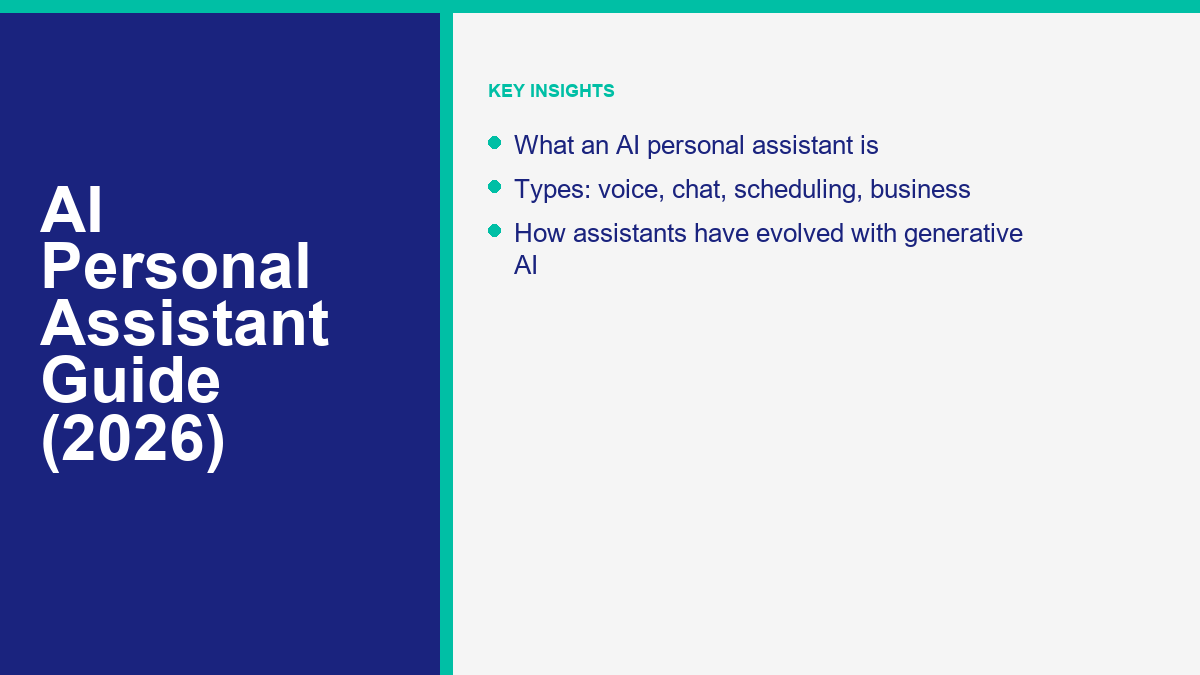
What Is an AI Personal Assistant?
An ai personal assistant is a software application designed to perform tasks, organize schedules, retrieve information, and execute digital workflows based on natural language instructions. Unlike early digital helpers that operated on fixed, pre-programmed rules, modern versions rely on advanced machine learning algorithms to understand intent, interpret context, and learn from user interactions. These assistants serve as active digital partners. They interpret messy, unstructured text or voice inputs and translate them into coordinated actions, such as writing emails, scheduling appointments, or synthesizing complex research papers.
The utility of an ai personal assistant lies in its ability to adapt. For example, instead of requiring a specific syntax to add an item to a list, a user can speak naturally, saying, “Put that client meeting on my schedule for Thursday afternoon and remind me to review their brief two hours before.” The assistant parses the date, identifies the target calendar, schedules the event, drafts a reminder, and links the necessary file. This conversational interface removes friction, allowing individuals to manage their digital lives with minimal manual intervention. By acting as a central hub for personal and professional tasks, these systems are redefining how humans interact with technology, moving from rigid, command-based interfaces to collaborative partnerships. This software is no longer a novelty; it is a foundational component of modern workflow optimization.
To fully grasp the capabilities of these tools, it is helpful to look at the underlying technologies. Modern systems leverage natural language processing and semantic understanding to figure out what you mean, not just what you say. They map requests to underlying databases, execute API calls to other applications, and present results in a clear, conversational format. As these systems continue to improve, they are moving away from simple query-and-response mechanisms toward proactive assistance, where the software anticipates user needs based on historic patterns and upcoming events.
How AI Personal Assistants Have Evolved
The journey from early voice recognition tools to modern cognitive systems has been marked by significant architectural breakthroughs. In the early days of mobile technology, tools functioned as basic voice command systems. They mapped specific audio signals to predefined actions. If a user asked a question outside the coded templates, the system would default to a web search or report that it did not understand. These early versions lacked memory, contextual awareness, and the ability to process multi-turn conversations. They were helpful for setting simple alarms but struggled with anything resembling a true dialogue.
The landscape changed dramatically with the introduction of generative large language models. Rather than relying on simple pattern-matching, modern systems utilize deep learning neural networks trained on massive datasets of human language. This enables a contemporary voice assistant ai to comprehend nuance, sarcasm, and indirect phrasing. The transition from rule-based response systems to generative reasoning has allowed these tools to execute multi-step workflows. For instance, rather than simply setting a timer, a modern assistant can analyze a recipe, suggest ingredient substitutions based on dietary preferences, adjust cooking times for different portions, and compile a structured shopping list.
In recently developed systems, the integration of multimodal capabilities has further expanded this evolution. Modern assistants can look at images, read PDFs, analyze spreadsheets, and interact with software interfaces in ways that closely mirror human workflows. This shift from simple automation to cognitive reasoning represents the true evolution of the field. Today, these tools operate as agents rather than simple scripts, meaning they can plan, execute, check for errors, and self-correct without needing constant human intervention at every step. This makes them significantly more reliable for complex tasks.
Types of AI Personal Assistants
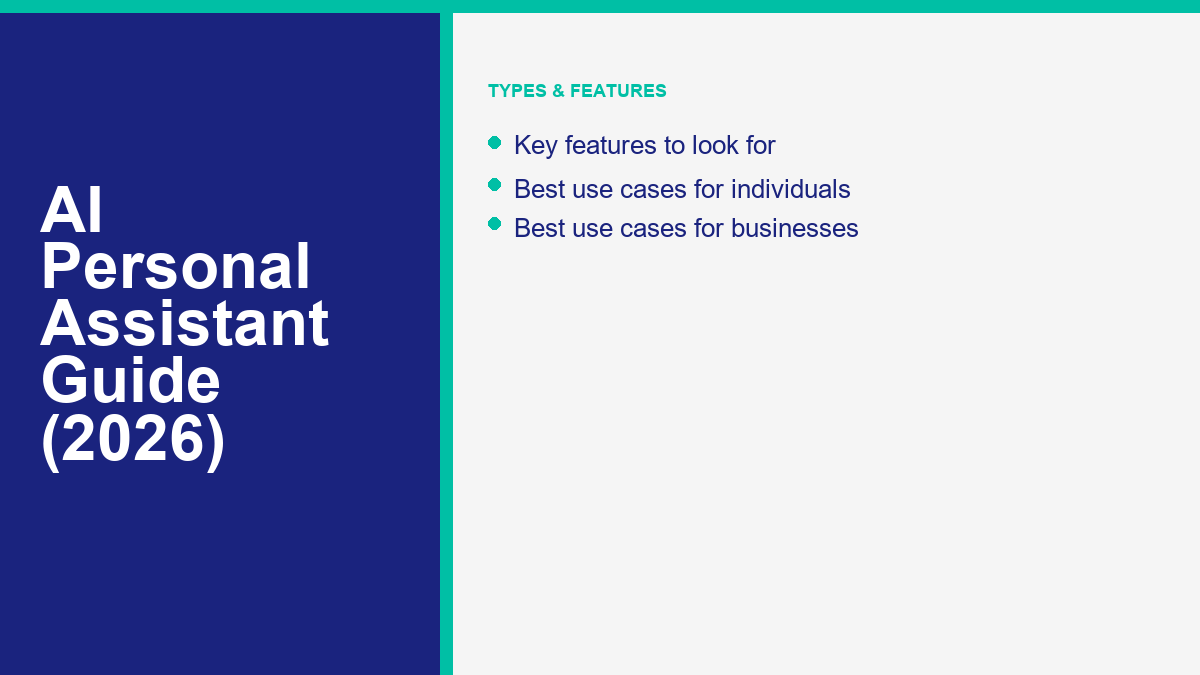
Not all assistants are designed for the same tasks. Understanding the categories is essential for choosing the right tool for your specific workflow. By classifying these systems, you can better understand where to invest your time and resources.
Голосовые помощники
A voice assistant ai focuses heavily on verbal communication and hands-free control. These tools are commonly embedded in smart home ecosystems, mobile operating systems, and vehicles. They excel at managing ambient tasks, such as adjusting thermostat settings, playing media, dictating text messages, or retrieving quick facts while the user is engaged in other activities. Their primary strength is speed and accessibility, though they may lack the depth required for complex text creation, document formatting, or database management.
Chat-Based Productivity Assistants
Designed primarily for text-based collaboration, a personal ai assistant app in this category acts as a writing partner, research analyst, and brainstorming companion. These tools are often accessed via web browsers or dedicated desktop applications. They excel at generating drafts, summarizing long articles, analyzing data sets, and explaining complex concepts. Knowledge workers frequently utilize an ai assistant for productivity to overcome writer’s block, clean up messy drafts, and serialize information from multiple source documents.
Scheduling and Calendar Assistants
Managing calendars across different time zones, organizations, and personal schedules can be highly time-consuming. An ai scheduling assistant focuses entirely on resolving these logistics. By integrating directly with calendar software, email clients, and video conferencing tools, these assistants can negotiate meeting times with external contacts, block out focus time based on historical productivity patterns, and handle automatic rescheduling when conflicts arise. They eliminate the back-and-forth emails typically required to find a mutually convenient meeting slot, automating the negotiation process entirely.
Business and Customer-Facing Assistants
These systems are deployed by organizations to automate client acquisition, handle customer support queries, and manage transactional databases. Instead of general-purpose advice, these assistants are trained on specific company documentation, product catalogs, and customer support databases. They allow businesses to provide instant support, qualify leads, and manage bookings. Organizations aiming to implement advanced conversational tools often choose platforms like Функции MessengerBot Pro to automate customer engagement across messaging channels, ensuring that queries are resolved promptly without manual developer intervention. These tools bridge the gap between simple text response systems and complex enterprise integrations.
| Assistant Type | Primary Use Case | Key Strength |
|---|---|---|
| Голосовой помощник | Hands-free smart home control and quick verbal commands | High accessibility and convenience in hands-free settings |
| Chat-Based Productivity | Drafting content, researching topics, and brainstorming | Deep text understanding and creative output generation |
| Scheduling Assistant | Calendar coordination and automated meeting booking | Seamless calendar sync and multi-party negotiation |
| Business Conversational | Customer support, lead capture, and channel automation | Scalable interaction handling and structured database integration |
Ключевые особенности, на которые стоит обратить внимание
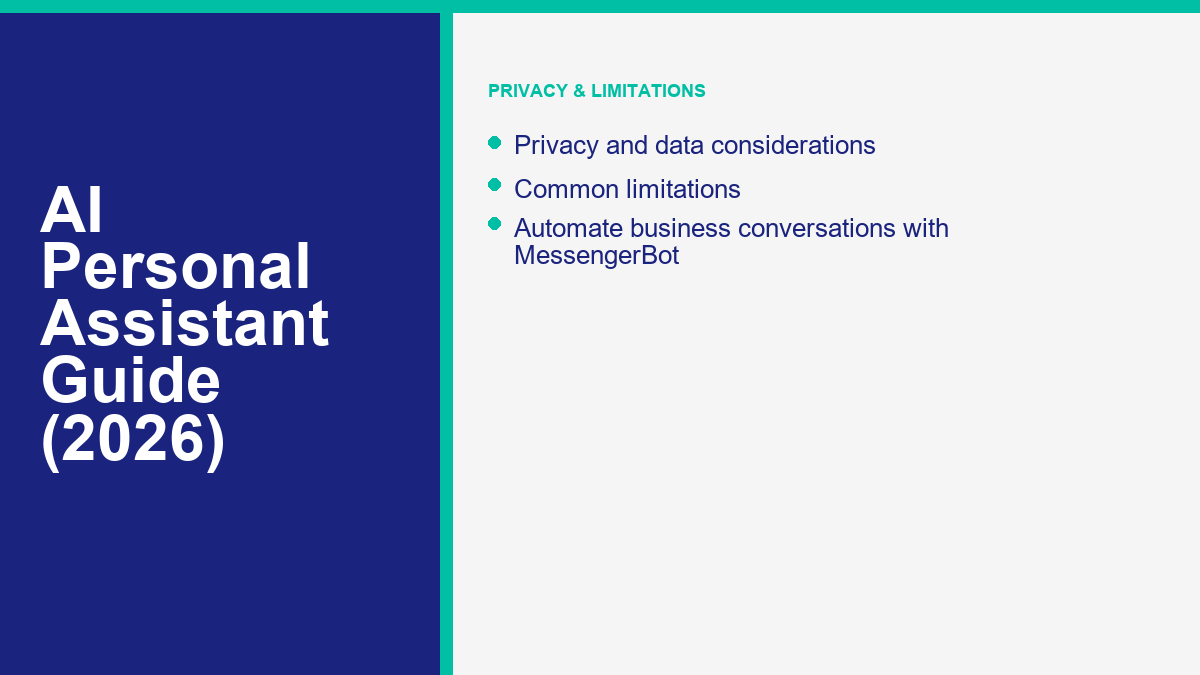
When searching for the best ai personal assistant, several core capabilities should guide your evaluation. A feature-rich assistant can significantly reduce the amount of time you spend on repetitive administrative tasks.
Contextual Memory and Personalization
A key feature of a premium assistant is its ability to retain information across sessions. It should remember your preferences, writing style, professional role, and past projects. Without memory, every interaction requires starting from scratch, which severely limits the tool’s effectiveness as a long-term partner. Personalization options allow the assistant to adjust its vocabulary, response length, and tone to match your exact needs, making the interaction feel more natural and efficient.
Robust Integration Options
An assistant is only as useful as the tools it can interact with. Look for software that connects with your calendar, email client, project management boards, and cloud storage. The ability to push and pull data across different systems transforms a simple text generator into an active workflow operator. For example, if your assistant can read a project board, it can proactively warn you about upcoming deadlines and draft the necessary deliverables, saving you from manual copying and pasting.
Мультимодальные возможности
Modern workflows rarely rely on text alone. The ability to upload screenshots, PDF reports, audio recordings, or spreadsheets and ask the assistant to analyze them is a vital feature. A multimodal assistant can inspect a graph, highlight trends, and draft an executive summary in one seamless process. This saves you from having to manually transcribe data or describe complex visual layouts in text.
Multi-Device Sync
Whether you are working at a desktop, checking your phone on the go, or using voice commands in the car, your assistant should synchronize instantly across all devices. This ensures that tasks created during a morning commute are immediately visible on your desktop work list. A unified experience across mobile, desktop, and web interfaces is essential for maintaining a consistent workflow throughout the day.
Best Use Cases for Individuals
For personal use, an ai virtual assistant can act as a force multiplier for daily productivity and organization. By offloading routine administrative burdens, individuals can reclaim hours of time each week.
Writing and Communication Support
Many users find that drafting emails, proofreading messages, and adjusting the tone of written correspondence takes up a significant portion of their day. An assistant can quickly generate email drafts based on simple bullet points, refine the tone to be more professional or friendly, and catch grammatical errors that standard spell-checkers miss. This is particularly useful for drafting difficult responses or summarizing long email threads.
Research and Learning
When studying a new topic or trying to understand a complex industry report, you can use an assistant to summarize key points, explain difficult terms, and generate practice questions. This customized learning approach helps users grasp new information faster than traditional web browsing. You can ask the assistant to explain a concept as if you were a beginner, then gradually ask for more advanced explanations as your understanding grows.
Personal Organization and Task Management
An assistant can help structure your daily routine by organizing to-do lists, setting context-aware reminders, and breaking down large goals into smaller, manageable steps. By acting as a central coordinator, it reduces the cognitive load of keeping track of daily chores, fitness routines, and professional goals. For instance, you can ask it to plan a weekly workout routine based on your schedule and send daily reminders with the specific exercises for that day.
Best Use Cases for Businesses
Businesses leverage AI assistants to streamline workflows, reduce overhead, and improve client satisfaction. By automating repetitive tasks, teams can focus on strategic initiatives rather than administrative upkeep.
Автоматизированная поддержка клиентов
By training an assistant on FAQ documentation and product manuals, companies can resolve standard customer queries instantly. This ensures that clients receive answers without waiting for a human agent, freeing up support teams to handle complex issues. It also provides a consistent customer experience, as the assistant delivers accurate, approved answers every time, regardless of the volume of requests.
Генерация и квалификация лидов
An assistant can engage site visitors, ask qualifying questions about their budget and needs, collect contact details, and schedule follow-up calls directly on a sales representative’s calendar. This keeps the lead pipeline active twenty-four hours a day, ensuring that potential clients receive immediate attention even outside of standard business hours.
Meeting Operations and Summarization
Modern business assistants can join video calls, record the conversation, generate transcripts, and write accurate meeting summaries. They can also identify action items and assign them to specific team members, ensuring that meeting outcomes are documented and executed. This eliminates the need for manual note-taking and helps keep projects on track by providing clear documentation of decisions made during discussions.
AI Personal Assistants vs Traditional Digital Assistants
To appreciate the current generation of tools, it is helpful to contrast them with the traditional digital helpers of the past decade. Traditional systems relied on keyword recognition. If a user did not speak the exact phrase programmed by the developers, the assistant would fail to perform the action. These legacy systems worked with isolated commands and could not link thoughts together. They could set a timer or tell you the weather, but they could not understand context or hold a dialogue.
In contrast, modern AI-driven assistants utilize semantic understanding. They comprehend the underlying meaning behind a sentence, even if it is phrased in an unusual or colloquial way. They maintain state, meaning they remember what was discussed three sentences ago. This allows for fluid, conversational interaction where the user can say “change that to 3 PM” without having to restate the entire event details. Furthermore, modern assistants are capable of reasoning. They can evaluate multiple scheduling options, weigh the pros and cons of different task orders, and suggest optimized paths forward based on user preferences and historic behavior.
This cognitive depth also enables modern assistants to handle ambiguity. If you tell a traditional assistant to “schedule a meeting with Sarah,” it will likely error because it does not know which Sarah or what time. A modern assistant will check your frequent contacts, identify the most likely Sarah, review your calendar for open slots, and ask a clarifying question like, “I found Sarah Miller and Sarah Jenkins. Do you want to schedule the meeting with Sarah Miller tomorrow at 2 PM, which is your next open slot?” This reduces the user’s manual checking and typing.
Privacy and Data Considerations
As these assistants become more integrated into our daily workflows, data security and privacy must be prioritized. These systems process sensitive information, including personal emails, business databases, financial records, and calendar details. Users must actively manage their privacy settings to protect their personal information.
Data Storage and Training Policies
Users must verify how their data is handled by the provider. Many consumer-grade assistants use chat logs to train their underlying models. For sensitive business use, it is critical to opt out of data sharing or choose enterprise tiers that guarantee that data is never stored or used for model training. Reading the privacy policy and settings menu is necessary to ensure your data remains confidential.
Стандарты шифрования
Ensure that any tool you connect to your personal accounts uses industry-standard encryption protocols for data in transit and at rest. This protects your credentials and private files from unauthorized access. A reliable assistant provider will clearly state its security measures, compliance certifications, and encryption standards on its website.
Local Processing Alternatives
For the highest level of privacy, some users choose models that run entirely on local hardware. These systems do not send data to cloud servers, ensuring that your files and conversations remain completely private. While local processing requires more powerful hardware and may lack access to real-time web searches, it offers complete control over your personal data, eliminating dependencies on external servers.
How to Choose the Right AI Personal Assistant
Selecting the right tool requires analyzing your specific needs, budget, and technical environment. Taking a structured approach prevents you from subscribing to multiple services that do not align with your actual workflow.
Identify the Primary Goal
Start by defining what you want the assistant to do. If your biggest bottleneck is writing emails, look for a chat-based productivity tool. If you spend hours coordinating meetings, select a dedicated scheduling assistant. Matching the tool to the specific problem prevents paying for unnecessary features and helps you focus on mastering one tool at a time.
Check Integration Compatibility
Review the assistant’s integration list before signing up. If you rely on specific email providers, project management platforms, or document repositories, the assistant must connect with those systems smoothly. If it does not, you will find yourself wasting time copying and pasting data, which defeats the purpose of using an assistant in the first place.
Evaluate Cost and Value
Compare pricing models across different platforms. Some assistants offer robust free tiers, while others require monthly subscriptions or consumption-based API pricing. Calculate the expected time savings to determine if the subscription cost is justified. A tool that saves you five hours of administrative work per week is easily worth a monthly subscription fee, whereas a tool you rarely use is not.
Setting Up an AI Assistant for Your Business or Workflow
Implementing an assistant effectively requires structured setup and ongoing monitoring. Simply giving the assistant access to your tools is not enough; you must guide its behavior to ensure it works accurately.
Define Guidelines and Scope
Begin by outlining clear rules for the assistant. Specify the tone of voice, preferred formatting, and boundaries. For business assistants, define exactly what information they are authorized to share with customers and when they should pass the conversation to a human teammate. Providing a clear set of guidelines helps prevent the assistant from sharing incorrect or unauthorized information.
Connect Systems and Run Tests
Integrate the assistant with your calendars, communication channels, and databases. Run extensive tests using simulated conversations to see how the system handles complex requests, conflicting appointments, or vague customer queries. Testing helps identify bugs and gaps in the assistant’s knowledge base before it starts interacting with real clients.
Monitor and Refine
Review conversation logs regularly during the first few weeks of deployment. Identify areas where the assistant misunderstood instructions or struggled to find the correct data. Refine the guidelines, prompts, and training data to improve accuracy over time. Continuous monitoring ensures that the assistant adapts to changing business needs and remains a valuable asset.
Common Limitations
While modern assistants are powerful, they are not without limitations. Knowing these constraints helps set realistic expectations and prevents frustration during daily use.
Hallucinations and Factual Instability
AI assistants can occasionally generate incorrect information with high confidence. It is essential to verify facts, dates, and technical details before sharing them with clients, making business decisions, or publishing content. Never assume that an assistant’s output is one hundred percent accurate without checking the source data.
Limited Real-World Agency
Most assistants can manage data and software interfaces but cannot perform physical tasks or navigate complex real-world workflows without custom integrations. They are digital guides, not physical operators. While they can draft an email or schedule a call, they cannot make purchases, sign legal documents, or resolve disputes without human approval.
Network and Server Dependencies
Cloud-based tools rely on stable internet connections and provider uptime. If the provider’s servers go down or your internet connection drops, you may lose access to your assistant, disrupting your daily workflow. Having a manual backup plan for critical tasks like scheduling and client communication is always recommended.
Часто задаваемые вопросы
What is the main difference between an AI personal assistant and a standard search engine?
A search engine lists web pages based on matching keywords, requiring you to read and compile the information. An AI assistant understands natural language questions, reads the data, and provides a direct, synthesized response or executes a task on your behalf.
Can an AI scheduling assistant manage multiple calendars simultaneously?
Yes. Most dedicated scheduling tools can connect to personal, business, and collaborative calendars to check availability, prevent double-bookings, and coordinate times across different accounts.
Is it safe to share sensitive business data with an AI personal assistant?
It depends on the tool and your settings. Consumer tools may use your data for training. For sensitive information, you should choose enterprise plans with strict data privacy agreements or configure the tool to disable model training features.
Do I need programming skills to set up a personal AI assistant app?
No. Most consumer and productivity assistants feature intuitive interfaces and pre-built integrations that can be configured in a few clicks. Custom enterprise setups may require some configuration, but basic use is highly accessible.
Can an AI assistant function completely offline?
Some lightweight models can run locally on modern computers and mobile devices, allowing for offline text processing and basic tasks. However, advanced capabilities and web searches still require an active internet connection.
How does an assistant handle conversations when it does not know the answer?
A well-configured assistant will acknowledge its limitations and offer to forward the query to a human agent, perform a web search, or suggest where the user can find the information manually.
Ключевые выводы
- Modern AI assistants use generative models to understand intent and context, offering a conversational approach to digital tasks.
- Tools are categorized into voice assistants, productivity partners, scheduling managers, and custom business platforms.
- Choosing the right assistant requires matching the tool to your primary workflow bottleneck and verifying compatibility with your current software.
- Maintaining data privacy requires reviewing vendor policies, adjusting settings to disable training options, or choosing enterprise-grade security.
- Recognizing limitations like hallucinations ensures you use these digital assistants safely and productively.



 Русский
  English
  Tagalog
  简体中文
简体中文  العربية
  हिन्दी
  Português do Brasil
  Español de México
  Français
  বাংলা
বাংলা  香港中文
香港中文  繁體中文
繁體中文  Nederlands
  Deutsch
  Bahasa Indonesia
  日本語
日本語  한국어
한국어  Polski
  Español
  Tiếng Việt