
Understanding the Google Gemini AI Chatbot
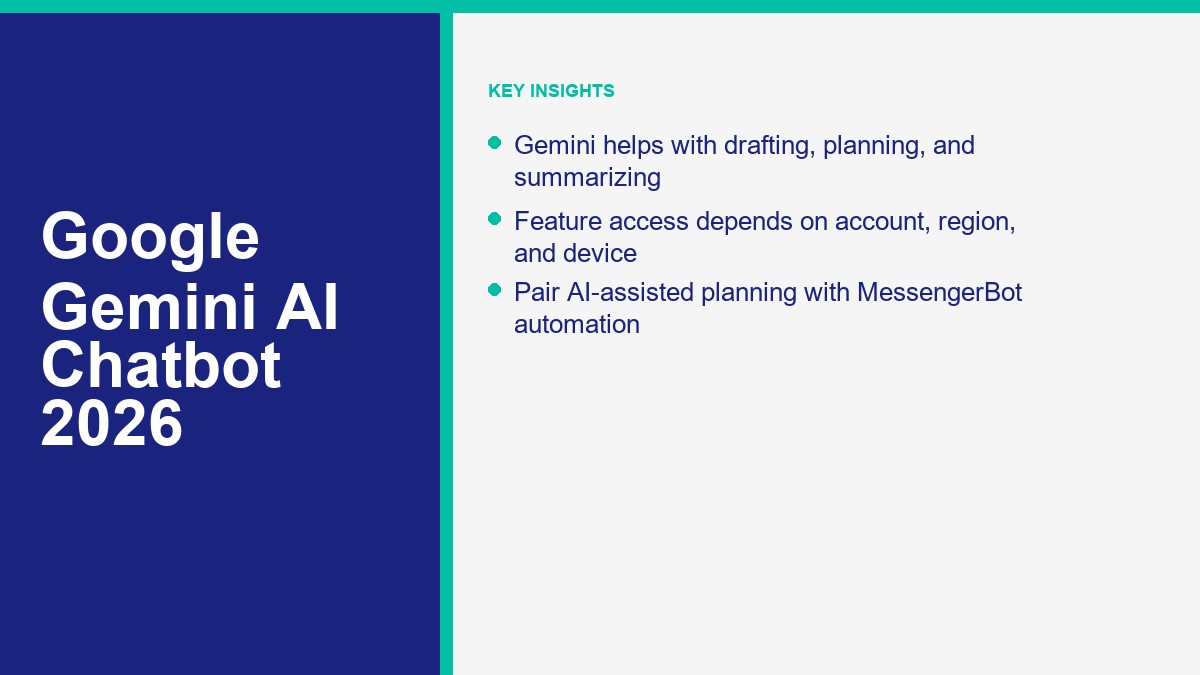
The Google Gemini AI chatbot represents a significant evolution in how individuals and businesses interact with artificial intelligence. Built on a foundation of sophisticated large language models developed by Google, this assistant is designed to be a versatile tool for brainstorming, planning, and content creation. Unlike basic search engines that provide a list of links, the Gemini AI assistant engages in a conversational manner, providing synthesized answers and creative outputs based on the vast information it has been trained on.
For many users, the Google AI chatbot serves as a collaborative partner. It can help you move from a blank page to a usable first draft when you are writing an email, a blog post, or a project proposal. The practical goal of the Gemini chatbot app is to support productivity by helping with repetitive or cognitively demanding tasks like summarization, translation, planning, and structured drafting. In 2026, tools like this are becoming common workflow aids for marketers, developers, and small business owners.
It is useful to view Gemini not just as a standalone webpage, but as an integrated layer across various services. Google has designed Gemini to be accessible where people already work, making it more of a pervasive AI assistant than a simple chat interface. This integration allows the chatbot to pull from and interact with other tools in the Google ecosystem, depending on user settings and account types. By understanding the core logic behind Gemini, users can better leverage its strengths while remaining aware of the inherent limitations of generative AI technology.
The transition from “Search” to “Assist” is the defining characteristic of the google gemini ai chatbot. Instead of merely retrieving data, the system attempts to understand intent. This shift requires users to think differently about their prompts. A high-quality prompt for Gemini often includes context, specific goals, and a defined tone. The more information you provide the chatbot, the more useful the response becomes. This interactive nature is what distinguishes Gemini from previous generations of automated assistants.
Accessing Gemini Across the Google Ecosystem
One of the primary advantages of the Google Gemini chatbot is its availability across multiple platforms and devices. Users can access the AI assistant through the web, dedicated mobile applications, and integrations within other software suites. This flexibility makes the assistant useful at a desk, on a phone, or during a planning session.
On the web, users can visit the official Gemini portal to start a conversation. This interface is optimized for long-form research and complex task management. For those who prefer mobile access, the Gemini chatbot app is available for download on various app stores, though availability depends on your specific region and device. The mobile app often supports voice input and camera integration, allowing you to ask questions about things you see or record voice memos that the AI can then summarize or expand upon.
Beyond standalone apps, Gemini can also appear inside Google Workspace tools when the account, plan, region, and admin settings support it. Depending on your setup, you may see Gemini available in tools like Docs, Sheets, or Gmail. In those environments, the AI may help draft text, summarize information, or organize work without requiring as much tab switching.
For work and school users, Gemini availability and data handling can differ from personal accounts. Administrators may control whether Gemini is available and which connected features users can access. Regardless of the entry point, users should check their specific account settings to see which Gemini features are enabled for their region, device, and account type.
Core Capabilities: What Gemini Does Best
The google gemini ai chatbot is built to handle a wide variety of tasks that were previously time-consuming for humans. Its capabilities can be broadly categorized into creative generation, analytical research, and organizational planning. Understanding these strengths allows users to delegate tasks effectively.
Content Creation and Drafting: Gemini can help generate text for creative writing, technical documentation, email drafts, product descriptions, and newsletter ideas. It can adapt tone based on the prompt, but it still needs human review for accuracy, brand voice, and final approval.
Research and Summarization: One of the most powerful features of the Gemini AI assistant is its ability to process large amounts of information and provide concise summaries. You can paste long articles or upload files (where supported) and ask the chatbot to extract the key points, identify trends, or compare different perspectives. This is particularly useful for staying updated on industry news or conducting competitive research.
Brainstorming and Ideation: When you are stuck in a creative rut, Gemini can provide ideas for blog topics, marketing slogans, product names, or campaign angles. It works best as a sounding board: you give it context, ask for alternatives, then choose and refine the strongest direction yourself.
Planning and Logistics: Gemini is a useful tool for organizing schedules and logistics. You can ask it to create a travel itinerary, a meal plan, or a project timeline. By providing specific constraints, such as a budget, dietary requirements, or deadlines, you can receive a tailored plan that you can then refine. This planning capability extends to code generation as well, where Gemini can assist developers in writing, debugging, or explaining snippets of code across various programming languages.
Gemini in a Professional and Business Context
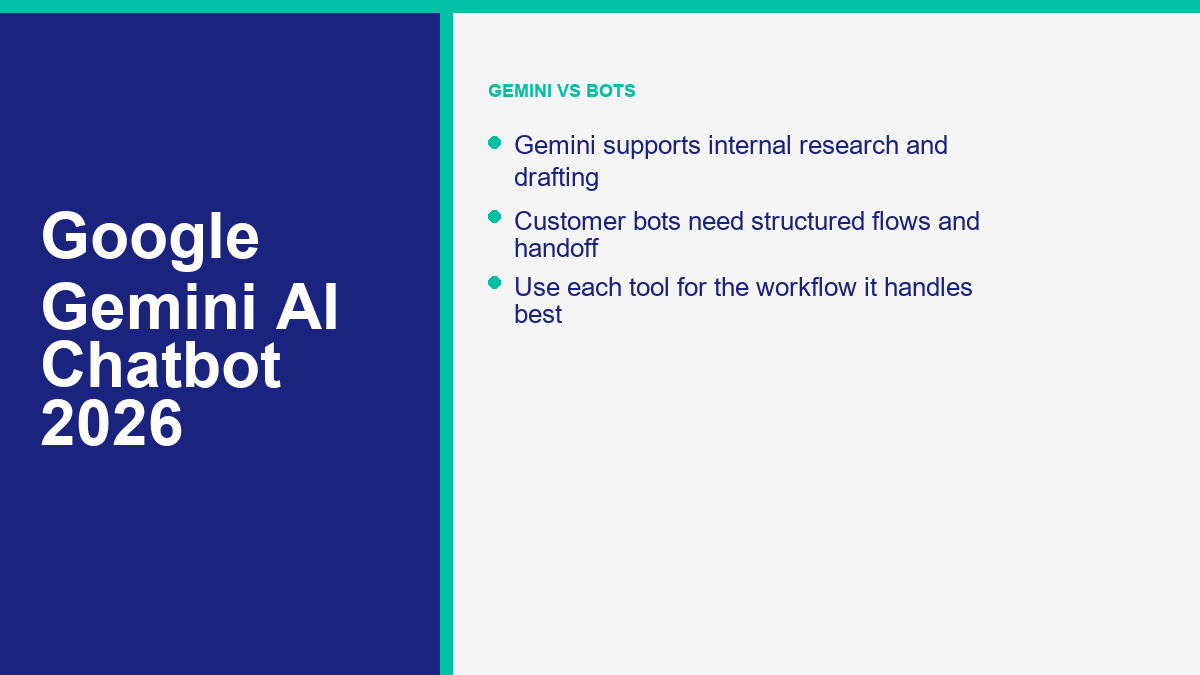
For organizations looking to scale their operations, Gemini for business provides a suite of tools that go beyond simple chat interactions. In a professional setting, the AI assistant is used to streamline workflows, improve communication, and enhance data analysis. However, it is essential to distinguish between the general-purpose Gemini assistant and dedicated customer-facing chatbots.
In a marketing agency, for example, Gemini might help summarize review themes, draft campaign variations, or turn meeting notes into action items. In an administrative setting, it can help summarize long documents or draft internal memos. Connected Google services can make those workflows more useful where they are enabled, but any sensitive or high-stakes output still needs human review.
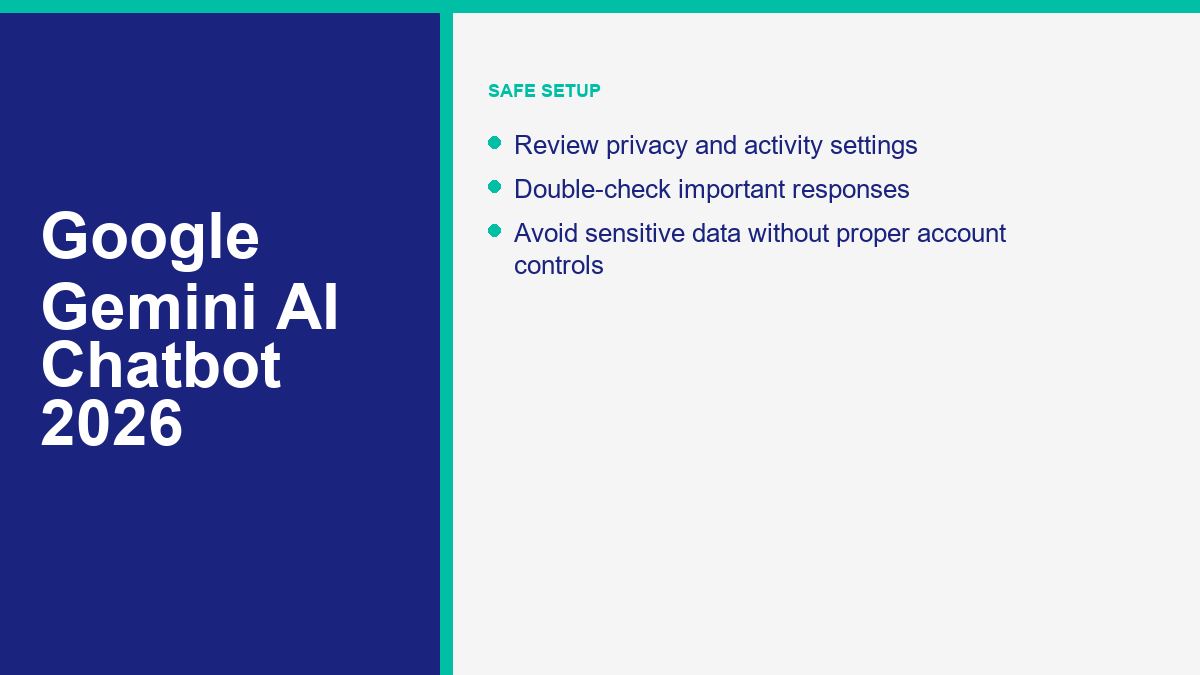
However, businesses must be mindful of how they use these tools. Google explicitly advises users to double-check responses from Gemini, as the AI can occasionally make mistakes or provide inaccurate information. Relying on Gemini for professional advice, including legal, medical, or financial guidance, is not recommended. Instead, it should be treated as a productivity booster that requires human oversight to ensure quality and accuracy.
For those looking to build more robust customer-facing solutions, understanding the landscape of automation is vital. While Gemini is a powerful assistant for the user, it is not always the best tool for customer interactions without a dedicated platform to manage the conversation flow. For professional-grade automation, explore the Mga Tampok ng MessengerBot Pro to see how specialized tools handle direct customer engagement.
Comparison: Gemini vs. Standard Customer Service Chatbots
It is easy to confuse the google gemini ai chatbot with the customer service bots found on many retail websites. While both use AI, their architecture and purposes are fundamentally different. Gemini is a Large Language Model (LLM) designed for open-ended conversation and broad knowledge retrieval. Standard customer service bots are often “flow-based” or specifically trained on a narrow set of company-specific data to solve specific problems like tracking a package or processing a refund.
The following table illustrates the key differences between a general AI assistant like Gemini and a dedicated customer service automation platform.
| Tampok | Google Gemini AI Chatbot | Dedicated Customer Service Bot |
|---|---|---|
| Primary Purpose | General assistance, research, and creation. | Automating customer support and sales flows. |
| Knowledge Base | Broad, general training and connected context where available. | Specific company data, FAQs, and product info. |
| Conversation Style | Fluid, creative, and unpredictable. | Structured, goal-oriented, and predictable. |
| Integration Type | Google ecosystem and connected apps where enabled. | Messaging apps (Messenger, WhatsApp), CRM, and Helpdesks. |
| Accuracy Focus | Human-like response (high risk of hallucinations). | Fact-based response (lower risk if limited to source docs). |
Gemini is best used for internal business operations, such as writing scripts that your support team uses or analyzing data gathered from customer interactions. On the other hand, a dedicated bot is what you place on your Facebook page or website to interact directly with the public. If you are ready to implement these customer-facing tools, you should Tingnan ang Presyo ng MessengerBot to find a plan that fits your business scale.
Creative and Operational Use Cases for Marketers
Marketers can get practical value from the google gemini chatbot when they use it as a research and drafting assistant rather than a final publisher. The useful pattern is simple: ask Gemini to generate options, then have a human select, verify, and refine the final version.
SEO and Keyword Strategy: Gemini can help marketers brainstorm long-tail keywords and understand the “search intent” behind specific queries. While it doesn’t replace dedicated SEO tools, it is excellent for generating a list of related topics that a brand could cover to build topical authority. It can also help draft meta descriptions and title tags that are optimized for both search engines and human clicks.
Pamamahala ng Social Media: Writing unique captions for every channel is time-consuming. Marketers can use Gemini to take one central idea, such as a new product launch, and create several post variations tailored to different tones and audiences. A human should still check platform fit, claims, hashtags, and timing before anything goes live.
Email Marketing Personalization: While Gemini is not your email platform, it can help draft subject line variations, intros, and campaign angles. You can ask it to write for a specific audience segment using a defined tone, then move the strongest draft into your normal approval and sending workflow.
Video Scripting and Storyboarding: For brands moving into short-form video, Gemini can outline scripts based on a set of talking points. It can also suggest visual beats for each scene. That does not replace creative direction, but it can reduce the time needed to turn a rough idea into a workable production outline.
Integrating AI Insights with MessengerBot Automation
The real magic happens when you combine the analytical power of the Gemini AI assistant with the execution capabilities of an automation platform like MessengerBot. While Gemini provides the “brain,” MessengerBot provides the “hands” that interact with customers across Facebook, Instagram, and your website.
For example, you can use Gemini to summarize themes from recent customer inquiries. If a pattern appears around shipping, billing, onboarding, or product fit, you can manually update your MessengerBot flows to include a proactive message or a specific keyword response. This keeps automation grounded in real customer questions instead of assumptions.
Another useful workflow involves using Gemini to draft frequently asked question responses from approved product documentation. Once a human reviews the draft answers, you can move the strongest ones into your automation suite. If you are new to this process, you can Tingnan ang Aming Mga Tutorial to learn how to set up these types of automated responses efficiently.
This approach allows a small business to appear as responsive and sophisticated as a much larger corporation. By using the Google AI chatbot for the heavy lifting of content generation and data analysis, and using MessengerBot for the actual customer delivery, you create a seamless loop of intelligence and action. For a broader look at how this compares to other market leaders, check out our analysis of ChatGPT vs Gemini 2026: Google vs OpenAI sa Labanan ng AI Assistant.
Privacy, Data Security, and Reliability
As with any AI tool, privacy is a primary concern for users of the Google Gemini AI chatbot. Google provides account settings and privacy controls, but the exact data handling depends on account type, activity settings, connected apps, and whether the user is using a personal, work, or school account. Review the Gemini Apps privacy settings before entering sensitive personal or business information.
Users should be cautious about sharing sensitive personal or corporate information with any AI chatbot. Signed-out users may have limited access to features such as past chats, personalization, connected Google services, image generation, Gems, or file uploads. Signed-in users may get more features, but they should still manage activity settings and understand how their organization handles Gemini access.
Reliability is another factor to consider. Generative AI is known for “hallucinations,” situations where the model provides a confident but factually incorrect answer. Google emphasizes that users should double-check responses, especially for important tasks. The chatbot can make mistakes in calculations, historical facts, and even basic logic. This is why human oversight remains the most critical component of an AI-enhanced workflow.
Connected apps can enhance Gemini’s utility by allowing it to work with enabled Google services and other supported tools. However, these connections depend on user settings, account type, region, and feature availability. Understanding which Gems or connected services are active is essential for maintaining control over your digital footprint. Review Google Gemini Apps Help for your specific account and region before assuming a feature is available.
Comparing Gemini to Leading AI Alternatives
The google gemini ai chatbot exists in a crowded market alongside ChatGPT, Claude, and specialized automation tools. Each assistant has strengths, limits, and ecosystem tradeoffs. Choosing the right one depends on your specific needs: Google ecosystem access, long-form writing, coding help, customer-facing automation, or internal research.
The following table provides a high-level comparison of common AI assistant categories and MessengerBot’s customer-facing automation role.
| Assistant | Strongest Advantage | Primary Use Case | Ecosystem Connection |
|---|---|---|---|
| Google Gemini | Google ecosystem access where enabled. | Research, planning, and Google-centric workflows. | Native (Docs, Gmail, Drive, etc.). |
| ChatGPT | Broad general-purpose assistant ecosystem. | Writing, coding help, and general chat. | Broad third-party integrations. |
| Claude | Long-form analysis and careful writing style. | Long-form analysis and nuanced writing. | Product and API access depending on plan. |
| MessengerBot | Omnichannel delivery and marketing automation. | Customer support, sales, and lead generation. | Facebook, Instagram, SMS, and Web. |
Gemini’s biggest advantage is its connection to the broader Google ecosystem where the relevant features are enabled. If your team already works in Google Docs, Gmail, Drive, and Calendar, Gemini may fit naturally into internal workflows. If your goal is to build a customer-service hierarchy on a platform like Instagram or Messenger, you will likely need to pair AI-assisted planning with the structural power of a dedicated automation tool.
Maximizing the Value of Gemini for Your Workflow
To get the most out of the google gemini chatbot, treat it like a skilled assistant that still needs direction. A vague prompt usually produces a vague answer. Success with Gemini is mostly about clear instructions: define the goal, provide context, specify the format, and ask for revisions when the first answer misses the mark.
Iterative Prompting: Don’t give up if the first response isn’t perfect. Ask Gemini to “make the tone more professional,” or “add more detail to the third paragraph,” or “format this as a bulleted list.” You can chat back and forth until the output meets your standards. This conversational refinement is a key part of using the Gemini AI assistant effectively.
Using Multi-Modal Inputs: Where supported by your device and account, use images and voice. If you have a handwritten diagram of a marketing funnel, you can take a photo and ask Gemini to “transcribe this into a structured project plan.” This bridges the gap between physical brainstorming and digital execution.
Cross-App Workflows: Where connected apps are supported, use Gemini to help summarize information, draft responses, organize ideas, and prepare structured outputs that can move into your normal Google workflow. The goal is to keep your focus on strategy while the AI assists with repeatable drafting and organization tasks.
By integrating these habits into your routine, you can reduce drafting friction and make better use of existing information. The key is to stay specific, keep testing prompts, and remain the final editor of everything the AI produces.
FAQ
Is the Google Gemini AI chatbot free to use?
Google offers different ways to access Gemini, and the available features can depend on region, device, account type, sign-in status, and plan. Some users can access basic Gemini experiences, while advanced capabilities may require a Google account, activity settings, or a paid Google AI or Workspace plan.
Can I use Gemini on my mobile phone?
Yes, Gemini is available on mobile in supported regions and on supported devices. Depending on your platform and account, you may be able to interact with the assistant using text, voice, images, or your camera.
Does Gemini store my data and conversations?
Gemini data handling depends on your account type, sign-in status, and activity settings. Users can manage or delete Gemini Apps activity from their Google account settings. Work, school, and Workspace users may have different controls set by their organization.
Mas mabuti ba ang Gemini kaysa sa ChatGPT?
Neither is objectively better for every task. Gemini is strongest when you want an AI assistant tied closely to the Google ecosystem where supported. ChatGPT, Claude, and other assistants may be better for different writing, coding, or workflow preferences. Many professionals use more than one assistant depending on the task.
Can Gemini help me write code?
Yes, Gemini can help generate, debug, and explain code. Treat its output as a draft, not a final authority. Review the code, run tests, and avoid pasting sensitive credentials or private source material into any AI assistant unless your account and data controls are appropriate for that use.



 Tagalog
  English
  简体中文
简体中文  العربية
  हिन्दी
  Português do Brasil
  Español de México
  Français
  বাংলা
বাংলা  香港中文
香港中文  繁體中文
繁體中文  Nederlands
  Deutsch
  Bahasa Indonesia
  日本語
日本語  한국어
한국어  Polski
  Русский
  Español
  Tiếng Việt