
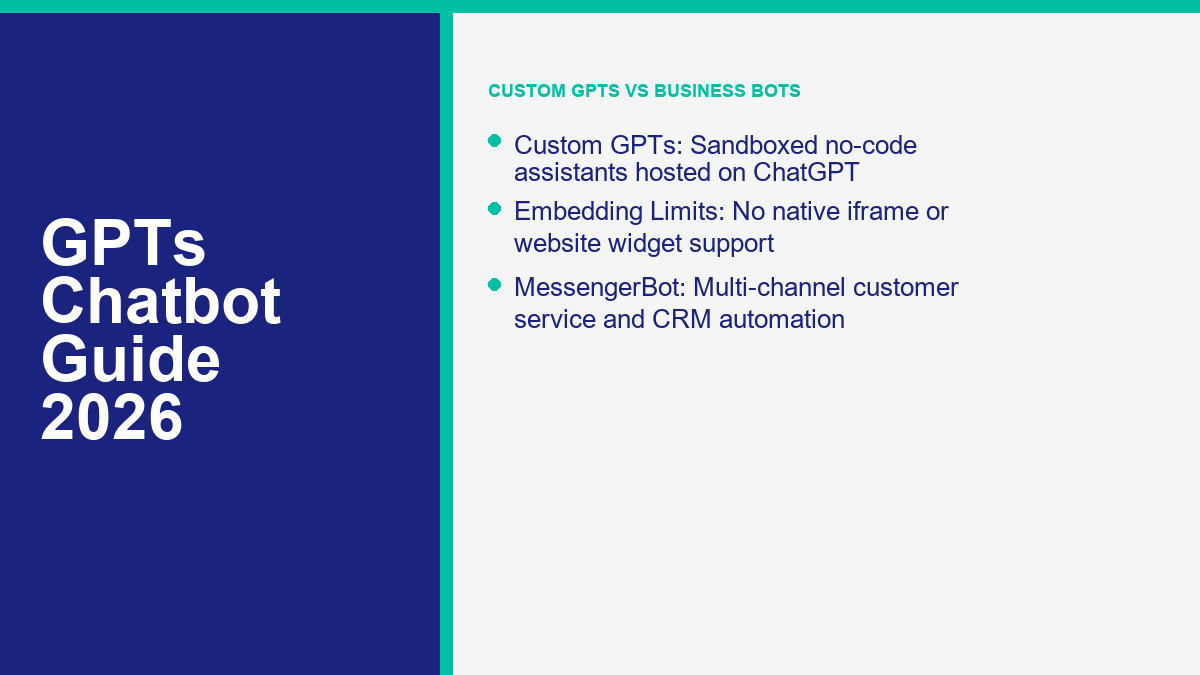
A GPTs chatbot (Custom GPT) is a tailored version of ChatGPT configured for a specific task using custom instructions, uploaded knowledge documents, and action APIs. However, they are restricted to ChatGPT users and cannot be embedded on external websites. For public-facing customer support or messaging automation, businesses should use a platform like MessengerBot instead.
OpenAI’s introduction of Custom GPTs allowed users to build specialized mini-agents without writing code. This shift changed how teams approach internal productivity, specialized content creation, and fast prototyping. But as organizations attempt to deploy these models for external customer engagement, a critical gap emerges. Custom GPTs are not website widgets; they are extensions of the ChatGPT platform. If you want to connect directly with your audience on Facebook, Instagram, or a custom web chat interface, you need a dedicated business automation platform. To see the capabilities and setup tiers of a fully integrated customer-facing automation system, 查看 MessengerBot 價格 and explore what a production-ready chatbot can handle.
In this guide, we will break down what a GPTs chatbot actually is, explore the underlying mechanics of Custom GPT configuration, analyze the licensing costs, list the platform limitations, and help you determine when to deploy a Custom GPT versus when to graduate to MessengerBot for production customer operations.
Understanding Custom GPTs: What They Are and How They Differ From Standard ChatGPT
To understand the utility of a Custom GPT, it helps to contrast it with the standard ChatGPT experience. When you open ChatGPT, you interact with a generalist model. It has a broad base of knowledge but no persistent memory of your corporate guidelines, specific data files, or preferred brand voice unless you feed those constraints into every prompt. A Custom GPT, or “GPTs chatbot,” solves this by packaging these parameters into a reusable, shareable shortcut.
According to OpenAI Help docs, GPTs are versions of ChatGPT configured for a specific purpose, combining instructions, knowledge, and selected capabilities. Instead of pasting the same system prompt and reference documents every time you open a new chat window, you configure a Custom GPT once. The model then automatically references those instructions and files in all subsequent interactions. This eliminates prompt drift, ensuring that the model maintains its designated persona and technical guardrails across multiple sessions.
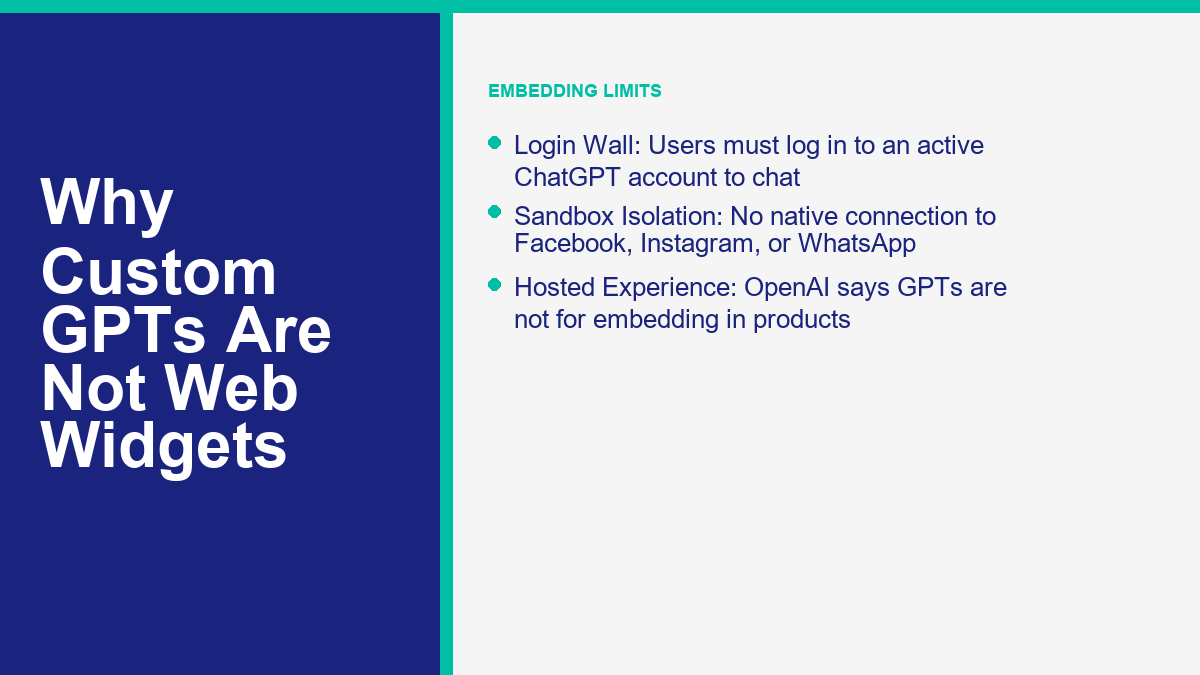
Custom GPTs exist within the ChatGPT ecosystem. They are accessed through the ChatGPT website or mobile app interface. While public GPT pages may be visible without a sign-in, users must sign in to ChatGPT before they can actually chat with the bot. This makes them ideal for internal workflows, personal projects, or sharing tools among ChatGPT subscribers. However, they do not function as independent customer support channels or standalone applications. They are always accessed through the OpenAI portal, meaning your customers must be logged-in ChatGPT users to interact with your GPT.
The Modern Chatbot Spectrum: ChatGPT, Custom GPTs, API Product Bots, and MessengerBot
The conversational AI market in 2026 is divided into four distinct tiers. Choosing the wrong tier can waste hundreds of development hours. Below is a breakdown of the spectrum:
- Standard ChatGPT: A conversational generalist hosted by OpenAI. It is optimized for one-off tasks, brainstorming, and general research. It lacks persistent business branding, domain-specific memory across sessions, or external database integrations beyond standard web browsing.
- GPTs / Custom GPTs: No-code custom assistants built and hosted within the ChatGPT interface. They allow paid users to bundle system instructions, reference files, and basic API endpoints (Actions) into a single shareable link. They are excellent for internal team enablement but require a ChatGPT login to use.
- OpenAI API product bots: A developer-built approach that lets you place AI assistants directly inside your own products, apps, or custom web portals. You write the code to handle user authentication, message history, UI styling, database sync, safety rules, and channel delivery.
- MessengerBot & Automated Messaging Platforms: Purpose-built business automation systems that connect directly to customer-facing channels like Facebook Messenger, Instagram DMs, WhatsApp, and website chat widgets. These systems integrate native lead capture, payment processors, interactive menus, and human agent handoffs. They can connect to AI engines (including GPT models) while maintaining full control over the user experience and channel delivery.
Understanding these distinctions prevents businesses from trying to force-fit a Custom GPT into a role it cannot perform. For example, a retail brand trying to automate Facebook Messenger interactions cannot use a Custom GPT because a Custom GPT cannot connect directly to Facebook APIs. Instead, the brand would use MessengerBot to manage the Facebook webhook connection, build the interactive messaging flows, and optionally call an OpenAI API backend to generate smart answers. For a detailed breakdown of how different AI systems stack up, check out our comprehensive 聊天機器人平台比較.
Comparison Matrix: Custom GPTs vs. API Product Bots vs. MessengerBot
To help you select the correct tool for your project, this matrix compares the deployment requirements, operational control, and channels for each platform in 2026:
| Feature Dimension | Custom GPTs (No-Code) | OpenAI API Product Bot | MessengerBot Platform |
|---|---|---|---|
| Primary Use Case | Internal workflows, prototyping, sharing tools inside ChatGPT | Embedding AI assistants inside custom websites and applications | Customer support, marketing automation, lead capture, sales sequencers |
| Target Channels | ChatGPT Web & Mobile App (Only) | Custom Web Apps, Mobile Apps (Developer coded) | Facebook Messenger, Instagram DMs, WhatsApp, Website Chat widgets |
| Setup Effort | Minutes (No-code GUI) | Hours/Days (Requires software development) | Minutes (Visual drag-and-drop builder) |
| User Access Limit | Requires ChatGPT account & login | None (Anyone on your site can use it) | None (Anyone on your social pages or website can use it) |
| Data Control & Safety | OpenAI handles storage; workspace data excluded from training | Developer controls the app layer, storage choices, consent flow, and logging around API calls | Business-owned contact records, permissioned channels, handoff rules, and campaign-level controls |
| Key Limitations | Cannot embed on website; max 20 knowledge files; actions limit | Requires writing backend code, hosting, and managing thread history | Requires channel setup; AI features require API key integration |
Under the Hood: How a Custom GPT Chatbot Works
Every Custom GPT is built using a structured framework that OpenAI exposes in the GPT Builder interface. Under the hood, these configurations guide the model’s behavior, retrieve custom data, and trigger external API actions. Let’s examine the five core components of a Custom GPT chatbot.
Instructions: Defining Identity, Tone, and Boundaries
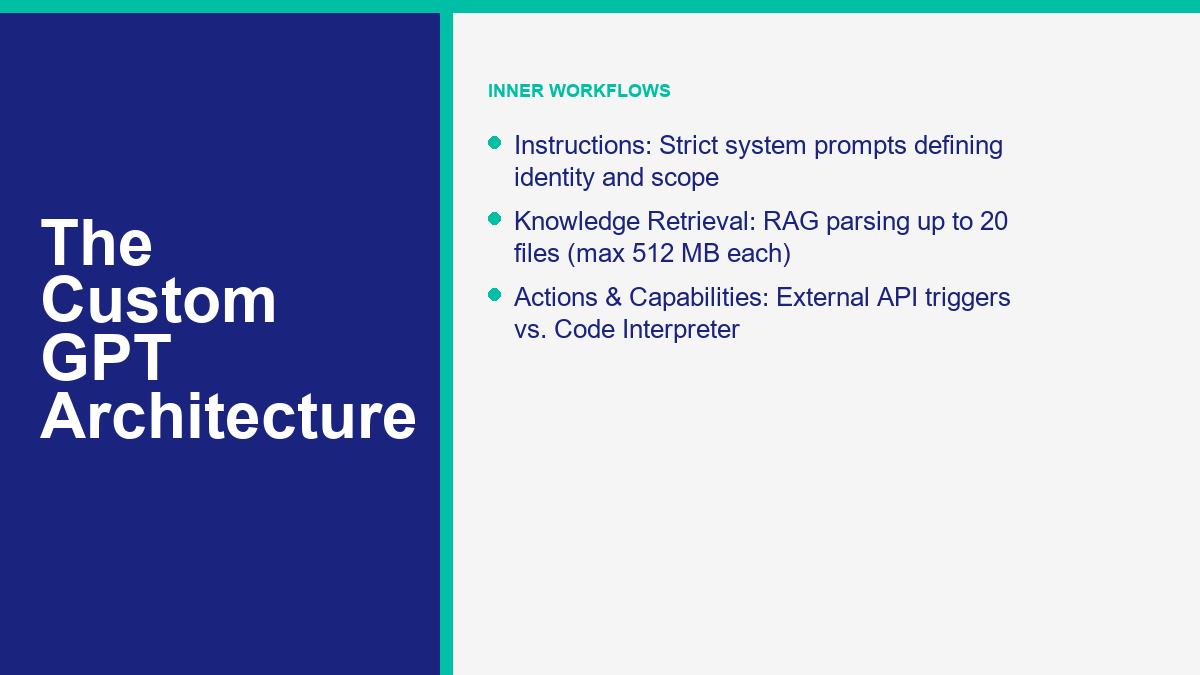
The instructions block is the system prompt that directs the GPT’s persona. In this section, you write detailed rules about how the bot should behave, what tone it should maintain, and what topics it must avoid. For example, if you are building an internal documentation assistant, your instructions will tell the model to only answer questions based on the uploaded knowledge base and to refuse general web queries. Because this prompt remains active in every session, it sets strict guardrails around the AI’s output, preventing the model from hallucinating or going off-topic.
To optimize performance, instructions should be written with clear formatting, using headers, bullet points, and markdown. Developers call this prompt engineering, but in the context of Custom GPTs, it is simply structuring your rules so the underlying LLM does not experience instruction drift during long conversations. Stating what the bot should NOT do is often more critical than stating what it should do, especially when dealing with proprietary business information.
Knowledge Files: Retrieval-Augmented Generation (RAG) Setup
The knowledge section allows you to upload reference files that the GPT can query to answer user questions. This is a no-code implementation of Retrieval-Augmented Generation (RAG). According to OpenAI Help documentation, a GPT can support up to 20 files, and each file can be up to 512 MB in size. Supported formats include PDF, DOCX, CSV, TXT, and JSON. When a user asks a question, the model performs a semantic search across these files, extracts the relevant context, and uses it to construct a precise response. This is highly effective for referencing company policies, product manuals, or software code bases.
However, builders must understand the mechanics of document parsing. When you upload a document, OpenAI’s system breaks the text down into smaller semantic chunks and indexes them. When a query is entered, the system retrieves only the chunks most relevant to the query. If your documents are disorganized, contain massive tables with merged cells, or lack clear textual structure, the retrieval step may fail, causing the chatbot to give incomplete answers despite the data technically being in the knowledge base.
Capabilities: Web Search, Image Generation, Canvas, and Code Interpreter
OpenAI allows you to toggle specific built-in capabilities on or off depending on your requirements:
- Web Search: Enables the GPT to browse the internet to find real-time information. Useful for tracking current industry updates.
- Image generation: Allows the GPT to generate visual assets based on text descriptions when the feature is available to that account and region. Useful for creative design assistants.
- Canvas: Supports collaborative writing and coding in a side-by-side editing interface (depending on region, workspace, and plan version).
- Code Interpreter & Data Analysis: Allows the model to write and execute Python code in a secure sandbox. This enables the GPT to perform complex calculations, analyze uploaded spreadsheets, and generate charts.
Selecting the correct capabilities directly affects the speed and focus of your chatbot. For example, if you build a financial calculation tool, enabling Code Interpreter is mandatory, as LLMs are notoriously poor at raw math. By writing Python scripts to compute values behind the scenes, the bot avoids arithmetic errors. Conversely, if your bot is designed for strict compliance lookup, disabling Web Search prevents it from pulling conflicting information from third-party websites.
Actions: Connecting Your GPT to External APIs
Actions allow a Custom GPT to communicate with external databases, CRM systems, or third-party web services. By providing an OpenAPI schema (JSON or YAML specification) and setting up authentication (such as API keys or OAuth), you enable your GPT to pull data from or send data to external systems. For example, an action can connect your GPT to a calendar tool to check availability or to a database to look up order statuses. Crucially, OpenAI Help notes that a GPT can use either apps or actions, but it cannot use both at the same time.
Actions represent the bridge between conversational AI and transactional logic. When a user tells the GPT to “add this contact to my CRM,” the model parses the user’s intent, extracts the variable data (like name, email, and company), structures it into the format defined by your OpenAPI schema, and executes the HTTP POST request to your database. This turns the GPT from a passive answering machine into an active assistant capable of executing tasks across your software stack.
Keep in mind that Actions are only as reliable as the external systems behind them. If your database query, CRM, or server takes too long to respond, the conversation can fail or feel broken to the user. When designing Actions, keep external API endpoints fast, predictable, and narrow in scope so the GPT is not waiting on slow business logic during a live conversation.
How to Build a Custom GPT: A Step-by-Step Creation Walkthrough
Building a Custom GPT is a straightforward process, but organizing your assets beforehand ensures the bot behaves reliably. Follow this walkthrough to build your first Custom GPT.
Accessing the GPT Builder and Starting Your Build
First, log in to your ChatGPT account. Note that creating and editing GPTs is limited to the web interface; mobile apps support using GPTs but do not support building or modifying them. Navigate to the GPTs section by clicking on “Explore GPTs” in the sidebar, and then click on “+ Create”. This opens the GPT Builder UI, which is divided into two tabs: the Create tab (a conversational assistant that guides you through the setup) and the Configure tab (where you directly input parameters). We recommend using the Configure tab for precise control over your bot’s instructions and assets.
Configuring Instructions and Setting Conversation Starters
In the Configure tab, enter a name and a brief description for your GPT. In the “Instructions” field, write your system guidelines. Be specific: write in direct commands (e.g., “Always cite the specific page number when referencing the handbook. Do not answer questions outside of company policy.”). Next, define your “Conversation Starters”. These are the clickable buttons that appear in a blank chat window to help guide the user. Write prompts that align with common queries, such as “How do I request vacation time?” or “Generate a weekly analytics template.”
Uploading Knowledge Files and Activating Capabilities
Scroll down to the Knowledge section. Click on “Upload files” and select the documents you want your GPT to reference. To ensure high-quality retrieval, clean your files beforehand by removing duplicate text and organizing data with clear headers. Under the “Capabilities” section, check the boxes for the features you need. If your bot only needs to search your uploaded documents, turn off web search and image generation to keep the assistant focused and prevent it from pulling irrelevant online content.
Creating Actions and Connecting APIs
If your GPT needs to fetch external data, click on “Create new action” at the bottom of the Configure tab. Here, you must input a valid OpenAPI schema that describes your target API’s endpoints. For example, the following JSON snippet illustrates the structure of a standard action schema connecting a GPT to a company inventory database:
{
  "openapi": "3.1.0",
  "info": {
    "title": "Inventory Lookup API",
    "description": "Retrieves real-time product stock levels.",
    "version": "1.0.0"
  },
  "servers": [
    {
      "url": "https://api.yourcompany.com/v1"
    }
  ],
  "paths": {
    "/products/{productId}": {
      "get": {
        "description": "Get stock quantity for a specific product ID",
        "operationId": "getProductStock",
        "parameters": [
          {
            "name": "productId",
            "in": "path",
            "required": true,
            "schema": {
              "type": "string"
            }
          }
        ]
      }
    }
  }
}
You must also configure the authentication method (e.g., entering an API key or setting up OAuth client credentials). Once configured, the GPT will automatically recognize when a user query requires an API call and will prompt the user to approve the connection before sending the request. This allows secure, permission-gated connections to your software systems.
Testing Your GPT and Publishing to the GPT Store
Use the Preview panel on the right side of the screen to test your GPT’s behavior. Ask complex questions, attempt to trigger your actions, and try to “jailbreak” the bot by asking it to violate its instructions. If it behaves incorrectly, adjust the text in the Instructions field. Once you are satisfied, click on the “Create” (or “Save”) button in the top right corner. You can select from four sharing configurations:
- Only me: Keeps the GPT private to your account.
- Anyone with a link: Creates an unlisted GPT that can be accessed by anyone who has the URL.
- Everyone: Publishes the GPT to the public GPT Store, making it discoverable and searchable.
- Workspace: Shares the GPT exclusively with members of your ChatGPT Enterprise or Business workspace.
The Crucial Limits of OpenAI’s Custom GPTs for Businesses
While Custom GPTs are excellent for prototyping and internal operations, they have design limitations that make them unsuitable for consumer-facing business frontlines. Understanding these boundaries prevents you from deploying a tool that frustrate your customers.
Why Custom GPTs Cannot Be Embedded on Your Website
The most common misconception is that a Custom GPT can serve as a website chat bubble. This is technically impossible. According to OpenAI Help docs, GPTs are not a way to embed ChatGPT in an external website or application. There are no iframe codes, JavaScript embed snippets, or widget plugins available for Custom GPTs. The entire user experience is hosted and managed within the ChatGPT domain.
If you attempt to load a Custom GPT’s URL inside a standard HTML iframe on your website, like this:
<iframe src="https://chatgpt.com/g/g-xxxxxxxxx-your-custom-gpt"></iframe>Even when a browser or security policy blocks the attempt, the larger point is simpler: OpenAI’s own help documentation says GPTs are not a way to embed ChatGPT in an external website or application. A Custom GPT is meant to run inside ChatGPT, not as a site widget. To place a helpful assistant directly on your homepage, landing pages, or user dashboard, you need an API-built assistant or a platform like MessengerBot that handles website chat delivery. For step-by-step guidance on how to integrate and build production-grade bots, you can 瀏覽我們的教程.
The ChatGPT Login Wall and Paid Account Restrictions
Because Custom GPTs live inside ChatGPT, they are subject to OpenAI’s account requirements. A visitor who clicks your GPT link must log in to an active ChatGPT account to start a conversation. While public landing pages for GPTs may be visible, chatting is locked behind this login wall. Furthermore, building and configuring Custom GPTs requires a paid ChatGPT subscription, or managed workspace permissions. If you want to automate support for thousands of random web visitors, forcing them to sign up for or log in to ChatGPT is a massive friction point that will kill conversion rates.
Action Constraints: Either Apps or Actions, Not Both
When configuring external connections, Custom GPT builders face strict system architecture limits. OpenAI’s platform rules specify that a Custom GPT can use either apps or actions, but not both at the same time. This means if your GPT is connected to a workspace application integration, you cannot simultaneously build custom API actions to query your company’s proprietary SQL databases. This lack of dual-routing limits the technical complexity of the workflows you can automate within a single GPT sandbox, forcing developers to choose between pre-built connectors and custom code.
No Native Messaging Channel Integrations
Custom GPTs cannot connect to third-party messaging networks. There is no setting to link your Custom GPT to Facebook Messenger, Instagram DMs, Telegram, or WhatsApp. For businesses whose primary customer touchpoints are social media and mobile messaging apps, a Custom GPT is completely isolated. If a user sends a message to your Facebook page, a Custom GPT cannot receive it, process it, or reply. Automating these channels requires direct API webhooks, which are only supported by dedicated platforms like MessengerBot. If you want to graduate to a native integration that connects GPT logic directly to these networks, check out our guide on how to build a ChatGPT Chatbot for messaging channels.
Data Privacy and Security in Custom GPTs: What Builders and Users Need to Know
Deploying AI assistants in any business environment requires a clear understanding of data governance, security permissions, and model training practices. Let’s analyze how data is handled within the Custom GPT ecosystem.
Consumer vs. Enterprise Data Training Policies
OpenAI’s data usage policies depend heavily on the account tier of both the builder and the user. By default, customer data from ChatGPT Business, Enterprise, and Education workspaces is not used to train OpenAI’s models. However, if users are on consumer plans (such as ChatGPT Free or ChatGPT Plus), their conversation data may be used to train future models unless they explicitly opt out in their account privacy settings.
To opt out of data training on a consumer account, users must navigate to Settings, click on Data Controls, and toggle off “Improve the model for everyone”. Because this setting is individual, business owners cannot control whether their customers’ inputs are used for model training if they interact via consumer plans. This creates a data compliance compliance risk for businesses handling sensitive customer queries, emphasizing the need for dedicated enterprise API integrations.
Builder Visibility: What Builders Can and Cannot See
A common concern for users is whether the creator of a Custom GPT can read their private conversations. OpenAI maintains a strict boundary here: GPT builders cannot view individual conversations users have with their GPTs. As a builder, you only receive aggregated analytics, such as the total number of chats initiated and the general categories of queries. While this protects user privacy, it also means builders cannot review conversation logs to debug why a bot is performing poorly or failing to retrieve information, a capability that is standard in developer tools and business platforms.
Security Approvals for Actions and Third-Party Data Storage
When a Custom GPT uses Actions to call external APIs, user input must travel outside of OpenAI’s secure infrastructure. When a query triggers an API call, ChatGPT displays a prompt asking the user to approve sending data to that specific third-party domain. This prompt is a security guardrail, but it can disrupt the user experience. Furthermore, OpenAI does not control how third-party services use, process, or store the data they receive. If you hook your GPT to an external database, you must audit the privacy policies of that endpoint to prevent data leaks.
When to Choose MessengerBot Over Custom GPTs for Business Automation
Custom GPTs are valuable for prototyping, writing assistants, and personal calculators. However, when your goal is to grow your business, capture leads, automate customer service, or drive sales, MessengerBot is the correct choice. Here is why businesses deploy MessengerBot for customer-facing channels.
Connecting Directly to Facebook Messenger, Instagram, and WhatsApp
Unlike sandboxed GPTs, MessengerBot is built to connect natively with Meta’s messaging networks. When a customer reaches out to your business page on Facebook or Instagram, MessengerBot intercepts the message in real-time. It can instantly respond with structured menus, product galleries, quick replies, and automated sequences. This allows you to meet your customers where they already are, rather than trying to redirect them to a ChatGPT link. You get immediate, friction-free engagement on the world’s largest communication platforms.
Automating Social Media Comments and Dynamic Workflows
Customer engagement does not start and end in the inbox. MessengerBot allows you to build triggers based on public social actions. For example, you can set up a “Comment Auto-Reply” rule: when a user comments a specific keyword (like “INFO” or “PRICE”) on a Facebook post or Instagram Reel, MessengerBot automatically replies to their comment and sends a direct message to their inbox with a link to purchase. This dynamic workflow turns public social engagement into private sales leads, a task that a Custom GPT cannot perform.
The technical mechanism behind this relies on Meta’s Webhook API. When a user comments, Meta sends a JSON payload to MessengerBot’s servers containing the post ID, comment ID, and the text content. MessengerBot parses this payload, checks it against your active triggers, and executes an API call to post a public reply while initiating a private thread with the user’s PSID (Page-Scoped ID). This level of serialization and channel control is what allows businesses to automate their social sales funnels seamlessly.
Native Lead Capture, CRM Syncing, and GCash Payments
MessengerBot includes native tools designed to capture user details and process transactions directly in the chat flow. It can prompt users for their email addresses and phone numbers, validate the format, and instantly sync that data to your CRM or email marketing platforms. In regions like the Philippines, MessengerBot can integrate with payment options like GCash, allowing customers to complete purchases without leaving the messaging app. This level of transactional control is necessary for e-commerce, local services, and digital agencies.
Graduating From Custom GPTs to Professional Business Bots
If you have built a Custom GPT and realized that its limitations are holding your business back, it is time to upgrade. You do not have to abandon the intelligence of GPT models; you simply need to change how those models are delivered to your audience. By using MessengerBot, you can use the same advanced conversational logic of GPT-4 or customized system prompts while wrapping it in a professional, public-facing interface.
To transition to a system that supports direct website integration, native Meta messaging channels, and structured lead databases, we recommend exploring our platform tiers. See Our Plans to evaluate which option fits your organization’s volume, or check out the advanced features of MessengerBot Pro 功能 to see how we handle custom API routing, webhook configurations, and database integrations. By moving your AI brains into a dedicated business wrapper, you eliminate the login wall, gain full visibility over user logs, and place your automated assistant exactly where your customers expect to find it.
Frequently Asked Questions About GPTs Chatbots
What is a GPTs chatbot and how does it work?
A GPTs chatbot (Custom GPT) is a specialized version of ChatGPT configured for a specific task. It works by combining custom instructions, conversation starters, uploaded knowledge files, and capabilities like web search or data analysis. However, it runs exclusively inside the ChatGPT platform.
Can you embed a Custom GPT on an external website?
No, Custom GPTs cannot be embedded on external websites or applications. OpenAI’s official support states that GPTs are not designed for embedding in products. To add a chat assistant to a website, developers need an API-built assistant or a dedicated platform like MessengerBot.
Can builders see user conversations with their Custom GPTs?
No, Custom GPT builders cannot view individual user conversations with their GPTs. OpenAI protects user privacy by restricting builder access to aggregated usage analytics, though third-party actions/APIs used by the GPT may receive and store user inputs.
What are the account and pricing limits for Custom GPTs?
Creating and editing Custom GPTs requires a paid subscription like ChatGPT Plus or ChatGPT Pro, or managed workspace permissions. Uploaded knowledge is limited to 20 files per GPT, with each file capped at 512 MB.
When should businesses use MessengerBot instead of Custom GPTs?
Businesses should use MessengerBot when they need public-facing customer support, automated marketing, website chat widgets, or integrations with messaging channels like Facebook Messenger and Instagram, which Custom GPTs do not natively support.



 香港中文
香港中文  English
  Tagalog
  简体中文
简体中文  العربية
  हिन्दी
  Português do Brasil
  Español de México
  Français
  বাংলা
বাংলা  繁體中文
繁體中文  Nederlands
  Deutsch
  Bahasa Indonesia
  日本語
日本語  한국어
한국어  Polski
  Русский
  Español
  Tiếng Việt