
Turn customer conversations into qualified next steps
Messenger Bot helps businesses respond faster on Facebook and Instagram, sort the right leads, and keep AI-assisted replies under review before they affect customer trust.
Start with one workflow: comments, DMs, lead capture, support questions, or a simple setup checklist. Then connect the next workflow when the first one is working.
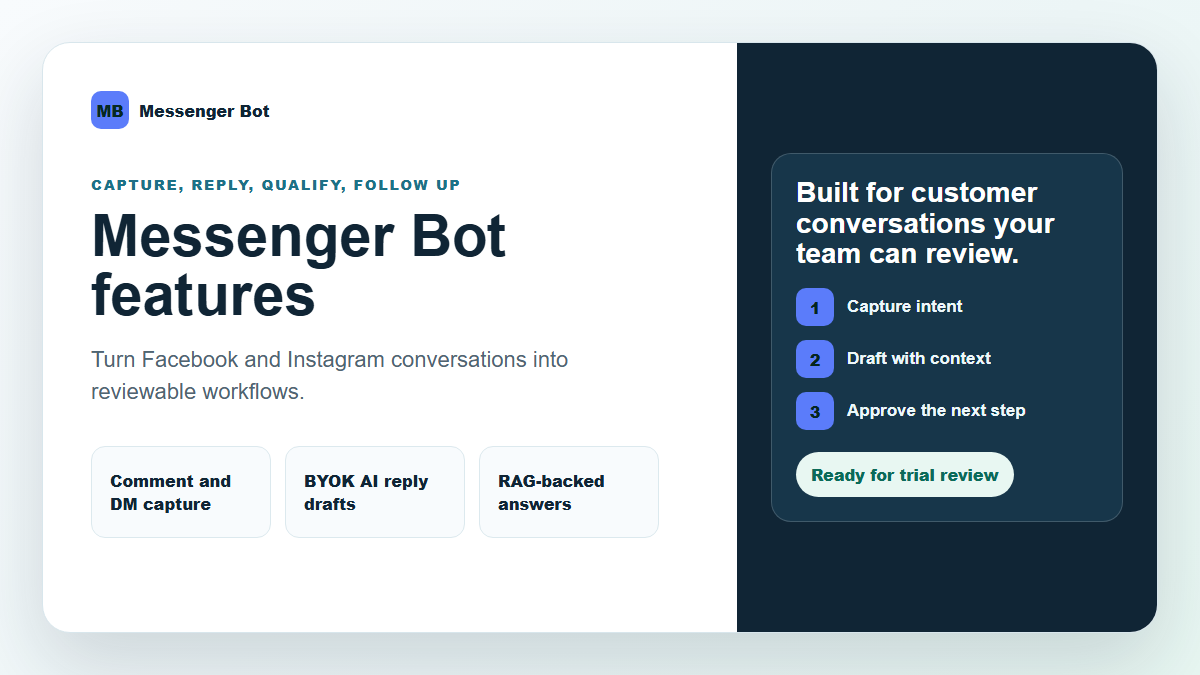
Pick the workflow that creates the fastest win
Most teams do not need a complicated launch. They need one dependable path from a customer action to a useful reply, a clear lead group, or a reviewed follow-up.
Reply faster
Use guided replies and simple workflows so Facebook and Instagram questions do not sit unanswered while your team is busy.
Qualify better leads
Sort comments, DMs, and form responses by intent so serious buyers get the right next step sooner.
Keep control
Use BYOK (Bring Your Own Key), approved business answers, and review steps so AI assists the team instead of surprising it.
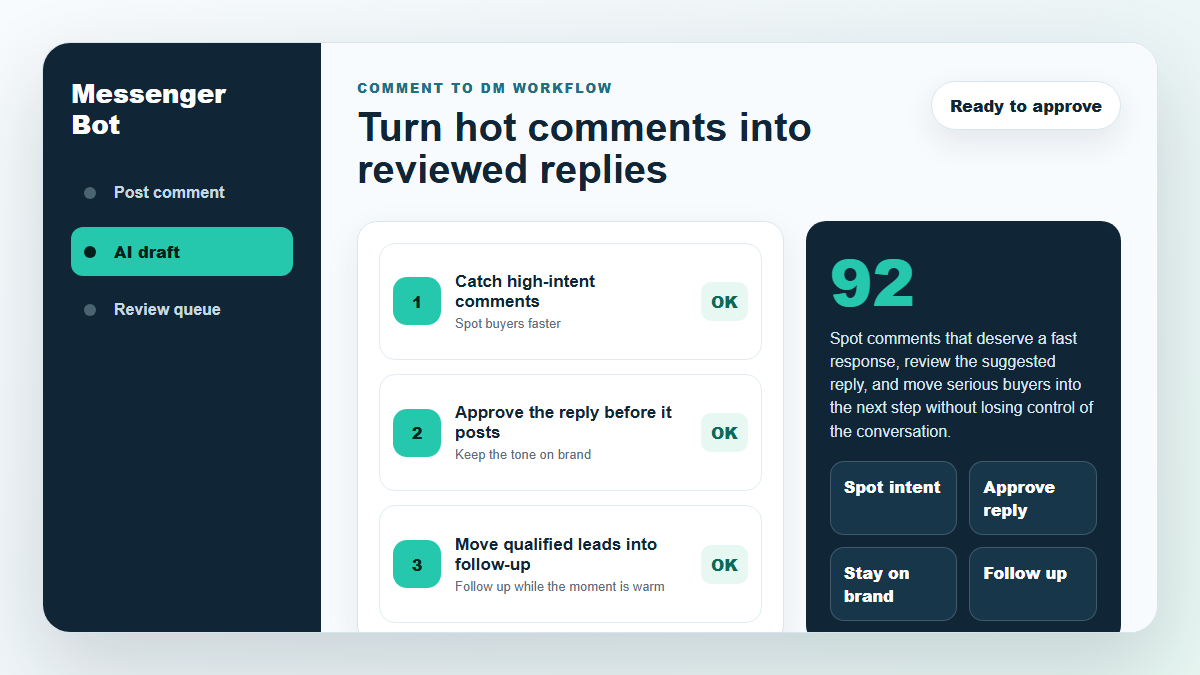
Comment-to-DM follow-up
When someone comments with buying intent, Messenger Bot can help turn that public signal into a private conversation your team can review and continue.
- Use trigger rules for product, service, appointment, or support comments.
- Draft helpful replies from your approved business answers.
- Move the conversation toward a quote, booking, trial, or support path.
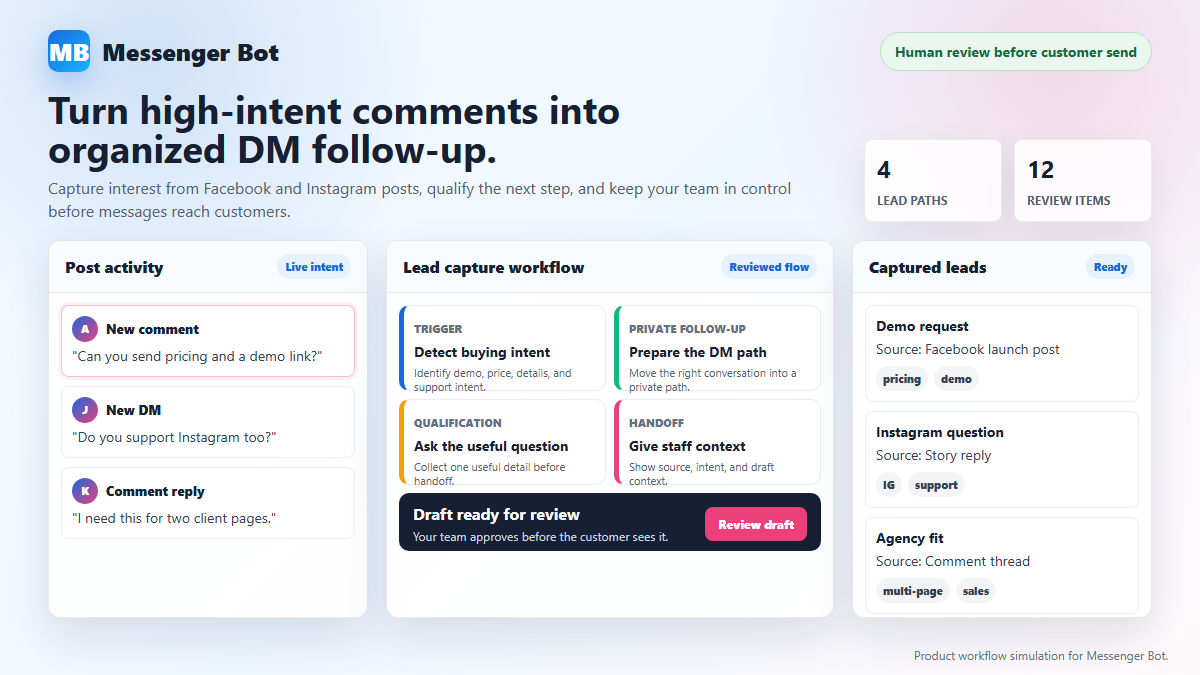
Lead capture and qualification
Capture the people who are actually asking for help, then route them by need, urgency, and next step instead of treating every signup the same.
- Separate new prospects, active buyers, support requests, and low-fit traffic.
- Use short preference paths so people get updates that match their goals.
- Send the right leads toward a trial, demo, checkout, or human follow-up.
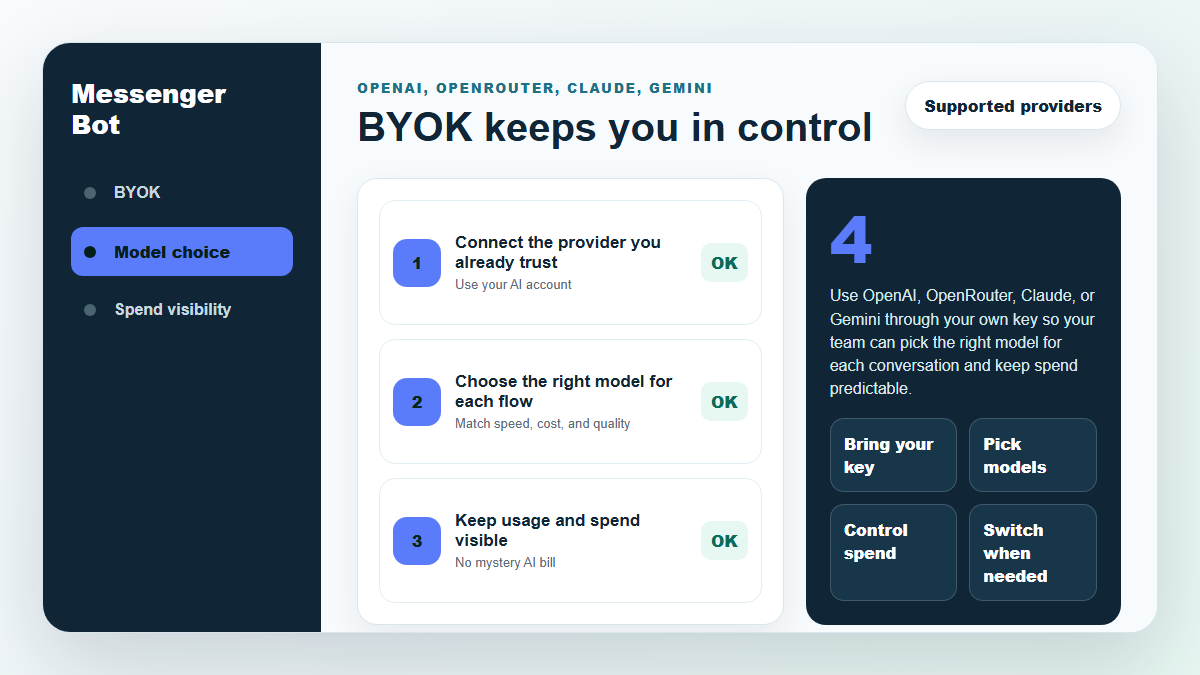
BYOK (Bring Your Own Key) AI assistance
Use the AI provider your team trusts while keeping replies tied to your business answers, your review process, and your customer conversation rules.
- Bring Your Own Key (BYOK) for provider choice and cost visibility.
- Use approved answers so draft replies stay closer to your real offer.
- Review AI-assisted workflows before customers see them.
Where Messenger Bot fits best
Local service teams
Route appointment questions, pricing requests, and service-area questions before a lead cools off.
Plan a clearer first inquiry for your firm with our law firm lead generation planning guide, covering contact choices, limited first-step questions and a named human handoff.
Ecommerce and product teams
Answer product-fit questions, collect the next detail, and send buyers to the right offer or support path.
Agencies
Build repeatable comment, DM, and follow-up workflows for clients without starting every account from scratch.
If you run campaigns for a gym, use our gym marketing agency evaluation guide to compare campaign scope, reporting and who handles each inquiry before agreeing the work.
Creators and educators
Guide people from comments into resources, waitlists, coaching calls, or product updates.
Support teams
Give common questions a faster first response while keeping harder cases visible for a person.
Trial users
Start with one connected page and one workflow so the first result is easy to see and improve.
A simple launch path
Start with one customer conversation workflow
Use Messenger Bot to capture better leads, reply faster, and keep AI-assisted follow-up under your control. The fastest path is not more setup. It is one useful workflow you can review and improve.
 Français
  English
  Tagalog
  简体中文
简体中文  العربية
  हिन्दी
  Português do Brasil
  Español de México
  বাংলা
বাংলা  香港中文
香港中文  繁體中文
繁體中文  Nederlands
  Deutsch
  Bahasa Indonesia
  日本語
日本語  한국어
한국어  Polski
  Русский
  Español
  Tiếng Việt