
Facebook and Instagram follow-up
Turn more comments and DMs into conversations your team can close.
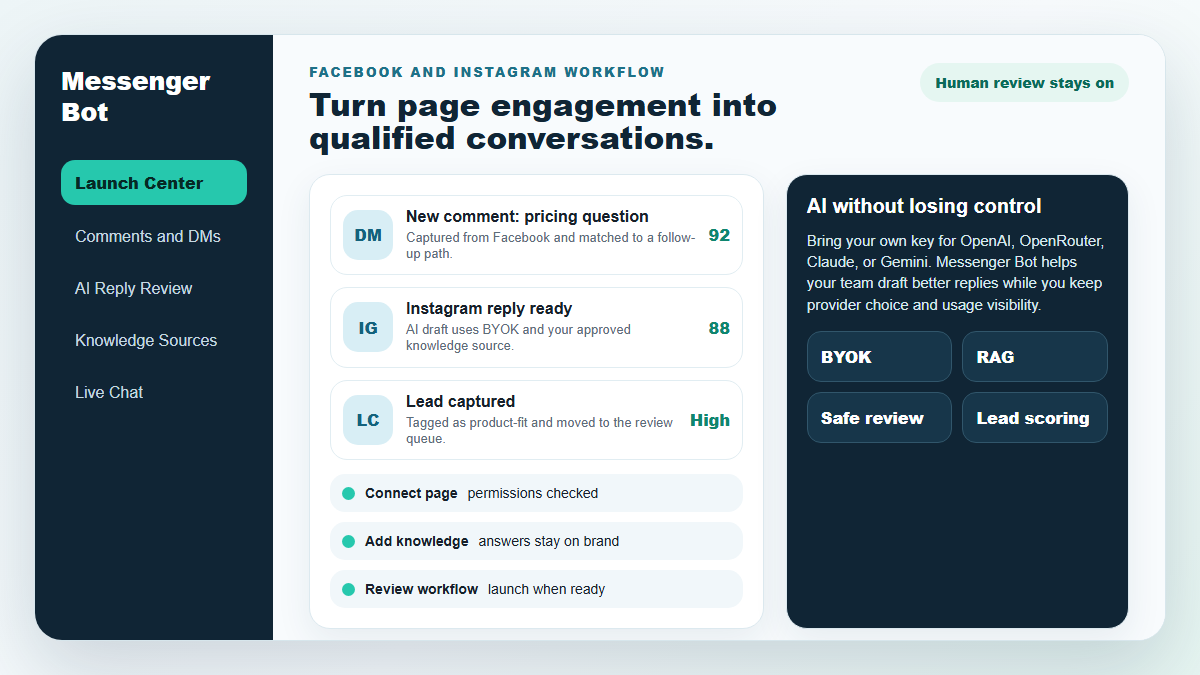
Start with one proven workflow, capture higher-intent leads, and use BYOK (Bring Your Own Key) AI drafts with human review before anything reaches a customer.
- Comment and DM capture
- BYOK AI reply drafts
- Human review controls
BOT MESSENGER
AI kami akan secara otomatis merespons dengan cerdas terhadap komentar atau pesan pengguna berdasarkan apa yang mereka katakan!
Mulai merespons dan mengirim komentar dan DM otomatis di Facebook, Instagram, atau situs mana pun hanya dalam beberapa klik dengan template yang sudah dibuat!
Buat alur otomatis yang berinteraksi dengan pengguna berdasarkan perilaku mereka dan dapatkan lebih banyak penjualan.
Dapatkan opt-in untuk kurang dari $0.25 dengan magnet prospek pemasaran Messenger!
Pelanggan Tak Terbatas
Sesi Obrolan Tak Terbatas
Kampanye Urutan Tak Terbatas
Alur Tak Terbatas
Tag Pelanggan Tak Terbatas
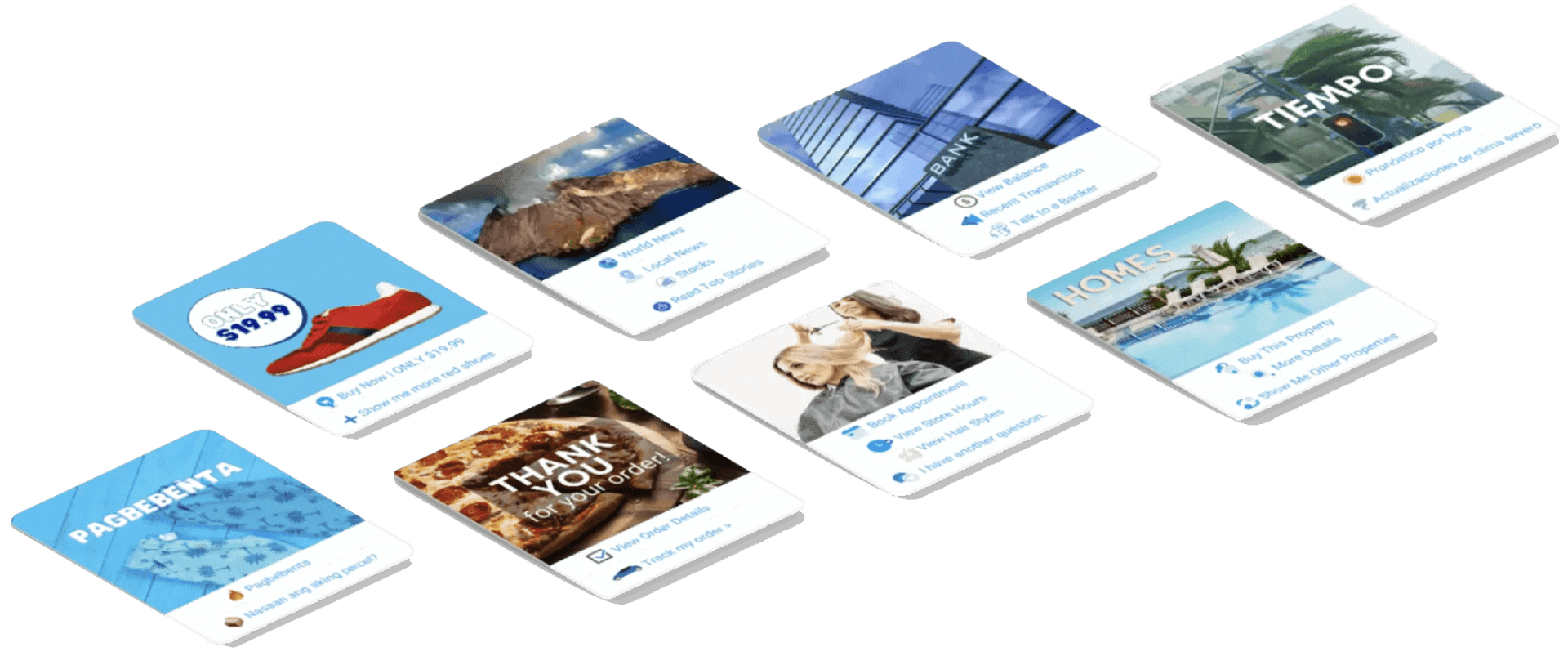
Multibahasa & Tampilan
Menakjubkan di Setiap Perangkat
Berikan respons yang sempurna dalam bahasa pilihan Anda! Terlepas dari respons pengguna, Bot Messenger akan memastikan itu sempurna!
100% Mematuhi Facebook
Bot Messenger secara teratur menjalani tinjauan oleh Facebook dan merupakan aplikasi Facebook yang mematuhi dan disetujui 100%.
Bekerja Dengan Semua Browser Utama
Bekerja dengan baik di Chrome, Firefox, Edge, dan Safari! Tidak ada plugin atau aplikasi yang perlu diunduh untuk menggunakan Messenger Bot, semuanya ada di cloud.
Sempurna Untuk Setiap Perangkat
Messenger Bot dirancang agar terlihat menakjubkan di setiap perangkat termasuk ponsel, desktop, dan tablet!
Komprehensif
Analitik
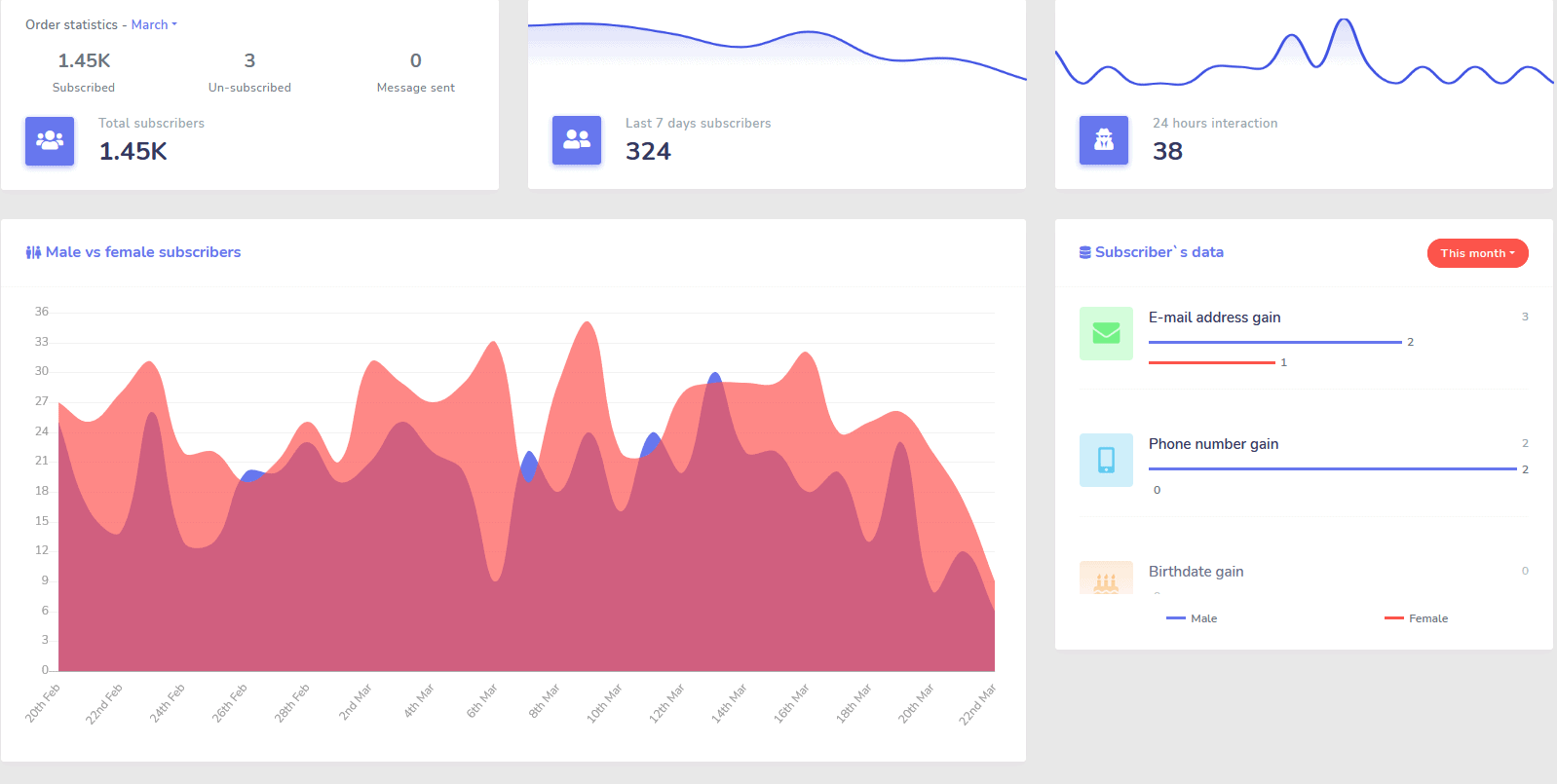
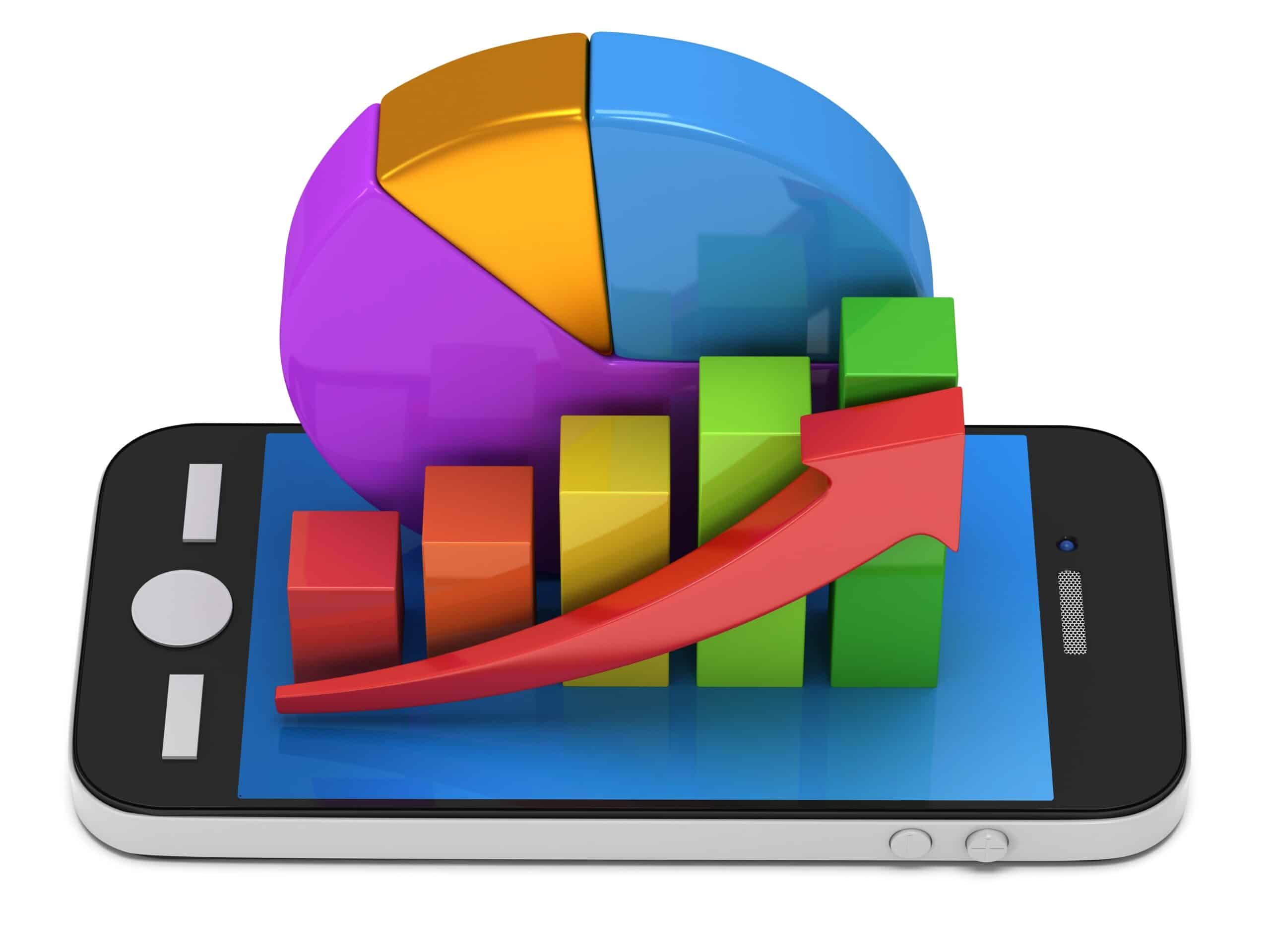
Dengan mudah mengidentifikasi saluran yang berkinerja terbaik dan mendapatkan gambaran jelas tentang pelanggan Anda, bagaimana kinerja Anda, serta di mana Anda berkinerja terbaik/terburuk dan di antara keduanya.
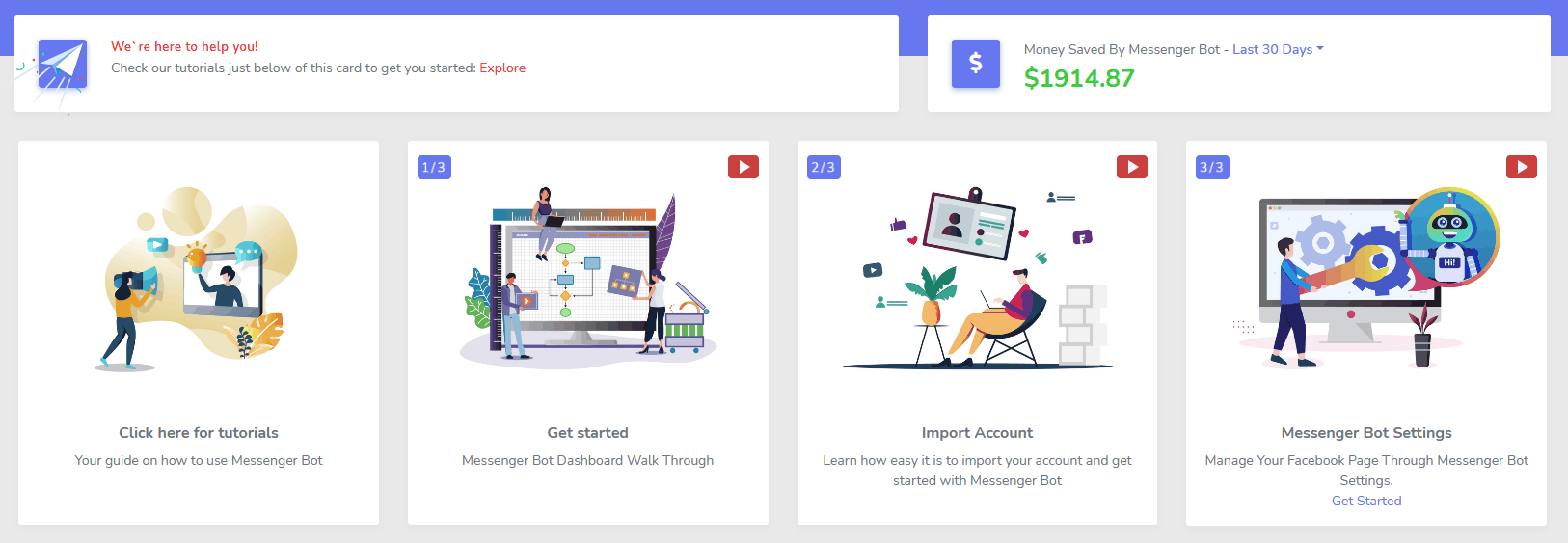
Dengan mudah melacak pelanggan, komentar terakhir, dan kampanye lainnya langsung dari dasbor Anda.
Secara Drastis Menurun
Biaya Per Prospek dan Penjualan
Dengan Bot Messenger Anda dapat tersedia 24/7 dan menurunkan biaya per prospek dan penjualan dengan memberikan informasi yang dicari pengguna segera!
Plus gunakan Messenger Bot untuk menyelami API Minat Facebook dan menemukan audiens yang tidak terungkap kepada pengiklan lain di Facebook!
Dengan menargetkan audiens tersembunyi ini dengan Iklan Facebook, Anda dapat secara eksponensial menurunkan biaya per prospek dan biaya per penjualan segera.
Messenger
Toko eCommerce
Mulai menjual langsung di Messenger dan di mana saja dengan toko eCommerce kustom Anda sendiri!
Pertahankan 100% dari pendapatan, dengan 0% bagi hasil dan beberapa pemroses pembayaran untuk dipilih seperti PayPal, Stripe, dan RazorPay!
Termasuk dalam SEMUA langganan Bot Messenger kami.
Tak terbatas
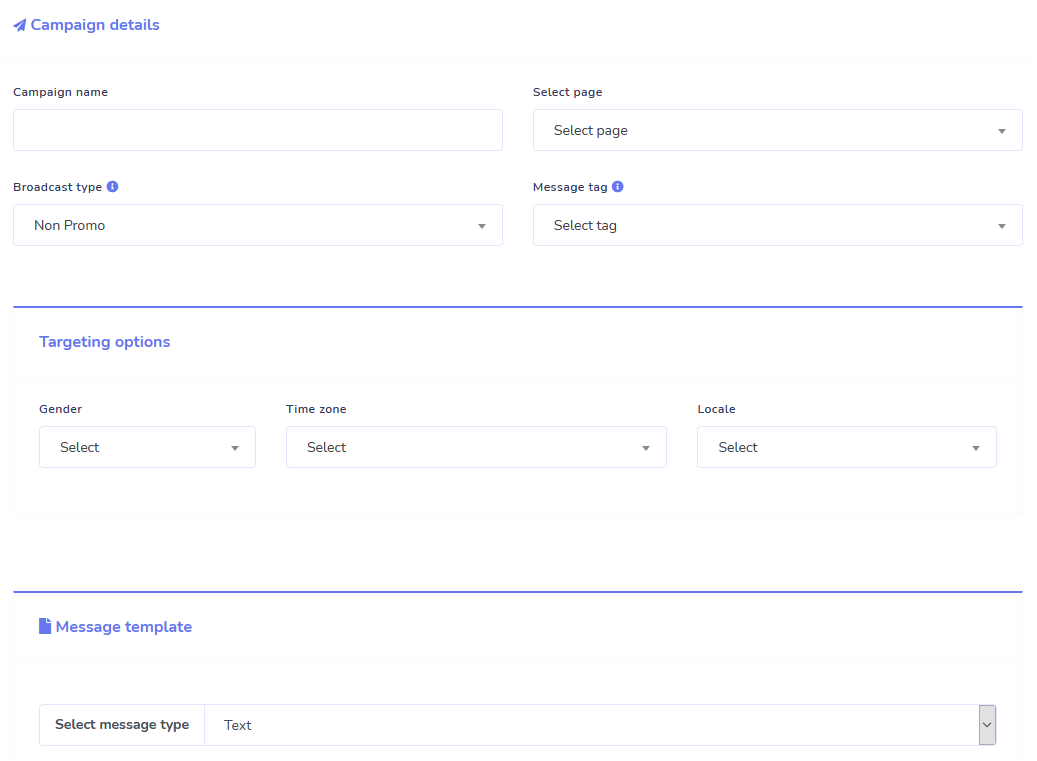
Pesan Urutan dan Pengiriman Massal
Untuk waktu terbatas ketika Anda memesan hari ini, Anda mendapatkan tanpa batas kampanye pesan urutan dan pengiriman pesan massal!
Selalu tepat waktu dengan pesan urutan yang mengirim pesan yang Anda inginkan kepada pengguna berdasarkan jeda waktu yang Anda atur.
Jangkau pelanggan Anda secara massal pada waktu yang tepat dengan pengiriman pesan massal.
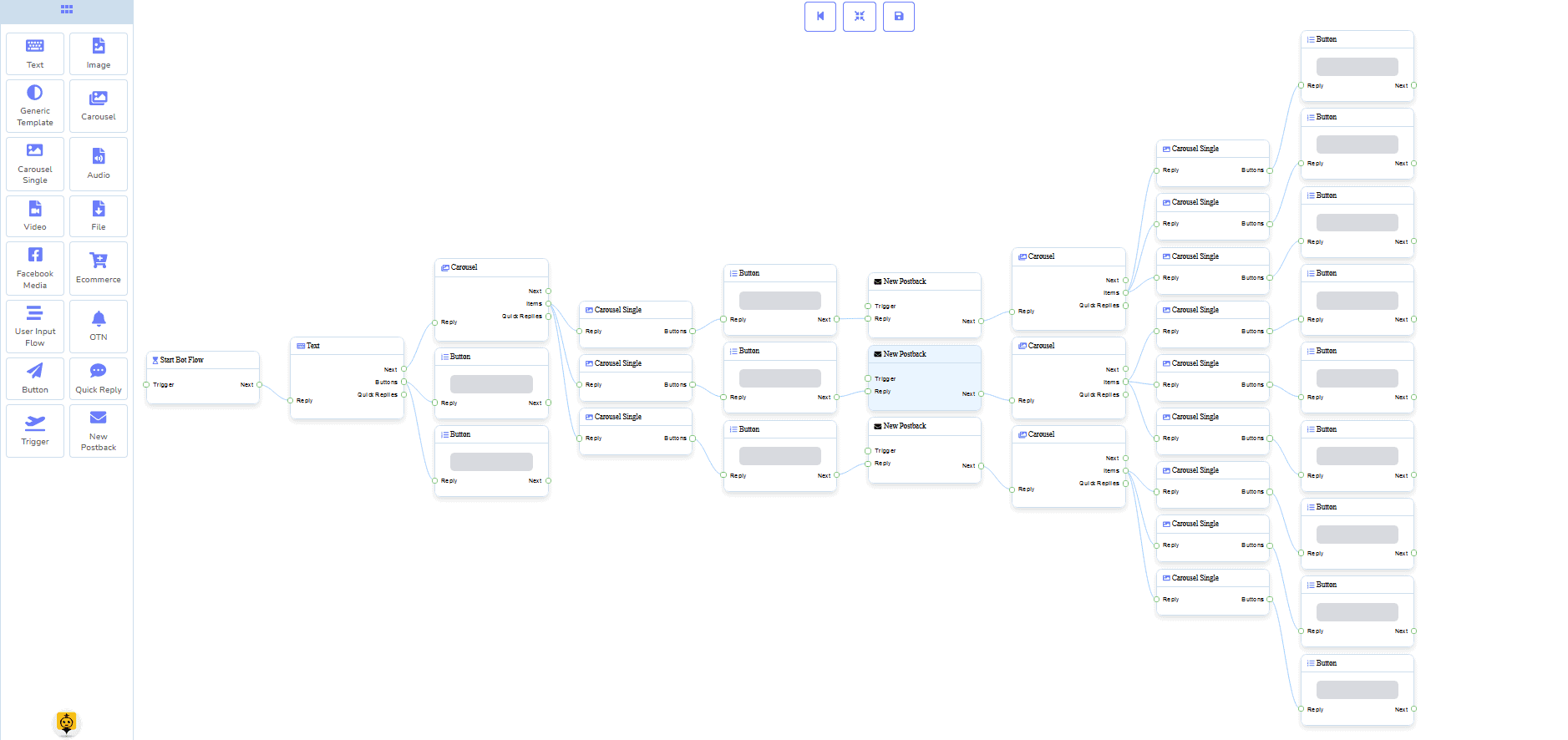
0 Kode Pembuat Alur
+ Dikerjakan Untuk Anda Template
Siap siaga dalam beberapa klik dengan template yang kami sediakan!
Buat alur kerja otomatis Anda tanpa memerlukan coding dengan pembangun visual tanpa kode kami!
Masih terlalu teknis? Dukungan pelanggan kami siap sedia dan siap membantu membangunnya untuk Anda!
Auto-Responder, Siaran, Urutan, Berlangganan, dan Template
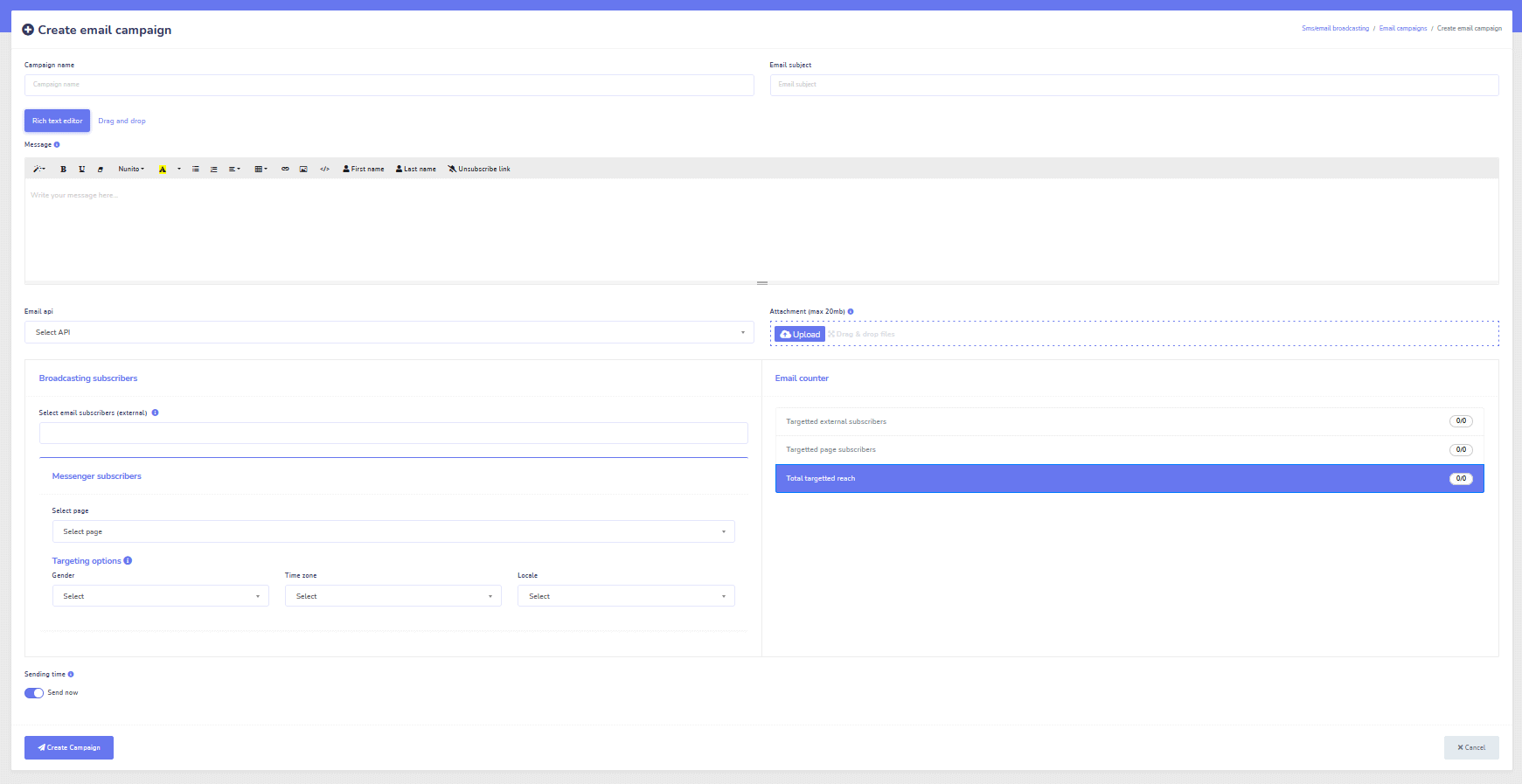
Tanggapi semua email secara otomatis!
Kirim siaran email dan kampanye drip feed.
Bangun daftar pelanggan Anda dan buat template kampanye email dengan pembangun visual kami!
Facebook & Instagram
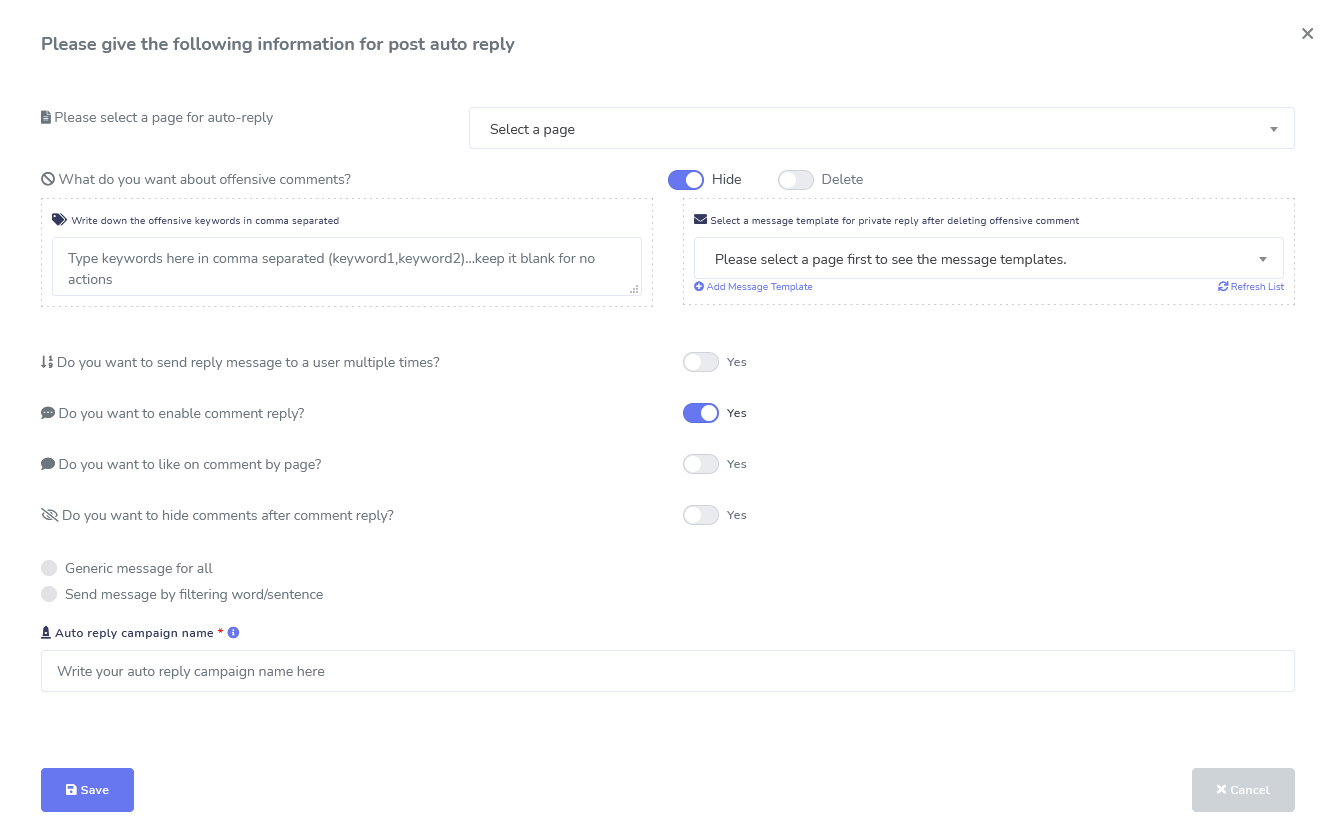
Moderasi Komentar, Otomatisasi, Alat Pos, & Balasan
Sebuah suite fitur otomatisasi Facebook lengkap yang dirancang untuk membantu Anda dalam membuat pos, menjadwalkan pos, memoderasi pos, dan secara otomatis membalas pos, serta mengirim pesan tindak lanjut!
Langsung atau Otomatis
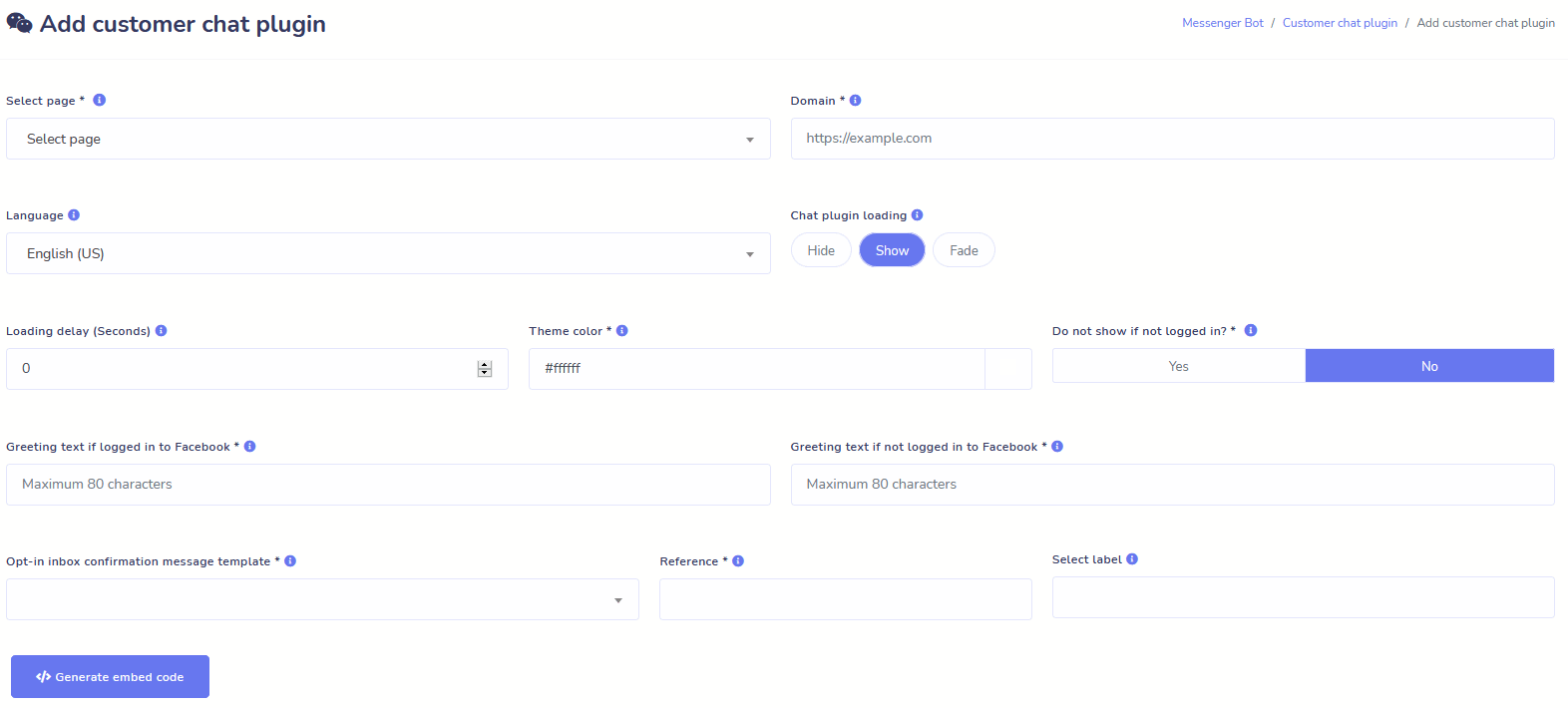
Obrolan Situs Web
Otomatisasi obrolan Anda serta memungkinkan bantuan manusia langsung kepada pengunjung yang memintanya.
Izinkan pengguna mendapatkan informasi yang mereka butuhkan sesuai permintaan dan saksikan bisnis Anda berkembang!
Beri pengguna Anda pengalaman yang mereka inginkan hanya dalam beberapa klik.
Pelanggan
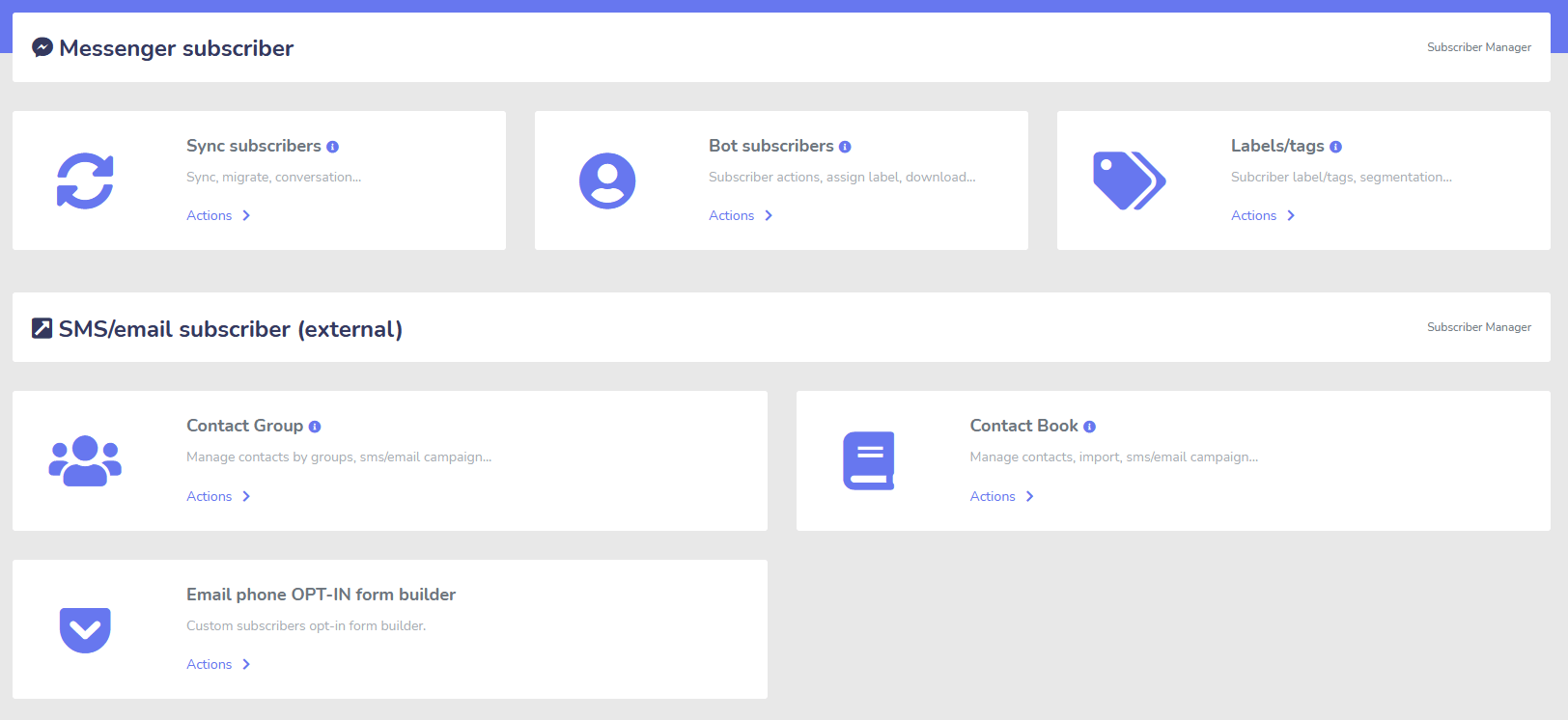
Pembuat, Pengimpor, Manajer, dan Sinkronisasi
Migrasi dari ManyChat, ChatFuel, atau tempat lain? Sinkronkan pelanggan Anda dengan Messenger Bot dengan mudah!
Dengan mudah membangun daftar pelanggan Anda dengan tautan M.Me, opt-in Messenger, dan lainnya!
Manajer Pelanggan memungkinkan Anda untuk mendapatkan sinkronisasi pelanggan, melihat pelanggan bot, melihat label, dan mengelola aktivitas pesan/email di berbagai grup kontak.
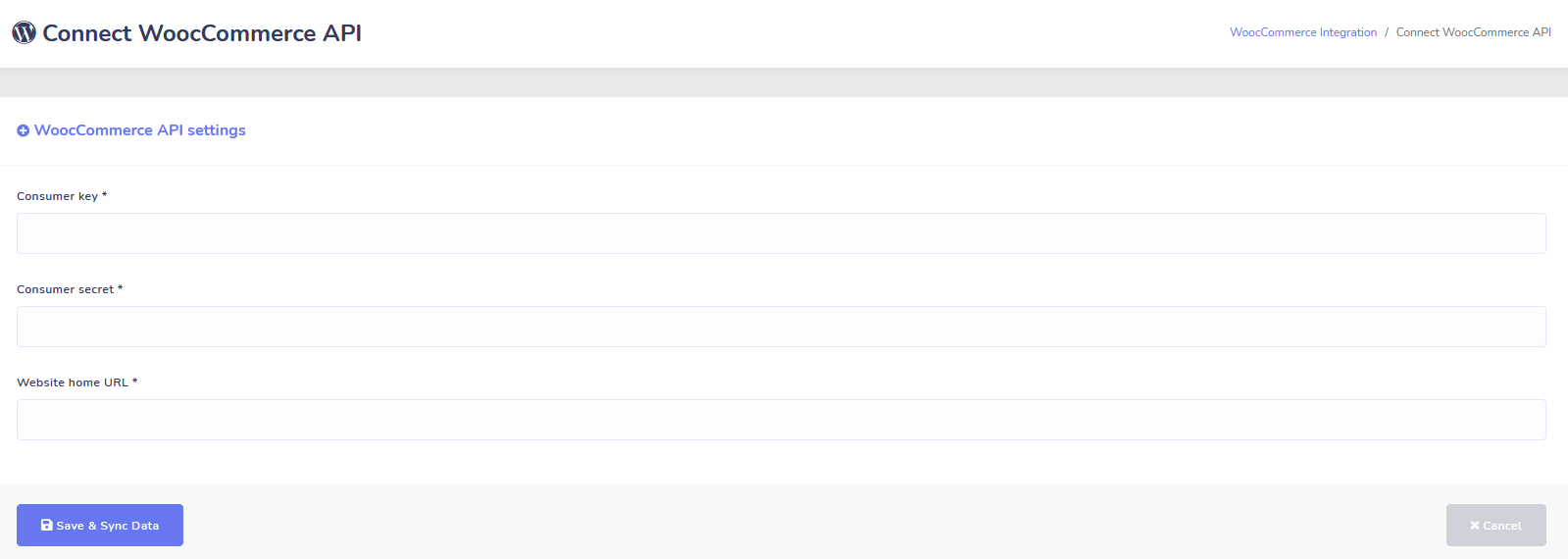
WooCommerce
Sinkronisasi dan Pemulihan Keranjang yang Ditinggalkan
Sinkronkan Toko WooCommerce Anda Dalam 1 Klik.
Dapatkan lebih banyak penjualan dengan memulihkan pengguna yang telah meninggalkan keranjang mereka!
Integrasi Shopify + Wix Segera Hadir!
Zapier + JSON API + Google Sheets
Integrasi
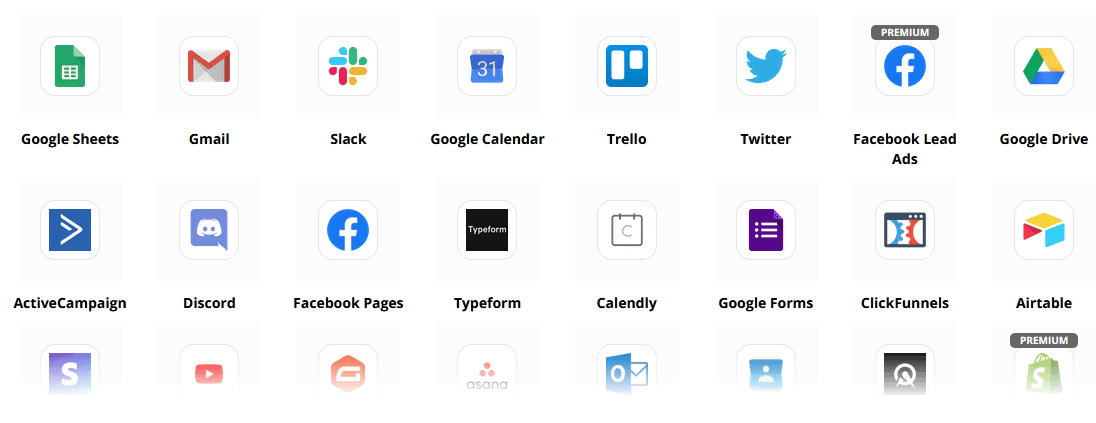
Sambungkan ke lebih dari 3.000+ aplikasi dengan integrasi Zapier kami atau gunakan JSON API untuk membuat kustomisasi Anda sendiri!
Transfer Data Pelanggan ke Google Sheets Secara Otomatis.
Plus
Dan Banyak Lagi!
Manfaatkan editor gambar bawaan untuk membuat gambar dan pos di dalam dasbor Anda.
Secara otomatis memposting dari umpan RSS!
Buat menu Messenger permanen Anda sendiri
dan masih banyak lagi….
Berikut adalah cara lain penggunaan Bot Messenger
Bot Messenger digunakan dalam banyak cara. Berikut adalah daftar kecil tentang bagaimana orang menggunakan kami saat ini.
Dukungan Pelanggan
Mengarahkan pelanggan secara cerdas ke tujuan yang diinginkan berdasarkan tindakan dan perilaku mereka.
Kumpulkan Informasi Dari Klien
Mendapatkan semua informasi penting yang dibutuhkan dari pelanggan.
Pertanyaan yang Sering Diajukan
Berikan pengguna jawaban yang mereka butuhkan secara instan sambil membebaskan staf dukungan.
eCommerce
Jual langsung di Messenger dengan toko baru atau yang sudah ada!
Generasi Prospek
Berinteraksi dengan pengguna dan menghasilkan prospek secara otomatis!
Form yang Sepenuhnya Dapat Disesuaikan
Buat form yang sepenuhnya dapat disesuaikan dan percakapan di Messenger + Situs Web Anda!
Real Estat
Tampilkan properti dan hasilkan prospek berkualitas secara otomatis 24/7.
Restoran
Jalankan promosi, ambil reservasi dan pembayaran!
Travel & Tours
Dapatkan lebih banyak pemesanan perjalanan dan pariwisata, tampilkan kegiatan unik Anda.
Dealer Mobil
Tampilkan dan jual mobil melalui Messenger + situs Anda!
Umpan Balik dan Survei
Buat survei dan formulir umpan balik otomatis yang sepenuhnya dapat disesuaikan!
Asuransi
Bantu menyajikan & memilih polis + memberikan kutipan serta mengatur janji.
Harga Rendah Untuk Waktu Terbatas
Segera bertindak dan amankan penawaran spesial ini untuk Messenger Bot sebelum harga naik!
Dengan Bot Messenger, Anda akan menghemat biaya dukungan, penjualan, dan langganan untuk layanan lain yang tidak akan Anda gunakan lagi!
Lihat Bot Messenger Dalam Aksi!
40.000+ Pengguna
Dukungan 24/7
Kepuasan 100%

Digunakan dan Dipercaya Oleh Lebih Dari 40.000 Pengguna
Bergabunglah dengan lebih dari empat puluh ribu pemilik bisnis yang menggunakan dan mengandalkan Messenger Bot sebagai solusi pemasaran lengkap dari awal hingga akhir!
Practical follow-up resources
Turn more customer conversations into clear next steps.
Use these practical guides to strengthen response speed, lead qualification, and follow-up while your team keeps ownership of every customer decision.
- missed-call text-back guide — Keep high-intent callers moving with a clear, consent-aware follow-up path.
- lead-scoring workflow — Give your team a practical way to prioritize better-fit opportunities.
- speed-to-lead guide — Shorten the gap between a new inquiry and a useful first response.
Pick the right starting point
Choose the Messenger Bot plan that matches the conversations you want to win.
Start with the workflow you need now, then upgrade when your page, team, or client load grows.
Starter
$29 /mo
For one focused page getting its first automated comment and DM follow-up live.
- Launch a guided lead-capture workflow.
- Reply faster without adding another daily dashboard.
- Keep setup simple while you prove the channel.
Pro
$99 /mo
For growing businesses that want BYOK (Bring Your Own Key), business knowledge, and better lead sorting.
- Use AI-assisted drafts with human review.
- Qualify replies before your team spends time on them.
- Keep follow-up consistent across busy launches.
Agen
$299 /mo
For teams managing multiple brands, clients, assets, and approval workflows.
- Organize client conversations by page and priority.
- Give teams cleaner review paths before replies go out.
- Scale repeatable workflows without adding extra manual work.
A payment card keeps trials focused. You stay in control of the plan before billing starts.
Seringkali Ditanyakan Pertanyaan
Apa itu Facebook Messenger Bot?
Facebook Messenger bot adalah chatbot otomatis yang dapat digunakan untuk meningkatkan tidak hanya pengalaman Messenger, tetapi juga pengalaman chat di situs web Anda.
Apa yang dapat dilakukan Messenger Bot untuk bisnis saya?
Messenger Bot akan memungkinkan Anda untuk secara otomatis menyambut pengguna baru, merespons kata kunci atau frasa tertentu, menyebarkan konten, menghasilkan prospek, melakukan penjualan, dan banyak lagi!
Mengapa saya membutuhkan Messenger Bot?
Seiring berjalannya waktu, semakin sulit untuk menjangkau audiens target Anda. Ini adalah fakta bahwa banyak metode pemasaran tradisional tidak lagi memberikan hasil yang sama seperti beberapa tahun yang lalu.
Bot Facebook Messenger kami menyelesaikan masalah ini dengan memungkinkan Anda mencapai tingkat keterbukaan lebih dari 80% dengan pesan interaktif waktu nyata dan urutan kampanye obrolan.
Bagaimana cara membuat Bot Facebook Messenger?
Pertama, Anda memerlukan akun Facebook dan halaman Facebook dengan hak administratif untuk mengelolanya.
Setelah itu, Anda membeli penawaran Anda (atau mendaftar untuk percobaan gratis) dan kemudian pilih “Impor Akun”.
Dari sana, gunakan Pembuat Alur Visual kami untuk membuat dan menerapkan bot Anda dalam hitungan menit, bukan hari! Sekarang Anda dapat memulai percakapan nyata dengan pelanggan Anda, kapan saja.
Apakah ada percobaan?
Ya, Anda dapat mendapatkan percobaan gratis sebelum membeli tanpa memerlukan kartu kredit di sini.
Kapan penawaran ini berakhir?
Penawaran ini akan segera berakhir, jadi jika Anda ingin mendapatkan diskon terbaik, Anda harus memesan sekarang.
Siap untuk membuat perubahan nyata? Mari kita bangun ini bersama!
Kenali Messenger Bot tanpa batasan dan mulai menggunakannya sepenuhnya hanya ketika Anda menyukainya. Kami akan menunggu Anda.
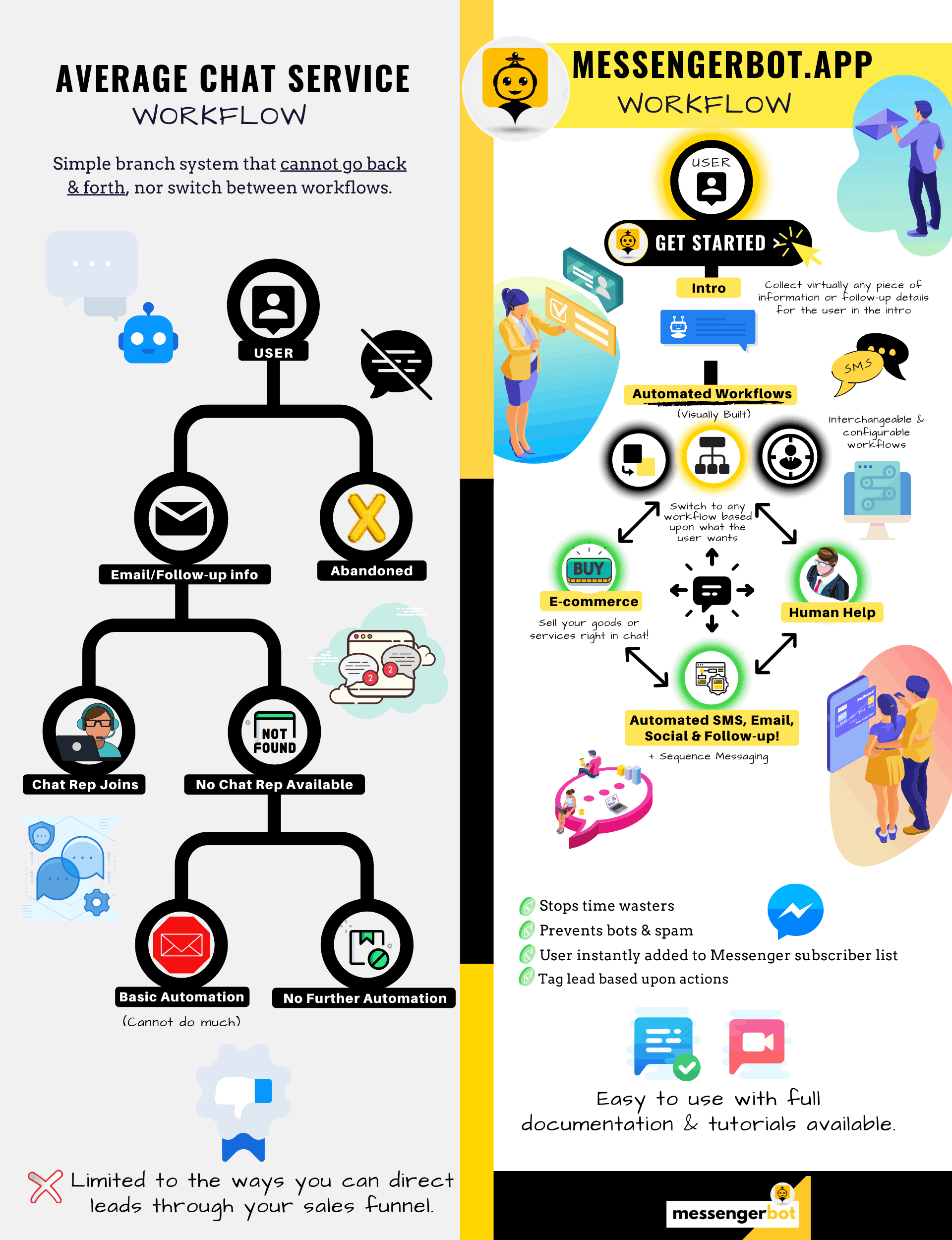
Messenger Bot Jauh Lebih Dari Sekadar Chat Bot Sederhana!
Sekarang dimungkinkan untuk melakukan percakapan kompleks secara otomatis!
Mengapa Anda Membutuhkan Messenger Bot
untuk Mendorong Penjualan di Bisnis Anda
Bagi pemasar, Facebook Messenger kini menjadi cara yang baru dan efektif untuk menjangkau pelanggan saat ini dan potensial dari halaman Facebook dan bisnis Anda. Dengan menggunakan bot Messenger, Anda dapat menyebarkan informasi kapan saja tanpa harus mengangkat jari.
Salah satu aplikasi bot yang paling kuat, Messenger Bot, dengan cepat telah menjadi pemimpin di industri baru ini. Perangkat lunak pemasaran kami memiliki begitu banyak fitur yang membuat pemasaran menjadi mudah bagi perusahaan besar dan kecil. Dengan menggunakan chatbot Facebook Messenger, Anda sekarang dapat membalas obrolan 24/7, mengirim pesan dalam jumlah besar kepada audiens target Anda, dan bahkan memposting video dan gambar ke halaman Facebook Anda. Jika Anda membutuhkannya untuk bisnis Anda, Messenger Bot pasti memilikinya! Dengan cara unik kami, kami dapat memberikan tingkat layanan chat bot yang tinggi yang tidak Anda temui di tempat lain.
Mari kita lihat semua layanan dan fitur yang disediakan oleh aplikasi fantastis kami sebelum Anda memulai. Perangkat lunak yang mengesankan ini pasti akan menjadi alat pemasaran Facebook Messenger yang paling ideal untuk Anda tanpa memerlukan pengkodean.
Apa Itu Chatbot Facebook?
Jika Anda hanya sedikit mengetahui tentang apa itu aplikasi bot Facebook Messenger atau Facebook chatbot melakukannya, Anda perlu memahami bagaimana hal itu dapat membawa bisnis Anda ke tingkat berikutnya. Perangkat lunak ini otomatis mengirimkan pesan melalui Facebook Messenger dengan menggunakan pemrosesan bahasa alami untuk memahami apa yang diinginkan orang dan kecerdasan buatan untuk berinteraksi dengan orang. Ketika diterapkan, ia dapat memahami pertanyaan yang diajukan kepadanya dan menjawab pertanyaan tersebut dengan benar. Chatbot seperti asisten virtual yang dapat meningkatkan pengalaman pelanggan.
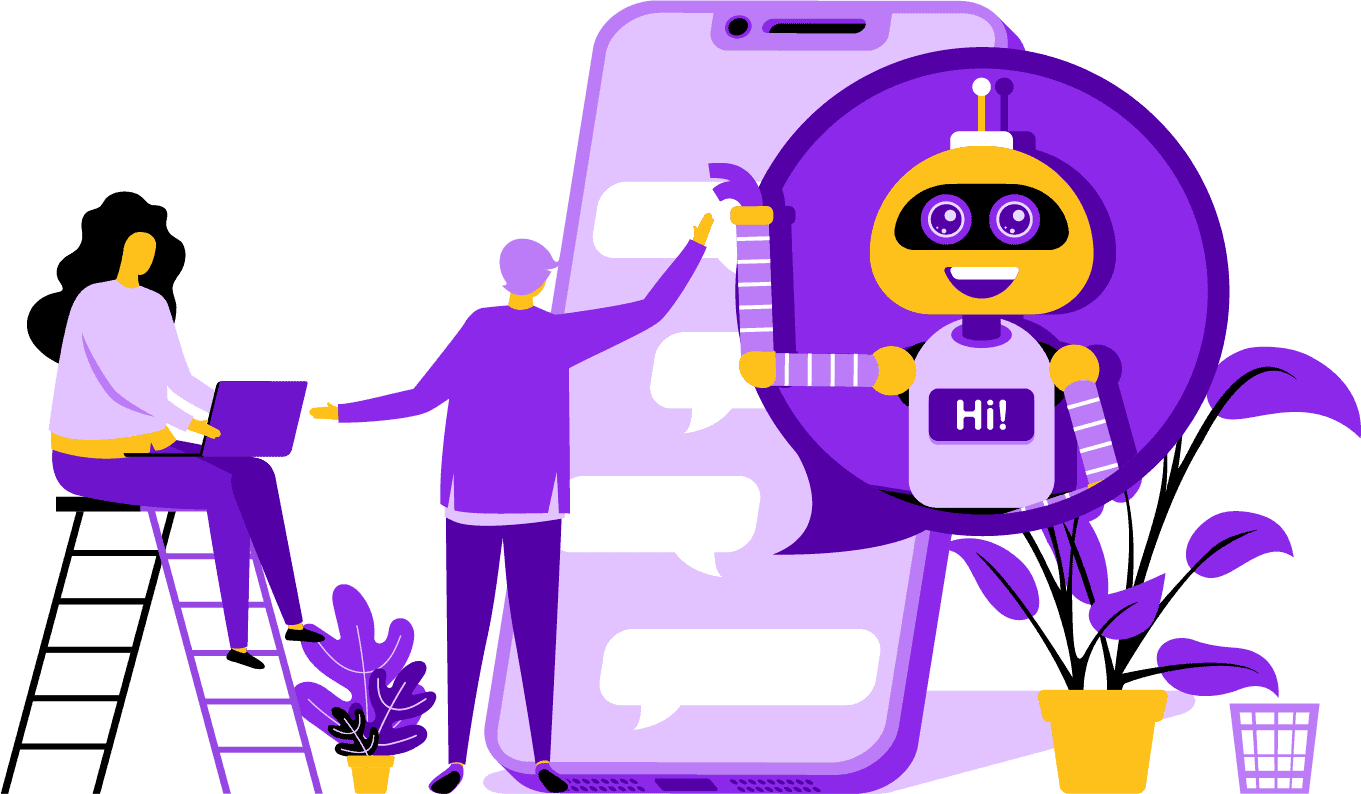
Ada keuntungan strategis dalam menggunakan bot Facebook Messenger untuk perusahaan Anda. Jika Anda ingin menjadi nama yang dikenal luas, menggunakan Messenger adalah cara cerdas untuk menghubungkan perusahaan dan misi Anda dengan miliaran orang. Facebook Messenger dengan nyaman berada di lima besar ketika Anda berbicara tentang aplikasi yang paling banyak digunakan di dunia. Dengan keadaan ini, mengapa Anda tidak menggunakan Messenger untuk kebutuhan bisnis Anda? Pelanggan menghargai aplikasi ini karena menyediakan cara yang nyaman dan cepat untuk menghubungi bisnis di seluruh dunia. Sebuah perusahaan dapat tumbuh dan meningkatkan eksposur sambil memberikan layanan pelanggan aktif pada saat yang sama. Anda tidak perlu khawatir tentang dukungan pelanggan 24/7 dengan chatbot.
Keuntungan lain yang dapat diberikan oleh bot Facebook adalah generasi prospek. Lebih mudah untuk menjangkau calon pelanggan dengan chatbot Facebook Messenger. Ketika aplikasi bot Anda menjangkau calon pelanggan, ia dapat mengajukan pertanyaan dasar untuk mengidentifikasi kebutuhan dan keinginan orang tersebut dengan menggunakan pemrosesan bahasa alami. Aplikasi ini dapat mengarahkan prospek ke tim dukungan pelanggan atau tim penjualan Anda untuk mengambil alih dan menyelesaikan penjualan. Seperti yang akan Anda lihat, Messenger Bot dapat melakukan semua ini dan lebih banyak lagi tanpa memerlukan pengkodean. Mulailah dengan Messenger Bot!
Pesan Massal
dan Bot Facebook
Ketika Anda memiliki halaman Facebook, ada kalanya Anda ingin menjangkau pelanggan dan calon pelanggan untuk menyebarkan pesan. Messenger Bot memiliki fitur pesan massal untuk mencapai hal itu. Mengapa melakukan pengiriman pesan massal? Pertama, pesan dapat dikirim dengan cepat. Ketika Anda memanfaatkan fitur ini di Messenger Bot, komunikasi Anda dapat menjangkau siapa saja dalam hitungan detik. Anda dapat mengirim pesan massal kepada ribuan orang ketika Anda menggunakan aplikasi ini dan tahu bahwa pesan tersebut akan dikirim sesuai dengan yang dimaksudkan. Prospek Anda dapat bercakap-cakap dan berinteraksi dengan Anda, yang membangun kepercayaan ketika mereka menerima jawaban yang akurat dan mudah dipahami untuk pertanyaan mereka. Fitur luar biasa yang dimiliki Messenger Bot ini membantu mempertahankan basis pelanggan Anda, yang merupakan bagian dari fondasi untuk pertumbuhan bisnis. Kami bangga menyatakan bahwa kami adalah yang pertama memiliki kemampuan pesan massal yang dapat menjangkau semua pelanggan.
Fitur Auto Tambahan,
Termasuk Chatbot Facebook Messenger

-
Suka Komentar Otomatis
Fitur ini memberi Anda kemampuan untuk menyukai komentar pelanggan yang Anda temukan di halaman Anda dan di bawah pos Anda. Keterlibatan ini dapat meningkatkan aktivitas di halaman Anda karena orang lain melihat bahwa Anda adalah perusahaan yang menghargai apa yang dikatakan pelanggan dan calon pelanggan Anda. Ini membantu mendapatkan perhatian yang Anda cari. Menambahkan suka pada banyak komentar juga dapat mempertahankan basis pelanggan Anda ketika mereka melihat keterlibatan Anda yang konstan dalam bisnis Anda.
-
Balasan Pribadi Komentar Otomatis
Manfaat yang sama berlaku untuk balasan pribadi komentar otomatis Messenger Bot. Anda akan menghadapi situasi di mana seseorang menghubungi Anda secara pribadi untuk mengomentari atau menanyakan sesuatu tentang bisnis Anda. Aplikasi kami memungkinkan Anda untuk membalas pesan ini kapan saja dengan respons yang Anda butuhkan. Balasan dirancang sesuai dengan spesifikasi Anda, dan pesan dapat berubah sesuai kebutuhan.
Posting Facebook<!–
dengan Bot Pesan
Bot pesan kami memungkinkan Anda untuk tidak hanya memposting teks ke halaman dan grup Facebook Anda, tetapi Anda juga dapat mengotomatiskan pemostingan dan berbagi foto, video, dan tautan. Tidak ada yang tidak bisa dilakukan oleh Messenger Bot! Dengan fitur ini, Anda sekarang dapat meluncurkan jenis media apa pun yang Anda inginkan kapan saja. Menggunakan campuran teks dan alat visual dapat menarik kembali pelanggan Anda dan mendapatkan pelanggan baru sekaligus.
Peningkatan Keterlibatan
dengan Pemasaran Messenger
Bot Messenger Facebook kami dapat membantu Anda mendapatkan keterlibatan yang lebih baik dari pelanggan dan pelanggan Anda. Penelitian telah menunjukkan bahwa ketika Anda memiliki keterlibatan tinggi, Anda memiliki peluang lebih besar untuk meningkatkan penjualan Anda. Anda dapat menggunakan banyak fitur Bot Messenger untuk mencapai kesuksesan ini. Peluncuran otomatis gambar dan konten visual lainnya dapat menjaga basis pelanggan Anda tetap tertarik dengan apa yang Anda katakan. Ini dapat menciptakan hubungan yang berpusat pada kepercayaan yang sekarang dimiliki oleh pelanggan Anda terhadap bisnis Anda. Kami memahami betapa pentingnya keterlibatan ini lebih baik daripada siapa pun di dunia chatbot. Ketika Anda menggunakan kami, Anda dapat melihat hasilnya hampir segera.
Konten Pribadi
dari Bot FB Messenger
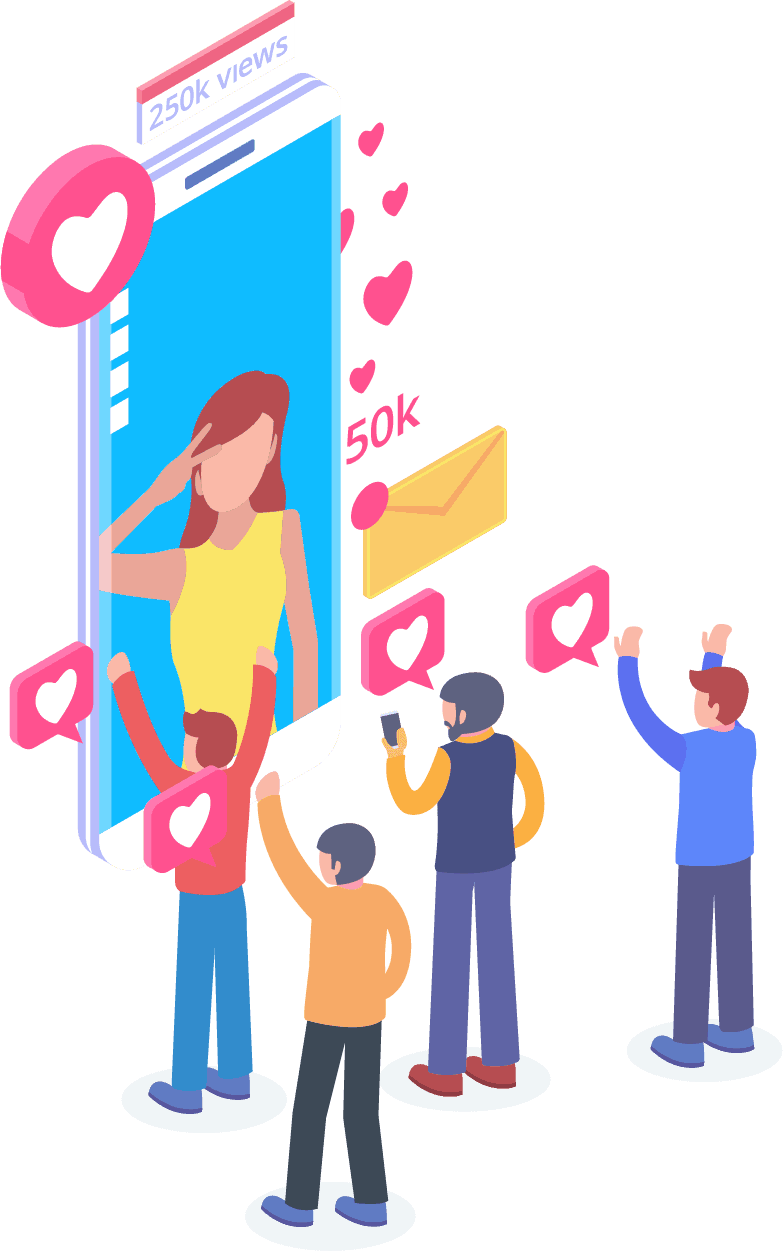
Perangkat lunak kami juga dapat memberikan respons yang dipersonalisasi kepada pelanggan Anda untuk semua komentar dan kekhawatiran yang mungkin mereka miliki. Sebagai pelanggan, ketika Anda memiliki pengalaman yang disesuaikan dengan sebuah perusahaan secara online, itu dapat memberikan mereka pandangan bahwa Anda peduli dengan pemikiran dan keberadaan mereka sebagai pelanggan. Bagi mereka yang memiliki latar belakang penjualan dan pemasaran, Anda tahu bahwa kepuasan pelanggan adalah bagian besar dari model bisnis yang sukses. Di Messenger Bot, kami dapat membantu Anda menciptakan personalisasi berharga yang dibutuhkan pelanggan Anda untuk tetap setia.
Kehadiran Media Sosial yang Besar
dengan Pemasaran Facebook Messenger
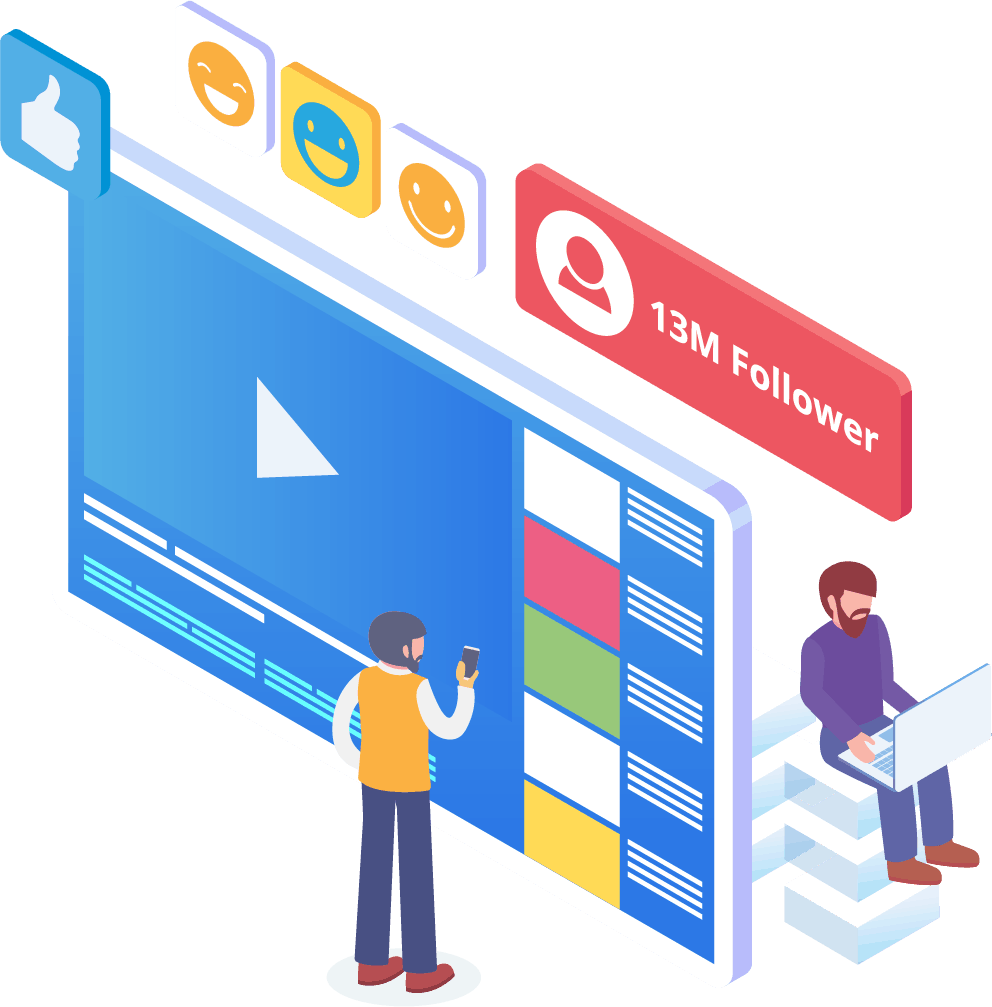
Di dunia saat ini, bisnis perlu memiliki kehadiran media sosial yang luar biasa untuk tetap unggul. Facebook secara bertahap telah menjadi platform yang dapat meningkatkan visibilitas perusahaan dan membawa pelanggan baru serta calon pelanggan ke halaman Anda dengan jumlah ratusan. Salah satu cara terbaik untuk berinteraksi dengan pengguna Facebook ini adalah melalui aplikasi chatbot. Chatbot messenger Facebook kami dapat membantu Anda untuk menghibur, memberi informasi, dan mengajarkan mereka yang berinteraksi dengan halaman Anda secara teratur.
Strategi pemasaran yang tepat harus memerlukan penggunaan Facebook dan media sosial untuk memfasilitasi pertumbuhan perusahaan. Menggunakan aplikasi kami dapat membantu Anda membuat rencana pemasaran yang lengkap dan kuat yang dapat mengangkat profil bisnis Anda ke tingkat yang sebelumnya tidak dapat dicapai. Layanan chatbot messenger kami dirancang khusus untuk Facebook dan dapat beradaptasi seiring perubahan yang dilakukan oleh raksasa media sosial tersebut. Messenger adalah alat media sosial yang sebagian besar belum dimanfaatkan yang dapat menjadikan Anda pemimpin industri ketika Anda tahu cara menggunakannya. Kami dapat menghilangkan permainan tebak-tebakan dan membantu Anda mencapai tujuan bisnis Anda satu langkah pada satu waktu.
Analisis Data Anda Dengan Messenger Bot
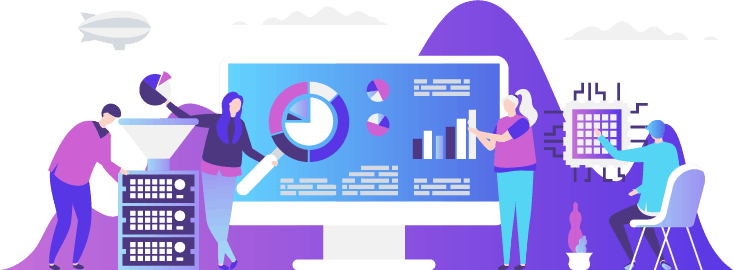
Seperti yang telah disebutkan sebelumnya, aplikasi kami juga dapat menyusun laporan yang dimaksudkan untuk menganalisis data Facebook dan pelanggan. Perangkat lunak Messenger Bot dirancang untuk memahami bagaimana manusia berinteraksi dengan Facebook. Analitik yang kami berikan kepada bisnis memungkinkan Anda untuk menggali lebih dalam saat membuat protokol penjualan dan pemasaran strategis untuk digunakan dan mengembangkan perusahaan Anda. Kami memberikan gambaran keseluruhan untuk dilihat, dan dari sana, Anda dapat mengekstrak apa yang diperlukan untuk membuat Anda lebih sukses.
Seperti yang dinyatakan sebelumnya, aplikasi kami juga dapat menyusun laporan yang dimaksudkan untuk menganalisis data Facebook dan pelanggan. Perangkat lunak Messenger Bot dirancang untuk memahami bagaimana manusia berinteraksi dengan Facebook. Analisis yang kami berikan kepada bisnis memungkinkan Anda untuk menggali lebih dalam saat membuat protokol penjualan dan pemasaran strategis untuk digunakan dan mengembangkan perusahaan Anda. Kami memberikan gambaran keseluruhan untuk Anda lihat, dan dari sana, Anda dapat mengekstrak apa yang diperlukan untuk membuat Anda lebih sukses.
Analisis data mendalam ini dapat menghasilkan penjualan, prospek, dan pelanggan baru. Dengan melihat kembali semua interaksi yang dilakukan halaman Facebook Anda dan pelanggan selama waktu tertentu melalui pembelajaran mesin, Anda sekarang dapat membuat konten yang menargetkan audiens dasar Anda. Kami menghilangkan hal-hal tambahan yang tidak diperlukan saat mencoba membuat konten baru dan relevan. Fokus Anda tetap di tempat yang seharusnya.

Ubah Prospek Anda Dengan Bot Messenger
Bot Messenger dapat membantu mengarahkan prospek Anda ke penjualan. Perangkat lunak otomatisasi kami memulai proses dengan menarik perhatian pelanggan potensial. Kami dapat berinteraksi dengan prospek pada tingkat dasar namun personal yang memberi mereka perasaan bahwa mereka penting bagi bisnis Anda. Anda sekarang dapat lebih baik menargetkan pelanggan tersebut dan tetap berhubungan dengan mereka setelah pertukaran awal.
Waktu respons yang cepat sangat penting untuk pengalaman pelanggan dan konversi. Dengan waktu respons yang lebih cepat, tingkat kepuasan pelanggan potensial Anda meningkat karena mereka menerima jawaban mereka secara real-time tanpa komplikasi atau kesulitan. Pengalaman yang sederhana meningkatkan retensi dan penjualan di masa depan. Ketika pelanggan baru berhubungan dengan sebuah bisnis, kesan pertama sangat berarti. Dengan menggunakan Bot Messenger, Anda menghilangkan segala komplikasi dan masalah yang tidak terduga saat mencoba mengobrol dengan pelanggan. Chatbot adalah asisten virtual Anda untuk tugas-tugas sederhana sehingga Anda dapat lebih fokus pada pengembangan bisnis Anda.
Bebaskan Waktu Anda Dengan Bot Facebook
Biarkan Bot Messenger melakukan semua pekerjaan keterlibatan untuk Anda dan bisnis Anda. Dengan cara itu, Anda dapat fokus pada tugas penting lainnya yang memerlukan perhatian penuh Anda. Dengan aplikasi inovatif kami, tidak perlu khawatir lagi tentang lupa untuk memposting atau secara tidak sengaja mengabaikan komentar atau pertanyaan. Tidak masalah kapan keterlibatan itu datang. Perangkat lunak kami dirancang untuk merespons saat dibutuhkan. Fitur ini berarti dukungan pelanggan 24/7 untuk Anda dan pelanggan Anda.
Dengan perangkat lunak kami, yang perlu Anda lakukan adalah memasukkan apa yang Anda butuhkan di antarmuka kami yang mudah digunakan, dan kami akan mengurus sisanya. Anda akan mendapatkan kampanye lengkap yang kami siapkan untuk Anda. Anda dapat mengandalkan kami untuk menyebarkan informasi Anda kepada mata dan telinga yang antusias.
Manfaatkan
Popularitas Facebook
Facebook tidak akan melambat dalam waktu dekat. Situs media sosial yang sangat populer ini digunakan oleh lebih dari satu miliar orang di seluruh dunia, dan itu termasuk Messenger. Pengguna aplikasi ini menikmati Messenger karena mudah digunakan. Mereka tidak perlu mengklik beberapa tautan atau halaman untuk sampai ke tempat yang mereka inginkan.
Keuntungan ini cocok untuk bisnis yang ingin berkomunikasi dengan basis mereka di tingkat dasar. Messenger Bot memiliki kemudahan dan kenyamanan yang sama yang menarik bagi pengguna Facebook. Ketika mereka berinteraksi dengan perangkat lunak, mereka diberikan informasi yang sederhana dan mudah dipahami yang dapat memberikan mereka pendapat yang informatif tentang produk atau perusahaan. Dukungan pelanggan ini tersedia ketika mereka membutuhkannya dan tanpa waktu tunggu.
Peluang Baru
Banyak
Aplikasi bot kami dapat memberikan Anda peluang baru yang tidak dimiliki oleh bisnis lain yang memilih untuk tidak menggunakan bot Messenger. Aplikasi Messenger masih dianggap sebagai pendekatan baru dalam pemasaran digital, jadi strategi apa pun yang Anda gunakan melalui kami tidak akan ketinggalan zaman dan usang. Kami memberikan teknologi terdepan yang dimaksudkan untuk membedakan bisnis Anda dari yang lain.
Melalui Facebook Messenger Chatbot, Anda akan menemukan apa yang berhasil dan apa yang tidak berhasil untuk Anda dalam hal penjualan dan pemasaran. Dengan menggunakan sumber daya kami, Anda dapat menyederhanakan pendekatan dari waktu ke waktu dan memastikan Anda memberikan yang terbaik untuk merek Anda. Pesaing yang tidak menggunakan chatbot kami berada dalam posisi yang sangat tidak menguntungkan dalam hal massa.

Tingkatkan Layanan Pelanggan
Dengan Facebook Chatbot
Tentu saja, Anda akan meningkatkan dan memperbaiki dukungan pelanggan yang Anda berikan sekarang dengan aplikasi kami. Kami mempertimbangkan semua aspek dukungan pelanggan ketika datang ke perangkat lunak kami. Kami memiliki jawaban berkualitas tinggi dengan bantuan pembelajaran mesin dan pemrosesan bahasa alami yang dapat memuaskan pelanggan dan memandu mereka untuk membuat keputusan pembelian yang cepat. Waktu respons yang segera menghentikan calon pembeli untuk meninggalkan halaman Anda untuk membeli produk di tempat lain.
Selain itu, ketika chatbot messenger kami meminta informasi dari pelanggan Anda, itu berfungsi sebagai tingkat pra-kualifikasi. Ketika seseorang mencari untuk membeli sesuatu dari bisnis Anda, Anda dapat menggunakan informasi sukarela itu untuk melayani kampanye dan peluncuran produk di masa depan dengan lebih baik. Anda sekarang telah menghilangkan kebutuhan untuk menghabiskan berjam-jam kerja untuk mendapatkan detail sederhana tersebut.
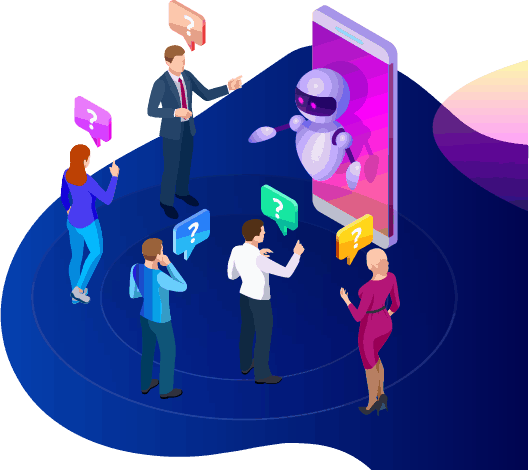
Chatbot juga memberi Anda opsi untuk beralih ke operator manusia yang sebenarnya ketika pertanyaan menjadi lebih kompleks, atau Anda ingin mengambil alih penjualan yang potensial. Dengan Messenger Bot, Anda benar-benar bisa mendapatkan semua yang Anda inginkan! Anda sekarang memiliki dukungan pelanggan yang dapat disesuaikan dengan komunikasi cepat dan alat otomatisasi yang dirancang untuk memfasilitasi pertumbuhan dan visibilitas.
Membangun Merek
Kesadaran
Dengan hanya beberapa tindakan cepat, Anda dapat memberi tahu audiens Anda segala sesuatu tentang bisnis Anda. Pertanyaan lanjutan dapat ditangani, dan calon pelanggan Anda sekarang dapat diarahkan lebih dalam ke dalam corong penjualan Anda.
Seluler
Optimisasi
Dengan begitu banyak orang dan konsumen yang menggunakan ponsel mereka untuk segala hal, Bot Messenger mengenali potensi untuk penjualan dan retensi pelanggan dengan menggunakan Facebook Messenger untuk menjangkau. Perangkat lunak kami dibuat dengan mempertimbangkan perangkat seluler. Kami memilih pendekatan yang bersih dan sederhana saat merancang perangkat lunak kami. Hasilnya adalah sistem bot yang bekerja dengan mulus dengan perangkat seluler dan Facebook.
Sepenuhnya Dapat Disesuaikan
Bot Messenger
Sebelumnya telah dibahas bahwa Messenger Bot dapat disesuaikan dan dapat beradaptasi dengan kebutuhan bisnis Anda yang berubah. Fitur ini sangat berharga bagi bisnis karena ada ruang untuk berubah dan berkembang. Kami telah membangun chatbot yang berfungsi penuh yang dapat bergerak seiring dengan perusahaan Anda tidak peduli arahnya. Anda dapat mengubah strategi Anda saat Anda membutuhkannya, dan kami akan ada tanpa gangguan.

Mudah Digunakan
Bot Messenger
Kami tahu waktu Anda sangat berharga. Ketika Anda ingin menerapkan strategi pemasaran baru melalui aplikasi kami, Anda tidak ingin memikirkannya hari demi hari. Layanan bot kami siap membantu Anda. Begitu Anda memberi tahu kami apa yang Anda butuhkan, kami dapat melakukan sisanya. Dalam beberapa menit saja, Anda dapat meluncurkan kampanye yang dapat meningkatkan keterlibatan dan membawa Anda pelanggan. Anda bahkan tidak perlu mengangkat jari dari implementasi awal jika Anda tidak mau. Teknologi kompleks kami memastikan bahwa pengalaman pengguna Anda bebas repot dan mudah.
Messenger Bot dirancang untuk membantu Anda dan bisnis Anda mencapai potensi maksimum dalam hal pemasaran dan penjualan. Melalui aplikasi inovatif kami, Anda dapat mengekstrak informasi berharga yang dapat meningkatkan visibilitas dan popularitas Facebook Anda. Koneksi baru Anda dengan pelanggan membantu mempertahankan basis Anda dan memenangkan pelanggan baru. Tidak ada yang seperti ini! Cobalah kami hari ini, dan Anda akan terkejut dengan hasilnya. Buat chatbot messenger pertama Anda tanpa perlu coding.
Siap untuk membuat perubahan nyata? Mari kita bangun ini bersama!
Kenali Messenger Bot tanpa batasan dan mulai menggunakannya sepenuhnya hanya ketika Anda menyukainya. Kami akan menunggu Anda.
 Bahasa Indonesia
  English
  Tagalog
  简体中文
简体中文  العربية
  हिन्दी
  Português do Brasil
  Español de México
  Français
  বাংলা
বাংলা  香港中文
香港中文  繁體中文
繁體中文  Nederlands
  Deutsch
  日本語
日本語  한국어
한국어  Polski
  Русский
  Español
  Tiếng Việt