
Facebook and Instagram follow-up
Turn more comments and DMs into conversations your team can close.
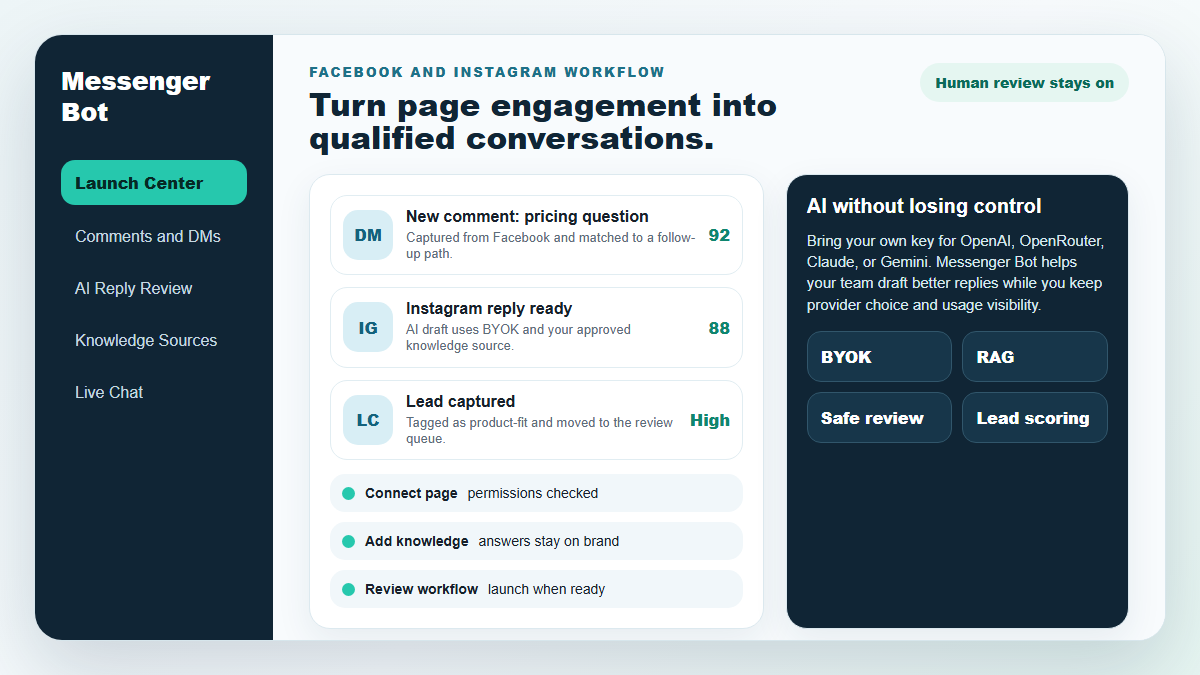
Start with one proven workflow, capture higher-intent leads, and use BYOK (Bring Your Own Key) AI drafts with human review before anything reaches a customer.
- Comment and DM capture
- BYOK AI reply drafts
- Human review controls
MESSENGER BOT
Our AI will automatically respond intelligently to any user’s comment or message based upon what they say!
Start responding and sending automated comments and DMs on your Facebook, Instagram, or any site in just a few clicks with pre-made templates!
Create automated flows that engage with users based upon their behaviors and get more sales.
Get opt-ins for less than $0.25 with Messenger marketing lead magnets!
Multilingual & Looks
Amazing On Any Device
Deliver perfect responses in the language of your choice! Regardless of the user’s response, 通讯机器人 将确保其完美无缺!
100% 符合 Facebook 标准
Messenger Bot regularly undergoes reviews by Facebook and is a 100% compliant and approved Facebook application.
与所有主流浏览器兼容
Works well with Chrome, Firefox, Edge, and Safari! No plugin or app to download in order to use Messenger Bot, everything is 100% in the cloud.
适用于任何设备
Messenger Bot is designed to look amazing on every device including mobile, desktop, and tablets!
Comprehensive
分析
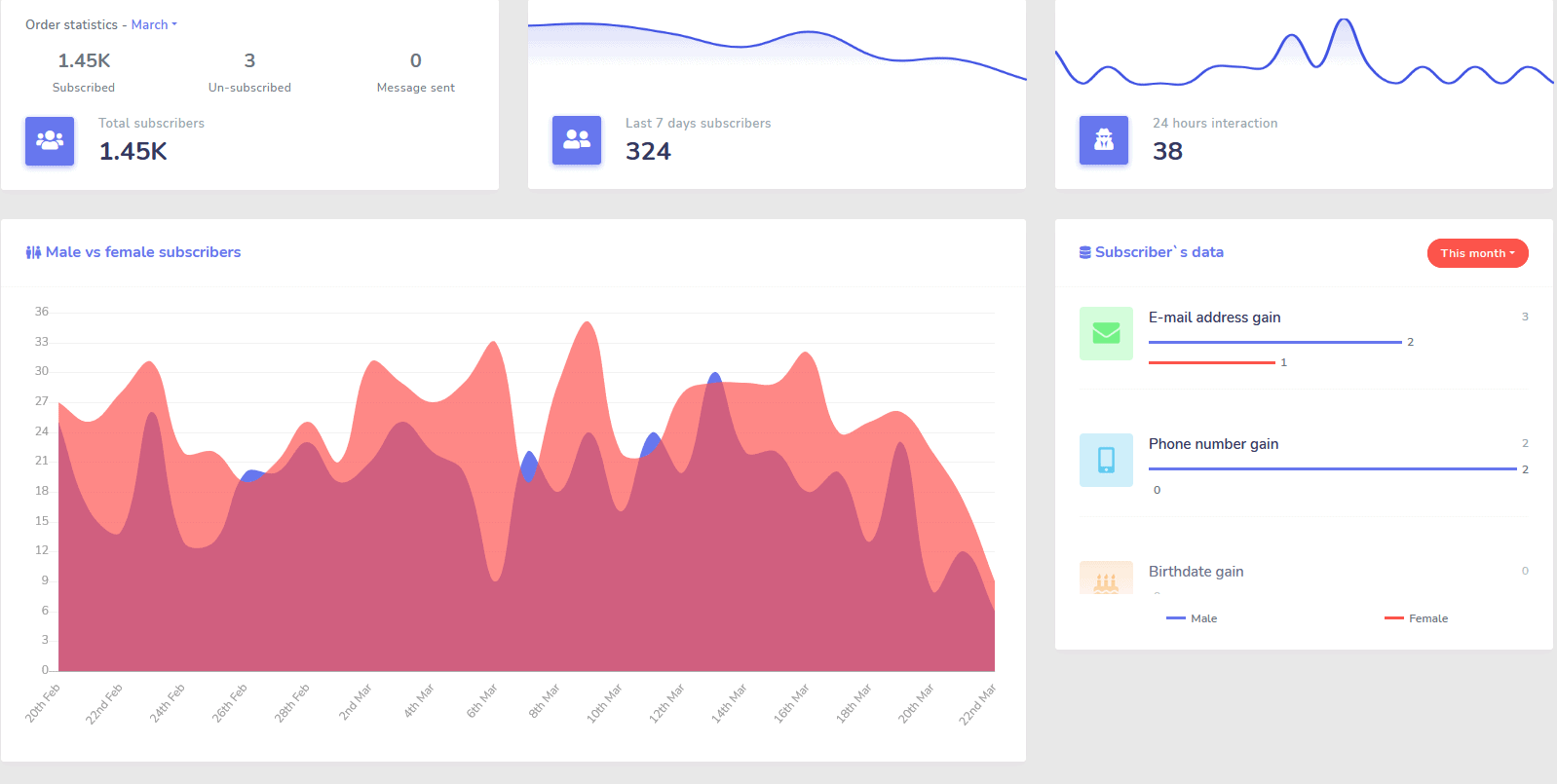
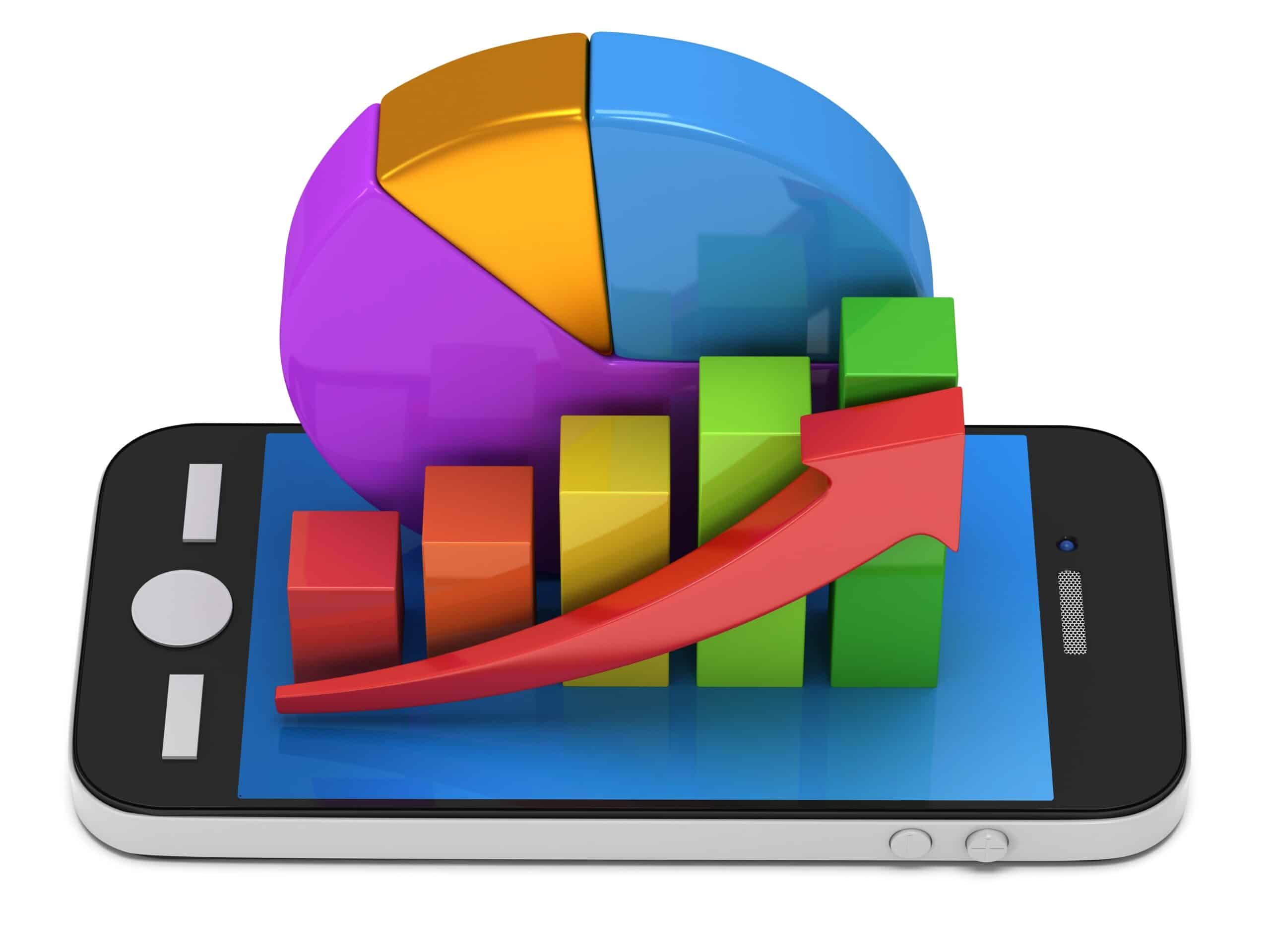
Easily identify your best performing channels and get a clear overview of your subscribers, how you are performing, as well as where you are performing best/worst and in between.
轻松跟踪订阅者、最新评论和其他活动,直接从您的仪表板查看。
Drastically Lower
Cost Per Lead and Sale
With 通讯机器人 you can be available 24/7 and lower your cost per lead and sale by giving users the information they are looking for right away!
Plus use Messenger Bot to deep dive into the Facebook Interests API and discover audiences not revealed to other advertisers on Facebook!
通过针对这些隐藏受众进行 Facebook 广告投放,您可以立即大幅降低每个潜在客户和每笔销售的成本。
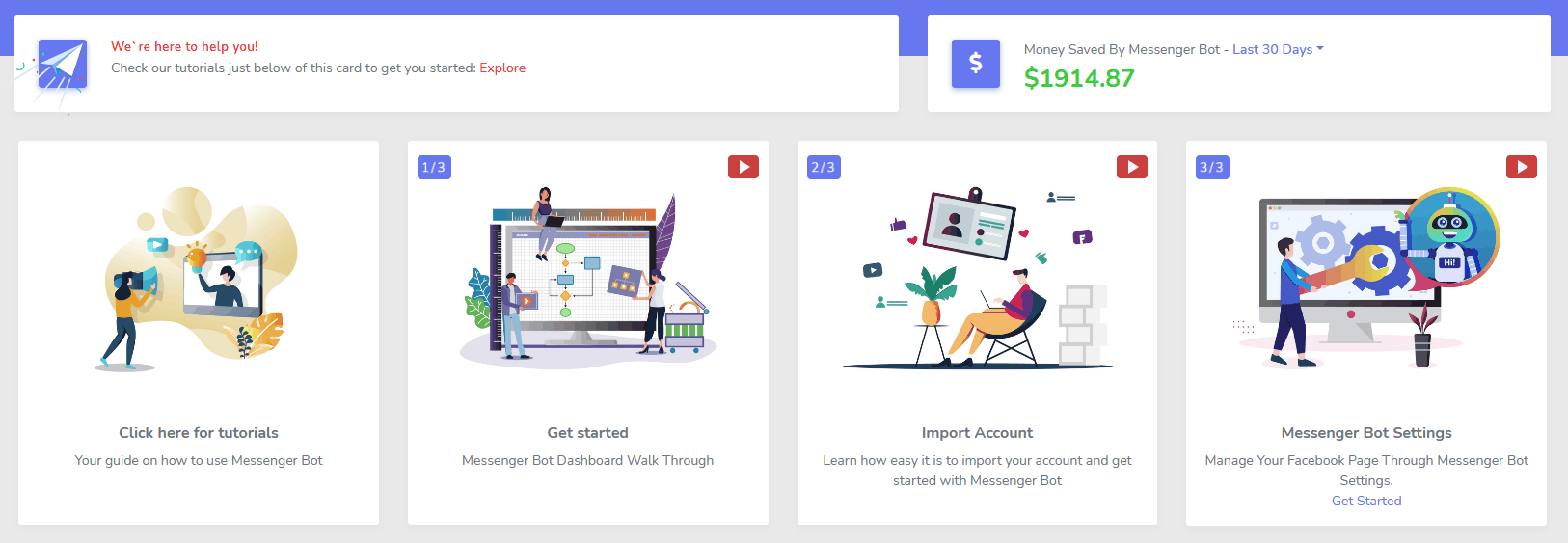
信使
eCommerce Store
Start selling directly in Messenger and anywhere else with your own customizable eCommerce store!
Keep 100% of the revenue, with 0% revenue share and multiple payment processors to choose from such as PayPal, Stripe, and RazorPay!
Included in ALL of our Messenger Bot subscriptions.
无限
Sequence Messages and Bulk Sends
For a limited time when you order today, you get 无限 sequence messaging campaigns and bulk message sends!
Always be on time with sequence messaging that sends your desired messages to the user based on a time delay you set.
在合适的时间通过批量消息发送与您的客户进行大规模联系。
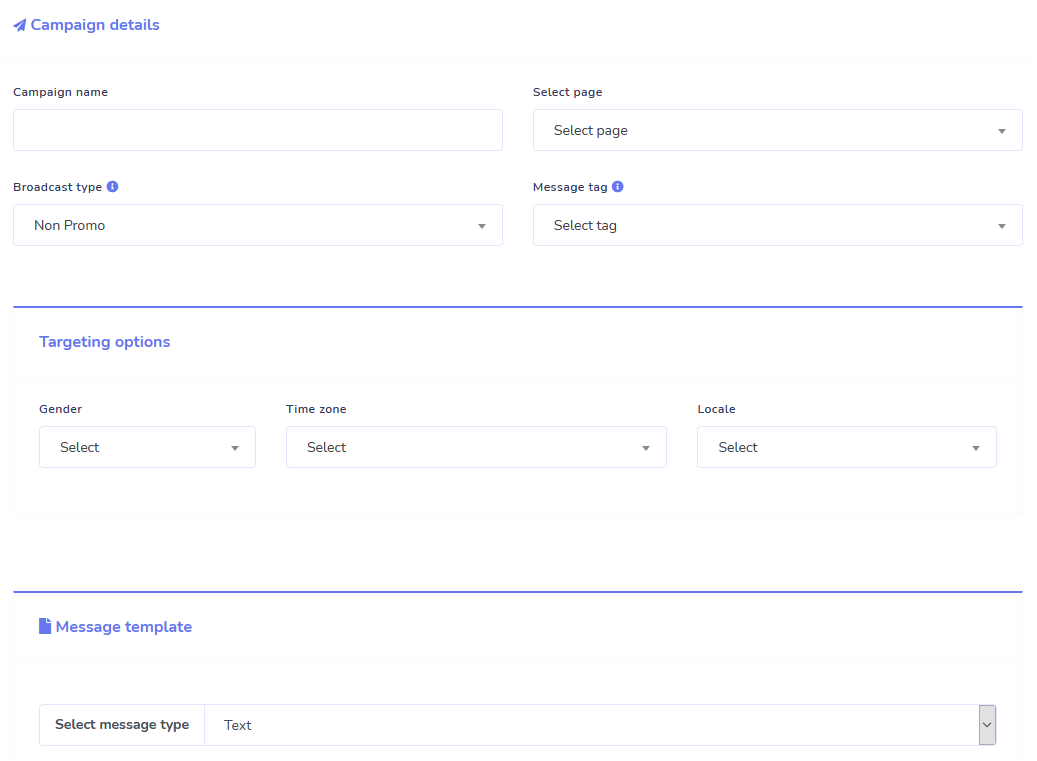
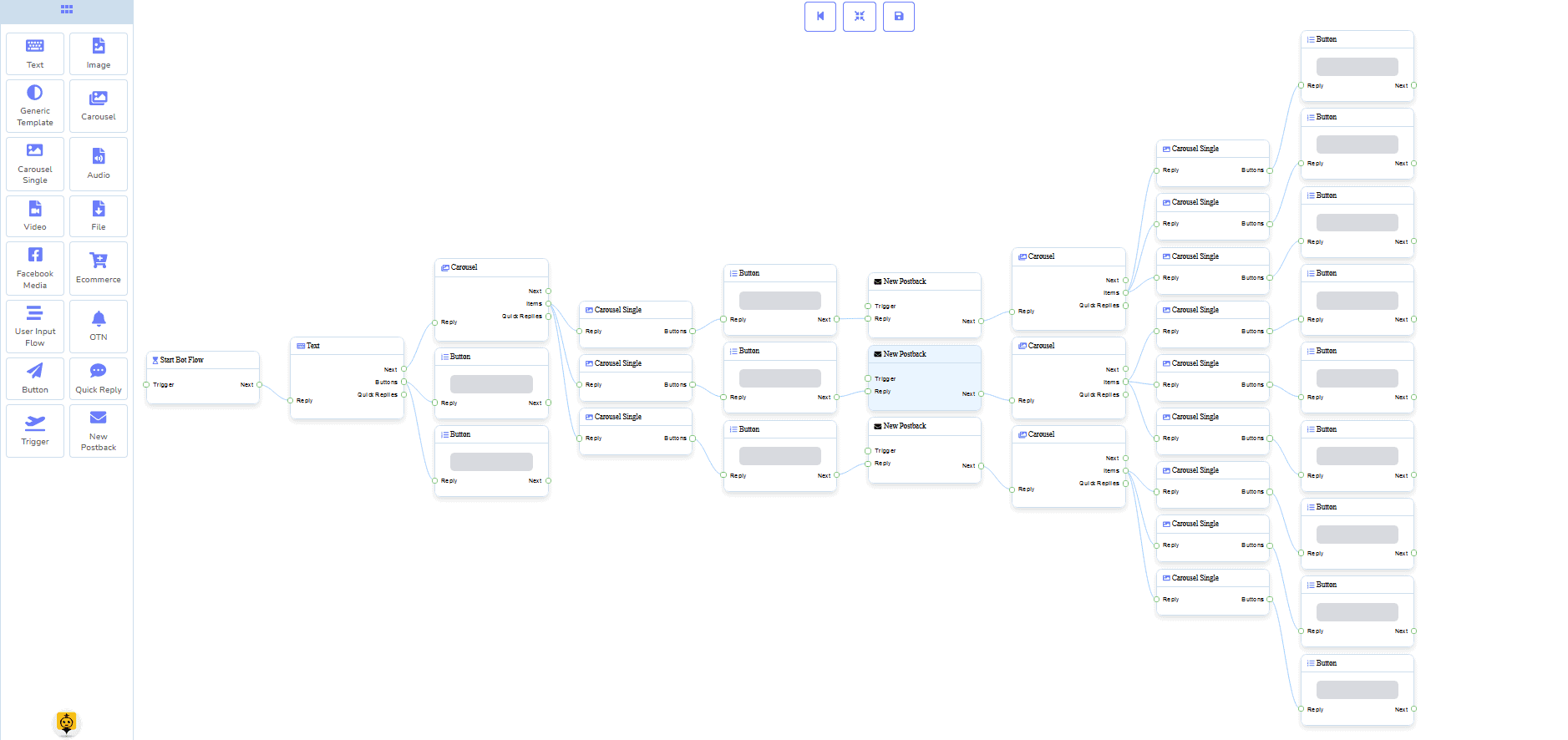
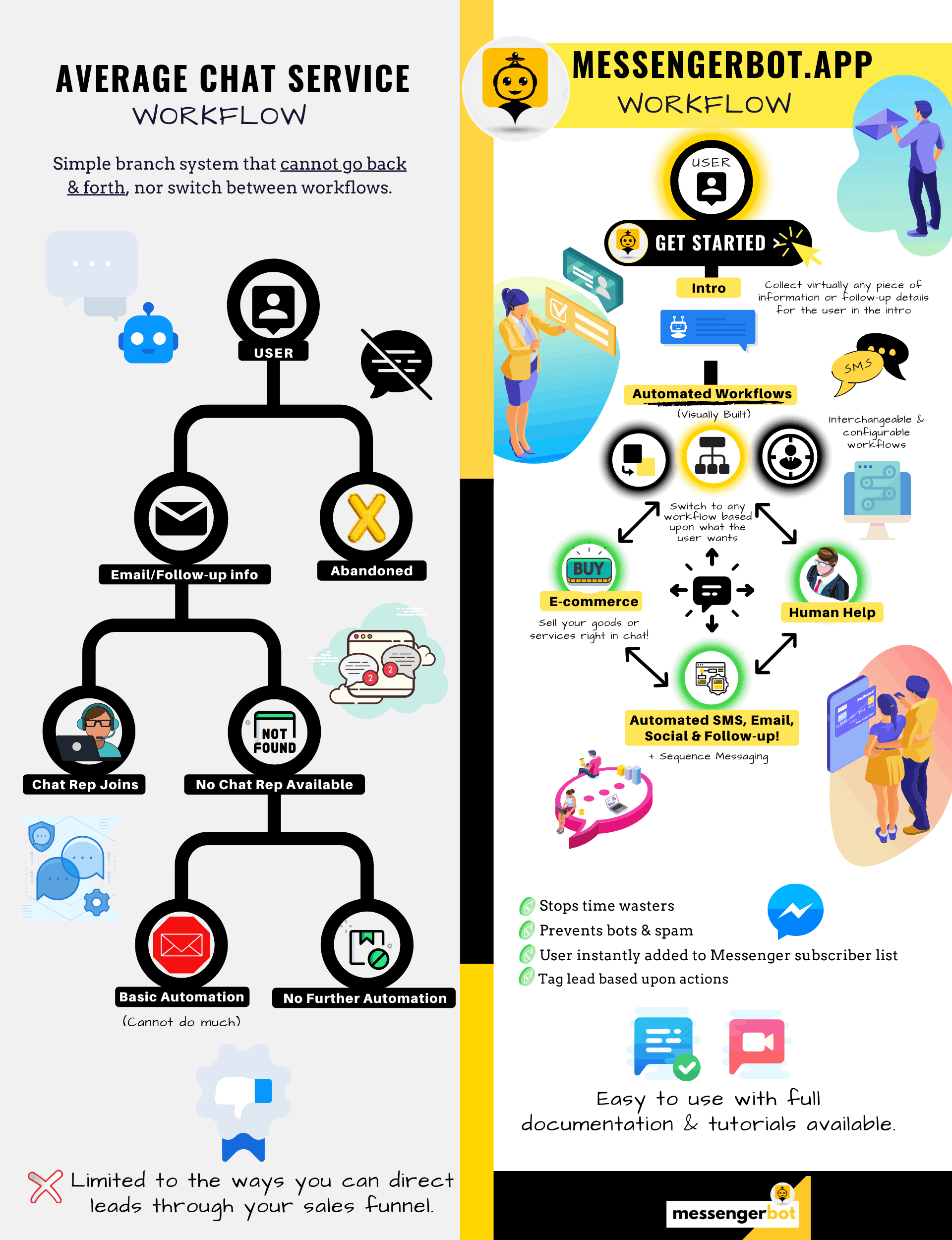
0 Code Flow Builder
+ Done For You Templates
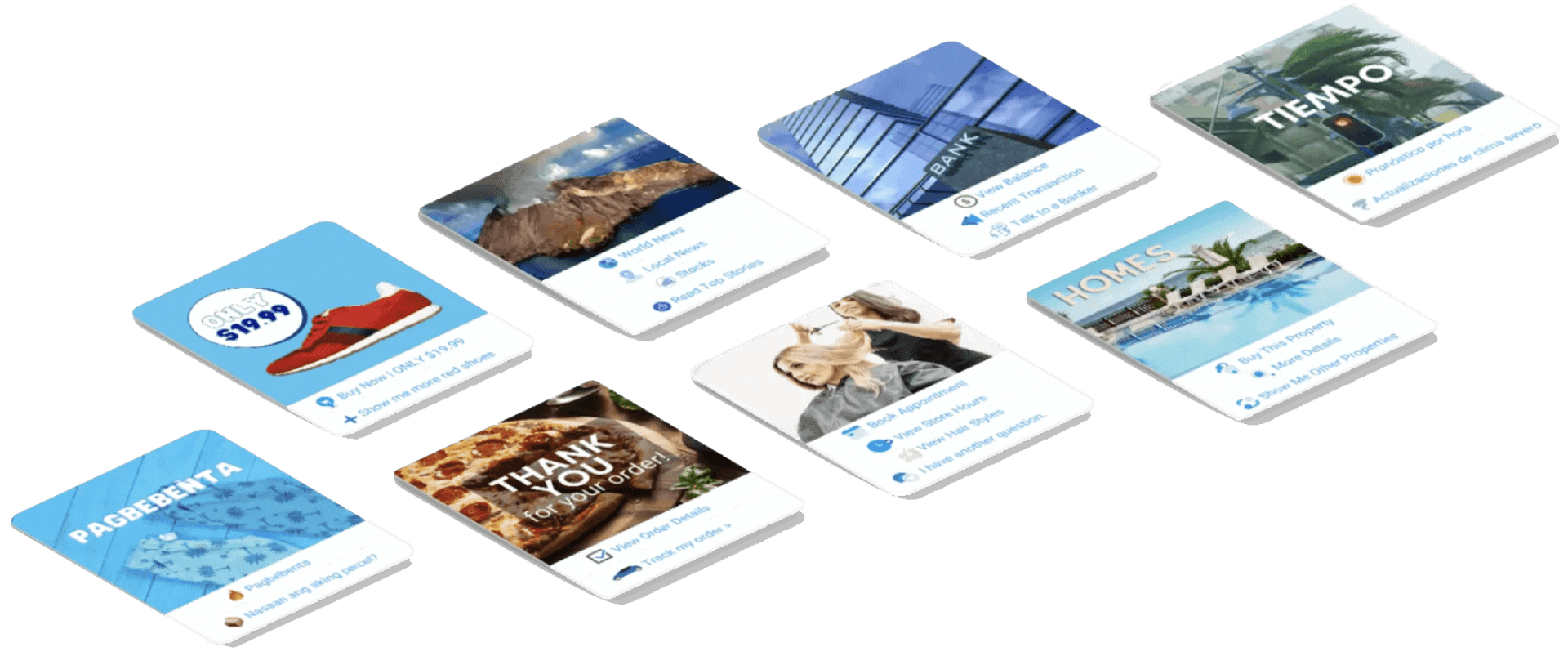
Go live in just a few clicks with our done for you templates!
Make your automated work flows with 0 coding required with our no code visual builder!
Still too technical? Our customer support is standing by and ready to help build it for you!
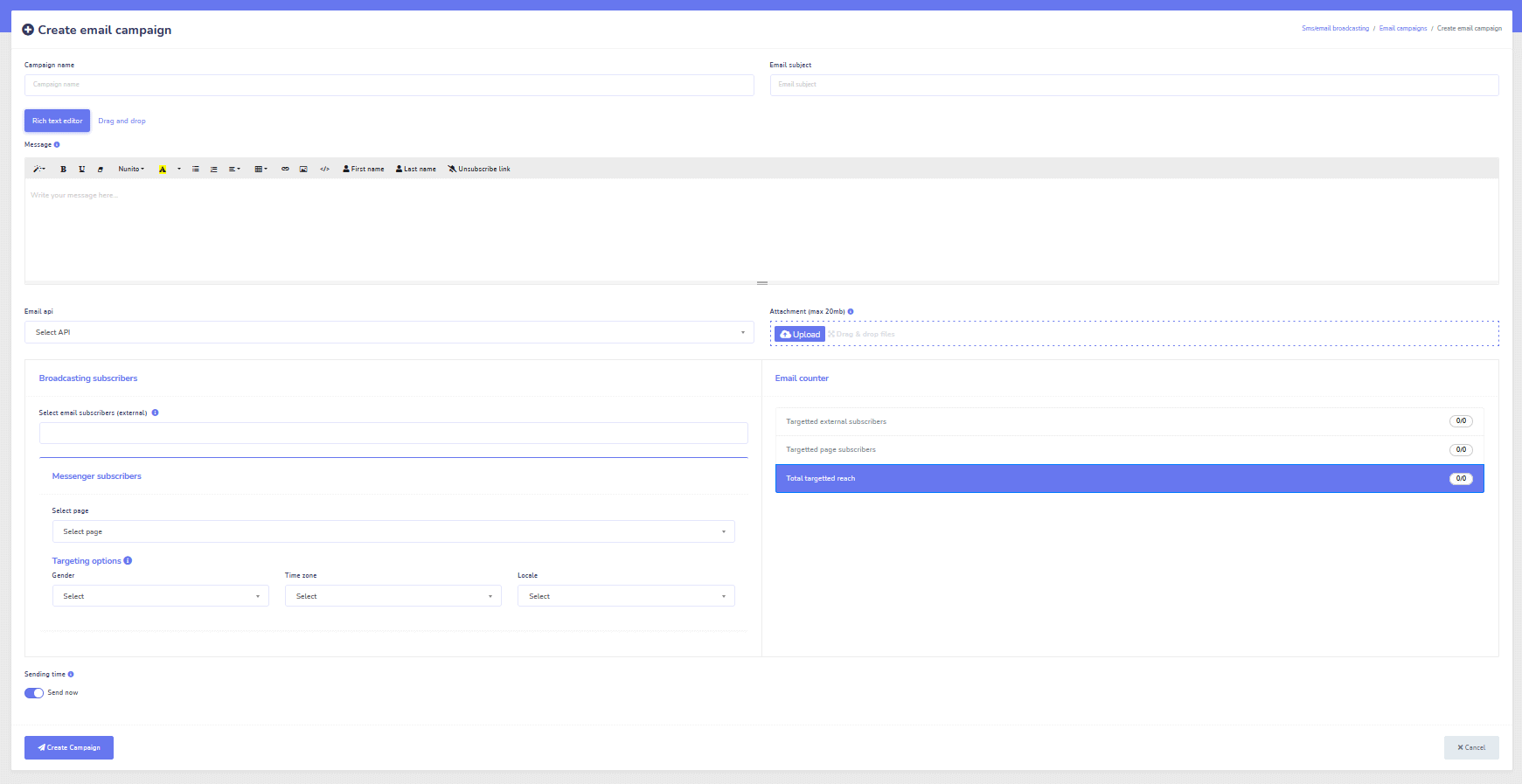
Auto-Responder, Broadcast, Sequence, Subscribe, and Templates
Respond to any and all emails automatically!
Send email broadcasts and drip feed campaigns.
Build your subscriber lists and create email campaign templates with our visual builder!
Facebook & Instagram
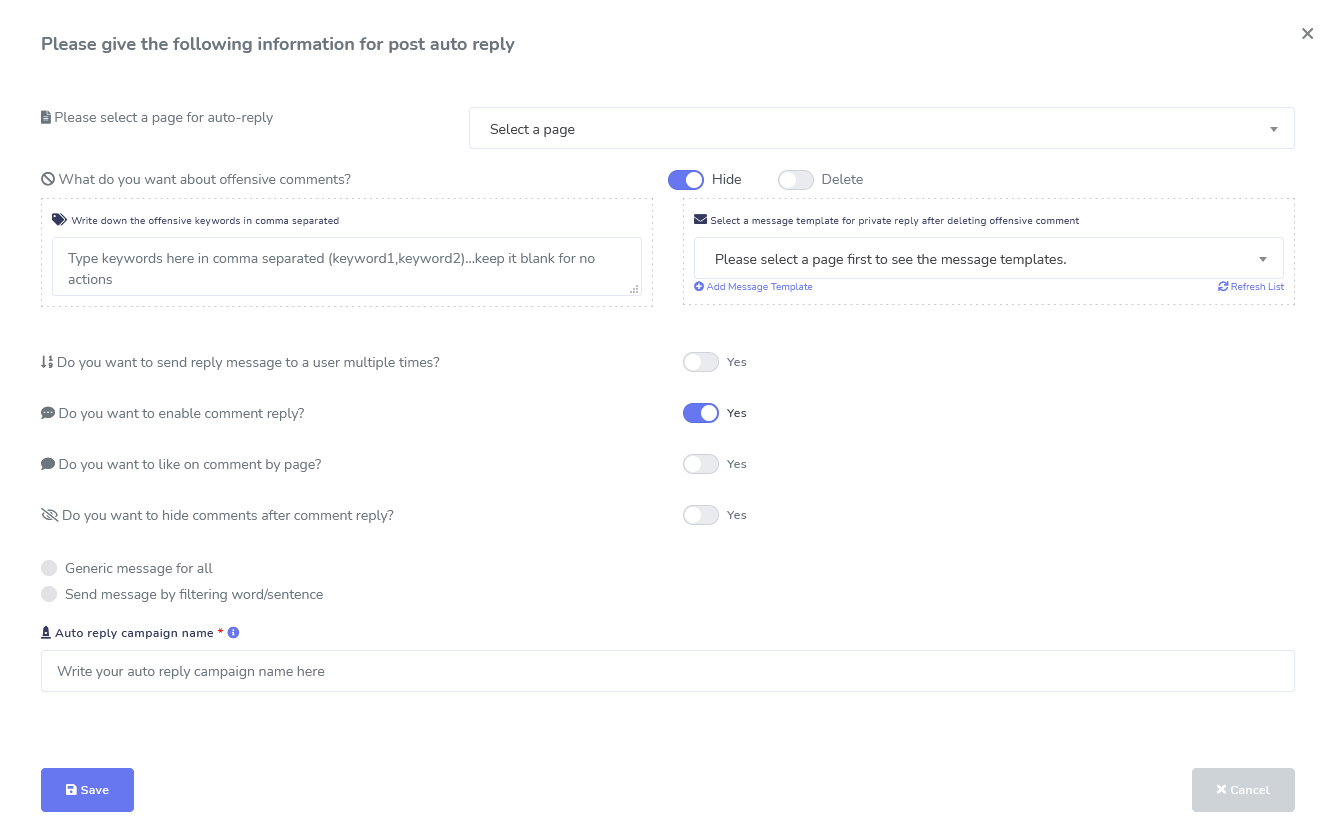
Comment Moderation, Automation, Post, & Reply Tools
A full Facebook automation feature suite designed to help you with creating posts, scheduling posts, moderating posts, and automatically replying to posts, as well as sending follow up messages!
Live or Automated
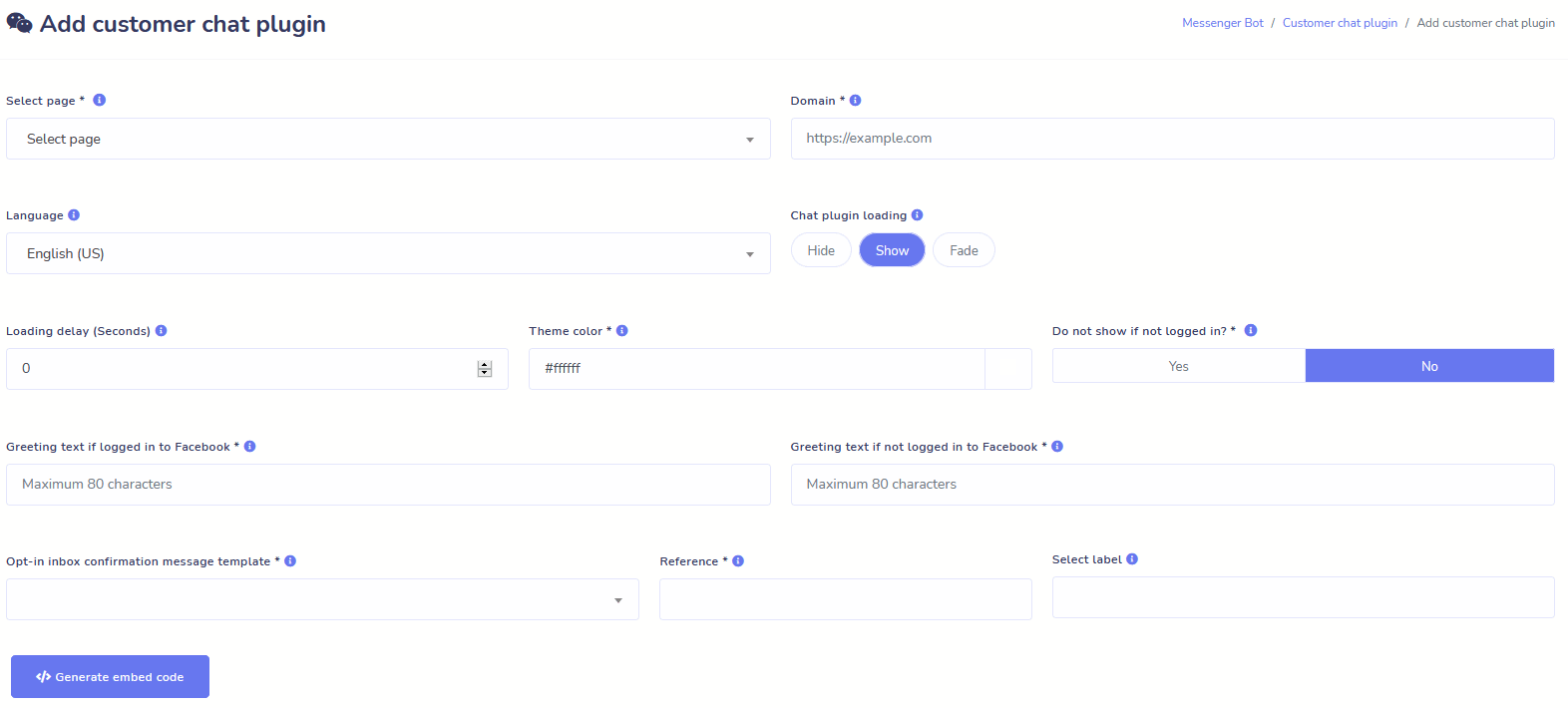
Website Chat
Automate your chat as well as allow live human help to visitors who request it.
Allow users to get the information they need on-demand and watch your business flourish!
Give your users the experience they desire in just a few clicks.
Subscriber
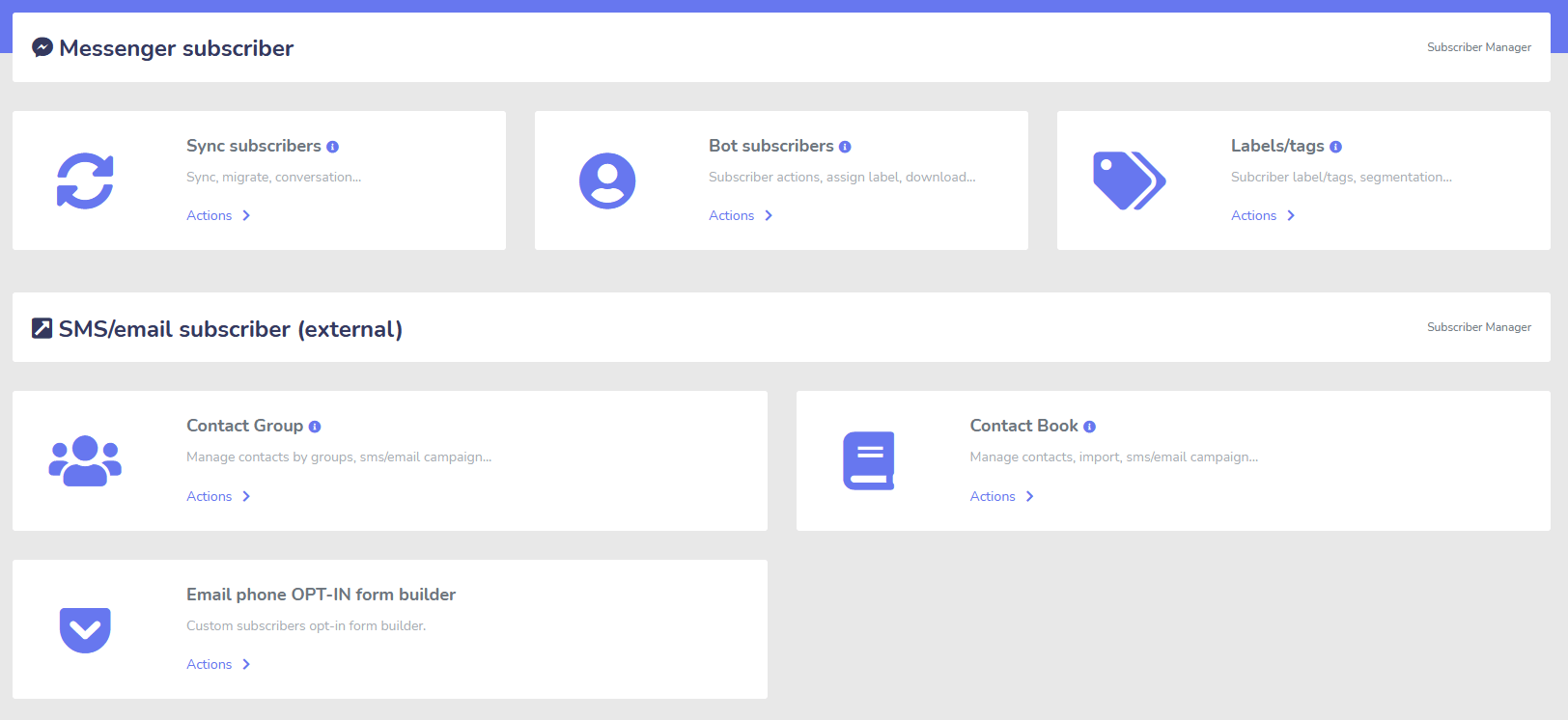
Builder, Importer, Manager, and Sync
Migrating from ManyChat, ChatFuel, or somewhere else? Easily sync your subscribers to Messenger Bot!
Easily build your subscriber lists with M.Me links, Messenger opt-ins, and more!
订阅者管理器允许您获取订阅者的同步、查看机器人订阅者、查看标签以及管理不同联系人组中的消息/电子邮件活动。
WooCommerce
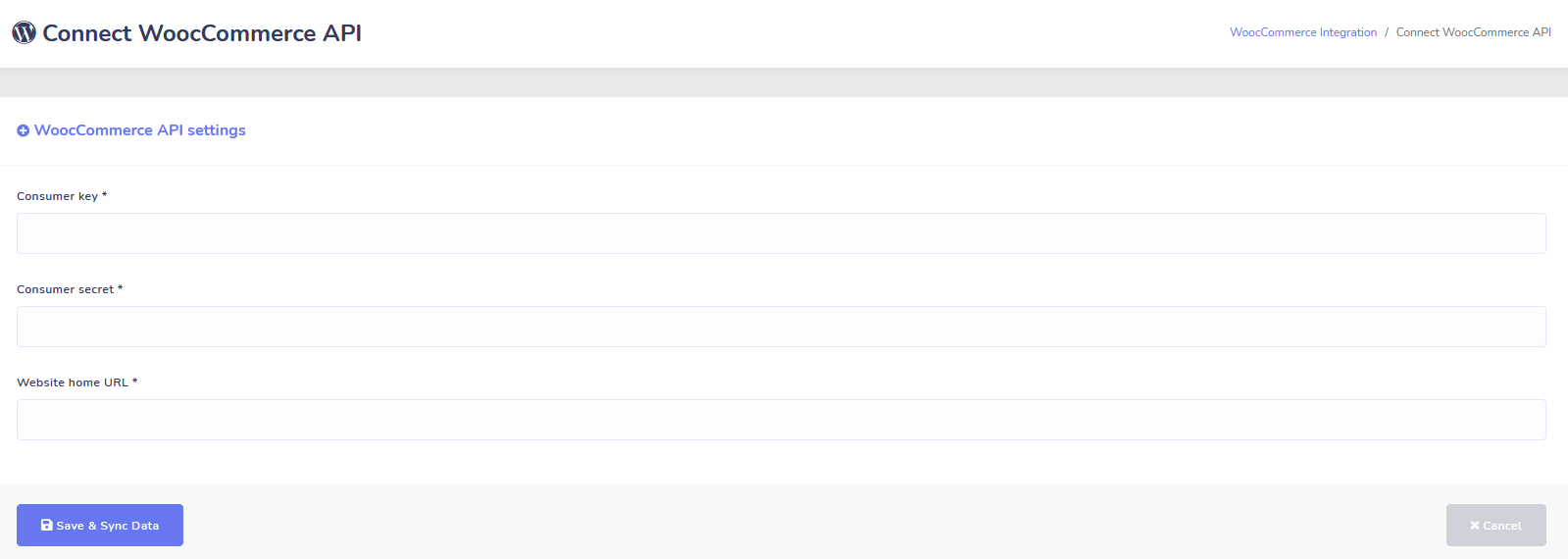
Sync and Abandoned Cart Recovery
一键同步您的 WooCommerce 商店。
Get more sales by recovering users who have abandoned their carts!
Shopify + Wix Integrations Coming Soon!
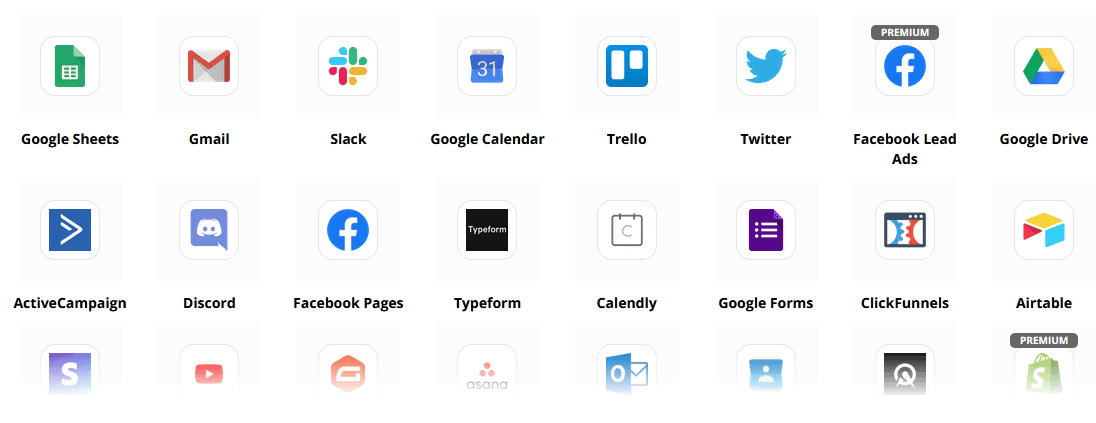
Zapier + JSON API + Google Sheets
Integrations
Plug-in to over 3,000+ apps with our Zapier integration or use the JSON API to create your own customizations!
将订阅者数据自动传输到 Google 表格。
Plus
So Much More!
Utilize built-in image editors to create images and posts within your dashboard.
Automatically post from RSS feeds!
Create your own persistent Messenger menu
和 so much more…….
Here are other ways Messenger Bot is used
Messenger Bot is being used in many ways. Here’s a small list of how people are using us right now.
客户支持
Intelligently route customers to their desired destination based upon their actions and behaviors.
收集客户信息
Getting all the important information from needed from customers.
常见问题
Give users the answers they need instantly while simultaneously freeing support staff.
电子商务
Sell directly in Messenger with a new or existing store!
潜在客户生成
Interact with users and generate leads automatically!
完全可定制的表单
Create fully customizable and conversational forms in Messenger + your Website!
房地产
Show properties and generate qualified leads automatically 24/7.
餐厅
Run promotions, take reservations and payments!
Travel & Tours
Get more travel and tourism bookings, showcase your unique outings.
汽车经销商
Show and sell cars through Messenger + your site!
反馈与调查
Create fully customizable automated surveys and feedback forms!
保险
Help present & select policies + give quotes as well as set appointments.
Low Priced For A Limited Time
Act now and secure this special offer for Messenger Bot before the price increase!
With 通讯机器人, you will save on support, sales, and subscription costs for other services you will no longer use!
See 通讯机器人 In Action!
40,000+ Users
24/7 Support
100% Satisfaction

Used and Trusted By Over 40,000 Users
Join over forty thousand business owners who use and rely on Messenger Bot as a complete end to end marketing solution!
Practical follow-up resources
Turn more customer conversations into clear next steps.
Use these practical guides to strengthen response speed, lead qualification, and follow-up while your team keeps ownership of every customer decision.
- missed-call text-back guide — Keep high-intent callers moving with a clear, consent-aware follow-up path.
- lead-scoring workflow — Give your team a practical way to prioritize better-fit opportunities.
- speed-to-lead guide — Shorten the gap between a new inquiry and a useful first response.
Pick the right starting point
Choose the Messenger Bot plan that matches the conversations you want to win.
Start with the workflow you need now, then upgrade when your page, team, or client load grows.
Starter
$29 /mo
For one focused page getting its first automated comment and DM follow-up live.
- Launch a guided lead-capture workflow.
- Reply faster without adding another daily dashboard.
- Keep setup simple while you prove the channel.
专业版
$99 /mo
For growing businesses that want BYOK (Bring Your Own Key), business knowledge, and better lead sorting.
- Use AI-assisted drafts with human review.
- Qualify replies before your team spends time on them.
- Keep follow-up consistent across busy launches.
机构
$299 /mo
For teams managing multiple brands, clients, assets, and approval workflows.
- Organize client conversations by page and priority.
- Give teams cleaner review paths before replies go out.
- Scale repeatable workflows without adding extra manual work.
A payment card keeps trials focused. You stay in control of the plan before billing starts.
Frequently Asked Questions
什么是 Facebook Messenger Bot?
A Facebook Messenger bot is an automated chatbot that can be utilized to enhance not only the Messenger experience, but also the chat experience on your website.
Messenger Bot能为我的业务做些什么?
Messenger Bot will enable you to automatically welcome new users, respond to specific keywords or phrases, syndicate content, generate leads, make sales, and more!
我为什么需要Messenger Bot?
As each day passes, it becomes increasingly more difficult to reach your target audience. It is a fact that many of the traditional marketing methods no longer provide the same results as they did years ago.
Our Facebook Messenger bot solves this problem by allowing you to achieve over 80% open rates with real-time interactive messaging and chat campaign sequences.
我如何创建一个Facebook Messenger Bot?
First, you will need a Facebook account and a Facebook page with administrative rights to manage it.
After that, you purchase your deal (or sign up for a free trial) and then select “Import Account”.
From there, use our Visual Flow Builder to create and deploy your bot in minutes, not days! Now you can start real conversations with your customers, any time.
有试用版吗?
Yes, you can get your free trial before purchasing with no credit cards required 这里.
这个优惠什么时候到期?
This offer will expire soon, so if you want to avail the best discount, you will want to order now.
准备好进行真正的改变了吗?让我们一起构建这个!
Get to know Messenger Bot without any restrictions and only start using it to its fullest when you love it. We’ll be waiting for you.
Messenger Bot Is Much More Than A Simple Chat Bot!
Now it is possible to have complex conversations automatically!
Why You Need Messenger Bot
to Drive Sales in Your Business
For marketers, Facebook Messenger is now becoming a novel and effective way to reach out to current and potential subscribers of your Facebook page and business. With the use of Messenger bots, you can spread information at any time of day without lifting a finger.
One of the most powerful bot apps, Messenger Bot, has quickly become a leader in this new industry. Our marketing software has so many features that make marketing a breeze for companies large and small. By using Facebook Messenger chatbot, you can now reply to chats 24/7, send messaging in large quantities to your target audience, and even post videos and pictures to your Facebook page. If you need it for your business, Messenger Bot undoubtedly has it! In our own unique way, we can give you a high level of chat bot service you don’t see anywhere else.
Let’s take a look at all the services and features our fantastic app provides before you get started. This impressive software is sure to be the most ideal Facebook messenger marketing tool for you with no coding required.
什么是Facebook聊天机器人?
If you are only vaguely aware of what a Facebook Messenger bot app or Facebook 聊天机器人 does, you need to understand how it can catapult your business to the next level. The software is automated to send out messages through Facebook Messenger by using natural language processing to understand what the person wants and artificial intelligence to interact with people. When implemented, it can understand questions that are asked of it and answer those inquiries correctly. Chatbots are like virtual assistants that can improve customer experience.
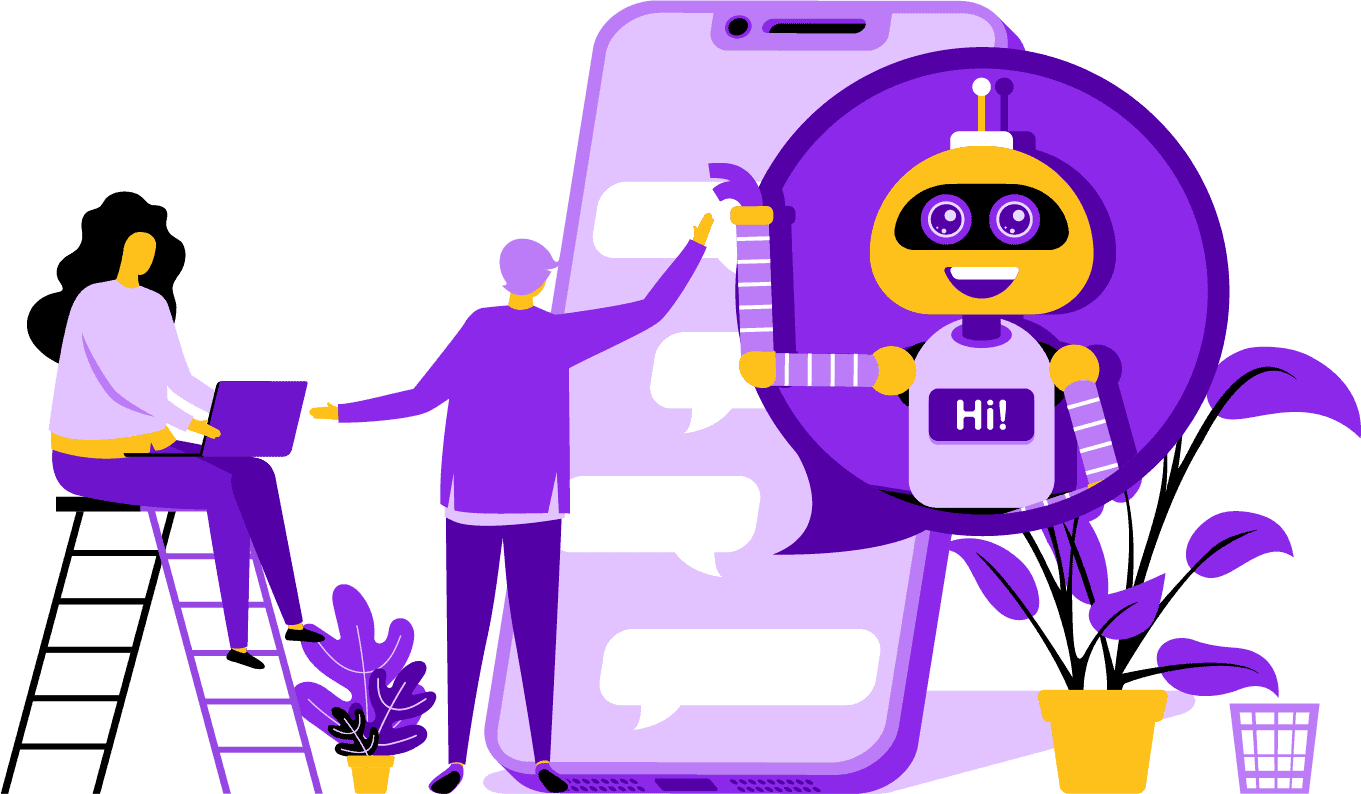
There are strategic advantages to using a Facebook Messenger bot for your company. If you want to become a household name, using Messenger is a smart way to get your company and mission in contact with billions of people. Facebook Messenger is comfortably in the top five when you are talking about the most used apps in the world. With this being the case, why shouldn’t you use Messenger for your business needs? Customers appreciate the app because it provides a convenient and fast way to reach out to businesses around the world. A company can grow and increase exposure while providing active customer service at the same time. You don’t have to worry about 24/7 customer support with a chat bot.
Another advantage that a Facebook bot can provide is lead generation. It’s easier to reach out to potential customers with Facebook Messenger chatbot. When your bot app reaches out to potential customers, it can ask basic questions to identify the needs and wants of the person with the use of natural language processing. The app can direct the prospect to your customer support or sales team to take over and land the sale. As you are going to see, Messenger Bot can do all of this and more with no coding required. Get started with Messenger Bot!
批量消息
and a Facebook Bot
When you have a Facebook page, there are times when you want to reach out to subscribers and potential customers to spread a message. Messenger Bot has a bulk message feature to achieve just that. Why do bulk messaging? For one, it can be delivered fast. When you utilize this feature on Messenger Bot, your communications can reach anyone in seconds. You can send a mass message to thousands of when you use this app and know that it is going to be delivered as intended. Your leads can converse and interact with you, which builds trust when they receive accurate and easily understandable answers to their questions. This outstanding feature that Messenger Bot has helps to retain your customer base, which is part of the foundation for business growth. We are proud to state that we were the first to have bulk message abilities that can reach all subscribers.
Additional Auto Features,
Including Facebook Messenger Chatbot
-
Auto Comment Like
This feature gives you the ability to like subscriber comments that you find on your page and under your posts. This engagement can increase activity on your page as others see that you are a company that appreciates what its customers and potential customers have to say. It helps get you the attention you are looking for. Adding likes to many comments can also retain your customer base when they see your constant involvement in your business.
-
Auto Comment Private Reply
同样的好处适用于Messenger Bot的自动评论私信回复。您会遇到有人私下联系您以评论或询问有关您业务的问题。我们的应用程序允许您在任何时间回复这些消息,提供您所需的回复。回复是根据您的规格设计的,消息可以在需要时进行更改。
Facebook Posting<!–
with a Message Bot
我们的消息机器人不仅允许您在Facebook页面和群组上发布文本,还可以自动发布和分享照片、视频和链接。Messenger Bot没有做不到的事情!通过这个功能,您现在可以在任何时候推出您想要的任何类型的媒体。使用文本和视觉工具的组合可以重新吸引您的订阅者,同时赢得新的订阅者。
Increased Engagement
with Messenger Marketing
我们的Facebook Messenger机器人可以帮助您获得更好的用户参与度。研究表明,当您拥有高参与度时,您更有可能提升销售。您可以利用Messenger Bot的众多功能来实现这一成功。自动发布图像和其他视觉内容可以保持客户群对您所说内容的兴趣。它可以建立一种围绕客户对您业务的信任的关系。我们比聊天机器人领域的任何人都更了解这种参与的重要性。当您使用我们时,您几乎可以立即看到结果。
Personal Content
from FB Messenger Bot
Our software can also give your customers personalized responses to all of their comments and concerns that they may have. As a subscriber, when you have a customized experience with a company online, it can give them the view that you care about their thoughts and presence as a customer. For those with a sales and marketing background, you know that customer satisfaction is a huge part of a successful business model. At Messenger Bot, we can help you create this valuable personalization that your customers require to stay loyal.
A Big Social Media Presence
with Facebook Messenger Marketing
In today’s world, businesses need an excellent social media presence to stay ahead of the game. Facebook has steadily become a platform that can increase a company’s visibility and bring new subscribers and potential customers to your page by the hundreds. One of the best ways to interact with these Facebook users is through a chatbot app. Our Facebook messenger chatbot can help you to entertain, inform, and teach those who interact with your page regularly.
A proper marketing strategy should require the use of Facebook and social media to facilitate a company’s growth. Using our app can help you create a full and robust marketing plan that can lift your business profile to previously unattainable levels. Our messenger chatbot service is designed just for Facebook and can adapt as the social media giant makes changes. Messenger is a mostly untapped social media tool that can make you into an industry leader when you know how to use it. We can take away the guessing games and help you to achieve your business goals one step at a time.

Analyze Your
Data With Messenger Bot
As stated previously, our app can also compile reports that are meant to analyze Facebook and subscriber data. Messenger Bot’s software is designed to understand how humans work when it comes to interacting with Facebook. The analytics we provide to business enables you to dig deep when creating strategic sales and marketing protocols to use and grow your company. We give you the whole picture to look at, and from there, you can extract what is needed to make you more successful.
This in-depth data analysis can generate new sales, leads, and customers. By looking back at all interactions your Facebook page and subscribers had during any given time through machine learning, you can now create content that targets your base audience. We get rid of the extras that aren’t necessary when trying to make new and relevant content. Your focus stays where it should.

Convert Your Leads With Messenger Bot
Messenger Bot can help direct your leads to a sale. Our automation software starts the process by grabbing the attention of potential customers. We can engage with the prospect of a basic but personal level that gives them the feeling that they matter to your business. You can now better target those customers and keep in contact with them after the initial exchange.
Quick response time is essential to customer experience and conversions. With a quicker response time, your prospective customer’s satisfaction rate goes up as they receive their answers in real-time without any complication or hassle. The straightforward experience improves retention and future sales. When a new customer comes into contact with a business, first impressions mean everything. By using Messenger Bot, you get rid of any complications and unforeseen problems when trying to chat with a subscriber. Chatbots are your virtual assistants for simple tasks so you can focus more on scaling your business.

Free up Your Time With A Facebook Bot
Let Messenger Bot do all the engagement work for you and your business. That way, you can now focus on other essential tasks that demand your complete attention. With our innovative app, there is no more worrying about forgetting to post or unintentionally ignoring a comment or question. It doesn’t matter when the engagement comes in, either. Our software is designed to respond when needed. This feature means 24/7 customer support for you and your subscribers.
With our software, all you need to do is input what you need on our easy to use interface, and we take it from there. You are left with a complete campaign that we cater for you. You can rely on us to get your information out there to eager eyes and ears.
Take Advantage
of Facebook’s Popularity
Facebook is not slowing down anytime soon. The widely popular social media site is used by over one billion people around the world, and that it includes Messenger. Users of the app enjoy Messenger because it is easy to use. They don’t have to click through several links or pages to get to where they want.
This advantage is suitable for businesses who want to communicate with their base on the ground level. Messenger Bot has the same easiness and convenience that is attractive to Facebook users. When they engage with the software, they are provided with simple and easy to understand information that can give them an informative opinion on a product or company. This customer support is available when they need it and without a wait time.
New Opportunities
Abound
Our bot app can give you new opportunities that other businesses that choose not to use a Messenger bot aren’t going to have. The Messenger app is still considered a new approach to digital marketing, so any strategies you use through us is not going to be time-worn and weathered. We give you the leading technology that is meant to differentiate your business from others.
Through Facebook Messenger Chatbot, you are going to find out what works and what doesn’t work for you when it comes to sales and marketing. By using our resources, you can streamline the approach over time and ensure you are putting your best foot forward when it comes to your brand. Competitors who aren’t using our chatbot are at a distinct disadvantage when it comes to mass.

Improve Customer Service
With Facebook Chatbot
Of course, you are going to enhance and improve whatever customer support you provide now with our app. We take into consideration all customer support aspects when it comes to our software. We have high-quality answers with the help of machine learning and natural language processing that can satisfy customers and lead them to make quick purchasing decisions. The immediate response time stops the potential buyer from leaving your page to buy a product elsewhere.
Also, when our messenger chatbot asks for information from your customer, it serves as a level of pre-qualification. When someone is looking to buy something from your business, you can use that voluntary information to serve future campaigns and product launches better. You have now eliminated the need to spend hours of work to get those simple details.
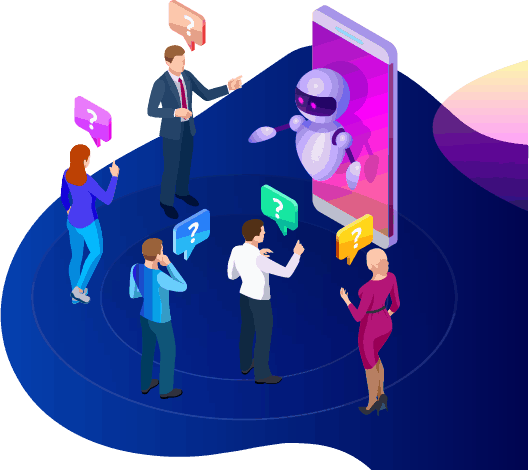
The chatbot also gives you the option of switching to an actual human operator when questions get advanced, or you want to take the reins on a potential sale. With Messenger Bot, you really can have your cake and eat it too! You now have customizable customer support with swift communication and automation tools that are designed to facilitate growth and visibility.
Building Brand
Awareness
只需几个快速的操作,您就可以让您的受众了解您业务的所有信息。后续问题可以得到解决,您的潜在客户现在可以更深入地进入您的销售漏斗。
Mobile
Optimization
随着越来越多的人和消费者使用手机进行一切,Messenger Bot认识到通过使用Facebook Messenger进行外展来实现销售和客户保留的潜力。我们的软件是考虑到移动设备而制作的。我们在设计软件时倾向于采用简洁明了的方法。最终结果是一个与移动设备和Facebook无缝协作的机器人系统。
Fully Customizable
Messenger Bots
之前提到过,Messenger Bot 是可定制的,可以适应您不断变化的商业需求。这个功能对企业来说非常有价值,因为有空间进行改变和成长。我们构建了一个功能齐全的聊天机器人,可以随着您的公司无论朝哪个方向发展而移动。您可以在需要时改变策略,我们将不间断地支持您。


Easy To Use
通讯机器人
We know your time is valuable. When you want to implement a new marketing strategy through our app, you don’t want to think about it day after day. Our bot service has you covered. Once you tell us what you need, we can do the rest. In just a few minutes, you can launch a campaign that can increase engagement and bring you, customers. You don’t even have to lift a finger from the initial implementation if you don’t want to. Our complex technology ensures that your user experience is hassle-free and easy.
Messenger Bot is designed to help you and your business reach its maximum potential in terms of marketing and sales. Through our innovative app, you can extract valuable information that can increase your Facebook visibility and popularity. Your new connection to subscribers helps retain your base and win over new customers. There is nothing like it! Try us today, and you are going to be blown away by the results. Build your first messenger chatbot with no coding required.
准备好进行真正的改变了吗?让我们一起构建这个!
Get to know Messenger Bot without any restrictions and only start using it to its fullest when you love it. We’ll be waiting for you.
 简体中文
简体中文  English
  Tagalog
  العربية
  हिन्दी
  Português do Brasil
  Español de México
  Français
  বাংলা
বাংলা  香港中文
香港中文  繁體中文
繁體中文  Nederlands
  Deutsch
  Bahasa Indonesia
  日本語
日本語  한국어
한국어  Polski
  Русский
  Español
  Tiếng Việt