
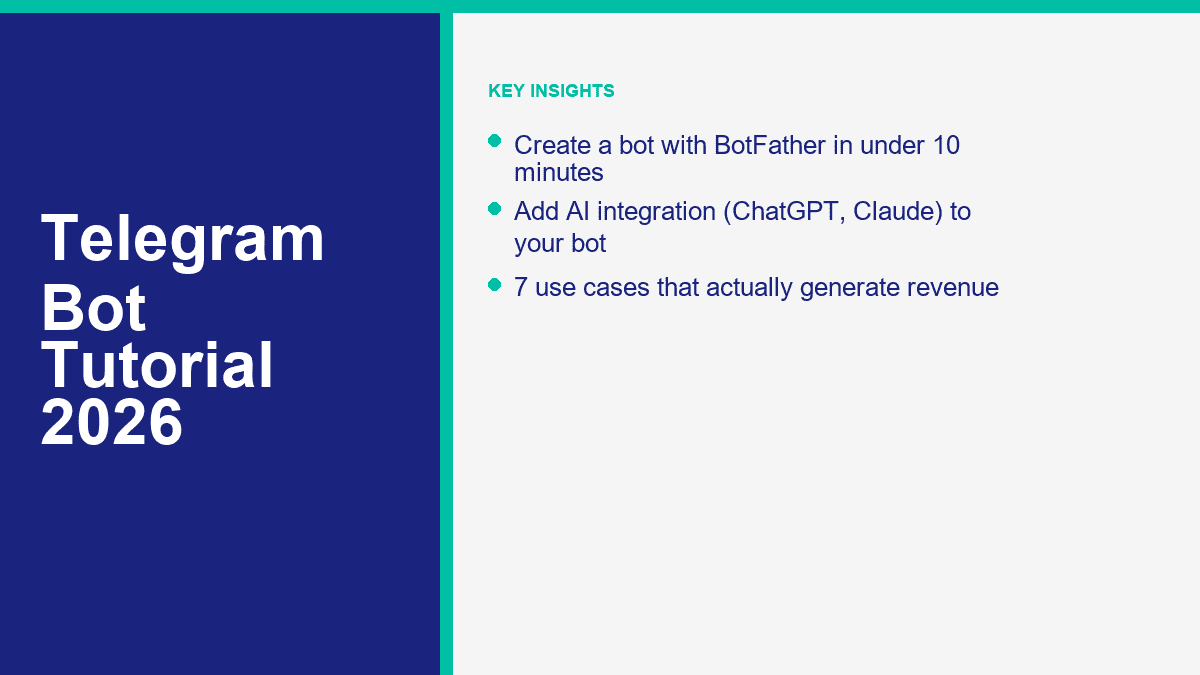
大多数Telegram机器人教程混淆了三项不同的工作:创建机器人账户、赋予可用命令,以及将其连接到实际自动化。第一部分实际上可以在10分钟内通过BotFather完成。第二部分是另一个短暂的环节。第三部分,尤其是AI,是大多数初学者要么过度构建,要么陷入困境的地方。.
这正是为什么Telegram在2026年仍然值得关注的原因。Telegram表示,其机器人平台托管超过1000万个机器人,核心设置对开发者是免费的。您可以在私人聊天、群组、频道、内联搜索和迷你应用中启动机器人,这使得Telegram比简单的网站聊天小部件或预设DM响应器灵活得多。.
在您接触BotFather之前,有一个限制您应该了解:Telegram机器人不能先与用户开始对话。一个人必须打开机器人,点击一个 t.me 链接,或将机器人添加到群组或频道。如果这符合您的业务,Telegram是一个强大的构建。如果您的大多数潜在客户已经通过Facebook页面消息和Instagram DM联系,请将该工作流程与 查看MessengerBot定价 进行比较,以免仅仅因为Telegram感觉更开放而构建错误的渠道。.
为什么在2026年构建Telegram机器人是值得的
简短的回答是杠杆。一个Telegram机器人可以充当支持代表、预订助手、潜在客户筛选器、通知引擎、优质内容传递工具或AI助手,而无需强迫用户下载单独的应用程序。对于单独运营者和小团队来说,这很重要,因为一个机器人可以覆盖那些每周会消耗数小时的重复工作。.
与大多数商业消息渠道相比,Telegram也异常灵活。您可以在一对一聊天中运行机器人,将其添加到群组以进行管理或工作流程,将其附加到频道,启用内联操作,或稍后将其转变为迷你应用。这意味着同一个机器人可以从基本的命令机器人开始,成长为更复杂的功能,而无需进行平台迁移。.
第一层是真正免费的,这也很有帮助。通过BotFather创建机器人账户是免费的。这并不意味着整个项目永远免费。托管、AI API、外部自动化和付费工具可能会在后期出现。但入门门槛足够低,您可以在花钱之前验证一个真实的用例。.
如果您仍在比较渠道和构建路径,值得阅读我们关于 无编码构建聊天机器人. 的文章。频道机制会改变,但核心规则不变:从一个明确的工作开始,而不是一个巨大的“AI助手”承诺。.
Telegram为初学者和小企业做对的事情
- 快速设置: BotFather在一个地方处理命名、用户名、命令、描述、群组设置和令牌创建。.
- 全球覆盖: Telegram非常适合国际受众、创作者社区、SaaS用户、教育、交易提醒和小众会员群体。.
- 低启动摩擦: 您无需获得App Store的批准,也不需要为机器人本身提供电话号码或自定义移动应用程序。.
- AI友好的结构: Telegram已经支持线程对话、命令、按钮、内联交互和迷你应用,这使其成为AI和工作流自动化的自然选择。.
- 良好的货币化路径: 机器人可以支持付费内容、订阅、潜在客户生成、预订、支持节省、联盟漏斗和数字商品。.
这里没有真正的“无需注册”路径,这没关系。您仍然需要一个Telegram账户才能使用BotFather。重要的是,您不需要开发团队仅仅为了获得机器人的身份、链接和基本控制。.
您可以在一次会议中现实地推出的内容
| 投入的时间 | 您可以构建的内容 | 最佳使用案例 |
|---|---|---|
| 10分钟 | 机器人账户、用户名、个人资料、命令和可分享的内容 t.me 链接 |
声明您的机器人身份并准备好外壳 |
| 30到60分钟 | 基于菜单的自动回复,无需编码的自动化层 | 常见问题解答机器人、潜在客户捕获、预约路由、基本支持 |
| 半天 | AI辅助的常见问题解答机器人,带有后备规则和日志记录 | 支持、内部知识机器人、创作者社区 |
| 周末构建 | 迷你应用、支付、CRM同步或自定义工作流程机器人 | SaaS工具,优质社区,电子商务,运营 |
我最常见的错误是把Telegram当作一个可以随意放置通用聊天机器人的地方,并希望用户能弄明白。更好的方法要狭窄得多。决定你的机器人是用于支持、预订、警报、潜在客户资格确认还是内容交付。然后构建通往该结果的最短路径.
如何使用BotFather创建Telegram机器人(逐步指南)
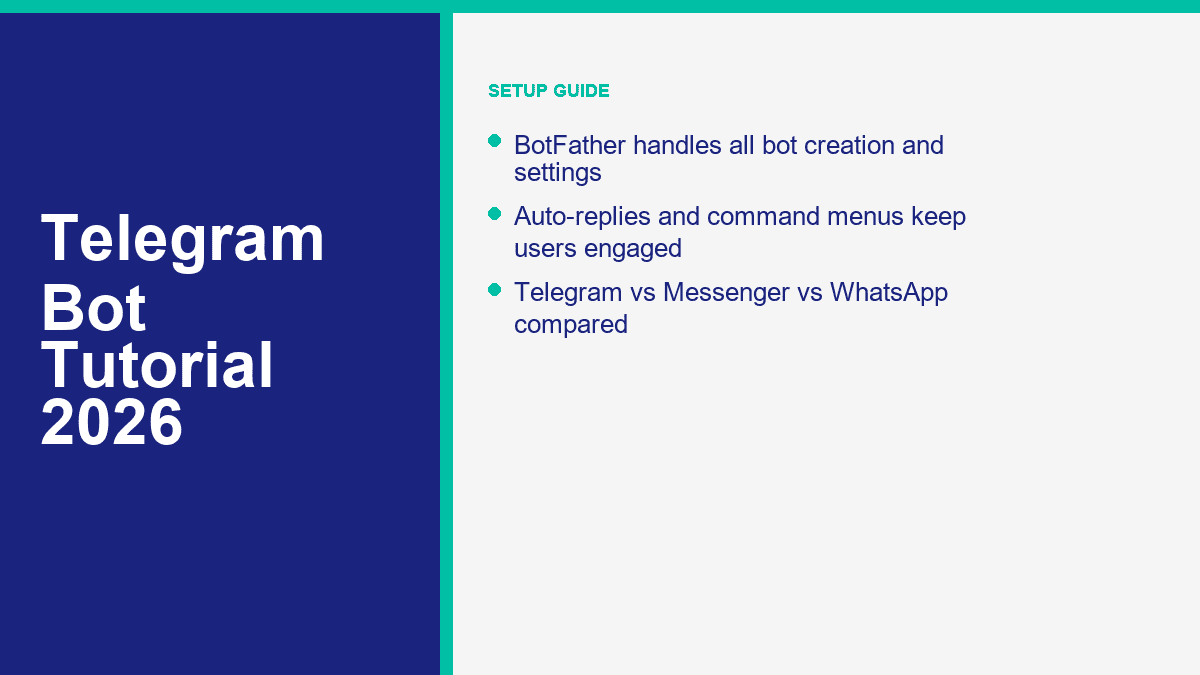
BotFather是Telegram的官方机器人管理账户。可以把它看作是机器人设置的控制面板,而不是机器人的实际大脑。它创建机器人,给你令牌,并让你管理命令、个人资料详细信息和权限设置.
在打开BotFather之前准备好这5件事
- 一个正常的Telegram账户,可以在手机或桌面上使用
- 一个清晰的机器人名称,比如 Northgate支持机器人 或者 伦敦物业警报机器人
- 一个以结束的用户名
机器人, 例如northgate_support_bot或者LondonDealsBot - 一个方形的个人资料图片或徽标
- 一个安全的地方来存储令牌,例如密码管理器或安全笔记应用
这个用户名比人们想象的更重要。Telegram 用户名需要 5 到 32 个字符,使用字母、数字或下划线,并且通常以 机器人. 与显示名称不同,用户名是人们搜索的公共标识,也是驱动你 t.me 链接的标识,所以请谨慎选择。.
使用以下内容创建机器人 /newbot 并立即保存令牌
- 打开 Telegram 并搜索 @BotFather.
- 点击 开始.
- 发送命令
/newbot. - 输入您希望用户看到的显示名称.
- 输入您希望 Telegram 保留的机器人用户名.
- 复制 BotFather 返回的令牌并将其存放在安全的地方.
如果用户名可用,BotFather 将返回成功消息、您的新 t.me 链接和机器人令牌。将该令牌视为密码。拥有它的人可以控制您的机器人.
截图提示: 捕捉 BotFather 成功消息,显示机器人名称、用户名和分享链接。在发布之前完全模糊令牌。不要在截图中留下任何部分可见.
在分享机器人链接之前设置面向公众的个人资料
现在发送 /mybots, 点击您的机器人,打开管理选项。Telegram 允许您通过现代的内联界面或直接命令编辑大多数重要的公共细节,例如 /setdescription, /setabouttext, 和 /setuserpic.
这是我不会跳过的最低配置文件设置:
- 写一个简短的描述,内容为
/setdescription. 这是用户在聊天开始时看到的“这个机器人能做什么?”摘要。. - 添加一个更短的一行个人简介,内容为
/setabouttext. - 上传一张真实的个人资料图片,内容为
/setuserpic. - Check the bot profile from a second account so you see what new users will see.
A good description is plain and specific. Example: “Get property alerts, book a consultation, or ask common mortgage questions.” A weak description is vague marketing copy like “Your intelligent assistant for digital success.” That tells the user nothing.
截图提示: Show the bot profile page with the avatar, About text, and visible description. This is the screenshot readers need when they want to confirm they are editing the right fields.
Add commands with /setcommands so Telegram gives users a real menu
Commands are one of Telegram’s biggest advantages for first-time bot builders. When you set them correctly, users can type / and Telegram will show your command list as built-in suggestions. That is far cleaner than expecting people to guess what your bot can do.
Open BotFather again, send /setcommands, choose the bot, and paste a simple command list like this:
start - Open the main menu
help - See what this bot can do
pricing - View plans or request a quote
book - Book an appointment
support - Talk to support
Keep the first version short. Three to five commands is enough for most bots. If you dump ten commands into the menu, the bot starts feeling like a command line instead of a useful assistant.
One important distinction: commands are not the same thing as replies. /setcommands creates the visible command menu. Something else still needs to handle what happens when a user taps those commands.
截图提示: Capture the BotFather chat after the command list is accepted, then a second screenshot inside your bot chat showing the slash-command menu on mobile.
Check group permissions and privacy settings before you use the bot in a community
If your bot is going into a Telegram group, you need to decide how much it should see. Telegram bots run in Privacy Mode by default in groups. That means they only see certain relevant messages and commands unless you change the setting. BotFather also lets you control whether the bot can be added to groups at all with /setjoingroups.
Use this rule:
- Leave Privacy Mode on if the bot mostly reacts to direct commands, replies, or structured button taps.
- Turn Privacy Mode off only if the bot genuinely needs to read full group messages, such as moderation or live monitoring.
- Disable group joining if the bot is only for private support or lead capture. That prevents a lot of messy group behavior later.
If you change Privacy Mode, Telegram recommends re-adding the bot to the group so the new behavior takes effect. That one step catches a lot of people out.
截图提示: Show the BotFather settings screen where Group Privacy and Join Groups are configured. Most readers will not find these options quickly on their first pass.
Test the first-run experience like a real user, not the owner
- 中自定义您的自动回复消息。
t.melink BotFather created. - 点击 开始 or send
/start. - Check the avatar, description, About text, and command menu.
- Tap every command you added.
- Make sure the bot’s first message clearly tells users what to do next.
If the bot opens to a blank profile, missing commands, or a confusing first message, it is not launch-ready yet. Fix that before you invite users in. Ten extra minutes here saves you from a lot of “this bot broken?” feedback later.
The 10-minute launch checklist
- The bot name and username are clean and brand-safe.
- The token is saved somewhere secure and not exposed in any screenshot.
- The description explains one clear use case.
- The About text reads well on mobile.
- The profile image looks legitimate, not like a placeholder.
- The bot has 3 to 5 working slash commands.
- Group and privacy settings match how the bot will actually be used.
- Messenger 是由 Meta Platforms, Inc.(前身为 Facebook, Inc.)开发的广泛使用的消息服务,旨在实现用户之间的无缝沟通。它允许个人发送文本消息、交换照片、视频、贴纸、音频文件和文档。用户还可以对消息进行反应,并与各种机器人进行互动,以增强互动体验。
t.melink opens a clean first-run experience.
Adding Commands and Auto-Replies to Your Telegram Bot
This is the point where most beginners realize BotFather does not build the actual conversation logic. That is not a flaw. BotFather creates the bot account, token, command menu, and settings. The behavior still lives in a no-code automation tool, a bot builder, or your own code.
If you only remember one thing from this section, make it this: start command-first, not AI-first. A bot with a crisp /start menu, three useful options, and a clean fallback will outperform a “smart” bot that rambles or guesses.
The 3 practical ways to make a Telegram bot reply
| Build path | 速度 | Coding required | 最佳适用 |
|---|---|---|---|
| BotFather only | Fastest | 无 | Claiming the bot identity, creating commands, setting profile details |
| BotFather plus no-code automation | 快速 | None to low | FAQ bots, lead capture, booking flows, simple support |
| BotFather plus custom code | Slower | 是 | AI assistants, custom workflows, CRM sync, advanced group logic |
The no-code route is the one I would recommend for most small businesses. BotFather gives you the token. Then a no-code automation tool or bot builder listens for new messages and sends replies back through Telegram. That is enough for an appointment bot, property-alert bot, FAQ bot, support router, or simple ecommerce helper.
Build the first response flow around one job, not your whole business
Pick one of these as the first version:
- Answer top five support questions
- Collect leads and pass them to email or CRM
- Book appointments
- Send content or alerts on command
- Route users to a paid offer, demo request, or human support
Then build the first menu around that job. A clean starter menu might look like this:
- /start – Welcome and main menu
- /pricing – Plans, packages, or quote request
- /book – Appointment or consultation booking
- /support – Human handoff or issue menu
A lot of Telegram bots work better with buttons than long free-text replies. Use commands to open the right branch, then return short answer blocks and obvious next-step buttons. The reader should never have to guess what to type next.
截图提示: Capture the bot chat right after /start, showing the welcome text and the first set of buttons or menu choices. This is the screenshot readers usually need when they are copying the structure of a working starter bot.
The simplest no-code auto-reply flow for a beginner
- User taps
/start. - The bot sends a short welcome message with 3 to 4 options.
- Each option leads to a tightly written answer or a data-collection step.
- If the request is more complex, the bot offers a human handoff or contact form.
- Unrecognized messages trigger one fallback reply that resets the menu.
That sounds basic because it is basic, and that is the point. Most first versions fail because the owner tries to handle every possible question in natural language right away. Menu-first bots feel less impressive in theory and far more useful in real life.
If you want the broader no-code workflow outside Telegram, start with our guide to 无编码构建聊天机器人. The Telegram-specific setup is different, but the conversation design rules are the same: fewer branches, cleaner options, visible handoff.
What to auto-reply and what to leave to a human
Good auto-reply candidates:
- 营业时间
- Pricing ranges
- Booking links
- Shipping or delivery policies
- Location or service area
- Trial, demo, or onboarding information
Bad candidates for full automation:
- Billing disputes
- Angry customers
- Complex technical troubleshooting
- Custom quotes with edge cases
- Anything regulated or high-risk without review
The fix is simple. Let the bot answer repetitive questions fast, then give people a clean path to a human when nuance matters. That is how you get speed without making the bot feel defensive.
How to Add AI to Your Telegram Bot (ChatGPT, Claude Integration)
Adding AI is where Telegram bots start feeling genuinely powerful, and also where bad setups get expensive or unreliable fast. The clean version is not “connect ChatGPT and hope.” The clean version is “define one job, cap the bot’s role, keep the prompt tight, and log what the AI gets wrong.”
Also be careful with the terminology. A ChatGPT Plus or Claude Pro subscription does not automatically power your Telegram bot. To put ChatGPT or Claude inside Telegram, you usually need API access from OpenAI or Anthropic, plus a relay layer that receives Telegram messages and sends responses back.
The beginner architecture that actually works
- User sends a message to your Telegram bot.
- Your automation layer or server receives the update using the bot token.
- A rules layer checks whether the question matches an FAQ or command.
- If it does, the bot answers from the known script.
- If it does not, the message is passed to ChatGPT or Claude with a narrow prompt.
- The model’s answer is sent back to Telegram with a fallback button such as Talk to support.
This hybrid setup is much better than sending every message straight to AI. It keeps costs lower, avoids hallucinated answers on basic policy questions, and gives you more predictable replies.
What you need before you connect ChatGPT or Claude
- Your BotFather token
- An OpenAI or Anthropic API key, or a third-party tool that wraps them
- A relay layer such as a no-code automation platform, serverless function, or custom app
- A short system prompt that explains the bot’s job, tone, boundaries, and escalation rules
- A place to store conversation logs, missed questions, and handoff requests
Telegram itself can be free. AI usually is not. If you are running a low-volume bot with short replies, the spend can stay reasonable. If you let the bot generate long answers for every message, upload files, or answer open-ended questions all day, usage climbs fast. Start with short answers and hard limits.
The prompt rules that keep an AI bot usable
- Give it one job: “Answer presales questions for a UK bookkeeping service” is far better than “Be a helpful assistant.”
- Limit length: Ask for concise replies first, then offer a button for more detail.
- Ban invented facts: Tell the model to say it does not know if pricing, availability, or policy is missing.
- Set a handoff trigger: Billing complaints, refunds, legal issues, and sensitive account problems should go to a human.
- Log the misses: Every bad answer is training data for a better FAQ or a tighter prompt.
A practical starter prompt looks like this: “You are the Telegram support bot for a US travel insurance brand. Answer only from the approved FAQ. If the answer is uncertain, ask the user to contact support. Keep replies under 120 words and always offer the next action.” That is specific enough to be useful and constrained enough to stay sane.
截图提示: Show a side-by-side image of one structured AI reply and one fallback reply that routes to a human. Readers need to see that the safe answer path is part of the design, not an afterthought.
When ChatGPT is the better fit and when Claude is
In practice, ChatGPT usually makes sense when you want broad general-purpose assistance, tool use, or a flexible support and sales helper. Claude often shines when the bot needs calmer long-form answers, document-heavy help, or cleaner summarization. For most business bots, the winning move is not picking the “smartest” model. It is picking the model you can constrain properly and afford to run.
The better business decision is often hybrid: use structured scripted answers for policy and pricing, then use AI for explanation, clarification, or knowledge lookup. That keeps the model in the part of the conversation where it adds value instead of risk.
7 Telegram Bot Use Cases That Actually Make Money
Telegram bots do not make money just because they are on Telegram. They make money when they remove friction from a transaction, capture attention that is already high intent, or save enough time that the business keeps the bot. The strongest use cases are narrower and less glamorous than most “AI bot empire” posts suggest.
1. Lead-generation bots for local services
This is one of the cleanest monetization models. A roofing company, real estate agent, immigration consultant, or tax preparer can use a Telegram bot to collect names, postcodes or ZIP codes, budget range, service type, and preferred callback time. Agencies routinely package that kind of bot as a monthly service in the $99 to $499 range for smaller clients, and more when CRM routing or paid traffic is attached.
2. Premium alert bots for trading, jobs, or niche deals
Telegram is naturally good for alerts. If your edge is speed, a bot that sends premium stock watchlists, crypto alerts, sneaker drops, hiring leads, or property deals can justify a subscription. The honest sweet spot is usually a narrow audience paying $5 to $20 per month, not a giant mass-market bot with weak retention.
3. Paid community assistant bots
Communities pay for convenience. A bot that answers course questions, delivers member-only resources, unlocks templates, or routes people to the right channel can reduce admin workload and make memberships feel more valuable. This works especially well for creators, educators, and operators selling communities in the $10 to $50 per month range.
4. Ecommerce concierge and order helper bots
If you sell products internationally or to a Telegram-native audience, a bot can answer stock questions, share product links, deliver order updates, and push buyers toward checkout. Telegram also supports payments and digital goods paths, but even without full in-bot commerce, the bot can recover sales that would have died in a slow inbox.
5. Support bots that cut real labor costs
This one is less flashy and often more valuable. If a SaaS product or ecommerce store is spending 10 to 30 support hours a month on repetitive questions, a Telegram bot can shave that workload down. At even $20 to $40 per support hour, that is a meaningful savings case before you count faster response time and fewer dropped conversations.
6. Affiliate recommendation bots
Telegram is full of niche recommendation traffic: software tools, betting communities, travel tools, job boards, educational products, and creator gear. A bot that recommends the right product based on a few questions can turn affiliate offers into a much cleaner funnel than a static link list. This only works if the recommendations are actually useful. Thin affiliate bots get ignored fast.
7. Booking and appointment bots
Coaches, clinics, salons, consultants, tutors, and local services can all use Telegram bots to route users into a booking flow. If the bot helps you capture even one extra qualified appointment a day, the economics often make sense very quickly. This is not the sexiest use case, but it is one of the easiest to prove with numbers.
The pattern across all seven is the same. Telegram bots make money when they do one high-value job reliably. They usually fail when they try to be a vague “assistant” with no clear path to revenue or retention.
Telegram Bot vs Messenger Bot vs WhatsApp Bot: Which Platform Fits Your Needs
This is the channel decision most businesses should make before they build anything. Telegram is not automatically better because it is open. Messenger is not automatically better because it sits inside Meta. WhatsApp is not automatically better because everyone uses it. The right answer depends on where your audience already talks to you and what kind of conversation you need the bot to handle.
| 平台 | 最佳契合 | 最擅长的功能 | 主要限制 | Best first build |
|---|---|---|---|---|
| Telegram | Communities, alerts, creator tools, global niche audiences, AI helpers | Flexible bot features, groups, channels, commands, inline actions, Mini Apps | Users must start the chat first; business CRM workflows are less turnkey | Support bot, alert bot, booking bot, premium community assistant |
| 信使 | Facebook Page support, lead funnels, Meta ad traffic, Messenger-first brands | Strong business messaging flows tied to Facebook Pages and social campaigns | More dependent on the Meta ecosystem and Page setup | Lead capture, FAQ automation, after-hours Page support, ad-to-chat flows |
| : 通过利用它们的官方API和SDK嵌入流行的消息应用,如 | Direct customer service, confirmations, bookings, transactional business messaging | High-intent one-to-one conversations and strong business adoption | Stricter policy and template rules once you move beyond the basic app flow | Support inbox, reminders, booking bot, order updates |
Choose Telegram if your business lives around communities, content, alerts, niche memberships, or product workflows where commands and group behavior matter. Telegram is also the easiest of the three if your audience is already comfortable joining channels, saving bot links, and using slash commands.
Choose Messenger if your customers already contact you through Facebook and Instagram. For a lot of service businesses, coaches, local brands, and ecommerce sellers, Messenger is the more practical money channel because the user journey can start with a Meta ad, land in a Page inbox, and move straight into automation. If that sounds like your setup, review MessengerBot Pro功能 before you spend weeks building around the wrong channel.
Choose WhatsApp if your main job is direct customer communication, appointment reminders, support, or transactional updates. It is usually the most natural channel for phone-first business messaging once the user has opted in. If that is the route you actually need, start with our WhatsApp chatbot guide instead of forcing Telegram to solve a WhatsApp-shaped problem.
Common Telegram Bot Mistakes and How to Fix Them
Most Telegram bot problems are not technical failures. They are design mistakes. The good news is that the fixes are usually simple once you know what to look for.
Thinking BotFather is the full bot builder
It is not. BotFather creates the bot account, token, command menu, and settings. If you expect BotFather alone to build branching replies, AI logic, CRM sync, or booking behavior, you will hit a wall immediately. Fix it by separating setup from automation in your head from day one.
Sharing the bot before the profile is ready
A Telegram bot with no picture, no description, and no clear first message feels unfinished. That kills trust fast. Fix it by setting the avatar, About text, description, and commands before you give anyone the link.
Adding too many commands
If your command menu looks like documentation, users will not read it. Keep the first version to the 3 to 5 commands that map directly to high-value actions. Add more only if usage data proves they are needed.
Leaving the wrong privacy setting on in groups
This is a classic Telegram issue. Group bots fail because owners expect them to see everything while Privacy Mode is still enabled. Fix it by checking /setprivacy before you test group behavior, and re-add the bot to the group after the change if necessary.
Letting AI answer everything
This is the fastest way to get inconsistent replies and a higher bill. Use scripts for known policy, pricing, hours, and routing questions. Use AI for explanation, clarification, and edge cases where it actually adds value.
Forgetting the fallback path
A bot that replies “I don’t understand” and stops is lazy design. Always give users a next action: try one of these commands, talk to support, book a call, or return to the main menu.
Not tracking what users ask that the bot cannot answer
The missed-question log is where your second version comes from. If five users ask the same thing and the bot misses it, that is not user error. That is your next FAQ entry, command, or prompt fix.
If your business is ending up in Facebook DMs anyway, it usually makes more sense to meet users there with a purpose-built stack. Compare 查看MessengerBot定价 和 MessengerBot Pro功能 if you want a faster path to Messenger automation instead of building a beautiful Telegram bot for an audience that never uses Telegram.
Where to Go Next After Your First Telegram Bot Is Live
Once the first version is live, do not rebuild it immediately. Watch the command usage, missed questions, drop-off points, and handoff requests for a week or two. Then tighten the menu, remove dead branches, and decide whether the next improvement should be better auto-replies, AI help, a booking flow, or a paid offer.
If your audience is Telegram-native, keep iterating there. If your audience actually lives inside Facebook and Instagram, move faster with a Messenger-first stack by checking 查看MessengerBot定价. If you already know you need the heavier Meta automation layer, compare MessengerBot Pro功能 before you scope the second build.
常见问题
我如何免费创建一个Telegram机器人?
Open Telegram, search for @BotFather, send /newbot, choose a name and username, and save the token it gives you. That part is free. BotFather also lets you set the description, profile image, commands, and permissions. If you want real replies or AI behavior, you still need a no-code automation tool or custom code behind the bot.
我可以通过 Telegram 机器人赚钱吗?
是的,但前提是机器人能做好一项有价值的工作。最强大的模型是潜在客户生成、付费提醒、社区订阅、支持成本降低、联盟推荐和预约预订。机器人本身并不是业务。它是一个已经合理的商业模式的交付层。.
我需要编码技能来构建一个Telegram机器人吗?
您无需编码技能即可在 BotFather 中创建机器人账户、设置命令或配置个人资料。如果您使用无代码自动化层,您可能不需要代码来实现简单的自动回复。通常,对于高级 AI、自定义集成或复杂工作流程,您确实需要一些技术设置。.
BotFather是什么,它是如何工作的?
BotFather is Telegram’s official bot management account. It creates new bots, issues tokens, and lets you edit commands, descriptions, profile images, group settings, and other bot controls. It is the control panel for setup, not the place where your bot’s real reply logic lives.
哪个更适合商业:Telegram 机器人还是 Messenger 机器人?
这取决于您的客户在哪里与您联系。Telegram 在社区、警报、创作者工具和小众全球受众方面更强大。Messenger 通常更适合依赖 Facebook 页面、Instagram 流量和 Meta 潜在客户渠道的企业。WhatsApp 通常最适合直接客户支持和交易消息。最佳的机器人平台是与您实际的对话渠道相匹配的,而不是纸面上功能最多的那个。.



 简体中文
简体中文  English
  Tagalog
  العربية
  हिन्दी
  Português do Brasil
  Español de México
  Français
  বাংলা
বাংলা  香港中文
香港中文  繁體中文
繁體中文  Nederlands
  Deutsch
  Bahasa Indonesia
  日本語
日本語  한국어
한국어  Polski
  Русский
  Español
  Tiếng Việt