
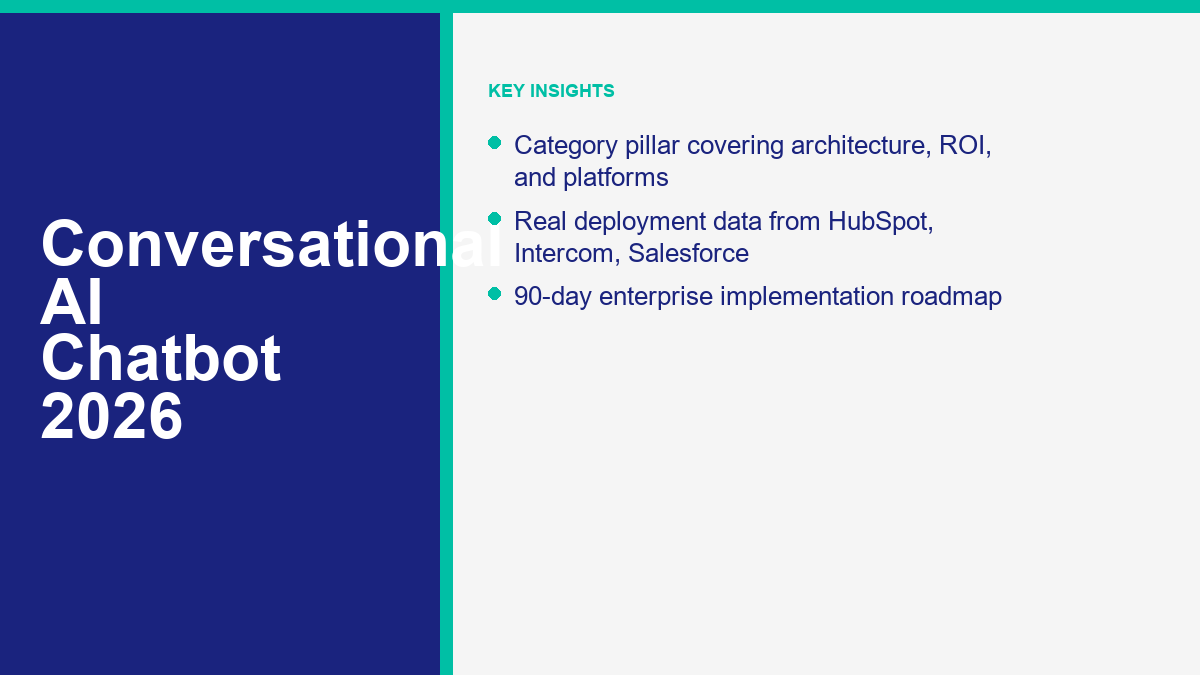
Most teams still use the word chatbot as if the category never changed. It did. In 2026, a conversational AI chatbot is not a decision tree with better copy. It is an orchestration layer that combines language models, retrieval, business rules, system actions, and human handoff into one operating system for customer conversations.
That distinction matters because the buying mistakes are expensive. A social DM automation tool, a service desk AI agent, a CRM-native agent, and a custom builder can all market themselves as conversational AI now. They are not interchangeable. If you need the product-vs-product shortlist, read the top chatbot comparison. If finance already wants budget ranges and billing models, go straight to the chatbot pricing breakdown. This article handles the category question: what conversational AI actually means, why rule-based bots lost ground, what a real enterprise stack looks like, and how teams get to production without building an expensive FAQ toy.
The platform claims and benchmarks here were verified against public product pages and vendor reports on April 10, 2026. Where results come from HubSpot, Intercom, Salesforce, Zendesk, or other vendors, treat them as vendor-reported performance benchmarks, not universal guarantees. That is still useful. It tells you what the leading platforms and their customers are actually seeing in the field right now.
如果您主要的问题是狭窄的客户支持成本,而不是企业架构,那么下一个合适的阅读是我们的 人工智能客户服务实施 指南。此页面的内容超出了客户服务的范围。它涵盖了支持、销售、潜在客户资格、路由、与CRM连接的操作、治理以及实际使用的测量模型。.
2026年对话式人工智能聊天机器人真正意味着什么
2026年的对话式人工智能聊天机器人是一个能够理解自由形式语言、检索基础业务上下文、决定适当行动并进行回答、执行或升级的系统。这里重要的词是系统。当买家仅评估模型演示而忽视周围的技术栈时,他们仍然会遭受损失。.
Gartner在2024年12月报告称,85%的客户服务领导者预计将在2025年探索或试点面向客户的对话式生成性人工智能,超过75%表示高管领导已经在施压他们实施。这解释了支出的紧迫性,但并没有解释部署是否良好。试点兴趣与生产质量之间的差距正是大多数项目成败的关键所在(高德纳).
客户的期望也发生了变化。Zendesk 2026 年客户体验趋势报告基于来自 22 个国家的 11,000 多名消费者和商业领袖的反馈,发现 81% 的消费者希望代表能够接着他们上次的对话继续,74% 的消费者在需要重复信息时感到沮丧,67% 的消费者期望支持能够反映之前的互动。仅仅流利并不能满足这个标准。连续性才可以(Zendesk).
这就是为什么现在的类别定义比“聊天机器人”更广泛。一个真正的对话式 AI 平台需要同时完成五项工作:
- 理解自然语言,包括释义、后续问题和部分上下文。.
- 基于批准的内容提供答案,而不仅仅是模型记忆。.
- 在 CRM、工单、预订或身份查找等业务系统中采取有用的行动。.
- 知道何时信心不足并快速移交。.
- 通过分析、转录审查和知识更新来改进。.
任何低于这个标准的东西仍然可以有用,但这不是类别领导者在 2026 年预算企业对话式 AI 时所指的。这要么是一个脚本化的自动化工具,一个单渠道的机器人构建器,或者是一个没有操作支撑的通用 AI 助手。.
| 买家所要求的 | 他们通常的意思 | 平台实际上需要做的事情 |
|---|---|---|
| “听起来像人类的聊天机器人” | 自然的回复,不会让人感觉生硬 | 使用检索、政策规则和基于来源的响应,以确保流畅性不会变成幻觉 |
| “一个减少工单的机器人” | 减少重复的支持工作 | 解决高频意图,捕获结构化数据,并在上下文中升级 |
| “一个帮助销售的机器人” | 确认意图并加快买家的进程 | 回答定价问题,根据账户匹配进行路由,并将活动记录回CRM |
| “An enterprise chatbot” | Security, auditability, and cross-system control | Apply governance, identity, permissions, analytics, and human override across channels |
One more practical point: serious business deployments are not “no sign up required.” That phrase still belongs to consumer AI demos and lightweight chat experiments. Production conversational AI requires channels, permissions, data access, fallback rules, and reporting. Free pilots exist. Free tiers exist. No-sign-up enterprise automation does not.
Conversational AI vs Rule-Based Chatbots: The Architecture That Changed
Rule-based bots were built around predefined paths. They work when the problem space is narrow, the language is predictable, and the business is comfortable forcing users into menus. They break when people type the same intent in five different ways, jump topics midstream, or ask a question the designer did not anticipate.
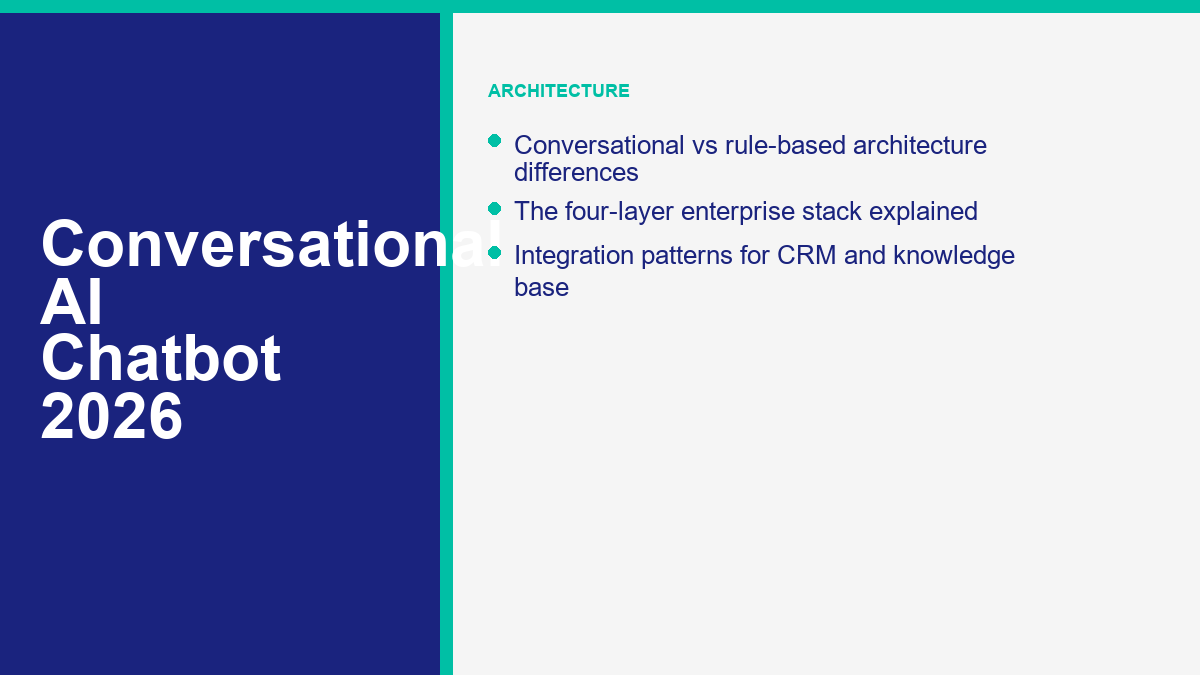
Conversational AI changed the failure mode. The model can usually understand what the user means, but it can still fail by using the wrong source, skipping a policy, or sounding confident when it should escalate. That is still a better starting point for most enterprises because the failure is now governable. You can improve the content, adjust retrieval, tighten policies, and inspect transcripts. With a hard-coded decision tree, once the user is off-path, the experience is just dead.
| Dimension | 基于规则的聊天机器人 | Conversational AI chatbot | Operational implication |
|---|---|---|---|
| Input handling | Buttons, keywords, rigid intents | Natural language, paraphrase, multi-turn context | Higher coverage with less script sprawl |
| Answer source | Static copy written into flows | Knowledge retrieval plus business logic | Content teams matter as much as bot builders |
| Exception handling | Fallback loop or dead end | Clarify, cite, route, or escalate | Fewer trapped users if handoff is designed well |
| System actions | Usually limited or brittle | API calls, CRM updates, booking, case creation, workflow triggers | The bot starts affecting revenue and operations, not just FAQs |
| 维护 | Flow editing every time language changes | Knowledge tuning, policy refinement, transcript review | Ownership shifts from campaign builder to cross-functional ops |
| 最佳契合 | Simple deterministic flows | Complex, variable, or high-volume conversations | Most enterprises need both, but not in the same layer |
The important nuance is that rule-based logic is not obsolete. It moved down the stack. Good conversational systems still use deterministic controls for identity checks, refund rules, consent, eligibility, regulated disclaimers, and critical workflow steps. The difference is that the rules now sit inside a broader conversational system instead of defining the entire experience.
HubSpot makes this distinction clearly on its customer-agent pages: traditional chatbots follow scripts, while the AI agent is designed to understand context, respond naturally, and route complex issues when human support is needed (HubSpot). That is the real 2026 architecture shift. AI handles language and ambiguity. Rules handle safety, policy, and determinism.
The Four Layers Every Enterprise Conversational AI Stack Needs
Enterprises that buy conversational AI as a single product category usually underbuild one of four layers. Then the pilot looks impressive in a sandbox and frustrating in production. The stack that holds up has four layers, each with a different owner, budget line, and failure pattern.
| Layer | 它的作用 | Common failure | Primary owner |
|---|---|---|---|
| Conversation layer | Channels, entry points, conversation design, routing, handoff UX | Pretty chat window with no useful action path | CX, growth, or digital product |
| Intelligence layer | Model choice, retrieval, prompt policy, evaluation, confidence logic | Hallucinations, vague answers, poor topic coverage | AI platform or technical ops |
| Business systems layer | CRM, ticketing, identity, order data, booking, workflows, knowledge base | Bot can talk but cannot do anything useful | Applications, RevOps, service ops, IT |
| Governance layer | Security, privacy, audit, QA, analytics, compliance, rollback controls | Fast launch followed by security panic or metric confusion | Security, legal, data governance, ops leadership |
The mistake I see most often is overinvesting in the intelligence layer because that is where the demos live. Buyers spend weeks debating model quality and almost no time deciding which CRM fields are safe to expose, which intents must escalate, which articles are canonical, or who signs off on post-launch answer reviews. That is backwards. Once the models are reasonably strong, operational design is the bigger differentiator.
The second common mistake is collapsing channel strategy into one idea of “chat.” Messenger, website chat, email, WhatsApp, in-app help, and voice each create different expectations. A lead-generation assistant on paid-traffic landing pages is not the same operating system as an authenticated support agent inside an account portal. If you need ideas for where conversational AI actually creates money or removes friction, the best starting point is this roundup of revenue use cases, then map only the first one or two to your stack.
When these four layers are present, the category becomes much easier to evaluate. You stop asking “Which chatbot is smartest?” and start asking better questions: Which platform fits our systems? Which channels matter first? Which actions can the agent safely take? Who owns knowledge freshness? Which metrics will prove this is working?
Real ROI Math From Deployments at HubSpot, Intercom, and Salesforce Customers
Most ROI decks are too clean. They assume every automated interaction is a full cost saving and every AI answer is equally valuable. That is not how real deployments work. The useful way to model ROI is to anchor on public customer outcomes, then translate those into capacity, revenue, or cost implications using your own labor and conversion assumptions.
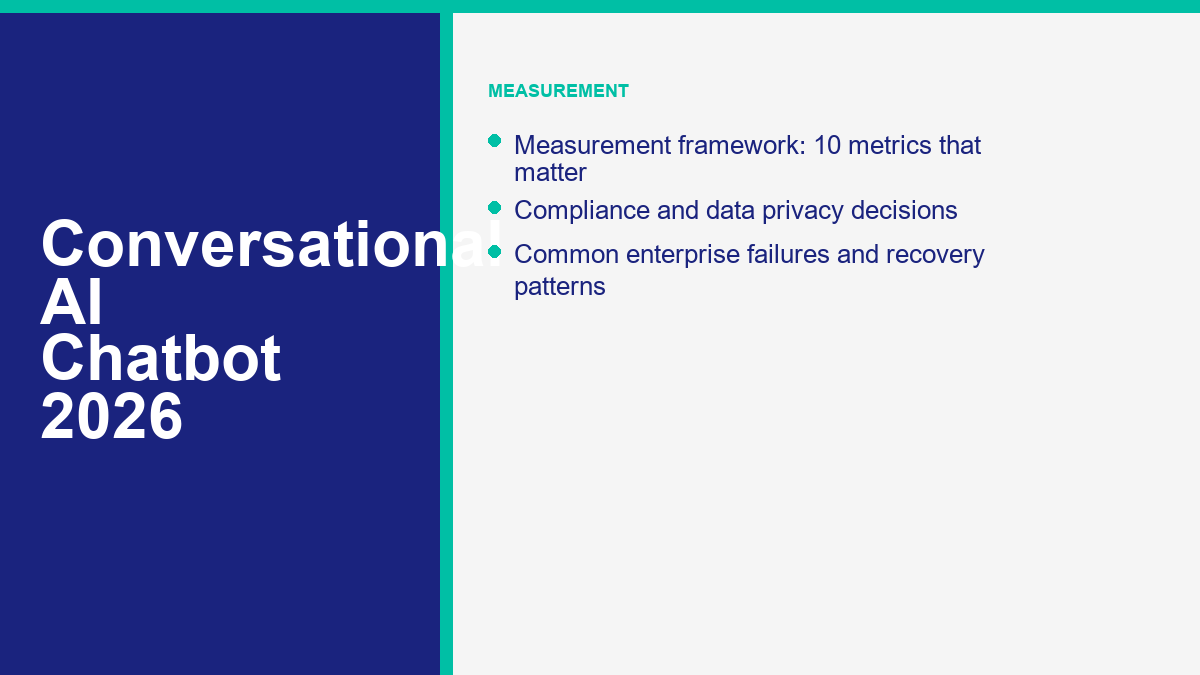
The examples below are vendor-reported results. The math in the third column is a planning model, not a vendor promise.
| 部署 | Public result | What the math means | What it usually proves |
|---|---|---|---|
| HubSpot / Nutribees | HubSpot quotes Nutribees saying Breeze Customer Agent reduced tickets handled by support by 77% while improving conversion through 24-hour support | If a team handles 10,000 repetitive tickets a month, a 77% reduction means only 2,300 still need agent time. At a planning assumption of $5 per human-handled ticket, that is a monthly difference of about $38,500 before software and setup costs. | Support ROI and revenue lift can happen together when the bot answers buying questions after hours |
| Intercom / Synthesia | Intercom says Fin resolved more than 6,000 conversations in six months, saved over 1,300 hours, and pushed self-serve support as high as 87% | At $30 fully loaded support labor per hour, 1,300 hours is about $39,000 in recovered capacity. Fin outcome fees on 6,000 resolutions would be about $5,940 at Intercom’s public $0.99 rate, before seat costs. | Outcome pricing looks expensive until resolution volume is paired with real labor recovery |
| Salesforce / Asymbl | Salesforce says Asymbl sees $1.5 million in cost savings, 3,789% ROI, and 1,000+ leads handled per week by Agentforce | The large ROI is not just model quality. It comes from replacing hiring and tool sprawl inside a live sales workflow. The math works because the agent acts in the same CRM, data, and collaboration stack as the human team. | Sales automation pays back fastest when the agent can qualify, route, and update records without leaving the system of record |
来源: HubSpot Breeze Customer Agent, Intercom Pricing, Salesforce Asymbl story.
The more durable ROI formula looks like this:
Net annual value = labor capacity recovered + incremental conversions + lower response-time cost + lower tool sprawl cost minus platform fees + implementation + knowledge maintenance + governance overhead.
That last part matters. Conversational AI is not free after launch. You pay in platform fees, content maintenance, transcript review, QA, and sometimes API usage. Buyers who ignore that create inflated business cases. Buyers who include it still usually like the math because repetitive conversation work is so expensive when humans do all of it manually.
HubSpot’s April 2, 2026 update is a good example of how pricing models changed. HubSpot said Breeze Customer Agent already resolves 65% of conversations across more than 8,000 activated customers, cuts resolution time by 39%, and moves to $0.50 per resolved conversation starting April 14, 2026. Intercom prices Fin at $0.99 per outcome. Salesforce now offers conversation pricing at $2 per customer-facing conversation or Flex Credits at $500 per 100,000 credits. The lesson is simple: ROI is no longer about whether AI works at all. It is about matching the pricing model to the kind of work you are trying to automate (HubSpot; Intercom; Salesforce).
If finance wants a deeper pricing model after this section, use the chatbot pricing breakdown next. This pillar is about category economics and architecture, not a line-by-line procurement worksheet.
Top Conversational AI Platforms Compared by Use Case
This is where many pillar guides drift into a generic top-10 list. That is the wrong format for this topic. The useful comparison is by operating model and use case, not by one blended score. If you want a full head-to-head ranking, the top chatbot comparison handles that. Here, the goal is to show where each conversational AI platform class fits.
| 平台 | 公共起点 | 免费层或试用 | 最佳契合 | Wrong fit |
|---|---|---|---|---|
| MessengerBot.app | 每30天19.99美元的高级版 | 免费试用 | Messenger-first lead capture, FAQ automation, website chat, and SMB workflows that need predictable pricing | Deep enterprise service governance, large internal IT workflows, or highly regulated custom agent stacks |
| HubSpot Service Hub + Breeze | Starter from $15 per seat, Professional from $100 per seat, Enterprise from $150 per seat | Free tools and 14-day trial | CRM-first mid-market teams that want service, sales, and marketing data on one platform | Teams that do not want to operate inside HubSpot as the system of record |
| Intercom + Fin | $29 per seat annually plus $0.99 per Fin outcome | 14天免费试用 | B2B SaaS and digital support teams that want fast AI deflection with strong helpdesk workflows | Buyers who need very low flat pricing at high support volume |
| Zendesk | Suite + Copilot Professional at $155 per agent monthly, billed annually | 免费试用 | Large support organizations that care about governance, QA, workforce management, and enterprise service operations | Simple social automation or low-budget SMB launches |
| Salesforce Agentforce | $2 per conversation, $500 per 100,000 Flex Credits, or $125 per user add-ons | Foundations tier available for free | Complex enterprise workflows, CRM-native action taking, and industries with heavy process logic | Teams that need to go live next week with minimal administration |
| 多聊天 | Pro from $15 per month | Free plan up to 1,000 contacts | Instagram and Facebook DM marketing, creator funnels, comment-to-message automation | Formal enterprise service desks or cross-system case orchestration |
| 博特普莱斯 | Plus at $89 per month plus AI spend | Pay-as-you-go free tier | Teams that want a custom agent framework with more build control | Operators who want a turnkey support stack with minimal technical lift |
来源: 查看MessengerBot定价, HubSpot服务中心, Intercom Pricing, Zendesk 定价, Salesforce Agentforce Pricing, ManyChat Pricing, Botpress Pricing.
The decision logic is simpler than the market makes it sound:
- Choose a channel-first platform when your revenue starts in social inboxes and lightweight website chat.
- Choose a service-first platform when ticketing, QA, SLAs, and deflection economics matter more than campaign automation.
- Choose a CRM-native platform when the real value comes from writing back into customer records, workflows, and pipeline.
- Choose a builder when your differentiation is the workflow itself and you have the team to own it.
If you are buying below enterprise scale, this is also where budgeting changes the shortlist. The dedicated 适合小型企业的最佳聊天机器人 roundup goes deeper on the under-$10M revenue end of the market, where ease of setup and predictable billing matter more than enterprise controls.
How to Build a Production-Grade Conversational AI Chatbot in 90 Days
Most 90-day chatbot plans fail because they start with tooling instead of scope. The right first move is not “pick a model.” It is “pick one repetitive, high-volume, measurable conversation class with a clear source of truth and a clean escalation path.” That is how you ship something real in three months.
| Week | Main objective | Required output |
|---|---|---|
| Week 1 | Choose one launch use case and one backup use case | Signed scope, owner list, baseline KPI sheet |
| Week 2 | Mine transcripts and tickets for top intents | Intent taxonomy, top escalation reasons, current service baseline |
| Week 3 | Audit and clean source content | Approved knowledge set, content gaps, content owners |
| Week 4 | Design integration boundaries | CRM fields, API access plan, identity and permission map |
| Week 5 | Write conversation policy and escalation rules | Prompt policy, compliance rules, fallback logic, handoff matrix |
| Week 6 | Build the first working assistant on one channel | Prototype connected to knowledge, routing, and one human inbox |
| Week 7 | Add business actions | Read-only CRM context, one safe write action, logging enabled |
| Week 8 | Run transcript-based QA and adversarial tests | Test pack, failure log, approved launch blockers list |
| Week 9 | Train agents and operations leads | Escalation runbook, transcript review process, weekly operating cadence |
| Week 10 | Soft-launch to limited traffic or one business unit | Pilot dashboard, live transcripts, daily tuning cycle |
| Week 11 | Expand coverage only after failure modes are known | Updated knowledge, revised prompts, channel rollout decision |
| Week 12 | Connect measurement to revenue and service outcomes | Deflection, conversion, CSAT, transfer, and cost views in one dashboard |
| Week 13 | Executive review and second-use-case plan | Go-forward roadmap, ownership model, next 90-day backlog |
The week-by-week structure is not bureaucracy. It is what keeps an AI assistant from turning into a support liability. Week 3 is where many projects quietly die because the source content is bad. Week 8 is where overconfident demos get corrected. Week 9 is where operations teams learn that agent handoff design matters as much as model quality.
Use this checklist before you call the first release production-ready:
- One clearly named launch use case with a measurable business outcome.
- Approved source content, not scraped leftovers from outdated docs.
- At least one human handoff path that preserves transcript context.
- Defined confidence or policy triggers for escalation.
- Named owners for knowledge, QA, security, and channel operations.
- Post-launch review cadence, usually daily at first and weekly after stabilization.
Could some teams ship faster? Yes. Salesforce says reMarkable launched its customer service agent in three weeks, but that story only makes sense because the team tightly scoped the first set of questions, ran rapid feedback loops, and had implementation support close to the product. Most enterprises still need the fuller 90-day window to handle data, approvals, and change management responsibly (Salesforce reMarkable story).
Integration Stack: CRM, Knowledge Base, and Escalation Patterns
The cleanest way to think about integration is this: CRM provides context, the knowledge base provides grounded answers, and escalation patterns protect the experience when the first two are not enough. Remove any one of those and the bot becomes either blind, unreliable, or dangerous.
CRM Context Should Be Useful, Not Maximal
The best CRM integration is not “give the model everything.” It is “give the assistant the minimum fields needed to help well.” Account tier, plan, open ticket count, last order date, renewal date, locale, owner, and recent case status are often enough to make a bot feel informed. Dumping every note, every custom field, and every internal comment into the model context is how privacy and answer quality both get worse.
Knowledge Base Quality Usually Beats Model Upgrades
Gartner found that 61% of service leaders had a backlog of articles to edit, and more than one-third had no formal process for revising outdated content. That is the real reason many conversational AI deployments disappoint. The model is not the main problem. The content is stale, duplicated, or too vague to support reliable retrieval (高德纳).
The enterprise pattern that works looks like this:
- Published articles handle public questions and policy answers.
- Structured internal SOPs handle operational steps and exception rules.
- Content is tagged by product, audience, lifecycle stage, and market.
- The bot cites or logs its source so reviewers know what answer was grounded on.
Escalation Is a Product Decision, Not a Failure
Bad bots hide the escape hatch because teams are chasing containment. Good bots escalate early enough to protect trust. The handoff should carry the conversation transcript, detected intent, confidence level, user identity, source material used, and any actions already attempted. That one design choice is the difference between a customer feeling helped and a customer feeling trapped.
| Integration component | Minimum viable pattern | Production-grade pattern |
|---|---|---|
| CRM | Read contact and account basics | Read/write selected fields, owner routing, lifecycle-aware responses |
| 知识库 | FAQ retrieval from approved articles | Cited answers, versioned content, gap reporting, source governance |
| Escalation | Transfer to queue or inbox | Intent-based routing, transcript summary, SLA-aware handoff, human override |
| Action layer | Create a ticket or form submission | Secure workflow execution such as booking, renewal routing, refunds, or refill requests |
That integration pattern is also why channel-first tools and enterprise service platforms often coexist. A Messenger workflow may own top-of-funnel capture, while a helpdesk AI agent owns authenticated service. The architecture question is not which single tool wins. It is which tool owns which layer of the customer journey without creating duplicate logic.
Data Privacy, Compliance, and the Model Selection Decision
Model selection is not really a model question. It is a governance question disguised as a model question. The right choice depends on what data the assistant sees, what actions it can take, where it runs, and how explainable the output needs to be for auditors, customers, and internal reviewers.
Zendesk’s 2026 CX Trends report found that 95% of consumers expect clear explanations for AI-made decisions, while 80% of CX leaders say transparency will soon be required for any customer-facing AI. That means privacy and explainability are no longer side documents for procurement. They are part of the product experience itself (Zendesk).
| Deployment choice | Best when | 主要权衡 |
|---|---|---|
| Vendor-managed AI agent | You need speed, built-in analytics, and standard service workflows | Less control over the full model stack |
| CRM-native agent | Customer context and workflow actions matter more than model experimentation | Higher dependency on one platform ecosystem |
| Builder with bring-your-own model | You need workflow flexibility, model portability, or custom orchestration | More engineering and evaluation overhead |
| Private or highly isolated deployment | You handle regulated data, strict residency requirements, or sensitive internal workflows | Higher implementation and maintenance cost |
For US, UK, and EU teams, the questions worth asking before selection are straightforward:
- What customer data enters prompts, logs, memory, or analytics stores?
- Can you control retention, deletion, and redaction by region?
- What audit trail exists for model output, handoff, and system actions?
- Can the assistant cite sources and explain the basis of its answer?
- Which actions are deterministic and which remain probabilistic?
- How quickly can you revoke access, roll back prompts, or disable a channel?
Regulated teams should also separate answer generation from action execution. Let the model classify, draft, or recommend. Let policy logic and workflow controls decide whether a refund is issued, a case is opened, or a status changes in a system of record. Salesforce’s Department of Labor announcement is a useful example of the direction regulated deployments are moving: verified knowledge, deterministic guardrails, sandboxed testing, and governed data rather than free-form agent autonomy (Salesforce / U.S. Department of Labor).
The practical rule is simple. If a mistake can create legal, financial, or safety risk, keep the final action deterministic or human-approved. Conversational AI can still do most of the expensive work before that point.
Measuring Success: The 10 Metrics That Actually Predict Revenue Impact
Vanity metrics still dominate bot dashboards. Sessions opened, messages sent, and average conversation length do not tell leadership much. Revenue impact shows up when the measurement model ties the conversation to labor saved, conversion lifted, or service friction removed. If you want the full formulas and benchmarks, read the dedicated chatbot ROI metrics guide after this section. Here is the shorter enterprise operating view.
| Metric | 为什么这很重要 | What bad looks like |
|---|---|---|
| 1. Automation or deflection rate | Shows how much work the assistant keeps away from humans | High number with rising complaints or hidden escape paths |
| 2. Resolution rate | Measures completed outcomes, not just engagement | Looks strong until reopen or repeat-contact rates are checked |
| 3. Human handoff rate | Shows how often the bot reaches its limit | Too high means low utility; too low can mean users are trapped |
| 4. First response time | Captures the speed advantage conversational AI should create | No meaningful improvement over live-agent queues |
| 5. Time to resolution | Reflects total customer effort, not just first reply speed | Fast greeting, slow actual outcome |
| 6. Knowledge gap rate | Shows where content is missing or weak | The same unanswered topics appear every week |
| 7. Containment-adjusted CSAT | Keeps cost savings honest by pairing automation with experience quality | Containment rises while satisfaction falls |
| 8. Qualified lead rate | Critical for conversational AI used in pipeline generation | More form fills, no lift in sales-accepted opportunities |
| 9. Revenue influenced or protected | Connects faster answers to closed-won, renewals, or saved accounts | Bot is busy but commercial impact stays invisible |
| 10. Cost per resolved conversation | Lets finance compare AI, human, and blended support economics | Usage-based billing drifts upward without corresponding value |
Intercom’s current measurement model is a good example of how the market is getting more precise. It defines automation rate as involvement rate multiplied by resolution rate, which is a much better operating metric than raw containment because it distinguishes coverage from effectiveness. If the bot only touches a small share of eligible conversations, a high resolution rate can still leave little business impact (Intercom).
Zendesk adds a second lesson: analytics is becoming part of the ROI story, not a separate reporting layer. In its 2026 CX Trends report, 82% of leaders said promptable analytics unlock insights in seconds that previously took weeks. That matters because conversational AI programs need faster tuning loops than legacy service reporting ever required (Zendesk).
The operating rule is simple: never celebrate automation in isolation. Pair every efficiency metric with one experience safeguard and one revenue metric. That is how you avoid turning a cost-saving tool into a quiet churn engine.
Common Enterprise Failures and How to Avoid Them
The same failure patterns show up across enterprise conversational AI programs, regardless of whether the platform is HubSpot, Intercom, Zendesk, Salesforce, Botpress, or a custom stack. The surface details change. The mechanics do not.
| Failure pattern | What it looks like in production | How to avoid it |
|---|---|---|
| Starting too broad | The bot tries to cover sales, service, onboarding, and billing on day one and does none of them well | Launch one high-volume use case first and expand only after transcript review |
| Bad knowledge hygiene | Conflicting answers, stale policy references, repeated escalations on the same topic | Assign content ownership and build an update cycle before go-live |
| Containment obsession | Customers cannot reach a human easily, CSAT drops, repeat contacts rise | Measure containment with CSAT, reopen rate, and transfer friction |
| Integration theater | The assistant can answer questions but cannot create value in systems of record | Add one useful action early, even if it is only case creation or booking |
| No post-launch owner | The pilot works for three weeks, then quality drifts and nobody tunes it | Name a permanent operational owner, not just a project sponsor |
| Model-first procurement | Teams spend weeks on benchmark debates and ignore channel, workflow, or governance fit | Evaluate around use case, systems, and action safety before model preference |
| Compliance afterthoughts | Legal or security stops rollout after the pilot already has executive visibility | Review data paths, retention, and approval controls before build week |
| No tuning loop | Known failure topics repeat because nobody mines transcripts or updates content | Run daily review during pilot, then weekly topic-based optimization |
There is also a softer failure that does real damage: teams buy conversational AI for the wrong department. A marketing team buys a support-grade platform and underuses it. A service team buys a social funnel tool and expects enterprise deflection. A technical team buys a builder with no operator ready to own it. The category looks confusing because these are different jobs pretending to be one market.
Salesforce’s reMarkable story is useful here because it shows the opposite pattern. The company did not try to automate everything. It started with a manageable question set, reviewed failures in short sprints, adjusted tone and scope quickly, and only then widened coverage. That is how enterprise AI avoids becoming theater (Salesforce reMarkable story).
The mature posture is not “launch the smartest bot.” It is “launch the most governable system that can safely automate real work, then widen scope once the failure modes are boring.” That is what separates a pilot from a program.
If your highest-volume conversations still start on Facebook Messenger, Instagram, or your website widget, MessengerBot.app is the practical fit: visual flows, website chat, forms, broadcasts, human takeover, and pricing that is easier for SMB and mid-market teams to forecast than usage-heavy enterprise tools. You can 查看MessengerBot定价, revisit the top chatbot comparison if you are still shortlisting vendors, or use the chatbot pricing breakdown if procurement needs a cleaner budget model first.
常见问题
什么是对话式人工智能聊天机器人,它与普通聊天机器人有什么不同?
对话式人工智能聊天机器人使用自然语言理解、检索和系统集成来解释开放式请求,从批准的来源回答,并采取或路由行动。常规的基于规则的聊天机器人通常遵循脚本流程、关键字或按钮路径。实际的区别在于灵活性:对话式人工智能更好地处理变体,而基于规则的机器人在路径必须保持确定性时最强。.
为企业部署一个对话式人工智能聊天机器人需要多少钱?
企业成本取决于定价模型和集成深度。在2026年4月,Intercom公开将Fin的价格定为每个结果$0.99,HubSpot宣布Breeze客户代理的价格为每个解决的对话$0.50,从2026年4月14日开始,Salesforce将Agentforce对话定价列为每个对话$2。除了平台费用,企业还应预算实施、知识清理、安全审查、分析和持续优化的费用。.
从头开始构建一个对话式人工智能聊天机器人需要多长时间?
一个生产级的首次部署通常需要大约90天,这包括范围选择、转录挖掘、知识清理、集成、质量保证、升级设计、试点启动和测量。简单的试点可以更快上线,但试点与受管控的企业推广并不是同一回事。.
哪个对话式人工智能平台最适合客户服务?
对于客户服务,最合适的选择取决于您的运营模式。Intercom 在 SaaS 支持方面表现出色,Zendesk 适合大型服务组织,HubSpot 适合以 CRM 为首的团队,而 Salesforce 适合复杂的企业工作流程。如果您的支持量主要集中在 Facebook Messenger 或轻量级网站聊天流程上,MessengerBot.app 可能比大型服务套件更适合。.
一个对话式人工智能聊天机器人能替代我整个客户支持团队吗?
没有任何严肃的运营商应该计划完全替换。更现实的目标是自动化重复的第一线工作,缩短处理时间,提高非工作时间的覆盖率,并将人类引导到复杂或高价值的对话中。最佳的部署方式是消除低价值的重复,同时使人类代理更有效,而不是无关紧要。.



 简体中文
简体中文  English
  Tagalog
  العربية
  हिन्दी
  Português do Brasil
  Español de México
  Français
  বাংলা
বাংলা  香港中文
香港中文  繁體中文
繁體中文  Nederlands
  Deutsch
  Bahasa Indonesia
  日本語
日本語  한국어
한국어  Polski
  Русский
  Español
  Tiếng Việt