
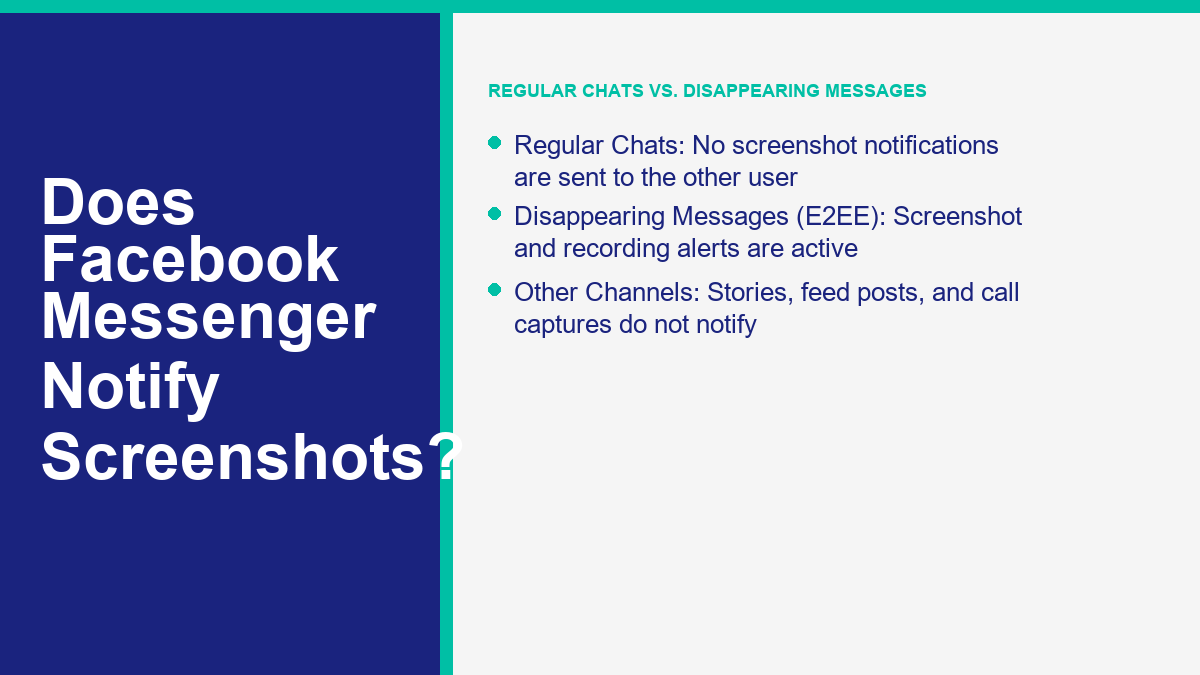
No, Facebook Messenger does not notify the other person when you take a screenshot of a regular conversation. However, if you are in an end-to-end encrypted chat with disappearing messages enabled, Messenger will send a screenshot notification to the other chat participant if it detects a screenshot or screen recording.
Privacy settings on social communication platforms can shift quickly, leaving users unsure about what is shared and when their actions are visible. In June 2026, Meta’s public guidance keeps screenshot detection tied to specific chat features. Knowing that boundary helps you avoid surprises when you save a message, photo, or temporary chat. Checked June 2026.
This guide clarifies when screenshot alerts appear, when they do not, and why a notification is not the same thing as real privacy protection. If you manage Messenger conversations for a business, the same rule applies to automation: treat chat content as records that need clear handling, not as content that disappears just because someone hopes it will. For setup help, 浏览我们的教程. If you need structured automation for customer conversations, you can also 查看MessengerBot定价.
The Quick Answer: Scenario Breakdown for Messenger Screenshots
The standard messaging experience on Facebook Messenger does not monitor your screen activity. If you are reading a standard chat thread and capture the screen, the other person will not receive any alert, badge, or message. This behavior is consistent across the web version and mobile applications for iOS and Android.
The important distinction is intent. A normal Messenger chat is not designed to be temporary in the same way a disappearing-message thread is. People can scroll back through regular messages, save photos, copy text, and take screenshots without Messenger adding a warning inside the thread.
However, the behavior changes when using temporary-message features. In an end-to-end encrypted (E2EE) conversation where disappearing messages are active, Messenger can detect some screen capture events. If it detects a screenshot or screen recording, an in-chat alert is displayed to the people in the conversation.
The table below summarizes how Facebook Messenger handles screenshots across various scenarios:
| 场景 | Does It Notify the Other Person? | Details & Conditions |
|---|---|---|
| Standard Text Chat | 不 | No notification is sent on any device. |
| Standard Photos & Media | 不 | No notification is sent when capturing shared images. |
| End-to-End Encrypted (E2EE) Chat | No (Standard) | No notification is sent unless disappearing messages are active. |
| Disappearing Messages (E2EE) | 是 | Meta sends an alert if it detects a screenshot. |
| Screen Recording (Disappearing) | 是 | Meta sends an alert if a screen recording is detected. |
| Facebook Stories | 不 | Facebook does not send screenshot alerts for normal story captures. |
| Facebook Feed Posts | 不 | Screenshots of normal wall posts or comments do not notify. |
| Audio/Video Calls | 不 | Meta does not send alerts if you record or grab a call frame. |
How Disappearing Messages and Screenshot Notifications Work in Messenger
Disappearing messages are the primary mechanism that triggers screenshot alerts in Messenger. When you toggle this feature on inside an end-to-end encrypted chat, all new messages disappear after a set duration. Because this feature is designed for temporary discussions, Meta introduces protective measures to discourage participants from saving the chat history.
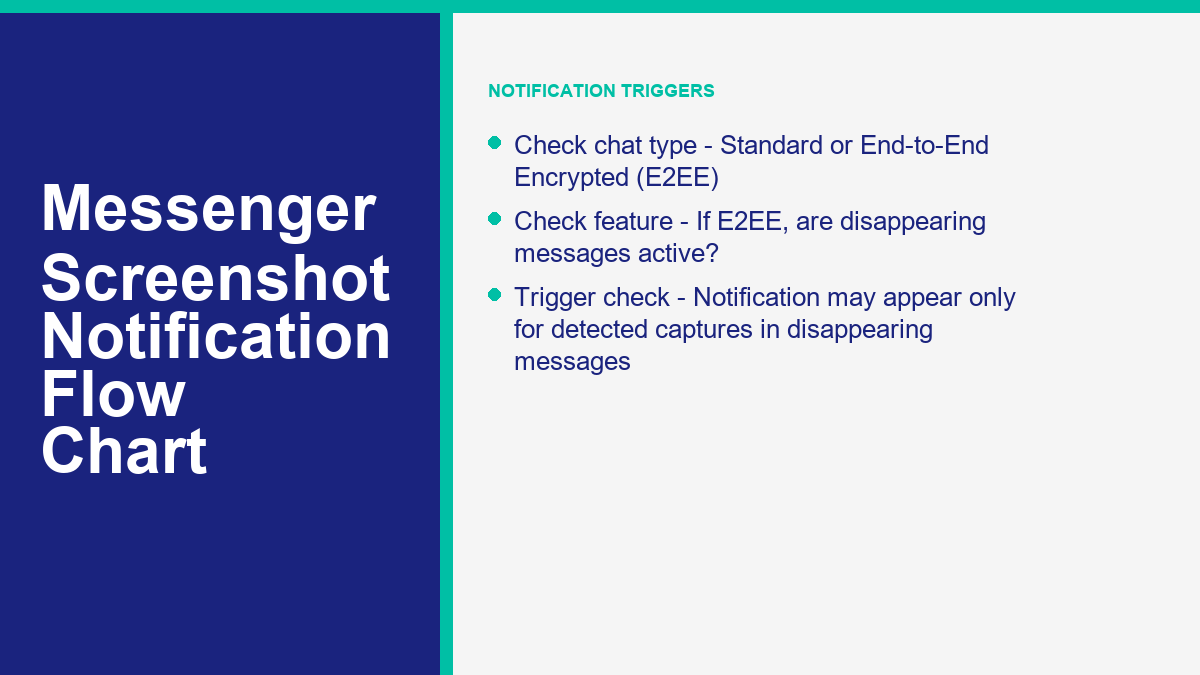
According to the official Meta Help Center disappearing messages guidance, if a participant takes a screenshot or starts a screen recording of a disappearing message, an alert is posted directly inside the chat window. This alert is visible to everyone in the thread, ensuring transparency when someone attempts to archive content that was intended to be temporary.
To enable disappearing messages, you must first verify that your chat is in end-to-end encrypted mode. You can launch an encrypted chat by tapping the compose button in the top right of your chats, toggling the padlock icon to the locked position, and selecting the contact. Once inside the encrypted thread, tap the participant’s name at the top of the screen to open the settings panel. From there, locate the “Disappearing Messages” option and select a timer duration, such as 24 hours. Once set, the chat interface updates to display a padlock icon and a message confirming the change. All new messages sent will automatically dissolve when the designated time expires.
You may recall a feature known as Vanish Mode in older versions of the Messenger app. Meta Help Center documents confirm that Vanish Mode is no longer supported. The option has been removed from the application interface. Instead, Meta has consolidated its temporary messaging tools under disappearing messages within end-to-end encrypted chats. If you see older tutorials or videos referencing Vanish Mode, they are referring to a retired feature. The active implementation in 2026 is disappearing messages.
While this feature offers a layer of visibility, detection is not infallible. Meta openly states in its help documentation that the system may not detect every screenshot or screen recording. A second phone camera, unusual device setup, screen mirroring, or system-level capture tool may avoid the in-app alert. You should never assume that screenshot notifications guarantee absolute privacy. The system acts as a basic deterrent rather than an absolute security wall.
The Role of End-to-End Encryption in Messenger Privacy
End-to-end encryption (E2EE) is meant to keep message content readable only on the sender’s and receiver’s devices. Many personal Messenger conversations now use end-to-end encryption, but screenshot notifications still depend on the disappearing-message setting. Encryption and screenshot alerts are related privacy features, but they are not the same control.
As documented in the Meta Messenger end-to-end encryption overview, the platform’s cryptographic architecture is built using the Signal Protocol design. This structure secures the delivery channel, ensuring that messages, voice notes, photos, and files are encrypted before they leave your device and are only decrypted once they arrive on the recipient’s device. This design prevents plaintext access by network sniffers, hosting providers, or intermediate servers.
To verify that encryption is active, you can check the conversation details for a unique security code. This code represents the public keys associated with your session. If you compare the code on your screen with the one on your friend’s device, they should match, confirming that the communication channel is mathematically locked. This verification step prevents man-in-the-middle attacks where a malicious third party attempts to intercept key exchanges and copy message payloads.
However, E2EE only secures the transmission of data. Once a message is decrypted and displayed on the recipient’s screen, the cryptographic protection ends. The recipient can read the message, copy it, or take a screenshot. Screenshot notification is an application-level user interface control, not a cryptographic lock. It attempts to flag when someone captures the screen, but it does not prevent the pixels from being displayed or captured. Understanding this boundary is key: encryption keeps the pipeline secure, but it cannot control what a user does with the decrypted content once it appears on their screen.
Also remember the narrow scope of the feature. Encryption protects message delivery. Screenshot detection, when available, is a user-interface notice. Neither feature can stop someone from photographing their screen with another device after the message is visible.
Practical Privacy Limits: Why Screenshot Notifications Aren’t Full Protection
Relying on screenshot notifications to protect sensitive information creates a false sense of security. An alert only tells you that a screen capture was detected after the fact. It does not stop the other person from saving, storing, or sharing your information. Once data is displayed on a physical screen, it can be captured through several channels that bypass Meta’s detection algorithms entirely.
Consider the following methods that allow users to archive conversations without triggering a notification:
- External Cameras: The simplest bypass is using a secondary device, such as a smartphone, tablet, or physical camera, to take a photo of the primary screen. Because this action occurs completely outside the device running the Messenger app, the software cannot detect it. This is a common physical bypass that no application-level security can prevent.
- Manual Copying: A user can copy text from the chat screen and paste it into an external note-taking application or document. Copy-paste actions do not trigger screenshot alerts because they are handled by standard text selection fields.
- Forwarding Content: Before a disappearing message expires, a user can forward the text or media to another chat or group conversation. While forwarding can sometimes be restricted, it remains a common vector for data leakage.
- System-Level Screen Capture Tools: On desktop environments or rooted/jailbroken mobile devices, users can run system-level capture utilities or Android Debug Bridge (ADB) commands. These tools capture screen frames directly from the operating system graphics buffer, bypassing the app’s standard event listeners.
- Operating System Limitations: Some older operating system versions or specific custom ROMs do not expose screenshot events to applications, meaning the Messenger app remains unaware when a hardware button combination is pressed.
- Screen Mirroring: A user can stream their mobile device screen to a secondary computer monitor, television, or recording deck. The hardware capture cards on the receiving display can capture the stream without sending any API signals back to the source device’s operating system.
Because these bypasses exist, screenshot notifications are best understood as a social deterrent rather than a technical block. The presence of an alert discourages the average user from taking screenshots, but it does not stop a determined individual. The only reliable rule for digital privacy is straightforward: do not send messages, files, or media that you would not want preserved or shared. Only share sensitive details with contacts you trust.
Business Communication Workflows and Messenger Automation Privacy
For organizations using Facebook Messenger as a primary channel for customer support, lead generation, and conversational commerce, understanding privacy rules is essential. When customers interact with a business, they expect their data to be handled securely and transparently. Using automated messaging platforms helps structure these interactions while following Meta’s API and privacy guidelines.
When you connect a Facebook Page to a chatbot builder, the bot interacts with users through Meta’s official Graph API. This connection does not involve taking screenshots or monitoring screen activity. Instead, the automation system parses incoming text, structured button clicks, and media attachments to deliver automated support. To understand how these automated integrations operate safely, you can read our detailed guide on what is a Facebook Messenger bot and how does it work safely in your conversations.
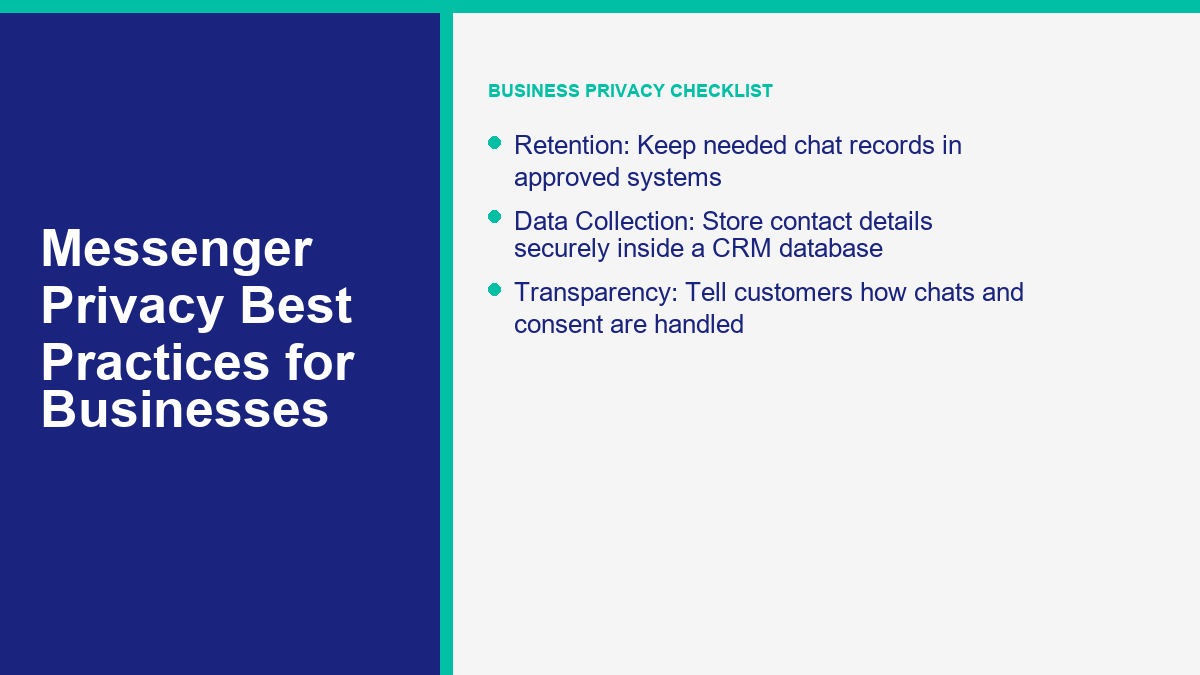
Businesses often implement automated workflows to handle customer queries, process bookings, and answer product questions. These automated systems do not operate in end-to-end encrypted threads because business accounts require standard API access to manage conversations across multiple support agents and CRM platforms. Consequently, conversations with business pages do not support disappearing messages or trigger screenshot notifications. Both the customer and the business can screenshot the chat history at any time without alerts. This lack of notification makes it even more important for businesses to use secure data practices, ensuring that customer details collected during automation are stored in a protected, centralized database rather than left exposed in chat transcripts.
From a business operations perspective, relying on ephemeral or disappearing messages is usually the wrong habit. Some regulated teams have formal retention duties, and even ordinary small businesses need enough conversation history to resolve disputes, train support staff, and respect customer consent. Professional systems solve this with clear database records, permission tracking, contact histories, and conversation logs. That structure gives teams a repeatable way to review service quality without pretending screenshot notifications can protect customer data by themselves.
Frequently Asked Questions About Messenger Screenshot Notifications
Can someone tell if you screenshot Facebook Messenger?
In standard Messenger chats, the other person cannot tell if you take a screenshot. No notifications are sent. However, if you are using disappearing messages inside an end-to-end encrypted chat, Messenger will display an alert in the conversation history if it detects a screenshot or screen recording.
Does Messenger notify if you save a photo?
No. If you save a shared photo to your device’s camera roll or download a media file from a standard Messenger chat, the other participant is not notified. The download action remains private.
Does Messenger notify screen recordings?
Messenger treats detected screen recordings similarly to detected screenshots. In standard chats, screen recordings are not flagged. In encrypted chats with disappearing messages active, starting a screen recording may trigger a notification in the chat thread if the application detects it.
Does Facebook notify screenshots of stories or posts?
No, Facebook does not notify users if you take a screenshot of their Stories, profile pages, comments, or feed posts. Facebook’s core application does not add a screenshot alert for normal story or post captures.
What happened to Vanish Mode?
Vanish Mode is no longer supported by Meta. The option has been removed from the Messenger application. To send temporary messages that disappear after they are viewed, you must now use the disappearing messages feature inside end-to-end encrypted chats.
Are disappearing messages safe from screenshots?
No. While disappearing messages trigger a notification when a screenshot is detected, they are not completely safe. A user can bypass detection by taking a photo of the screen with another phone, copying the text manually, or using system-level screen capture tools on modified devices.



 简体中文
简体中文  English
  Tagalog
  العربية
  हिन्दी
  Português do Brasil
  Español de México
  Français
  বাংলা
বাংলা  香港中文
香港中文  繁體中文
繁體中文  Nederlands
  Deutsch
  Bahasa Indonesia
  日本語
日本語  한국어
한국어  Polski
  Русский
  Español
  Tiếng Việt