
2026年,免费的AI聊天机器人无处不在。真正免费的AI聊天机器人却不多。这一差距比大多数汇总文章所承认的更为重要。.
一些工具提供了一个您可以使用几个月的真正免费计划。一些工具在您达到消息上限、文件上传限制或高级模型锁定之前,提供有用的免费层。还有一些则是伪装成免费产品的试用版。此比较反映了2026年4月可用的公共免费计划详情。我根据一个标准对下面的工具进行了排名:在付费墙开始影响您的决策之前,您可以完成多少有用的工作。.
这意味着这个列表故意混合了三类工具:真正免费的工具、具有实质价值的增值工具,以及仍然值得提及的基于试用的产品,因为人们仍在搜索它们作为“免费”。如果您想更广泛地了解 哪些AI您可以真正免费交谈, 那篇伴随文章更深入探讨了无需注册和无需信用卡的角度。.
2026年“免费AI聊天机器人”的真正含义
浪费时间使用AI工具的最简单方法就是假设“免费”意味着“永久可用”。实际上,有三种非常不同的报价隐藏在同一标签下。.
永久免费 意味着该产品有一个真实的$0层,只要您保持在其限制内,它就会继续工作。Character.AI、DeepAI、Replika,以及ChatGPT、Gemini、Claude和Copilot的基本版本都适用此类,尽管限制可能比市场宣传所暗示的更严格。.
免费增值 意味着基础层是可用的,但最佳模型、更快的响应、更大的上下文窗口、更好的记忆、更多的自动化或更高的使用量都在订阅后面。这描述了现在大多数严肃的人工智能聊天市场。免费用户可以进入;付费用户获得在压力下感觉稳定的版本。.
仅限试用 意味着你借用了付费版本几天。在这个比较中,Jasper和MessengerBot属于这一类。它们仍然值得测试,但称它们为“100%免费”会产生误导。.
细则通常隐藏在四个地方:
- 消息限制: 一个工具可能会说“免费”,但在短时间的使用后或在繁忙时段悄悄限制你的使用。.
- 上下文限制: 免费用户通常会获得较短的对话、更小的上传或对长文档的较弱模型。.
- 功能锁定: 语音、图像生成、文件分析、自定义机器人、代理工具和记忆通常受到限制或部分禁用。.
- 访问变更: 一些供应商根据地区、账户年龄或整体容量更改免费限制。.
这就是为什么现在比较免费的AI聊天机器人需要的不仅仅是检查定价页面是否显示“$0”。你需要知道在前10分钟之后、上传第一个文件之后以及服务器满载的第一个繁忙日之后会发生什么。.
2026年排名前15的免费AI聊天机器人
以下排名更注重实际日常的实用性,而不仅仅是原始模型的声望。如果一个工具在理论上更聪明,但在发送几条消息后变得令人烦恼,它的排名会下降。如果一个工具稍微不那么先进,但能持续顺畅工作,它的排名会提升。.
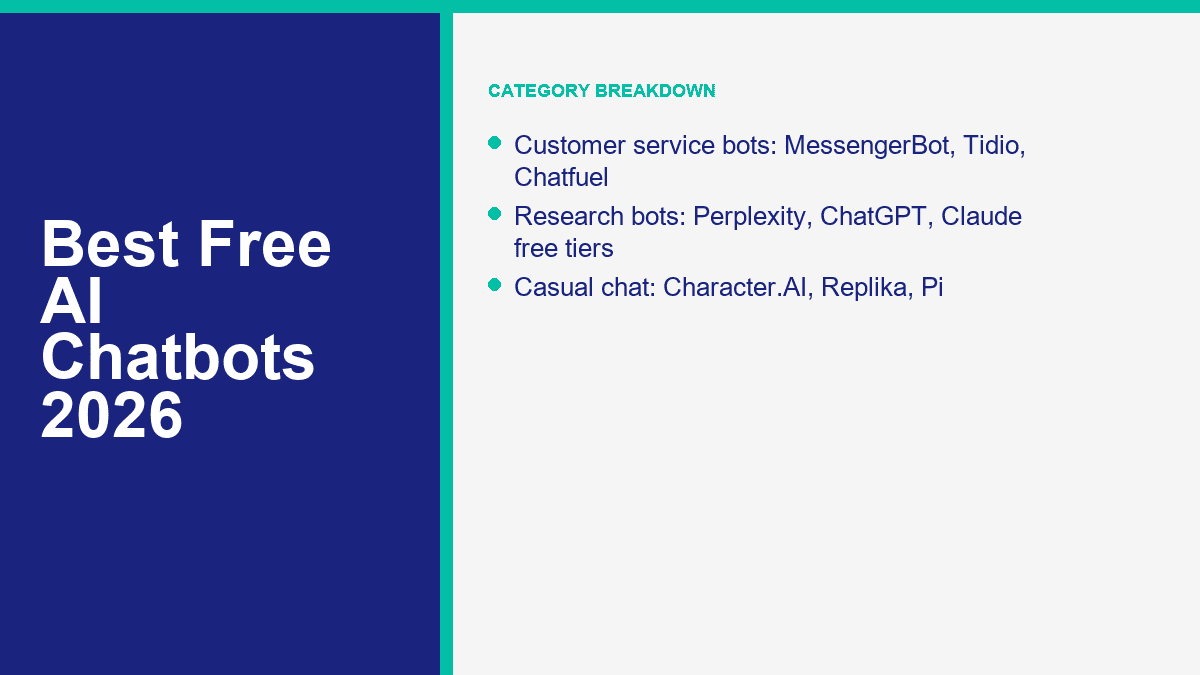
| 排名 | 工具 | 免费状态 | 你可以免费获得的内容 | 主要限制或陷阱 | 注册 | 移动应用 | 最佳使用案例 | 评分 |
|---|---|---|---|---|---|---|---|---|
| 1 | ChatGPT | 免费套餐 | 核心聊天、网络搜索、有限的文件上传、有限的图像和语音工具、自定义GPT浏览 | 高级工具和更高的使用量对重度用户快速限制 | 是 | 是 | 最佳通用免费聊天机器人 | 9.6/10 |
| 2 | 双子星 | 免费套餐 | 快速模型访问、有限的专业思维提示、32K上下文、文件上传、图像生成、一些深度研究 | 限制经常变化,优质思维提示稀缺 | 是 | 是 | 最佳免费聊天与文档工作的结合 | 9.4/10 |
| 3 | Claude | 免费套餐 | 强大的写作、网络搜索、图像分析、文物、记忆、代码导向工作 | 五小时的滚动限制可能会感觉紧张 | 是 | 是 | 最佳免费聊天机器人,适合清晰写作和深思熟虑的回答 | 9.2/10 |
| 4 | Perplexity | 免费套餐 | 基于网络的答案,带有引用和快速研究摘要 | 高级模型和更频繁的专业搜索使用需要付费 | 可选 | 是 | 最佳免费聊天机器人用于来源研究 | 9.0/10 |
| 5 | Copilot | 免费套餐 | 智能网络聊天、语音、深入思考、Windows和Edge集成 | 付费的Microsoft计划解锁更高的限制和更深的应用集成 | 可选 | 是 | 最适合希望拥有免费日常助手的Microsoft用户 | 8.8/10 |
| 6 | Character.AI | 免费套餐 | 免费角色聊天、语音通话和固定记忆 | 候诊室延迟和较低的事实可靠性 | 是 | 是 | 最适合角色扮演和休闲对话 | 8.5/10 |
| 7 | Poe | 免费套餐 | 一个界面用于多个模型、自制机器人、网络搜索和媒体工具 | Free usage runs on points and premium bots burn through them quickly | 是 | 是 | Best for sampling many models in one place | 8.4/10 |
| 8 | You.com | 免费套餐 | Basic Q&A, live web answers, limited custom agents, 5MB uploads, limited image generation | Basic query limits make it easy to outgrow | 是 | 是 | Best for lightweight agent-style experimentation | 8.2/10 |
| 9 | DeepAI | 永久免费 | Standard chat in the browser without creating an account | Best models and higher-end modes are paid | 不 | 不 | Best no-sign-up option for quick questions | 8.1/10 |
| 10 | HuggingChat | 免费套餐 | Open-source model access, model routing, community tools, and broad experimentation | Free use depends on Hugging Face credits and model availability | 是 | 不 | Best for open-source AI users | 7.9/10 |
| 11 | Pi | 免费套餐 | Warm voice-first conversation, reminders, decision support, and companion-style chat | Weak for deep research and privacy-sensitive use | 是 | 是 | Best for emotionally natural conversations | 7.7/10 |
| 12 | MessengerBot | 免费试用 | Messenger automation, templates, docs, and onboarding materials during the trial period | Not a forever-free plan | 是 | 不 | Best for testing Facebook Messenger customer service automation | 7.6/10 |
| 13 | 复制品 | 免费套餐 | Free text chat, avatar customization, and always-on companion messaging | Voice, roleplay, premium activities, and richer customization are paid | 是 | 是 | Best for a persistent AI companion | 7.3/10 |
| 14 | Nova | Freemium app | Free download with basic AI chat and cross-platform access | In-app purchases, unclear model consistency, and app-store style caps | 可选 | 是 | Best for casual mobile use | 6.9/10 |
| 15 | 碧玉 | 7 天免费试用 | Full access to the selected paid plan during the trial window | Credit card required and billing starts after seven days | 是 | 不 | Best for marketers testing a premium writing workflow | 6.6/10 |
ChatGPT Still Sets the Pace for an All-Purpose Free Chatbot
What’s free: ChatGPT’s current free plan gives you core chat access plus web search, limited file uploads, limited data analysis, limited image generation, limited voice, and access to custom GPTs. OpenAI’s current pricing pages also show free mobile access and a usable everyday feature set instead of a stripped demo.
Limits: The experience changes the second you lean on heavier features. Upload too many files, push long research sessions, or rely on the strongest tools every day and you will feel the throttle. Best use case: one chatbot for writing, planning, basic coding help, and general problem-solving. Rating: 9.6/10.
Gemini Gives You the Most Transparent Free Limits Right Now
What’s free: Google is unusually clear about its free allowances. Gemini without a paid Google AI plan currently includes general access to the fast model, a 32K context window, some higher-end thinking prompts each day, up to five Deep Research reports per month, up to 100 generated images per day, and file uploads when you are signed in.
Limits: Google also says those limits can change frequently, especially for free users. That honesty is useful, but it still means you should expect moving goalposts. Best use case: school, document summarizing, spreadsheet-style tasks, and longish prompts where 32K context is enough. Rating: 9.4/10.
Claude Feels the Most Polished When the Job Is Writing or Reasoning
What’s free: Claude’s free plan now includes web, desktop, iOS, and Android access, plus web search, image analysis, memory, artifacts, and a surprisingly strong set of writing and coding features. Anthropic also supports artifacts on the free plan, which matters if you want a draft, prototype, or mini app separated cleanly from the chat thread.
Limits: Claude’s five-hour rolling usage model is the classic catch. Light users barely notice it. Heavy users hit it quickly. Best use case: thoughtful writing, editing, outlining, and answers that sound less rushed than most free-tier outputs. Rating: 9.2/10.
Perplexity Is Still the Best Free Research Chatbot With Sources
What’s free: Perplexity’s core appeal has not changed: ask a question, get a synthesized answer, and check the citations without leaving the interface. That sounds simple, but it is still the biggest time-saver in the category. For people doing product research, travel planning, market scans, or fast fact-checking, that source layer matters more than perfect prose.
Limits: The better model choices, deeper Pro Search usage, and bigger allowances live behind Perplexity Pro. File uploads are supported, but the free experience is not as generous as the paid one. Best use case: web-grounded answers you can verify fast. Rating: 9.0/10.
Copilot Has Become a Legit Free Choice, Not Just the Microsoft Default
What’s free: Microsoft keeps pushing Copilot further into the “actually useful” zone. Free users get web-grounded chat, mobile and desktop access, Copilot Voice, and unlimited access to Think Deeper. If you already live in Windows, Edge, or Microsoft apps, the friction is low enough that Copilot starts feeling like part of the operating system rather than another tab.
Limits: The smartest workflow integrations still live inside Microsoft 365 subscriptions, and business grounding is a separate conversation. Best use case: everyday research, voice interaction, and quick work support for Microsoft-heavy users. Rating: 8.8/10.
Character.AI Is Still the Best Free Chatbot When You Want Personality
What’s free: Character.AI remains free to use, and its free layer includes core character chats, voice calling on web and mobile, and pinned memories. If your goal is roleplay, language practice, improvisation, fan-fiction style conversation, or just chatting with something more animated than a standard assistant, it is still hard to beat.
Limits: The waiting room is real during busy periods, and factual accuracy is not the point of this product. Treat it as entertainment first. Best use case: creative conversation, roleplay, and low-stakes fun. Rating: 8.5/10.
Poe Makes the Most Sense When You Want Many Models Without Many Accounts
What’s free: Poe gives you access to a rotating menu of mainstream and niche models in one account, plus custom bots, web search, and media generation. That convenience is the whole pitch. You do not need to sign up with five separate companies just to compare styles.
Limits: Free usage is tied to points, and premium models burn through those points quickly. Poe is generous enough to explore, but not generous enough to replace dedicated paid plans if you use it hard. Best use case: comparing models, testing prompts, and building lightweight custom bots. Rating: 8.4/10.
You.com Is Better Than Its Visibility in Search Results Suggests
What’s free: You.com’s current free plan includes basic Q&A, real-time web answers, a context window up to 16K, limited custom agent creation, file uploads up to 5MB with up to five files per query, and limited image generation. That is more real functionality than many people assume.
Limits: The phrase to focus on is “limited basic queries.” If you plan to use it as a daily workhorse, you can outgrow the free plan fast. Best use case: experimenting with agent-style AI without spending money on day one. Rating: 8.2/10.
DeepAI Is the Best Free AI Chatbot if You Refuse to Create an Account
What’s free: DeepAI still stands out because you can explore it for free without creating an account. That matters for people who want a quick answer, a simple writing assistant, or a throwaway chat session without handing over an email address first.
Limits: The free version is basic. The better models, higher-end browsing modes, private generations, and larger allowances sit inside DeepAI Pro. It is also more ad-heavy and less refined than the top five tools on this list. Best use case: quick no-sign-up text help. Rating: 8.1/10.
HuggingChat Is the Best Free Playground for Open-Source Model Fans
What’s free: HuggingChat is where open-source chat still feels alive. The current version routes across many models, exposes community tools, and gives free Hugging Face users a practical way to test open models without setting up local infrastructure. If you care about model variety more than polished consumer UX, this is one of the most interesting free options available.
Limits: Credits and model availability can change the feel of the platform from day to day. It is better for experimentation than reliable daily production work. Best use case: testing open-source models and community-built AI tools. Rating: 7.9/10.
Pi Still Feels More Human Than Most Free Companion AIs
What’s free: Pi’s strength is tone. It is calm, supportive, and unusually good at conversational reflection, decision support, and voice-first chatting. If you want an AI that feels less like a tool and more like a patient sounding board, Pi still has a place.
Limits: Pi is not your best pick for citations, file-heavy work, or hard research. Its privacy policy also makes clear that inputs may be used to improve and train the service, so this is not where sensitive conversations belong. Best use case: reflective conversation and voice chat. Rating: 7.7/10.
MessengerBot Is a Strong Business Option, but It Is a Trial, Not a Forever-Free Bot
What’s free: MessengerBot belongs on this list because a lot of small businesses searching for a free AI chatbot are really searching for a free way to automate customer replies on Facebook Messenger. MessengerBot gives you a real product trial, documentation, templates, and onboarding materials so you can test that workflow properly.
Limits: This is not a permanent $0 tier, so it loses points in an overall free ranking. Still, for a business that specifically needs Messenger automation rather than generic AI chat, it is far more relevant than companion apps or research bots. Best use case: testing Messenger support, lead capture, and page automation. Rating: 7.6/10.
Replika Remains Free for Text Chat, but Most of the Good Extras Are Paid
What’s free: Replika says chatting will always be free, and the free layer still gives you continuous text conversation plus avatar customization. If your main goal is checking in with a familiar AI companion every day, that baseline is enough for some people.
Limits: Voice calls, richer roleplay, premium activities, and more advanced customization all sit behind paid plans. In other words, free Replika works, but it is clearly the starter version. Best use case: companion chat with persistent identity. Rating: 7.3/10.
Nova Is Convenient on Mobile, but It Feels More Like a Wrapper Than a Destination
What’s free: Nova is a mobile-first chatbot app with a free download and broad device support. If you want a phone-friendly AI assistant without caring too much which underlying model is doing the work, it is easy to start using.
Limits: This category of app usually comes with in-app purchases, variable limits, and branding that can get fuzzy about which models are actually available on your current tier. That makes Nova fine for casual use and weak for serious work. Best use case: quick mobile chats and convenience. Rating: 6.9/10.
Jasper Is Excellent for Marketers, but the “Free” Part Lasts Seven Days
What’s free: Jasper currently offers a seven-day free trial with full access to the selected plan. If you are evaluating a premium AI writing platform for a content team, that trial is enough time to learn the interface and pressure-test a workflow.
Limits: Jasper requires a credit card for the trial, and billing starts when the week ends unless you cancel. That makes it a trial product, not a true free AI chatbot. Best use case: marketers validating whether Jasper is worth paying for. Rating: 6.6/10.
Best Free AI Chatbot for Customer Service on Messenger and Other Channels
If your idea of “AI chatbot” means answering customer questions, qualifying leads, routing support, and sending follow-ups, the ranking changes. Consumer chatbots like ChatGPT or Pi are not built to run your Facebook page inbox. A business bot platform is.
For Facebook Messenger specifically, MessengerBot is the most relevant pick in this list because it is built around page automation, broadcasts, visual flow building, tags, templates, and support workflows. If you want the setup videos rather than just a feature overview, 浏览我们的教程 before you spend money. That will tell you quickly whether your use case is simple enough for a starter build or complex enough to justify a paid plan.
| 平台 | 免费状态 | What free is good for | Where free stops being enough |
|---|---|---|---|
| MessengerBot | 试用 | Testing Messenger flows, templates, FAQ automations, and onboarding fit | When you need ongoing page support and production use |
| 多聊天 | 免费套餐 | Simple Instagram, TikTok, Telegram, or Messenger automations for small accounts | When you need more than 25 active contacts on the new 2026 model, or more than a few live automations |
| Tidio | Free tier + AI trial style quota | Basic live chat plus a one-off taste of Lyro AI | When the first 50 Lyro conversations are gone and you want AI to keep working |
| 聊天燃料 | 试用 | Short-term WhatsApp or Instagram bot validation | As soon as you need a lasting live bot or higher conversation volume |
Here is the clean rule of thumb. Free is enough when you only need one or two narrow automations:
- Answer store hours, pricing, location, and appointment questions
- Collect basic lead info
- Route people to a human
- Test whether your audience will even use chat automation
Upgrade when any of these show up:
- You need multiple channels, not just one inbox
- You need tags, segments, and follow-up sequences that actually convert
- You want AI replies backed by your content, not generic fallback answers
- You need analytics, handoff rules, or more than a tiny contact limit
Free AI Chatbots for Casual Conversation That Do Not Feel Robotic
If you want a chatbot for company rather than productivity, Character.AI, Replika, and Pi are the three names that keep showing up for a reason. They are trying to be emotionally engaging, not just informative.
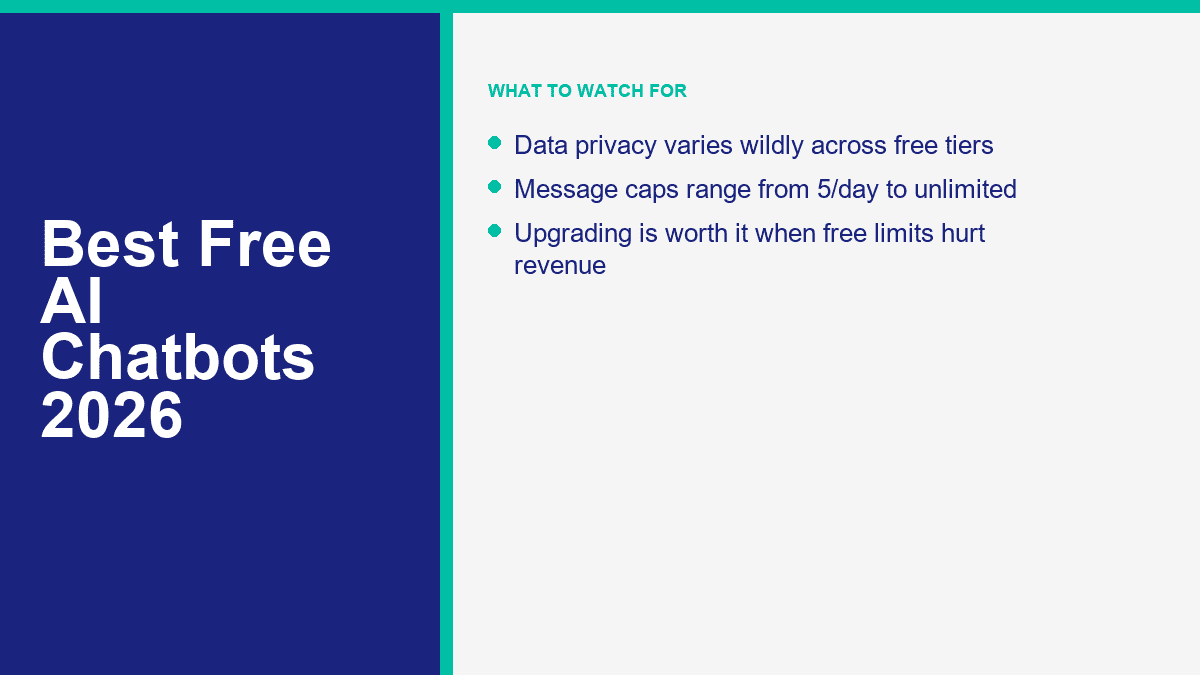
Character.AI is the most fun if you want roleplay, fictional personalities, weird scenarios, fandom chats, or something to improvise with. It is the least reliable choice for facts, but that is not really the point.
复制品 works best if you want continuity. The free text chat is always on, and the product is built around the idea of an ongoing companion rather than a series of isolated prompts.
Pi is the best of the three if you want calm, natural language and a softer tone. It is less theatrical than Character.AI and less game-like than Replika.
The privacy tradeoff is easy to miss here. The more “personal” a chatbot feels, the more likely users are to overshare. That is exactly when you should slow down. Companion apps can store chat history, train on inputs, or use your conversation data to improve the product. Do not use them for therapy-grade disclosures, legal advice, financial secrets, or confidential business material.
If a no-sign-up option matters more than emotional realism, the honest answer is that the casual-companion leaders are not your best fit. DeepAI is still a better bet for anonymous quick chats, even if the conversation quality is less memorable.
Best Free AI Tools for Research, Writing, and Everyday Work
For research and productivity, three names matter most: Perplexity for citations, ChatGPT for all-around usefulness, and Claude for writing quality. Gemini deserves to be in that same group if your work involves documents, uploads, and medium-length context.
| 工具 | Published or practical context note | File uploads on free tier | Research strength | 最佳契合 |
|---|---|---|---|---|
| ChatGPT | OpenAI currently lists an 8K context window for Free in plan comparison | Yes, limited | Good, especially when search is enough | One tool for mixed work |
| Claude | Anthropic does not clearly publish one fixed free-plan context limit for consumer use | Yes, with usage limits | Good for synthesis, less citation-forward than Perplexity | Writing and reasoning |
| 双子星 | Google currently publishes 32K context for the free Gemini app | Yes, up to 10 files per prompt, subject to rolling limits | Strong, especially for docs and multimodal inputs | Study and document analysis |
| Perplexity | Model-dependent rather than a simple public free-tier number | Yes, but better allowances on paid plans; 40MB file size guidance is published | Excellent because of built-in citations | Fast sourced research |
My practical take is simple:
- 使用 Perplexity when you need sources on the screen right now.
- 使用 Claude when you care how the writing sounds.
- 使用 ChatGPT when you want the broadest mix of general tools.
- 使用 双子星 when documents and uploads are central to the job.
If you are comparing them for file work specifically, Gemini is the most transparent on published upload limits, ChatGPT is the most balanced, Claude is often the nicest to write with, and Perplexity is the best at turning source material into something you can verify.
How to Set Up a Free Facebook Messenger Chatbot for Your Business Page
For a small business, a free or trial chatbot is usually enough to answer the boring questions that keep interrupting your team: opening hours, location, delivery zones, booking links, product availability, and simple return policies.
Here is the fastest practical setup path if you want to test Messenger automation before paying for anything serious:
- Pick one narrow goal. Start with FAQs, lead capture, booking, or after-hours replies. Do not build a giant “AI assistant” on day one.
- Connect your Facebook Page. The platform needs page access before it can automate replies, tags, greetings, and handoff rules.
- Use a proven template first. A template gets you to a working flow faster than trying to design every branch from scratch.
- Write a fallback message that sounds human. The safest fallback is a short apology, a menu of common options, and a handoff path to your team.
- Add one conversion action. That might be “book now,” “leave your email,” “get a quote,” or “talk to support.”
- Test the full journey on mobile. Most Messenger conversations start on phones, and broken mobile flows kill adoption fast.
If your business lives on Facebook and you need more than a short experiment, 查看MessengerBot定价 after the test phase. That is the point where you should compare page limits, templates, automation depth, broadcasts, and handoff tools instead of obsessing over the word “free.”
And if Messenger is only one part of your channel mix, the next smart comparison is WhatsApp. The economics and platform rules are different, so it helps to read about 免费构建WhatsApp聊天机器人 before you lock yourself into one messaging stack.
The Fine Print That Makes “Free” Less Free Than It Sounds
The biggest mistake people make with free AI chatbots is judging them in a quiet test session and assuming they will behave the same way in real use. That is rarely true.
Data privacy is the first issue. Free consumer tools are often trained, improved, or monitored using at least some version of user interaction data unless you are on a business-grade or opt-out setup. Never assume a free consumer chatbot is the right place for customer PII, contracts, strategy decks, or unpublished financial data.
Unadvertised usage limits are the second issue. Some products publish exact allowances. Others just say limits apply. That means your experience can vary by time of day, region, account age, prompt length, file size, or current server load.
Quality gaps are the third issue. The free plan may run a smaller or faster model, shorten your context window, reduce memory, or restrict advanced tools. Two tools can both say “free AI chatbot” and still deliver completely different levels of usefulness.
The fourth issue is workflow fragility. If the free plan breaks the moment your volume rises, it is not really free for a business. It is just free to test.
Upgrading is worth the money when one of these statements becomes true:
- You are hitting limits often enough that you change your workflow to avoid them
- You need consistent file analysis, research depth, or higher context
- You are using AI with customer conversations and need better reliability
- You want privacy controls that consumer plans do not give you
- You need automation to produce revenue, not just answer questions
When You Are Ready to Move Beyond the Trial Stage
Testing free chatbots is useful. Building a support workflow that customers can rely on is a different job. If Facebook Messenger is part of your sales or support stack and you want the features that matter after launch, check MessengerBot Pro功能 and compare the automation depth against the free or trial tools above.
常见问题
是否有一个没有限制的100%免费AI聊天机器人?
No mainstream AI chatbot worth recommending is truly unlimited on a forever-free plan. DeepAI comes closest if you want fast, no-sign-up access, and Character.AI or Replika can feel effectively free for casual chat, but serious research and productivity tools all impose limits somewhere.
2026年哪个免费的AI聊天机器人是最好的?
For most people, ChatGPT is still the best all-purpose free AI chatbot in 2026 because it balances writing, search, uploads, and general usability. Gemini is a close second if you care more about document work and published limits. Perplexity is the best free choice if your top priority is cited research.
有没有比ChatGPT更好的免费AI?
Yes, for specific jobs. Perplexity is better for source-backed web research, Claude is often better for polished writing, and Character.AI is better for roleplay or entertainment. There is no across-the-board free winner that beats ChatGPT at everything.
我可以为我的业务使用免费的 AI 聊天机器人吗?
Yes, but mainly for testing, basic FAQs, lead capture, and small-volume support. Once your chatbot starts handling real customer traffic, handoffs, follow-ups, or sensitive information, free plans usually become too limited or too risky. That is when a platform built for business automation becomes the smarter choice.
免费的 AI 聊天机器人会保密我的对话吗?
Not by default. Some vendors let you opt out of model training or offer stronger privacy only on paid business plans. Free consumer chatbots are fine for everyday low-stakes prompts, but they are a poor place for confidential business data, legal documents, customer records, or anything you would not want retained or reviewed.



 简体中文
简体中文  English
  Tagalog
  العربية
  हिन्दी
  Português do Brasil
  Español de México
  Français
  বাংলা
বাংলা  香港中文
香港中文  繁體中文
繁體中文  Nederlands
  Deutsch
  Bahasa Indonesia
  日本語
日本語  한국어
한국어  Polski
  Русский
  Español
  Tiếng Việt