
Messenger机器人不再是品牌想要看起来“创新”的副项目。对于许多小企业来说,它们现在是快速回答常规问题、在非工作时间捕获潜在客户以及让买家继续购买而不让客户等待下一个可用人工的最便宜方式。.
这很重要,因为Messenger仍然是买家花时间的地方。Meta的消息生态系统仍然庞大,而Messenger本身在全球范围内仍然接触到大约13亿用户。对于企业主来说,更重要的是,这是一个人们实际查看的收件箱。营销人员仍然围绕Messenger参与基准进行规划,基准在80%范围内,而电子邮件的平均水平通常接近低20s。当客户想要价格、预订链接、交付更新或人工回电时,Messenger通常是兴趣与行动之间的最短路径。.
关于这个主题的大多数排名页面都是由聊天机器人供应商撰写的,解释为什么他们自己的工具是答案。这在某种程度上是有用的,但在你需要决定Messenger优先平台、网站支持平台或多渠道系统哪个更适合你的业务时,这并没有帮助。本指南采取实用路线:工具的成本、它们的适用范围、它们不适用的地方,以及如何在大约15分钟内启动一个Messenger机器人,而不需要构建一个你的团队讨厌维护的东西。.
本文中的定价和政策细节已于2026年4月9日与公共产品和帮助页面进行了核对。如果您仍在考虑是从完整的Messenger工作流程开始,还是使用更通用的无代码聊天机器人构建器,, 我们的逐步聊天机器人构建指南 是更好的伴随材料。.
为什么Messenger自动化已从可有可无变为核心业务基础设施
理解Messenger机器人投资回报率的最简单方法是停止考虑“AI”,而开始考虑重复工作。每个企业都有相同的重复请求:商店营业时间、服务区域、定价范围、预订链接、退款窗口、订单更新、预约提醒、运输问题,以及晚上9:40的“有人吗?”消息。Messenger机器人将这些请求转化为一个系统。.
当这个系统正确完成时,会迅速发生三件事。首先,响应时间从几个小时缩短到几秒钟。其次,支持团队花费更少的时间在整个星期内输入相同的答案。第三,原本因为没有人立即回复而流失的客户会继续在漏斗中前进。.
企业主关心的基准在2026年仍然看起来很有吸引力:
- 受众覆盖: Messenger仍然为企业提供了访问庞大用户基础的机会,这很重要,如果您的客户已经活跃在Facebook和Instagram上。.
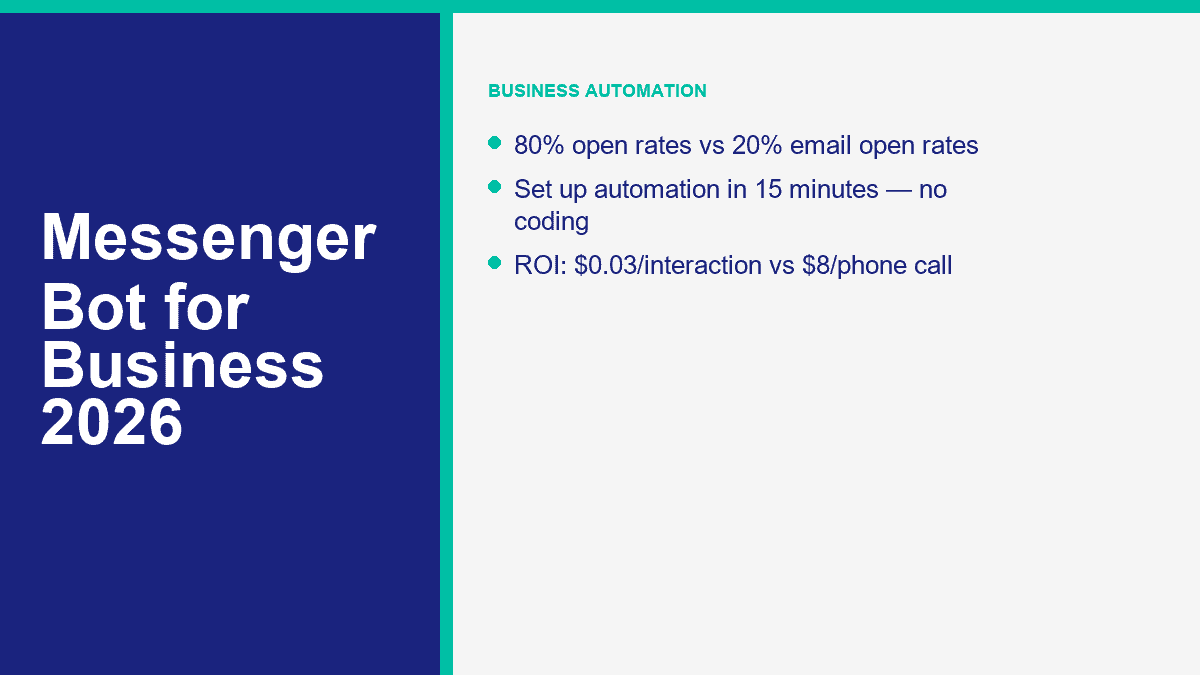
- 关注度: Messenger的打开率通常约为80%,而电子邮件的平均打开率约为20%。.
- 支持效率: 构建良好的常见问题解答和路由机器人通常可以在前几个问题自动化后,将支持工单数量减少30%到40%。.
- 每次互动的成本: 一次机器人的互动通常在$0.01到$0.05之间。而一次人工电话支持的互动通常在$6到$12之间,包含了人工和间接费用。.
这个成本差距就是为什么一旦你的收件箱流量变得可预测,Messenger自动化就不再是可选的。如果你的业务每月处理甚至100个Messenger或Facebook页面的咨询,数学计算已经显而易见:
| 每月咨询量 | 每个机器人的估计成本为$0.03 | 每个电话支持的估计成本为$8 | 潜在的每月节省 |
|---|---|---|---|
| 100 | $3 | $800 | $797 |
| 300 | $9 | $2,400 | $2,391 |
| 500 | $15 | $4,000 | $3,985 |
这些是计划数字,并不是每个咨询都可以完全自动化的承诺。有些对话仍然需要人工。但即使是部分自动化也会改变经济效益。如果一个机器人处理了前50%的来电量,并且已经识别了客户的意图来路由其余的,你的团队每周仍然可以节省几个小时的时间。.
另一个Messenger机器人现在重要的原因是渠道行为。客户越来越多地在拨打电话、填写表单或打开电子邮件之前先发送直接消息。这使得Messenger自动化成为客户服务、潜在客户捕获和销售支持在同一线程中相遇的少数地方之一。.
在花费一美元之前值得比较的5个Messenger机器人平台
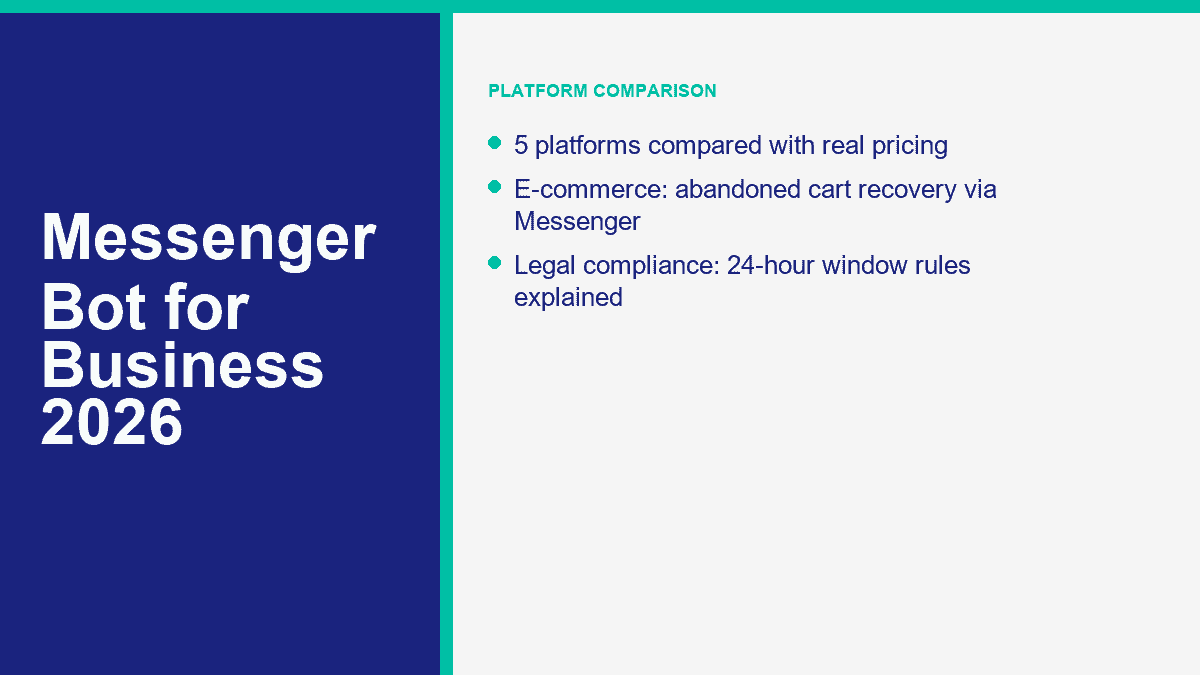
诚实的说法是:没有真正的商业Messenger机器人平台提供有意义的“无需注册”的体验。如果你看到这样的承诺,你看到的是演示,而不是生产工作流程。对于实际的商业部署,这五个名字值得优先比较。.
| 平台 | 公开入门定价 | 免费层或试用 | 人工智能能力 | Integrations | 易用性 | 最佳契合 |
|---|---|---|---|---|---|---|
| MessengerBot.app | 当前促销定价下,Premium每30天从$19.99起;Pro从$49.99起;Agency从$299.99起 | 免费试用 | 可视化流程构建器,常见问题自动化,电子商务流程,潜在客户捕获,网站聊天 | Zapier,JSON API,Google Sheets,WooCommerce,短信,电子邮件,网站小部件 | 适合以Messenger为首的团队 | 希望首先使用Facebook Messenger自动化的小型企业,而不是事后考虑的选项 |
| 多聊天 | 免费计划;基础版每月 $17;专业版每月 $39;高级版每月 $199 | 免费层和付费计划的 14 天试用 | 专业版及以上的 AI 驱动自动化 | Messenger、Instagram、WhatsApp、短信、电子邮件、Google Sheets、CRM 和商业工具 | 非常容易学习 | 在 Messenger 和 Instagram 之间分散注意力的企业 |
| 聊天燃料 | Facebook Business 每月 $23.99;企业版从 $400 开始 | 免费试用 | AI 代理功能、常见问题处理、潜在客户捕获、预订流程 | Google Sheets、Stripe、Zapier、JSON API、特定渠道的自动化 | 容易管理 | 希望在Facebook、Instagram和WhatsApp上使用AI重度消息的企业 |
| Tidio | 免费计划;入门版每月$24.17;增长版每月$49.17;Lyro AI每月$32.50 | 免费计划加试用风格的AI配额 | Lyro AI代理,带有常见问题解答和网站知识培训 | 网站小部件、Messenger、Instagram、WhatsApp、电子邮件、Zendesk、Salesforce | 支持团队轻松使用 | 希望将网站聊天和Messenger整合到一个收件箱中的企业 |
| MobileMonkey / Customers.ai | Current Customers.ai的定价从每月$600开始 | 7 天免费试用 | AI和数据工具现在专注于访客身份和名单增长,而不是经典的Messenger机器人 | Klaviyo、Meta Ads、Shopify、CRM和数据同步工具 | 更适合中小企业的Messenger使用 | 使用访客ID和受众丰富的机构和电子商务品牌比Messenger自动化更多 |
当Facebook Messenger是真正的优先事项时,MessengerBot.app是最佳选择
如果您的商业目标很简单:自动化Facebook页面消息,构建常见问题流程,捕获潜在客户,将人们引导到人工客服,并保持设置在一个已经了解Messenger机制的构建器中,这是我会首先选择的平台。该类别的公开定价页面也异常清晰。当前优惠下,Premium每30天起价为$19.99,Pro为$49.99,Agency为$299.99。这为小型企业提供了真正的增长空间,而不是过早地将它们强迫进入企业数学。.
MessengerBot还捆绑了大多数企业最终需要的额外功能:网络表单、持久菜单、网站聊天、评论自动化、Google Sheets同步、JSON API和Zapier支持、购物车恢复以及更高级的Instagram工具。如果您想在选择之前了解实时计划限制,, 查看MessengerBot定价.
ManyChat仍然是社交DM自动化的最安全入门选择
ManyChat 之所以强大,是因为学习曲线低,免费套餐仍然实用。2026 年 3 月的定价更新为新账户提供了一个免费计划,包含 25 个活跃联系人和最多 4 个实时自动化,一个每月 $17 的基础计划,$39 的专业计划,提供 AI 驱动的自动化,以及 $199 的高级计划,适用于规模。如果您的团队同样重视 Instagram 和 Messenger,ManyChat 值得认真考虑.
限制在于专注。ManyChat 非常适合创作者、营销人员和以社交为主的品牌,但以 Messenger 为主的企业有时会为比实际需要更广泛的社交自动化堆栈付费.
Chatfuel 的实力超出其品牌记忆所暗示的.
很多人仍然认为 Chatfuel 是一个较老的 Facebook 机器人构建工具。这低估了它在 2026 年的位置。Chatfuel 的 Facebook 公共定价从每月 $23.99 开始,采用基于对话的定价,企业版从 $400 开始。它现在大力倾斜于 AI 代理、潜在客户资格、预订工作流程,以及在 Facebook、WhatsApp 和 Instagram 之间的多渠道支持.
如果您的企业希望比僵化的菜单流程获得更多 AI 驱动的对话处理,Chatfuel 是一个可信的选择。权衡是,一旦对话量增加,定价可能会迅速上升.
当 Messenger 只是客户支持的一部分时,Tidio 是合理的选择.
Tidio 不是一个纯粹的 Messenger 机器人平台。它是一个具有 Messenger 支持的客户支持平台。这一区别很重要。如果你大部分流量始于你的网站,而 Messenger 只是一个入站路径,Tidio 可能是更明智的选择,因为收件箱、实时聊天、工单和 Lyro AI 代理都可以协同工作。当前的公开定价从免费计划开始,然后是每月 $24.17 的 Starter 计划和每月 $49.17 的 Growth 计划。Lyro AI 每月起价为 $32.50,每个账户可以获得 50 次免费的 AI 对话以进行测试.
缺点是渠道适配。如果 Facebook 页面自动化是你的全部策略,Tidio 可能会显得过于宽泛.
MobileMonkey 现在是 Customers.ai,这完全改变了推荐.
这是大多数汇总文章跳过的比较。MobileMonkey 不再是真正意义上的 Messenger 机器人平台。该公司公开解释了其从 Messenger 自动化转型的原因,因为 Meta 控制了产品表面过多,竞争变得非常激烈。在 2026 年,Customers.ai 的公开定价从每月 $600 开始,用于身份解析和电子商务受众增长。这是一个非常不同的产品,也是一位非常不同的买家.
所以是的,MobileMonkey 仍然值得一提,因为人们仍在搜索它。但对于今天寻找实用 Messenger 机器人的小型企业来说,它不再是明显的选择.
如何在大约 15 分钟内为你的企业设置 Facebook Messenger 机器人
The fastest successful build is never the fanciest one. The winning first version handles the top questions customers already ask, gives them 3 to 5 clear choices, captures leads where it makes sense, and sends edge cases to a human.
- Create or clean up your Facebook Business Page. Use a Page, not a personal profile. Make sure your hours, phone, website, location, and service description are current before the bot starts answering on your behalf.
- Choose the platform based on your real channel mix. If Messenger is the main channel, use a Messenger-first builder. If the website widget matters more, use a support-led platform.
- Connect the Page and approve the correct permissions. In MessengerBot, that means importing the Facebook account, selecting the right Page, and activating the connection after import.
- Write a welcome message that answers something immediately. Do not open with a vague greeting. Open with help.
- Build FAQ branches from real inbox questions. Start with hours, pricing, booking, shipping, returns, availability, or quote requests.
- Add one lead capture path. Collect the minimum useful data, usually name plus email or phone and the reason for contact.
- Add one human handoff path. Customers need an escape hatch for anything sensitive, urgent, or unusual.
- Test the full flow on an actual phone. Desktop previews lie. Messenger is a mobile-first experience.
Start With the Business Goal, Not the Menu Tree
Ask one blunt question before you touch the builder: what do you want the bot to do more often this month? If the answer is “everything,” the bot will probably fail. If the answer is “book more demos,” “answer after-hours questions,” or “qualify property inquiries,” you can build something useful quickly.
The first version should usually solve one of these jobs:
- Answer frequently asked questions after hours
- Send visitors to the booking page
- Capture quote requests
- Route support issues to the right team
- Handle order status and delivery questions
Connect Your Facebook Page Correctly the First Time
If you are using MessengerBot, the setup flow is direct. Sign in, import the Facebook account, select the business Page, approve the requested permissions, and activate the connection on the imported Page. The usual setup failures are mundane: wrong Facebook login, not enough Page access, or skipped permissions during the import.
Once the Page is connected, open the Visual Flow Builder and create a new flow for that Page. This is where small businesses save themselves weeks of future cleanup. Build with triggers, text blocks, quick replies, buttons, and user-input nodes in a way that feels obvious on a phone screen. If you want the platform-specific walkthroughs for menus, forms, flows, and handoff rules, 浏览我们的教程.
Write a Welcome Message That Feels Useful in the First Two Lines
A weak welcome message sounds like this: “Hi! Welcome to our Messenger. How can we assist you today?” A better one sounds like this: “Hi, thanks for messaging Northfield Dental. I can help with appointments, pricing questions, insurance info, or speaking to the front desk.”
The difference is not personality. It is clarity. The customer should immediately understand what the bot can do, what the likely next tap is, and whether a human option exists.
Keep the opening menu narrow. Three to five choices is usually enough:
- Book appointment
- 价格
- 营业时间
- Order help
- Talk to a person
Turn FAQs Into Branches, Not Essays
Most first-time bots fail because the owner writes long paragraphs instead of short actions. Customers do not want a brochure inside Messenger. They want the next useful answer.
Build one short branch for each common request. For example:
- 定价: share a starter range, link to a quote or pricing page, then ask if the customer wants a custom quote.
- Booking: send the booking link, then offer a fallback if the customer wants a callback instead.
- Order tracking: ask for order number or email, then route to a status response or human help.
- Human support: set expectations for response hours and invite the customer to leave the issue now.
The simplest rule is this: every branch should end in an answer, an action, or a handoff. If a branch ends in confusion, it needs to be rewritten.
Add Lead Capture Without Turning Messenger Into a Bad Form
Lead capture belongs in a Messenger bot when the customer already has intent. It does not belong in the first five seconds of every conversation. Ask for contact details after you have helped them, not before.
A clean lead-capture flow usually asks for:
- 为您的Zap命名。 在您的Zap中,点击“
- Email or phone
- The service or product they want
- One qualifying detail, such as timeline, location, or budget range
That is enough to route a real lead. If you later want more advanced routing, comment automation, sequence logic, or multi-page growth tools, that is where MessengerBot Pro功能 become relevant.
Test on Mobile, Then Launch Narrow
Always run the bot from the actual Messenger app before launch. Tap every quick reply. Trigger the fallback. Ask an off-script question. Request a human. Make sure every screen is readable without turning into a wall of text.
Then launch only the narrow version first. Let the bot absorb live traffic for a week. Review where people tap, where they stop, and which questions still escape the flow. That real-world data is more valuable than another hour of guessing on the canvas.
Messenger Bot Use Cases That Generate Revenue Instead of Just Looking Automated
The most profitable Messenger bots are not the ones with the most branches. They are the ones that remove friction in a buying moment. That looks different by industry, but the pattern stays the same: answer quickly, narrow intent, collect the right information, and move the customer toward the next action.
Ecommerce Bots Recover Revenue That Would Otherwise Go Silent
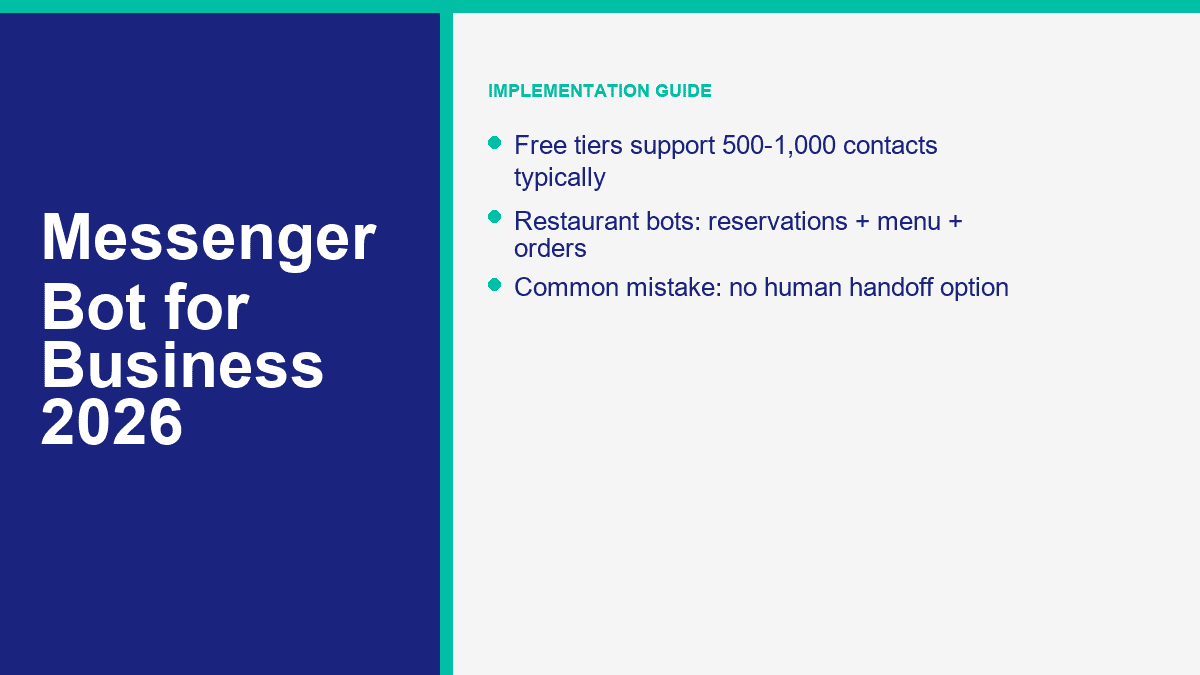
For online stores, the best Messenger flows usually center on abandoned carts, order tracking, delivery questions, product recommendations, and post-purchase upsells. A customer asking “where is my order?” should not have to wait for an agent if the bot can collect the order number and return the right status path. A shopper who asks which product fits a need can be guided into a short recommendation branch instead of leaving the site to keep searching.
One practical ecommerce stack looks like this: ad click or site visit, Messenger opt-in, product FAQ flow, abandoned cart reminder, order updates, then a human handoff for anything billing-related. That is a cleaner use of automation than trying to replace the entire store with a bot.
Restaurant Bots Turn DMs Into Reservations, Menu Views, and Repeat Orders
Restaurants get huge value from simple utility flows. A Messenger bot can handle reservations, opening hours, menu links, delivery zones, event bookings, and common dietary questions with almost no friction. The bot does not need to act like an AI sommelier. It just needs to answer faster than the next restaurant in the search results.
If you run multiple locations, Messenger automation also reduces a common support problem: customers messaging the wrong Page. The bot can immediately route them to the right location, hours, or booking number instead of making staff answer the same redirect question all night.
Real Estate Bots Pre-Qualify Leads Before an Agent Ever Calls
Real estate is one of the cleanest Messenger bot use cases because most inbound questions are qualification questions anyway. A bot can ask whether the customer wants to buy, rent, or sell, what area matters, what budget range they are considering, and when they want to move. That trims a cold inquiry into a real lead before the agent steps in.
Showing requests also fit Messenger well. A short bot flow can propose time slots, collect contact details, and pass the conversation with context attached. That is not just convenience. It improves agent follow-up because the lead is no longer arriving as an unstructured DM.
Professional Service Firms Use Bots Best as Triage, Not Replacement
For law firms, accountants, consultants, dental practices, gyms, salons, and home service companies, the highest-value use cases are appointment booking, quote requests, FAQ handling, document-request prep, and after-hours triage. A prospective client who messages at 8:15 p.m. does not need a fully autonomous advisor. They need a clear next step and reassurance that someone will pick it up.
This is the category where businesses often outgrow starter flows fastest. Once the bot becomes a real lead-gen asset across several client accounts or multiple locations, operational controls matter more. That is the point where MessengerBot for Agencies becomes relevant for teams managing many Pages instead of one.
The Compliance Rules That Keep Your Messenger Bot Legal and Your Page Safe
The short answer to “is a Messenger bot legal?” is yes. The more useful answer is yes, if you stay inside Meta’s messaging rules and treat customer data like something you are responsible for, not something a bot platform magically handles for you.
The 24-Hour Messaging Window Still Drives the Whole Channel
Meta’s standard messaging rules still revolve around the customer’s last interaction. If a person messages your business, you generally have a 24-hour window to send standard replies, including promotional content inside that active conversation. Once that window closes, your options narrow fast.
This matters because one of the most common bot mistakes is assuming a Page can blast subscribers whenever it wants. It cannot. In 2026, the outside-the-window rules are stricter and more fragmented than most old Messenger tutorials suggest. Meta’s recurring notification model is being phased out, message-tag behavior has tightened, and newer Marketing Messages on Messenger features are paid, opt-in based, and still rolling out. The safe operational rule is simple: if the customer has not engaged recently, do not assume you are allowed to send them a promotional message.
Utility Updates Are Different From Marketing Messages
There is a real distinction between “your order shipped” and “here is our weekend promo.” Utility-style updates such as order confirmations, shipping updates, account alerts, and appointment reminders can qualify for non-promotional messaging paths outside the normal window when they meet Meta’s approved use cases. Promotional follow-up is a separate category and needs the right opt-in structure and delivery path.
That is why a Messenger bot should always separate support, utility messaging, and marketing logic inside the flow design. If you blur those categories, you create compliance risk and a worse user experience at the same time.
Opt-In and Opt-Out Need to Be Obvious
If your bot collects an email address, phone number, or permission for future follow-up, say what the customer is agreeing to receive. That is basic compliance and basic trust. The opt-out should be equally easy. “Reply STOP,” “tap unsubscribe,” or a simple menu option is better than hiding the exit.
For UK and EU traffic, GDPR and UK GDPR rules still apply to the personal data your bot collects. That means you need a lawful basis for processing, a privacy notice, data minimization, and a practical way to honor deletion or access requests. If your business operates in a regulated sector or serves both US and UK customers at scale, run the flow and consent language past counsel before launch.
One more practical note: bots are not a loophole around privacy obligations. If your customer would reasonably expect a human to handle sensitive information, build the handoff path instead of forcing the entire issue through automation.
What a Messenger Bot Really Costs for a Small Business
The search result answer is usually “it depends.” The real answer is more useful: most small businesses can test Messenger automation for free or very cheaply, run a real production setup for somewhere between about $20 and $100 per month, and move into agency or enterprise spend once volume, team size, or channel complexity increases.
Free Tiers Are Good for Testing, Not for Running a Serious Inbox Forever
ManyChat still has the most usable true free tier for this category: $0, 25 active contacts, and 4 live automations. Tidio’s free plan is useful too, but the AI side is really a capped test because the free Lyro quota is 50 lifetime conversations, not a monthly renewable AI allowance. MessengerBot and Chatfuel both lean more on trials than free-forever production use, which is often the better trade if the goal is a real business workflow rather than hobby experimentation.
The important part is the real limit, not the word “free.” A free plan that stops being useful the moment you get traction is a testing plan, not an operating model.
Paid Plans Usually Land in the $10 to $100 Range for SMBs
Here is what that looks like today for a typical small business:
- MessengerBot Premium: $19.99 per 30 days on current promo pricing
- MessengerBot Pro: 每 30 天 $49.99
- ManyChat Essential: 每月 $17
- ManyChat Pro: 每月 $39
- Chatfuel Facebook Business: from $23.99 per month
- Tidio Starter: 每月 $24.17
- Tidio Growth: from $49.17 per month
That is why the typical SMB bot budget lands inside the $10 to $100 range. You can spend more, but you do not need enterprise software to answer FAQs, capture leads, and route customers correctly.
Enterprise and Agency Spend Starts Around $200 and Climbs Fast
Once you need multi-account management, larger teams, deeper analytics, white labeling, or heavy conversation volume, costs move into a different bracket. ManyChat Advanced starts at $199 per month. MessengerBot Agency is $299.99 per 30 days on current promo pricing. Chatfuel Enterprise starts at $400. Tidio Plus starts at $749. Customers.ai starts at $600 because it now sells a very different ecommerce data product.
This is where a lot of agencies make the wrong comparison. They compare a $300 tool to a $20 tool and call the cheaper one “better value.” That misses the operational question. If you are managing multiple client Pages, a cheaper plan that creates manual work is not actually cheaper.
The Small-Business ROI Calculation Is Usually Obvious by Month One
Use the example most owners can relate to. Say your bot handles 100 inquiries this month. If the automated interaction cost is about $0.03 each, that is $3. If those same inquiries would otherwise be handled by phone support at $8 each, that is $800. Even if only half the volume is fully handled and the rest just gets routed better, the savings are still material.
That makes the decision less about whether a bot is “cheap” and more about whether the flow is actually doing work. A $19.99 or $49.99 plan that prevents missed leads, shortens response time, and removes repetitive staff labor is easy to justify. If you want the exact current breakdown across Premium, Pro, and Agency, 查看MessengerBot定价.
The Mistakes That Make Messenger Bots Feel Annoying, Expensive, or Useless
The technology is rarely the problem. Bot performance usually falls apart because the setup is sloppy.
- No human handoff path: This is the fastest way to make automation feel hostile. Customers tolerate bots until they need judgment.
- Too many opening options: Eight buttons on the first screen is not “helpful.” It is clutter.
- Ignoring the 24-hour reply window: Many businesses discover Messenger policy the hard way, after broadcasts fail or delivery errors start showing up.
- Testing only on desktop: A flow that looks clean on a large screen can feel unreadable in the actual Messenger app.
- Collecting too much lead data too early: If the bot asks five fields before helping, users leave.
- Setting and forgetting: Pricing, services, promotions, and FAQs change. Bots need a monthly review.
- Trying to sound too clever: A bot does not need a personality gimmick. It needs to solve the customer’s next problem.
The best maintenance habit is simple: once a month, review your top support questions, look at where conversations drop off, update outdated answers, and test the handoff path. That one habit does more for bot performance than adding more AI buzzwords ever will.
Where Most Businesses Should Start This Week
If your inbox volume is real but your team is still answering the same questions by hand, start with one narrow Messenger workflow and get it live. Build FAQs, add one lead-capture path, add one human handoff path, then test it on a phone. From there, compare limits and channels against 查看MessengerBot定价, review MessengerBot Pro功能 if you need more automation depth, and use 浏览我们的教程 for the builder walkthroughs.
常见问题
在我的业务中使用 Messenger 机器人合法吗?
Yes, if you follow Meta’s messaging rules and treat customer data properly. The big guardrails are the 24-hour messaging window, correct use of utility versus promotional messages, clear opt-in and opt-out handling, and GDPR or UK GDPR compliance if you collect personal data from UK or EU users.
一个 Facebook Messenger 机器人多少钱?
For most small businesses, a real Messenger bot setup lands somewhere between about $20 and $100 per month. ManyChat starts free and then $17 to $39 for most SMB use. MessengerBot starts at $19.99 on current promo pricing. Tidio starts free and then around $24.17 and up. Agency and enterprise plans usually begin around $200 per month and rise from there.
Messenger 机器人真的能帮助小企业赚钱吗?
Yes, when they reduce response time and capture intent at the right moment. The biggest revenue drivers are lead capture, booking flows, abandoned cart recovery, order support, and after-hours replies that stop good prospects from going cold before your team is back online.
初学者最好的Messenger机器人平台是什么?
For a true beginner who wants broad social automation, ManyChat is usually the easiest starting point. For a business that is specifically focused on Facebook Messenger and wants a more direct business setup, MessengerBot.app is often the cleaner fit because the platform is built around Messenger-first workflows instead of general creator automation.
设置一个商业用的Messenger机器人需要多长时间?
A basic version can be live in about 15 minutes if your Facebook Page is ready and you already know your top support questions. A better first version, with mobile testing, lead capture, and human handoff, usually takes 30 to 60 minutes. The difference between those two versions is often what determines whether the bot actually helps your business.



 简体中文
简体中文  English
  Tagalog
  العربية
  हिन्दी
  Português do Brasil
  Español de México
  Français
  বাংলা
বাংলা  香港中文
香港中文  繁體中文
繁體中文  Nederlands
  Deutsch
  Bahasa Indonesia
  日本語
日本語  한국어
한국어  Polski
  Русский
  Español
  Tiếng Việt