
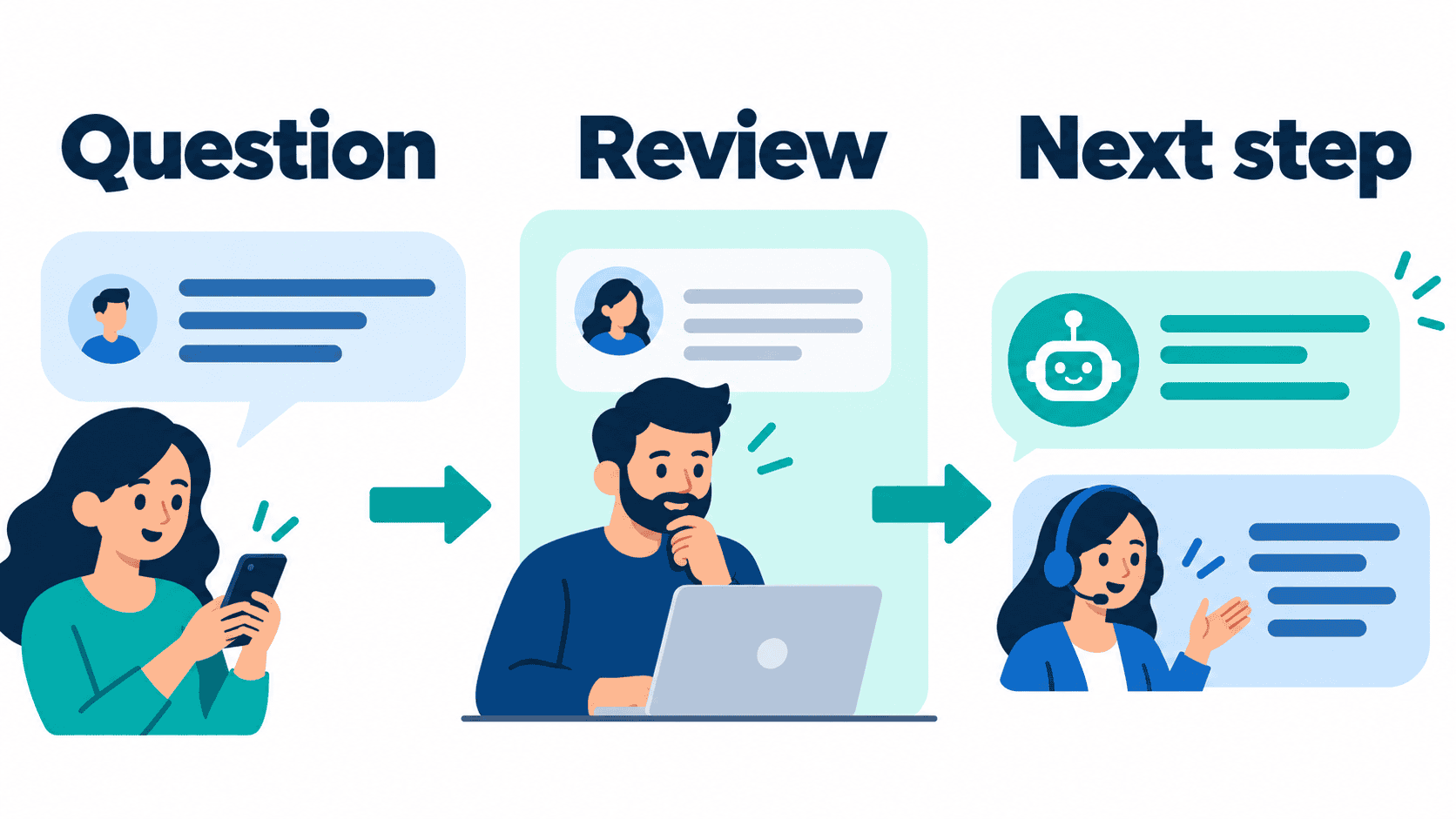
The wrong automation subscription can leave your team doing the same manual work in a more expensive place. Before choosing automated marketing software, decide where a customer journey breaks: the first unanswered message, missing contact information, inconsistent follow-up, or a sales team that cannot see what happened earlier.
Those problems need different tools. A contact database, an email campaign builder, an ecommerce retention platform and a social conversation tool are not interchangeable. This guide helps small businesses, online stores and agencies choose the layer they need, compare a realistic bill, and test one useful journey before expanding.
Official pages were rechecked on October 12, 2026. Configurable vendor prices depend on currency, billing period, contact or conversation volume and selected extras; this guide does not repeat older calculator values as current quotes. Messenger Bot publicly lists Starter at $29/month, Pro at $99/month and Agency at $299/month, and advertises a seven-day trial. Confirm eligibility, checkout terms and the exact workflow available to your account before buying.
Choose Marketing Automation Around the Job You Need Done
Start with a sentence a colleague can understand: “When a prospect asks about our service, we need to record the request and make sure a person follows up.” That is more useful than “we need AI marketing.” It identifies an entry point, a necessary record and an accountable next step without assuming which vendor must own them.
Separate your requirements into three layers. The customer record holds agreed contact details, preferences and lifecycle state. The campaign layer organizes permitted follow-up and segmentation. The conversation layer helps people ask questions, choose a path and reach staff. One product may cover several layers, but you should still decide which system owns each responsibility.
A local contractor might need a clear quote-request path more than a large campaign suite. An online store may need reliable purchase and return events before adding more promotional messages. An agency may need client separation and permissions before adding another channel. These are planning examples, not evidence that one subscription will deliver all those capabilities.
Write the workflow first, then check tools against it. Our chatbot marketing strategy guide explains how to connect a conversation to a measurable business goal. Keep the first goal narrow enough that you can inspect every exception during a pilot.
Compare Platforms by Category Before Comparing Entry Prices
The following comparison is a shortlist framework, not a hands-on speed test or a universal ranking. Public product pages describe available categories; your selected plan, region, permissions and configuration determine what you can use. Ask for a demonstration of your specific journey rather than accepting a broad feature label.
| Platform | Category to evaluate | Budget questions | Proof to request |
|---|---|---|---|
| HubSpot | Marketing automation alongside a shared customer record | Seats, marketing contacts, plan level and onboarding | One lead moving from capture through an assigned follow-up |
| ActiveCampaign | Campaign and customer-journey automation | Contact band, billing period and channel extras | A permitted sequence that stops when the customer changes state |
| Klaviyo | Email and mobile marketing with customer-profile-based pricing | Active profiles, sends and mobile usage | Store events and audience exclusions reconciled to the original records |
| Brevo | Email, messaging and customer-management tools to assess by plan | Sending volume and the exact automation allowance | The chosen plan supports the journey you want to test |
| ManyChat | Social conversation automation | Plan, active contacts, seats and channel allowances | The connected account supports the selected trigger and response |
| Messenger Bot | Business conversation workflows to evaluate for the selected connected page | Published Starter $29/month, Pro $99/month, Agency $299/month | Current account access, available actions and human handoff for one exact workflow |
Klaviyo currently describes a free allowance of up to 250 active profiles and 500 monthly email sends. That is a useful small test boundary, not a promise that a growing store will remain free. ManyChat presents multiple plans and usage rules; do not apply an older account screenshot to a new account without checking its terms.
Calculate the Full Bill for a Useful Marketing Workflow
A starting price is only one input. Put the monthly subscription, usage allowances, team access, required extras and implementation work on the same sheet. A tool that looks cheaper can cost more if it requires a second inbox, manual exports or staff time to correct duplicate records.
Use a calculation with your own numbers: monthly operating cost = subscriptions + usage charges + necessary extras + staff review time + maintenance. Keep one-time setup separate so you can see the ongoing commitment. Check taxes and currency at checkout. An annual price displayed per month is not the same cash commitment as monthly billing.
For an illustrative comparison, suppose your subscription budget is $100, a necessary extra costs $20, and review takes four hours at an internal planning rate of $25 per hour. The modeled monthly cost is $220, not $100. These figures are an example, not vendor pricing or a promised labor saving. Replace them with the actual quote and your own cost assumptions.
Model ordinary usage and a busier month. Include a realistic contact count, messages, conversations and staff seats. Ask whether archived contacts count, when an allowance resets, and what happens at a limit. Does the tool stop an action, charge automatically, or require a manual upgrade? Do not learn that from an unexpected invoice after a campaign launches.
For Messenger Bot, Check Current Pricing and verify the account-specific plan and trial terms. The published offer is not proof of unlimited contacts, included model usage, available website chat, every Instagram action or compatibility with another product.
Keep Customer Follow-Up Connected to a Responsible Person
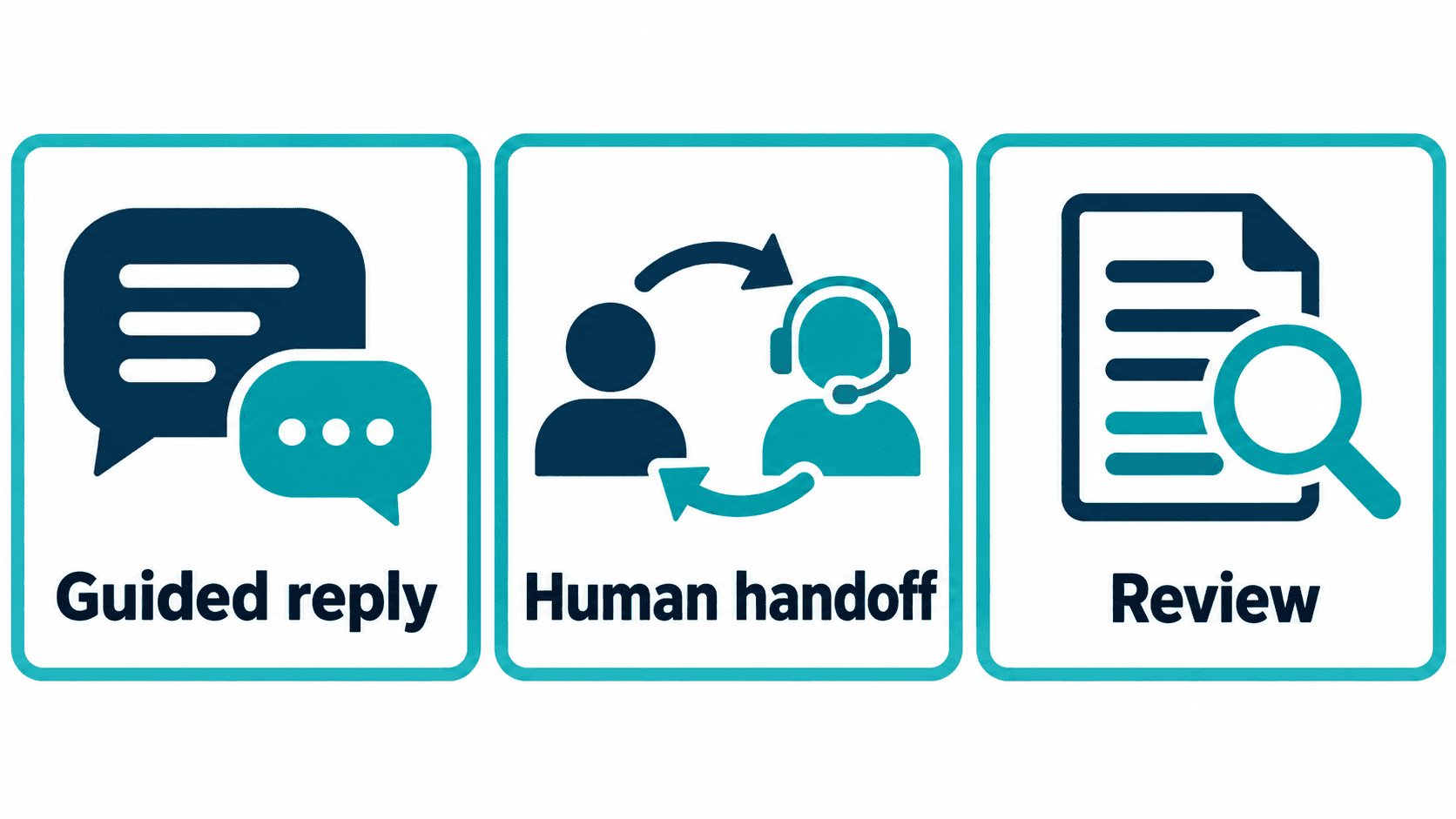
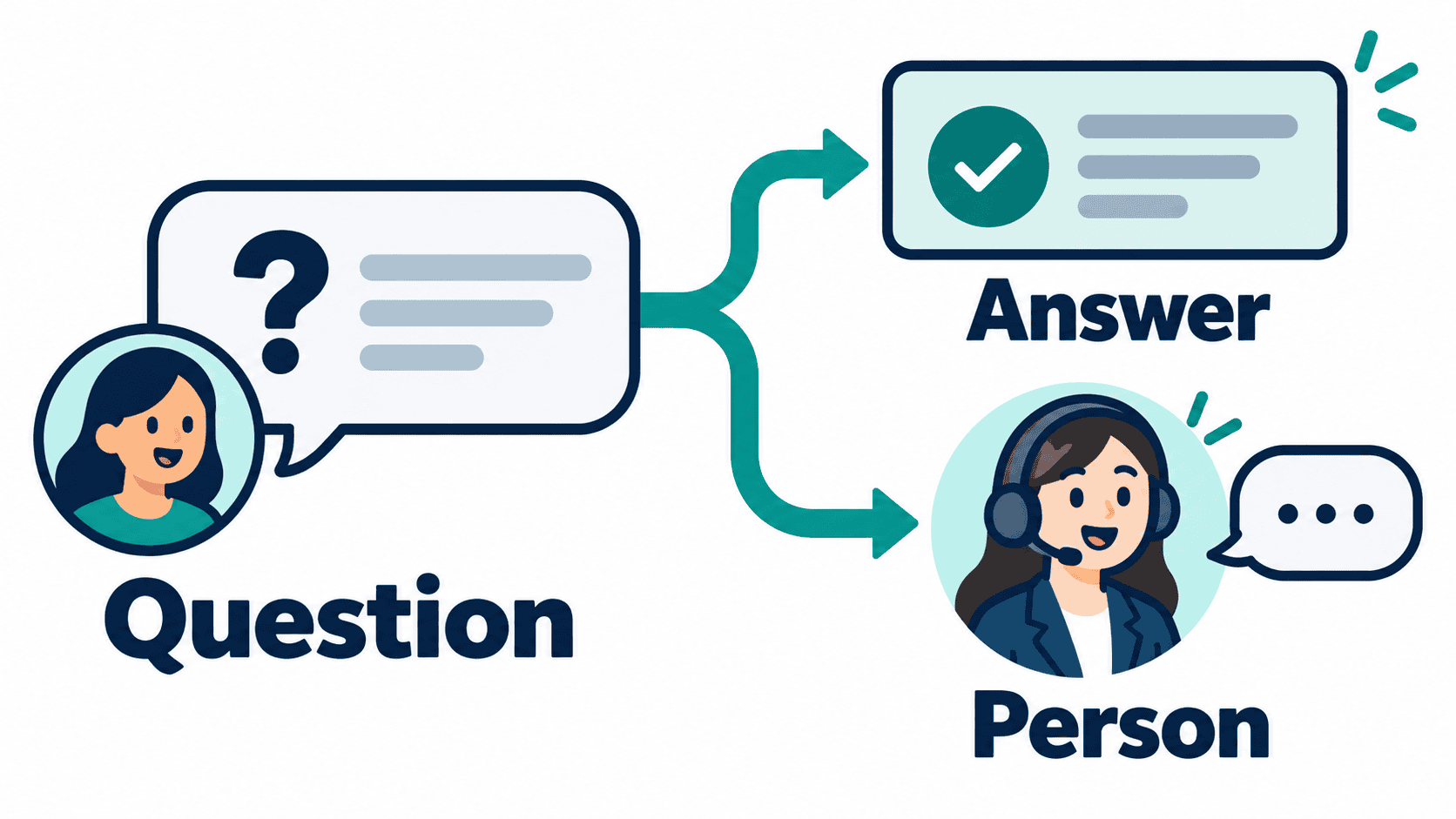
Automation should make the next step clearer, not leave a customer wondering whether anybody has seen the request. Define what happens when a person asks for help, changes their mind, supplies incomplete details or raises a question the approved material cannot answer.
For a consultation request, the first interaction may ask which service the prospect wants and how they prefer a response. The human handoff should carry those details and the original question. It should not claim that an appointment is booked unless a confirmed booking action actually occurred. A captured request and a completed appointment are different outcomes.
Make ownership explicit during business hours and outside them. Tell the customer what they can do next without promising an unmeasured response time. A fallback can offer a useful contact path or explain that the request needs review. Avoid a loop in which the same unanswered question keeps receiving the same automated sentence.
Also define when follow-up must stop. A customer who opts out, completes the intended action or reaches staff should not continue through contradictory reminders. Test those exits alongside the normal journey. A neat campaign canvas does not prove that customer state moves correctly between systems.
Decide Which System Owns Contact Details and Preferences
Two platforms updating the same field can create a quiet operating problem. One may label a prospect ready for follow-up while another has recorded an opt-out. Before connecting tools, define which system is authoritative for each important piece of information and how other systems learn about a change.
Keep the first field list small: source, requested service, permitted contact method, current status and assigned staff member. Collect only what the workflow needs. A public chat is not an appropriate place to request passwords, payment-card details or sensitive documents merely because a form field can be added.
Use an explicit duplicate rule. Decide whether an existing contact should be updated, left alone or referred to staff. Test a person who enters different details on a second visit. Do not let an automation silently merge two unrelated people because they share a name or similar text.
Choose a recovery procedure before connecting systems. If an update fails, who notices, where does the unresolved request remain, and how do staff repair it without sending a second message? Start with controlled examples and inspect the destination record. A listed integration does not establish that all the required fields and permissions match your business.
Match the Stack to a Service Business, Store or Agency
Service businesses: begin with inquiry capture, a useful qualification question and staff ownership. A local repair business could ask what help is needed and which service area applies. Do not promise a quote, approval or arrival time from an unreviewed answer. Compare a customer-record tool only if the staff need that broader history to complete the job.
Online stores: begin with reliable order and customer events, then define the follow-up purpose. Keep service messages separate from promotional permission. A cart reminder, order update and return request should not share an indistinguishable path. Verify exclusions when an order is completed, canceled or refunded rather than assuming a preset template handles every case.
Agencies: begin with client boundaries. Confirm who owns each connected account, who can edit a workflow and what happens when a client leaves. A plan named Agency is not proof of the exact client count, permissions, export rights or service obligations you need. Document those expectations before presenting the setup as a managed service.
For every business type, use the minimum number of tools that completes the chosen journey. Adding a second platform can be reasonable when it solves a documented gap. Adding it because another comparison calls it “best” can create a second source of truth and more maintenance without a customer benefit.
Run a Small Pilot That Can Reveal Real Failures
Use controlled test records and one low-risk journey before opening the workflow to customers. Describe the expected result for each case. A tester should be able to say what should happen without watching the same demonstration that the builder used.
- Normal request: a clear question reaches the intended approved answer or staff path.
- Missing details: the conversation asks only for the necessary clarification.
- Unsupported question: the workflow admits the limit and offers a person.
- Changed preference: a withdrawal or opt-out prevents the unwanted follow-up.
- Repeat event: the same request does not create duplicate work or messages.
- Permission failure: staff can identify an unavailable account action without leaking private details to the customer.
- Completed outcome: later reminders do not contradict a completed appointment or purchase.
Record failed cases, not just a pass count. Was the knowledge wrong, the field absent, the account permission unavailable or the next step unclear? Repair the relevant layer before adding more automation. Do not hide a failed case by replacing the test input with an easier one.
If the unresolved choice is the builder rather than the broader stack, use our no-code chatbot builder comparison. It covers the narrower visual-builder decision; this article remains about choosing and coordinating marketing software.
Use a Rollout Schedule as a Checklist, Not a Speed Promise
A staged rollout is more useful than an unsupported claim that any business can finish setup in a few minutes. Progress depends on account access, source quality, customer permissions, team availability and the complexity of the chosen journey.
Define: write the entry question, intended outcome, required details and staff fallback. Review actual business policies before writing an answer. If different team members give different prices or qualification rules, resolve those differences before encoding them in a workflow.
Configure: connect only the approved account and enable only the actions the pilot needs. Have the account owner review access. Keep an easy stop procedure and preserve the previous working process so staff can continue serving customers if the pilot fails.
Test: run the controlled cases, inspect contact and preference records, and confirm that failure does not produce an unexpected second action. Then observe a bounded pilot under staff supervision. Expand only after the team can explain what succeeded, what failed and what remains manual.
Review: assign someone to update answers, inspect unresolved requests and reconcile the bill. A workflow that was appropriate when launched can become wrong when your offer, hours, staffing or policies change. Maintenance belongs in the purchase decision, not in an afterthought.
Measure Qualified Outcomes Instead of Message Volume
A busy inbox can show demand, confusion or repeated failure. Count the outcome you wanted: a complete inquiry, a confirmed booking, an approved handoff or a properly resolved request. Keep each definition separate so that a collected email address does not become a reported sale.
For example, if a pilot receives 40 eligible inquiries and 12 reach a confirmed next step, the observed completion rate is 12 divided by 40, or 30%. That is illustrative arithmetic, not a Messenger Bot result or an industry benchmark. State the observation period and exclusions when you use your own figures.
Track the guardrails as well: unwanted follow-up, unanswered exceptions, duplicate records, staff corrections and customer complaints. A higher completion rate is not a good trade if the workflow ignores a preference or invents a commitment. Compare similar periods and note campaigns, holidays and changes in traffic source before attributing a movement to the software.
Keep advertising revenue separate from SaaS or sales outcomes. More page views do not guarantee more ad impressions, and a subscription trial is not a paying customer. Use the correct system and denominator for each business question rather than combining unrelated dashboard totals into one success number.
Evaluate Messenger Bot Without Assuming Every Feature Is Available
If customer conversations on a business page are the bottleneck, evaluate Messenger Bot against that exact job. Review the connected page, available account actions and human handoff. Do not infer working channel access, AI answers or a complete integration from a public pricing card alone.
The current public prices are Starter $29/month, Pro $99/month and Agency $299/month. The advertised seven-day trial still requires confirmation of the offer and eligibility. Check the effective limits and terms in the account and checkout; the name of a plan does not prove how many pages, seats, messages or client brands are available.
For AI-assisted workflows, ask whether BYOK (Bring Your Own Key) is available for the selected account and how costs, knowledge access and review are controlled. It is not a claim that all providers, models or autonomous actions are supported. Keep uncertain answers reviewable and leave customer-impacting exceptions to staff.
Our Messenger Bot business automation guide helps turn that evaluation into a scoped conversation plan. Then Browse Our Tutorials for the relevant setup path. The useful next step is one demonstrated workflow, not a broad promise to replace your entire marketing stack.
Official Product and Pricing References
Reviewed October 12, 2026. Configurable quotes must be checked for the selected account and billing options.
Frequently Asked Questions
What is the best automated marketing software for a small business?
Choose the platform that solves the first documented workflow gap. Compare customer records, permitted follow-up and conversation handling separately. Test one complete journey and its failure cases before deciding whether you need another tool.
Can a chatbot replace a complete marketing automation platform?
Do not assume that it can. A conversation tool may help capture or route an inquiry, while another system owns contact history and campaigns. Verify the exact selected plan, integration and permissions before combining those responsibilities.
How much does Messenger Bot currently cost?
The public prices checked October 12, 2026 are Starter $29/month, Pro $99/month and Agency $299/month. A seven-day trial is advertised. Confirm current eligibility, checkout terms, account limits and available workflows before purchase.
How should an online store compare marketing automation costs?
Model active customers or profiles, sending volume, conversations, staff seats and necessary extras. Compare ordinary and busier months, separate one-time setup from recurring cost, and inspect the rules for overages and automatic upgrades.
What should I test before launching a follow-up workflow?
Test a normal request, missing details, an unsupported question, changed preferences, duplicate events and completed outcomes. Verify staff handoff and account permissions. Do not launch a journey that keeps sending after a customer has opted out or completed the intended action.



 English
  Tagalog
  简体中文
简体中文  العربية
  हिन्दी
  Português do Brasil
  Español de México
  Français
  বাংলা
বাংলা  香港中文
香港中文  繁體中文
繁體中文  Nederlands
  Deutsch
  Bahasa Indonesia
  日本語
日本語  한국어
한국어  Polski
  Русский
  Español
  Tiếng Việt