
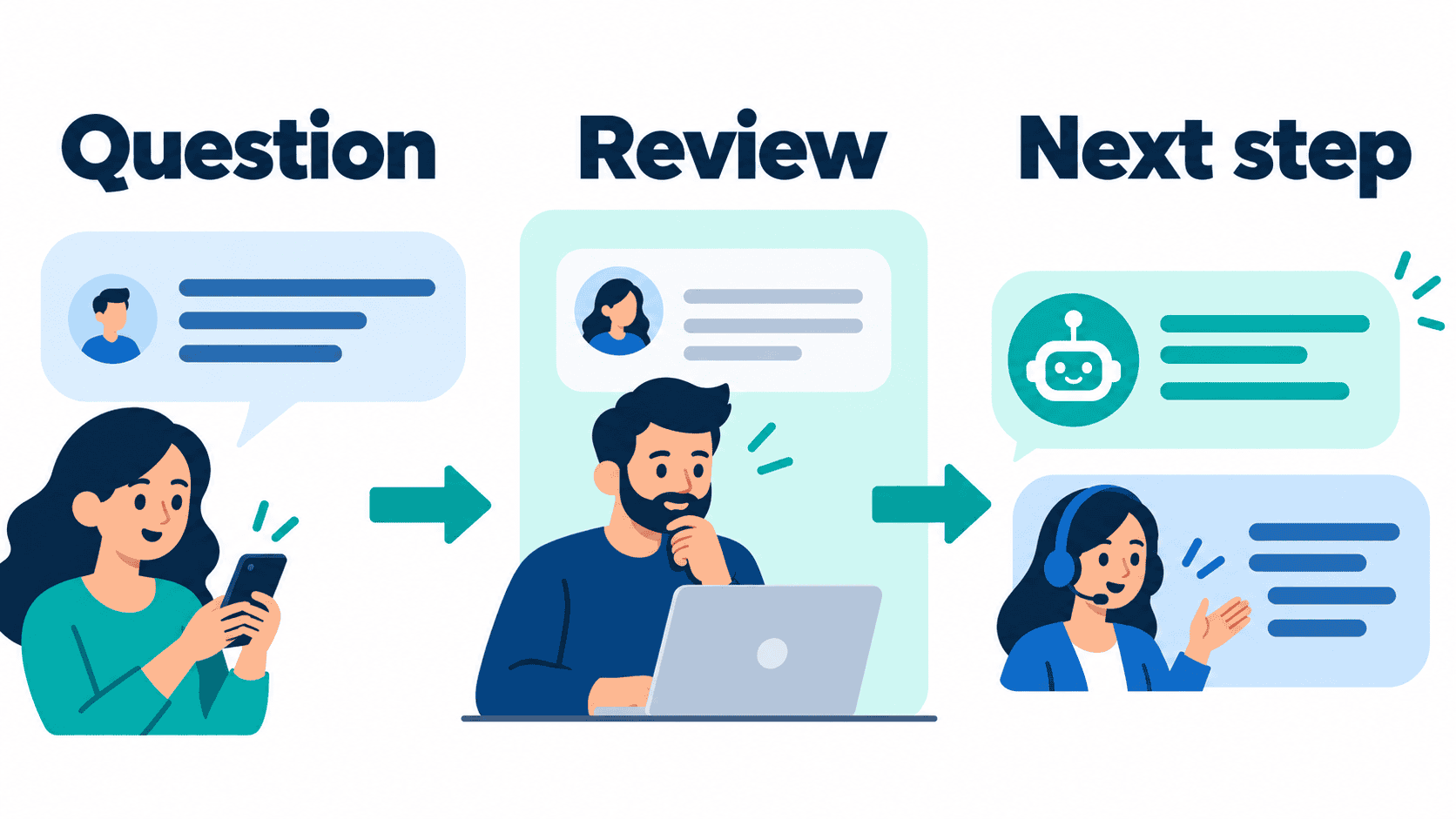
A no code chatbot builder should help your team answer a useful customer question without turning each small edit into a development project. Start with the conversation you need to improve: a service inquiry, a quote request, a booking question or a clear route to a person. Then compare builders against that same job, not against the longest feature list.
Public product documentation and prices were reviewed on October 12, 2026. The shortlist below separates documented capabilities from things you must demonstrate in your own account. It is not a hands-on speed benchmark, a promise that every feature is available to every customer, or an objective ranking of interface quality. The most useful ranking is the one you produce by testing the same small workflow in your shortlisted tools.
This guide keeps the focus on visual workflow selection. For a broader starting point, read our Messenger Bot business automation guide. For practical learning material, Browse Our Tutorials. Neither a public tutorial nor a pricing page substitutes for checking your selected account, connected page and required workflow.
What a no-code chatbot builder should do for your business
No-code means you arrange the conversation through an editor rather than write the whole application yourself. A visual builder commonly represents messages, choices and conditions as connected blocks. That can make a simple process easier to discuss with the person who answers your customers. It does not remove the need for clear instructions, appropriate access, accurate information or a reliable handoff.
Separate a guided flow from an AI-generated answer. A guided flow asks a known question and follows a reviewed branch. A generated answer can interpret a wider question, but it also needs boundaries for unsupported information. You can evaluate the two approaches separately. A business that mainly needs a service-area check may not need open-ended generation at all.
Consider a home-services company receiving “Do you cover my ZIP code?” The useful workflow may be one question, one approved coverage answer and a way to reach the office. An elaborate assistant is not automatically an improvement. If the coverage list is out of date, a polished editor still produces an unhelpful conversation. Assign someone to own that information before choosing the tool.
Also distinguish a chat response from a completed business action. Collecting a requested appointment time is not confirming an appointment. Asking for a quotation is not producing an approved price. Showing a handoff option is not proving that a person received it. Write the reply to reflect what actually happened, and test the next step rather than assuming it works.
Rank visual builders using one shared evaluation checklist
Give each shortlisted builder the same small task. Use invented test details rather than customer records. Ask a staff member who will maintain the flow to edit it, review it and explain what happens when the customer chooses an unexpected option. Record what you observed instead of assigning an ease-of-use score from screenshots alone.
- Workflow fit: can the exact account support your chosen entry point and the required conversation path?
- Readable branches: can your colleague see the question, each answer and the fallback without guessing what a block does?
- Safe editing: can you review a change before it affects customers, and recover the previous version using the tool’s supported process?
- Useful testing: can you demonstrate the expected and unexpected paths without contacting a real customer?
- Human help: does the flow explain who responds next and what happens outside working hours?
- Cost clarity: can you identify the billing unit, included allowance and any additional charge?
- Ongoing ownership: does a named team member know where to update the approved answers?
Use “demonstrated,” “not demonstrated” and “not required” rather than pretending that a missing observation is a failed feature. Keep the test question, the selected channel, the billing period and the reviewer consistent. A tool can be a good fit for another business and still fail your particular requirement.
Do not impose an arbitrary launch deadline on the comparison. Connecting accounts, obtaining the right access and reviewing the conversation can take longer than arranging blocks. The aim is a maintainable workflow, not a claim that every business can launch in a fixed number of minutes. A readable short flow with a tested fallback is a better first choice than an impressive canvas nobody owns.
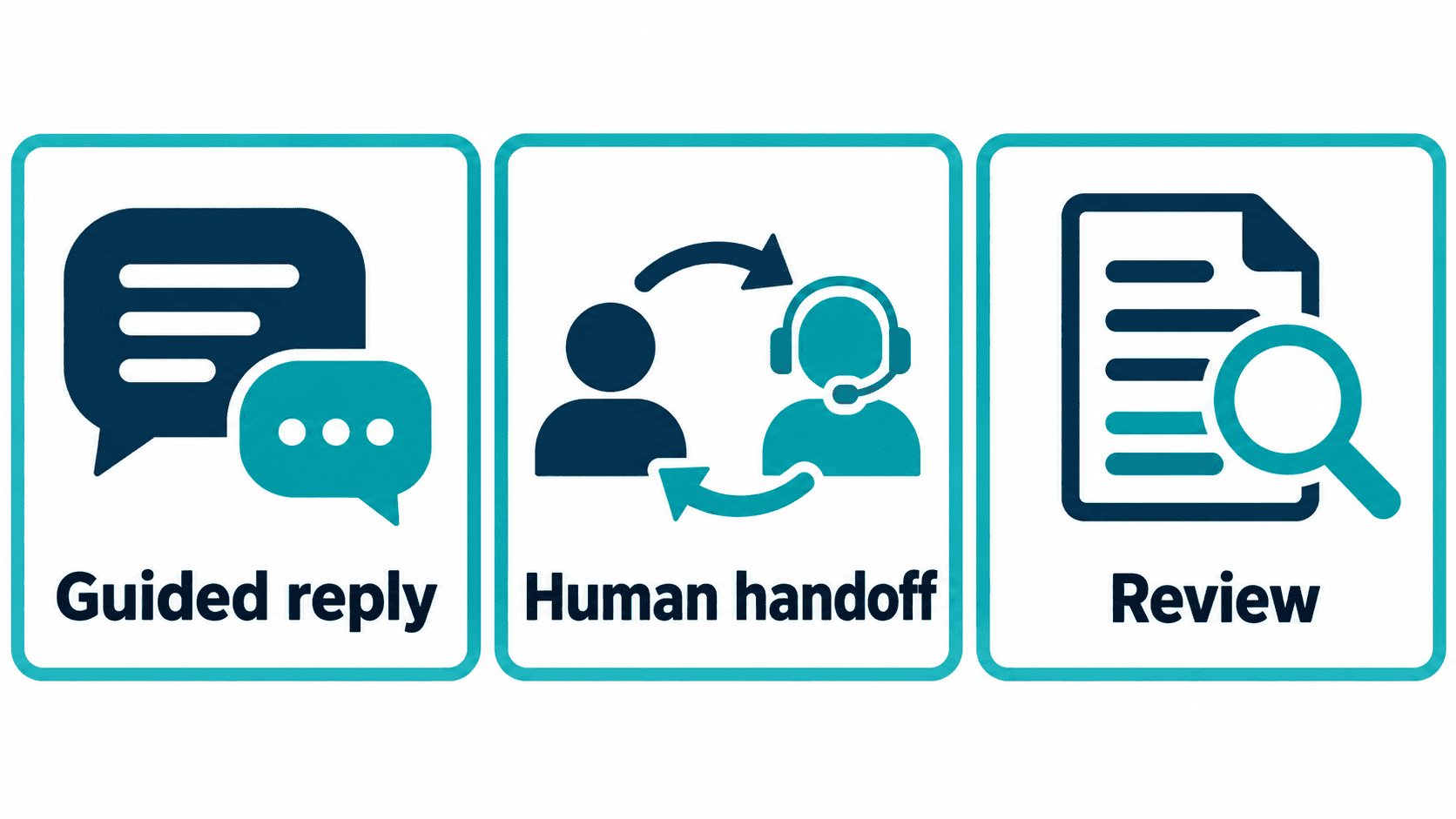
Compare documented workflows before comparing logos
The following table is a workflow shortlist, not a measured fastest-to-slowest ranking. Vendor documentation describes product behavior; your account demonstration decides whether it satisfies the requirement. Pricing displays can depend on billing period, currency, region and usage. Do not compare a yearly equivalent with a month-to-month charge as though they were the same offer.
| Platform | Documented starting point | Useful evaluation | Check before committing |
|---|---|---|---|
| Messenger Bot | Public monthly offers: Starter $29/month, Pro $99/month and Agency $299/month; advertised 7-day trial. | Demonstrate the exact customer conversation and selected page you need. | Confirm current account access, included capabilities and checkout terms. Public prices alone do not prove live entitlements. |
| Manychat | Its Free-plan documentation lists 25 active contacts per month, up to two supported channels and four live automations. | Inspect the visual automation map and the branches relevant to a social-message inquiry. | Confirm channel eligibility, paid-account limits and current charges. |
| Tidio | Public documentation separates structured Flows from Lyro AI conversations; the pricing page distinguishes several usage allowances. | Compare a guided website inquiry with an AI-answer path as separate requirements. | Check the selected billing period and each required conversation or Flows allowance. |
| Landbot | Its builder documentation describes arranging blocks, testing and publishing from the workspace. | Map a structured intake conversation and inspect how the next branch is represented. | Confirm current channel, seat and usage terms; the former USD-specific URL now redirects. |
| Chatfuel | The public pricing page describes visual flows and a shared inbox. The reviewed Business display shows US$18/month billed yearly, US$216/year. | Ask for the exact manual-flow and human-response path required by your business. | Verify monthly billing separately and review usage limits. The old $69 single-plan description is no longer current. |
The official references at the end of this guide substantiate those limited statements. They do not establish a neutral interface benchmark or certify a vendor’s promises. Avoid buying because one row looks cheaper: a missing required channel, an additional usage allowance or an unstaffed handoff can matter more than the headline price.
Evaluate Messenger Bot against an exact conversation
Messenger Bot’s public pricing page currently displays Starter at $29/month, Pro at $99/month and Agency at $299/month, with an advertised seven-day trial. Check Current Pricing before deciding. Those are reviewed public offers, not proof that an individual account has every feature mentioned in older articles.
Ask to see the actual workflow for your selected page. A diagram or tutorial can explain a builder’s approach, but it cannot establish that a newer import, publishing, website-chat or AI workflow is enabled for your account. Confirm the required behavior directly before promising it to a customer. In particular, do not assume website chat is included merely because an older comparison listed it.
For an initial evaluation, use a basic business question whose answer you control. Define the information the reply can give, the information it must not invent and the point where staff take over. If the request involves a refund, access to an account or a binding quotation, the safe next step is appropriate human review rather than a generated commitment.
If you need customer-owned AI access, use the precise term BYOK (Bring Your Own Key) and ask which supported capabilities are available in the account. Ownership of an AI key is not itself evidence that answers are grounded, a workflow is active or a reply has been sent. Judge the demonstrated customer experience, not the label.
A larger plan is worth considering only when it matches a demonstrated requirement. Upgrade to Pro after checking the current offer and the capabilities you actually need, not because this guide implies an unverified feature will appear. Keep the initial decision narrow enough that a staff member can explain why the tool helps the business.
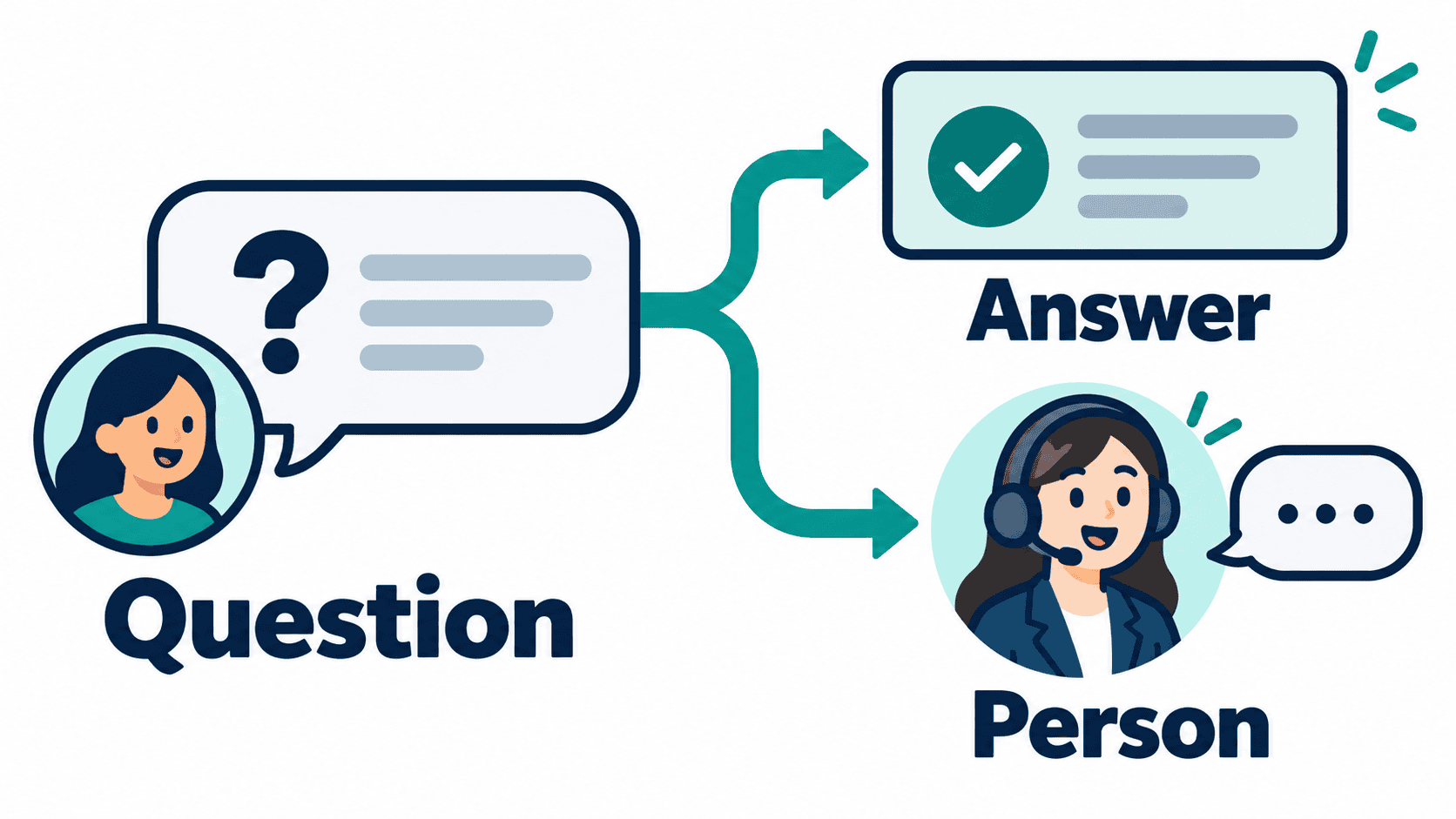
Read vendor documentation without mistaking it for testing
Manychat’s automation documentation describes a visual map of messages, actions and transitions. Its Free plan offers a bounded starting point rather than unlimited production use. Use that documentation to identify what to demonstrate; do not turn it into an unsupported claim that the editor is easier than every alternative.
Tidio describes Flows as no-code conversation paths and distinguishes them from Lyro AI. Evaluate the structured path first if you know the answer choices. If you also need generated answers, review that requirement and its allowance separately. An editor, an inbox and an AI allowance are not interchangeable units of value.
Landbot’s interface tour describes a block-based workspace with testing and publishing controls. Use it to plan a structured intake demonstration. The current pricing page uses currency and billing selectors, so this guide does not repeat the old dollar starting price as a verified present-day quote.
Chatfuel’s current page describes visual flows, team conversations and usage limits. The reviewed annual Business price is different from the old description in this article. Do not infer a monthly charge from its annual equivalent, or interpret a general product description as proof that your specific account has the desired manual path.
These are source-backed descriptions, not firsthand testing reports. For each product you shortlist, ask the same practical questions: where do you edit the approved answer, how do you test a fallback, who sees a handoff and how do you stop the workflow if the information becomes wrong? Keep the answers in your comparison notes. That gives your team a defensible selection process without pretending someone else has measured your business’s needs.
Build a safe prototype before choosing a paid plan
Write a short conversation brief before touching the editor. Name the audience, the entry point, the intended outcome and the person responsible for the answer. For example: a prospective customer asks whether a service is available in their area; the flow gives reviewed coverage information and offers the office as the next step. The prototype should not collect information simply because the builder has a field for it.
- Choose a question you can answer accurately. Use your approved service information, not a generated guess about policy, prices or availability.
- Write the opening in plain language. Explain what help the conversation offers and how the customer can reach a person.
- Map each branch on paper. Include the expected answer, an unclear answer and a request for human help.
- Use invented test details. Keep real contact information and private customer history out of the initial comparison.
- Identify the action boundary. Decide whether the flow is explaining, collecting a request or confirming something. Do not blur the three.
- Review the fallback. An unfamiliar question should not produce a confident invented answer.
- Test the next step. Confirm what staff actually see before describing a handoff as completed.
For a booking inquiry, distinguish “tell us your preferred time” from “your appointment is booked.” Our appointment chatbot guide explains the conversation and handoff choices. Treat any calendar connection or live booking confirmation as a separate capability to verify. The same rule applies to service quotations and availability checks.
Write your test outcomes as observations. “The reviewer could locate the fallback” is an observation. “This builder always prevents bad answers” is a promise the test does not establish. If a branch did not work, keep the failure and fix that branch before expanding the scope. Repeating a happy-path demo does not prove the edge case has been repaired.
Ask a second team member to follow the workflow using only your notes. That exposes unclear labels and missing ownership without requiring a complicated experiment. If they cannot tell where to change a business answer or what staff must do next, improve those instructions. No-code removes some programming work; it does not replace operational responsibility.
Compare total cost without mixing billing units
A useful budget compares the same billing period and the same expected use. Record the base subscription, the unit counted by the vendor, the included allowance and the next charge. Contacts, conversations, visitors and AI usage are different units. A price that looks lower can be the wrong comparison if the required workflow consumes a separate allowance.
For each shortlist entry, keep a simple cost sheet with the billing currency, month-to-month or annual commitment, required channels, staff seats and additional usage rules. Mark taxes and optional services separately. If the pricing page changes its defaults, retain the date and selection used for the quote rather than silently replacing the number in your notes.
Messenger Bot’s reviewed public monthly offers are $29, $99 and $299 for Starter, Pro and Agency respectively. Confirm the selected checkout and included capabilities before purchase. This guide does not certify account entitlements, payment behavior or a permanent free tier. An advertised trial also does not mean every workflow is ready for the exact business account.
For other vendors, obtain a current quote using the required currency and period. The reviewed Chatfuel annual Business display is US$216 for the year, shown as US$18 per month; it is not a verified month-to-month charge. The current Landbot URL redirects to a page with selectors, so the former $45 USD figure has been removed. Tidio’s allowances and Manychat’s active-contact limits need their own current review.
Do not buy additional capacity before you know what the pilot measures. First establish that the workflow answers the question accurately and the staff next step works. Then use actual pilot usage to judge cost. An unsupported projection of leads, revenue or savings is not a reason to upgrade.
Launch with a clear owner and a recovery path
Keep the first launch limited to a reviewed workflow and the supported entry point. Assign an owner for the answer text and another clear responsibility for responding when the conversation needs a person. One person can hold both responsibilities in a small business, but neither should be implicit.
- The connected account and page are the intended ones.
- The opener describes a useful outcome without pretending to be a human.
- Each factual answer comes from approved, current business information.
- Requests for account access, payment changes or other sensitive actions go to appropriate staff.
- The human-help path has been demonstrated with safe test information.
- After-hours wording does not promise an immediate response from an unstaffed team.
- The team knows how to stop the workflow and restore its prior reviewed version.
- The measurement notes distinguish started conversations, completed requests and actual business outcomes.
After launch, review the questions the workflow could not answer. Use those observations to improve the approved content, not to keep adding branches without a purpose. A repeated request for information you do not hold may require a better staff process rather than another automated answer.
Measure response quality and completed next steps separately from traffic. A conversation count is not a booking count, and a click is not proof of a useful lead. Keep the customer’s intended result visible so the pilot does not become a competition to generate activity.
Know when visual workflows are not enough
A visual builder can be a sensible way to maintain a straightforward conversation, but the editor should not carry responsibilities it cannot demonstrate. If the workflow depends on private account access, changing a payment, deciding a refund or confirming a restricted action, require appropriate access controls and an accountable human process.
The same caution applies to open-ended AI answers. A generated draft needs approved information, a way to abstain and a clear review boundary. Do not assume that connecting a knowledge source or a customer-owned key makes every answer reliable. Test an unsupported question and inspect the refusal or handoff rather than only testing a familiar answer.
Custom development may become relevant when the actual requirement cannot be met by a supported configuration. Define that missing requirement first. “The canvas looks basic” is not a requirement. “The workflow must restrict each reviewer to the correct business account and preserve approved changes” is a specific behavior that can be evaluated.
Keep the working first flow while you assess a more complex need. Replacing it without a tested plan can lose useful information and create new ownership problems. Document the current answer, the intended change and the recovery path. Choose additional complexity only when it solves the demonstrated limitation.
Choose the next useful step, not a universal winner
Shortlist the tools that document the workflow you need, then run the same bounded demonstration. Rank them using your recorded observations: supported entry point, readable branches, reviewed answers, human response and understandable cost. That is more useful than an unsupported declaration that one editor is best for every business.
If Messenger Bot matches the conversation you want to improve, See Our Plans and confirm the exact capabilities required for your selected account. Bring the small conversation brief to the evaluation. It makes the next action clear and helps your team judge a real outcome rather than a marketing diagram.
If you later recommend the product to clients, Join Our Affiliate Program only after reviewing the current terms and the fit for those clients. An affiliate relationship is not a product-testing result or a promise of earnings. Keep recommendations tied to what the business actually needs.
Frequently asked questions
What is the easiest no-code chatbot builder?
The easiest builder for your team is the one that supports your required channel, makes the flow understandable and lets staff test the fallback. There is no neutral speed benchmark in this guide. Compare the same small workflow and record what your reviewer can demonstrate.
Can a no-code builder confirm appointments automatically?
Only claim a confirmed appointment when the required booking connection and account behavior have been demonstrated. Collecting a requested time is not the same as confirming it. Otherwise, describe the next step as a request for staff review.
What are the current Messenger Bot public prices?
On October 12, 2026, the public page displayed Starter at $29/month, Pro at $99/month and Agency at $299/month, with an advertised 7-day trial. Confirm current pricing, checkout terms and included account capabilities before buying.
Does a visual builder need AI-generated answers?
No. A guided flow can be appropriate when the question and approved answer choices are known. If you need generated answers, evaluate their information sources, unsupported-question handling and human-review boundary separately.
How do I compare prices fairly?
Use the same currency, billing period and expected usage. Record subscriptions, required allowances and additional charges separately. An annual monthly equivalent is not a month-to-month price, and contacts, conversations, visitors and AI usage are different billing units.
Official references reviewed October 12, 2026: Free-plan limits; automation documentation; billing-unit reference; builder documentation; currency and period reference; annual-price reference.



 English
  Tagalog
  简体中文
简体中文  العربية
  हिन्दी
  Português do Brasil
  Español de México
  Français
  বাংলা
বাংলা  香港中文
香港中文  繁體中文
繁體中文  Nederlands
  Deutsch
  Bahasa Indonesia
  日本語
日本語  한국어
한국어  Polski
  Русский
  Español
  Tiếng Việt