
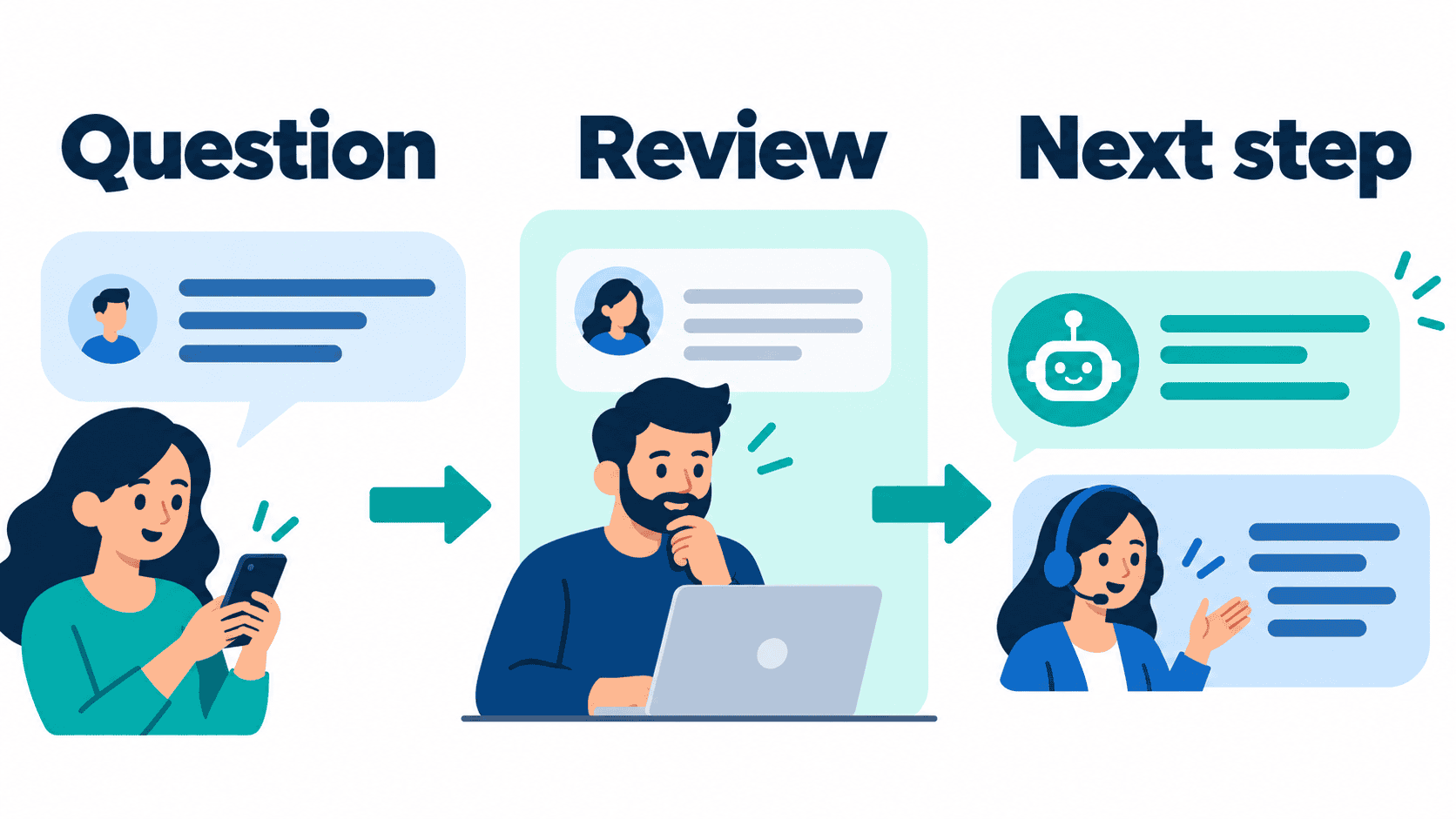
A convincing generated answer is not the same thing as a useful customer conversation. An AI chat generator needs to help someone complete a task: find an approved answer, provide a necessary detail, reach the right person or understand what happens next. If it only produces fluent text, the difficult operating work still belongs to your team.
This guide focuses on building interactive AI chat without writing an entire application from scratch. It is not a ranking of personal AI assistants. For a business, the important choices are conversation controls, approved knowledge, account permissions, staff handoff and the cost of operating the result after the demonstration ends.
Official product and pricing pages were rechecked on October 12, 2026. Messenger Bot publicly lists Starter $29/month, Pro $99/month and Agency $299/month, with an advertised seven-day trial. Those offers do not prove that a specific AI, channel, model or integration is available in your account. Verify the exact workflow before purchase or activation.
Separate Generated Chat Text From a Working Conversation
A text generator can draft a greeting. A business conversation needs a clear entry point, a supported question, a reliable answer source and a defined finish. The customer should know whether they are reading an answer, leaving a request or completing an action. Do not let friendly wording blur those distinctions.
Imagine a customer asking whether a service covers their neighborhood. A useful chat can show the approved service area, ask for the minimum clarification and offer staff help if the address is outside the listed coverage. It should not invent an appointment, promise a discount or collect sensitive details to make the conversation feel more complete.
Design the task before choosing a model. Identify what the customer needs, what information the business can safely provide and where the conversation must stop. A simple menu may handle a predictable choice more reliably than an open text box. AI-assisted drafting can help with varied wording, but it does not remove the need to verify facts and actions.
Keep the generator role distinct from the builder role. For the visual configuration decision, see the no-code chatbot builder guide. Here the focus is answer design, evidence and testing the interactive conversation rather than replacing that broader platform comparison.
Choose the Chat Controls That Make the Next Step Obvious
Start with the smallest interface that explains what the conversation can do. Useful controls include a short welcome, a few descriptive choices, a visible way to ask for a person and an understandable explanation when an answer is unavailable. Check which controls the actual connected account supports.
A choice such as “Ask about service areas” is more useful than “Explore solutions.” A clarification should explain why the detail matters. “Which service do you need?” can keep a request focused; asking for a full address before establishing the task may collect more information than necessary.
Do not hide the exit behind a long script. Someone who changes their mind should be able to stop, return to a supported choice or reach staff. If a button triggers an external action, name that action accurately. A button that records an inquiry should not say “Confirm booking” unless it completes a confirmed booking.
Distinguish an illustrative design from available product behavior. A diagram can help your team plan the conversation, but only an account-specific test can establish which menus, replies, form fields and handoffs work. Avoid choosing a subscription based on a mock interface that was never connected to the selected channel.
Compare AI Chat Generator Categories and Billing Models
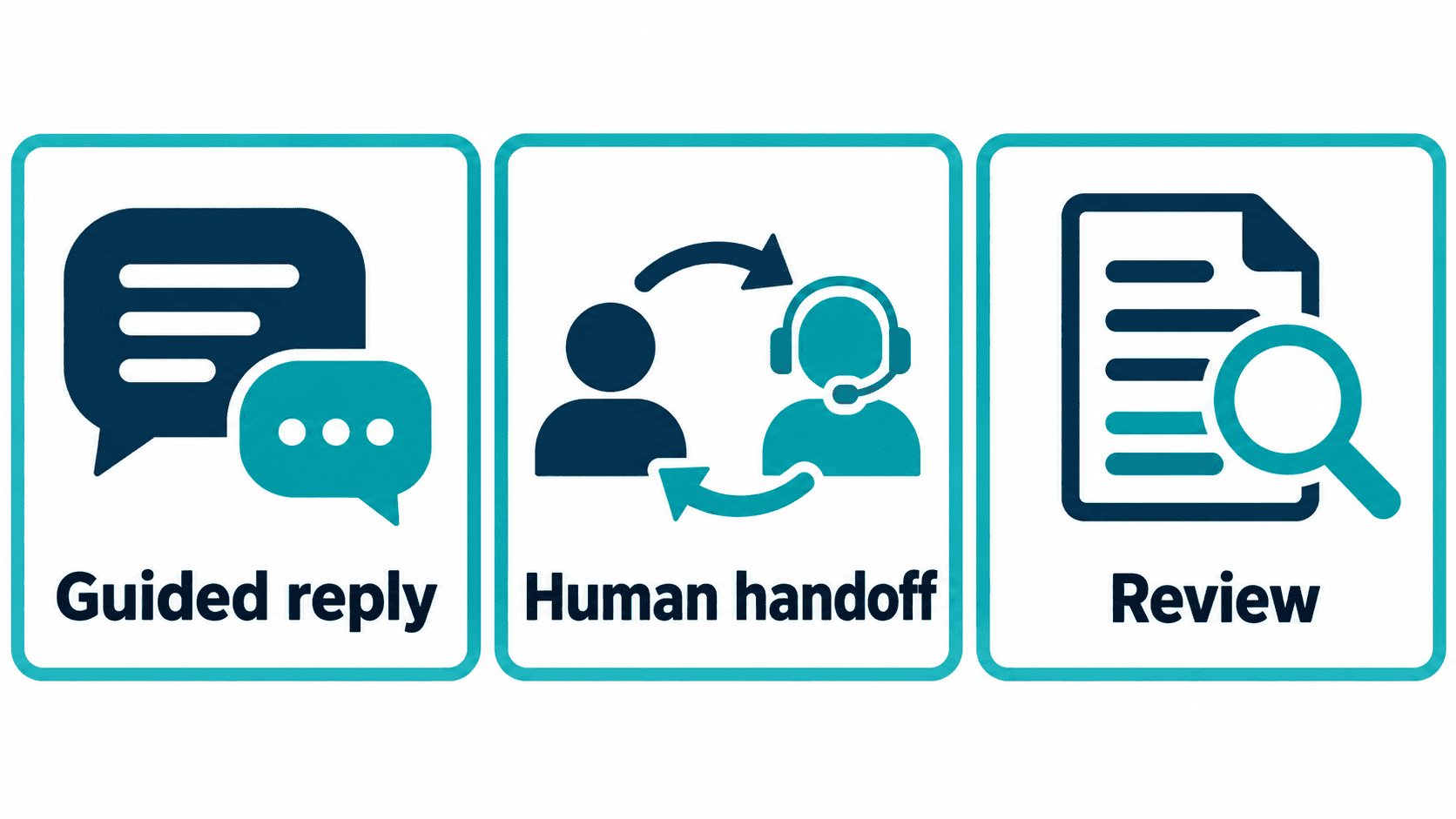
Public vendor pages help define a shortlist, not a universal winner. The categories below are practical distinctions for procurement. They are not measured ratings of ease, response speed or reliability, and a category label does not confirm every feature in every plan.
| Platform | What to evaluate | Billing detail to inspect | Question for a demonstration |
|---|---|---|---|
| Messenger Bot | A scoped business-page conversation and available account actions | Published $29/month Starter, $99/month Pro and $299/month Agency; confirm effective limits | Can this exact connected page support the question, response and staff path? |
| ManyChat | Social-message conversation building | Account plan, active-contact allowance and channel terms | Does the selected trigger work with this account and its permissions? |
| Landbot | Conversational interfaces and guided forms | Currency, ordinary chats, AI chats and selected channel extras | What happens when a customer leaves a field incomplete? |
| Tidio | Website support conversations with staff and AI options | Billable conversations, AI allowance and additional plan components | Can staff take over without contradictory automated replies? |
| Botpress | A builder and agent workspace with configurable AI usage | Conversation allowances, AI spend and automatic credit rules | How are answer sources, cost limits and failure behavior controlled? |
| Freshchat | A customer-service inbox and selected conversation channels | Agent seats and any AI session extras | Can the assigned person see the original question and relevant context? |
| Intercom | A support workspace with an AI-agent option | Seats and the vendor definition of a billable AI outcome | Which events count as an outcome, including a handoff? |
For example, the current Landbot page presents separate ordinary-chat and AI-chat allowances and selectable billing currency. Botpress describes AI-spend credits and automatic credit purchases near a usage limit. Intercom describes outcome-based AI billing alongside seat pricing. These models need different cost controls; a free entry option is not the same as a zero-cost production workflow.
Do not repeat an old starting-price table without its billing context. Make the comparison with the same team size, currency, usage assumptions and contract period. If a calculator does not expose an exact quote, mark that figure unconfirmed rather than borrowing a price from another account.
Give Every Factual Answer an Approved Source and an Exit
Collect the business information that the conversation actually needs: current hours, service areas, product details, approved policies and the correct contact path. Remove obsolete or contradictory material before asking an AI system to use it. More source text is not automatically better source text.
Keep a source owner and review date for each important answer. A shipping policy should come from the approved shipping policy, not a promotional article with an old delivery promise. A current plan price should come from the current offer, not a screenshot from a former campaign.
Prepare an explicit response for missing evidence. The chat can acknowledge the question and offer a person rather than improvising a commitment. Customer requests involving account access, payment exceptions, security or sensitive personal information need a controlled staff path. Confident wording does not make an unsupported answer safe.
When the system uses supporting references, inspect whether the selected answer really matches them. A reference that mentions a similar topic is not sufficient support for a changed number, condition or exception. If the answer cannot be justified by the approved material, keep it out of the automated path.
Write a Conversation Brief Before Generating Any Replies
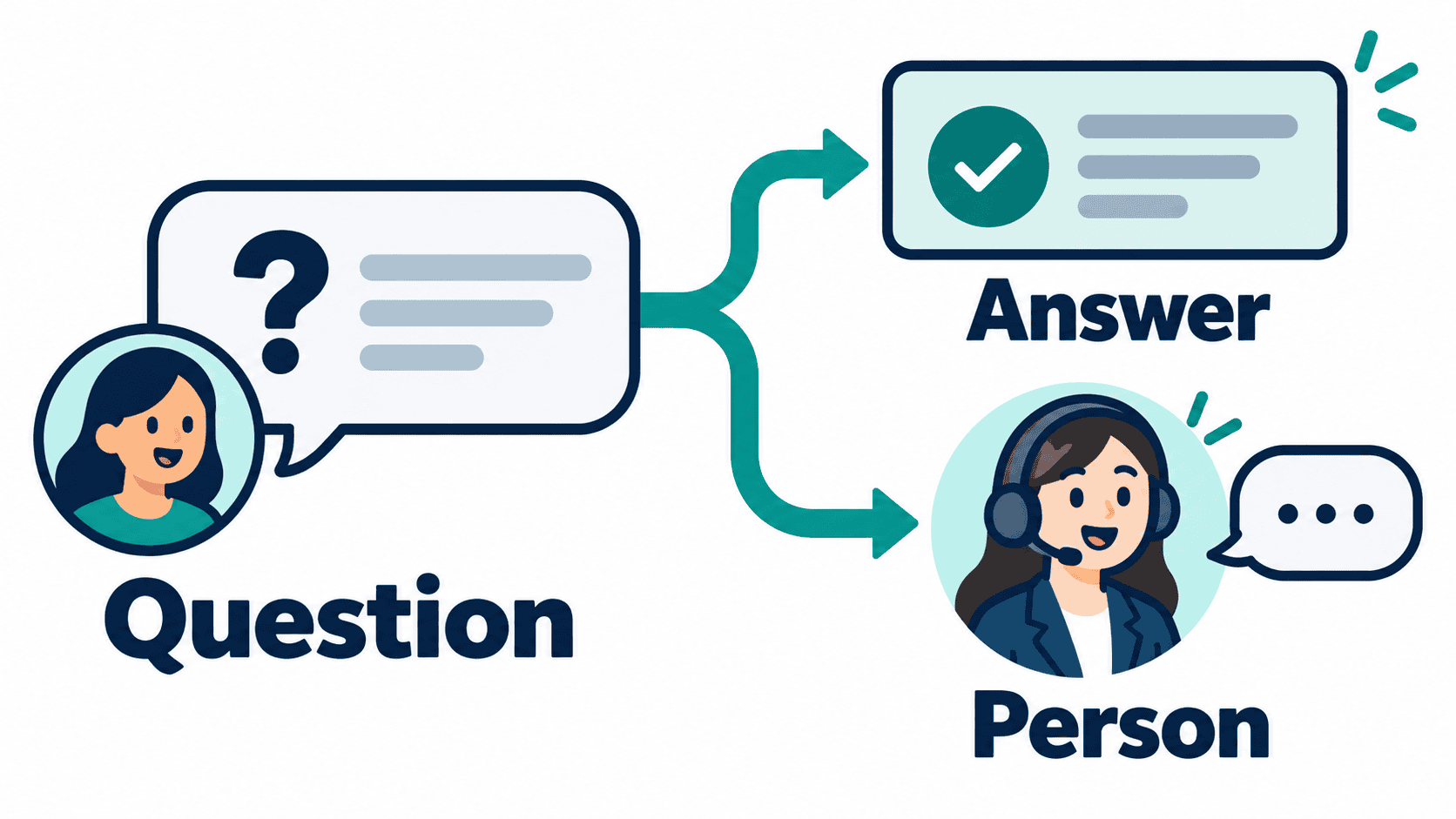
A short brief reduces vague output. Specify the audience, the supported task, the source material, what must not be promised and the next available action. Then draft one interaction at a time instead of asking for an entire chatbot personality with unlimited responsibilities.
A useful brief for a service inquiry might say: answer questions about the published service area; ask which service is needed when unclear; do not promise an appointment or quote; offer staff review for exceptions. This is an example of writing guidance, not an executable instruction or a claim that a product enforces every restriction automatically.
Review the generated wording as a customer would read it. Does the first sentence answer the question? Does the next step match an available action? Is uncertainty visible without sounding evasive? Replace generic enthusiasm with a useful fact or a clear choice.
Keep tone edits separate from factual edits. Making a sentence warmer should not change a price, duration, service boundary or policy. Ask a reviewer to compare those details directly with the source. A draft can sound more polished while becoming less accurate.
For a useful starting workflow, our business conversation planning guide explains how to set a limited goal and a responsible staff fallback. Keep the task small enough that you can review every supported answer.
Use a Deterministic Test Set for Interactive AI Chat
Write the expected behavior before running a test. Otherwise, a plausible answer can quietly redefine success. Use approved, non-sensitive examples and keep the exact test questions so the team can compare changes without relying on memory.
- A clear supported question: the reply matches the approved fact and offers an appropriate next step.
- A paraphrase: the same request in different words reaches the same supported answer.
- An ambiguous question: the chat asks a useful clarification rather than guessing.
- An unsupported exception: the reply offers staff help without inventing a promise.
- A changed number: the test reveals whether the answer still uses an obsolete price or duration.
- An instruction hidden in a question: the chat does not discard its approved boundaries.
- A request for a person: the staff path is reachable and its status is described honestly.
- A repeated action: the workflow does not create unwanted duplicate requests.
Record failures by their actual cause: unclear entry wording, missing knowledge, a wrong answer, unavailable permission or an incomplete handoff. Repair the corresponding component and rerun the failed case. Keep the failure history so a later change does not reintroduce the same defect.
Do not use customer data to make a demonstration realistic. Synthetic examples can test formatting, boundaries and error behavior without exposing private information. A production pilot needs its own access and privacy review after the controlled test passes.
If your conversation needs custom code, use the coding-assistant evaluation guide to plan a bounded implementation test. Keep that engineering check separate from whether the generated customer answer is supported.
Keep AI-Assisted Answers Separate From State-Changing Actions
Answering “What are your hours?” is different from changing an appointment, issuing a refund or updating an account. Treat those as different responsibilities. A generated sentence that says an action is complete is misleading unless the underlying action has actually been confirmed.
For a request that needs staff approval, acknowledge the request and explain the next step. Do not claim approval just because the customer asked politely or the language model produced a positive reply. Confirm the real state from the authorized system before showing a completion message.
Define which actions need explicit confirmation, which need a person and which are outside the chat entirely. Test a customer who changes their mind after providing details. If the conversation cannot stop or reverse the intended action safely, keep that step manual.
Follow-up also has boundaries. A conversation does not give unlimited permission to send later promotions. Review channel rules, customer preferences and the purpose of the follow-up. A subscription or a generated script cannot guarantee protection from platform restrictions.
Plan Knowledge, Model Access and Costs Before Expanding
Ask how the selected account gets access to its AI model and approved knowledge, which usage is billable and what happens when access fails. Do not assume every builder includes model usage or that a listed integration automatically works for your setup.
If BYOK (Bring Your Own Key) is available, confirm the supported provider, ownership controls, cost visibility and behavior when access is removed. Customer-owned model access is not an unlimited-use offer. A model connection also does not establish that the conversation can safely act on customer accounts.
Set a reviewable cost boundary. Watch normal usage and repeated failed conversations; an answer loop can consume resources without helping anyone. Check whether a limit pauses generation, changes a plan or purchases more credits. Decide who is responsible for that decision before a public launch.
For Messenger Bot, Check Current Pricing and compare the exact account terms. Confirm the selected connected page, available actions and AI-assisted review behavior. This guide does not claim that website chat, every Instagram feature, all model providers or a complete knowledge workflow are available today in every account.
Measure Answer Quality and Completed Tasks Without Inflating Results
Choose a small set of definitions the team can reproduce: supported questions answered accurately, requests successfully handed to staff, tasks actually completed and cases requiring correction. A conversation count measures activity; it does not prove accuracy or a sale.
Suppose a controlled evaluation has 30 supported questions, and 24 receive answers that a reviewer confirms against the source. The observed accuracy on that test set is 24 divided by 30, or 80%. This is illustrative math, not an industry standard or a Messenger Bot benchmark. Keep unsupported questions and action tests in their own groups.
Inspect the six failed cases before adding new topics. Did the knowledge contain a contradiction? Did a paraphrase select the wrong source? Did the reply change a material fact? Improving a measured weakness is more useful than adding more generated conversation branches.
Compare like periods and disclose changes in source material, traffic, campaigns and staff involvement. A better result during a quiet week might reflect easier questions rather than a better system. Keep automated resolutions distinct from staff-assisted outcomes and avoid claiming time savings you did not measure.
Prepare Staff to Maintain the Conversation After Launch
Assign ownership of answers, permissions and exceptions. Staff need a simple way to identify an incorrect answer, remove outdated material and continue the conversation without the bot contradicting them. A launch is not complete merely because the first greeting appears.
Keep a change checklist for new prices, changed hours and revised policies. Update the approved source, review affected replies, run the saved test cases and verify the customer-facing result. Do not leave an old answer active because a new document was uploaded somewhere else.
Use Browse Our Tutorials for the relevant setup path, but verify that the steps match your current account and channel. Older screenshots and article examples are not proof of today’s permissions or effective plan limits.
A sensible first release is a narrow, well-supported task with a clear route to staff. Expand when the team can explain the evidence behind the answers, the cost of the workflow and what happens when it fails. That is more valuable than a broad “ask anything” promise that nobody can maintain.
Official References for the Selected Platform
Reviewed October 12, 2026. Prices, currency and account-specific allowances require confirmation before purchase.
Frequently Asked Questions
What is an AI chat generator for a business?
It is a tool or platform used to draft or support interactive chat. A usable business workflow also needs approved answers, understandable controls, account permissions and a route to staff. Generated text alone does not prove that a customer task is complete.
Can I build interactive AI chat without coding?
Some platforms offer visual or guided builders. Confirm the exact task, channel and plan support, then test normal questions, missing information, unsupported requests and staff handoff. No-code does not remove the need for configuration and answer review.
How much does Messenger Bot currently cost?
The public offer checked October 12, 2026 lists Starter $29/month, Pro $99/month and Agency $299/month, with an advertised seven-day trial. Confirm eligibility, effective limits, current checkout terms and the workflow available in your account.
How do I stop a generated answer from inventing a business policy?
Use current approved source material, review every supported factual answer and define a staff path when evidence is missing. Test changed prices, unsupported exceptions and misleading instructions. A fluent answer is not enough to establish correctness.
Should an AI chat generator automatically confirm bookings or refunds?
Not merely because it generated a confirmation sentence. Such actions need their own permissions, verified state and confirmation rules. Keep approval-dependent or sensitive requests with staff unless the exact authorized action and its failure behavior have been tested.



 English
  Tagalog
  简体中文
简体中文  العربية
  हिन्दी
  Português do Brasil
  Español de México
  Français
  বাংলা
বাংলা  香港中文
香港中文  繁體中文
繁體中文  Nederlands
  Deutsch
  Bahasa Indonesia
  日本語
日本語  한국어
한국어  Polski
  Русский
  Español
  Tiếng Việt