
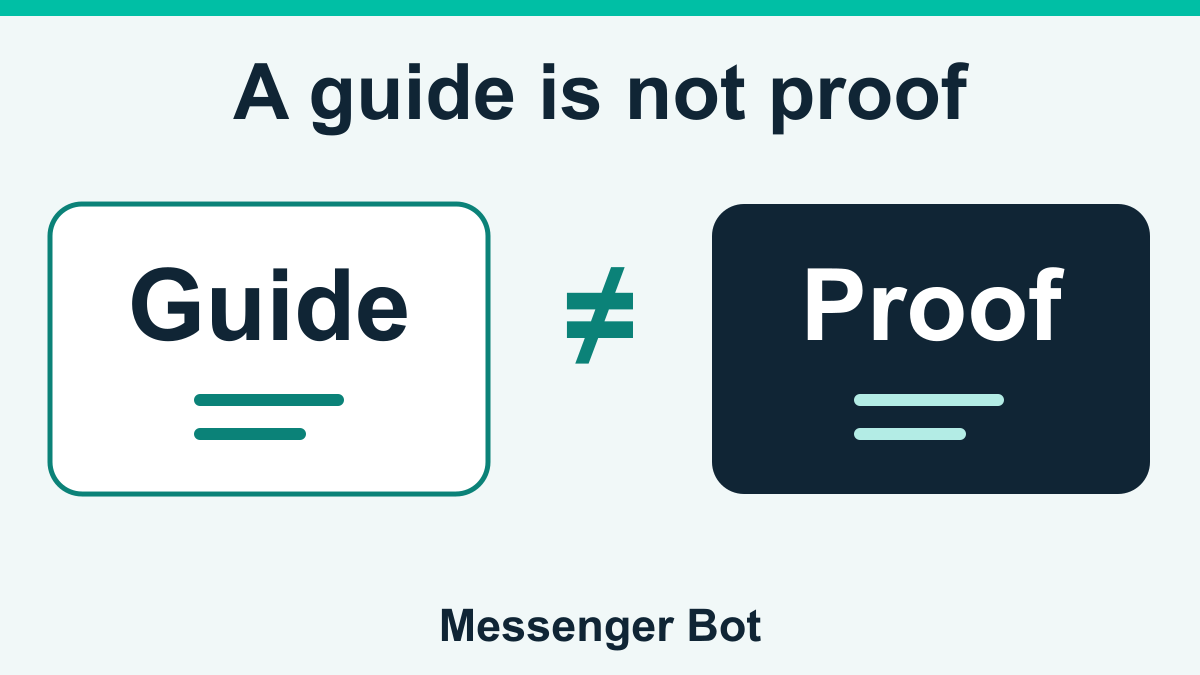
If you have a name such as Chrome Encoding, ECNL or MathBot and want to know where to start, choose the guide for that exact name and question. Do not treat a list of earning apps as a list of approved ways to make money. A login guide can explain an observed access screen without proving that tasks are available, a balance can be withdrawn, or the business is legitimate.
This directory brings together selected earning-bot guides and a practical comparison method. It does not cover every platform, rank services by trustworthiness, recommend a signup, or verify current payments. The directory and linked guide identities were reviewed on October 8, 2026. The underlying observations inside each guide have their own dates; an article being available today does not make an older observation current.
Use the named-guide links below to avoid mixing unrelated services. Then check the source date, operator identity, exact account terms and payment evidence before considering any commitment. If you already have an account problem, keep that question separate from deciding whether to join in the first place.
Which kind of Messenger bot are you looking for?
The word bot appears in several different kinds of search. Someone looking for an encoding task, someone trying to recover a login and a business owner arranging customer replies may all use similar words. Their decisions are not interchangeable. Start by writing down the outcome you need rather than choosing whichever page has the most familiar logo.
For earning-related offers, the central questions are who operates the service, what work is credited, what it costs and what evidence supports withdrawal claims. For existing-account access, the questions concern the established account destination and documented recovery controls. For business messaging, they concern customer conversations, team responsibilities, permissions and supported workflows.
| Your question | Useful starting point |
|---|---|
| Compare earning claims | This directory |
| Review one named service | Its dated platform guide |
| Recover existing access | Its login guide |
| Manage business replies | Business messaging plans |
Messenger Bot, the business messaging product on this website, is a separate use case from the earning services discussed here. A shared name, a guide appearing on this site or a conversation taking place in Messenger does not establish shared ownership or a partnership. Do not buy business software expecting it to unlock a third-party earning account.
Before comparing an earning idea, use the payer, work and cost worksheet to separate the promised payment from the work and costs. Its examples are hypothetical; they do not verify an app’s payouts or guarantee profit.
If you are not sure which category fits, describe the action you are trying to complete: read terms, restore an existing login, evaluate a payment claim or manage customer enquiries. That description is more useful than a broad request for the “best bot,” because it points to the right evidence and avoids a recommendation that answers a different problem.
Chrome Encoding, ECNL and MathBot: choose the exact guide
The entries below are navigation to distinct reviews, not rankings or endorsements. They do not label any service “currently paying,” “safe,” “official” or “verified legitimate.” Read the relevant guide’s dated observations and limitations before relying on a screen description or advertised term.
Chrome Encoding: registration and withdrawal claims
Use the Chrome Encoding registration and payment-claim guide when your question concerns that named offer. Keep an advertised earning rate, a displayed balance and a completed wallet transfer separate. A guide describing all three subjects does not mean all three outcomes were tested or established.
Begin with the evidence date and the particular service identity described in the review. If a message supplies a new address, extension or payment recipient, do not assume it is the same service because it repeats “Chrome Encoding.” The useful next question is how that destination is independently connected to the operator, not whether its name looks familiar.
ECNL: registration, encoder access and domain questions
The ECNL registration and evidence checks cover the broader platform question. Its separate access guidance distinguishes a login problem from claims about a task area, download or withdrawal. Do not infer that an “encoder” or “V2” label establishes a current application version or a second authenticated account.
When comparing an instruction with the review, match the complete domain and the date, not just the ECNL name. If the instruction and the source identify different destinations, that mismatch is a question to resolve before entering credentials. A successful page load is not a reason to experiment with a password on an uncertain form.
MathBot: existing access versus legitimacy evidence
For the account-access question, read the MathBot login and registration-cost checks. For a trust or payment-evidence question, use the separate MathBot legitimacy-evidence review. Those guides have different purposes; a reachable login screen cannot answer the legitimacy question.
Keep any plan or tier named in a source attached to that source. Do not combine one plan’s advertised task list with another plan’s fee or payment wording and present the combination as a current offer. This directory supplies no MathBot income estimate, withdrawal guarantee or certification of either access route.
If the name you have is not covered here, do not choose the closest-sounding entry and follow its instructions. Record the exact spelling and the source of the offer, then seek independently attributable information about that specific service. A missing entry means it is outside this directory’s coverage, not that it passed or failed a legitimacy check.
Compare the evidence, not a list of “legit” badges
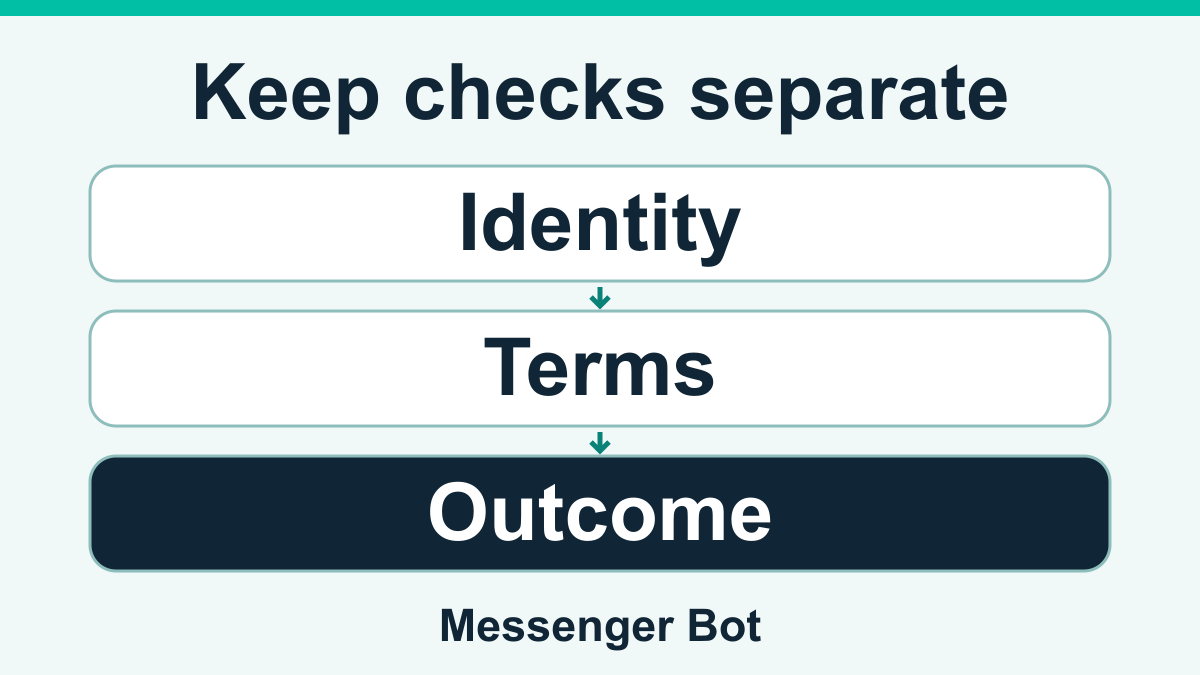
A useful comparison needs the same questions for every candidate. Put identity, terms, costs, work and payment evidence in separate rows. If one service provides a dated public terms page and another has only a forwarded screenshot, record that difference without converting it into a numerical trust score.
Use plain descriptions of what is available: “dated operator statement,” “public screen observed in the linked review,” “independent transaction record not available” or “conflicting terms need clarification.” Avoid a single green status that combines unrelated facts. A page may be reachable while its costs remain unclear; a document may explain costs without proving a completed payment.
- Identity
- Record the operator named by the source and how that source can be attributed. A matching logo is not enough.
- Account terms
- Keep the exact plan, version, country and observation date together. Do not silently substitute another account’s terms.
- Costs
- Separate registration, activation, subscriptions, withdrawal charges and any later requirement. “Free to open” does not answer every cost question.
- Work
- Distinguish a public task example from actual credited work in an authenticated account. This directory did not perform tasks.
- Payment evidence
- Distinguish a promise, a request and a completed destination record. This directory did not verify withdrawals.
- Unresolved points
- Name the missing answer. Unknown does not mean approved, and an absent record does not prove that no one has been paid.
Keep the comparison narrow enough to act on. “The fee is not explained in the source I have” is a useful reason to pause. “This must be legitimate because other people use it” does not identify the missing evidence. You do not need to manufacture a definitive verdict just to decide that you lack enough information to proceed.
GCash claims: what a logo, balance or screenshot can show
A payment-method name can describe what a service advertises, but it does not establish that the method works for your plan or that a transfer completed. Do not read a GCash logo in a promotional image as GCash’s approval of an earning service. Keep the advertising claim attached to the party that made it.
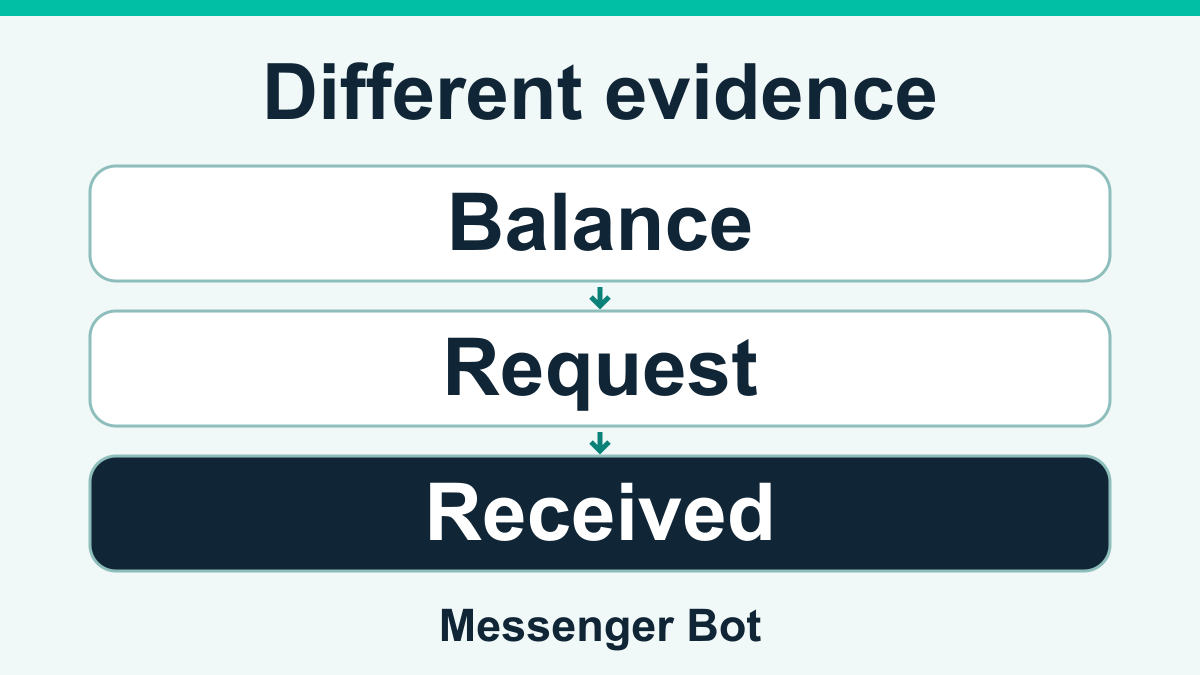
Separate three records: the balance displayed by a service, the withdrawal request submitted to it and the entry in the destination account. One can exist without establishing the next. A cropped screenshot that shows only a total also leaves unanswered questions about its date, units, account context, deductions and final status.
For an existing transaction question, keep your own records private and compare dates, amounts, fees and status descriptions. Do not publish transaction references, account numbers, names or wallet details to persuade a group that a payment is real. A clear redacted question can describe which step is unresolved without handing strangers access to the account.
GCash’s account-protection guidance says not to share MPINs or one-time passwords and warns about unsolicited links and people renting or buying accounts. Use the Help Center through the app or its established address rather than a support account supplied by a recruiter. This guidance concerns wallet protection; it does not validate any service in this directory.
Do not make another transfer just to find out why a first withdrawal has not arrived. Keep the request for additional money separate from the original transaction question. If someone claims a payment is needed to release earnings, seek independent guidance before taking further action rather than treating it as an ordinary account setting.
Check registration and login without confusing the two
Registration is a decision to create a relationship with a service; login is an attempt to access a relationship that already exists. A recovery problem should not automatically become a new signup, a paid activation or a request to install another application. First identify which action the instruction actually asks you to take.
Before considering a new account, read the requested information and the stated purpose for collecting it. Identify the operator, costs, refund wording and support path without submitting details as a test. A form displaying “required” does not explain why the information is proportionate to the service or how it will be retained.
For an existing account, compare the destination with the records you independently established when it was created. Record the visible symptom, such as an unavailable page or a rejected entry, without guessing that the account was banned, deleted or unpaid. Do not publish recovery links or give a helper your password so they can reproduce the symptom.
Keep separate checks separate. A different browser result can help describe a loading problem; it cannot establish operator identity. A password reset confirmation can concern access; it does not resolve withdrawal terms. A referral requirement can concern registration; it does not independently demonstrate that recruiting others is a legitimate earning method.
If the named guide includes a dated access observation, use it as a dated reference rather than an instruction to trust the destination today. Current ownership, terms and page behavior can change. When you cannot resolve the identity or scope of the instruction, pause without trying alternate forwarded addresses until one accepts your credentials.
Fees, referral invitations and “unlock your earnings” requests
Write down what any requested payment is supposed to buy before considering it. A registration fee, a software subscription, a transfer charge and a deposit to release an advertised balance are different claims. A vague description such as “verification” does not make the purpose or recipient clear.
The FTC’s task-scam warning describes fake task earnings followed by demands to deposit money to continue or withdraw. It warns against paying to get paid. That warning is relevant to this type of request; it is not an allegation that a named service here has been found to operate that scheme.
A referral invitation also needs context. Ask who supplied it, what benefit they receive and whether the operator documents the account terms independently of the invitation. Positive comments from someone who benefits from a signup are not independent evidence of your likely outcome. Nor does a person being helpful in a group establish that they control the service or can fix an account.
Do not recruit another person as a way to test an unresolved offer. You would be passing the same unanswered identity, cost and payment questions to them. If you discuss a guide with someone, share the uncertainty and the dated evidence rather than turning a link into a recommendation to pay or join.
Where terms conflict, preserve both descriptions and their dates. Do not select the cheaper amount because it is more convenient or the newer-looking image because it looks official. Ask which exact plan and transaction the terms apply to, and keep the response as an operator claim until its attribution and scope are established.
Keep a useful private comparison record
A short, well-organized record is more useful than a folder of unlabelled screenshots. Use one record per named service so that an address, fee or payment description from one offer cannot drift into another. Keep source dates visible and distinguish what you read from what you personally did.
- Name and question: record the exact service name and the decision you need to make.
- Source and date: note where the claim appeared and when it was observed, omitting private URL parameters.
- Exact scope: record the plan or version and whether the information concerns registration, access, work or payment.
- Claim versus outcome: label advertised wording separately from your own completed action.
- Missing answer: write the specific unresolved question instead of a generic trust score.
- Next safe action: read attributable terms, ask a redacted question or pause; do not make a payment to obtain evidence.
For example, a neutral record might say “the guide describes a registration requirement observed on a stated date; I have not established the current terms for the account I am considering.” That statement does not invent a result. It also makes the next question clear: which attributable current terms apply to that account?
Keep evidence of a problem separate from a conclusion about its cause. “My saved page did not load” describes an observation. It does not establish maintenance, a changed domain, a ban or a fraudulent service. A helpful support question can include the time and visible error while excluding passwords, tokens, names and financial identifiers.
Review the record again when the terms, destination or requested action changes. Do not let an older note silently become today’s confirmation. The goal is a clear decision based on the evidence you actually have, not a growing checklist that makes an uncertain offer appear approved.
When to pause and where to ask for help
Pause when the operator cannot be identified, the destination changes without an attributable explanation, the terms conflict, or someone requests credentials, wallet codes, remote access or an unexpected payment. You do not need a completed loss or a definitive legal finding before deciding not to continue with an unresolved instruction.
If money or account access is already involved, use the established support path of the payment service or account provider. Explain the particular transaction or access issue with the minimum necessary details. Do not send the same private material to a public group or a person offering to recover funds through another fee.
A consumer-protection body or qualified adviser can help with a redacted description of the problem. Keep the original records privately; redact what you share without altering the underlying claim or date. This directory cannot authenticate an operator, recover an account or promise a refund, and a linked review is not a replacement for those services.
For ongoing research, return to the exact named guide rather than spreading one platform’s answer across every earning app. The ECNL platform review, for example, is a separate context from the Chrome Encoding guide. Neither establishes the other service’s identity, terms or payment behavior.
Looking for customer-conversation tools instead?
If your goal is to manage business enquiries rather than evaluate earning tasks, review Messenger Bot’s available plans against your own workflow and support requirements. This is a separate product decision, not a way to validate or unlock an earning offer. Check Current Pricing.
Frequently Asked Questions
Does this directory confirm which Messenger earning bots pay?
No. It links selected named guides and explains how to separate advertised claims from evidence. It does not verify current withdrawals, certify legitimacy or recommend joining a service.
Which guide should I read for ECNL or MathBot login?
Start with the guide for the exact name and account question. Keep existing-account access separate from registration, fees and legitimacy questions; a reachable login screen does not answer those other questions.
Does advertised GCash support prove an earning app is legitimate?
No. A payment-method name or logo is an advertising claim, not approval by GCash or evidence of a completed transfer. Never share your wallet MPIN or one-time password to test an earning claim.
Should I pay a fee to unlock a displayed earning balance?
Pause and seek independent guidance before sending money. The FTC warns about task scams that display supposed earnings and demand deposits to continue or withdraw. That general warning does not establish a finding against a named service.
Is Messenger Bot business software connected to these earning services?
No connection is established by this directory. Business messaging software, named earning services and the Messenger app are different subjects; a shared word or a guide link does not establish shared ownership or a partnership.


 English
  Tagalog
  简体中文
简体中文  العربية
  हिन्दी
  Português do Brasil
  Español de México
  Français
  বাংলা
বাংলা  香港中文
香港中文  繁體中文
繁體中文  Nederlands
  Deutsch
  Bahasa Indonesia
  日本語
日本語  한국어
한국어  Polski
  Русский
  Español
  Tiếng Việt