
Short answer: A bounded public search and review of first-party sources on October 1, 2026 did not establish an official Philippine Facebook Messenger earning service called “MoneyBot Messenger,” a registration route for that service, or a confirmed GCash payout connection. This is a limited non-finding, not proof that no similarly named service exists and not a fraud finding about an unidentified operator.
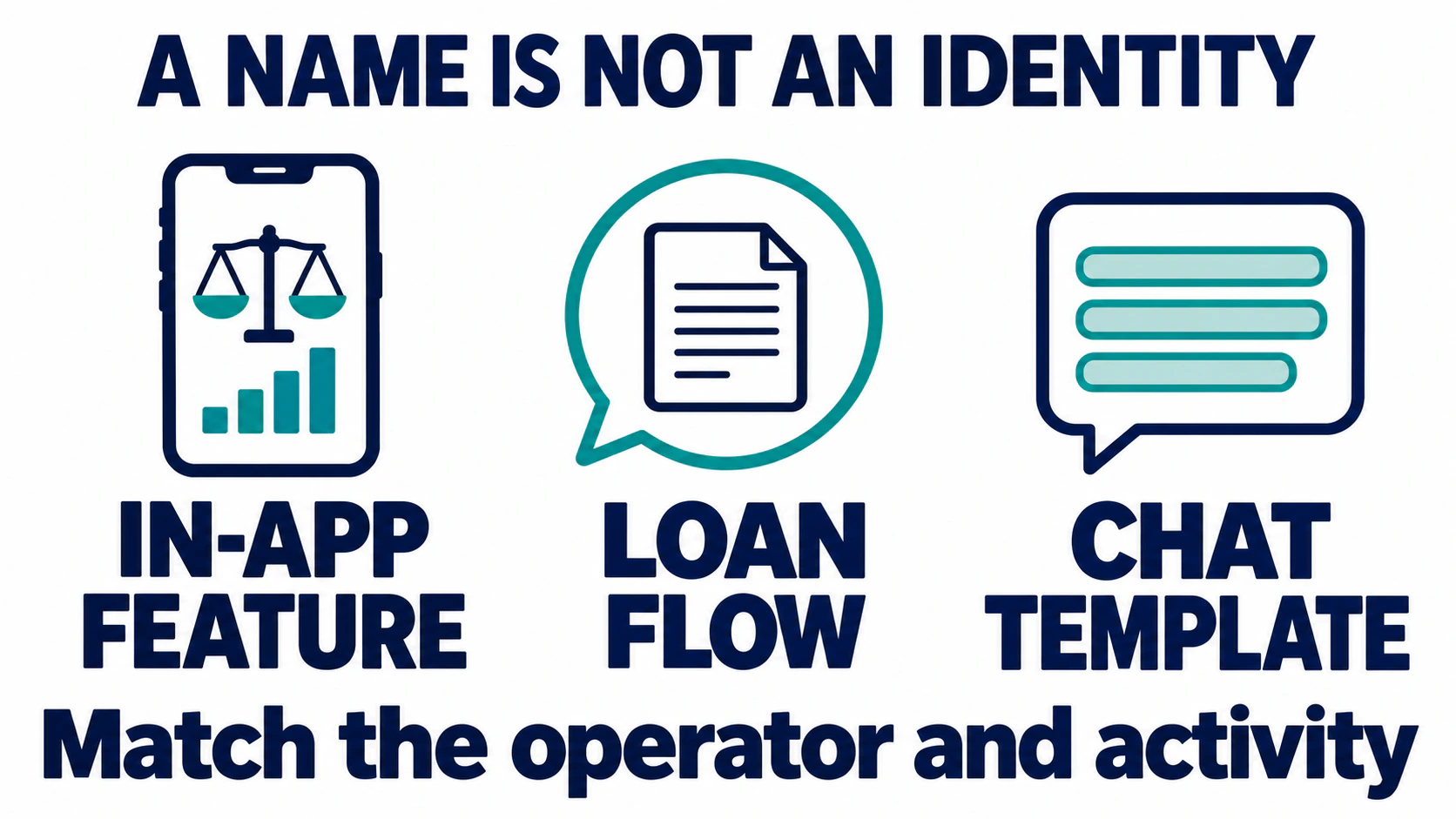
This page is for readers who encountered a MoneyBot Messenger earning claim and want to know what the available evidence actually identifies before they register, share details, or pay. The name is not enough to identify a company, app, country, or product. Several unrelated products use “MoneyBot” or a similar name, so the useful question is not simply whether a result exists; it is whether a current first-party source connects the exact offer to the exact operator and activity being claimed.
The review is deliberately narrow. It checks public, non-interactive sources and distinguishes first-party product descriptions from general safety advice. It does not create an account, open a private message, test a payout, contact an operator, or verify a reader’s individual offer. No claim about registration, earnings, a withdrawal amount, or an operating company is made unless a source supports that exact point.
Source-check dates: The exact-name search finding below is dated October 1, 2026. Selected source pages were revisited on October 9. Revisiting a source is not verification of the earning offer; the dated MoneyShop page still did not load in that check.
What the October 2026 Search Did and Did Not Establish
Three exact-name public searches and several source-specific checks were reviewed on October 1, 2026. The results included unrelated uses of “MoneyBot,” including an in-app feature, a dated WhatsApp loan flow, and a chatbot-template preview. The reviewed results did not provide first-party Philippine terms, an official Facebook Messenger registration page, a named operator for a local earning offer, or an official payment notice connecting such an offer to GCash.
Search results are discovery clues, not a complete census of services. A result may be old, refer to a different country or product, or use a similar name. The absence of an official source in this bounded search cannot prove that a service does not exist. It does mean the current reviewed evidence is not enough to tell a reader that a specific MoneyBot Messenger offer is official, active, pays users, or is connected to a wallet.
The distinction matters because the search phrase can combine several different ideas: the brand-like name “MoneyBot,” Facebook Messenger as a channel, and the promise of earning money. A source about a finance assistant or a loan-application chatbot does not establish a task-to-cash program just because it contains the word “Messenger,” “chatbot,” or “MoneyBot.”
Three Unrelated MoneyBot Name Matches
The first-party sources below show why the name alone is a weak identifier. Each source describes its own product or demonstration. None is evidence that a Philippine Facebook Messenger earning offer exists or pays.
| Name match | Source and limits |
|---|---|
| Cash App Moneybot |
Source: Cash App’s November 13, 2025 press page describes Moneybot as an AI-powered feature inside Cash App for contextual insights and suggestions based on in-app activity. The page also described a limited pilot at that time. Limit: It does not identify a Philippine Messenger task service, a GCash connection, or an earning payout. |
| MoneyShop MoneyBot |
Source: A dated MoneyShop page describes a WhatsApp-based route for loan applications and a credit report. The source is about MoneyShop’s own borrowing-related service. Limit: It does not describe a Philippine Facebook Messenger earning program. The page is dated, so it also does not confirm present availability. |
| Conferbot’s loan-template preview |
Source: Conferbot’s loan-application chatbot template has a sample preview that introduces a bot as “MoneyBot.” It is presented as a customizable loan lead-generation template. Limit: A template preview is not proof of an independent earning app, a payout, or a service operator using the MoneyBot Messenger name. |
These are name matches, not suspected clones. Similar wording does not prove copying, affiliation, endorsement, or shared ownership. Cash App’s source is a first-party description of Cash App; MoneyShop’s page is a first-party description of its own dated WhatsApp flow; and Conferbot’s page is a first-party template listing. Keep each fact attached to the entity that published it.
The sources reviewed here do not establish that a particular copycat exists. To call a specific page a clone would require evidence that identifies the genuine operator and demonstrates how the page misrepresents or imitates it. A name resemblance by itself does not meet that standard.
Claim-by-Claim Status for MoneyBot Messenger
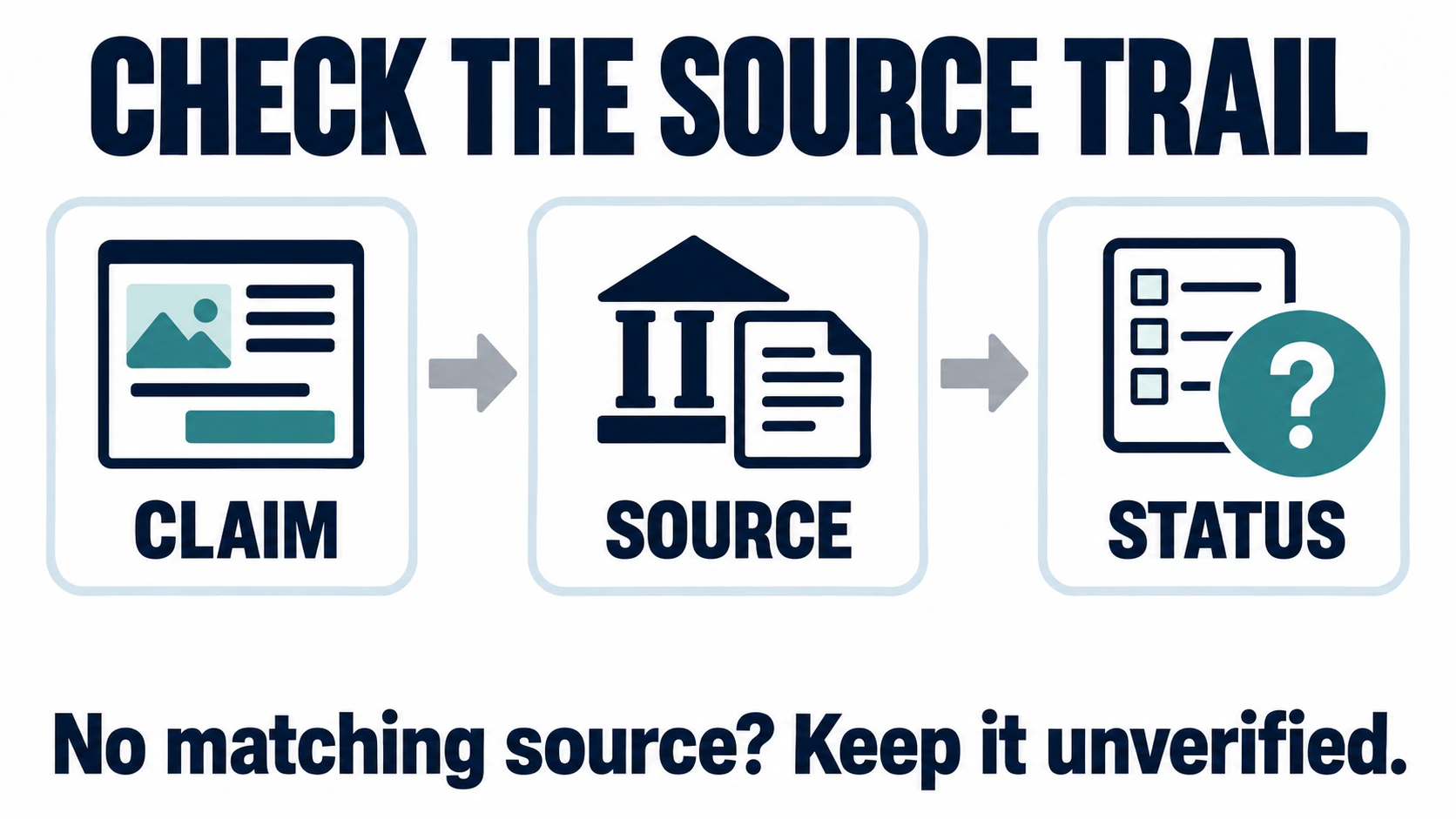
For the exact Philippine earning offer implied by the search phrase, the status of each material claim remains limited to the evidence collected in this review. “Not established” describes the research result; it does not mean “false.”
| Question | Status and needed evidence |
|---|---|
| Who operates the exact Philippine offer? |
Status: Not established by a matching first-party source. Needed evidence: A current operator page and terms that name the same legal entity and domain as the offer. |
| Where is the official registration or login route? |
Status: No route was established in the bounded review. Needed evidence: A route linked by the verified operator from its own current website or official app listing. |
| Does the offer pay through GCash? |
Status: No service-specific GCash connection or payout method was established. Needed evidence: Current terms from the exact operator and, if a partnership is claimed, a matching announcement from GCash. |
| How much can a person earn or withdraw? |
Status: No amount, threshold, rate, or schedule was established. Needed evidence: Current, entity-specific terms that explain the conditions and limits, not a screenshot of a displayed balance. |
| Is the offer a scam or a clone? |
Status: This review does not make that finding. Needed evidence: Entity-specific evidence about the exact page, operator, conduct, and any reliable official notice. |
A promotional post can show what an advertiser claims. It cannot independently confirm the operator, whether tasks are available, whether a balance can be withdrawn, or whether a wallet relationship exists. A screenshot may be useful as a record of what was displayed, but it should be labeled “observed” rather than “paid” unless a completed transaction is independently documented.
How to Check a Specific Offer Without Registering
If a message or advertisement uses the MoneyBot Messenger name, start with public information. These checks do not require a test account, a deposit, or a conversation with the sender.
- Write down the exact claim. Record the words used for the name, earning activity, payout method, country, and promised result. Keep the date and public URL. Do not add private message details or another person’s contact information to a note shared for review.
- Identify the operator separately from the bot name. Look for the organization named in the site footer, terms, privacy notice, and app-store publisher. Check whether the same entity is connected to the domain that the advertisement uses. If one source names a company and another names an unrelated company, record the relationship as unverified instead of filling the gap by guessing.
- Follow only a route linked by that operator. A shortened link, group invitation, forwarded message, or search ad is not an official route by itself. A route is better supported when the named operator links to it from its current website or a matching verified app listing. A familiar logo or HTTPS padlock does not make the link official.
- Read the current terms before treating an earning claim as a rule. Look for the task definition, eligibility, fees, payout threshold, processing conditions, account restrictions, and contact method. Note the version or update date. If those terms cannot be found or are attached to a different entity, the detail remains unknown.
- Check a claimed wallet relationship at both ends. The offer’s own page can claim a payment connection; the wallet’s own current channels are the source to check for a partnership statement. A wallet security guide explains wallet safety, but it does not certify an unrelated earning service.
- Stop before sharing or paying. Do not provide a password, MPIN, one-time password, recovery code, identity document, or upfront fee just to test an offer. If the source trail remains incomplete, keep the claim marked “unverified” and wait for entity-specific documentation.
For a separate example of how to distinguish a claim from the evidence behind it, see this independent review of Chrome Encoding job and wallet claims. It covers a different name and offer; it is not evidence about MoneyBot Messenger and should not be used to transfer conclusions from one service to another.
What GCash’s Security Guidance Can and Cannot Confirm
GCash’s account-protection guidance says GCash will not ask for an MPIN or one-time password by phone. It also warns about unexpected offers, pressure to act quickly, unfamiliar links, fake support pages, and requests to rent an account. Those points are practical account-safety guidance from GCash.
The same page does not confirm that a third-party earning offer is partnered with GCash, that a displayed balance can be withdrawn, or that an exact-name MoneyBot Messenger service exists. A reader should not turn a wallet’s general security advice into an endorsement or accusation about an unrelated offer. The source answers questions about protecting a GCash account; it does not answer who runs an outside platform.
If a GCash transaction has already occurred and the reader believes it needs reporting, GCash’s Report a scam guidance says to report to authorities and GCash, open the specific transaction in the app, use “Get Help > Report as scam,” and block the scammer. GCash says a return of funds is not assured. Follow its current instructions; no recovery outcome is promised here.
What the FTC Task-Scam Alert Does and Does Not Say
The U.S. Federal Trade Commission describes a general pattern in its task-scam consumer alert: repetitive online tasks, supposed commissions or an increasing in-app balance, followed by a request for the worker to deposit their own money to continue or access supposed earnings. The FTC says not to pay to get paid.
That alert is useful as a general warning pattern, not as evidence about a service called MoneyBot Messenger. It is U.S.-issued and does not establish a named operator, Philippine registration route, GCash integration, or fraud finding for this exact phrase. If a particular offer asks for an upfront deposit, the reader can compare that behavior with the FTC warning without claiming the FTC investigated that offer.
Keep observations and conclusions separate. “The page displayed a balance” is an observation. “The amount can be withdrawn” is a separate claim that needs evidence. “The operator is legitimate” or “the operator is fraudulent” is a conclusion that needs stronger, entity-specific support. A displayed number, testimonial, referral count, or cropped payment image is not a substitute for published terms and reliable transaction evidence.
Keep a Useful, Privacy-Safe Evidence Note
A short source note can make a later review more accurate. For each public claim, save the exact wording, the public page or document URL, the access date, the entity named on that source, and the point the source actually supports. If the source is a search result, label it as a discovery result. If it is an official page, name the organization that published it. Do not describe an old article as current terms.
- Observed: the words or amount were visible on a dated page. This says what appeared, not whether it was true.
- Supported: a relevant, current first-party source from the named entity backs the exact statement.
- Unverified: no matching primary evidence was found in the defined review scope.
- Contradicted: two identified sources give incompatible details; retain both references and explain the conflict.
- Stale: the source is dated, superseded, or no longer describes the current offer.
Use the label that fits the evidence, not the label that makes a post sound more decisive. For example, a help article about a wallet’s security can be “supported” for the wallet’s own guidance and “not evidence” for a separate service’s integration. An old page can establish that its publisher once described a feature; without a current update, it does not confirm the feature is still available today.
Keep private information out of any note shared for review. Do not include account numbers, phone numbers, one-time codes, addresses, identity documents, screenshots containing names, or private chat content. A reader can preserve a public claim and its source URL without publishing the identifying details of the person who received it.
If You Already Shared Information or Made a Payment
This article cannot inspect an individual account or reverse a transaction. If an offer has already prompted an action, use the relevant official account channel rather than a link supplied by the same unverified sender.
- If a password, MPIN, one-time password, or recovery code was shared, use the account provider’s official security path to protect the account. Do not send another code to someone offering to “verify” or “recover” the account.
- If a GCash transaction was made, use GCash’s current instructions for that transaction and its official support route. The Report a scam page describes the in-app report process and cautions that return of funds is not assured.
- If an identity document or other sensitive detail was shared elsewhere, contact the relevant service through a verified official page and ask what protective steps apply. This page cannot assess the exposure or promise a resolution.
- Preserve public URLs and dates, but redact private details before asking another person to review the wording. Do not pay a second fee to someone promising certain recovery.
These steps are general safety guidance, not a finding about the operator behind a particular MoneyBot Messenger message. A reader should identify the account or payment service involved and follow that organization’s current help instructions.
What This Review Can Conclude
The sources reviewed on October 1, 2026 identify several unrelated products that use “MoneyBot” or a similar label. Cash App describes an in-app AI feature; MoneyShop’s dated page describes its own WhatsApp loan flow; and Conferbot shows a loan-application template preview using the name. Those sources clarify name ambiguity, but none verifies a Philippine Facebook Messenger earning service called MoneyBot Messenger.
For the exact earning offer, the operator, current registration route, payout method, earnings, and terms remain unestablished in this bounded review. That is an evidence-status statement, not proof of absence and not a fraud verdict. Keep the claim open until a current source from the named operator and any claimed payment partner can be matched to the exact product, country, and activity.
For a broader comparison that keeps each offer and its evidence separate, read our Messenger earning-offer comparison guide. Its conclusions about other names do not establish who operates or pays under the MoneyBot Messenger name.
Frequently Asked Questions
Is MoneyBot Messenger a verified Philippine earning service?
This bounded review did not establish a Philippine service, official route, payout method, or earning amount under that exact name. The finding is limited to the sources checked; it does not prove that no similarly named service exists.
Does Cash App’s Moneybot prove that a Messenger earning offer is connected?
No. Cash App describes its own in-app feature. Its announcement does not establish a connection to a separately named Philippine Messenger earning offer.
Why do MoneyShop and Conferbot appear in a MoneyBot search?
MoneyShop has a dated page about a WhatsApp loan flow, while Conferbot’s loan-template preview uses “MoneyBot” as a sample bot name. These are different products and do not verify a Philippine earning offer.
Does GCash security guidance verify a platform that mentions GCash?
No. GCash’s guidance explains how to protect a GCash account. It does not confirm a separate service’s integration, operator, or payouts.
Should I deposit money or register just to find out whether an offer pays?
No. Do not pay or share sensitive information just to test a claim. Check the operator’s current terms and official payment information first; if the source trail is incomplete, keep the claim marked unverified.
Primary Sources Reviewed (2026-10-01)
- Cash App, Moneybot product announcement (published November 13, 2025).
- MoneyShop, MoneyShop MoneyBot page (dated page; current availability not established).
- Conferbot, Loan Application chatbot-template preview.
- GCash Help Center, account-protection and Report a scam guidance.
- U.S. Federal Trade Commission, general task-scam alert.



 English
  Tagalog
  简体中文
简体中文  العربية
  हिन्दी
  Português do Brasil
  Español de México
  Français
  বাংলা
বাংলা  香港中文
香港中文  繁體中文
繁體中文  Nederlands
  Deutsch
  Bahasa Indonesia
  日本語
日本語  한국어
한국어  Polski
  Русский
  Español
  Tiếng Việt