
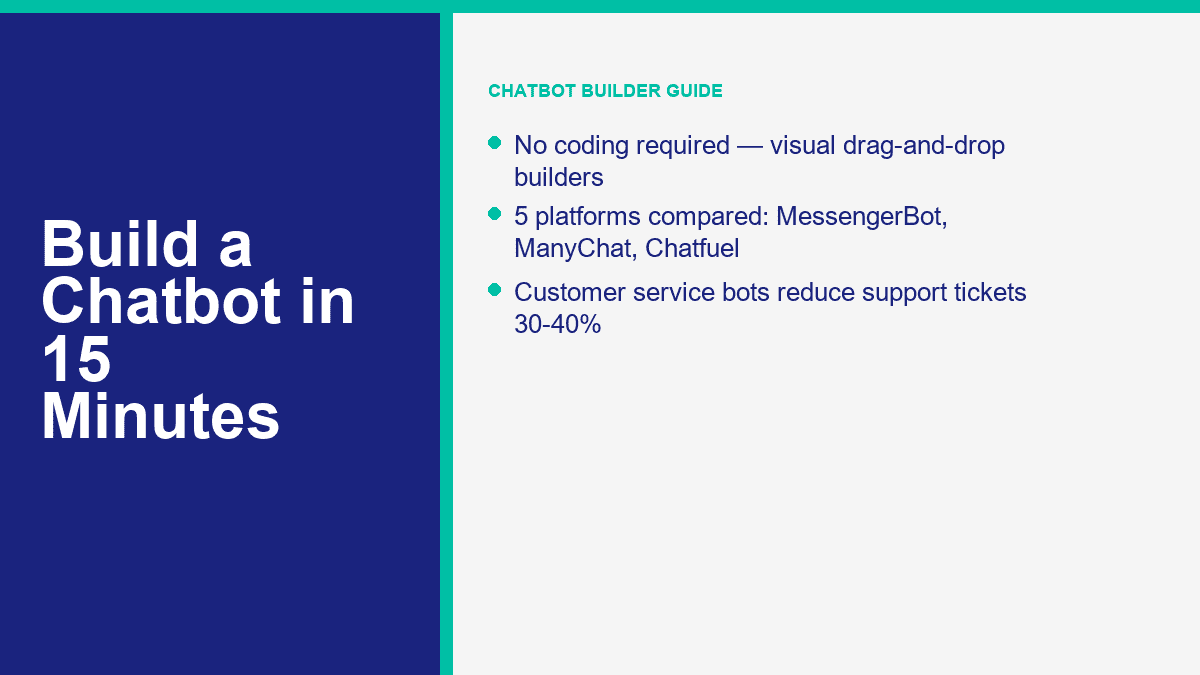
Construir um chatbot costumava significar uma das duas opções ruins: contratar um desenvolvedor ou se contentar com uma resposta automática rígida que parecia um beco sem saída. Em 2026, essa troca desapareceu na maior parte. Os melhores construtores sem código agora oferecem editores de fluxo visuais, pré-visualizações ao vivo, gatilhos de arrastar e soltar, captura de leads, transferência humana e assistência de IA suficiente para lidar com o trabalho repetitivo sem transformar cada conversa em uma bagunça.
Se você administra uma pequena empresa, agência, loja de ecommerce, prática de coaching ou empresa de serviços local, o caso de negócios é fácil de entender. Um chatbot responde as mesmas cinco a dez perguntas que sua equipe lida durante toda a semana, captura leads fora do horário, direciona compradores para a oferta certa e dá aos clientes uma resposta instantânea em vez de uma caixa de entrada silenciosa. Isso é importante porque o volume de suporte se acumula rapidamente. Estudos de caso públicos continuam a aparecer na mesma faixa: uma vez que as equipes automatizam bem as perguntas rotineiras, uma queda de 30% para 40% em tickets de suporte é realista. Uma história de cliente da Zapier publicada em abril de 2024 relatou uma redução de 40%, que é exatamente por isso que os construtores de chatbots sem código continuam a passar de “um bom extra” para “ferramenta operacional central.”
A outra mudança é a velocidade. Você não precisa de uma pilha completa de IA para lançar algo útil. Um bot básico de FAQ para o Messenger ou seu site pode estar ativo em 10 a 15 minutos se você se manter disciplinado e resolver um trabalho primeiro. Se seu objetivo principal é a automação do Messenger, o MessengerBot é o lugar mais rápido para começar, pois a plataforma é construída em torno da conexão com a Página do Facebook, modelos, construção de fluxos e recursos de transferência, em vez de forçá-lo a passar por uma configuração multicanal ampla no primeiro dia. Se você quiser ver onde os limites pagos e as automações avançadas começam, Ver Preços do MessengerBot antes de construir, para que você saiba no que está trabalhando.
Por que 2026 é o ano mais fácil até agora para lançar um chatbot
A grande razão é a maturidade. Alguns anos atrás, a maioria dos bots sem código eram glorificadores de correspondência de palavras-chave. Eles podiam dizer olá, enviar um link e quebrar no momento em que um cliente formulava algo de maneira diferente. Isso não é como os construtores atuais se parecem. As melhores plataformas agora combinam três coisas em um só lugar: um construtor visual para fluxos estruturados, conexões de canal para Messenger, Instagram, widgets de site ou WhatsApp, e recursos de IA que podem absorver FAQs ou conteúdo de suporte sem precisar de um desenvolvedor para conectar cada resposta manualmente.
Isso muda a economia para pequenas equipes. Você pode começar com um bot simples que lida com rastreamento de pedidos, horários de funcionamento, política de reembolso, agendamento de compromissos ou qualificação de leads, e depois adicionar profundidade apenas onde se mostrar útil. Você não está mais comprando software apenas para parecer moderno. Você está comprando velocidade de resposta, consistência e menos tempo humano gasto copiando e colando respostas.
Aqui é onde os chatbots realmente ganham seu lugar:
- Atendimento ao cliente: Responder perguntas sobre envio, horários de funcionamento, preços, políticas de devolução, problemas de acesso à conta e encaminhar casos complexos.
- Captura de leads: Faça de três a cinco perguntas de qualificação, colete consentimento por e-mail ou telefone, e então direcione os prospects qualificados para um CRM ou fluxo de trabalho de agendamento.
- Suporte de vendas: Recomendar um produto, mostrar um caminho de preços, apresentar um formulário de solicitação de demonstração ou recuperar carrinhos abandonados.
- Cobertura fora do horário: Mantenha a conversão em andamento quando sua equipe estiver offline, em vez de deixar cada mensagem parada até a manhã.
- Eficiência da equipe: Dê aos agentes humanos as conversas que precisam de julgamento e empatia, não aquelas que um menu pode lidar em trinta segundos.
Uma nota prática antes de escolher uma ferramenta: nenhuma das construtoras de chatbot sérias é realmente “sem necessidade de cadastro.” Esse tipo de ferramenta existe para demonstrações, não para produção. Se você quiser salvar fluxos, conectar canais, gerenciar permissões e publicar conversas ao vivo, precisará de uma conta. O verdadeiro diferencial não é se o cadastro existe. É quão rápido a plataforma te leva do cadastro a uma conversa funcional.
Se seu interesse imediato é o WhatsApp em vez de um stack de chatbot geral, leia nosso guia sobre como construir um chatbot para WhatsApp gratuitamente. Esse artigo aborda um caminho de configuração diferente e evita misturar o fluxo do Messenger com as regras do WhatsApp da Meta.
Os 5 Construtores de Chatbot Sem Código que Valem a Pena Comparar Primeiro
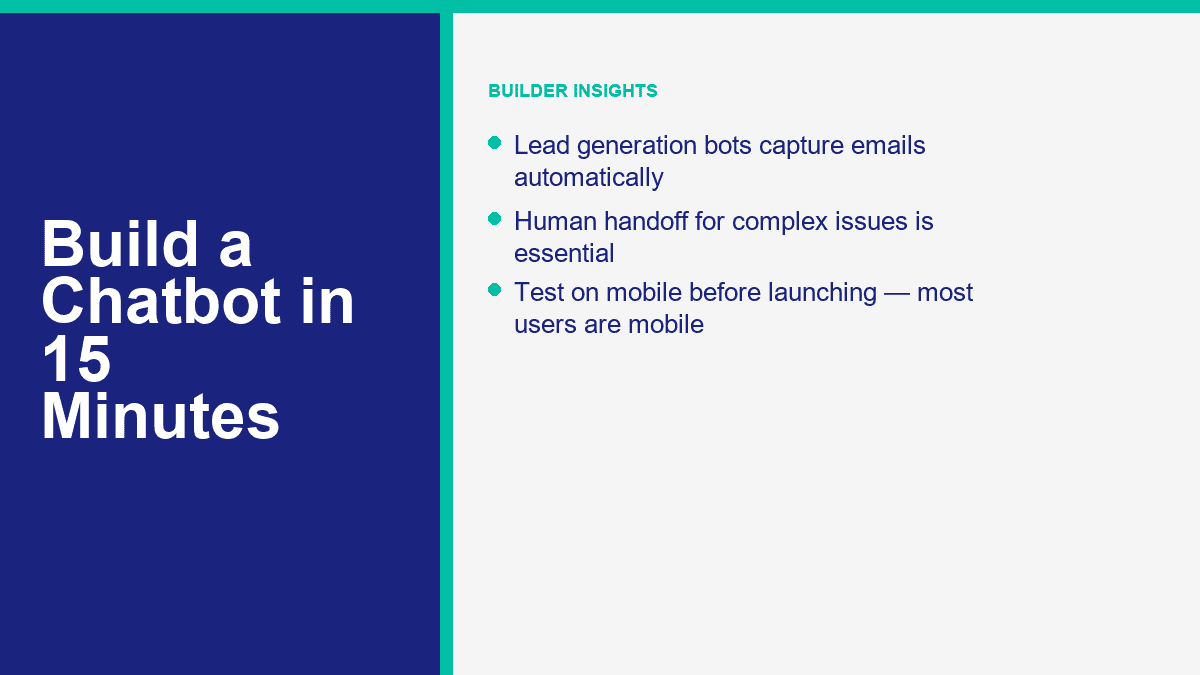
Eu não perderia tempo comparando quinze ferramentas quando cinco cobrem quase todos os casos de uso de pequenas empresas. A tabela abaixo foca nos preços de entrada públicos e na adequação dos canais a partir de 9 de abril de 2026. Os preços mudam frequentemente, especialmente em descontos anuais e cobrança baseada em contatos, então trate os números como pontos de partida, não garantias vitalícias.
| Ferramenta | Melhor para | Preço inicial | Camada gratuita ou teste | Principais canais | Notas sobre IA e automação |
|---|---|---|---|---|---|
| MessengerBot.aplicativo | Negócios que priorizam o Facebook Messenger e que desejam fluxos visuais, templates e ferramentas de crescimento integradas | Premium from $19.99 per 30 days on current promo pricing | Free trial available | Facebook Messenger, chat no site, e-mail, SMS, Instagram em níveis mais altos | Visual Flow Builder, persistent menu, JSON API + Zapier, web forms, comment automation, ecommerce tools |
| Muitos bate-papos | Creators and marketers focused on Instagram and Messenger with clean automations | Essential from $17 per month monthly or $14 per month annual | Free plan with 25 active contacts and up to 4 live automations | Instagram, Facebook Messenger, TikTok, Telegram; WhatsApp on paid tiers | Strong growth automations, lead capture, tags, Google Sheets sync, AI on Pro and above |
| Combustível de bate-papo | Businesses that want AI-heavy social messaging with a simple commercial package | $69 por mês | teste gratuito de 7 dias | Facebook, WhatsApp, Instagram, TikTok, website widget | Single-plan model, AI business assistant, built-in CRM, booking, and social automation |
| Tidio | Website support teams that want live chat and chatbot automation in one inbox | Starter $24.17 per month, Growth from $49.17 per month | Free plan and 7-day trial of paid features | Website widget, Messenger, Instagram, WhatsApp, email | Lyro AI agent, ticketing, flows, strong human takeover, good fit for ecommerce support |
| Robô de terra | Conversational landing pages and website funnels that need a more visual feel | Starter from $45 per month or $36 per month annual | Sandbox free forever with 100 chats per month | Website, Facebook Messenger, WhatsApp, API | Strong web conversations, AI chats included on paid plans, especially good for lead-gen landing flows |
Here is the short version after you strip away the marketing pages:
- MessengerBot.aplicativo is the best fit if your main channel is Facebook Messenger and you want a builder that already understands Pages, postbacks, menus, and Facebook-specific automation.
- Muitos bate-papos is still the easiest recommendation for creators and brands living inside Instagram DMs, with Messenger as a second strong channel.
- Combustível de bate-papo is appealing if you want a more AI-centered approach and like a simple one-plan offer instead of contact math across many tiers.
- Tidio wins when the website widget matters as much as the bot itself. It is as much a support desk as a chatbot builder.
- Robô de terra is strongest when you want the chatbot to act like a conversion funnel on a landing page, not just a support responder.
For a Messenger-first business, I would start with MessengerBot before I touched a broader platform. The reason is simple: the setup flow is direct, the Visual Flow Builder is practical, and the platform bundles core pieces small teams usually add later anyway, including web forms, persistent menus, comment automation, API access, and Zapier support. If you are evaluating whether the higher tiers are worth it for your use case, the quickest way to judge that is to compare the included limits and integrations against Recursos do MessengerBot Pro.
How to Build Your First Messenger Chatbot with MessengerBot in One Short Session
A basic FAQ bot in MessengerBot really can be built in 10 to 15 minutes if you keep the first version tight. Your goal is not to create a perfect AI concierge on the first pass. Your goal is to launch a bot that handles the top questions customers already ask, gives people obvious choices, and hands off anything messy to a person.
Before you start, make sure you have these three things ready:
- A Facebook Page for the business. Bots connect to Pages, not personal profiles.
- Admin access to that Page in Facebook.
- A short list of your top questions, such as pricing, hours, booking, shipping, or support contact.
Start at the login screen and import the right Facebook Page
MessengerBot’s documented connection flow starts at start.messengerbot.app. When the login page loads, you can sign in with your existing credentials or create an account if this is your first run. The important part comes after login: the dashboard opens with a left navigation sidebar, and the option you want is Conta de importação.
Clique Conta de importação, depois escolha Entrar com o Facebook. Facebook opens the standard permission window. Continue with the correct Facebook user profile, especially if you manage more than one business. Once you approve the login, MessengerBot shows a list of Pages connected to that Facebook account. Check the boxes next to the Page or Pages you want to import, then click Next.
The next screen is where people create their own support tickets. MessengerBot asks for management-related permissions. Turn on the sliders for the permissions it requests. If you skip them, the import might appear to work while key automation features quietly fail later. After that, click Concluído, then confirm with OK.
At this point, the Page is imported, but one extra action still matters. On the imported Page row, click the ícone de plugue next to the Page name, then confirm the dialog. That action enables the connection. If the Page is imported but the plug icon step is skipped, the bot may sit there looking connected while Messenger never actually routes messages into the platform.
If your Page does not show up in the import list, one of these is usually true:
- You logged into the wrong Facebook account.
- You have editor access, not admin access, on the Page.
- You denied a required Facebook permission during the import flow.
Open the Visual Flow Builder and wire the first conversation path
With the Page connected, go back to the left sidebar and click Construtor de fluxo visual. Then click Criar novo fluxo, pick the Facebook Page from the dropdown, and click OK. The builder opens into a canvas editor with a dock menu. That dock menu is the floating toolbox that contains components like Texto, Imagem, Modelo Genérico, Carrossel, Fluxo de Entrada do Usuário, Botão, Resposta Rápida, Gatilho, e Novo Postback.
The screen is easy to read once you know what you are looking at. The center area is your editor. The dock menu is where you drag components from. A Fluxo do Bot de Início node is already present on the editor as a reference point. For a first FAQ bot, build the smallest possible useful flow:
- Drag a Gatilho component onto the editor and connect it to Fluxo do Bot de Início ou um Novo Postback.
- Double-click the Gatilho component to open the right-side settings panel.
- Add one or more keywords separated by commas, such as
hours, price, support, booking. - Clique OK.
- Drag a Texto component onto the canvas and connect it to the flow.
- Double-click the Texto component and type your welcome or answer message.
A solid first message looks something like this: “Hi, thanks for messaging Greenfield Dental. I can help with appointments, opening hours, insurance, or speaking to the front desk.” That is short, specific, and obviously useful. The mistake most first-time builders make is writing a paragraph that tries to explain everything. Do not do that. Keep it short enough to scan on a phone without scrolling.
MessengerBot also lets you add delay and typing-state behavior inside the component settings. Use that lightly. A tiny typing pause can feel natural. A three-second delay on every answer just makes the bot feel slow.
Add quick replies, buttons, and fallback paths without making the flow messy
Once the welcome text is in place, give users 3 to 5 obvious options. In MessengerBot, the cleanest way to do that is usually Resposta Rápida for FAQ-style choices or Botão when you want an action such as opening a web form or triggering a postback.
For a local service business, your first bot can use quick replies like these:
- Book appointment
- Horário comercial
- Preços
- Talk to a person
Double-click the component you add and fill the labels clearly. “Learn More” is weak. “Talk to Support” is clear. “See Pricing” is clear. The platform documentation also highlights an important limitation that is easy to miss: from a text node, you can chain with either Next ou Respostas Rápidas, but not both at the same time. If a branch refuses to behave the way you expect, check that first. It is a common setup mistake.
For the “Pricing” or “Book appointment” paths, add a second Texto node or a Fluxo de Entrada do Usuário if you want to collect data such as email, phone, or preferred date. For “Talk to a person,” do not get clever. Route it to a plain handoff message with operating hours and the best contact path. A real customer service bot gets more trust when the human escape hatch is obvious.
If you want to capture lead data directly inside the conversation, MessengerBot’s platform also includes a web form builder, email and phone opt-in collection, Google Sheets support, and JSON API plus Zapier connectivity. That means a “Request a quote” path can move from Messenger into a CRM or spreadsheet without custom code. If you want deeper walkthroughs for those pieces after the first build, Navegue por nossos Tutoriais.
Turn on Get Started settings and a persistent menu so the bot feels complete
A bot with a good flow but no entry setup still feels half-finished. This is where MessengerBot’s Configurações do bot matter. In the bot settings area, the documented options include Configurações de início, Configurações gerais, Configurações do botão de ação, Configurações do menu persistente, e Configurações de mensagem em sequência.
For a first launch, spend five extra minutes on two things:
- Get Started settings: Turn on the Get Started button, write a short welcome message, and add ice breaker questions if they fit your audience.
- Persistent menu settings: Create a simple menu for core actions such as FAQs, pricing, book now, or human support.
MessengerBot’s own documentation describes the persistent menu flow as a locale-based setup. You select Configurações do menu persistente, choose a locale, then add menu title and web URL details before submitting. For most businesses, one locale and three menu items is enough. More than that turns the menu into a junk drawer.
This is also the point where you should add your after-hours logic. A customer messaging at 11:40 p.m. does not need a fake live experience. They need a clear note that says when your team is back, whether the bot can help right now, and how to leave the information you need.
Test on an actual phone before you call the bot finished
Always test the flow inside the real Messenger app, not only inside a desktop preview. Send the keywords yourself. Tap every quick reply. Trigger the fallback. Try a vague message like “I need help with my order.” Try a human handoff request. Make sure the message blocks are readable on a phone screen and do not stack into a wall of text.
Here is the launch checklist I use for a first Messenger FAQ bot:
- The correct Facebook Page is imported and the plug icon connection is enabled.
- The Get Started button launches the right welcome flow.
- There are only 3 to 5 main menu choices.
- Every branch ends in either an answer, a form, or a human route.
- The fallback message explains what to do next instead of saying “I did not understand.”
- The whole conversation feels readable on mobile.
- The bot is saved and tested from the real Page message entry point.
If you get stuck on Meta permissions, webhooks, or deeper Page setup, our article on creating a Facebook developer chatbot is the better place to debug the platform side rather than the no-code workflow.
How to Turn a Basic FAQ Bot into a Customer Service Bot People Actually Use
Most customer service bots fail for one reason: the builder started with what the company wanted to say, not what customers actually ask. The fix is boring, but it works. Pull your last few weeks of support tickets, DMs, inbox messages, or live chat transcripts and list the top ten questions by frequency. Do not invent a clever hierarchy first. Start with raw demand.
A useful customer service bot usually covers these buckets:
- Order status or delivery timing
- Returns and refunds
- Business hours and location
- Pricing and packages
- Account access or login help
- Appointment booking or rescheduling
- Speaking to a human
Then map one response flow per bucket. Keep each flow narrow. If the customer asks for store hours, the bot should answer store hours and optionally offer the next best action such as directions, booking, or phone support. It should not suddenly dump a promotion, ask for three fields, and show five unrelated buttons.
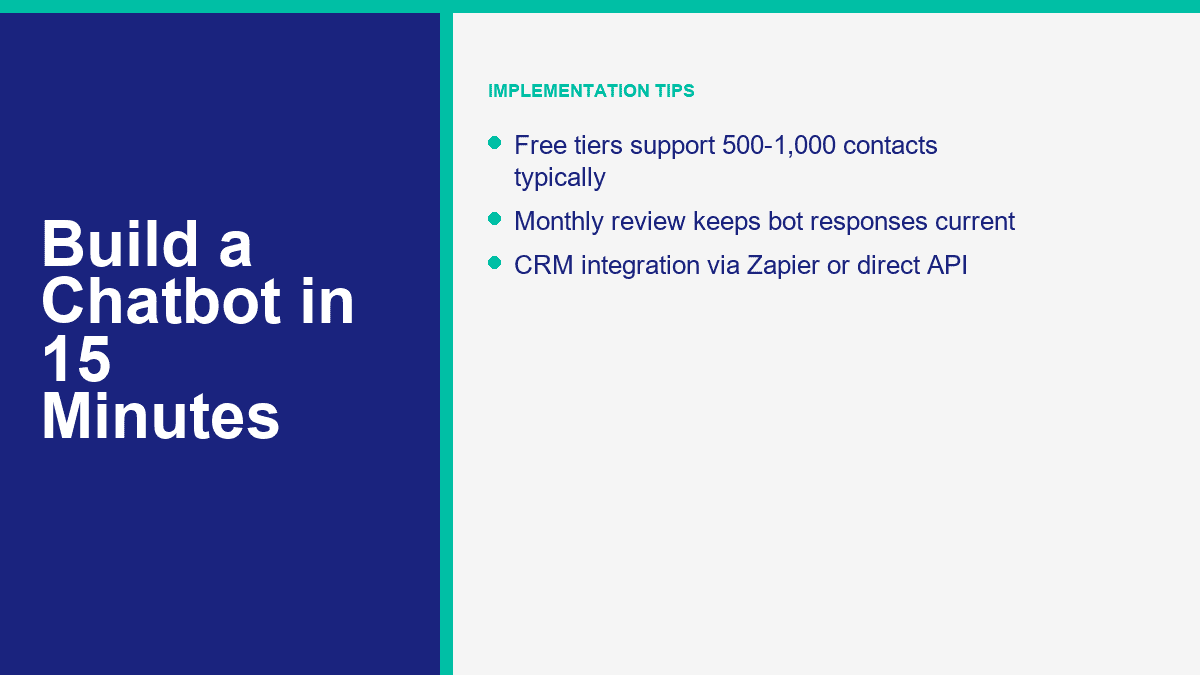
Human handoff is the non-negotiable part. Chatbots are good at repetitive questions, simple classification, and basic next-step routing. They are not good at angry customers, exceptions, billing disputes, or nuance-heavy service recovery. So put the human option where people can see it. “Talk to support” should be one tap away, not hidden after three loops.
Also set expectations around time. If your team replies 9 a.m. to 5 p.m. Monday through Friday, say that. If away messages are active after hours, say that. A bot that pretends to be live while nobody is there damages trust faster than no bot at all.
For ecommerce teams, one practical pattern works especially well: let the bot answer easy questions instantly, collect order number or email if needed, then pass that context to an agent instead of making the customer repeat it. That is the point where automation starts to feel helpful instead of defensive.
How to Build a Lead Generation Chatbot Without Making It Feel Like a Form
Lead generation bots work best when they feel like guided qualification, not a survey trap. The simplest model is this: greet, state the use case, ask three to five smart questions, collect contact details with clear consent, then route the lead into the next action. That next action might be a calendar link, a quote request, a sales rep handoff, or an automated follow-up sequence.
A clean lead-gen sequence usually looks like this:
- Identify intent: “Are you looking for pricing, a demo, or a custom quote?”
- Qualify lightly: business size, use case, timeline, or budget range.
- Collect contact info: email, phone, or both.
- Confirm consent: tell them what happens next and how follow-up works.
- Route: send to CRM, spreadsheet, booking page, or sales handoff.
What you should not do is ask eight questions before proving the bot is helpful. If someone wants a quote, do not demand company size, department count, annual revenue, preferred stack, and office location before giving them anything useful. Earn the right to ask for data.
This is where MessengerBot’s built-in form and integration features matter. The platform’s current pricing page lists web view form builder tools, email and phone opt-in collection, Google Sheets integration, and JSON API plus Zapier support. That is enough for most SMB lead funnels. A clean setup is:
- Use Messenger to start the conversation.
- Qualify with quick replies or a user input flow.
- Capture email and phone with explicit opt-in language.
- Push the lead to Google Sheets, Zapier, or your CRM.
- Trigger a follow-up sequence or notify sales.
For US and UK businesses, compliance is the part people skip until it hurts. If you are collecting email or phone numbers, say what the customer is agreeing to receive. If SMS is involved, make the opt-in explicit. If you plan follow-up sequences, tell them. A short consent line is better than pretending the issue does not exist.
One example. If you are a home services company, your chatbot can ask:
- What service do you need?
- Is this for home or business?
- What ZIP or postcode are you in?
- What is the best email or phone number for a quote?
That is enough to pre-qualify without exhausting the lead. Once the data is captured, automation can do the rest: send a confirmation, alert the right salesperson, tag the contact by service type, and place them into a follow-up path. If you need multi-step automations, additional seats, broader channel support, or more aggressive routing, that is the point where Recursos do MessengerBot Pro start to matter.
The Chatbot Mistakes That Waste Time, Leads, and Goodwill
Most chatbot problems are self-inflicted. Not technical. Just sloppy design.
- Too many menu options: If the first screen has eight choices, most people will stop reading. Keep the main menu to 3 to 5 options.
- No human handoff: Customers tolerate automation until they need judgment. After that, blocking a human feels hostile.
- Mobile-unfriendly copy: Messenger and site chat are phone-first channels. Long paragraphs and stacked buttons get ugly fast.
- Testing only on desktop: What feels clean on a wide screen often looks cramped on a phone.
- Trying to sound too clever: Cute bot personality is fine. Confusing people is not.
- Set and forget: Your FAQs, pricing, promotions, and support pain points change. Review the bot monthly.
The simplest rule is this: each screen should move the customer forward. Answer something. Narrow something. Collect something useful. Or route them to a person. If a screen does none of those, it probably does not belong in the flow.
When a Free Chatbot Plan Stops Being the Cheap Option
Free plans are good for one thing: proving the workflow. They are rarely good for running a serious support or lead-gen channel for long. ManyChat’s free plan, for example, is genuinely useful for testing, but it caps you at 25 active contacts and four live automations. Landbot’s Sandbox gives you 100 chats a month. Tidio’s free plan gets you started, but quotas arrive quickly once support volume becomes real. Chatfuel skips the permanent free plan and pushes you into a 7-day trial plus a paid subscription. MessengerBot leans on trial and paid tiers rather than a forever-free business plan.
That does not make free plans bad. It just means you should use them for the right phase. The free phase is for validating:
- Will customers use this entry point?
- Which questions show up most often?
- Does the bot reduce repetitive work?
- Can you capture leads cleanly?
- Do you need website chat, Messenger, or both?
You have probably outgrown the free tier when any of these show up:
- Your contact or conversation limits reset before the month ends.
- You need integrations instead of manual exports.
- You need multiple teammates in the inbox.
- You want branding removed.
- You need AI handling, sequences, CRM sync, or advanced routing.
- You want the bot on more than one serious channel.
For a small business, the paid upgrade is usually easy to justify once the bot prevents even a few lost leads or saves a few hours of support time each month. A $20 to $50 monthly tool that captures one extra customer inquiry or removes a few repetitive tickets is not expensive. A free bot that breaks the customer journey because it hit a quota is expensive in a quieter way.
MessengerBot’s current public pricing positions the platform like this: Prêmio is the low-friction starting point, Pró expands Page and widget capacity, and Agência is for teams handling multiple accounts or a large book of clients. The platform also bundles extras that many tools charge around separately, including website chat, templates, API or Zapier connectivity, and ecommerce-oriented features. If you want the current limits, entry discounts, and plan breakdown in one place, Ver Preços do MessengerBot.
What to Do After the First Bot Goes Live
Once the first version is live, the next move is not rebuilding from scratch. It is optimization. Look at which buttons people tap, where they stop replying, which messages trigger human handoff, and what phrases still escape your flow. Tighten those spots one by one. That is how a 15-minute starter bot turns into a genuinely useful business asset over the next month.
If you want more build patterns and platform-specific walkthroughs, Navegue por nossos Tutoriais. If you are comparing limits, integrations, and monthly cost before expanding the bot, Ver Preços do MessengerBot. And if your next step is more advanced automation, multi-channel routing, or larger-scale campaigns, review Recursos do MessengerBot Pro before you map the next version.
Perguntas frequentes
Posso criar um chatbot sem saber programar?
Yes. That is the whole point of modern no-code builders. Tools like MessengerBot, ManyChat, Tidio, Chatfuel, and Landbot let you connect channels, drag components into a flow, write responses, add forms, and publish without touching code. You only need code if you want custom backend logic or highly specialized integrations.
Quanto tempo leva para construir um chatbot do zero?
A basic FAQ or lead-capture chatbot can be built in about 10 to 15 minutes if your questions and responses are already prepared. A better first version, with testing, handoff logic, and mobile cleanup, usually takes 30 to 60 minutes. More advanced bots with CRM routing, AI answers, and follow-up sequences take longer.
Qual é o melhor construtor de chatbot gratuito para pequenas empresas?
It depends on the channel. ManyChat has one of the most usable true free tiers for Messenger and Instagram testing. Tidio is strong if your main need is website chat plus a lightweight bot. Landbot’s Sandbox works well for early website funnel experiments. If Facebook Messenger is the main channel and you want the fastest path into a production-grade flow, MessengerBot is often the better long-term fit even though it is more trial-and-paid oriented than free-forever.
Quanto custa construir um chatbot para o meu site?
For a no-code website chatbot, the realistic starting range is usually $0 to about $50 per month depending on the tool and your traffic. Free plans are enough for testing. Paid plans become worth it once you need more visitors, more contacts, more automations, AI features, or team access. A custom-built chatbot costs much more because development and maintenance are part of the bill.
Um chatbot pode realmente substituir os agentes de atendimento ao cliente?
No, and that should not be the goal. A good chatbot replaces repetitive ticket handling, not human judgment. It can answer common questions instantly, collect context, and route people to the right place. Human agents are still better at exceptions, emotional conversations, account disputes, and anything that needs flexibility.



 Português do Brasil
  English
  Tagalog
  简体中文
简体中文  العربية
  हिन्दी
  Español de México
  Français
  বাংলা
বাংলা  香港中文
香港中文  繁體中文
繁體中文  Nederlands
  Deutsch
  Bahasa Indonesia
  日本語
日本語  한국어
한국어  Polski
  Русский
  Español
  Tiếng Việt