
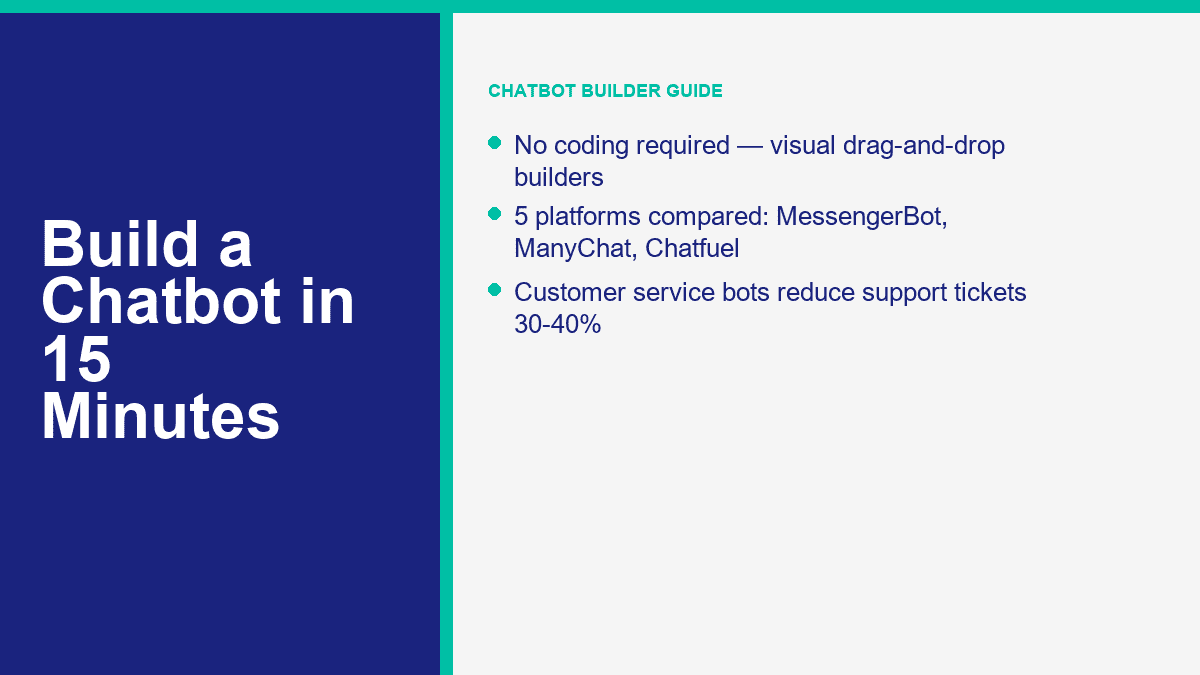
Construire un chatbot signifiait auparavant l'un des deux mauvais choix : engager un développeur ou se contenter d'une réponse automatique rigide qui semblait être une impasse. En 2026, ce compromis est en grande partie révolu. Les meilleurs constructeurs sans code vous offrent désormais des éditeurs de flux visuels, des aperçus en direct, des déclencheurs par glisser-déposer, la capture de prospects, le transfert humain, et suffisamment d'assistance IA pour gérer le travail répétitif sans transformer chaque conversation en un désordre.
Si vous dirigez une petite entreprise, une agence, une boutique en ligne, une pratique de coaching ou une entreprise de services locaux, le cas commercial est facile à comprendre. Un chatbot répond aux mêmes cinq à dix questions que votre équipe traite toute la semaine, capture des prospects après les heures d'ouverture, dirige les acheteurs vers la bonne offre et donne aux clients une réponse instantanée au lieu d'une boîte de réception silencieuse. Cela compte car le volume de support s'accumule rapidement. Les études de cas publiques continuent de se situer dans la même fourchette : une fois que les équipes automatisent bien les questions de routine, une réduction de 30% à 40% des tickets de support est réaliste. Une histoire de client Zapier publiée en avril 2024 a rapporté une réduction de 40%, ce qui est exactement pourquoi les constructeurs de chatbots sans code passent de “nice extra” à “core ops tool.”
L'autre aspect est la rapidité. Vous n'avez pas besoin d'une pile d'IA complète pour lancer quelque chose d'utile. Un bot FAQ basique pour Messenger ou votre site web peut être opérationnel en 10 à 15 minutes si vous restez discipliné et résolvez un problème à la fois. Si votre objectif principal est l'automatisation de Messenger, MessengerBot est l'endroit le plus rapide pour commencer car la plateforme est construite autour de la connexion à la Page Facebook, des modèles, de la création de flux et des fonctionnalités de transfert au lieu de vous forcer à travers une configuration multicanaux large dès le premier jour. Si vous voulez voir où commencent les limites payantes et les automatisations avancées, Voir les tarifs de MessengerBot avant de construire afin que vous sachiez vers quoi vous travaillez.
Pourquoi 2026 est l'année la plus facile pour lancer un chatbot
La grande raison est la maturité. Il y a quelques années, la plupart des bots sans code étaient des appariements de mots-clés glorifiés. Ils pouvaient dire bonjour, envoyer un lien et se bloquer au moment où un client formulait quelque chose différemment. Ce n'est pas ce à quoi ressemblent les constructeurs actuels. Les meilleures plateformes combinent maintenant trois choses en un seul endroit : un constructeur visuel pour des flux structurés, des connexions de canaux pour Messenger, Instagram, des widgets de site web ou WhatsApp, et des fonctionnalités d'IA qui peuvent absorber des FAQ ou du contenu d'assistance sans avoir besoin d'un développeur pour câbler chaque réponse à la main.
Cela change l'économie pour les petites équipes. Vous pouvez commencer avec un bot étroit qui gère le suivi des commandes, les heures d'ouverture, la politique de remboursement, la prise de rendez-vous ou la qualification des prospects, puis ajouter de la profondeur uniquement là où cela s'avère utile. Vous n'achetez plus de logiciels juste pour avoir l'air moderne. Vous achetez la rapidité de réponse, la cohérence et moins de temps humain passé à copier-coller des réponses.
Voici où les chatbots gagnent réellement leur pain :
- Service client : Répondre aux questions sur l'expédition, les heures d'ouverture, les prix, les politiques de retour, les problèmes d'accès au compte, et transférer les cas complexes.
- Capture de leads : Posez trois à cinq questions de qualification, collectez le consentement par e-mail ou par téléphone, puis dirigez les prospects qualifiés vers un CRM ou un flux de réservation.
- Soutien aux ventes : Recommandez un produit, montrez un chemin de tarification, affichez un formulaire de demande de démonstration, ou récupérez des paniers abandonnés.
- Couverture en dehors des heures : Maintenez la conversion en cours lorsque votre équipe est hors ligne au lieu de laisser chaque message en attente jusqu'au matin.
- Efficacité de l'équipe : Donnez aux agents humains les conversations qui nécessitent du jugement et de l'empathie, pas celles qu'un menu peut gérer en trente secondes.
Une note pratique avant de choisir un outil : aucun des constructeurs de chatbot sérieux n'est vraiment “aucune inscription requise.” Ce type d'outil existe pour des démonstrations, pas pour la production. Si vous souhaitez enregistrer des flux, connecter des canaux, gérer des autorisations et publier des conversations en direct, vous devez créer un compte. Le véritable facteur différenciant n'est pas de savoir si une inscription existe. C'est la rapidité avec laquelle la plateforme vous amène de l'inscription à une conversation fonctionnelle.
Si votre intérêt immédiat est WhatsApp plutôt qu'une pile de chatbot générale, lisez notre guide sur la création d'un chatbot WhatsApp gratuitement. Cet article cible un chemin de configuration différent et évite de mélanger le flux Messenger avec les règles de WhatsApp de Meta.
Les 5 constructeurs de chatbot sans code qui valent la peine d'être comparés en premier
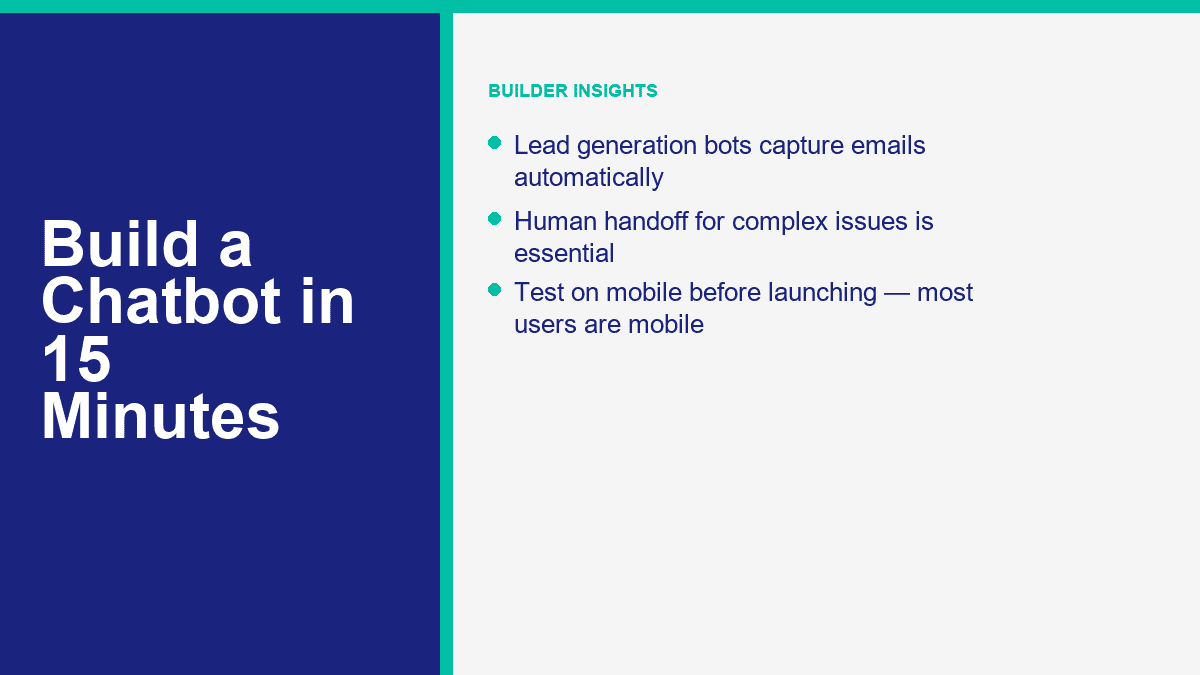
Je ne perdrais pas de temps à comparer quinze outils lorsque cinq couvrent presque tous les cas d'utilisation des petites entreprises. Le tableau ci-dessous se concentre sur les prix d'entrée publics et l'adéquation des canaux au 9 avril 2026. Les prix changent souvent, en particulier sur les remises annuelles et la facturation basée sur le contact, donc considérez les chiffres comme des points de départ, pas des garanties à vie.
| Outil | Meilleur pour | Prix de départ | Niveau gratuit ou essai | Principaux canaux | Notes sur l'IA et l'automatisation |
|---|---|---|---|---|---|
| MessengerBot.app | Entreprises axées sur Facebook Messenger qui souhaitent des flux visuels, des modèles et des outils de croissance intégrés | Premium à partir de $19,99 par 30 jours sur les prix promotionnels actuels | Essai gratuit disponible | Facebook Messenger, chat sur site, e-mail, SMS, Instagram sur les niveaux supérieurs | Constructeur de flux visuels, menu persistant, API JSON + Zapier, formulaires web, automatisation des commentaires, outils de commerce électronique |
| ManyChat | Créateurs et marketeurs axés sur Instagram et Messenger avec des automatisations claires | Essentiel à partir de $17 par mois ou $14 par mois annuel | Plan gratuit avec 25 contacts actifs et jusqu'à 4 automatisations en direct | Instagram, Facebook Messenger, TikTok, Telegram ; WhatsApp sur les niveaux payants | Automatisations de croissance puissantes, capture de leads, étiquettes, synchronisation avec Google Sheets, IA sur Pro et supérieur |
| Chatfuel | Entreprises qui souhaitent un messaging social axé sur l'IA avec un package commercial simple | $69 par mois | essai gratuit de 7 jours | Facebook, WhatsApp, Instagram, TikTok, widget de site web | Modèle à plan unique, assistant commercial IA, CRM intégré, réservation et automatisation sociale |
| Tidio | Équipes de support de site web qui souhaitent un chat en direct et une automatisation de chatbot dans une seule boîte de réception | Starter $24.17 par mois, Growth à partir de $49.17 par mois | Plan gratuit et essai de 7 jours des fonctionnalités payantes | Widget de site web, Messenger, Instagram, WhatsApp, email | Agent IA Lyro, billetterie, flux, forte prise en charge humaine, bon choix pour le support e-commerce |
| Landbot | Des pages d'atterrissage conversationnelles et des tunnels de site Web qui ont besoin d'une apparence plus visuelle | À partir de $45 par mois ou $36 par mois en annuel | Sandbox gratuit pour toujours avec 100 discussions par mois | Site Web, Facebook Messenger, WhatsApp, API | Conversations web solides, chats IA inclus dans les plans payants, particulièrement bons pour les flux de génération de leads |
Voici la version courte après avoir retiré les pages marketing :
- MessengerBot.app est le meilleur choix si votre canal principal est Facebook Messenger et que vous voulez un constructeur qui comprend déjà les Pages, les postbacks, les menus et l'automatisation spécifique à Facebook.
- ManyChat reste la recommandation la plus simple pour les créateurs et les marques vivant dans les DM Instagram, avec Messenger comme deuxième canal fort.
- Chatfuel est attrayant si vous souhaitez une approche plus centrée sur l'IA et aimez une offre simple à un plan plutôt que des mathématiques de contact à travers plusieurs niveaux.
- Tidio gagne lorsque le widget du site Web compte autant que le bot lui-même. C'est autant un bureau d'assistance qu'un constructeur de chatbot.
- Landbot est le plus efficace lorsque vous souhaitez que le chatbot agisse comme un entonnoir de conversion sur une page d'atterrissage, et pas seulement comme un répondant au support.
Pour une entreprise axée sur Messenger, je commencerais par MessengerBot avant de toucher à une plateforme plus large. La raison est simple : le flux de configuration est direct, le Visual Flow Builder est pratique, et la plateforme regroupe des éléments essentiels que les petites équipes ajoutent généralement plus tard, y compris des formulaires web, des menus persistants, l'automatisation des commentaires, l'accès API et le support Zapier. Si vous évaluez si les niveaux supérieurs en valent la peine pour votre cas d'utilisation, le moyen le plus rapide de le juger est de comparer les limites et intégrations incluses. Fonctionnalités de MessengerBot Pro.
Comment créer votre premier chatbot Messenger avec MessengerBot en une courte session
Un bot FAQ de base dans MessengerBot peut vraiment être construit en 10 à 15 minutes si vous gardez la première version concise. Votre objectif n'est pas de créer un concierge AI parfait dès le premier essai. Votre objectif est de lancer un bot qui gère les principales questions que les clients posent déjà, offre des choix évidents et transmet tout ce qui est compliqué à une personne.
Avant de commencer, assurez-vous d'avoir ces trois éléments prêts :
- Une page Facebook pour l'entreprise. Les bots se connectent aux pages, pas aux profils personnels.
- Un accès administrateur à cette page sur Facebook.
- Une courte liste de vos principales questions, telles que les prix, les horaires, les réservations, l'expédition ou le contact support.
Commencez à l'écran de connexion et importez la bonne page Facebook
Le flux de connexion documenté de MessengerBot commence à start.messengerbot.app. When the login page loads, you can sign in with your existing credentials or create an account if this is your first run. The important part comes after login: the dashboard opens with a left navigation sidebar, and the option you want is Importer un compte.
Cliquez Importer un compte, puis choisir Se connecter avec Facebook. Facebook opens the standard permission window. Continue with the correct Facebook user profile, especially if you manage more than one business. Once you approve the login, MessengerBot shows a list of Pages connected to that Facebook account. Check the boxes next to the Page or Pages you want to import, then click Suivant.
The next screen is where people create their own support tickets. MessengerBot asks for management-related permissions. Turn on the sliders for the permissions it requests. If you skip them, the import might appear to work while key automation features quietly fail later. After that, click Terminé, then confirm with OK.
At this point, the Page is imported, but one extra action still matters. On the imported Page row, click the icône de prise next to the Page name, then confirm the dialog. That action enables the connection. If the Page is imported but the plug icon step is skipped, the bot may sit there looking connected while Messenger never actually routes messages into the platform.
If your Page does not show up in the import list, one of these is usually true:
- You logged into the wrong Facebook account.
- You have editor access, not admin access, on the Page.
- You denied a required Facebook permission during the import flow.
Open the Visual Flow Builder and wire the first conversation path
With the Page connected, go back to the left sidebar and click Générateur de flux visuel. Then click bouton Créer un nouveau flux, pick the Facebook Page from the dropdown, and click OK. The builder opens into a canvas editor with a dock menu. That dock menu is the floating toolbox that contains components like le, Image, Modèle Générique, Carrousel, Flux d'Entrée Utilisateur, Bouton, Réponse Rapide, Déclencheur, et Nouveau Postback.
The screen is easy to read once you know what you are looking at. The center area is your editor. The dock menu is where you drag components from. A Démarrer le flux du bot node is already present on the editor as a reference point. For a first FAQ bot, build the smallest possible useful flow:
- Drag a Déclencheur component onto the editor and connect it to Démarrer le flux du bot ou un Nouveau Postback.
- Double-click the Déclencheur component to open the right-side settings panel.
- Add one or more keywords separated by commas, such as
hours, price, support, booking. - Cliquez OK.
- Drag a le component onto the canvas and connect it to the flow.
- Double-click the le component and type your welcome or answer message.
A solid first message looks something like this: “Hi, thanks for messaging Greenfield Dental. I can help with appointments, opening hours, insurance, or speaking to the front desk.” That is short, specific, and obviously useful. The mistake most first-time builders make is writing a paragraph that tries to explain everything. Do not do that. Keep it short enough to scan on a phone without scrolling.
MessengerBot also lets you add delay and typing-state behavior inside the component settings. Use that lightly. A tiny typing pause can feel natural. A three-second delay on every answer just makes the bot feel slow.
Add quick replies, buttons, and fallback paths without making the flow messy
Once the welcome text is in place, give users 3 to 5 obvious options. In MessengerBot, the cleanest way to do that is usually Réponse Rapide for FAQ-style choices or Bouton when you want an action such as opening a web form or triggering a postback.
For a local service business, your first bot can use quick replies like these:
- Book appointment
- Heures d'ouverture
- Tarification
- Talk to a person
Double-click the component you add and fill the labels clearly. “Learn More” is weak. “Talk to Support” is clear. “See Pricing” is clear. The platform documentation also highlights an important limitation that is easy to miss: from a text node, you can chain with either Suivant ou Réponses rapides, but not both at the same time. If a branch refuses to behave the way you expect, check that first. It is a common setup mistake.
For the “Pricing” or “Book appointment” paths, add a second le node or a Flux d'Entrée Utilisateur if you want to collect data such as email, phone, or preferred date. For “Talk to a person,” do not get clever. Route it to a plain handoff message with operating hours and the best contact path. A real customer service bot gets more trust when the human escape hatch is obvious.
If you want to capture lead data directly inside the conversation, MessengerBot’s platform also includes a web form builder, email and phone opt-in collection, Google Sheets support, and JSON API plus Zapier connectivity. That means a “Request a quote” path can move from Messenger into a CRM or spreadsheet without custom code. If you want deeper walkthroughs for those pieces after the first build, Parcourez nos tutoriels.
Turn on Get Started settings and a persistent menu so the bot feels complete
A bot with a good flow but no entry setup still feels half-finished. This is where MessengerBot’s Paramètres du bot matter. In the bot settings area, the documented options include Paramètres de démarrage, Paramètres généraux, Paramètres du bouton d'action, Paramètres du menu persistant, et Paramètres des messages de séquence.
For a first launch, spend five extra minutes on two things:
- Get Started settings: Turn on the Get Started button, write a short welcome message, and add ice breaker questions if they fit your audience.
- Persistent menu settings: Create a simple menu for core actions such as FAQs, pricing, book now, or human support.
MessengerBot’s own documentation describes the persistent menu flow as a locale-based setup. You select Paramètres du menu persistant, choose a locale, then add menu title and web URL details before submitting. For most businesses, one locale and three menu items is enough. More than that turns the menu into a junk drawer.
This is also the point where you should add your after-hours logic. A customer messaging at 11:40 p.m. does not need a fake live experience. They need a clear note that says when your team is back, whether the bot can help right now, and how to leave the information you need.
Test on an actual phone before you call the bot finished
Always test the flow inside the real Messenger app, not only inside a desktop preview. Send the keywords yourself. Tap every quick reply. Trigger the fallback. Try a vague message like “I need help with my order.” Try a human handoff request. Make sure the message blocks are readable on a phone screen and do not stack into a wall of text.
Here is the launch checklist I use for a first Messenger FAQ bot:
- The correct Facebook Page is imported and the plug icon connection is enabled.
- The Get Started button launches the right welcome flow.
- There are only 3 to 5 main menu choices.
- Every branch ends in either an answer, a form, or a human route.
- The fallback message explains what to do next instead of saying “I did not understand.”
- The whole conversation feels readable on mobile.
- The bot is saved and tested from the real Page message entry point.
If you get stuck on Meta permissions, webhooks, or deeper Page setup, our article on creating a Facebook developer chatbot is the better place to debug the platform side rather than the no-code workflow.
How to Turn a Basic FAQ Bot into a Customer Service Bot People Actually Use
Most customer service bots fail for one reason: the builder started with what the company wanted to say, not what customers actually ask. The fix is boring, but it works. Pull your last few weeks of support tickets, DMs, inbox messages, or live chat transcripts and list the top ten questions by frequency. Do not invent a clever hierarchy first. Start with raw demand.
A useful customer service bot usually covers these buckets:
- Order status or delivery timing
- Returns and refunds
- Business hours and location
- Pricing and packages
- Account access or login help
- Appointment booking or rescheduling
- Speaking to a human
Then map one response flow per bucket. Keep each flow narrow. If the customer asks for store hours, the bot should answer store hours and optionally offer the next best action such as directions, booking, or phone support. It should not suddenly dump a promotion, ask for three fields, and show five unrelated buttons.
Human handoff is the non-negotiable part. Chatbots are good at repetitive questions, simple classification, and basic next-step routing. They are not good at angry customers, exceptions, billing disputes, or nuance-heavy service recovery. So put the human option where people can see it. “Talk to support” should be one tap away, not hidden after three loops.
Also set expectations around time. If your team replies 9 a.m. to 5 p.m. Monday through Friday, say that. If away messages are active after hours, say that. A bot that pretends to be live while nobody is there damages trust faster than no bot at all.
For ecommerce teams, one practical pattern works especially well: let the bot answer easy questions instantly, collect order number or email if needed, then pass that context to an agent instead of making the customer repeat it. That is the point where automation starts to feel helpful instead of defensive.
How to Build a Lead Generation Chatbot Without Making It Feel Like a Form
Lead generation bots work best when they feel like guided qualification, not a survey trap. The simplest model is this: greet, state the use case, ask three to five smart questions, collect contact details with clear consent, then route the lead into the next action. That next action might be a calendar link, a quote request, a sales rep handoff, or an automated follow-up sequence.
A clean lead-gen sequence usually looks like this:
- Identify intent: “Are you looking for pricing, a demo, or a custom quote?”
- Qualify lightly: business size, use case, timeline, or budget range.
- Collect contact info: email, phone, or both.
- Confirm consent: tell them what happens next and how follow-up works.
- Route: send to CRM, spreadsheet, booking page, or sales handoff.
What you should not do is ask eight questions before proving the bot is helpful. If someone wants a quote, do not demand company size, department count, annual revenue, preferred stack, and office location before giving them anything useful. Earn the right to ask for data.
This is where MessengerBot’s built-in form and integration features matter. The platform’s current pricing page lists web view form builder tools, email and phone opt-in collection, Google Sheets integration, and JSON API plus Zapier support. That is enough for most SMB lead funnels. A clean setup is:
- Use Messenger to start the conversation.
- Qualify with quick replies or a user input flow.
- Capture email and phone with explicit opt-in language.
- Push the lead to Google Sheets, Zapier, or your CRM.
- Trigger a follow-up sequence or notify sales.
For US and UK businesses, compliance is the part people skip until it hurts. If you are collecting email or phone numbers, say what the customer is agreeing to receive. If SMS is involved, make the opt-in explicit. If you plan follow-up sequences, tell them. A short consent line is better than pretending the issue does not exist.
One example. If you are a home services company, your chatbot can ask:
- What service do you need?
- Is this for home or business?
- What ZIP or postcode are you in?
- What is the best email or phone number for a quote?
That is enough to pre-qualify without exhausting the lead. Once the data is captured, automation can do the rest: send a confirmation, alert the right salesperson, tag the contact by service type, and place them into a follow-up path. If you need multi-step automations, additional seats, broader channel support, or more aggressive routing, that is the point where Fonctionnalités de MessengerBot Pro start to matter.
The Chatbot Mistakes That Waste Time, Leads, and Goodwill
Most chatbot problems are self-inflicted. Not technical. Just sloppy design.
- Too many menu options: If the first screen has eight choices, most people will stop reading. Keep the main menu to 3 to 5 options.
- No human handoff: Customers tolerate automation until they need judgment. After that, blocking a human feels hostile.
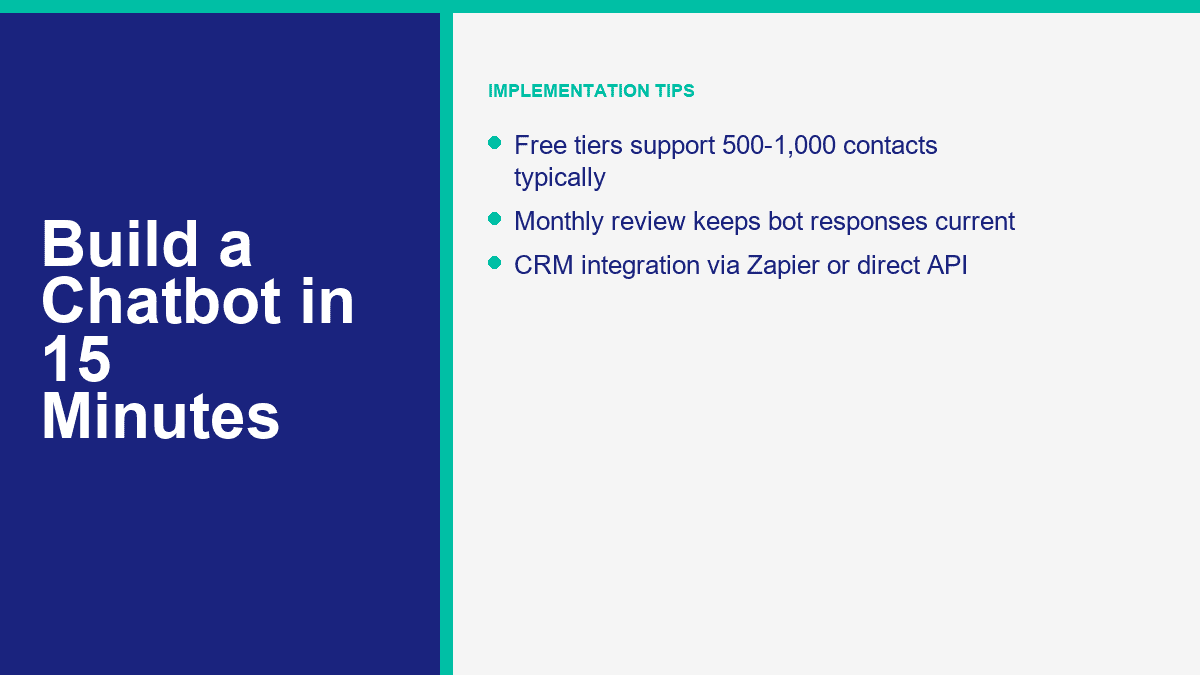
- Mobile-unfriendly copy: Messenger and site chat are phone-first channels. Long paragraphs and stacked buttons get ugly fast.
- Testing only on desktop: What feels clean on a wide screen often looks cramped on a phone.
- Trying to sound too clever: Cute bot personality is fine. Confusing people is not.
- Set and forget: Your FAQs, pricing, promotions, and support pain points change. Review the bot monthly.
The simplest rule is this: each screen should move the customer forward. Answer something. Narrow something. Collect something useful. Or route them to a person. If a screen does none of those, it probably does not belong in the flow.
When a Free Chatbot Plan Stops Being the Cheap Option
Free plans are good for one thing: proving the workflow. They are rarely good for running a serious support or lead-gen channel for long. ManyChat’s free plan, for example, is genuinely useful for testing, but it caps you at 25 active contacts and four live automations. Landbot’s Sandbox gives you 100 chats a month. Tidio’s free plan gets you started, but quotas arrive quickly once support volume becomes real. Chatfuel skips the permanent free plan and pushes you into a 7-day trial plus a paid subscription. MessengerBot leans on trial and paid tiers rather than a forever-free business plan.
That does not make free plans bad. It just means you should use them for the right phase. The free phase is for validating:
- Will customers use this entry point?
- Which questions show up most often?
- Does the bot reduce repetitive work?
- Can you capture leads cleanly?
- Do you need website chat, Messenger, or both?
You have probably outgrown the free tier when any of these show up:
- Your contact or conversation limits reset before the month ends.
- You need integrations instead of manual exports.
- You need multiple teammates in the inbox.
- You want branding removed.
- You need AI handling, sequences, CRM sync, or advanced routing.
- You want the bot on more than one serious channel.
For a small business, the paid upgrade is usually easy to justify once the bot prevents even a few lost leads or saves a few hours of support time each month. A $20 to $50 monthly tool that captures one extra customer inquiry or removes a few repetitive tickets is not expensive. A free bot that breaks the customer journey because it hit a quota is expensive in a quieter way.
MessengerBot’s current public pricing positions the platform like this: Prime is the low-friction starting point, Pro expands Page and widget capacity, and Agence is for teams handling multiple accounts or a large book of clients. The platform also bundles extras that many tools charge around separately, including website chat, templates, API or Zapier connectivity, and ecommerce-oriented features. If you want the current limits, entry discounts, and plan breakdown in one place, Voir les tarifs de MessengerBot.
What to Do After the First Bot Goes Live
Once the first version is live, the next move is not rebuilding from scratch. It is optimization. Look at which buttons people tap, where they stop replying, which messages trigger human handoff, and what phrases still escape your flow. Tighten those spots one by one. That is how a 15-minute starter bot turns into a genuinely useful business asset over the next month.
If you want more build patterns and platform-specific walkthroughs, Parcourez nos tutoriels. If you are comparing limits, integrations, and monthly cost before expanding the bot, Voir les tarifs de MessengerBot. And if your next step is more advanced automation, multi-channel routing, or larger-scale campaigns, review Fonctionnalités de MessengerBot Pro before you map the next version.
Questions fréquemment posées
Puis-je créer un chatbot sans savoir coder ?
Yes. That is the whole point of modern no-code builders. Tools like MessengerBot, ManyChat, Tidio, Chatfuel, and Landbot let you connect channels, drag components into a flow, write responses, add forms, and publish without touching code. You only need code if you want custom backend logic or highly specialized integrations.
Combien de temps faut-il pour créer un chatbot à partir de zéro ?
A basic FAQ or lead-capture chatbot can be built in about 10 to 15 minutes if your questions and responses are already prepared. A better first version, with testing, handoff logic, and mobile cleanup, usually takes 30 to 60 minutes. More advanced bots with CRM routing, AI answers, and follow-up sequences take longer.
Quel est le meilleur constructeur de chatbot gratuit pour les petites entreprises ?
It depends on the channel. ManyChat has one of the most usable true free tiers for Messenger and Instagram testing. Tidio is strong if your main need is website chat plus a lightweight bot. Landbot’s Sandbox works well for early website funnel experiments. If Facebook Messenger is the main channel and you want the fastest path into a production-grade flow, MessengerBot is often the better long-term fit even though it is more trial-and-paid oriented than free-forever.
Combien cela coûte-t-il de créer un chatbot pour mon site web ?
For a no-code website chatbot, the realistic starting range is usually $0 to about $50 per month depending on the tool and your traffic. Free plans are enough for testing. Paid plans become worth it once you need more visitors, more contacts, more automations, AI features, or team access. A custom-built chatbot costs much more because development and maintenance are part of the bill.
Un chatbot peut-il vraiment remplacer les agents du service client ?
No, and that should not be the goal. A good chatbot replaces repetitive ticket handling, not human judgment. It can answer common questions instantly, collect context, and route people to the right place. Human agents are still better at exceptions, emotional conversations, account disputes, and anything that needs flexibility.



 Français
  English
  Tagalog
  简体中文
简体中文  العربية
  हिन्दी
  Português do Brasil
  Español de México
  বাংলা
বাংলা  香港中文
香港中文  繁體中文
繁體中文  Nederlands
  Deutsch
  Bahasa Indonesia
  日本語
日本語  한국어
한국어  Polski
  Русский
  Español
  Tiếng Việt