
Messenger 機器人不再是品牌想要看起來「創新」的副業。對於許多小型企業來說,它們現在是快速回答例行問題、在非工作時間捕獲潛在客戶,以及讓買家持續進行而不必讓客戶等待下一位可用人員的最便宜方式。.
這很重要,因為 Messenger 仍然位於買家已經花時間的地方。Meta 的消息生態系統仍然龐大,而 Messenger 本身仍然能夠觸及全球約 13 億用戶。對於企業主來說,更重要的是,這是一個人們實際檢查的收件箱。行銷人員仍然圍繞 Messenger 參與度基準進行計畫,這些基準通常在 80% 範圍內,而電子郵件的平均值則往往接近低 20。當客戶想要價格、預訂連結、交付更新或人員回撥時,Messenger 通常是興趣與行動之間的最短路徑。.
大多數與此主題相關的排名頁面都是由聊天機器人供應商撰寫的,解釋為什麼他們自己的工具是解決方案。這在某種程度上是有用的,但當你需要決定 Messenger 首先的平台、網站支持平台或多渠道系統哪個更適合你的業務時,這並沒有幫助。本指南採取實用的方式:工具的成本、它們的適用範圍、它們不適用的地方,以及如何在大約 15 分鐘內啟動一個 Messenger 機器人,而不必建立一個你的團隊討厭維護的東西。.
本文中的定價和政策細節已於2026年4月9日與公共產品和幫助頁面進行核對。如果您仍在考慮是否從完整的Messenger工作流程或更通用的無代碼聊天機器人構建器開始,, 我們的逐步聊天機器人構建指南 是更好的伴隨材料。.
為什麼Messenger自動化已從可有可無變成核心業務基礎設施
理解Messenger機器人投資回報率的最簡單方法是停止思考“AI”,開始思考重複的工作。每個企業都有相同的重複請求:商店營業時間、服務區域、價格範圍、預訂鏈接、退款窗口、訂單更新、約會提醒、運輸問題,以及晚上9:40的“有人在嗎?”消息。Messenger機器人將這些轉化為一個系統。.
當該系統運行良好時,三件事情會迅速發生。首先,回應時間從幾小時縮短到幾秒。其次,支持團隊花費更少的時間在整週內輸入相同的答案。第三,因為沒有人立即回覆而可能會流失的客戶會繼續在漏斗中前進。.
企業主關心的基準在2026年仍然看起來很有吸引力:
- 受眾觸及: Messenger仍然為企業提供了訪問龐大的已安裝用戶基礎的機會,這對於您的客戶已經活躍於Facebook和Instagram來說是很重要的。.
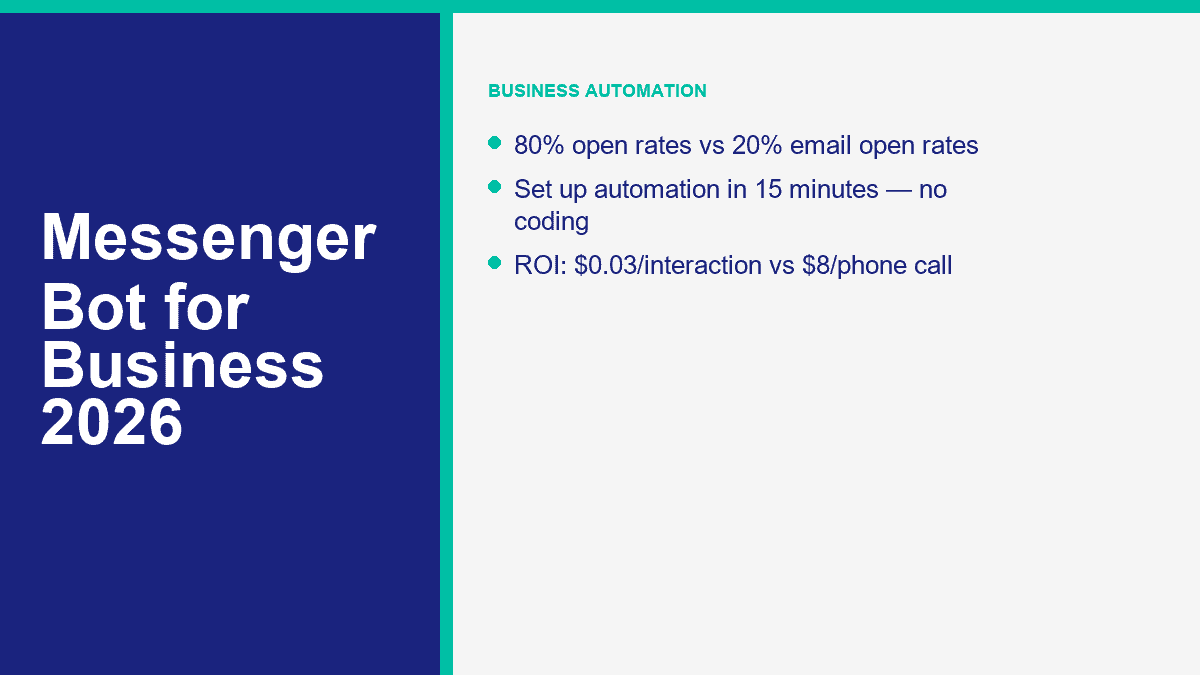
- 注意力: Messenger 的開啟率通常約為 80%,而電子郵件的平均開啟率約為 20%。.
- 支持效率: 精心設計的 FAQ 和路由機器人通常能將支援票的數量減少 30% 到 40%,一旦最常見的問題被自動化。.
- 每次互動的成本: 機器人互動的成本通常在 0.01 到 0.05 美元之間。當包括人工和間接費用時,實時電話支援互動的成本通常為 6 到 12 美元。.
這個成本差距就是為什麼當你的收件箱量變得可預測時,Messenger 自動化就不再是選擇。如果你的業務每月處理甚至 100 個 Messenger 或 Facebook 頁面的詢問,數學已經很明顯:
| 每月詢問量 | 每次估計機器人成本為 0.03 美元 | 每次估計電話支援成本為 8 美元 | 潛在的每月節省 |
|---|---|---|---|
| 100 | $3 | $800 | $797 |
| 300 | $9 | $2,400 | $2,391 |
| 500 | $15 | $4,000 | $3,985 |
這些是計劃數字,而不是保證每個詢問都可以完全自動化。有些對話仍然需要人來處理。但即使是部分自動化也會改變經濟學。如果一個機器人處理了前 50% 的進入量,並且已經識別了客戶的意圖來路由其餘的,你的團隊每週仍然可以節省幾小時的時間。.
The other reason Messenger bots matter now is channel behavior. Customers increasingly start with a DM before they ever call, fill out a form, or open email. That makes Messenger automation one of the few places where customer service, lead capture, and sales support all meet in the same thread.
The 5 Messenger Bot Platforms Worth Comparing Before You Spend a Dollar
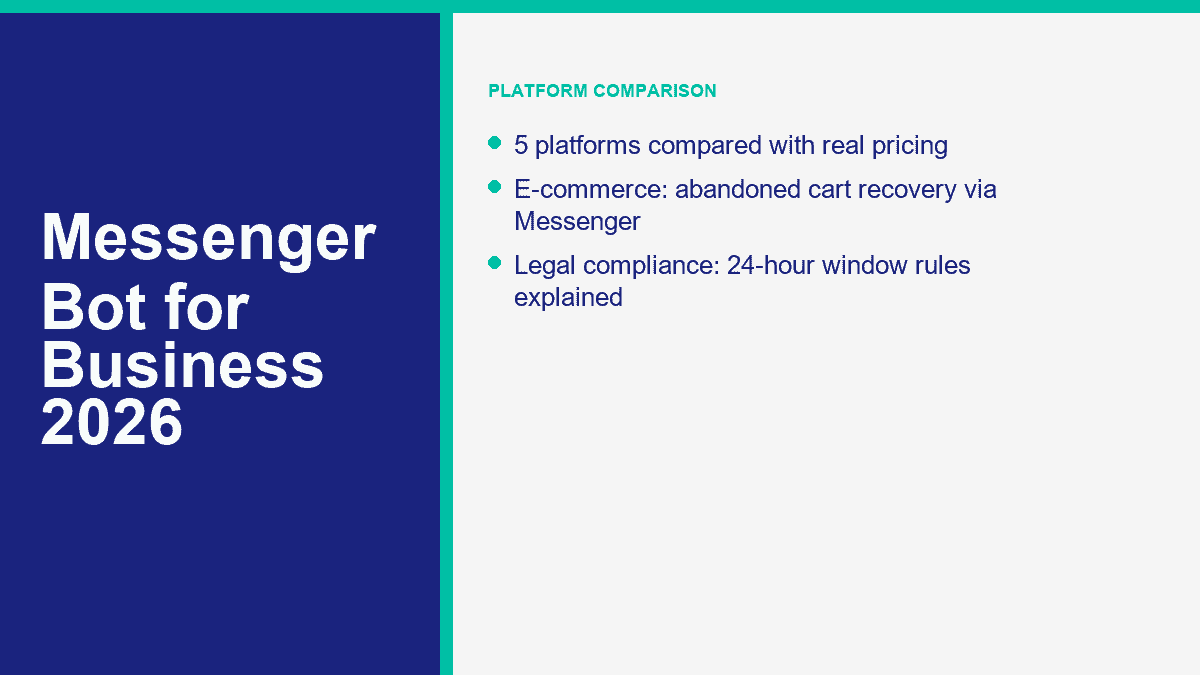
Here is the honest version: there is no serious business Messenger bot platform with a meaningful “no sign up required” experience. If you see that promise, you are looking at a demo, not a production workflow. For an actual business deployment, these are the five names worth comparing first.
| 平台 | Public entry pricing | 免費層或試用 | AI capability | 整合 | 易用性 | 最佳適合 |
|---|---|---|---|---|---|---|
| MessengerBot.app | Premium from $19.99 per 30 days on current promo pricing; Pro from $49.99; Agency from $299.99 | 免費試用 | Visual flow builder, FAQ automation, ecommerce flows, lead capture, website chat | Zapier, JSON API, Google Sheets, WooCommerce, SMS, email, website widgets | Easy for Messenger-first teams | Small businesses that want Facebook Messenger automation first, not as an afterthought |
| ManyChat | 免費計劃;基本版每月 $17;專業版每月 $39;進階版每月 $199 | 免費層級和 14 天的付費計劃試用 | 專業版及以上的 AI 驅動自動化 | Messenger、Instagram、WhatsApp、SMS、電子郵件、Google Sheets、CRM 和商務工具 | 非常容易學習 | 在 Messenger 和 Instagram 之間分散注意力的企業 |
| Chatfuel | Facebook Business 每月 $23.99;企業版從 $400 開始 | 免費試用 | AI 代理功能、常見問題處理、潛在客戶捕捉、預訂流程 | Google Sheets、Stripe、Zapier、JSON API、特定頻道的自動化 | 容易進行管理 | 希望在 Facebook、Instagram 和 WhatsApp 上使用 AI 重度消息傳遞的企業 |
| Tidio | 免費計劃;入門版每月 $24.17;成長版每月 $49.17;Lyro AI 每月 $32.50 | 免費計劃加上試用式 AI 配額 | Lyro AI 代理人,具備 FAQ 和網站知識訓練 | 網站小工具、Messenger、Instagram、WhatsApp、電子郵件、Zendesk、Salesforce | 對支持團隊來說很簡單 | 希望將網站聊天和 Messenger 整合在一個收件箱中的企業 |
| MobileMonkey / Customers.ai | 目前 Customers.ai 的定價從每月 $600 開始 | 7 天免費試用 | AI 和數據工具現在專注於訪客身份和名單增長,而不是傳統的 Messenger 機器人 | Klaviyo, Meta Ads, Shopify, CRM and data sync tools | Harder fit for SMB Messenger use | Agencies and ecommerce brands using visitor ID and audience enrichment more than Messenger automation |
MessengerBot.app Is the Best Fit When Facebook Messenger Is the Actual Priority
This is the platform I would start with if your business goal is straightforward: automate Facebook page messages, build FAQ flows, capture leads, route people to a human, and keep the setup inside a builder that already understands Messenger mechanics. The public pricing page is also unusually clear for this category. Premium starts at $19.99 per 30 days on the current offer, Pro at $49.99, and Agency at $299.99. That gives small businesses a real ramp instead of forcing them into enterprise math too early.
MessengerBot also bundles the extras most businesses end up needing anyway: web forms, persistent menus, website chat, comment automation, Google Sheets sync, JSON API and Zapier support, abandoned cart recovery, and higher-tier Instagram tools. If you want the live plan limits before you choose, 查看 MessengerBot 價格.
ManyChat Is Still the Safest Beginner Pick for Social DM Automation
ManyChat remains strong because the learning curve is low and the free tier is still useful. The March 2026 pricing refresh gives new accounts a free plan with 25 active contacts and up to 4 live automations, an Essential plan at $17 per month, Pro at $39 with AI-powered automation, and Advanced at $199 for scale. If your team cares as much about Instagram as Messenger, ManyChat deserves a serious look.
The limitation is focus. ManyChat is excellent for creators, marketers, and social-first brands, but a Messenger-first business sometimes ends up paying for a broader social automation stack than it really needs.
Chatfuel Is Stronger Than Its Brand Memory Suggests
A lot of people still think of Chatfuel as an older Facebook bot builder. That undersells where it sits in 2026. Chatfuel’s public pricing for Facebook starts at $23.99 per month, with conversation-based pricing and Enterprise from $400. It now leans hard into AI agents, lead qualification, booking workflows, and multichannel support across Facebook, WhatsApp, and Instagram.
If your business wants more AI-led conversation handling than rigid menu flows, Chatfuel is a credible option. The tradeoff is that pricing can climb fast once conversation volume grows.
Tidio Makes Sense When Messenger Is Only One Piece of Customer Support
Tidio is not a pure Messenger bot platform. It is a customer support platform with Messenger support. That distinction matters. If most of your traffic starts on your website and Messenger is just one inbound path, Tidio can be the smarter buy because the inbox, live chat, ticketing, and Lyro AI agent all work together. Public pricing currently starts with a free plan, then Starter at $24.17 per month and Growth from $49.17. Lyro AI starts at $32.50 per month and every account gets 50 free AI conversations to test it.
The downside is channel fit. If Facebook page automation is your whole strategy, Tidio can feel broader than necessary.
MobileMonkey Is Now Customers.ai, and That Changes the Recommendation Completely
This is the comparison most roundup posts skip. MobileMonkey is no longer really a Messenger bot platform in the old sense. The company openly explained its pivot away from Messenger automation because Meta controlled too much of the product surface and the space became intensely competitive. In 2026, Customers.ai’s public pricing starts at $600 per month for identity resolution and ecommerce audience growth. That is a very different product, and a very different buyer.
So yes, MobileMonkey belongs in the conversation because people still search for it. But for a small business looking for a practical Messenger bot today, it is no longer the obvious fit.
How to Set Up a Facebook Messenger Bot for Your Business in About 15 Minutes
The fastest successful build is never the fanciest one. The winning first version handles the top questions customers already ask, gives them 3 to 5 clear choices, captures leads where it makes sense, and sends edge cases to a human.
- Create or clean up your Facebook Business Page. Use a Page, not a personal profile. Make sure your hours, phone, website, location, and service description are current before the bot starts answering on your behalf.
- Choose the platform based on your real channel mix. If Messenger is the main channel, use a Messenger-first builder. If the website widget matters more, use a support-led platform.
- Connect the Page and approve the correct permissions. In MessengerBot, that means importing the Facebook account, selecting the right Page, and activating the connection after import.
- Write a welcome message that answers something immediately. Do not open with a vague greeting. Open with help.
- Build FAQ branches from real inbox questions. Start with hours, pricing, booking, shipping, returns, availability, or quote requests.
- Add one lead capture path. Collect the minimum useful data, usually name plus email or phone and the reason for contact.
- Add one human handoff path. Customers need an escape hatch for anything sensitive, urgent, or unusual.
- Test the full flow on an actual phone. Desktop previews lie. Messenger is a mobile-first experience.
Start With the Business Goal, Not the Menu Tree
Ask one blunt question before you touch the builder: what do you want the bot to do more often this month? If the answer is “everything,” the bot will probably fail. If the answer is “book more demos,” “answer after-hours questions,” or “qualify property inquiries,” you can build something useful quickly.
The first version should usually solve one of these jobs:
- Answer frequently asked questions after hours
- Send visitors to the booking page
- Capture quote requests
- Route support issues to the right team
- Handle order status and delivery questions
Connect Your Facebook Page Correctly the First Time
If you are using MessengerBot, the setup flow is direct. Sign in, import the Facebook account, select the business Page, approve the requested permissions, and activate the connection on the imported Page. The usual setup failures are mundane: wrong Facebook login, not enough Page access, or skipped permissions during the import.
Once the Page is connected, open the Visual Flow Builder and create a new flow for that Page. This is where small businesses save themselves weeks of future cleanup. Build with triggers, text blocks, quick replies, buttons, and user-input nodes in a way that feels obvious on a phone screen. If you want the platform-specific walkthroughs for menus, forms, flows, and handoff rules, 瀏覽我們的教程.
Write a Welcome Message That Feels Useful in the First Two Lines
A weak welcome message sounds like this: “Hi! Welcome to our Messenger. How can we assist you today?” A better one sounds like this: “Hi, thanks for messaging Northfield Dental. I can help with appointments, pricing questions, insurance info, or speaking to the front desk.”
The difference is not personality. It is clarity. The customer should immediately understand what the bot can do, what the likely next tap is, and whether a human option exists.
Keep the opening menu narrow. Three to five choices is usually enough:
- Book appointment
- 定價
- 營業時間
- Order help
- Talk to a person
Turn FAQs Into Branches, Not Essays
Most first-time bots fail because the owner writes long paragraphs instead of short actions. Customers do not want a brochure inside Messenger. They want the next useful answer.
Build one short branch for each common request. For example:
- 定價: share a starter range, link to a quote or pricing page, then ask if the customer wants a custom quote.
- Booking: send the booking link, then offer a fallback if the customer wants a callback instead.
- Order tracking: ask for order number or email, then route to a status response or human help.
- Human support: set expectations for response hours and invite the customer to leave the issue now.
The simplest rule is this: every branch should end in an answer, an action, or a handoff. If a branch ends in confusion, it needs to be rewritten.
Add Lead Capture Without Turning Messenger Into a Bad Form
Lead capture belongs in a Messenger bot when the customer already has intent. It does not belong in the first five seconds of every conversation. Ask for contact details after you have helped them, not before.
A clean lead-capture flow usually asks for:
- 姓名
- Email or phone
- The service or product they want
- One qualifying detail, such as timeline, location, or budget range
That is enough to route a real lead. If you later want more advanced routing, comment automation, sequence logic, or multi-page growth tools, that is where MessengerBot Pro 功能 become relevant.
Test on Mobile, Then Launch Narrow
Always run the bot from the actual Messenger app before launch. Tap every quick reply. Trigger the fallback. Ask an off-script question. Request a human. Make sure every screen is readable without turning into a wall of text.
Then launch only the narrow version first. Let the bot absorb live traffic for a week. Review where people tap, where they stop, and which questions still escape the flow. That real-world data is more valuable than another hour of guessing on the canvas.
Messenger Bot Use Cases That Generate Revenue Instead of Just Looking Automated
The most profitable Messenger bots are not the ones with the most branches. They are the ones that remove friction in a buying moment. That looks different by industry, but the pattern stays the same: answer quickly, narrow intent, collect the right information, and move the customer toward the next action.
Ecommerce Bots Recover Revenue That Would Otherwise Go Silent
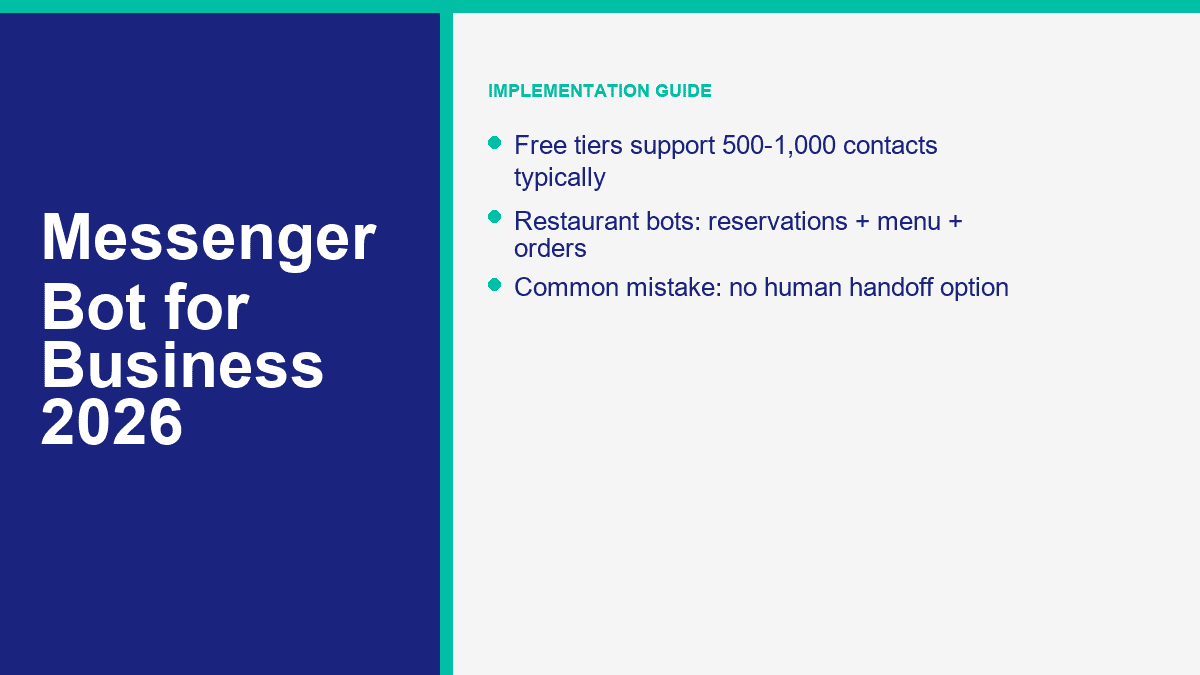
For online stores, the best Messenger flows usually center on abandoned carts, order tracking, delivery questions, product recommendations, and post-purchase upsells. A customer asking “where is my order?” should not have to wait for an agent if the bot can collect the order number and return the right status path. A shopper who asks which product fits a need can be guided into a short recommendation branch instead of leaving the site to keep searching.
One practical ecommerce stack looks like this: ad click or site visit, Messenger opt-in, product FAQ flow, abandoned cart reminder, order updates, then a human handoff for anything billing-related. That is a cleaner use of automation than trying to replace the entire store with a bot.
Restaurant Bots Turn DMs Into Reservations, Menu Views, and Repeat Orders
Restaurants get huge value from simple utility flows. A Messenger bot can handle reservations, opening hours, menu links, delivery zones, event bookings, and common dietary questions with almost no friction. The bot does not need to act like an AI sommelier. It just needs to answer faster than the next restaurant in the search results.
If you run multiple locations, Messenger automation also reduces a common support problem: customers messaging the wrong Page. The bot can immediately route them to the right location, hours, or booking number instead of making staff answer the same redirect question all night.
Real Estate Bots Pre-Qualify Leads Before an Agent Ever Calls
Real estate is one of the cleanest Messenger bot use cases because most inbound questions are qualification questions anyway. A bot can ask whether the customer wants to buy, rent, or sell, what area matters, what budget range they are considering, and when they want to move. That trims a cold inquiry into a real lead before the agent steps in.
Showing requests also fit Messenger well. A short bot flow can propose time slots, collect contact details, and pass the conversation with context attached. That is not just convenience. It improves agent follow-up because the lead is no longer arriving as an unstructured DM.
Professional Service Firms Use Bots Best as Triage, Not Replacement
For law firms, accountants, consultants, dental practices, gyms, salons, and home service companies, the highest-value use cases are appointment booking, quote requests, FAQ handling, document-request prep, and after-hours triage. A prospective client who messages at 8:15 p.m. does not need a fully autonomous advisor. They need a clear next step and reassurance that someone will pick it up.
This is the category where businesses often outgrow starter flows fastest. Once the bot becomes a real lead-gen asset across several client accounts or multiple locations, operational controls matter more. That is the point where MessengerBot for Agencies becomes relevant for teams managing many Pages instead of one.
The Compliance Rules That Keep Your Messenger Bot Legal and Your Page Safe
The short answer to “is a Messenger bot legal?” is yes. The more useful answer is yes, if you stay inside Meta’s messaging rules and treat customer data like something you are responsible for, not something a bot platform magically handles for you.
The 24-Hour Messaging Window Still Drives the Whole Channel
Meta’s standard messaging rules still revolve around the customer’s last interaction. If a person messages your business, you generally have a 24-hour window to send standard replies, including promotional content inside that active conversation. Once that window closes, your options narrow fast.
This matters because one of the most common bot mistakes is assuming a Page can blast subscribers whenever it wants. It cannot. In 2026, the outside-the-window rules are stricter and more fragmented than most old Messenger tutorials suggest. Meta’s recurring notification model is being phased out, message-tag behavior has tightened, and newer Marketing Messages on Messenger features are paid, opt-in based, and still rolling out. The safe operational rule is simple: if the customer has not engaged recently, do not assume you are allowed to send them a promotional message.
Utility Updates Are Different From Marketing Messages
There is a real distinction between “your order shipped” and “here is our weekend promo.” Utility-style updates such as order confirmations, shipping updates, account alerts, and appointment reminders can qualify for non-promotional messaging paths outside the normal window when they meet Meta’s approved use cases. Promotional follow-up is a separate category and needs the right opt-in structure and delivery path.
That is why a Messenger bot should always separate support, utility messaging, and marketing logic inside the flow design. If you blur those categories, you create compliance risk and a worse user experience at the same time.
Opt-In and Opt-Out Need to Be Obvious
If your bot collects an email address, phone number, or permission for future follow-up, say what the customer is agreeing to receive. That is basic compliance and basic trust. The opt-out should be equally easy. “Reply STOP,” “tap unsubscribe,” or a simple menu option is better than hiding the exit.
For UK and EU traffic, GDPR and UK GDPR rules still apply to the personal data your bot collects. That means you need a lawful basis for processing, a privacy notice, data minimization, and a practical way to honor deletion or access requests. If your business operates in a regulated sector or serves both US and UK customers at scale, run the flow and consent language past counsel before launch.
One more practical note: bots are not a loophole around privacy obligations. If your customer would reasonably expect a human to handle sensitive information, build the handoff path instead of forcing the entire issue through automation.
What a Messenger Bot Really Costs for a Small Business
The search result answer is usually “it depends.” The real answer is more useful: most small businesses can test Messenger automation for free or very cheaply, run a real production setup for somewhere between about $20 and $100 per month, and move into agency or enterprise spend once volume, team size, or channel complexity increases.
Free Tiers Are Good for Testing, Not for Running a Serious Inbox Forever
ManyChat still has the most usable true free tier for this category: $0, 25 active contacts, and 4 live automations. Tidio’s free plan is useful too, but the AI side is really a capped test because the free Lyro quota is 50 lifetime conversations, not a monthly renewable AI allowance. MessengerBot and Chatfuel both lean more on trials than free-forever production use, which is often the better trade if the goal is a real business workflow rather than hobby experimentation.
The important part is the real limit, not the word “free.” A free plan that stops being useful the moment you get traction is a testing plan, not an operating model.
Paid Plans Usually Land in the $10 to $100 Range for SMBs
Here is what that looks like today for a typical small business:
- MessengerBot Premium: $19.99 per 30 days on current promo pricing
- MessengerBot Pro: $49.99 每 30 天
- ManyChat Essential: $17 per month
- ManyChat Pro: $39 per month
- Chatfuel Facebook Business: from $23.99 per month
- Tidio Starter: $24.17
- Tidio Growth: from $49.17 per month
That is why the typical SMB bot budget lands inside the $10 to $100 range. You can spend more, but you do not need enterprise software to answer FAQs, capture leads, and route customers correctly.
Enterprise and Agency Spend Starts Around $200 and Climbs Fast
Once you need multi-account management, larger teams, deeper analytics, white labeling, or heavy conversation volume, costs move into a different bracket. ManyChat Advanced starts at $199 per month. MessengerBot Agency is $299.99 per 30 days on current promo pricing. Chatfuel Enterprise starts at $400. Tidio Plus starts at $749. Customers.ai starts at $600 because it now sells a very different ecommerce data product.
This is where a lot of agencies make the wrong comparison. They compare a $300 tool to a $20 tool and call the cheaper one “better value.” That misses the operational question. If you are managing multiple client Pages, a cheaper plan that creates manual work is not actually cheaper.
The Small-Business ROI Calculation Is Usually Obvious by Month One
Use the example most owners can relate to. Say your bot handles 100 inquiries this month. If the automated interaction cost is about $0.03 each, that is $3. If those same inquiries would otherwise be handled by phone support at $8 each, that is $800. Even if only half the volume is fully handled and the rest just gets routed better, the savings are still material.
That makes the decision less about whether a bot is “cheap” and more about whether the flow is actually doing work. A $19.99 or $49.99 plan that prevents missed leads, shortens response time, and removes repetitive staff labor is easy to justify. If you want the exact current breakdown across Premium, Pro, and Agency, 查看 MessengerBot 價格.
The Mistakes That Make Messenger Bots Feel Annoying, Expensive, or Useless
The technology is rarely the problem. Bot performance usually falls apart because the setup is sloppy.
- No human handoff path: This is the fastest way to make automation feel hostile. Customers tolerate bots until they need judgment.
- Too many opening options: Eight buttons on the first screen is not “helpful.” It is clutter.
- Ignoring the 24-hour reply window: Many businesses discover Messenger policy the hard way, after broadcasts fail or delivery errors start showing up.
- Testing only on desktop: A flow that looks clean on a large screen can feel unreadable in the actual Messenger app.
- Collecting too much lead data too early: If the bot asks five fields before helping, users leave.
- Setting and forgetting: Pricing, services, promotions, and FAQs change. Bots need a monthly review.
- Trying to sound too clever: A bot does not need a personality gimmick. It needs to solve the customer’s next problem.
The best maintenance habit is simple: once a month, review your top support questions, look at where conversations drop off, update outdated answers, and test the handoff path. That one habit does more for bot performance than adding more AI buzzwords ever will.
Where Most Businesses Should Start This Week
If your inbox volume is real but your team is still answering the same questions by hand, start with one narrow Messenger workflow and get it live. Build FAQs, add one lead-capture path, add one human handoff path, then test it on a phone. From there, compare limits and channels against 查看 MessengerBot 價格, review MessengerBot Pro 功能 if you need more automation depth, and use 瀏覽我們的教程 for the builder walkthroughs.
常見問題
使用 Messenger 機器人來經營我的業務是否合法?
Yes, if you follow Meta’s messaging rules and treat customer data properly. The big guardrails are the 24-hour messaging window, correct use of utility versus promotional messages, clear opt-in and opt-out handling, and GDPR or UK GDPR compliance if you collect personal data from UK or EU users.
Facebook Messenger 機器人要多少錢?
For most small businesses, a real Messenger bot setup lands somewhere between about $20 and $100 per month. ManyChat starts free and then $17 to $39 for most SMB use. MessengerBot starts at $19.99 on current promo pricing. Tidio starts free and then around $24.17 and up. Agency and enterprise plans usually begin around $200 per month and rise from there.
Messenger 機器人真的能幫助小型企業賺錢嗎?
Yes, when they reduce response time and capture intent at the right moment. The biggest revenue drivers are lead capture, booking flows, abandoned cart recovery, order support, and after-hours replies that stop good prospects from going cold before your team is back online.
初學者最好的 Messenger 機器人平台是什麼?
For a true beginner who wants broad social automation, ManyChat is usually the easiest starting point. For a business that is specifically focused on Facebook Messenger and wants a more direct business setup, MessengerBot.app is often the cleaner fit because the platform is built around Messenger-first workflows instead of general creator automation.
設置商業用 Messenger 機器人需要多長時間?
A basic version can be live in about 15 minutes if your Facebook Page is ready and you already know your top support questions. A better first version, with mobile testing, lead capture, and human handoff, usually takes 30 to 60 minutes. The difference between those two versions is often what determines whether the bot actually helps your business.



 繁體中文
繁體中文  English
  Tagalog
  简体中文
简体中文  العربية
  हिन्दी
  Português do Brasil
  Español de México
  Français
  বাংলা
বাংলা  香港中文
香港中文  Nederlands
  Deutsch
  Bahasa Indonesia
  日本語
日本語  한국어
한국어  Polski
  Русский
  Español
  Tiếng Việt