
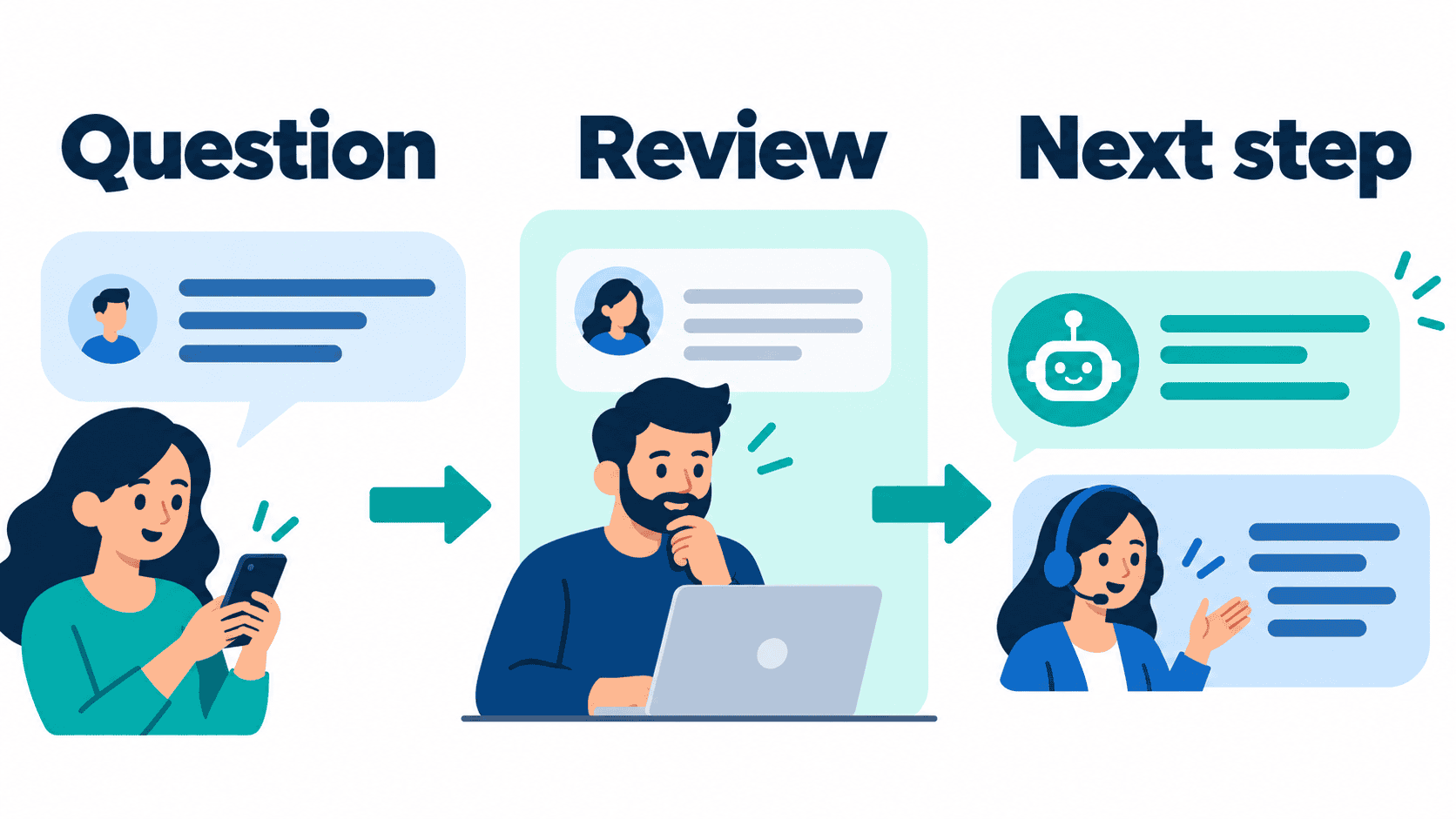
A Messenger bot for business should help a customer reach a useful next step: an answer, an appointment request, a quote or a person who can help. Start with the questions your team actually receives, then choose the smallest workflow that can handle them reliably.
For a small business, the practical question is not how many branches a bot can contain. It is whether the customer gets accurate information without losing access to your staff. A restaurant may need menu and reservation links; a home-service team may need a service-area check and a callback request. Neither needs a promise that every conversation will be handled automatically.
This guide separates workflow planning from product promises. It does not claim a universal open rate, guaranteed savings, a fixed setup time or protection from platform restrictions. The Messenger Bot prices below were checked on October 12, 2026. Before committing, confirm the plan, account permissions and exact actions available to your business.
Choose One Business Problem for Your Messenger Bot
Read a representative selection of recent Facebook Page messages before designing a flow. Group them by the customer’s goal, not by the words they happen to use. Questions about hours, service areas and booking are different from refund disputes or account access. Keep sensitive or exceptional requests with a person.
Choose one problem with a clear answer and a clear owner. An after-hours question about opening times is a manageable starting point because your team can approve the answer and keep it current. An open-ended request for financial, legal or medical guidance is not a suitable first automation. A bot should not turn a business FAQ into professional advice.
Define what completion means before building. For a booking request, completion might mean that staff receive the requested service and preferred time. It should not mean a confirmed appointment unless availability was checked and the customer received an actual confirmation. For a quote, completion might mean a callback request, not an invented price.
- Write the customer question in everyday language.
- Identify the approved answer or next action.
- Name the staff member or role responsible for exceptions.
- List the information genuinely needed to continue.
- Decide how a customer can ask for a person.
- Set a review date for information that changes.
If no one can explain the outcome in one sentence, narrow the workflow. A menu containing every department and offer may create more work than it removes. A focused first version gives the team a smaller set of responses to check and a clearer way to decide whether the flow is useful.
Compare Guided Replies, Human Handoff and AI Assistance
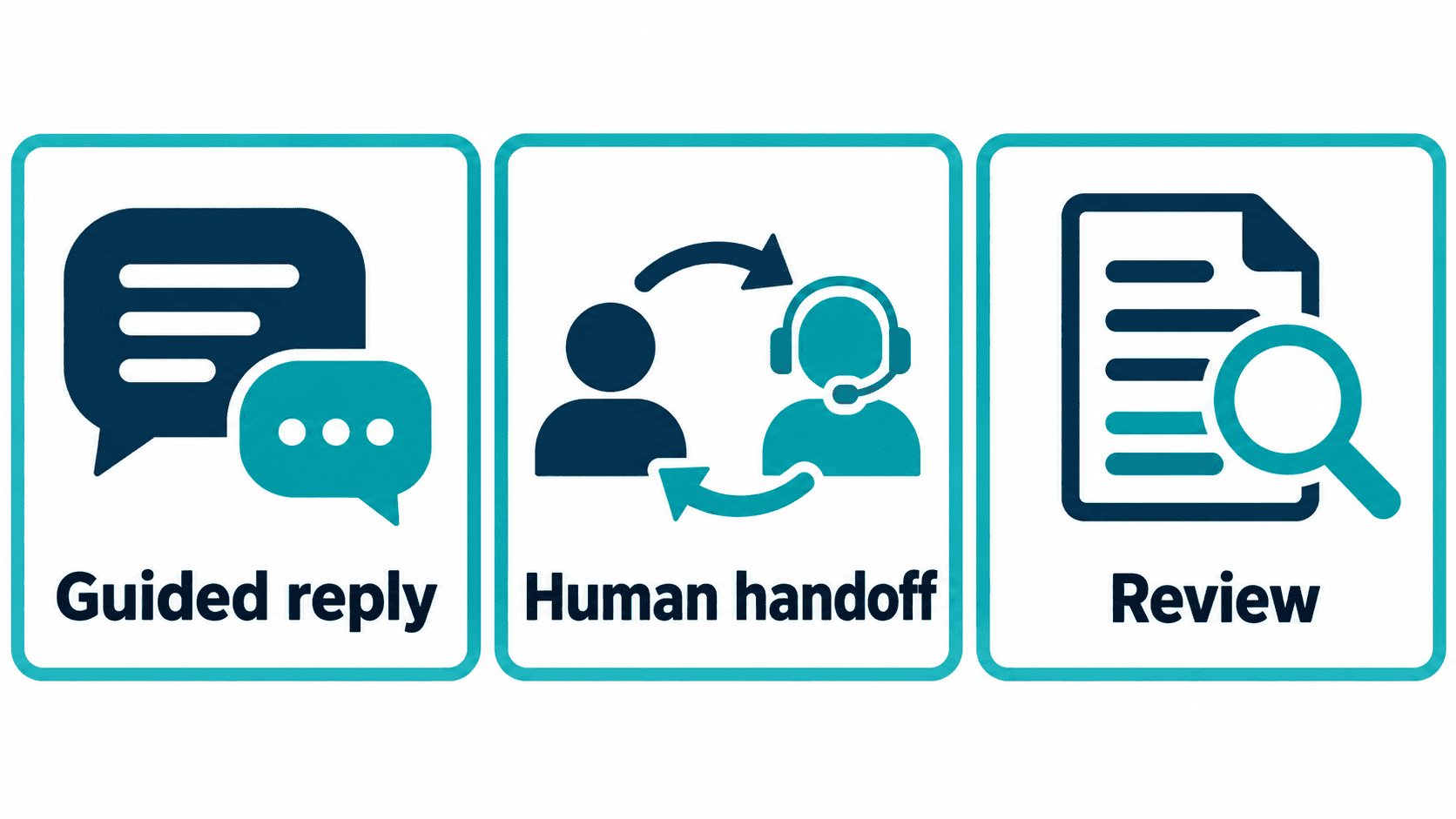
These are workflow choices, not interchangeable features. A guided reply follows approved options. A handoff asks a person to continue. AI assistance proposes wording that needs evidence and review. Compare them by the job the customer needs completed, rather than assuming that more automation is always better.
| Approach | Useful starting job | What to verify | Keep with a person |
|---|---|---|---|
| Guided FAQ replies | Hours, location and approved service information | Current answer, working links and a fallback | Exceptions or questions outside the approved answer |
| Lead-intake choices | Collect a service need and preferred contact method | Minimal fields, clear purpose and the receiving team | Eligibility decisions, final quotes and unusual requests |
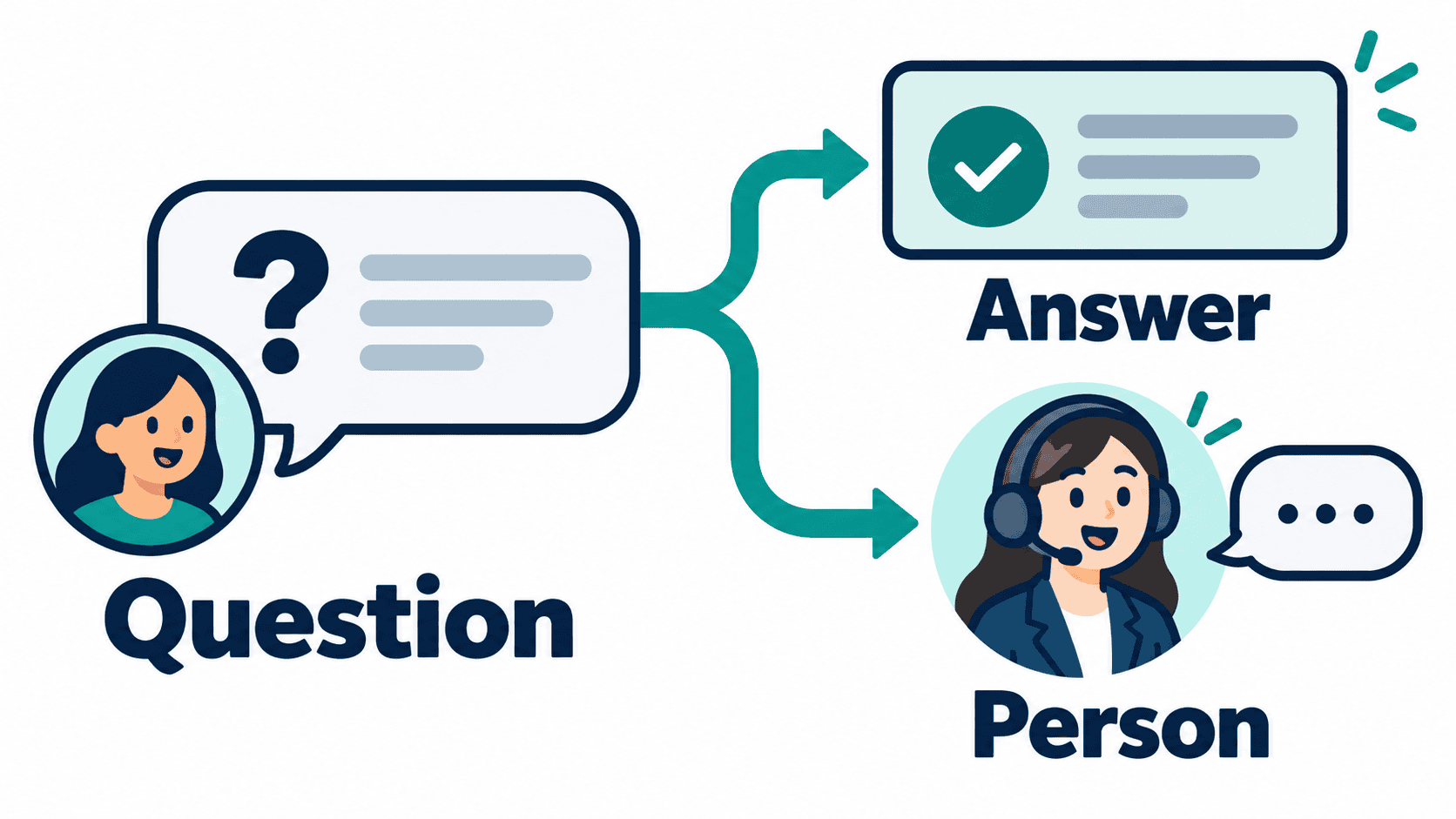
| Human handoff | Route an unresolved question to staff | Staff availability, visible request and response expectations | Refunds, disputes, security and private account matters |
| AI-assisted draft | Suggest a response from approved business information | Source support, plan availability and review before use | Unsupported claims and any requested account change |
An AI draft is not a confirmed action. A sentence saying that a booking was made does not create a booking. A proposed reply about a refund does not approve a refund. Keep the information stage separate from the action stage, and require the responsible person to verify the result of any business action.
When comparing tools, ask each vendor to demonstrate the same narrow scenario in the account and plan you would use. Check the connected channel, staff access, contact limits, handoff behavior and cancellation terms. A broad feature list is less useful than seeing your specific customer question handled correctly.
Check Current Messenger Bot Pricing Before Choosing a Plan
The published Messenger Bot plans checked on October 12, 2026 are Starter at $29/month, Pro sa $99/month and Agency at $299/month, in USD. The pricing page advertises a 7-day trial. These are public offer details, not a verification of checkout, billing, trial eligibility or a particular account’s enabled features.
Gumamit ng Check Current Pricing to compare the current offer and terms. Select a plan around the connected pages, people and workflows you actually need. Confirm limits, renewal terms and any separate usage costs before you buy. Do not compare an older promotional price with a current subscription offer.
If you are evaluating AI-assisted replies, ask specifically about BYOK (Bring Your Own Key), plan eligibility, separate AI usage costs and the review step. A software subscription is not evidence that an AI-assisted answer is accurate or that an action may be performed without approval.
Website chat, commerce connections and other integrations need their own confirmation. Do not infer that they are included because an older guide mentioned them, or that they are unavailable because a shorter pricing page omits them. Ask for the exact supported account, channel and workflow before making them part of your purchase decision.
For third-party platforms, compare a current written quote or official plan description. Entry prices can depend on billing period, contacts, conversations and optional features. This guide does not repeat unverified April comparison prices or assign a universal safest or easiest platform. The right comparison is the total cost of your demonstrated workflow.
Prepare Your Page, Answers and Staff Handoff
Before connecting a tool, confirm that the authorized staff member has the appropriate access to the exact business Page. Keep personal profiles, unrelated Pages and client accounts separate. Review requested permissions deliberately; access to one asset is not permission to manage every asset associated with the same login.
Prepare approved answers outside the flow first. Check hours, service boundaries, public prices, booking links and contact details against your current business information. Include who approved the answer and when it needs another review. A polished response containing last season’s opening hours is still the wrong response.
Use the current account instructions for connection and setup rather than relying on an old sequence of button names. Interface labels and permissions can change. If the expected Page or action is missing, stop and resolve access instead of selecting another Page or working around the restriction.
For platform-specific instructions, Tingnan ang Aming Mga Tutorial and check the date and account requirements of the relevant walkthrough. Do not assume that a tutorial’s demonstration means a flow is already active in your own account. Test the exact selected Page before opening a workflow to customers.
Plan the handoff as carefully as the welcome message. Decide who receives it, what context they need and how the customer will know what happens next. If staff are unavailable, state the actual response hours. Avoid promising an instant human reply when there is no person available to provide one.
Write Short FAQ Branches That Lead Somewhere Useful
Open with help the customer can recognize. A local service team might offer service-area information, appointment requests and a person. A shop might offer product questions, order-help instructions and staff contact. These are examples to adapt, not a record of a tested installation or a promise that a particular tool includes each action.
Keep each branch focused on one request. Share the approved answer, then offer the appropriate next step. A service-area question can end with a map or a callback option. A pricing question can point to published prices or explain that staff need more information before quoting. Do not turn a missing answer into an invented one.
Collect contact details only when they help the customer continue. Explain why you need them and which contact method will be used. A customer who asks for opening hours should not have to provide a phone number to receive that public information. Intake is useful when it follows an expressed request, not when it becomes an obstacle.
Give incomplete and unexpected answers a deliberate route. Test an empty message, a spelling variation and a question the flow does not recognize. A fallback should say what the customer can do next. Repeating the same menu without explaining the limitation leaves both the customer and the team stuck.
Do not ask for passwords, full payment-card details or sensitive documents in a routine FAQ branch. If a matter requires account verification or confidential information, route it to your approved support process. A convenient conversation channel does not replace the safeguards required for that information.
Adapt the Workflow to Your Business Without Overpromising
Local services: requests before confirmations
A home-service business can start by asking what help is needed and whether the location is inside the service area. Staff can then confirm availability, scope and the next step. Do not promise an appointment, an arrival time or a binding quote until the responsible person has checked it.
If appointments are the goal, use the appointment request and staff-confirmation checklist to separate intake from a confirmed booking. A preferred time is a request. A confirmation needs an actual checked slot and a clear response to the customer.
Restaurants: reliable information and reservation requests
Start with the current menu, hours, location and reservation contact. Separate general information from a booking or order action. A link to a reservation system can help a customer continue, but the conversation should not claim a table is reserved merely because the customer entered a time.
Allergy, accessibility and unusual event questions may require staff judgment. Give customers a clear way to ask for that help. If the team cannot safely answer from approved information, the useful outcome is a handoff, not a confident-sounding response that leaves an important detail unresolved.
Online stores: order-help routing without exposing private data
A store can organize product questions and explain how to request order support. If the workflow accesses order information, verify both authorization and the exact supported connection before using it. Do not expose another customer’s details or infer an order status from a generic response.
Keep promotional follow-up separate from support. A customer asking about an existing order has not automatically agreed to every future offer. Cart reminders, marketing messages and account updates each require the appropriate permissions and supported delivery path; do not treat them as one unrestricted broadcast workflow.
Agencies: separate client assets and responsibilities
For a team managing several brands, map each Page to its approved answers, staff access and responsible reviewer. Test the selected client scope explicitly. Reusing a useful structure can save drafting effort, but copying client-specific prices, contact details or permissions into another account creates avoidable errors.
Keep client handoffs and approval responsibilities visible. Decide who can change a public answer and who can authorize a business action. The subscription plan does not replace that agreement. Review the exact account and workflow before offering a client a feature or result you have not verified.
Review Messaging Permissions and Customer Preferences Before Follow-Up
A subscription does not grant unlimited permission to contact people. Review Meta’s current official messaging policy reference and the guidance for the specific action you intend to use. Check the account’s actual eligibility and permission state rather than assuming an older tutorial applies.
Keep inbound support, a requested callback and a marketing campaign separate. A person asking a question is not automatically giving permission for an indefinite promotion sequence. Record the purpose of follow-up, make preferences understandable and provide a practical way to stop unwanted updates.
Do not use alternative accounts, messages or channels to bypass an access or delivery restriction. If a tool reports that an action is unavailable, resolve the permission or supported workflow. The fact that a message can be drafted does not establish that it may be delivered.
If a missed call leads to a separate text follow-up, use the missed-call follow-up and consent checklist rather than assuming Messenger permissions apply to another channel. Confirm both the customer’s preferences and the supported path before using it.
For privacy, legal or regulated-sector requirements, get advice appropriate to your business and jurisdiction. This guide is a workflow-planning aid, not a compliance certification. Give staff a safe route for deletion requests, disputes and sensitive concerns rather than trying to resolve every issue inside an automated reply.
Test the Exact Customer Journey Before Launch
Run a planned rehearsal on the selected Page using the same customer-facing path you intend to offer. Start at the actual entry point, follow every choice and request a person. Verify the result at the receiving team as well as at the customer’s side. A preview alone does not prove that staff will see the request.
- Confirm the business name, Page and connected account.
- Check every answer against the approved current information.
- Open every destination link and verify the intended page.
- Try incomplete, unexpected and repeated responses.
- Request a person and verify who receives the handoff.
- Confirm that a request is not described as a completed business action.
- Check the preference and stop paths used by the workflow.
- Review the experience in the actual customer conversation.
Record a failure as a failure. If a message is drafted but not delivered, do not label it a successful customer response. If an appointment request reaches staff but no slot is confirmed, do not record it as a booking. These distinctions prevent a useful pilot from becoming a misleading results report.
Launch only the tested scope and keep a person responsible for exceptions. Expanding from one Page to several, adding a new channel or enabling another action creates a new test boundary. Do not assume that a successful FAQ rehearsal proves an order connection or marketing sequence works too.
Measure Response Quality and Cost With Your Own Data
Use an observed baseline from your own business instead of borrowed open-rate or savings claims. Count eligible incoming questions, supported answers, handoffs and unresolved requests for a defined period. Keep the channel, Page and time window consistent when comparing results.
Measure staff time as well as customer outcomes. Drafting, checking, answering exceptions and maintaining information all take work. The software price alone does not tell you the total cost. If you estimate savings, state the measured assumptions and include review time rather than treating every incoming message as an avoided phone call.
A simple cost worksheet can include the subscription, separate usage charges, setup time and ongoing staff time. Compare that with the workflow’s actual completed outcomes. Do not divide a fixed subscription by a hypothetical conversation count and present the result as a universal cost per interaction.
Keep leads, appointment requests, confirmed bookings and paid sales separate. A person choosing a menu option is not necessarily a qualified buyer. A quote request is not revenue. Check the relevant business record before attributing a sale to the conversation, and do not count the same outcome in several channels.
Review weak points after the pilot: answers that needed correction, customers who could not reach staff and branches that collected unnecessary information. Improvements should address those observed problems. Adding more automation without understanding the failures can make the workflow harder to maintain.
Include repeat requests in that review. If the same customer asks again because the first answer did not help, recording two successful replies would hide the problem. Keep the unresolved issue visible until the customer receives a useful answer or staff take responsibility for the next step.
Keep Your Messenger Bot Useful as the Business Changes
Assign an owner to the information and another responsibility for operational checks, even if the same person handles both. Review answers when hours, menus, prices, service areas or booking arrangements change. A regular schedule helps, but a material business change should trigger a review immediately.
Keep a short change record: what changed, who reviewed it and which customer path was checked afterward. Preserve the previous answer when practical so the team can diagnose a mistake. Do not silently change a price or promise without checking the other places customers see the same information.
When staff change roles, review who receives requests and who can edit answers. An otherwise useful flow can fail if its handoff points to someone who no longer covers the business. Test that responsibility again instead of assuming the original setup remains correct.
When a flow becomes unreliable, narrow or pause the affected action while staff handle the request. Avoid changing unrelated Pages or channels in the process. A clear human fallback is more helpful than keeping an unsupported promise active while trying to repair it.
Before adding another workflow, revisit the original goal and actual results. Expand when the first path is understandable, staff can maintain it and the next action has a verified owner. For your next decision, See Our Plans and confirm the exact workflow you need rather than buying around a promised ranking, savings figure or setup duration.
Mga Madalas Itanong
What should a small business automate first on Messenger?
Start with one frequent question that has an approved answer and a clear next step, such as hours, service-area information or an appointment request. Keep exceptions and sensitive matters with a person.
How much does Messenger Bot cost?
The public prices checked on October 12, 2026 are Starter $29/month, Pro $99/month and Agency $299/month in USD. The page advertises a 7-day trial. Confirm current terms, eligibility and available account features before choosing.
Can a Messenger bot guarantee more sales or lower support costs?
No. Measure completed outcomes and staff time in your own business. A menu choice, drafted answer or appointment request is not a paid sale, a delivered response or a confirmed booking.
How long does setup take?
There is no universal setup time. Page access, approved answers, available actions and staff handoff need to be resolved and tested. Begin with one narrow workflow rather than relying on a fixed-minute promise.
Does a subscription let a business message customers whenever it wants?
No. Check the current platform rules, the specific action’s permissions and customer preferences. Keep support, requested follow-up and marketing separate, and do not bypass a restriction through another account or channel.



 Tagalog
  English
  简体中文
简体中文  العربية
  हिन्दी
  Português do Brasil
  Español de México
  Français
  বাংলা
বাংলা  香港中文
香港中文  繁體中文
繁體中文  Nederlands
  Deutsch
  Bahasa Indonesia
  日本語
日本語  한국어
한국어  Polski
  Русский
  Español
  Tiếng Việt