
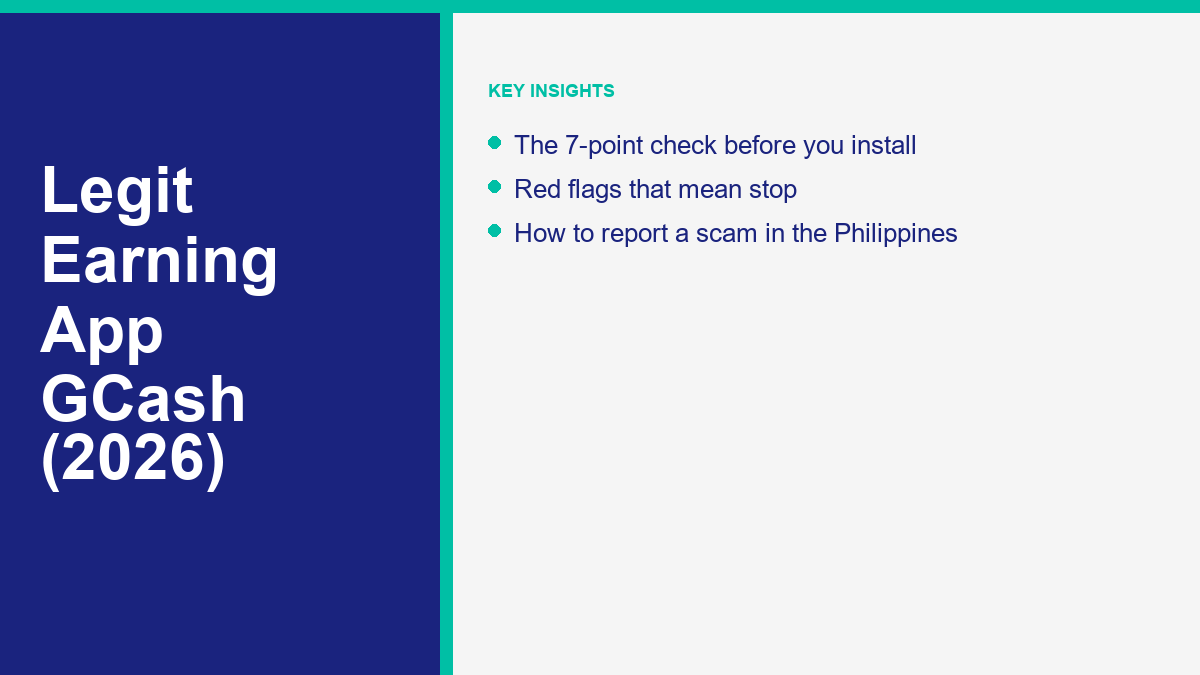
If you search for a legit earning app for GCash, you probably want a simple answer: which app pays, and is it safe? This guide starts with what can be checked. It does not hand you a list of apps to trust, because a list nobody can verify would repeat the problem you are trying to avoid.
Nobody can responsibly give you a guaranteed list of paying apps. Terms change, reward programs close, and scammers copy real brands. In 2026 the useful skill is not finding a perfect app but testing any app against clear checks before you install it, and recognising the patterns that regulators and GCash warn about.
Below you will find a seven-point check, the red flags that mean stop, a way to try an app without risking money, and the official places to report a scam in the Philippines. It treats earning apps and “encoding” bots the same way: as claims to check, not promises to believe.
Finding a Legit Earning App for GCash in 2026: An Honest Starting Point
The honest starting point is that marketing claims are not evidence. Videos and posts often promise quick payouts straight to your wallet without explaining the conditions, so your first job is to separate what an app says about itself from what you can verify yourself.
A useful rule of thumb: when an app promises large, steady pay for simple taps, ask where that money is supposed to come from and who is paying. If you cannot get a clear, checkable answer, treat the promise as a warning sign, not an opportunity.
Common Types of Mobile Earning Offers and How They Operate
People use the phrase “earning app” for several different things. Knowing which kind you are looking at tells you what to check first. This table is a rule-of-thumb summary, not a ranking, and it does not name or endorse any app.
If you are a student, our guide to checking a GCash earning app as a student covers school IDs, allowances and talking to a parent first. If an app advertises payouts every day, read how to test a daily withdrawal claim safely before you trust it. For apps that promise no ads, no deposit or no invites, see how to judge those claims. If the offer reached you through Telegram, our TG encoding guide explains what can and cannot be verified. For the MathBot offer, see MathBot encoding online and what its public pages show.
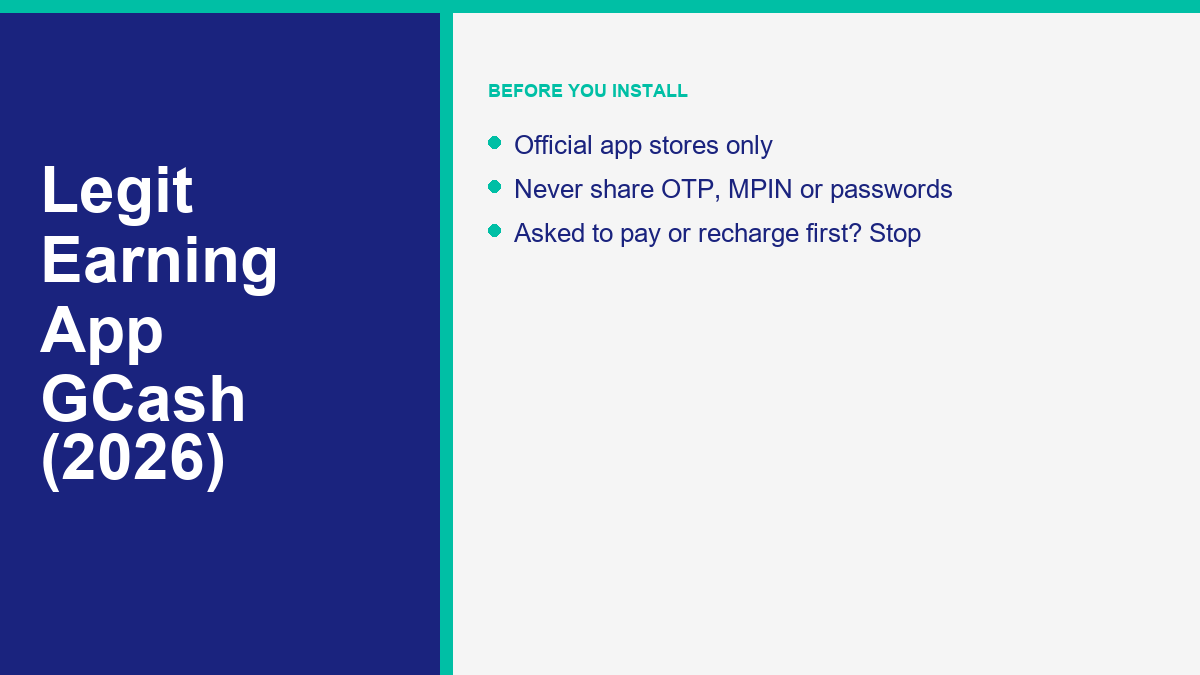
Micro-task platforms invite participants to perform quick digital jobs, such as categorizing images, verifying store receipts, or testing website navigation. Survey panels collect consumer opinions on behalf of research companies, exchanging completed questionnaires for reward points. Reward-based gaming applications offer points for testing new mobile games, watching promotional videos, or reaching gameplay milestones. Referral-driven reward programs credit accounts when new contacts sign up using an invitation code. Finally, chat-based “encoding” bots are offered inside messaging channels and describe rewards for typing text strings or solving verification challenges.
| Offer Category | Typical User Activity | Primary Security Check |
|---|---|---|
| Micro-Task Platforms | Categorizing photos, testing user interfaces, or transcribing short phrases | Clear withdrawal terms stated before doing any task |
| Online Survey Panels | Answering demographic questionnaires and sharing consumer preferences | Official app store listing and transparent privacy policies |
| Reward Gaming Apps | Playing featured mobile games, testing mechanics, and reaching in-game levels | Zero deposit requirements to unlock earned points |
| Referral Reward Programs | Inviting new contacts to install software using a personal referral code | No requirements forcing member invites to request payouts |
| Chat-Based Encoding Bots | Typing alphanumeric codes or solving captchas in messaging channels | No registration fees, upfront deposits, or VIP balance recharges |
If you are hoping for the best earning app for GCash transfers, or a daily withdrawal option, remember that a promise of fast, easy payouts is a claim to test, not a feature you can rely on. Look for the payout rules in writing before you spend time, and treat any request to deposit money first as the end of the test (checks 3 and 4 below).
The Seven-Point Evaluation Checklist Before Installing Any Software
Before downloading any unfamiliar application to your mobile device, run it through this seven-point evaluation. This systematic routine helps you verify credibility and avoid programs designed to exploit your personal data or wallet balance.
1. App distribution source: verify official store availability
Only install apps from the official Apple App Store, Google Play or Huawei AppGallery. GCash’s own guidance says not to download apps from links sent by email or text, and to use those official stores instead. If someone insists that you install an app or file from a link in a chat or message, treat that insistence as a reason to stop.
2. Developer identity: confirm who operates and maintains the software
Check that the app names a real operator you can identify, with a working support contact and a privacy policy. On the store listing, look at the developer name, the website it links to and the contact details. A rule of thumb: if you cannot work out who runs the service, you cannot know who you are trusting with your phone number or wallet. Anonymous email handles or a missing website are reasons to walk away.
3. Stated payout rules: inspect written terms before starting any task
Read the payout rules in writing before you do any task. A clear platform explains how points become cash, what you need to reach before withdrawing, and which payment methods it uses, before you spend time or share personal details. Vague terms leave room for the operator to change the rules after you have done the work. If the rules are hidden, do not invest your time.
4. Upfront money demands: refuse to deposit or recharge to work
Never deposit money, pay a fee or “recharge” an account to start work or to withdraw. The SEC advisory on “recharging and tasking” schemes tells the public not to invest in them, and the SEC’s description of one such scheme, as reported by Inquirer Business, is that recruits must deposit money or “recharge” accounts to perform online tasks. The European Consumer Centre Germany, in its guide to job scams sent through messaging apps, also lists being asked to invest your own money before you are paid as a warning sign, and says no advance payment is required for legitimate jobs. It is not Philippines-specific, but the rule holds. Any request to send money first is a reason to stop.
5. Credential security: protect your private wallet access details
Never share your OTP, MPIN, passwords or screen during logins or transactions. That is GCash’s own rule. If any app, “support agent” or “employer” asks for them, treat it as a stop sign and report it using the steps below.
6. Pressure mechanics: reject countdown timers and forced invitations
Walk away from pressure: countdown timers, forced invitations and urgent calls. GCash advises ignoring unexpected calls or meeting invites about account or ID verification, and says that if you are pressured to act fast you should hang up or decline immediately. As an editorial rule, treat the same pressure from an earning app, such as points that “expire” in minutes or a requirement to invite several contacts before you can withdraw, as a reason to stop.
7. Independent proof: treat online testimonials and screenshots as unverified
Treat testimonials and payment screenshots as unverified. The European Consumer Centre Germany describes job-scam chat groups where supposed members praise high earnings, which it says are fictitious, and warns that a professional-looking website with a login and user area is easy to fake. A screenshot or a dashboard balance is not independent proof of anything. Look for dated, independent evidence, and be wary of an app that relies mainly on anonymous screenshots.
Recognizing Critical Red Flags and Regulatory Scam Warnings
The SEC has warned the public about online job and task schemes more than once. The checks above are meant to help you spot the pattern before you send any money.
The first example is the recharging and tasking pattern. The SEC posted an advisory titled “Recharging and Tasking Scam” on 13 July 2022. According to the SEC advisory: “The public is advised to NOT TO INVEST or STOP INVESTING in this RECHARGING AND TASKING SCAMS and its representatives.”
A more recent example was reported by Inquirer Business. According to its report on the SEC’s warning, a fake online platform posing as a job provider, operating as “SHOPWISE.WORK” and “SHOPWISE ONLINE WORK PLATFORM”, impersonated Shopwise Inc. and was not authorized to solicit investments. The SEC said it operates without the necessary registration, license or authority. The SEC described the scheme as a “job offer scam” or “tasking and recharging scheme” in which recruits are required to deposit money or “recharge” accounts to perform online tasks in exchange for promised returns.
Phishing is the other trap to know. GCash warns that scams can arrive by SMS, email or chat apps, that you should never click links sent through SMS or third-party messaging apps, and that you should be wary of “free” offers. Treat any message promising free credit or an exclusive version of an earning app the same way: do not click, and check any app through the official stores only.
A Zero-Peso Routine for Safely Testing New Applications
If you decide to evaluate a new mobile earning application that meets initial criteria, establish strict safety boundaries before installing it. Adopting a defensive testing protocol ensures that an unverified platform cannot compromise your primary finances or private communications.
First, test new applications using a secondary mobile device or an account that carries a minimal cash balance. Never connect an unfamiliar service to your primary digital wallet or main personal phone number. Maintaining separation between testing accounts and your everyday funds prevents accidental losses if a platform misbehaves or exposes account data.
Second, think about permissions. When you install an app, read each permission request and decline any you cannot explain in terms of what the app does. Do not allow screen sharing for an app you cannot verify, since GCash lists screen sharing alongside OTP, MPIN and passwords as things never to share.
Third, maintain a zero-peso financial boundary throughout your evaluation. Treat the first request for a registration fee, deposit, VIP tier purchase, or task recharge as an absolute stopping point. Never deposit funds to unlock a pending withdrawal or bypass an account limitation.
Finally, keep your own documentation of all interactions. Record registration dates, screenshot completed assignments, and track accumulated balances independently. If an application alters its payout rules, delays promised disbursements, or demands personal wallet passcodes, uninstall the program immediately and remove its permissions from your device settings.
Official Security Guidelines and Scam Warnings From GCash
Maintaining digital wallet security requires following official operating protocols established by wallet providers. According to an official newsroom release published on 7 April 2026, GCash’s own safety guidance urges users to practice heightened vigilance against online scams, phishing attempts, and fraudulent schemes.
The core rule from GCash is blunt: never share your OTP, MPIN, passwords or screen during logins or transactions. GCash also advises ignoring unexpected calls or meeting invites about account or ID verification, and hanging up or declining immediately if you are pressured to act fast.
GCash also instructs users not to download apps from links sent through email or text messages, and to use the official Apple App Store, Google Play or Huawei AppGallery. It advises never clicking links sent through SMS or third-party messaging apps. Scams can arrive through text messages, emails and chat platforms, and GCash says to be wary of “free” offers.
GCash notes that some spoofing attempts come from fake GCash Facebook pages or Messenger accounts designed to look real. It advises checking for the verified blue checkmark and reporting suspicious accounts. The only official page is GCash Official.
GCash says it monitors and blocks suspicious activity, takes down reported scam links and accounts, and works with law enforcement and government agencies.
Steps to Take if You Lost Money or Shared Confidential Details
If you shared a code, allowed screen sharing or sent money to an unverified platform, report it as soon as you can. Do not wait to see whether the app pays.
Start by reporting to GCash through its official channels, then to the authorities listed below.
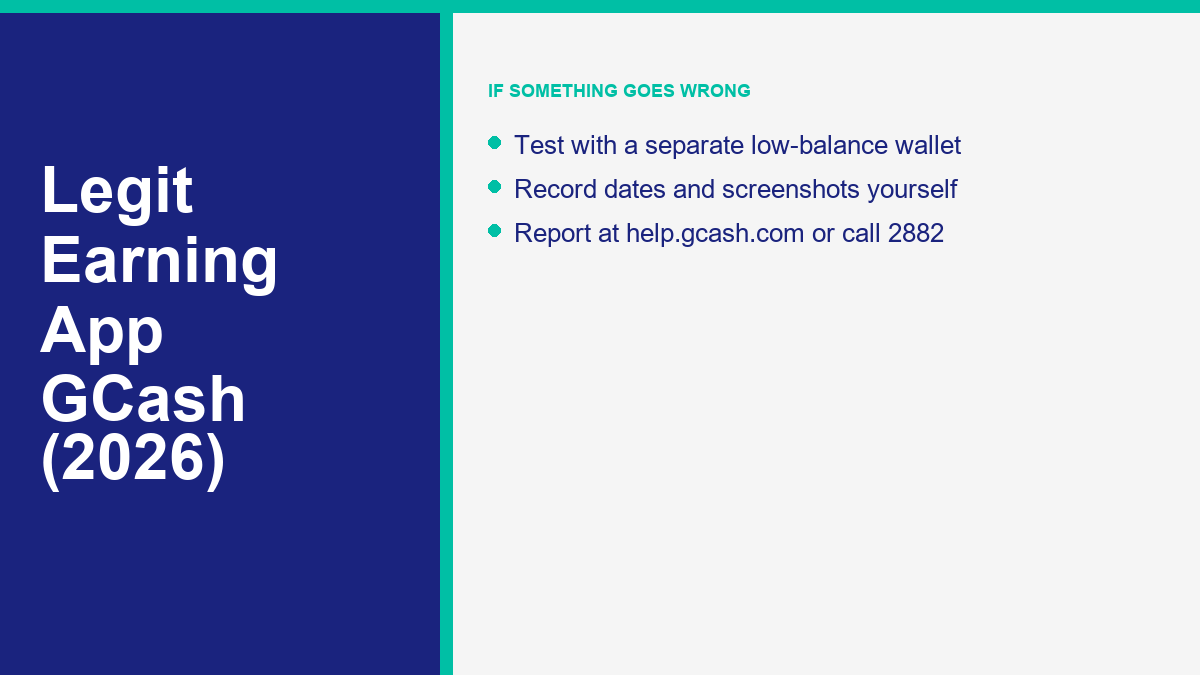
You can report suspected scams through the GCash Help Center at help.gcash.com by chatting with Gigi and selecting “I want to report a scam”, or by calling the official GCash hotline at 2882. Have transaction details, phone numbers and screenshots ready when you report.
You may also report incidents to these agencies:
- Philippine National Police Anti-Cybercrime Group (PNP ACG): Contact investigators by telephone at (02) 8414-1560 or mobile at 0998-598-8116, or submit an email report to acg@pnp.gov.ph.
- Cybercrime Investigation and Coordinating Center (CICC): Report incidents by dialing hotline 1326, calling mobile 0991-481-4225, or emailing details to report@cicc.gov.ph.
When you report, give a clear timeline, with payment receipts, chat logs and website links if you have them.
How Messenger Bot Documents Specific Earning Offers and Platforms
Rather than publishing unsubstantiated lists of top-rated applications, the research library on messengerbot.app provides detailed, evidence-based reviews of individual schemes and promotional models circulating across social networks. Each analysis separates documented platform mechanics from unverified promotional claims, helping readers understand how these systems function without endorsing any service.
Readers investigating specific viral offers can explore our detailed analyses of popular online concepts:
- Review the operational reality and withdrawal claims in our Chrome Encoding registration claims analysis.
- Understand the technical structure of the ECNL Messenger Bot system, or read our troubleshooting guide for resolving ECNL account login issues.
- Inspect the mechanics behind the Paymath encoder platform.
- Examine public claims regarding mathematical puzzle bots in our MathBot earning claims review and explore the evidence in our article on investigating MathBot legitimacy.
- Browse our categorized directory of chat-based earning software for neutral assessments of messaging-based programs.
- Study the underlying mechanics in our analysis of online earning models.
- Check essential precautions in our free registration guide for earning bots.
None of these reviews constitutes an endorsement or financial recommendation. The objective is to provide objective technical documentation so that mobile users can evaluate digital claims with realistic expectations.
Understanding Income Realities and Setting Practical Expectations
Maintaining healthy skepticism about online earning promises requires understanding the economic realities of mobile applications. Online search queries frequently focus on dramatic claims, with users asking how to earn fixed daily amounts such as five hundred or one thousand pesos using casual mobile apps.
There is no sourced income figure on this site for casual mobile reward programs, and none appears in the sources used for this guide. A promise of a fixed amount every day for tapping buttons or solving simple puzzles is therefore a claim with nothing behind it. The European Consumer Centre Germany, cited above, lists pay that sounds unrealistically high for little work as one of the signs of a job scam.
If you are a student searching for a legit earning app for GCash, the wish for flexible side income to cover school costs is completely understandable. It also makes careful checking more important, because losing a small allowance or sharing a code hurts more when money is tight.
Approach earning apps with calm, realistic expectations. If an opportunity requires upfront money, promises a fixed daily return, or pressures you to act now, treat it with caution and walk away.
Frequently Asked Questions
How to earn legit money in GCash?
Earning through GCash depends on work or sales you can verify, not on an automated payout promise. This site has no sourced daily income figure for mobile task programs. Ways of earning that you can document include working for an identifiable employer or client, or selling goods you can show you sold. Never pay upfront fees, recharge a balance or deposit money to unlock tasks: the SEC has warned the public about “recharging and tasking” schemes.
How to make 1k per day?
There is no verified app or bot that guarantees 1,000 pesos a day, and this site has no sourced income figure that supports one. A promise of a fixed daily return for simple online tasks is a warning sign, especially if it asks you to deposit money or recruit contacts. If you want income, the ways you can verify are working for an identifiable employer or client, or selling goods you can document. Do not risk your savings on a promise.
What are some legit money earning apps?
Nobody can honestly guarantee that a specific app will stay safe, active or paying. What you can do is check it. Install only from Google Play, the Apple App Store or Huawei AppGallery, find out who operates the app, read the payout rules in writing, and treat any request for a deposit, fee, OTP, MPIN, password or screen sharing as a reason to stop. The seven checks in this guide explain each step.
How to earn 500 pesos in a day?
This site has no sourced figure showing that 500 pesos in a day is achievable through casual phone apps, so any promise of it is unverified. Treat a fixed daily amount as a red flag, particularly if the app wants a registration fee or deposit first. If you need income, look for work with an identifiable employer or client, or sell goods you can document.
How do I report an earning app scam in the Philippines?
You can report suspected fraudulent schemes directly through several official Philippine channels. In the GCash Help Center at help.gcash.com, chat with Gigi and choose the option to report a scam, or dial the official hotline at 2882. For law enforcement assistance, reach the Philippine National Police Anti-Cybercrime Group by calling (02) 8414-1560 or 0998-598-8116, or email acg@pnp.gov.ph. You can also contact the Cybercrime Investigation and Coordinating Center through hotline 1326, mobile 0991-481-4225, or email at report@cicc.gov.ph.
Should I download an earning app APK from a link?
No. GCash advises users not to download apps from links sent by email or text, and to use the official Apple App Store, Google Play or Huawei AppGallery instead. Treat an APK link in a chat, message or social post the same way and do not install it.
Is it safe to give an earning app my GCash number?
Giving a number to receive a transfer is a normal step, but this site cannot say what a particular app does with it, so only give it to an app that has passed the seven checks. GCash’s rule is never to share your OTP, MPIN, passwords or screen during logins or transactions. If an app says it needs a code you received, or screen sharing, to verify you, decline and stop.
Messenger Bot is business software for Facebook and Instagram conversations. It is not an earning app, and this guide does not endorse any earning app.
 English
 Tagalog
 简体中文
 العربية
 हिन्दी
 Português do Brasil
 Español de México
 Français
 বাংলা
 香港中文
 繁體中文
 Nederlands
 Deutsch
 Bahasa Indonesia
 日本語
 한국어
 Polski
 Русский
 Español
 Tiếng Việt