
Picking a chatbot for a small business is harder in 2026 than most roundup posts make it sound. You are not just choosing a widget that answers questions. You are choosing a pricing model, a channel strategy, a handoff process, and in a lot of cases, the software that decides whether an after-hours lead gets captured or disappears.
That is why I did not rank these tools by hype. I ranked them for businesses under roughly $10 million in annual revenue, where ease of setup, predictable costs, and fast payback matter more than enterprise buzzwords. Pricing and plan details below were checked against official public product pages and help documentation on April 10, 2026. One quick reality check before we start: none of the serious platforms here are truly “no sign up required.” That phrase still belongs to consumer AI demos. Real business chatbots need channel permissions, saved conversations, routing rules, and reporting.
If your main problem is support cost, not just lead capture, read our AI customer service guide after this. This article stays focused on the full small-business buying decision: what these chatbots cost, how quickly they go live, where they fit, and which one actually delivers the best ROI.
Why Small Businesses Need a Chatbot in 2026
The simple answer is labor. Every small team has the same pile of repeat questions: business hours, shipping windows, booking links, order status, pricing, service areas, refund rules, and “is someone available?” messages sent at the exact moment nobody is at the desk. Hiring people to retype those answers is expensive. Ignoring them is worse.
The cost gap is what makes chatbot ROI so obvious now. A human-handled support interaction can easily land in the $3 to $12 range once you factor in wages, overhead, and interruption costs. A chatbot does not solve every conversation, but even a modest bot that handles the first layer of 200 repetitive messages a month can save several hours of staff time and prevent missed sales after hours.
| Monthly repetitive conversations | If a staff member handles them at $25/hour and 10 minutes each | If a chatbot deflects them on a $49 monthly plan | Practical takeaway |
|---|---|---|---|
| 50 | About $208 in labor | $49 plus setup time | The bot already pays for itself if the questions are simple |
| 100 | About $417 in labor | $49 plus some handoff work | Now the ROI is obvious even with partial automation |
| 300 | About $1,250 in labor | $49 to $150 depending on tool and usage | The bigger risk is picking the wrong pricing model, not using a bot |
The second reason is customer expectation. Buyers do not care that your team is small. If they message from your website, Facebook Page, Instagram DMs, or WhatsApp at 8:40 p.m., they still expect a useful answer. They do not need a perfect AI conversation. They need an immediate next step: the quote form, the booking link, the store policy, the product answer, or the right human handoff.
The third reason is channel sprawl. A lot of small businesses are no longer running one inbox. They have a website chat widget, Messenger, Instagram, email, sometimes WhatsApp, and maybe an ecommerce help channel too. A bot works best as the first response layer across that mess. It buys time, tags intent, captures details, and gives your team a cleaner handoff instead of a cold message thread with no context.
What to Look For in a Small Business Chatbot
The biggest mistake small businesses make is shopping for “AI quality” first and everything else second. AI quality matters, but it is not the first filter. Channel fit is. If most of your conversations start on Facebook, a Messenger-first platform will beat a prettier website bot almost every time. If your website handles most support and lead volume, a social-first bot builder is the wrong tool no matter how good the demo looks.
Here are the five filters that matter most before you spend anything:
- Ease of setup: Can a non-technical owner build a useful first flow in under an hour, or do you need a six-step onboarding project before the bot answers one real question?
- Pricing logic: Flat monthly pricing is easiest to budget. Per-seat, per-contact, per-conversation, and per-outcome pricing can all work, but only if you understand the trigger before growth kicks in.
- Integrations: At minimum, check your CRM, booking software, ecommerce platform, Google Sheets, and whichever messaging channels generate actual revenue.
- AI quality and handoff: A smart bot that never escalates is worse than a basic bot with clean handoff rules. Accuracy and restraint matter more than personality.
- Maintenance burden: The best chatbot is not the one with the most features. It is the one your team will still update three months from now.
Pricing is where most SMB buyers get burned. Some tools look cheap until active contacts spike. Others stay affordable until you add seats, AI credits, or advanced routing. And some are honest but simply not built for sub-enterprise budgets. That is why the table below separates starting price from ROI. Sticker price alone is not enough.
If you also want to compare these business bots against general AI assistants such as ChatGPT, Claude, and Gemini, read our chatbot comparison. That article solves a different question. This one is specifically about what a small business can launch, afford, and justify.
The 10 Best Chatbots for Small Business Ranked
This ranking is weighted for small businesses in the US and UK that care about practical ROI, not enterprise feature theater. A lower-ranked tool can still be the right answer if its use case matches your business exactly. Drift is a good example. It sits low overall, but it can still be effective for a B2B site whose only goal is pipeline creation.
| Rank | Platform | Public starting price | Free tier or trial | Best fit | Setup | ROI read |
|---|---|---|---|---|---|---|
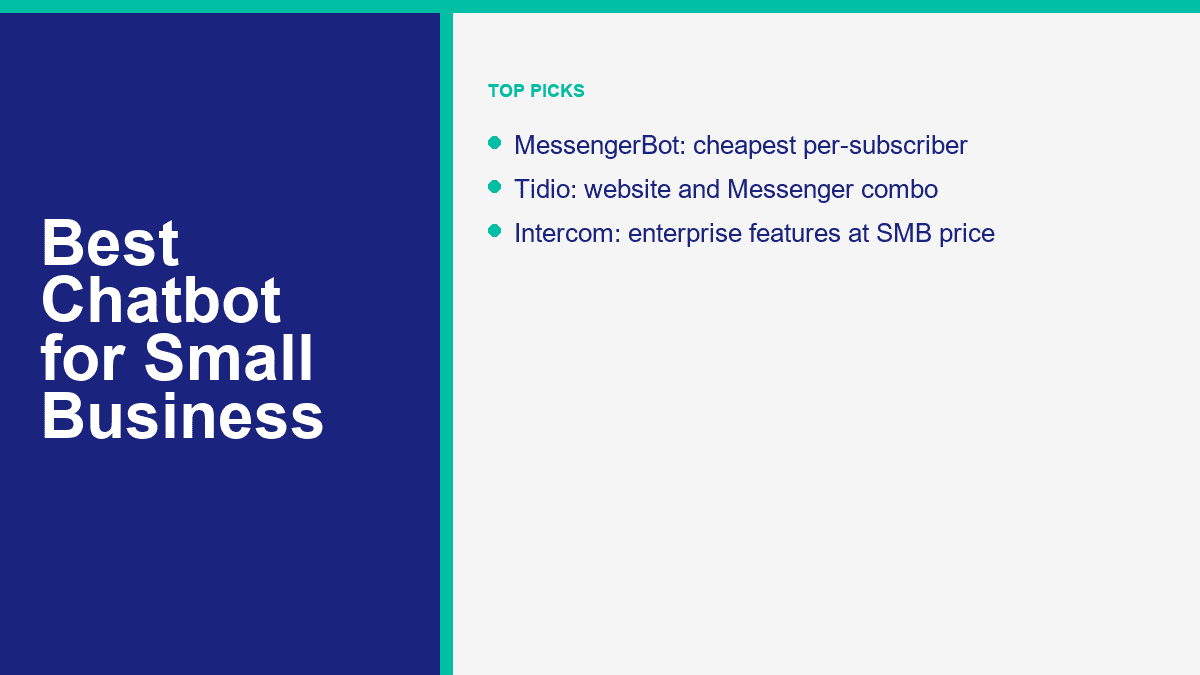
| 1 | MessengerBot.app | Premium $19.99 per 30 days | Free trial | Facebook Messenger-first businesses | Easy | Best flat-price ROI if Facebook is a real sales or support channel |
| 2 | Tidio | Starter $24.17 per month; Lyro AI quota separate | Free plan and 50 free Lyro conversations | Website chat plus AI support | Easy | Best AI-ready support stack for a typical SMB site |
| 3 | ManyChat | Essential $17 per month | Free plan | Instagram, Messenger, and social DM automation | Very easy | Best free-to-paid path for social-first businesses |
| 4 | Freshchat | Growth $19 per agent per month billed annually | Free plan for up to 10 agents | Budget omnichannel support | Easy | Strong value if you need website, email, and messaging in one place |
| 5 | HubSpot Chatbot | Free; Starter $15 per seat per month | Free tools and trials | CRM-centered sales and service teams | Medium | Excellent if you already live in HubSpot, weaker if you do not |
| 6 | Landbot | Starter $45 per month | Sandbox free plan | Website lead qualification and conversational forms | Medium | Good ROI for web funnels, less compelling for service-heavy SMBs |
| 7 | Chatfuel | Business $69 per month | 7-day free trial | AI-led social and messaging automation | Easy | Powerful, but current pricing is harder to justify for smaller shops |
| 8 | Botsify | Personal $49 per month | No meaningful free tier listed | Multi-channel AI agent experiments | Medium | Flexible channels, but credit math needs closer monitoring |
| 9 | Intercom | Essential $29 per seat per month billed annually plus Fin usage | 14-day free trial | High-volume support teams | Medium | Excellent product, usually overpriced for a true small-business budget |
| 10 | Drift | Custom pricing | No free tier | B2B website pipeline and meeting booking | Medium | Useful for revenue teams, poor value for most general SMB chatbot use |
Pricing notes checked on April 10, 2026: ManyChat moved to a new pricing model on March 2, 2026 for newer accounts, so older accounts may still see legacy billing. HubSpot has announced a Breeze Customer Agent pricing change effective April 14, 2026, but as of April 10, 2026 the agent still uses HubSpot Credits. That kind of nuance is exactly why “real pricing” matters more than old screenshots.
MessengerBot.app Is the Best Overall ROI Pick for Facebook-Centric Small Businesses
MessengerBot takes the top spot because it solves a very specific small-business problem better than most competitors: how to automate Facebook conversations without buying a bloated support suite or getting trapped in contact-based billing too early. The public pricing is refreshingly clear. Premium is $19.99 per 30 days on the current offer, Pro is $49.99, and Agency is $299.99. For a local business, coach, clinic, retailer, or service company using Facebook as a real lead and support channel, that is easy math.
The feature stack is deeper than the entry price suggests. The public pricing page lists a visual flow builder, website chat, forms, Google Sheets sync, JSON API plus Zapier, comment automation, ecommerce tools, email and SMS features, and Instagram options on higher tiers. That is why MessengerBot wins on ROI, not just price. You can launch a useful Messenger workflow fast and expand later without changing platforms. If Facebook Page messages are part of how you sell or support customers, View MessengerBot Pricing before you overcomplicate the decision.
Tidio Is the Best Small-Business AI Chatbot for Website Support
Tidio ranks second because it is the cleanest answer for businesses whose website is the real front door. The pricing is modular but still understandable: a free plan, Starter at $24.17 per month, Growth from $49.17, and Lyro AI with the first 50 conversations free before you move into a paid quota. That makes it easy to test before you commit serious spend.
Where Tidio earns its place is balance. You get website chat, live support, ticketing, and AI in one system without jumping straight to Intercom-style costs. It also supports Messenger, Instagram, WhatsApp, and email, which matters if your team does not want four separate inboxes. The main caution is layered pricing. Tidio stays attractive if you budget both the support workspace and the AI layer together. If you only look at the cheapest plan name, you will underestimate your real monthly spend.
ManyChat Still Owns the Best Free-to-Paid Path for Social DMs
ManyChat remains one of the easiest platforms to recommend to a business owner who wants results fast and does not want to feel like they are learning software for software’s sake. On ManyChat’s new March 2026 pricing model, the free plan includes up to 25 active contacts and basic automations. Essential starts at $17 per month, Pro at $39, Business at $99, and Advanced at $199 for new-account pricing. That structure makes the platform much easier to understand than the older “pay as your contacts grow and figure it out later” reputation it used to carry.
The reason ManyChat is not ranked above MessengerBot is channel fit. It is broader and very polished, especially for Instagram, TikTok, Telegram, and creator-style automations. But if your real business runs through Facebook Page messages, MessengerBot is the tighter fit and the cleaner value. ManyChat wins when social DM automation is spread across channels. It is also still the strongest true free starting point in this category.
Freshchat Is the Budget Omnichannel Option Most SMBs Should Shortlist
Freshchat is easy to underrate because it does not dominate the conversation the way Tidio, HubSpot, or Intercom do. But the pricing is strong for small businesses: free for up to 10 agents, Growth at $19 per agent per month billed annually, Pro at $49, and Enterprise at $79. Freddy AI Agent starts with the first 500 sessions included, then shifts to paid session packs. That is a workable entry point if you need real support operations, not just a marketing bot.
Freshchat is especially good for small teams that need website chat, email, Facebook, Instagram, and WhatsApp support in one place but are not ready for enterprise pricing. The reason it sits behind Tidio is ease of first-time AI deployment. Tidio feels simpler for the average owner. Freshchat is stronger once you know you need a more serious omnichannel support setup and you want to keep costs under control.
HubSpot Chatbot Makes the Most Sense If Your CRM Already Lives There
HubSpot’s service stack is attractive because the entry points look friendly: free tools at $0, Starter at $15 per seat per month, Professional at $100, and Enterprise at $150. The important detail is that the AI-heavy layer is not really a starter-plan feature. Breeze Customer Agent is tied to higher tiers and, as of April 10, 2026, still uses HubSpot Credits. HubSpot has announced a move to $0.50 per resolved conversation starting April 14, 2026, which may make the math cleaner, but that is not the live pricing yet.
That nuance is why HubSpot lands in the middle. If you already run sales, marketing, and service inside HubSpot, the chatbot can be a very smart buy because the customer context is already there. If you are not on HubSpot yet, you are not choosing a chatbot. You are choosing a CRM ecosystem. For the right business, that is great. For a simple local-business setup, it can be more system than you need.
Landbot Is Strong for Website Lead Qualification, Not Everyday Support Deflection
Landbot is a good example of a platform that looks expensive until you understand the job it is built for. The Sandbox plan gives you a real free starting point. Starter is $45 per month, includes 500 chats and 100 AI chats, and is explicitly positioned for individuals and small businesses wanting bots on websites and Facebook Messenger. That is enough to test serious lead qualification without a custom build.
Where Landbot shines is conversational forms, lead routing, booking flows, and web experiences that need more polish than a standard support widget. Where it is weaker is routine small-business support. If you mainly need “where is my order,” “what are your hours,” or “book me for Friday,” a simpler support or Messenger tool often gets you live faster for less money. Landbot is better when design and lead flow matter more than help-desk depth.
Chatfuel Still Has Power, but Its Current Price Pushes It Down the List
Chatfuel used to win a lot of comparisons because it was easy to understand and reasonably priced for Facebook automation. In April 2026, the official pricing page is much simpler but also harder on the wallet for small businesses: one Business plan at $69 per month after a 7-day free trial. The plan includes one WhatsApp number, one website widget, Instagram and TikTok automations, 1,000 conversations per month, five team seats, and an AI assistant.
That is not bad software. It is just no longer an obvious budget play. Chatfuel still makes sense if you want AI-assisted messaging, multiple social channels, and a straightforward setup without enterprise sales friction. But for a five-person business comparing raw ROI, MessengerBot, ManyChat, Tidio, and even Freshchat all have easier starting economics.
Botsify Gives You Channel Flexibility, but the Credit Model Needs Watching
Botsify’s official pricing page is surprisingly direct right now: Personal plan at $49 per month, two AI agents, 6,000 credits, document and web search integration, scheduling, and support for Messenger, SMS, website, WhatsApp, Instagram, Telegram, and Slack. That is a broad channel list for the money, and it makes Botsify worth a look if you want to experiment across several surfaces without stitching tools together.
The catch is that Botsify feels more like an AI agent builder than a plug-and-play SMB chatbot. The product markets strong ROI, but I would not use vendor ROI claims as my planning model. I would use credits, channels, and expected monthly message volume. For a technically comfortable small team, Botsify is flexible. For a local owner who just wants a reliable website or Messenger bot by this afternoon, it is not the first tool I would hand them.
Intercom Is Excellent Software, but Most Small Businesses Will Not Like the Bill
Intercom is one of the strongest products in this list, and also one of the easiest to overbuy. Essential starts at $29 per seat per month billed annually, Advanced at $85, Expert at $132, and Fin AI Agent is billed separately at $0.99 per resolved outcome. For a mature support operation, that is unusually transparent. You can model the AI layer before finance asks what happened.
For a typical small business, though, transparent does not mean cheap. Once you add seats and actual Fin usage, Intercom quickly stops competing with SMB-friendly tools and starts competing with internal headcount math. If your company has a real support org, a help center, routing rules, and enough ticket volume to justify premium software, Intercom deserves a test. If you just need a business chatbot that handles common questions and catches leads, it is usually more product and more price than you need.
Drift Is a Revenue Tool First, Which Is Why It Lands Last for General SMB Use
Drift, now under Salesloft, still matters. It uses AI chat to engage site visitors, qualify leads, and move buyers toward booked meetings. That is useful. The reason it sits at the bottom here is not product quality. It is category fit. Drift is built for B2B revenue teams whose website exists to generate pipeline, not for a broad mix of local service businesses, ecommerce shops, clinics, and small teams trying to automate support plus sales conversations together.
The other problem is pricing opacity. Drift does not offer meaningful public entry pricing for this use case, which immediately makes it harder for a small business to compare against tools with clear monthly numbers. If your website is a high-value B2B sales machine, Drift can still be a contender. If you are looking for the best small-business chatbot overall, it is not where I would start.
The Best Free Small Business Chatbot
The best free small-business chatbot in 2026 is ManyChat, with one important qualifier: it is the best free option when social messaging is the point. Its free plan gives you up to 25 active contacts and basic automations, which is enough for a solo business or early-stage team to test Messenger, Instagram, or other DM flows without spending anything.
If your business is more support-heavy than social-heavy, Freshchat deserves an honorable mention because its free tier supports up to 10 agents and gives you a real website-and-email support base. But for pure chatbot experimentation with actual automation value, ManyChat still has the best free path. That also makes it the easiest platform to recommend to businesses that want proof before they commit budget.
The Best Chatbot for Under $20 per Month
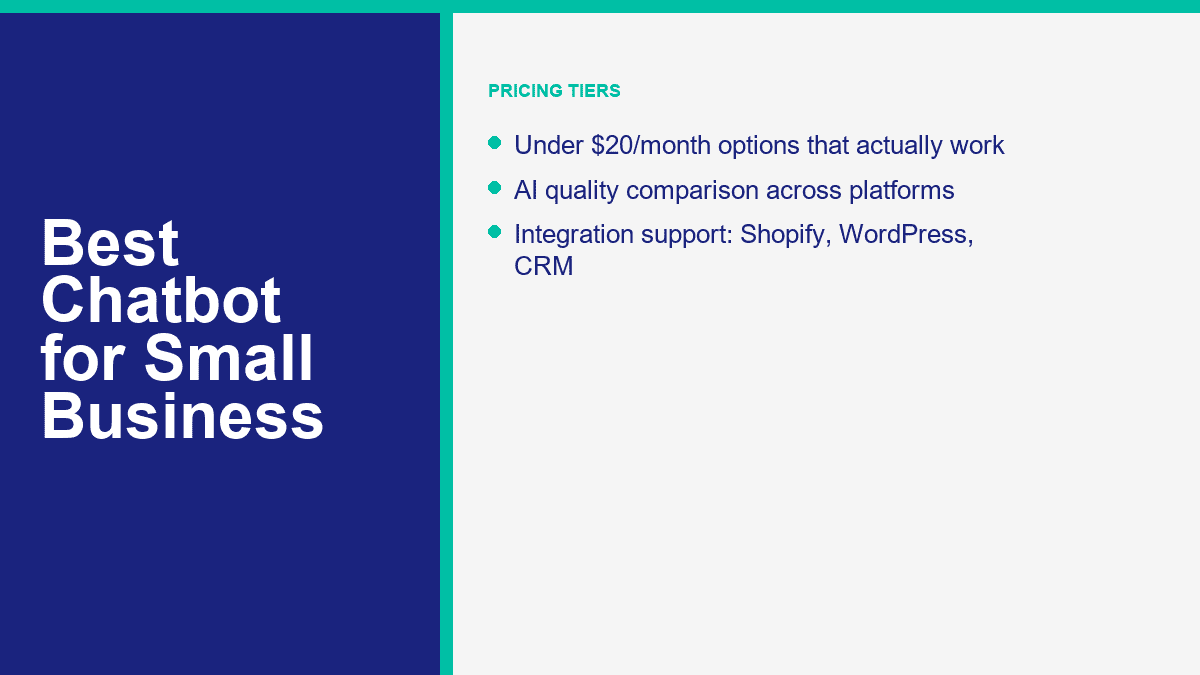
The best chatbot for under $20 per month is MessengerBot.app if Facebook Messenger is part of your real sales or support workflow. Premium at $19.99 per 30 days is not just cheap. It is cheap in a useful way. You still get a visual builder, website chat, forms, automation, and integration options that can replace a lot of manual inbox work.
There are two good alternatives in this bracket. ManyChat Essential starts at $17 per month and is excellent for social DMs. Freshchat Growth starts at $19 per agent per month billed annually and works well for support teams. But if you want the cleanest under-$20 ROI for a small business using Facebook as a live customer channel, MessengerBot is the stronger buy.
The Best AI Chatbot for Small Business
The best AI chatbot for a typical small business in 2026 is Tidio. Not because it has the flashiest marketing, but because it combines AI, live chat, ticketing, and multichannel support in a package that an actual small team can launch and manage. The first 50 Lyro AI conversations being free also makes testing low-risk.
That said, “best AI chatbot” changes fast when the primary channel changes. If Facebook is your home base, MessengerBot is often the smarter operational choice. If you already run on HubSpot, Breeze becomes more compelling. If your company has an established support desk and real volume, Intercom’s Fin is stronger than most SMBs actually need. The right way to read this category is not “which AI sounds smartest?” It is “which AI improves response quality without introducing a billing surprise?”
How to Launch Your First Chatbot in 30 Minutes
The fastest successful chatbot launch is not a masterpiece. It is a narrow, useful system that answers the top questions, captures the right details, and hands off to a human when the conversation stops being routine. If you try to automate your whole business in version one, you will waste a day building branches nobody asked for.
- Pull your top five real questions. Open your inbox, comments, email, or support queue and write down the questions customers already ask every week. Do not invent use cases. Use the boring, repetitive ones first.
- Choose one channel for the first launch. Pick the channel that already produces business value: website chat, Facebook Messenger, Instagram DMs, or WhatsApp. One good channel beats four half-configured ones.
- Build a welcome flow with 3 to 5 useful choices. Good options are pricing, booking, order help, business hours, and talk to a person. Bad options are vague prompts that make the customer do all the work.
- Write short answers, not brochure copy. A chatbot should give the next answer or next action in two or three short blocks. It should not dump a full policy page unless that is genuinely the fastest route.
- Add one obvious human handoff path. This is where many bots fail. Customers need a clean path to a person for refunds, complaints, unusual requests, or anything urgent.
- Connect one practical integration. That might be Google Sheets, your booking calendar, your CRM, or your ecommerce order system. One useful integration creates more value than ten disconnected features.
- Test it on a phone before you go live. Chatbots that look neat on desktop often feel clumsy on mobile. Check button order, message length, and where the handoff actually lands.
If you are building on Facebook, the shortest path is to start with your Messenger workflow and keep the first version boring on purpose. For the deeper Facebook setup, branching, and automation logic, read our Messenger business guide. It covers the channel-specific setup details this article intentionally skips.
A practical first chatbot for a small business usually handles one of these jobs well:
- Book appointments or demos after hours
- Answer the top five support questions instantly
- Route quote requests to the right service or rep
- Collect order details before a human takes over
- Qualify website visitors before sending them to sales
The expensive trap is adding too much personality and not enough utility. Customers do not care whether your bot sounds clever. They care whether it gives them the booking link, confirms the service area, shows the return policy, or gets a human involved without making them repeat the same story twice.
Where Most Small Businesses Should Start This Week
If your company is still answering the same questions by hand, do not wait for the perfect AI roadmap. Start with one narrow chatbot workflow and make it earn its keep. For Facebook-first businesses, that usually means building a Messenger flow that covers FAQs, one lead path, and one human handoff. Compare the live plan limits in View MessengerBot Pricing, then use the smallest setup that solves a real inbox problem this month.
Frequently Asked Questions
What is the best chatbot for a small business?
The best chatbot for a small business in 2026 is MessengerBot.app if Facebook Messenger is part of how you win leads or handle support. It combines predictable pricing, easy setup, and the features most small teams actually use. If your business is website-support first, Tidio is the strongest alternative. If you want a free social starting point, ManyChat is still the easiest place to begin.
How much should a small business pay for a chatbot?
Most small businesses should expect to spend between about $20 and $100 per month for a serious chatbot setup. MessengerBot starts at $19.99 per 30 days, ManyChat starts at $17 per month on its new entry plan, Tidio starts at $24.17 per month before paid AI usage, and Freshchat starts at $19 per agent per month billed annually. Costs rise quickly when you add seats, AI outcomes, or high contact volume.
Can I use a free chatbot for my small business?
Yes, but free works best as a proving ground, not a forever strategy. ManyChat has the best free automation path for social DMs, and Freshchat has a practical free support tier. Free plans are useful for testing flows, validating demand, and learning the channel. Once the bot becomes part of revenue or support operations, most businesses outgrow the limits fast.
Which chatbot is easiest for beginners?
ManyChat is usually the easiest chatbot for beginners because the onboarding is smooth and the free plan is usable. MessengerBot is also beginner-friendly if your business is specifically focused on Facebook Messenger. Tidio is the easiest beginner option on the website-support side because it combines live chat and AI without a heavy setup curve.
Do small businesses really benefit from chatbots?
Yes. Small businesses benefit when a chatbot reduces repetitive work, captures after-hours leads, shortens response time, and routes customers to the right next step. The best results usually come from narrow use cases such as FAQs, booking, quote capture, and first-line support. A chatbot does not have to replace staff to produce ROI. It only has to remove enough repeated work to save time and prevent missed revenue.



 English
  Tagalog
  简体中文
简体中文  العربية
  हिन्दी
  Português do Brasil
  Español de México
  Français
  বাংলা
বাংলা  香港中文
香港中文  繁體中文
繁體中文  Nederlands
  Deutsch
  Bahasa Indonesia
  日本語
日本語  한국어
한국어  Polski
  Русский
  Español
  Tiếng Việt