
An AI chatbot for coding should help you understand a problem, propose a useful change and leave you with code you can review. Those are different jobs. A good explanation in a chat window does not prove that a tool can safely change your repository, and a long list of edits does not prove that the resulting application works.
Start with the task you need to finish: explain unfamiliar code, fix a reproducible bug, generate a bounded function or assess a proposed change. Then compare the assistant’s working surface, account access and spending controls. This approach gives a solo developer or small-business technical team a more useful shortlist than an unsupported universal winner.
Official source check: October 12, 2026. Prices, allowances and product names below are dated observations, not account entitlements or performance measurements. No comparative benchmark or hands-on product test is claimed.
If you are building a customer-conversation project, keep code assistance separate from the delivery platform. Our Browse Our Tutorials starting point helps you explore Messenger Bot setup; it does not establish that a generated integration is ready to send customer messages.
Choose the Coding Workflow Before Choosing the Assistant
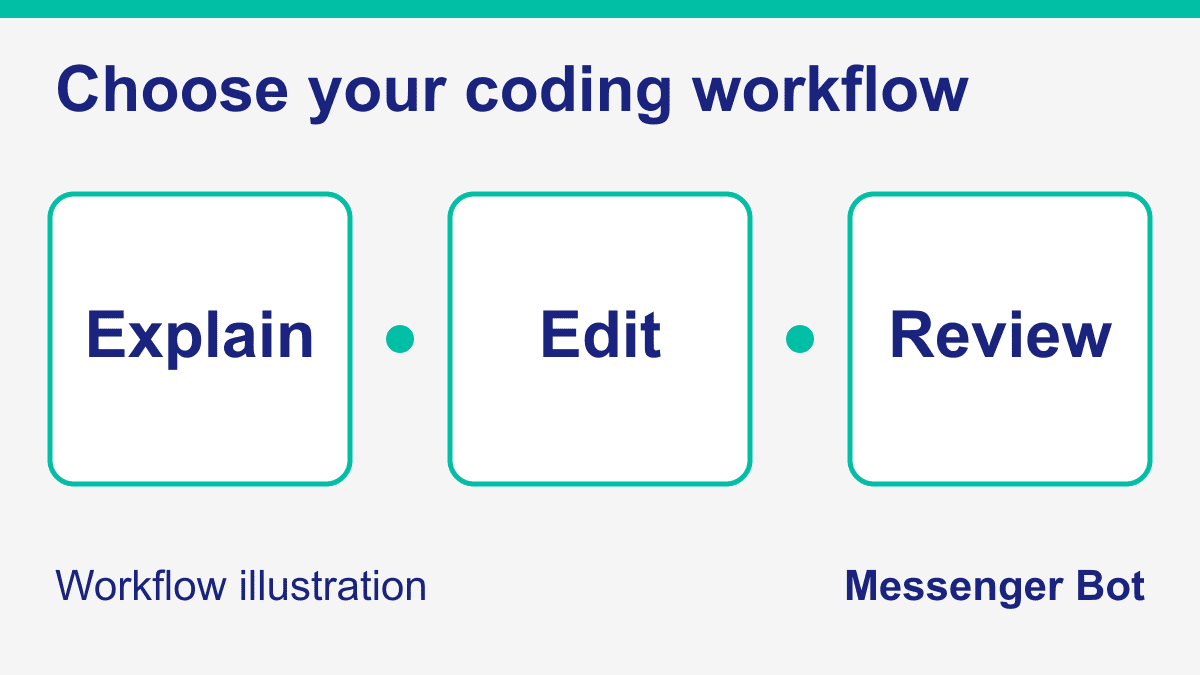
There are three useful ways to frame the purchase. An explanation workflow lets you ask about a function, error or design choice. An editing workflow lets an assistant propose or apply changes near your files. A review workflow helps you inspect an existing change against requirements. A single product may support several surfaces, but access can depend on the account, plan and administrator settings.
For an explanation task, give the smallest example that reproduces your problem. Include the expected result, the observed result and the relevant versions. Ask the assistant to distinguish facts visible in the example from assumptions about the rest of your application. You can judge whether the explanation helps without granting access to your whole repository.
For an editing task, establish the file boundary before requesting a patch. Name the files that may change, describe the behavior that must stay unchanged and identify the command that checks the result. An assistant should not need payment credentials or permission to publish a website to fix an ordinary local formatting error.
For a review task, supply the diff and the requirement it is meant to satisfy. Ask for concrete defects, affected conditions and a way to reproduce each concern. A confident approval without examining the important paths is not useful evidence. Keep the responsibility for accepting and releasing the change with your team.
If you want a separate product-specific comparison, our Blackbox current-feature review explains its documented surfaces and access caveats. Its older URL wording is not a promise of universally free coding access. For a business builder deciding whether code is needed at all, the visual chatbot-builder guide addresses a different decision from choosing a programming assistant.
A practical shortlist therefore begins with compatibility and permissions, not a leaderboard. Write down where your code lives, what the assistant may read, whether it must execute tests and what a reviewer needs to inspect afterward. Eliminate tools that do not fit those requirements before comparing subscription names.
Compare Current Access and Costs Before Paying
The table separates dated public offers from the questions you must settle in your own account. Free access is not the same as unlimited agent work. A subscription price is not a complete budget when extra usage, third-party models, team seats or a separate application service are involved.
| Product surface | Observed public offer | Check before adoption |
|---|---|---|
| ChatGPT and Codex | Free and Go desktop access is rollout-dependent; Plus is listed at $20 monthly. Pro has several price levels. | Available surface, model, shared usage and extra-credit settings. |
| Claude and Claude Code | Free chat is distinct from Claude Code. Pro is $20 monthly or $200 billed annually. | Coding access, current usage limits and team-seat terms. |
| GitHub Copilot | Free access is limited. Pro is $10 monthly; current paid-plan documentation uses AI credits. | Current billing model versus any eligible legacy annual plan. |
| Cursor | Its public pricing and help pages show different plan lineups. | The offer shown for your account; do not treat one observed price as universal. |
| Windsurf / Devin | The former Windsurf pricing URL leads to Devin. Devin lists Free, Pro at $20 monthly and Max at $200 monthly. | Which product and account the offer covers, plus usage and extra charges. |
| Google coding tools | Consumer access changed; business Code Assist and consumer Antigravity are separate paths. | Edition, current eligibility and allowance; do not reuse old free-tier quotas. |
| Amazon Q Developer | Free includes 50 monthly agentic requests; Pro is $19 per user monthly. | Request limits, transformation charges and organization controls. |
Before you enter payment details, record the billing period and what ends when a trial or promotion ends. Check whether extra usage is disabled, capped or charged automatically. If a plan description is unclear, resolve that uncertainty before budgeting a team rollout rather than assuming that the smallest advertised number covers your intended workload.
Keep a purchase note with the offer, date and account type. This is especially helpful when an organization manages your seat or an older annual contract retains different terms. You are documenting your own decision, not claiming that everyone receives the same allowance.
Understand the Seven Product Surfaces Without Inventing a Winner
ChatGPT and Codex: Match the Plan to the Working Surface
The current OpenAI documentation lists Free and Go desktop access subject to rollout, Plus at $20 monthly and Pro options at $100, $200 or $500 monthly. Codex and ChatGPT Work share usage. Included subscription work and API-key billing are separate. These facts do not establish a fixed number of completed coding tasks or a universally best model. Use the official access and pricing documentation to check the relevant surface and limits.
Claude and Claude Code: Separate Chat Access From Coding Access
Anthropic’s public page distinguishes free chat from Claude Code access in paid plans. Pro is listed at $20 monthly or $200 billed upfront annually; the displayed monthly equivalent is $17. Usage limits still apply. The page does not prove that Claude is more careful than another tool on your repository. Confirm the relevant seat and access in the official plan comparison.
GitHub Copilot: Do Not Carry Legacy Request Budgets Forward
GitHub’s current plan guide lists limited Free access, 2,000 monthly Free inline completions and credit-based paid plans, including Pro at $10 monthly. Its separate legacy request documentation applies to eligible existing annual subscribers, not every current purchase. Do not reproduce the older 300 or 1,500 premium-request allowances as universal current entitlements. The current plan documentation explains the distinction.
Cursor: Keep the Official Pricing Conflict Visible
At this source check, Cursor’s public page lists Free, Plus, Premium, Super and Ultra, while its help page lists Hobby, Pro, Pro+, Ultra and team variants. The pages do not establish why those offers differ or which one your account receives. We therefore do not present the old $20 Pro recommendation as universally available. Compare the public pricing page with the official billing help and the actual account offer before purchasing.
Windsurf and Devin: Verify the Product Behind the Old Link
The former Windsurf pricing link now leads to Devin’s pricing page, and its Cascade documentation leads to Devin Desktop documentation. Devin lists a limited Free agent allowance, Pro at $20 monthly and Max at $200 monthly. These observations do not establish every legacy Windsurf account’s entitlements. Do not apply an old 25-prompt-credit comparison to the new offer without account-specific confirmation. Review the current pricing documentation.
Google Coding Tools: Consumer and Business Access Are Different
Google’s May 19 announcement sets June 18, 2026 as the consumer transition from Gemini CLI and Code Assist IDE extensions to Antigravity. It distinguishes that change from supported Standard and Enterprise access. The old consumer daily quotas are therefore not a current universal free-plan recommendation. Read the official transition notice; confirm today’s consumer allowance or business edition separately.
Amazon Q Developer: Distinguish Requests From Transformation Usage
Amazon’s pricing page lists Free and Pro, with Pro at $19 per user monthly. Free includes 50 monthly agentic requests and a separate Java-upgrade transformation allowance. Pro transformation usage can have additional charges beyond its allocation. A request allowance is not a measure of coding quality or a blanket modernization budget. Review the official pricing and usage table.
Evaluate One Real Coding Task With a Reproducible Checklist
Choose a task whose result you can verify. A suitable first exercise might be a failing parser test, a small validation function or a confusing conditional branch. Avoid beginning with a live payment change, a large dependency upgrade or access to private customer records. A bounded local task lets you judge the working process before increasing its consequences.
Write a short brief containing the failure, expected behavior, allowed files, protected behavior and verification command. Include an example input that currently fails. If the existing tests pass despite a known defect, explain that limitation; a green starting suite is not proof that the problem is imaginary.
Ask for an explanation before authorizing edits. The assistant should identify the relevant code and separate the observed failure from possible causes. Review whether its proposed change belongs in the right component. If it wants to replace an unrelated service or disable a safeguard, ask how that action is necessary for the stated task.
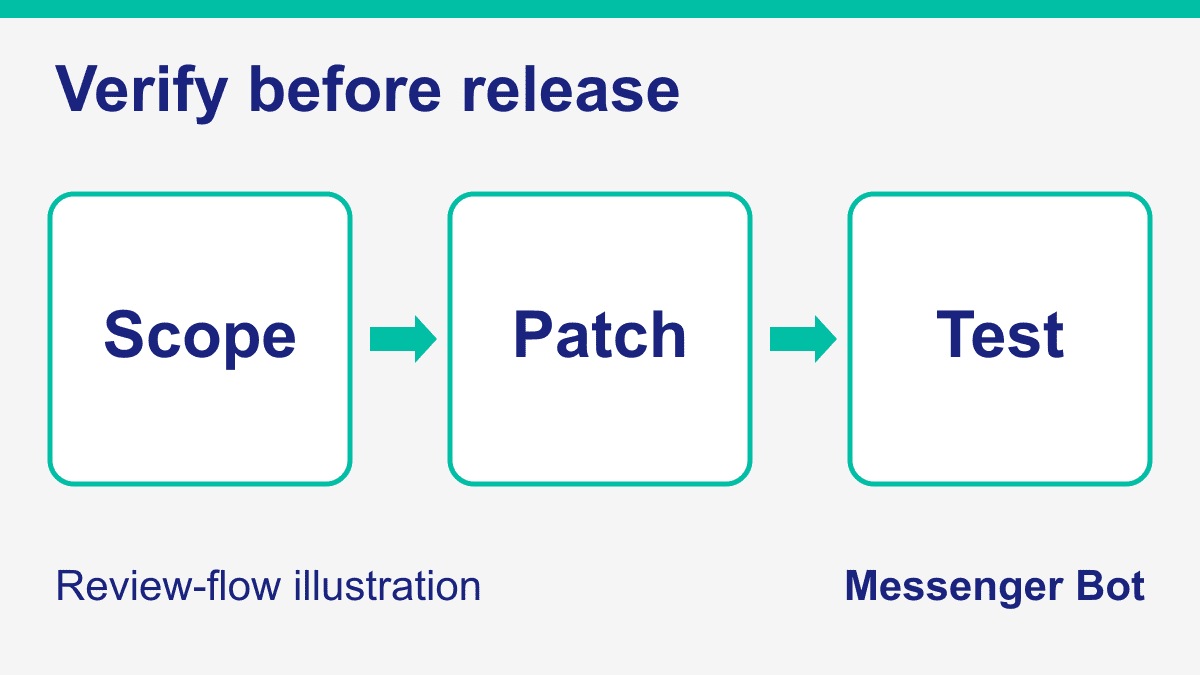
Then request a patch within the agreed boundary. Inspect every changed file, including generated configuration, lockfiles and test fixtures. Watch for deleted checks, silently changed defaults or a dependency added to solve a problem that already has a local helper. These are review questions, not a claim that any named assistant always makes those mistakes.
Run the verification command yourself or inspect its actual recorded output. Ask which negative cases the test covers and whether another path uses the changed function. If a test merely repeats the new implementation, add an independent expected result. A test-count increase does not automatically increase meaningful coverage.
Repeat the exercise with the same task brief if you compare another tool. Keep the initial code and inputs constant; otherwise you may compare an easier second task with a harder first one. Record useful corrections, review effort, interruption points and the usage shown in each account. Do not convert one successful example into a performance percentage or a general winner.
A simple result sheet can use five questions: was the failure understood, was the scope respected, did the patch satisfy the requirement, did independent checks pass, and can another reviewer explain the change? Record a failure honestly. If access or allowance prevents completion, distinguish that from a wrong answer or broken patch.
- Record the starting failure. Keep the input, expected result and actual result together.
- Bound the proposal. Name allowed files and actions that remain outside the task.
- Inspect the diff. Check changed behavior rather than trusting a summary alone.
- Verify independently. Run meaningful positive and negative cases and retain their actual results.
- Review the decision. Document what worked, what remains uncertain and whether the observed cost is acceptable.
The decision is whether this workflow helps your team finish a verified task at a cost you accept. An impressive demonstration, a fast response or a broad model menu can inform the shortlist, but none replaces that local decision.
Protect Private Code and Keep Risky Actions Separate
Before sharing repository access, identify what the repository contains. A project can include production secrets, private configuration, customer exports or unrelated business documents. Use a clean local example or an appropriately limited workspace for the evaluation. Do not upload sensitive records just because a tool asks for more context.
Check the terms that apply to your actual account, not an enterprise promise quoted beside a free-plan button. Data use, retention and administrator controls can differ by product and plan. If your work has a contractual confidentiality requirement, settle it through your organization’s approved process before introducing the code assistant.
Give the assistant the least access needed for the task. Reading a local file does not require publishing to production. A proposed patch does not need permission to send customer messages, modify billing or rotate credentials. Keep those actions behind their own review and approval boundaries.
Review generated commands before execution. Ask what each command reads or changes, what an unexpected path would affect and how the process ends. If a command deletes files, confirm its exact target and recovery path. Do not rely on a reassuring sentence when the command itself has a broader effect.
Keep operational evidence proportionate to the risk. For a local code exercise, preserve the original version and diff. For a consequential release, follow your team’s release and recovery policy. The point is a recoverable change, not accumulating unrelated archives or background jobs that nobody owns.
Cleanup is part of the evaluation too. Confirm that temporary servers, agent sessions and test data have an owner and stopping condition. Preserve the files needed to understand the result; remove disposable resources only within their known scope. A tool that finishes a patch but leaves unexplained work behind still creates a review task.
Use an AI Chatbot for Learning Without Skipping Understanding
An AI chatbot for learning programming should help you reason about the code you are reading. Ask it to explain a small example, predict the output and show why an alternative fails. Then run the example in a local environment you understand. Being able to repeat the assistant’s answer is not the same as knowing why the code works.
Try changing one input before asking for another solution. A parser example can use an empty value, an unexpected delimiter or a boundary length. A validation example can distinguish missing data from a valid zero. Predict the result first, then compare it with execution. This gives you a concrete question when the explanation and behavior disagree.
Ask for a hint before requesting the completed function. When you are learning, the valuable outcome may be identifying the right condition or writing a test, not obtaining the largest block of code. Keep a note of what you understood and what still needs another source.
Use the official documentation for version-sensitive details. If a suggestion names an API, package option or framework method, confirm that it belongs to the version in your project. A plausible-looking function name is not documentation. Tell the assistant when the referenced method is missing and ask it to revise the explanation from the actual contract.
Do not choose a learning tool solely from an old quota table. Current free access, model availability and reset rules determine whether the account suits your practice session. A business edition’s allowance is not automatically available to an individual learner. Begin with the current eligible offer and a small reproducible exercise.
When comparing answers, prefer the one you can check and explain. If an assistant gives you a shortcut you do not understand, ask it to describe the assumptions and consequences. Your learning objective should remain visible even when the tool can generate a complete answer quickly.
Separate Coding Assistance From Customer-Conversation Delivery
A coding assistant can help propose a message validator, test fixture or draft response logic. That does not establish an authenticated channel connection, permission to contact someone or a reliable customer workflow. Keep code generation, business knowledge and customer delivery as separate decisions.
For example, a business owner may want a form submission to become a useful follow-up task. The coding exercise can validate the form’s fields and test a routing rule with invented data. The business workflow still needs appropriate permission, ownership, handling for incomplete data and a human fallback. Do not send a real customer message just to prove that generated code executes.
A second example is a frequently asked question. An assistant can help structure the answer, but the factual content should come from the business’s reviewed information. A fluent statement about opening hours, refund policy or stock availability is not reliable when the underlying source is missing or outdated. Separate factual review from tone editing.
If you are comparing ways to build that workflow, the AI chat-generator guide helps distinguish a generated conversation from the surrounding product. Our business chatbot guide addresses planning and platform choices. Use the business requirement to decide what belongs in the workflow; a coding subscription alone does not settle the delivery decision.
For Messenger Bot specifically, Check Current Pricing and confirm the workflow and account requirements before committing. This guide does not certify a paid entitlement, every advertised integration or an active connection to any coding vendor. Customer-owned model access, where supported, is described as BYOK (Bring Your Own Key), not as a promise that any existing chat subscription becomes a production API account.
Keep human review visible for AI-assisted customer drafts. Test with invented records, define when the system should decline or request help, and make the next action clear to the operator. A sensible coding shortlist helps you build and inspect the logic; it does not remove responsibility for the live conversation.
Choose an Upgrade From Evidence, Not a Longer Feature List
Start with the smallest eligible plan that supports your actual task. Write down what the account lets you do today and where the evaluation stopped. You may need a different working surface rather than a larger allowance: a chat explanation, editor integration and unattended task are not interchangeable.
Before upgrading, identify the constraint. Was it lack of repository context, insufficient permission, a usage limit or an incorrect implementation? Buying more usage does not necessarily correct a misunderstanding. Changing tools does not resolve a missing test or an unclear requirement either.
For a small team, include the reviewer’s time in the decision. A patch that is fast to generate but hard to inspect can create more work than a smaller change with a clear explanation. Agree on how proposals are reviewed, who accepts them and which actions require a separate release decision.
Keep a current spending boundary and review it after a representative task. Avoid paying for overlapping tools simply because each offers a different model name. Preserve the evidence that helps you choose: the brief, diff, independent result, usage observation and unresolved limitations.
Your next step is straightforward: choose one bounded task, verify current access, inspect a proposed change and check the result. Keep the coding assistant that fits that process. Do not mistake a ranked list, a subscription receipt or a successful demonstration for production acceptance.
Working toward a customer-conversation workflow instead of a code exercise? Use Messenger Bot’s Step-by-Step Tutorials to understand the setup path, then confirm the current plan and account requirements. Keep human review and a clear fallback in the workflow before any customer-facing action.
Frequently Asked Questions
What is the best AI chatbot for coding?
There is no independently established universal winner in this guide. Choose by the working surface, current account access, spending boundary and a reproducible task whose result you can review.
Can I use a coding assistant for free?
Several products document limited free access, but allowances and surfaces differ. Verify the current offer for your account instead of treating an older quota or promotion as permanent.
Is a chat subscription the same as an API account?
No. Subscription access and separately billed API use can have different terms and permissions. Confirm the exact account and billing contract needed by the application before connecting it.
How do I check whether generated code is correct?
Define expected behavior, inspect the diff and run independent positive and negative checks. Review the affected paths and retain the observed result; the assistant’s own approval is not sufficient.
Does generated chatbot code mean I can contact customers?
No. Customer delivery requires its own channel access, appropriate permissions, factual review and operational controls. Validate a proposed workflow with invented data before considering any live action.



 English
  Tagalog
  简体中文
简体中文  العربية
  हिन्दी
  Português do Brasil
  Español de México
  Français
  বাংলা
বাংলা  香港中文
香港中文  繁體中文
繁體中文  Nederlands
  Deutsch
  Bahasa Indonesia
  日本語
日本語  한국어
한국어  Polski
  Русский
  Español
  Tiếng Việt