
客戶服務在2026年再次變得更昂貴,但大多數小型企業仍然將支持視為人力資源問題,而不是系統問題。這就是為什麼這麼多團隊最終支付人類的費用來回答機器人幾秒鐘就能解答的問題。.
如果您的收件箱充滿了訂單狀態查詢、預訂請求、退款政策問題、商店營業時間、送貨時間、定價常見問題,以及在晚上6點後的“有人在嗎?”消息,那麼您並沒有客戶服務的謎題。您有的是重複問題。而重複正是AI支持機器人賺取報酬的地方。.
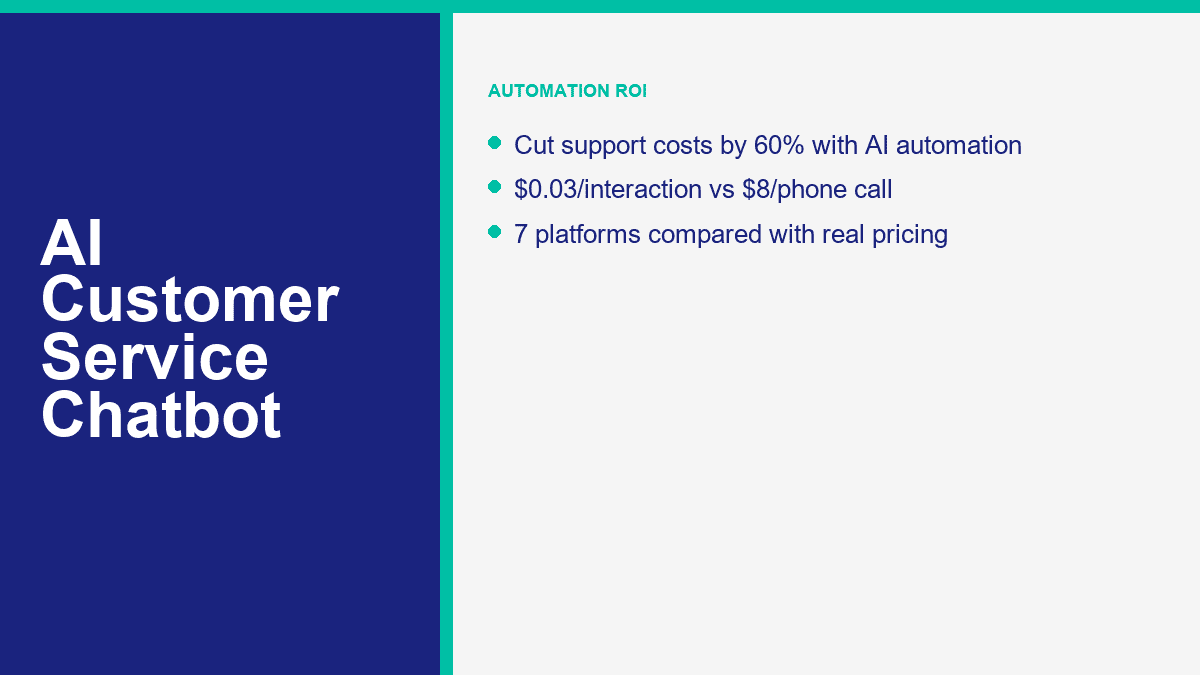
一旦您計算數字,成本差距是難以忽視的。一次現場電話互動的成本通常在$8到$12之間,這包括勞動和間接費用。電子郵件支持的成本通常接近每條消息$3到$5。能夠回答您內容中已知問題的機器人互動可以降至$0.01到$0.05的範圍。這並不意味著每個對話都應該自動化。這意味著第一層絕對應該是自動化的。.
本指南中的定價和計劃詳情於2026年4月9日檢查過公共產品頁面。如果您仍在決定更廣泛的AI工具和以支持為先的平台之間,請閱讀 我們的完整聊天機器人比較 這篇文章。這篇文章專注於一個任務:使用AI聊天機器人降低支持成本,而不讓您的客戶感到被困在糟糕的腳本中。.
為什麼沒有AI的客戶服務正在悄悄耗費小型企業的時間和金錢
企業主最常犯的錯誤是只關注薪資。支援隊列的成本超過薪水。它還會導致上下文切換、首次回應時間變慢、錯過非工作時間的潛在客戶、重複解釋,以及當團隊花費一整天將相同的答案複製到五個不同渠道時所帶來的拖累。.
對於小型企業來說,單單在重複支援上每週花費15到25小時是正常的。這並不是因為問題難,而是因為問題來自不同的地方:網站聊天、Facebook Messenger、電子郵件、Instagram、聯絡表單和電話。一位客戶詢問訂單在哪裡。另一位想知道退款期限。還有一位需要預訂鏈接。再有一位詢問你是否服務他們的郵遞區號。這些都不需要高層次的人類判斷,但仍然消耗了人力時間。.
這就是為什麼渠道數學比工具炒作更重要的原因。如果你每月回答500個支援請求,即使是適度的自動化率也會迅速改變經濟狀況。.
| 支援渠道 | 每次互動的典型成本 | 每月500次互動的成本 | 通常驅動成本的因素 |
|---|---|---|---|
| 電話支援 | $8到$12 | $4,000到$6,000 | 代理人時間、通話處理、等待時間、間接費用和重複驗證 |
| 電子郵件支持 | $3到$5 | $1,500到$2,500 | 來回的回覆、查詢時間和手動路由 |
| AI 聊天機器人支援 | $0.01 到 $0.05 | $5 到 $25 | 推理成本、平台使用和知識庫檢索 |
該表格規劃的是數學,而不是保證機器人可以取代您整個支援台。但它確實顯示了為什麼小團隊可以如此迅速地證明 AI 的合理性。如果一個機器人完全處理了每月 500 次對話中的 200 次,節省的成本已經相當可觀。如果它在人工介入之前處理了前 70% 次對話,您仍然可以縮短處理時間並降低成本。.
這就是為什麼大多數業主會忽略的收入漏損。支援不僅僅是中小企業的成本中心。許多「支援」對話實際上是偽裝的購買意圖對話。客戶詢問「你們送貨到布里斯托嗎?」或「我可以預訂星期六嗎?」或「哪個計劃包括設置?」非常接近於做出決定。如果沒有人等到明天才回覆,您不僅僅是錯過了一張票。您可能已經失去了一筆銷售。.
這就是為什麼支援自動化在處理服務和銷售相關問題時效果最佳。能夠回答退款規則的同一系統也可以路由報價請求、顯示預訂鏈接,並將已收集的上下文傳遞給人類以處理熱線。.
AI 客戶服務聊天機器人如何真正回答人們,而不僅僅是猜測
客戶服務聊天機器人之所以有用,不是因為它是「人工智慧」。而是因為它可靠地完成三項工作:它能弄清楚客戶想要什麼,從經過批准的商業內容中提取正確的答案,並且知道何時停止並將對話交給人類。.
最重要的三個部分是意圖、知識和升級
意圖識別 是第一層。聊天機器人必須弄清楚消息是關於運送、計費、訂單狀態、預訂、定價、取消、技術支持或其他內容。現代系統使用自然語言理解來完成這一點,而不是僵化的關鍵字匹配,這就是為什麼客戶可以輸入「我的包裹在哪裡?」仍然能進入與「追蹤我的訂單」相同的流程。“
知識檢索 是第二層。這是許多企業要麼成功要麼自取其辱的地方。聊天機器人需要一個經過批准的真相來源:常見問題頁面、幫助文檔、政策頁面、菜單信息、預約規則、服務區域、退貨政策、知識庫文章或內部支持備註。如果聊天機器人沒有乾淨的來源材料,它將會模糊回答、產生幻覺或默認為通用填充內容。大多數糟糕的支持聊天機器人並不是因為模型弱而失敗。它們失敗是因為企業給了它們弱的內容。.
升級規則 是第三層,並且是不可協商的。一個好的支持機器人應該知道何時停止假裝。如果客戶聽起來生氣,提出新問題,需要例外,要求退款,使用受管制的語言,或者已經一次未能獲得有用的答案,機器人應該毫不費力地將他們轉接給人類。.
這種路由可以是簡單的或高級的。在基本層面,它意味著「與支持人員交談」或「留下您的電話號碼,我們會在工作時間內回覆您。」在高級層面,它意味著標籤、基於意圖的路由、CRM同步、訂單查詢、票證創建,以及將完整的對話記錄傳遞給正確的代理,以便客戶不必重複故事。.
預訓練的機器人讓您快速上線,但自定義調整的機器人能節省更多金錢
預訓練的客戶服務機器人是最快的起點。它們已經理解常見的支持語言,因此您可以連接幫助中心或上傳常見問題解答內容,快速獲得有用的結果。這就是為什麼像 Tidio、Intercom、Zendesk、Freshchat 和 HubSpot 等工具可以在不需要六週構建的情況下上線。.
自定義調整的機器人才是更大節省的地方。這並不總是意味著從頭開始訓練模型。對於大多數中小企業來說,「自定義」意味著將您的實際政策、實際產品、運輸規則、預約邏輯、升級規則和首選語氣提供給平台。機器人仍然使用預訓練的基礎模型,但答案變得特定於您的業務。.
Here is the practical distinction:
- Pre-trained support bot: faster launch, less setup, good for generic FAQs and basic triage.
- Custom-tuned support bot: more accurate answers, better deflection, stronger routing, lower human rework.
One more thing worth saying clearly: serious customer-service chatbots are not “no sign up required” tools. That phrase belongs to consumer AI chat apps, not production support systems. Business bots need accounts, channel permissions, saved customer context, reporting, and human routing. If a platform is promising support automation without any setup, it is showing you a demo, not a real support stack.
If Facebook Messenger is one of your main support channels, this matters even more because the setup is channel-specific. For the Messenger-first workflow, branching, forms, tags, and handoff logic, read our complete Messenger automation guide once you finish this article.
The 7 AI Customer Service Chatbots Worth Comparing Before You Buy Anything
Small businesses usually do not need fifteen vendor tabs open. They need a short list that reflects how support actually works: website chat, email, social messaging, help-center content, after-hours coverage, and an easy handoff to a human. The table below focuses on the seven platforms that keep coming up in real SMB buying decisions.
The pricing column reflects public entry pricing or the first meaningful paid tier I could confirm on April 9, 2026. The AI-quality column is my practical read based on public capabilities, setup friction, and how well each tool fits SMB support, not a vendor-issued score.
| 平台 | 公開起始價格 | AI quality | 渠道 | 免費層級 | 最佳適合 |
|---|---|---|---|---|---|
| MessengerBot.app | 高級 $19.99 每 30 天 | Good for structured SMB support and Messenger-first automation | Facebook Messenger, website chat, email, SMS, Instagram on higher tiers | 免費試用 | Businesses that handle support and lead capture inside Facebook |
| Tidio | Starter $24.17 per month; Lyro AI from $32.50 per month | Very good for website support; vendor says Lyro can solve up to 67% of customer problems | Website chat, Messenger, Instagram, WhatsApp, email | Free plan plus 50 free Lyro conversations | SMBs that need website chat and AI support in one inbox |
| Intercom | From $29 per seat per month plus $0.99 per Fin outcome | Excellent; Intercom says Fin resolves an average of 67% of customer queries | Chat, email, phone, WhatsApp, in-app | 14-day trial | Higher-volume support teams that want clear AI outcome pricing |
| Zendesk | Suite + Copilot Professional $155 per agent per month billed annually; advanced AI agents custom | Excellent at scale; Zendesk markets 80%+ automation potential | Web, email, voice, social, messaging | 免費試用 | Mature support operations with ticketing discipline already in place |
| Freshchat | Free; Growth $19 per agent per month; Freddy AI Agent first 500 sessions included then $49 per 100 sessions | Good to very good for budget omnichannel support | Website, mobile app, email, Facebook, Instagram, WhatsApp, SMS | 是 | Price-sensitive teams that want omnichannel support without enterprise pricing |
| HubSpot | Free tools; Starter from $15 per seat per month; Professional from $100 per seat with Breeze customer agent | Very good if you already live in HubSpot; Breeze resolves about 65% of conversations | Website chat, email, Facebook Messenger, WhatsApp, calling beta | Yes, plus 28-day free access for Customer Agent | CRM-centered businesses that want support, sales, and marketing in one system |
| Drift | 自訂定價 | Good for revenue conversations, weaker for support-first SMBs | Website chat and sales conversations | No meaningful free tier | B2B sites where the chatbot’s main job is qualification and meeting booking |
MessengerBot.app Makes the Most Sense When Facebook Is a Real Support Channel
If most of your customer questions come through Facebook Page messages, MessengerBot is the most direct fit in this group. The pricing is easier to understand than contact-based billing, the Visual Flow Builder is practical, and the platform already covers the extras SMBs usually ask for next: forms, website chat, comment automation, tags, broadcasts, ecommerce tools, and Google Sheets or API connectivity.
The honest limitation is channel focus. If your business lives more on website chat or email than Messenger, a broader support platform may fit better. But for Messenger-first businesses, it removes a lot of setup friction.
Tidio Is the Best All-Around Pick for Website Support Plus AI
Tidio is the cleanest answer for businesses whose website is the main support front door. Lyro is a real AI layer, not just a scripted menu, and the free plan plus 50 free Lyro conversations gives you a low-risk way to test it. I like Tidio most for ecommerce brands, service businesses, and online stores that want one place for live chat, tickets, and AI answers.
The tradeoff is pricing complexity once you stack plan fees and AI usage. It is still fair, but you need to model both the support workspace and the AI layer, not just the sticker on the first plan.
Intercom Is Expensive, but It Gives You the Cleanest AI Cost Model
Intercom’s biggest strength is not that it is cheap. It is that the math is visible. Fin AI Agent costs $0.99 per successful outcome, and Intercom publishes that openly. For a support leader, that is useful because you can compare AI cost per resolved conversation against human cost per resolved conversation instead of guessing where the overages are hiding.
The catch is obvious. If you are a small business with low volume, per-outcome pricing can still work. If you are a very high-volume team, the bill gets real fast. Intercom is strongest when AI resolution quality matters enough that you are willing to pay for it.
Zendesk Is Powerful, but Many Small Businesses Buy Too Much Too Early
Zendesk is excellent if your support team already works like a support team: tickets, macros, SLAs, queues, reporting, QA, and admin controls. It is not the first tool I would recommend to a five-person business answering the same booking questions every day. It is the tool I would recommend to a scaling operation that needs governance and serious workflow depth.
Zendesk’s AI story is strong, but its packaging is enterprise-shaped. For a local clinic, SaaS startup, or small ecommerce brand, that can be more system than you need.
Freshchat Is the Budget-Friendly Omnichannel Option That Still Feels Modern
Freshchat deserves more attention from SMBs than it usually gets. The free tier is usable, the Growth plan starts lower than most enterprise-style platforms, and the Freddy AI pricing is straightforward enough to forecast. It is a good fit if you want website chat, email, and messaging channels without immediately jumping into Intercom or Zendesk spend.
Where Freshchat usually loses is not price. It is mindshare. Buyers shortlist Tidio or Intercom first, even when Freshchat fits the budget better.
HubSpot Is Best When Customer Service Is Tied Closely to Your CRM
HubSpot becomes compelling when support, sales, and marketing all need the same conversation history. Breeze Customer Agent can answer questions, qualify leads, and hand off with CRM context intact. If your support team already lives in HubSpot, it is one of the easiest AI decisions to justify because the customer data is already there.
If you are not already on HubSpot, the value case changes. Then you are not buying only a chatbot. You are buying into a broader platform decision.
Drift Is Still Strong for Pipeline, Not for Everyday Support Deflection
Drift belongs in this comparison because many B2B companies still look at “chatbot” and really mean lead qualification, meeting booking, and account-based website conversations. That is where Drift still works. If your website exists to start sales conversations, Drift stays relevant.
If your main problem is repetitive customer support, though, Drift is usually the wrong starting point. It is not built around the same service-first use case as Tidio, Intercom, Zendesk, Freshchat, or HubSpot.
How to Set Up an AI Customer Service Chatbot in About 30 Minutes With MessengerBot
The fastest successful chatbot launch is never the fanciest one. The first version that saves money usually handles the top five repetitive questions, offers one clean human handoff path, and captures the minimum context your team needs when they take over.
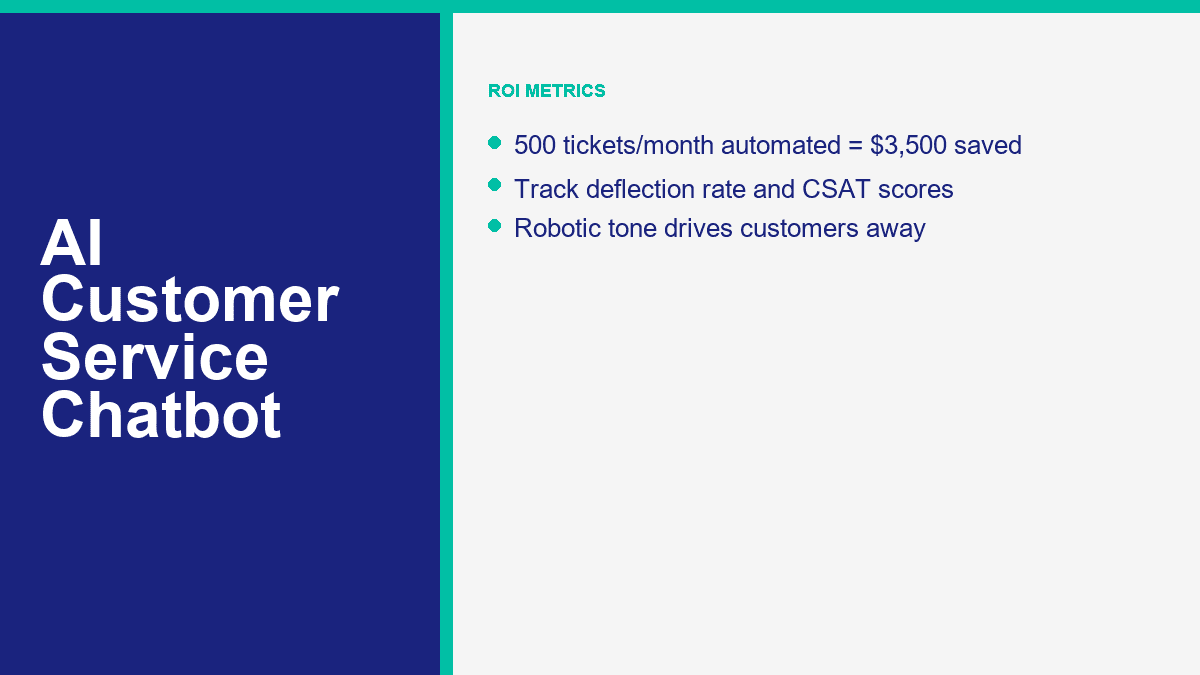
If Facebook Messenger is one of your busiest support channels, MessengerBot is one of the quickest ways to get there because the setup is already aligned to Page-based messaging rather than generic website chat. A realistic 30-minute rollout looks like this:
- Connect the right Facebook Page first. Use the business account that actually has Page permissions. Most failed first-time setups come down to the wrong login or skipped permissions.
- List the 10 questions your team answers every week. Do not brainstorm imaginary use cases. Pull the real questions from Messenger, email, and comments.
- Build a welcome menu with 3 to 5 useful options. Good examples are order help, business hours, booking, pricing, and talk to a person.
- Create one short branch per question. Each branch should end in an answer, an action, or a handoff. Avoid long walls of text.
- Add one lead or support form. Ask only for the details needed to move the case forward, such as order number, phone, email, or preferred appointment date.
- Set the human handoff rule. Route refund requests, billing problems, second-failed answers, and emotionally charged messages to a person.
- Test the full flow on a phone. Desktop previews are not enough. Messenger is a mobile-first experience.
- Launch narrow, then review live conversations after one week. The first 50 to 100 chats will show you what to fix faster than any pre-launch guesswork.
A lot of businesses overbuild the opening flow. They try to create a clever AI concierge that can handle every possible edge case. That is the wrong goal. The right goal is to stop human time from being wasted on repetitive, solvable requests. Start with the boring stuff. That is where the savings are.
For a small business, the first bot should usually cover these four buckets:
- FAQ support: hours, location, pricing ranges, shipping rules, service areas, return policy.
- Order or booking status: collect order number, booking date, or email, then route or respond.
- 潛在客戶資格認定: capture name, contact details, product interest, and timeline.
- Human routing: give customers an obvious path to a person when the issue needs judgment.
If you are deciding whether the starter tier is enough or you need more pages, widgets, or automation depth, 查看 MessengerBot 價格 before you build too much on the wrong plan. That is also the point where you should compare whether your business is still Messenger-first or whether you really need a broader omnichannel stack.
What AI Chatbots Handle Well, What They Still Miss, and Why Human Handoff Is Mandatory
The strongest customer-service bots in 2026 are good, not magical. They can remove a lot of repetitive work. They cannot replace judgment, empathy, exceptions, or accountability.
What AI Chatbots Are Already Good At
These are the jobs I would automate first because the success rate is usually high and the customer expectation is clear:
- Frequently asked questions: pricing ranges, opening hours, shipping rules, returns, warranty basics, service coverage, and onboarding steps.
- Order status and appointment lookup: if your systems are clean, bots can ask for the right identifier and route or return the next step fast.
- 預約: especially for clinics, salons, gyms, consultants, and home-service businesses.
- 潛在客戶資格認定: product interest, budget range, timeline, location, or service type.
- After-hours first response: even when a human will reply tomorrow, the bot can set expectations and collect context now.
Those use cases work because the business rules are stable. The bot is not being asked to improvise policy. It is being asked to recognize a known intent and apply a known answer or workflow.
Where AI Still Breaks Down Fast
This is where small businesses get into trouble when they overtrust automation:
- Complex complaints: damaged orders, repeated failures, or service breakdowns that need discretionary action.
- Emotional situations: angry customers, bereavement cases, cancellation disputes, or anything involving trust repair.
- Novel problems: if the issue has no documented answer, the bot should not guess.
- High-risk requests: refunds, chargebacks, legal claims, regulated advice, privacy requests, or account security problems.
- Multi-step exceptions: anything that requires policy override or manager approval.
That is why the human handoff is not a “nice to have.” It is the difference between automation that saves money and automation that creates churn.
A simple handoff rule set usually covers most of the risk:
- If the customer asks for a human, hand off.
- If the bot fails twice, hand off.
- If the issue mentions billing, refund, legal, safety, or account access, hand off.
- If sentiment is clearly negative or frustrated, hand off.
If you need more advanced routing, multi-step support logic, additional channels, or stronger automation controls around those handoffs, MessengerBot Pro 功能 are the part to compare next. That is where a lot of growing businesses move from a simple FAQ bot into a real support workflow.
How to Measure ROI So You Know the Bot Is Saving Money Instead of Just Looking Busy
AI chatbot ROI is easy to fake if you only look at conversation volume. A bot that replies to everything is not automatically saving money. The only numbers that matter are the ones tied to deflection, resolution, speed, customer satisfaction, and real labor avoided.
The five metrics I watch first are:
| 指標 | 它告訴您什麼 | What good looks like for an SMB |
|---|---|---|
| 轉介率 | How many conversations never need a human | 40% to 60% in the first month; 60% to 70% once content is tuned |
| 解決率 | How often the bot actually solves the issue it touched | Higher than 50% on repetitive FAQs; lower on complex support |
| 客戶滿意度(CSAT) | Whether customers feel the automated experience was acceptable | Flat or improving compared to human-only baseline |
| Cost per interaction | The real expense of automated versus human support | Pennies for AI, dollars for human support |
| Human assist rate | How often the bot still needs staff intervention | Low for repetitive issues, intentionally higher for sensitive issues |
The simplest ROI formula is still the best one:
Monthly savings = (Manual interactions avoided x manual cost per interaction)
                - (Automated interactions x bot cost per interaction)
                - platform subscription
                - maintenance time
Now use the example most owners can relate to.
Say your business handles 500 support tickets per month. If 70% of them are repetitive enough for automation, that is 350 tickets the bot can absorb or fully resolve. If your blended manual cost is $10 per support interaction, those 350 tickets would have cost about $3,500 handled by humans.
If the bot handles those same 350 conversations at about $0.03 each, that interaction cost is only $10.50. Add a $49.99 plan cost, and the total bot-side monthly spend is about $60.49.
| Scenario | 金額 |
|---|---|
| Total monthly tickets | 500 |
| Automated tickets at 70% | 350 |
| Manual cost avoided at $10 each | $3,500.00 |
| Bot interaction cost at $0.03 each | $10.50 |
| Platform cost example | $49.99 |
| Estimated monthly net savings | $3,439.51 |
Round that down for real life and you still land in the same place: roughly $3,500 a month saved from one modest support queue. That is why business owners who think chatbot plans are “another software expense” usually change their mind as soon as the spreadsheet is honest.
Here is a second scenario for email-heavy teams where the manual cost is lower:
- 800 email and chat tickets per month
- 55% automated = 440 tickets
- Manual cost = $4 each
- Automation cost = $0.02 each
- Platform cost = $24.17
The manual work avoided there is $1,760. The bot interaction cost is $8.80. After the plan cost, your net monthly savings are about $1,727.03. That is not “enterprise AI transformation.” That is one small support process finally being priced correctly.
The important caution is this: do not count partial automation as full savings. If the bot collects the order number but still hands the case to a human, you saved time, not a full interaction. That is still valuable, but track it honestly. Otherwise the ROI model turns into sales-deck math.
The AI Customer Service Mistakes That Push Customers Straight to Your Competitor
I keep seeing the same support-bot failures, and they are almost never model failures. They are setup failures.
No Human Option Is the Fastest Way to Make Automation Feel Hostile
If the customer cannot reach a person when the issue goes off script, the bot stops feeling efficient and starts feeling defensive. This is especially destructive in billing, delivery failures, appointment changes, and complaints.
Robotic Responses Usually Mean Your Knowledge Base Is Weak
Businesses blame the model when the answers sound stiff or generic. The real problem is often bad source material. If your FAQ says almost nothing, the bot will say almost nothing too. Good support bots are trained on policy, process, tone, and concrete examples. Weak content produces weak conversations.
Ignoring Context Makes Customers Repeat Themselves
If a customer already gave the order number, the issue type, and the delivery date, the handoff should preserve that. Making them restate everything is one of the quickest ways to kill CSAT. This is why integrations and routing matter more than flashy demos.
No Escalation Path Turns Minor Issues Into Public Complaints
A support bot should reduce pressure, not trap it. When escalation is missing, customers do what customers always do: they go to reviews, social comments, or a competitor that answers faster.
Trying to Automate Every Edge Case on Day One Usually Backfires
The right first bot is boring on purpose. It answers the questions you already know, routes the issues you should not automate, and lets you improve the knowledge base from real conversations. Teams that try to launch an all-knowing AI assistant on day one usually end up rewriting everything after the first week.
A quick pre-launch checklist catches most of the expensive mistakes:
- Give the customer an obvious human option.
- Write answers in your brand’s actual tone, not generic help-center language.
- Use real FAQs pulled from live conversations.
- Define hard handoff rules for risk, sentiment, and failed answers.
- Test the full flow on mobile before launch.
- Review bot conversations weekly for the first month.
Where Most Small Businesses Should Start Right Now
If your team is still answering the same support questions by hand every day, do not start by shopping for the most advanced AI on the market. Start by automating the most repetitive 20% of your queue, because that is where the fastest savings usually live. If Facebook Messenger is part of that workflow, compare 查看 MessengerBot 價格 與 MessengerBot Pro 功能 and pick the smallest setup that gives you solid FAQ coverage, one human handoff path, and one lead or support form. That is enough to prove ROI before you expand.
常見問題
AI 客戶服務聊天機器人的成本是多少?
For most small businesses, a serious starter setup costs somewhere between about $20 and $100 per month, depending on channels, agent seats, and AI usage. MessengerBot starts at $19.99 per 30 days on its current public pricing, Tidio starts at $24.17 per month with Lyro sold separately from $32.50, Freshchat has a free tier and Growth from $19 per agent, and enterprise tools such as Intercom and Zendesk climb much faster once seat pricing and AI usage kick in.
AI 聊天機器人能完全取代人類客服代理嗎?
No. AI can replace a large share of repetitive support work, but it should not replace humans in complex complaints, emotional situations, policy exceptions, refunds, account security, or novel problems. The best support setup is hybrid: AI handles the repetitive layer, and humans step in when judgment or empathy matters.
AI 聊天機器人可以處理多少百分比的支援票?
對於大多數小型企業而言,現實的目標是在第一個月內達到40%到60%的重複票據,然後在知識庫和路由規則改善後達到60%到70%。供應商的聲明在狹窄的使用案例中可以更高。HubSpot表示,Breeze解決了約65%的對話,Intercom表示,Fin平均解決67%的客戶查詢,而Zendesk則宣傳AI代理的自動化潛力超過80%。.
設置 AI 客戶服務聊天機器人需要多長時間?
A basic version can go live in about 30 minutes if your content is ready and the use case is narrow. A stronger first rollout, with clean FAQ branches, forms, escalation rules, and mobile testing, usually takes one to three hours. The biggest time saver is using real support questions instead of trying to invent every possible scenario.
哪個 AI 聊天機器人平台最適合小型企業的客戶服務?
最佳平台取決於最重要的渠道。MessengerBot 是 Facebook Messenger 為主的企業的最佳選擇。Tidio 是網站聊天加 AI 的最佳全方位選擇。Freshchat 對於預算有限的全渠道支持非常強大。如果您的 CRM 已經在 HubSpot 上運行,那麼使用 HubSpot 是有意義的。Intercom 和 Zendesk 對於較大或運營成熟的支持團隊來說比對於只是想要減少重複票務的典型小企業更強大。.



 繁體中文
繁體中文  English
  Tagalog
  简体中文
简体中文  العربية
  हिन्दी
  Português do Brasil
  Español de México
  Français
  বাংলা
বাংলা  香港中文
香港中文  Nederlands
  Deutsch
  Bahasa Indonesia
  日本語
日本語  한국어
한국어  Polski
  Русский
  Español
  Tiếng Việt